
Serving Machine Learning Models (DCGAN, PGAN, ResNext) using FastAPI and Streamlit
Overview
It is prime time for you to deploy your machine learning models after months of hard work. Data scientists spend lots of time training and evaluating machine learning models. However, if the trained and tested models are not used, it is practically useless. In this article I am going to show you how to use FastAPI and Streamlit to deploy the PyTorch models for DCGAN, PGAN, and ResNext.
Technology Stack
FastAPI
FastAPI is a modern, fast (high-performance), web framework for building APIs with Python. I am going to use it to build backend APIs serving the machine learning models.
Streamlit
Streamlit is an open-source Python library that makes it easy to create and share beautiful, custom web apps for machine learning and data science. I will be using Streamlit to build the front end interface.
Machine Learning Models
I am going to use the following pre-trained models from PyTorch Hub.
DCGAN on FashionGen
Simple generative image model for 64x64 images.
PGAN
High-quality image generation of celebrity faces.
ResNext
Next generation of ResNets, more efficient and accurate.
Development Setup
docker-compose.yml
Both applications run in a Docker environment. Below is the docker-compose.yml
A docker volume data is used to save the uploaded images. I also mapped the docker application working directory to the respective source code folder for development purpose so that files changes are detected and reloaded during development. More on this later.
Front End App — Streamlit
The front end application is available at port 8501.
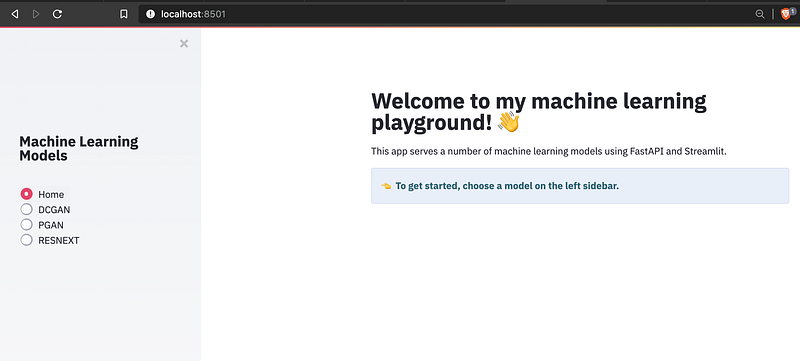
The application is running inside Docker using the following configuration.
The Streamlit python code is straight forward.
Backend App — FastAPI
The backend APIs documentation is available at port localhost:8088/docs. This feature is provided by FastAPI out of the box.
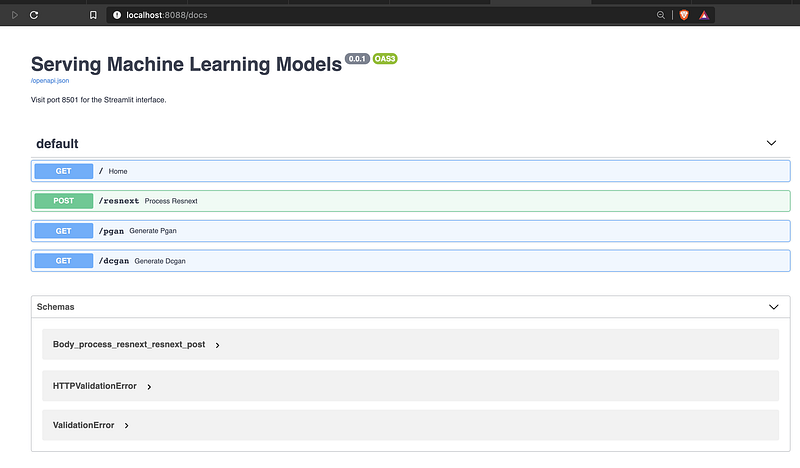
The application is running inside Docker using the following configuration.
I expose the following API endpoints to serve the machine learning models.
Machine Learning Models
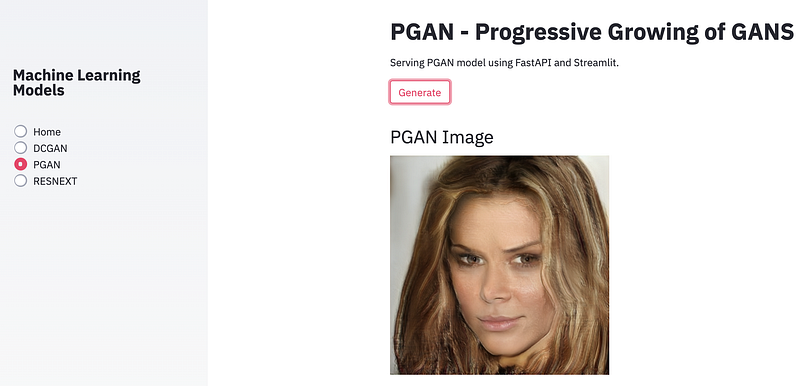
PGAN
Progressive Growing of GANs (PGAN) is a method developed by Karras et. al. [1] in 2017 allowing generation of high resolution images. If you want to know more details, visit the PyTorch GAN Zoo.
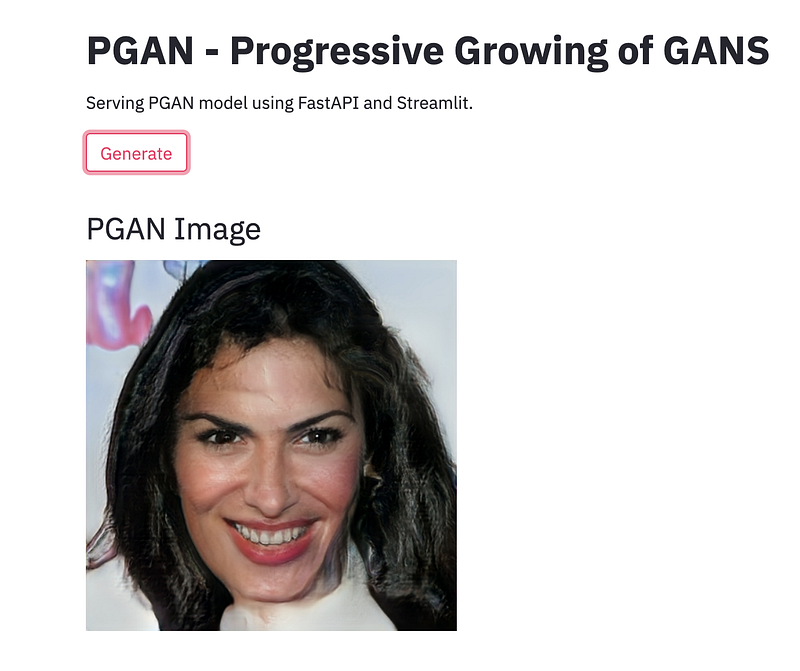
The front end Streamlit code is just to let the user generate the PGAN images.
Streamlit Front End
FastAPI Backend API
The backend API loads the model when it runs for the first time. For the generated tensor, I need to normalise it and then convert to a pillow image. The final PNG image is then returned to the front end.
DCGAN on FashionGen
DCGAN is a model designed in 2015 by Radford et. al. in the paper Unsupervised Representation Learning with Deep Convolutional Generative Adversarial Networks. It is a GAN architecture both very simple and efficient for low resolution image generation (up to 64x64).
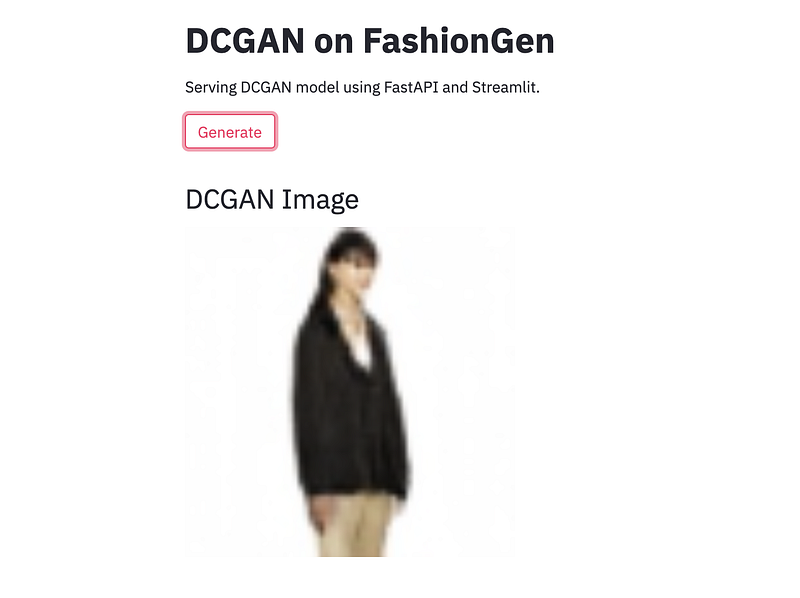
Streamlit Front End
FastAPI Backend API
ResNext
ResNext models were proposed in Aggregated Residual Transformations for Deep Neural Networks. It is more efficient and accurate compared to ResNets.
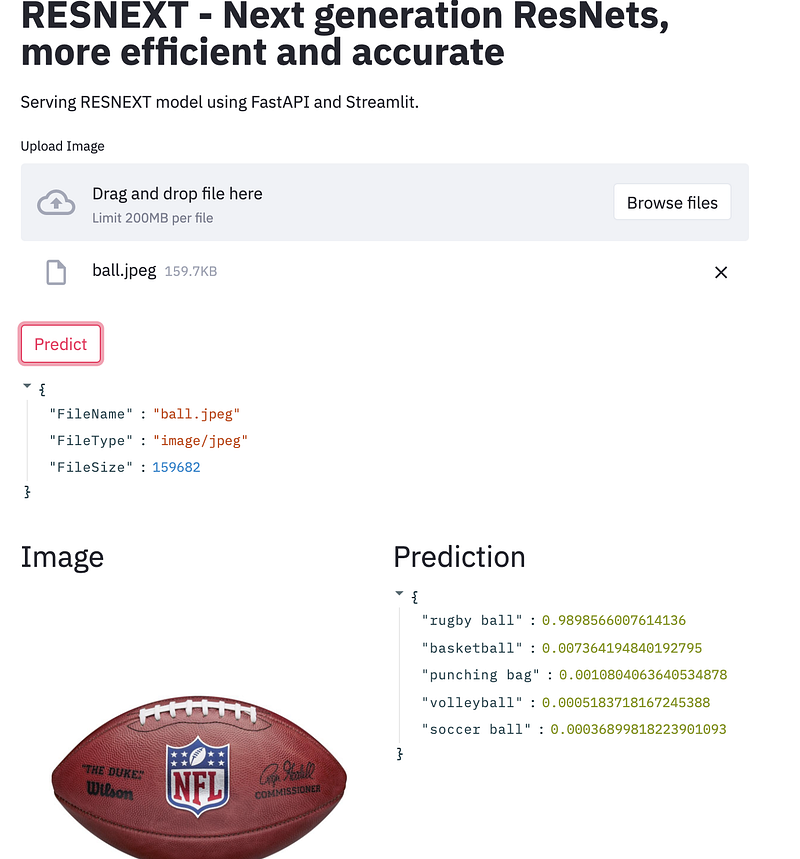
Streamlit Front End
FastAPI Backend API
The API returns the top 5 predictions based on the ImageNet classes.
Debugging and Testing
Auto Reload of Source Code Changes
As the applications are running inside Docker containers, I set up both to watch for files changes and automatically restart the applications.
This is controlled using an environment file .env by setting DEBUG=true, and mapping the respective source folders in docker-compose.yml
DEBUG=trueFor the Streamlit app, I installed nodemon and if DEBUG is true, then nodemon is used to start the app.
For FastAPI backend, I just need to set--reload if DEBUG is true.
However, if you really need true debugging, then use Visual Studio Code Remote — Containers.
Debugging using Visual Studio Code Remote — Containers
I am going to using VS Code Remote — Containers to debug my FastAPI backend app.
With the extension installed, re-open the project in container (Remote-Containers: Reopen in Container) and you should see the screen similar to the following.
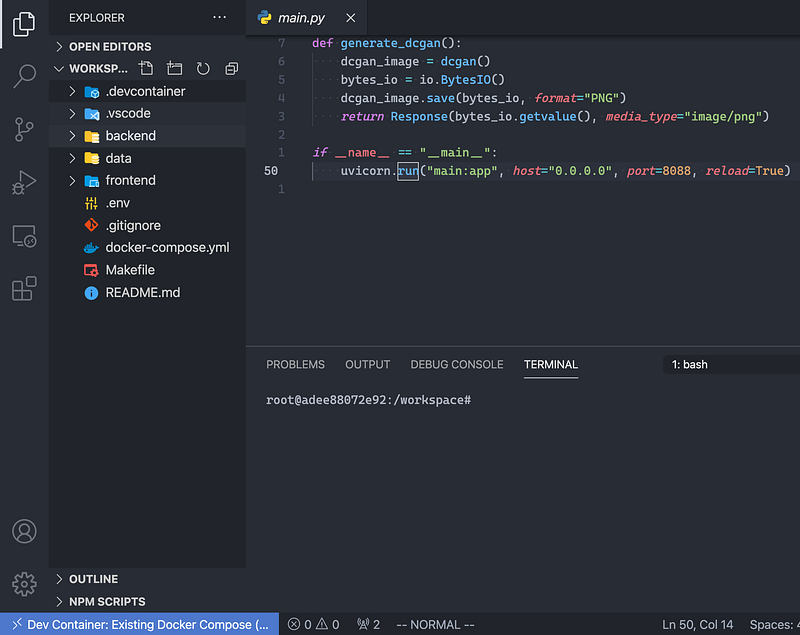
Note in the main.py I also added the “__main__” block.
If it is the first time you open the folder in container, you will be asked to install Python related extensions.
In devcontainer.json under .devcontainerfolder, add in port 8088 toforwardsPorts.This is the port used by the FastAPI backend.
// Use 'forwardPorts' to make a list of ports inside the container available locally.
"forwardPorts": [8088]
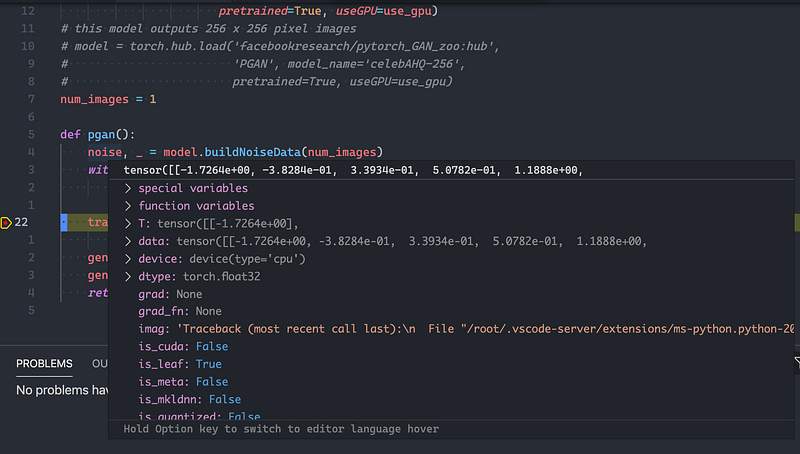
Press F5 and now I can properly debug using Visual Studio Code.
E.g. open http://localhost:8088/docs to view all the available APIs.
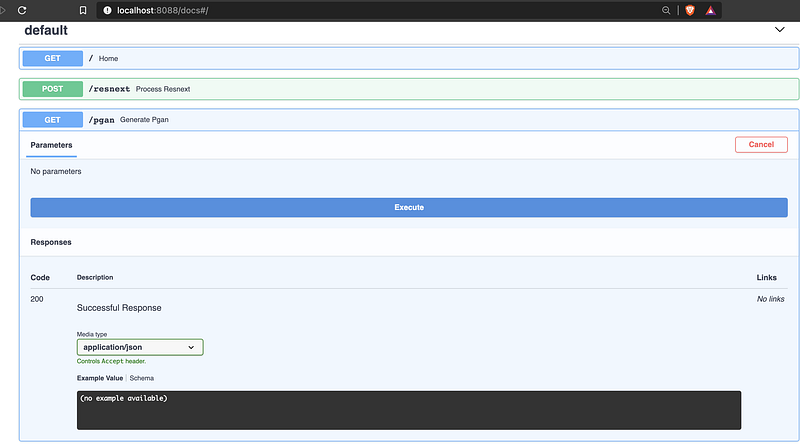
Set a breakpoint in the python file and execute the API, and now I can debug my API.
The source code for this article can be found here.
For comparison between ResNext and CLIP, check out this article.
For serving serverless machine learning APIs, check out this article.
For serving YOLO using FastAPI and React, check out this article.
Also check out this article on debugging a running Python app or Dockerized app.


