
Running Windows Apps on Mac: Why Should You Try It
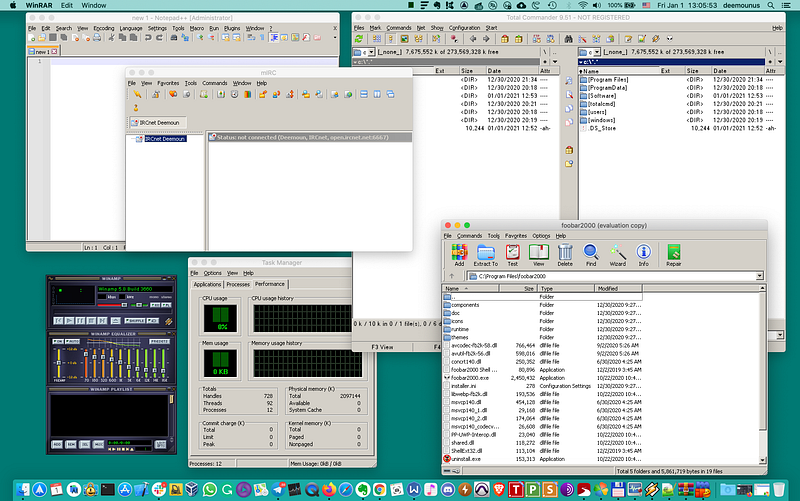
It’s 2021 already. Seems like Mac is going in a mobile-oriented direction. And there are clearly positive effects of transitioning to Apple chips: while we are losing the compatibility with some technologies such as BootCamp to run Windows natively as we had on Intel chips, we are gaining performance and ARM processors seem like the direction where the whole industry is headed to.
However, there are still plenty of valid reasons why you would want to consider running Windows applications on your Mac computer. Let’s discuss those reasons and what we can do.
I also made a video recently about that topic where I discussed available options for running Windows applications on Mac and how the future of Windows and Mac OS integration looks like.
Massive Windows Applications library
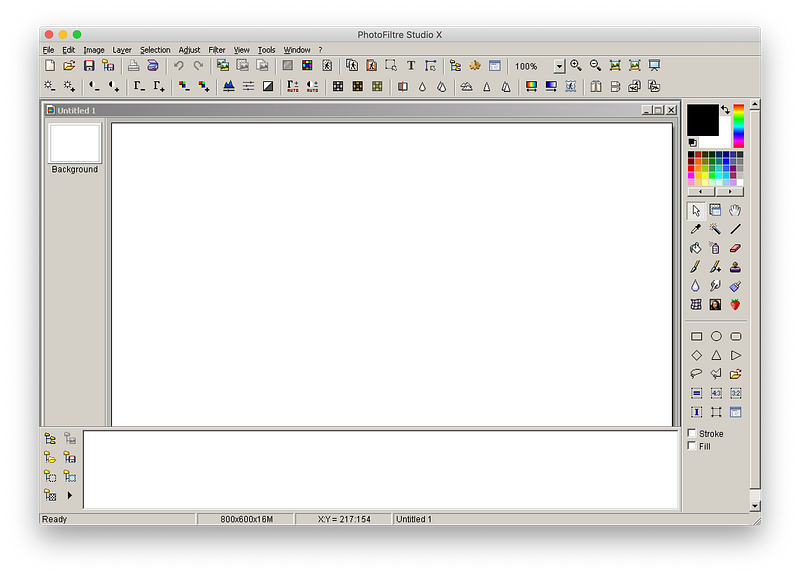
You cannot beat Windows in terms of the amount of software it has. There are plenty of applications that were designed without a subscription-based model in place where you used to have the full freedom of choice.
How does it sound to you?
It sounds good to me, because I prefer paying once for the software and using it until I find another alternative in the future.
Mac, Windows, Android, iOS, and the industry, in general, are heading towards a subscription-based model, but there are still plenty of options.
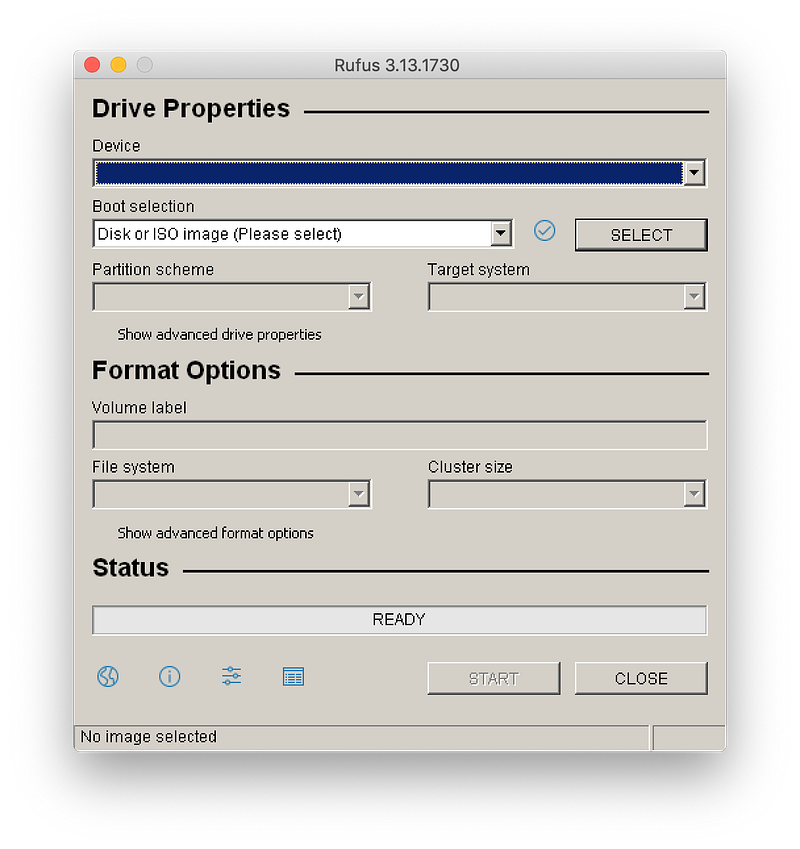
And there are plenty of free Windows applications too. For example, there are many small utilities and games are available for Windows that are not available for Mac.
There are multiple methods available on how you can run those applications on your Mac computer and we will discuss those options soon.
Playing Windows Games
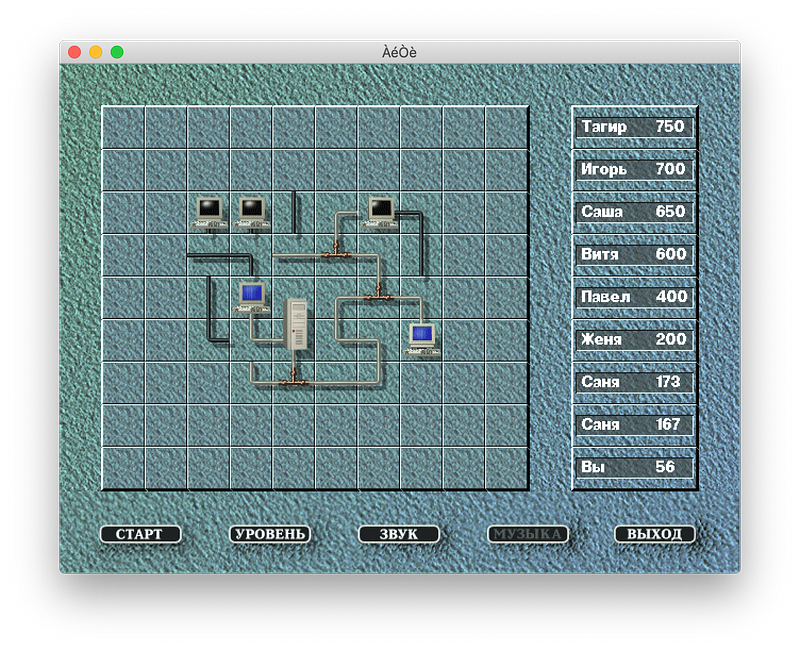
Another obvious reason why would you want to have Windows compatibility is the ability to run Windows games. Not everything works great when emulated or run through a compatibility layer, but there are surprisingly good options available.
Testing purposes
Testing Windows applications on Mac is probably not the best idea because native Windows almost certainly will have a better experience and performance, but sometimes you just want to test a specific application on your Mac computer.
For this reason, having an instance of Windows or running those applications through a compatibility layer is always a good option for testing purposes.
Available Solutions
Available solutions depend on what exactly are you trying to achieve. Typically the best solution is the one that has the least amount of overhead.
Those are the options that we have currently:
- Running a Virtual Machine. This is the option that allows running a full version of Windows in a virtual machine. The best solution if you need a full-featured version of Windows running in a separate container. The compatibility will be the best, but performance might not be that great. Examples: VMWare, VirtualBox, Parallels, QEMU.
- Using a compatibility layer. There is nothing new about compatibility layers that translate the app binary under the hood from one processor type to another or from one operating system to another. A good example of that is the WINE project and solutions based on that (all those mentioned below). The main problem with that approach is that some applications or games might not work. But it shows a better performance typically and doesn’t need a Windows license to run. Examples: PlayOnMac, WineBottler, CrossOver.
- BootCamp on Intel Macs. It was one of the selling points for people to buy Mac computers once they switched from PowerPC to Intel chips. This solution is going away soon since Apple is transitioning away from Intel. However, we still have this option for a few years on Intel Macs and you can use it to boot into Windows and use applications the way you want without any compromises. But this is eventually the same as using another computer for specific Windows needs. It was never a super practical solution, but having options never hurts.
Note: Currently Apple and third-party developers are in the process of transitioning to Apple Silicon chips. Seems like the only option available right now is #2, but I hope that the x86 emulation option which is #1 will be available soon too.
As discussed, on Apple Silicon there is only a CrossOver solution available as of now, but hopefully, there will be more options available soon.
Conclusion
Choosing a personal solution for running Intel x86 Windows applications is not easy. Sometimes you need to try multiple methods before you find the right one for you.
Virtual Machines are great for compatibility, but performance (especially in games) might be hit or miss. Commercial products typically have better support and graphical performance out of the box, but it’s also debatable. Since you will need a Windows license to achieve all that the cost is something to consider as well. And then it competes with BootCamp because for both methods you need to pay for a Windows license.
Compatibility Layer such as WINE avoids emulation, but frequently application might work partially or stability problem arises. You might want to check the WINE application compatibility database to see how well it might perform. Graphic Performance should be better in theory, but it’s better to see for yourself and confirm.
BootCamp is a good solution if you are willing to reboot each time you need to run a Windows application. It’s hardly a recommended way unless you need to utilize an application that needs access to all your system resources.
Go ahead. Test your favorite app. Don’t be afraid and at some point, you’ll find the solution to run your favorite Windows apps.
Like what you read? Please subscribe to a mailing list for quality Travel and Tech articles and videos. Thank you!