
Remotely Access your Home Private Network with Zerotier

What is a home server? Read here for how I am using my home server in 2023.
What is ZeroTier? Why do I need one?
ZeroTier is software that allows multiple devices to connect to a unified private network no matter how far apart. You should do that if you; need to remotely access your desktop, network-shared files, or stream your games remotely.
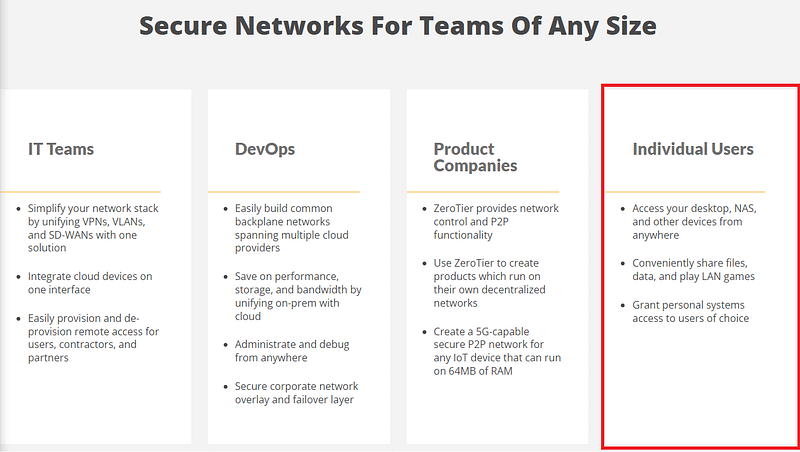
The ZeroTier product page mentioned exactly these for individual users like us.
ZeroTier is also compatible with multiple operating systems. Windows, macOS, Android, and iOS to name a few. This means that any device running these operating systems will be able to connect to your private network.
Here are some of the ways I am currently using ZeroTier with my home server
- Remote access File server on a home server
- Game streaming using a home server
Set up for Remote Access
Granted ZeroTier has many other capabilities aside from remotely accessing your desktop at home, most users only need the remote access function. Here I will guide you guys on how to set up ZeroTier to access your remote server/desktop. This is the same technique I used to access my home server.
1. Register for an account
Go on to ZeroTier and sign up for an account.
2. Create a Network
Log in to your newly created account and go to the network tab. Here you can create a network for all your devices. It is really easy to set up a network with ZeroTier. Once you clicked the ‘Create A Network’ button, your network is created. Click on the network to view its setting. All the default settings are pretty much golden and you do not need to tweak any for the average users. At this stage, you can rename your network and take note of its network ID.
3. Download ZeroTier on all your Devices
Now, you can see that ‘No devices have joined this network’ under the Members section. To add devices, proceed to the ZeroTier download site and download the appropriate client for each of your devices.
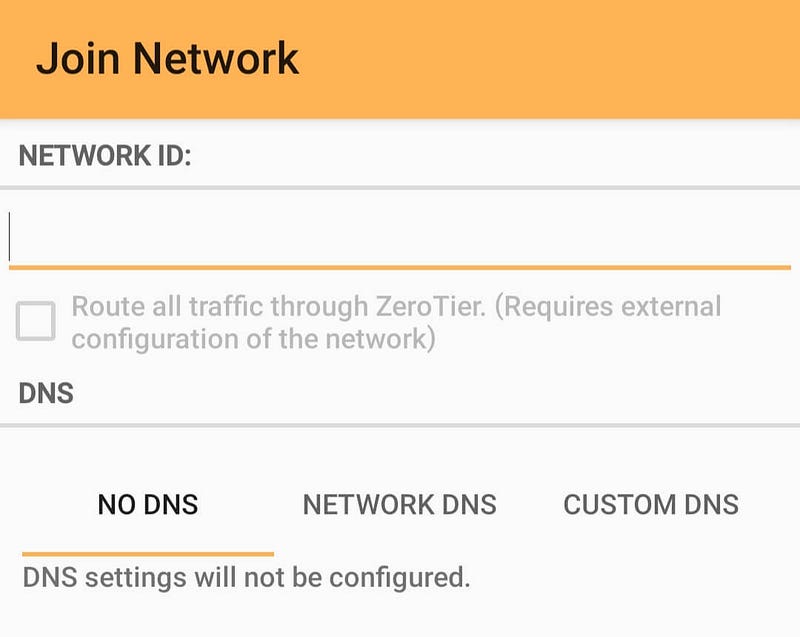
Once you are in the app, click the ‘Join Network’ and you will be asked for the network ID. Enter the network ID on the previous step and you are connected to the network.
4. Authenticate your Devices
When new devices join the network, you will need to grant that device access in the admin page. Log in back to the ZeroTier network page. Under member, you can now see all devices that have joined the network. Check the Auth checkbox for each member in your network for them to gain access to the network.
Congratulation, your devices are now connected to the same private network whenever you joined the network using ZeroTier.


