
Quick Midjourney Update: 5 key highlights to know (15th November 2023)
Keeping up with the rapid changes and developments
Here’s a quick rundown of the most recent Midjourney Weekly Office Hours:
(1) Upcoming releases
- Niji·journey Style Tuner is now available. Join or message the bot here.
- V5.3 of Midjourney will not be released. The priority now is to expedite the release of V6.
- Hopefully, within the next two weeks, a website image download and collection feature will be available.
- The website image creation feature will be available to power users who have generated over 10,000 images.
- Midjourney now employs nearly 40 people, up from a team of 15 previously. More releases are expected in the coming months as manpower increases.
(2) Midjourney Website
- The Explore page will be improved to allow a greater variety of images to be displayed.
- The filter feature will be released, allowing you to filter images such as tile and square images.
- According to reports, 90% of users did not create 10K images. The majority of users must be catered to when developing website features. Many newer users simply want to create images.
- David estimates that 30–40% of new users dislike Discord. As a result, it is critical to ensure that new users (1,000 images generated) are familiar with the Discord interface first so that they can seek assistance from the community before creating images on the website.
- Power users (>10K images) want a better image downloader, image collection, and organization features.
- New website features must balance the needs of both new and experienced users.
(3) Midjourney V5.3
- Midjourney V5.3 will not be released because the emphasis has shifted to accelerating the release of V6.
- That means that the developer skips V5.3 and goes straight to V6.
- Midjourney V5.3 is said to distract users due to its new prompting method.
(4) Midjourney V6 and V7
- The release of Midjourney V6 has been postponed until early December, possibly before the holiday season. Or even wait until next year.
- V6’s delay is due to:
- More fine-tuning.
- Training on new and improved datasets.
- Checking on subtle details to ensure better understanding.
- Midjourney V6 can aesthetically draw text.
- The larger batch image generation feature (>4 images per grid) is now planned for V7 to allow for other more important priorities to be implemented in V6.
- Following V6, the emphasis will be on style and character consistency. A skeletal posing feature is included.
- There are more videos online than 3D images for training. Therefore, video development is faster than the 3D feature.
- Most of the 3D images in the dataset were from video games, rendering the final output look like a video game rather than the standard Midjourney aesthetic.
(5) Other updates
(5.1) Accessing the Niji Style Tuner
Once you have joined the Niji·journey Discord server, you look for the Niji bot at the top right panel.
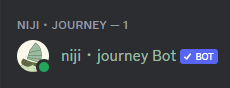
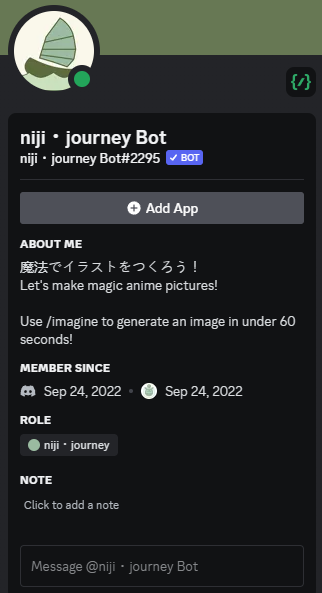
Click on the bot, and it will show you a button to “Add App.”
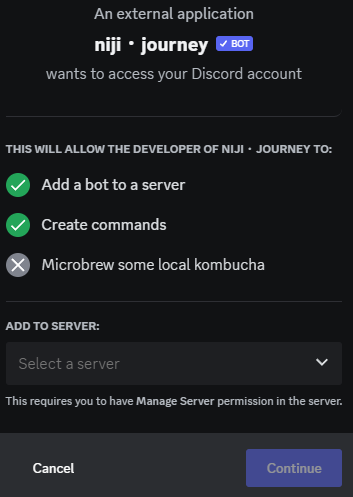
If you are new to creating a private server, check out this story for more details and steps.

Creating a Style Tuner page will consume your Fast Hours, even in /relax mode.
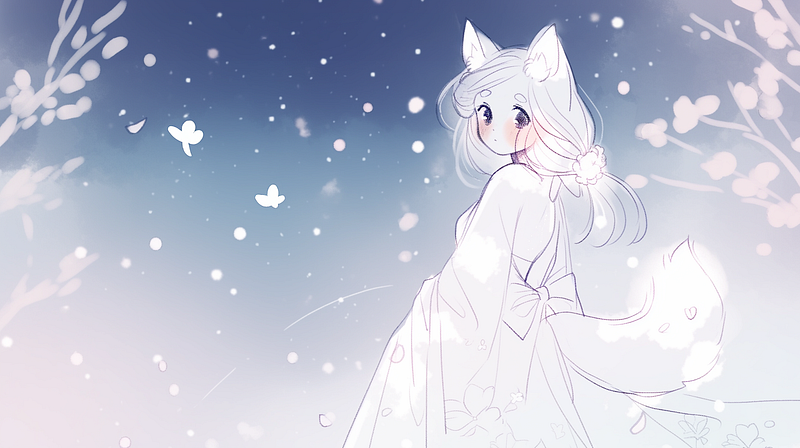
Here’s a “kitten” I created using the Niji Style Tuner.
You can also try out the Niji Tuner page I made.
(5.2) Midjourney list of Style Tuner pages
Since the introduction of Style Tuner, there has been a flood of artistic styles to choose from. Every day, new styles are discovered, and there are no words to describe them other than to assign them Style Codes.
Too many choices can be paralyzing. Try to pick the styles from the 128 Style Tuner page, and you’ll know what I meant.
But, hey, it’s a problem to have. There are so many things to try now. There are endless discoveries to be made when combining the style codes and tweaking the prompts.
What was the coolest thing that happened last weekend? Creating a Style Tuner page on the weekend was “free” with /relax mode. How long the developer will keep the /tune command working in /relax mode is unclear. I hope it lasts forever!
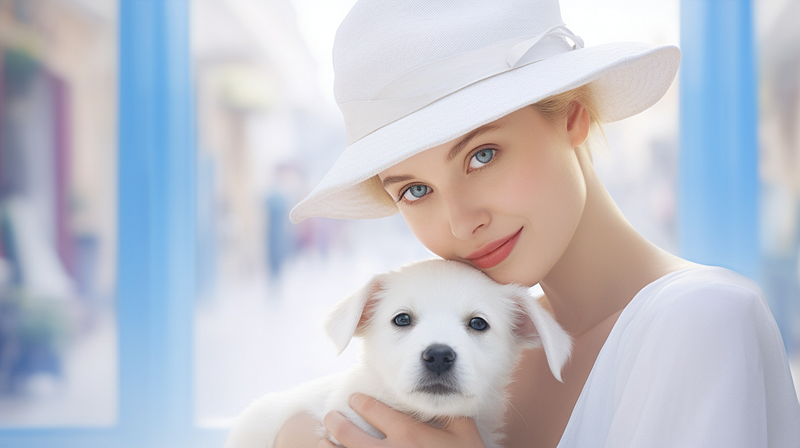
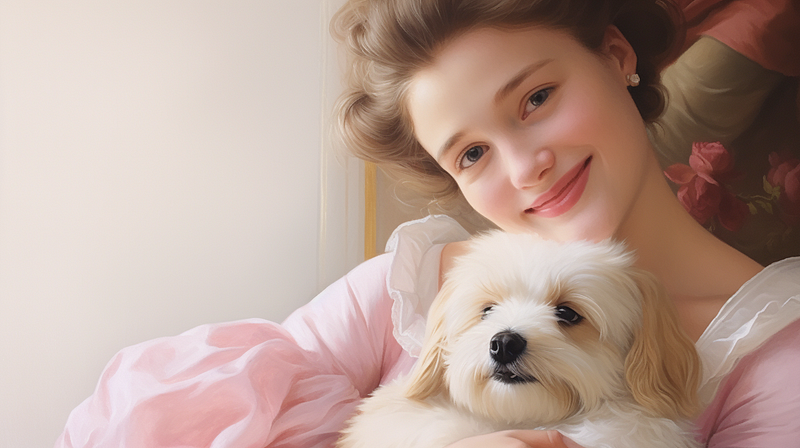
Midjourney has published a list of Tuner pages here. Check it out and see if you can find anything useful. I used a photography Tuner and a few style codes to create the featured image.
(5.3) Using Midjourney + Adobe Firefly
Reading a story about using Midjourney and Adobe Firefly is refreshing.
Whenever another text-to-image system releases a new feature, the doomsayers say, “It is the end of Midjourney,” “Move over, Midjourney…” Hello, can’t we use more than one image generation system? Why does it have to be a one-and-only and mutually exclusive choice?
David W Litwin first used Adobe Firefly to create an image, which he then used as a reference and beautified with Midjourney. His process demonstrates how we can use the strengths of various image generation systems to create images for a project.
Geeky Animals’ most recent stories:
Tips for getting started in Midjourney.
Previous Quick Midjourney Update and the style codes shared by Thaeyne.
Other stories
List of all Geeky The Cat’s Travel Log episodes:
Latest news & updates on Midjourney:
Simple and easy-to-follow guides for Midjourney Beginners
I hope you like this story!
Please give me a clap or leave a positive comment to let Medium’s algorithm know that this story is helpful and has contributed to its platform’s success.
Your support inspires me to create higher-quality content in the future!
Never miss a story. Follow me on Medium for updates, stories, and tips about Midjourney.
Sign up here for a free email alert when I post a new story.


