
Python Is Fun — Lesson 1
Spam it
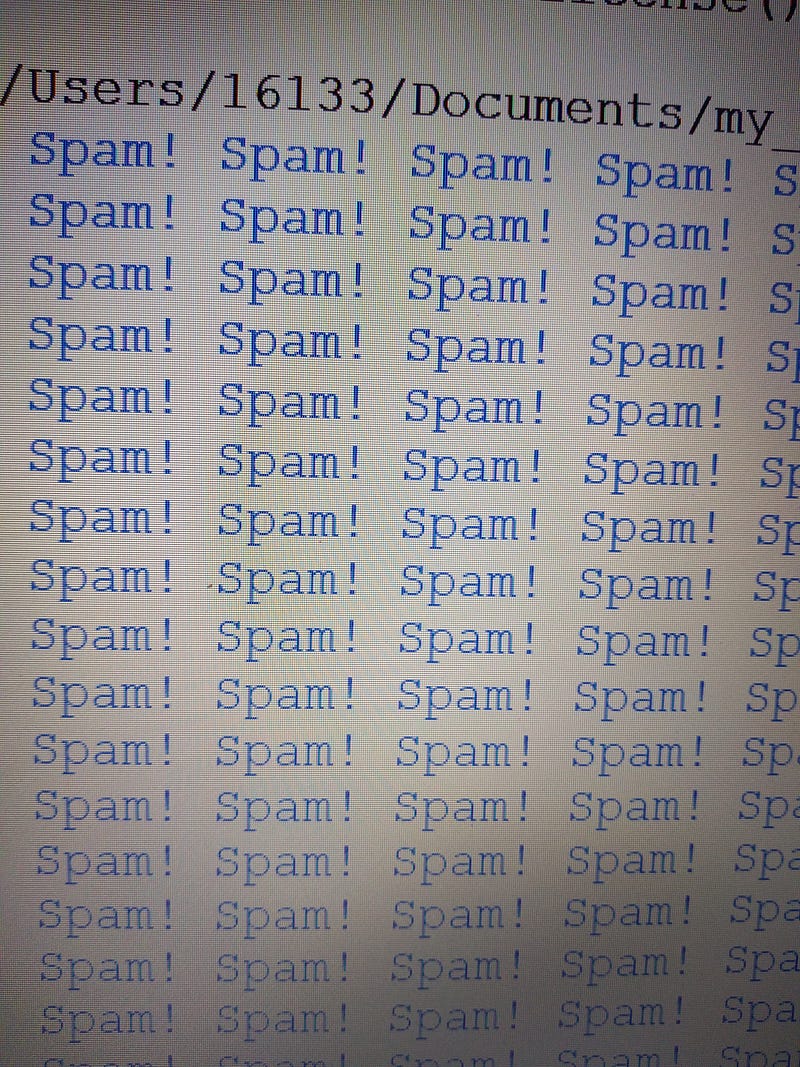
When learning a new computer language the first program you usually learn is Hello World!
Write a program to print “Hello World!” onto the screen of your computer.
Python is easier than other languages. It is different because the name came from Monty Python’s Flying Circus. Printing “Hello Word!” is boring for our first program we are going to try something a bit different.
Print ("Spam! "* 500)Run this simple one line program and you will fill the screen with Spam!
If you were learning C++. Here’s what your first program would look line
// Your First C++ Program

#include <iostream>

int main() {
    std::cout << "Hello World!";
    return 0;
}
This is the first of 20 lesson plans for a course in Python that I will teaching in September. In the classroom we will be going over these points with a hands on approach. A chance to try things out and ask questions. I am also writing it as a medium article and I hope that it may sparks some interest in Python. Please feel free to ask questions or make suggestions in the comment section.
The word print is a python command. It tells the computer to print what is inside the brackets ().
What can your print?
Python can print two kinds of things data and containers. In today’s lesson we are going to focus on the different types of data. Tomorrow we will look at containers. Technically containers are data but for our purposes I am separating them. Here are the various types of data that Python can print.
Strings
Anything inside quotation marks is a string. Sometimes called a literal. A string can be any combination of letters numbers or symbols
“245”
“2 people saw Bob”
“wron3rije x ”
“# & aslo ! (what?)”
“print”
“this is a string!!!”
integers
An integer is a number without a decimal point
245 ( this is the number 245 ) “245” ( is a string the symbols 2, 4, and 5)
10987457827403874 is an integer
7 is an integer
floats
A float is a number with a decimal point.
1.785
.5
1.0 is a float 1 is an integer (they both have the same value but python treats them differently.)
expressions
You can use operator to perform calculations.
print (2* 3) returns 6. * is used to represent times. 2 x 3 (2 times 3)
print (“spam! ” * 100) returns 100 “spam! “s
boolean expressions
A boolean expression returns True or False (pay attention to the capital T and capital F)
print (9**2 == 81) returns True. == means equals ( 9 to the power of 2 equals 81). When you see “==” say “equals”. When you see “=” say “gets”. The equal sign is used to assign a value x = 2 ( x gets the value 2). This can be the source of confusion for beginner programmers.
print (9**2 != 81) returns False != means not equal
unicode symbols
In addition to the symbols on your keyboard Python has access to the library of unicode symbols. There are currently 143,859 characters, with Unicode 13.0, covering 154 modern and historical scripts, as well as multiple symbol sets.
Here’s an article I wrote about unicode.
Jim McAulay🍁 Says “ To exercise your right to bear arms wear a tank top.” 😜
16 +2


