
Fiction|Non-Fiction|AI-generated images
AI Image How-To — #2
Realistic Dragon AI images with Midjourney —secrets revealed!
There will be a regular Monday publication to The Fictioneer’s Treasure Trove explaining how to create stunning AI images. Follow and subscribe to emails so you don’t miss out! Like the pages and leave comments of what you’d like to learn about.
AI Images — #1 covers the basics for obtaining the desired end result of your AI image — whether you want it to look like an amazing painting, or an awesome photograph. If you haven’t read through it yet, I recommend you start there. (Examples of both styles in the sections below.)
For each AI publication, I also give you the prompts for each image so you can learn to create stunning images.
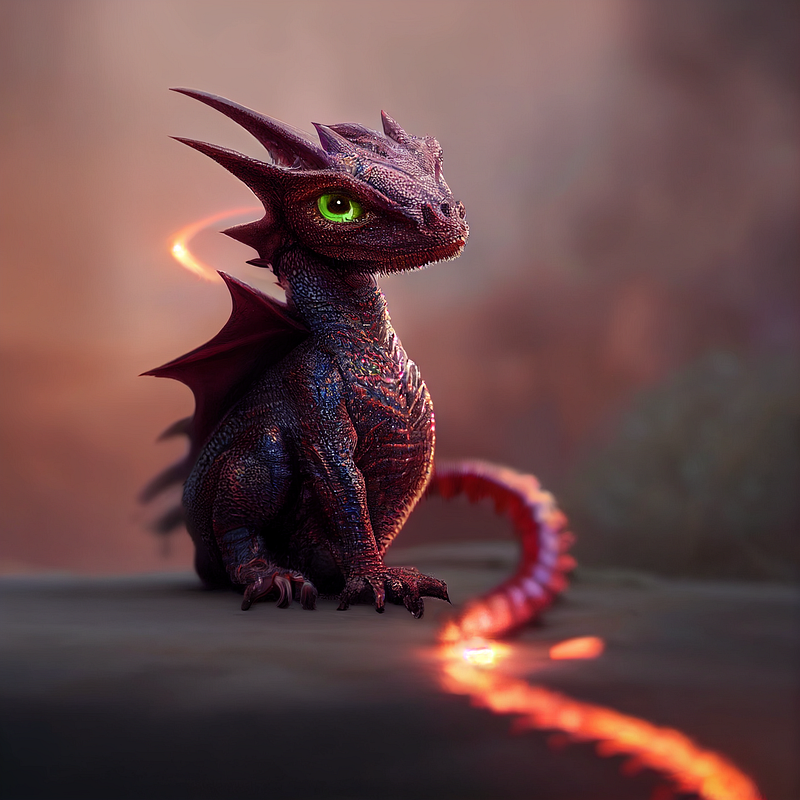
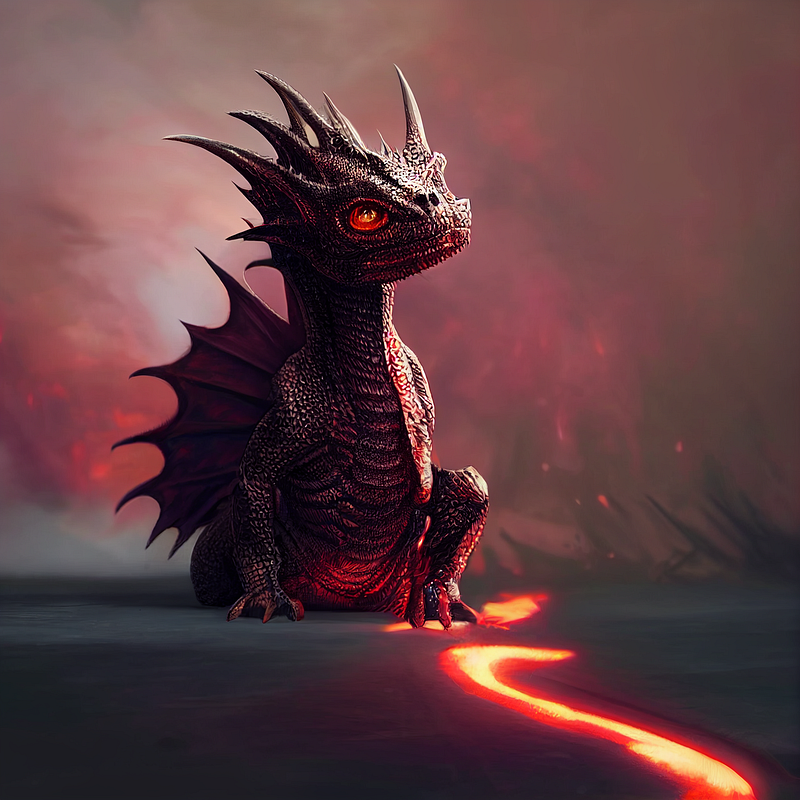
When you are writing your prompt, how much of the subject do you want to see? I can’t say it enough but be specific in writing your prompt. Each of the Baby Iridium Dragons here have the exact same prompt. The title photo is the only one with red eyes (part of the prompt,) but I really like the variations Midjourney created.
You may end up with different skin tones/colors, eye colors, and poses. If you don’t like the options, have the AI make it again. (Redo button on Midjourney — which gives four options at a time.)
Do you want crazy details in the image? Tell AI. Take a moment to look at the images as you come to them. Do you see the sharpness of the talons? The intricate details in its skin/armor? The bones in the wings and variation in colors? The jaggedness under the jaw? Use terms such as hyperdetailed or highly detailed to achieve this.
The fire and glow were bonuses after multiple ‘retries.’
Here is the prompt I used for the Baby Iridium Dragon.
Full-body shot of amazing portrait of a cute iridium baby dragon, red fire eyes, highly detailed, beautiful lighting, by weta digital, by artgerm by ruan jia, 8k, film still, octane render , hdr10
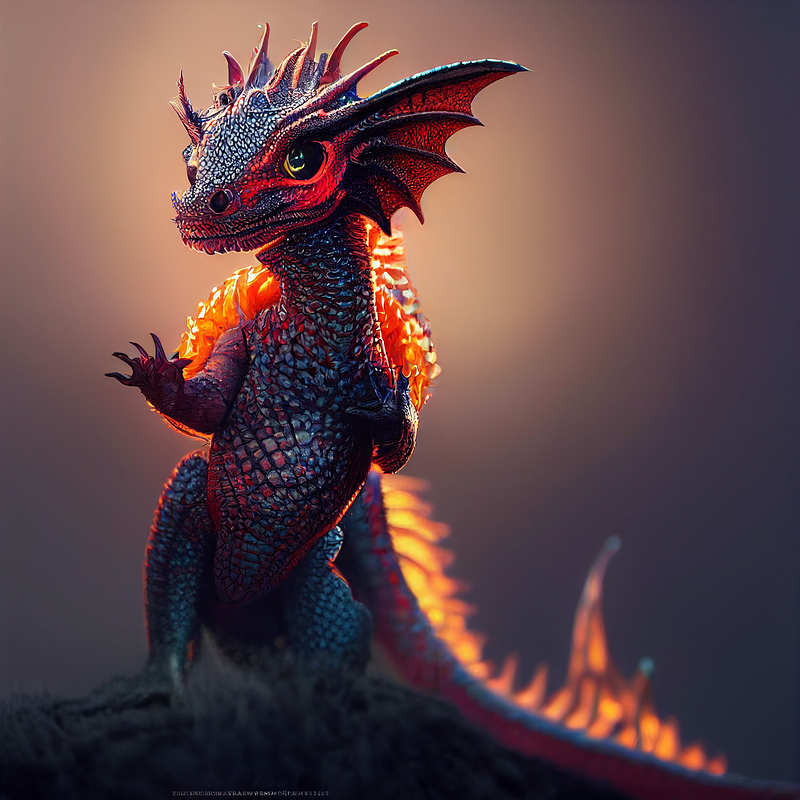
The fins on the side of the head have incredible detail for this scaled fellow. I think I like making baby dragons now!
What type of creature do you want to create? Not just a dragon, but a descriptive word for it! The above is iridium, below is snow. Further down are crystal and ice. You could create a leaf dragon with leaf wings. Do you want it to have scales?
AI has trouble (at this time) with hands and teeth but the dragon teeth turned out beautifully jagged — like it could bite someone in half!
After you describe the creature in detail, add the background if you choose to have one. I did not add a background for the iridium dragon but added mountain for the snow dragon.
Then add the lighting and close with the artist’s names/magazine name. You can use more than one, as I did!
You may need to refresh the images for new ones (maybe multiple times), upscale them, or get new images based on one given, before getting what you want. Nearly all of my final images were ‘Remastered’ after being Upscaled.
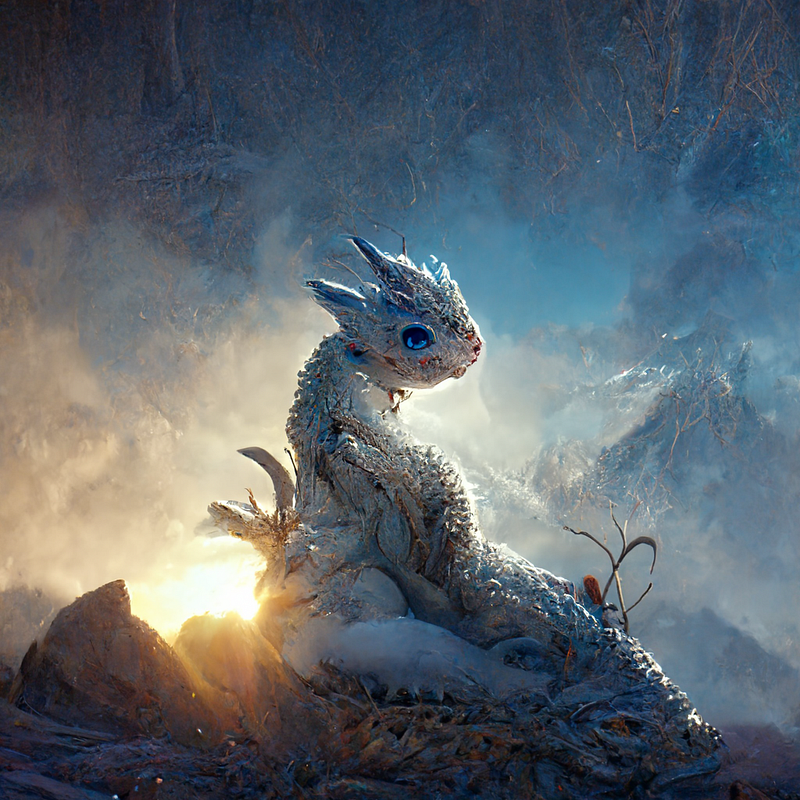
The Snow Dragon above and those below show an amazing painted style, filled with detail. For the majority of these, AI ignored the baby prompt but still very cool.
Here is the prompt I used for all of the Snow Dragons.
Full-body shot of snow dragon, blue fire eyes, white scales, baby, cute, intricate, highly detailed, beautiful lighting, mountain, morning light, by weta digital, by artgerm by ruan jia, 32k, biblical cinematic shot
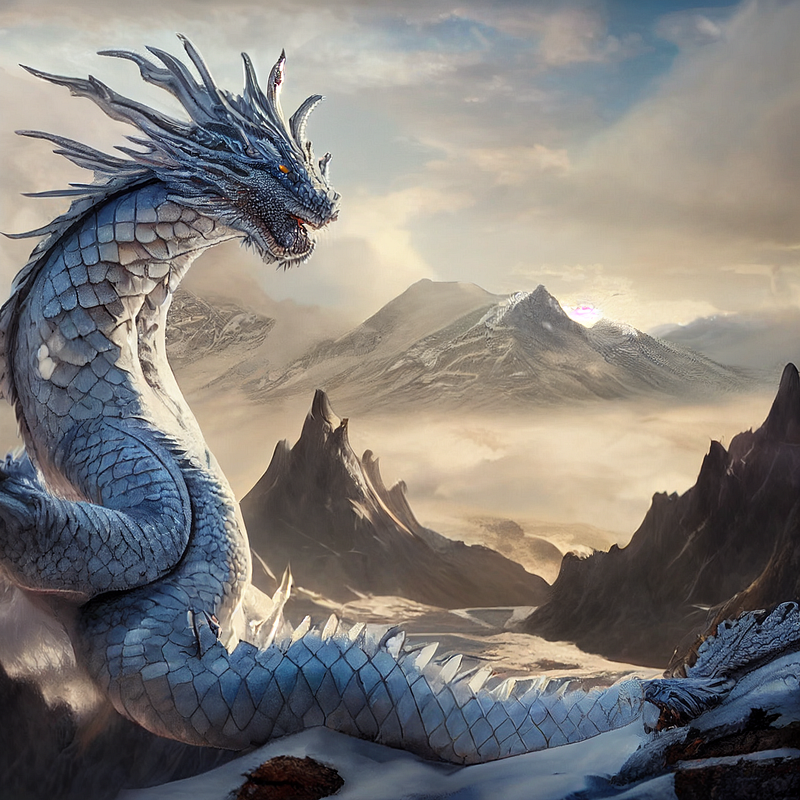
Morning light gives a soft, warm light to the images. You could also use sunrise or sunset for something similar. I will likely do a publication on lighting options, showing the results for each.
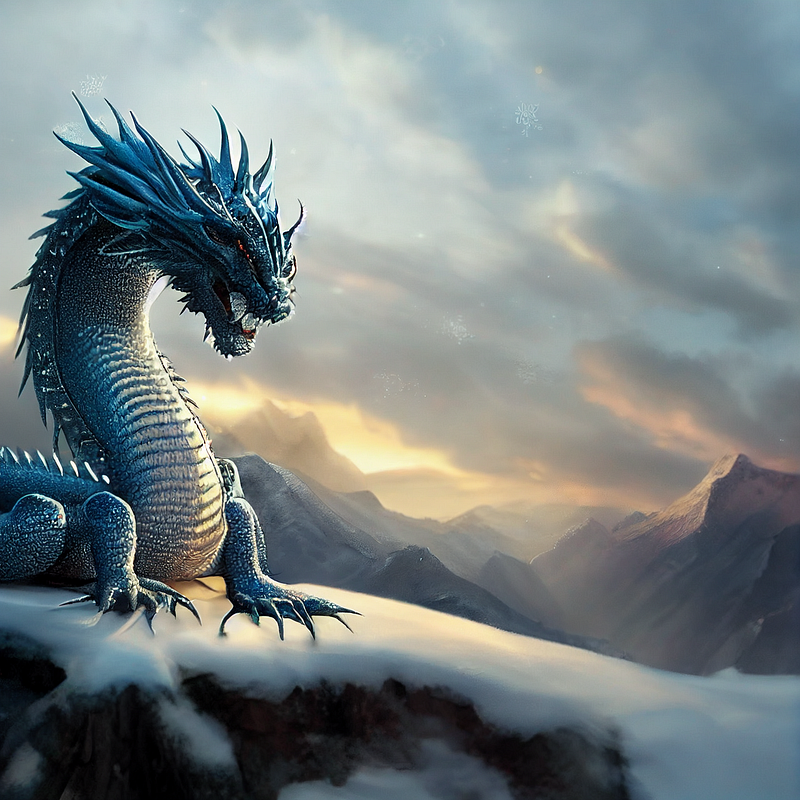
Beautiful lighting seems to create a lovely back-glow. Combined, they made the dragon ‘pop,’ softened the background, and accentuated the focal point of the pieces.
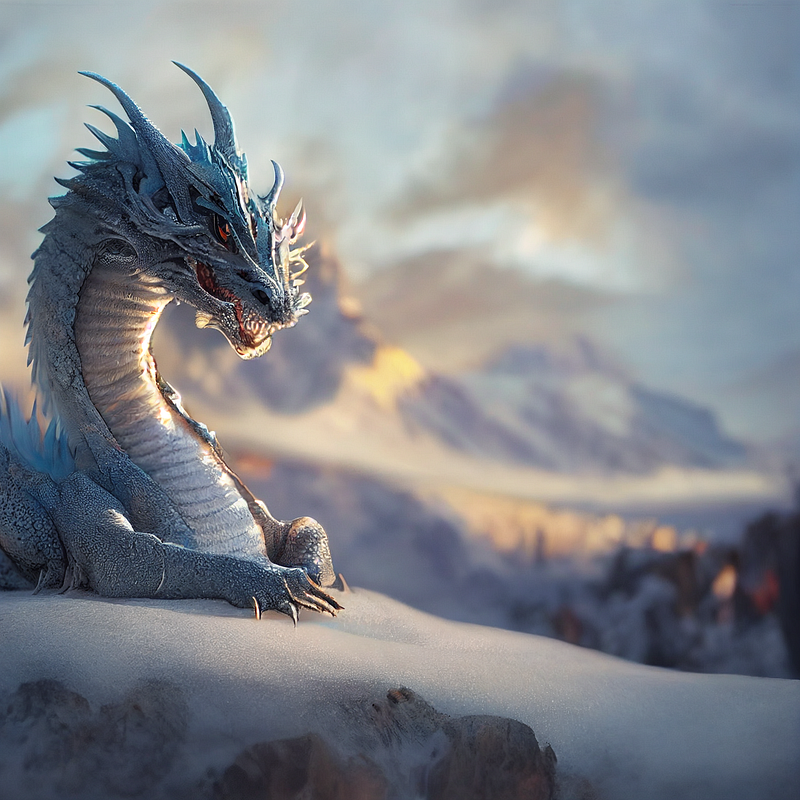
I wanted the Crystal Dragon to look realistic, like you could reach to pick it up and have it snap at your fingers!
I told AI that I wanted full-body shots of all of the dragons. It complied with about half of them here. If you desire a full-body shot it is best to make that the opening of your prompt. I have found I have better chances at achieving it when it’s the first thing listed — but of course, not always.
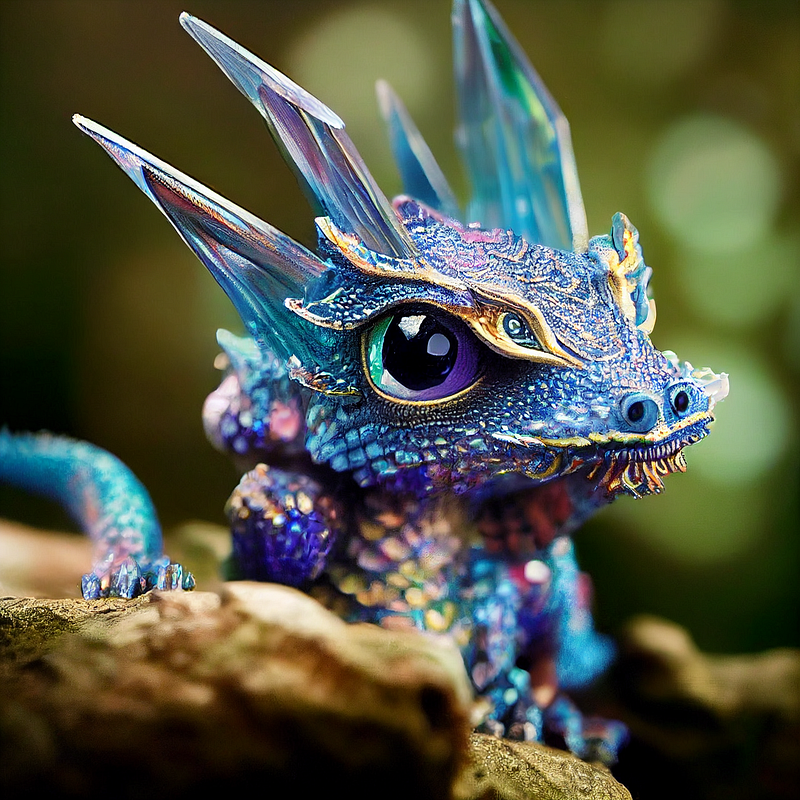
Photo-realistic images are so crisp and life-like. The bridge of his nose has such tiny details with multiple colors traveling up his head and around his gem-shaped eyes. This is by far my favorite of these dragons!
You’ll notice, for the Crystal Dragon and the Ice Dragons below, I used big eyes as part of the prompt, and big they are! The Iridium and Snow Dragons above, I simply listed a color — AI often gives snippets of options outside the listed parameters.
Here is the prompt I used for the Crystal Dragon.
Full-body shot of crystal dragon, big eyes, hyperdetailed, baby dragon, colorful crystals, adorable, scales, shiny, forest stream, cinematic still shot, full-shot angle, soft light, 32k, by Mario Testino, by Albert Bierstad, National Wildlife
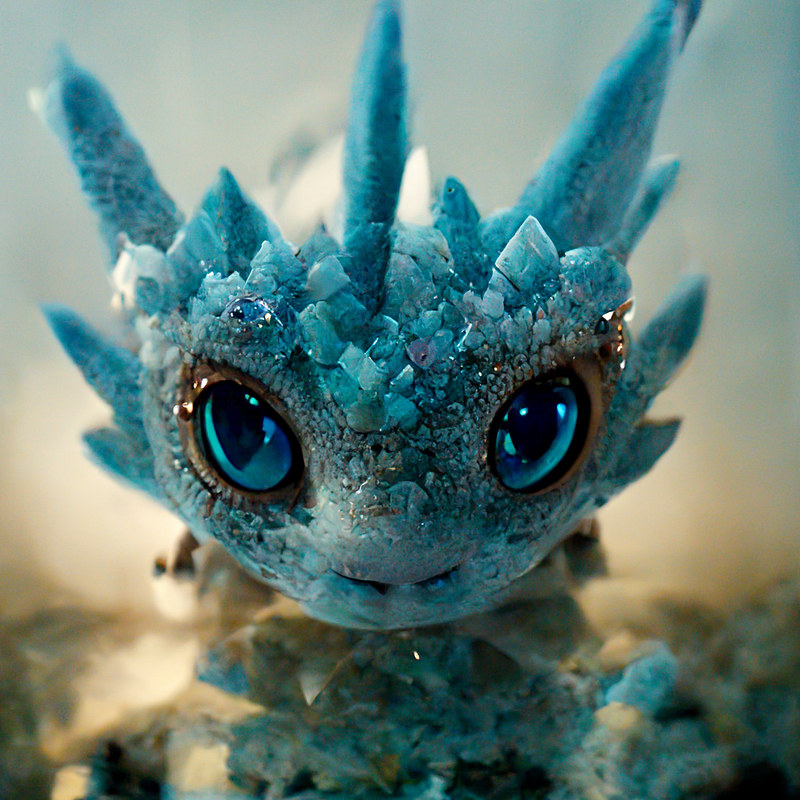
Again, I used the same prompt for each of the Ice Dragons. I requested Full-body shot at the beginning of the prompt, but received some great portraits. Very detailed — some of the irises on these are amazingly detailed, just like the beauty of an eye!
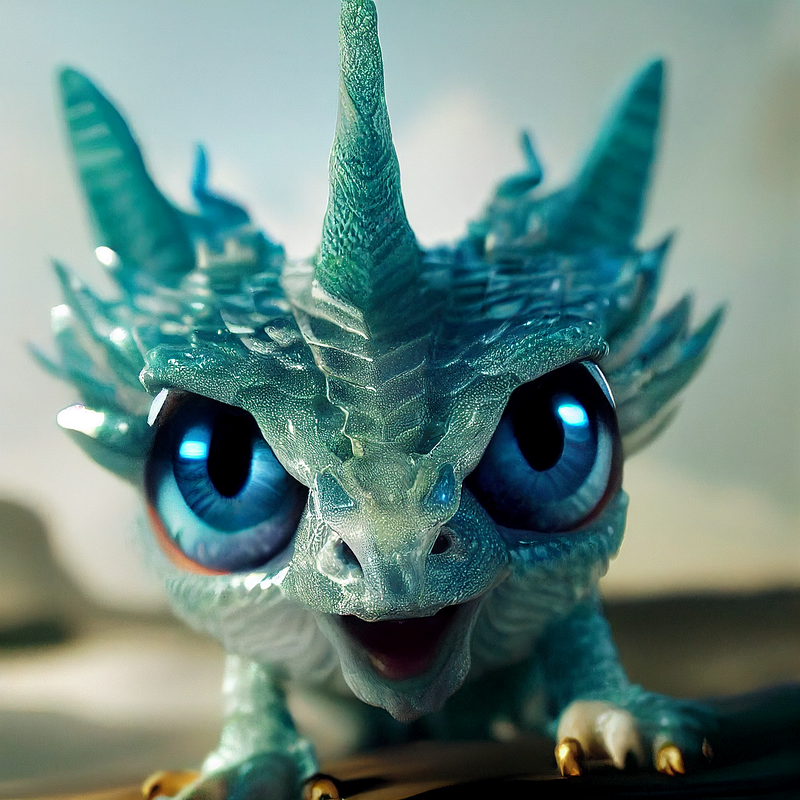
For each of these Ice Dragons, I chose them to have scales and blue crystals (to simulate ice crystals.) AI was having great difficulty creating a believable Ice Dragon without the light blue crystals — the dragons looked more furry or wooly.
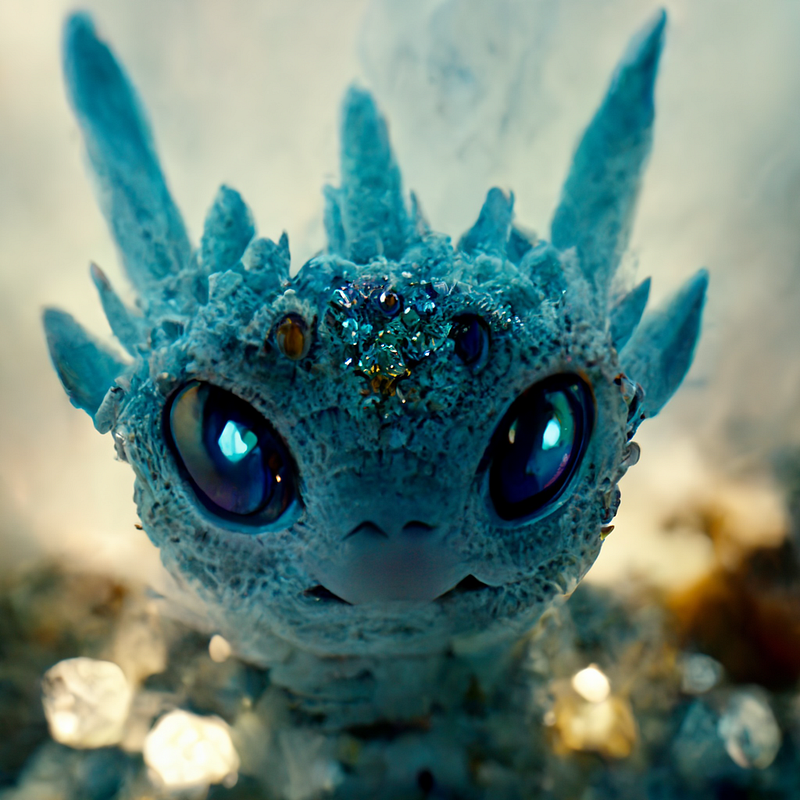
When I used baby ice dragon or similar at the beginning of the prompt, AI was morphing babies and dragons. Half of the images had cute baby faces. LOL Putting baby dragon further in the prompt from the type of dragon solved this issue.
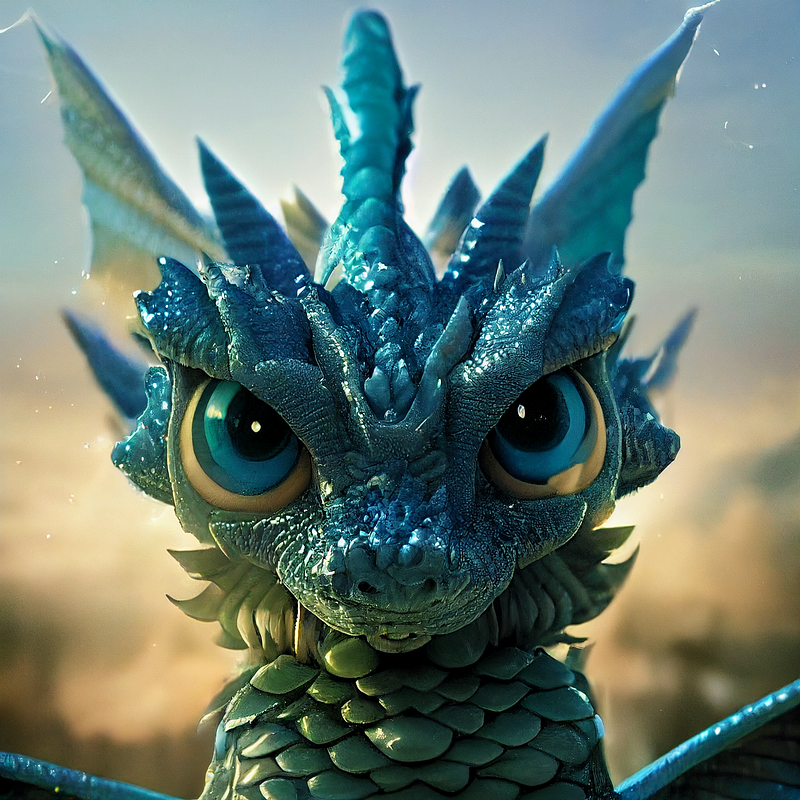
Some of the Ice Dragons, possibly because they were on all four legs, looked more like a beetle of sorts. Obviously, those did not make the cut.
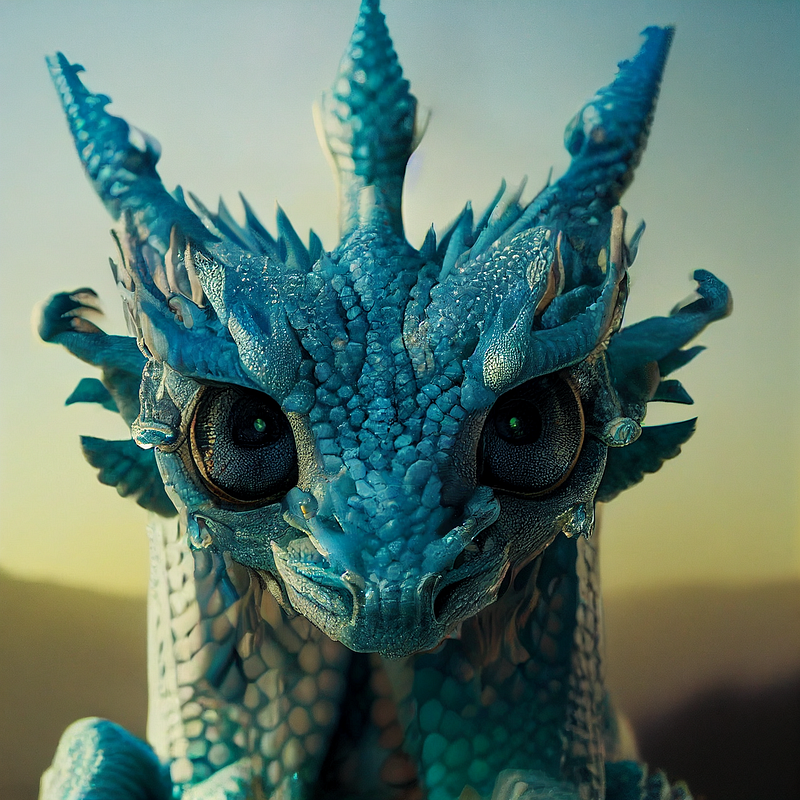
You can instill emotions or expressions into the faces by listing those attributes. Just a few possibilities to get the creative juices flowing are peaceful, snarling, confused, and surprised.
Here is the prompt I used for the Ice Dragons.
Full-body shot of Ice dragon, big eyes, hyperdetailed, baby dragon, light blue crystals, adorable, scales, shiny, rock, cinematic still shot, full-shot angle, soft light, 32k, by Mario Testino, by Albert Bierstad, National Wildlife
I plan to publish how to create photo realistic animals next.
Let me know what you think and what you’d like to learn!
AI Images — #1|Table of Contents|AI Images — #3
This subject was requested by Sieran Lane. Hope this helps you! For more writing and AI tips, check out my link below!
Sweet Chaos — Tickling your senses through fiction writing while shocking you with the outcome! Nothing is as it seems! Ready to read every addicting story leaving you on the edge of your seat?
Joining through my link gives me a smidge extra at no cost to you, and a treat for my dog!
Check out my publication — The Fictioneer’s Treasure Trove to raid and fill the library!


