
New to AI Art? Try NightCafe Creator First
It’s easy to use, and also produces some of the best results I’ve seen
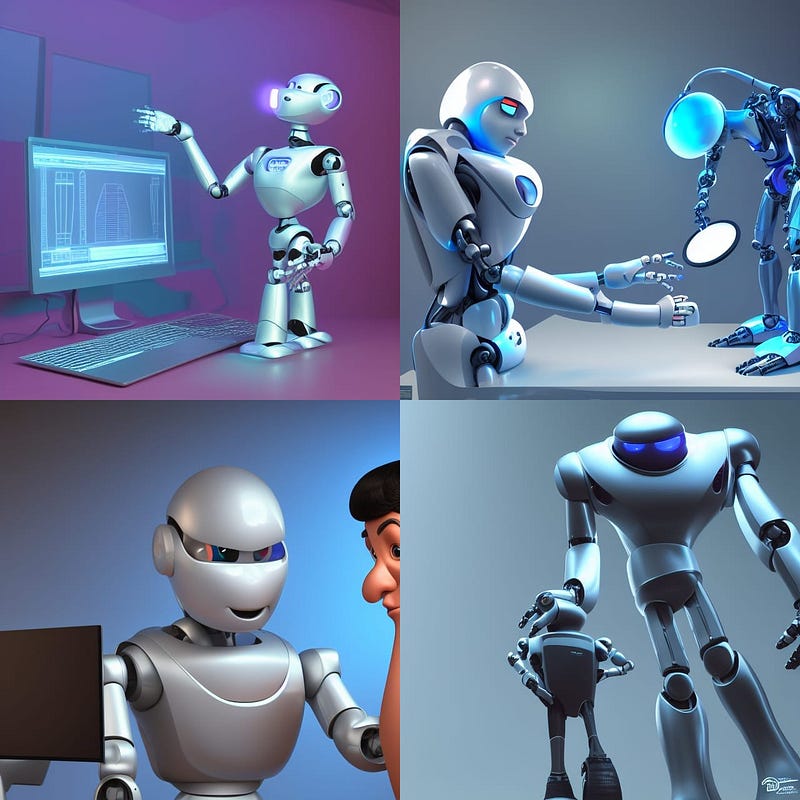
I recently tried out NightCafe Creator after seeing a bunch of posts about it on Medium. While there are other popular AI art generators out there I already love, including DALL·E and Midjourney, I’m always open to trying out other options.
NightCafe is ideal for those among us without a lot of technical expertise wanting to experiment with AI art. While DALL·E is pretty straightforward, there are a lot of “modifiers” you can add to text descriptions to get the results you want. Midjourney runs through Discord, so first you have to sign up to that, and again “learn the language.” (Here are some awesome Midjourney prompting tips I came across to help.)
The biggest plus about NightCafe off the bat is its user-friendly interface, which does a lot of the work for you. More specifically, you can type in a simple text command, and then choose from the pre-set styles available including “artistic portrait” or “oil painting.” It basically adds all of the modifiers necessary to arrive at the advertised style, without taking away your creative control.
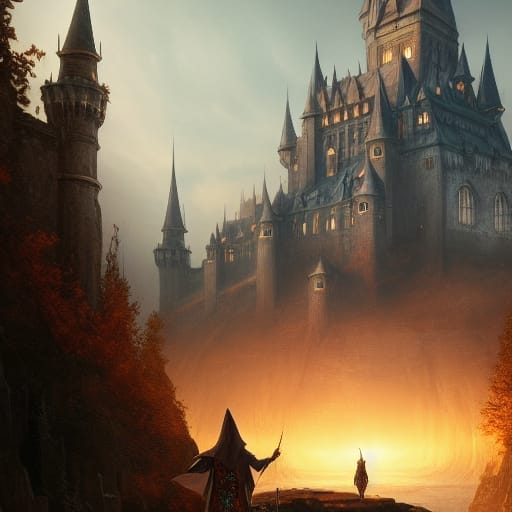
Let me elaborate a bit about what I mean by prompts. I can enter simple text such as “a wizard in front of a castle,” and NightCafe will create something cool from that alone. If I want a certain style, for example “dark fantasy,” this is what I would’ve had to type to generate the same result:
“a wizard in front of a castle a masterpiece, 8k resolution, dark fantasy concept art, by Greg Rutkowski, dynamic lighting, hyperdetailed, intricately detailed, Splash screen art, trending on Artstation, deep color, Unreal Engine, volumetric lighting, Alphonse Mucha, Jordan Grimmer, purple and yellow complementary colours.”
These are all modifiers that you will learn down the road, but it is nice to have the option to choose a style, and take away most of the guesswork. I have wasted countless credits on other platforms trying to faithfully recreating a certain look, only to have the results be light years from what I wanted.
For curiosity’s sake, here is that wizard image, generated in a dark fantasy style:
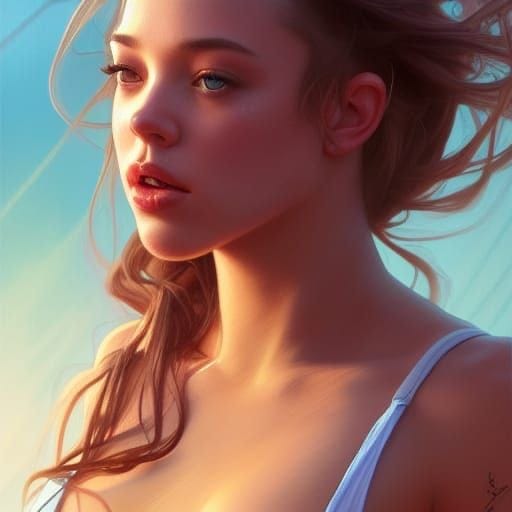
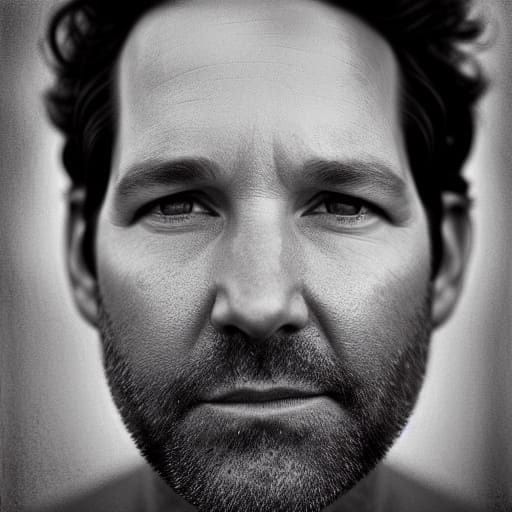
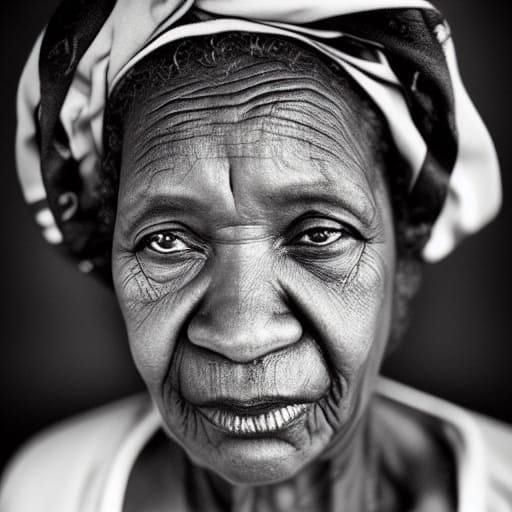
Although it’s easy to navigate NightCafe, the results are far from simple. I was blown away by the quality of the portraits it creates (especially in b/w.) The detail is impeccable, and also believable. It can even reproduce celebrity faces quite well in whatever style you want, as shown by the random examples below.
NightCafe can also generate images based on your own uploads. For example, I uploaded a snap of our new doggie in “advanced mode” with the prompt “cute dog,” and it gave me this:
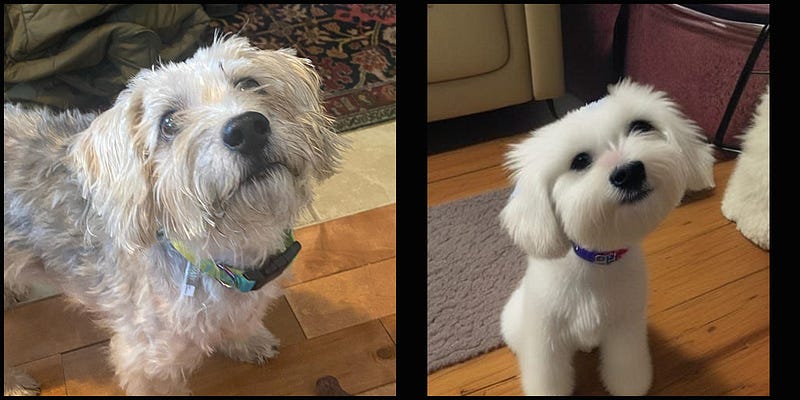
Awwww. As if he wasn’t cute enough already, NightCafe found a way to raise the cuteness bar (at right.)
Size matters, kind of
The default output images seem to be 512x512 pixels, which is half the size of what the other platforms typically generate. However, as of logging onto NightCafe today, I noticed the price per stable diffusion image has been cut by 50%. That means I can now create standard images for 1/2 a credit instead of a full one, which has convinced me to buy more credits soon.
Speaking of credits, there’s another huge advantage of NightCafe for newbies. It offers you 5 free credits each evening, allowing you to experiment for free. I pay $10 U.S. a month for Midjourney as a basic subscription, and buy credits in blocks from both DALL·E and DreamStudio (which amounts to $10-$20 a month.)
Like some of the other AI image platforms, it seems NightCafe’s terms of service are pretty open-ended — for example, “you may use your Artwork for personal or commercial purposes.” I have been using AI to generate images for my Medium articles, and this one is no different.
Anyhow, if you’ve decided to try AI image generators, NightCafe Creator is a great place to start for at least four reasons:
- It is easy to navigate
- There are preset styles to eliminate guesswork
- It gives you free credits daily
- The portrait results are stunning
If there are any downfalls, I find that it’s a bit trickier to generate specific details within NightCafe images — at least compared to the other platforms I mentioned. But like any new AI art platform, it probably just takes some getting used to in order to find the right inputs. I expect to be an expert soon.
In the meantime, I can’t wait to play around with NightCafe more, and see what everyone else has created. Oh, and NightCafe has also launched a Discord channel for this purpose. See you there?