
My First Snaps With the iPhone 15 Pro Camera
I may be able to leave my heavier DSLR at home more often now.
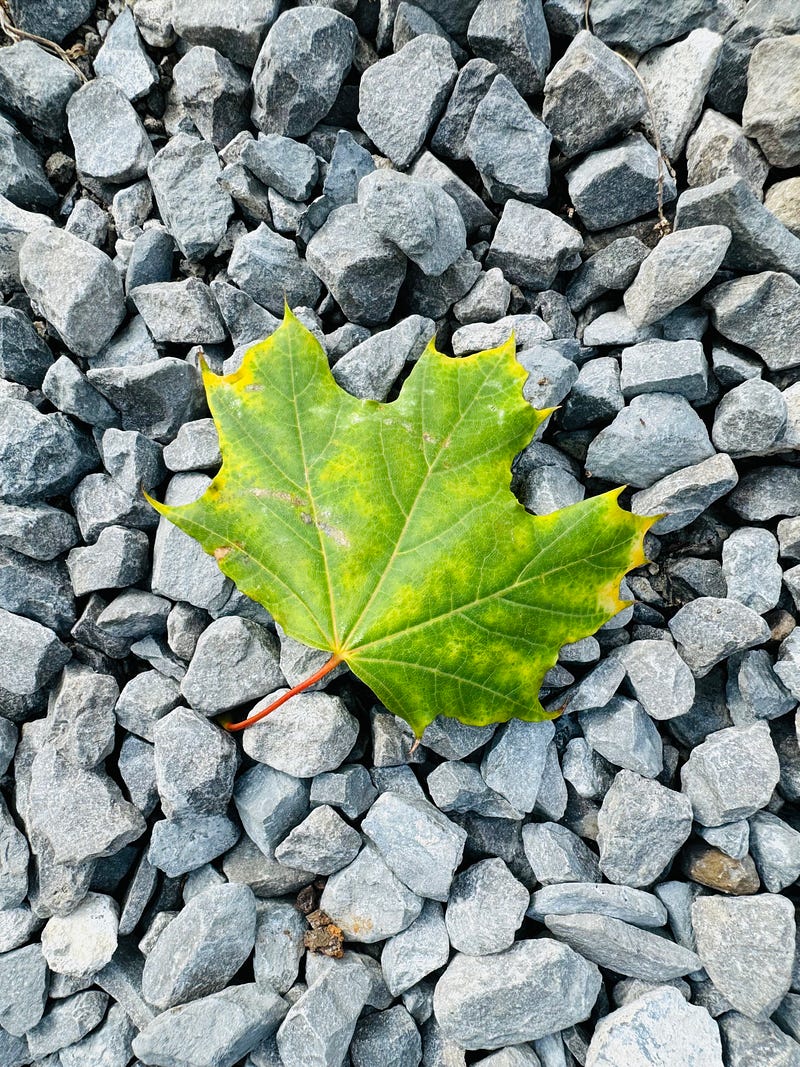
I recently got my newest mobile toy in the mail — the iPhone 15 Pro. It’s the first time I’ve upgraded since the 11 Pro, and I’ve barely scratched the surface of this new device’s optical prowess.
Normally, I don’t rush out to buy new tech for the sake of it, but my son was using my previous phone more than I was. That means I missed a lot of snaps unless I had my DSLR with me — but not any more.
While it’s nice to have my own phone to myself again without my son asking for it every 20 minutes, I admit the camera on this thing also got me excited enough to upgrade.
The impressive camera specs
The official Apple page for the phone boasts a 48-megapixel max main camera, which is more than twice what my Canon 6D DSLR offers, and quadruples the 12-megapixels that my previous iPhone Pro 11 has.
I know — the megapixels don’t mean much if the lens quality is poor — but that’s not the case here. The lenses on the 15 Pro capture very sharp images, from ultra-wide 13mm (f2.2) to 24mm (f1.78) to 77mm (f2.8), the full reach of the 3x optical range. In other words, the lenses let in a lot of light (which is great for colour and detail), and the camera offers high enough shutter speeds to freeze moving objects.
I couldn’t find the exact max shutter speed for the camera in the specs, so I downloaded Pro Camera by Moment from the Apple Store for $9.99, which lets you adjust many camera settings manually. Using this app, I was able to crank the shutter up to 1/50,000 second (which is insanely fast), and 12,320 ISO. (I just learned about controlling these particular settings within the app, so I will have samples soon pushing them to their max.)
In the meantime, here are some of my first snaps with my beloved new iPhone 15 Pro (I adjusted the colour on some):
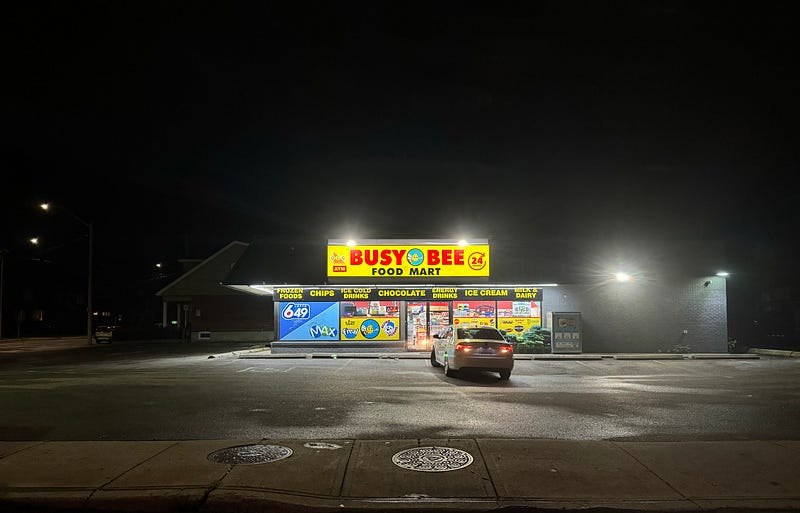
I shot this through a car window while moving slowly. I was impressed by the contrast, and lack of noise despite the low light. (I used Lightroom to blacken the blacks a little more to boost the contrast even more.)
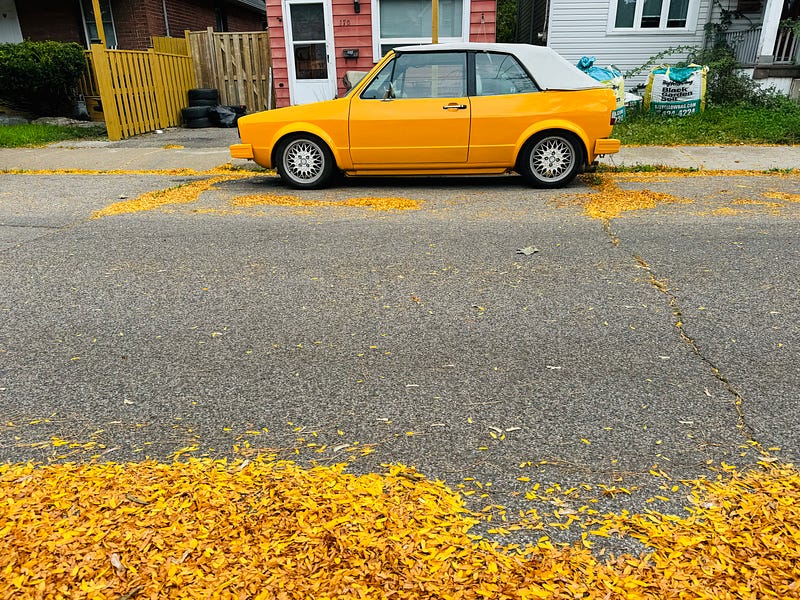
I love this random scene of yellow that I came across, and I love the way the iPhone 15 Pro captured it. I used an in-phone photo filter to boost the saturation a little more, in case the yellow wasn’t obvious enough.
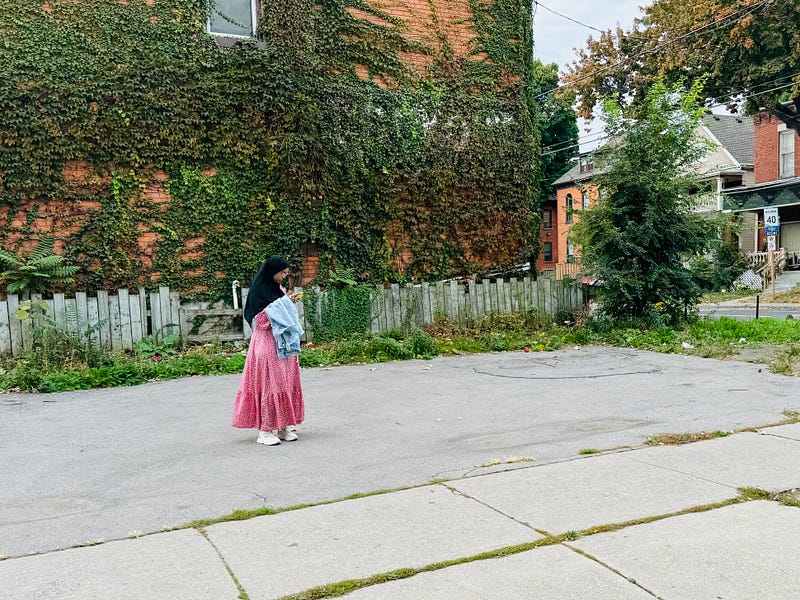
I haven’t done a lot of street photography with the new iPhone yet, but I plan to soon. I shot this one while rolling past this person on my bike, cropping the original to place more emphasis on the subject. I’m excited to experiment more with shooting street using the 15 Pro, as it also offers a focus mode for prettier street portraits.
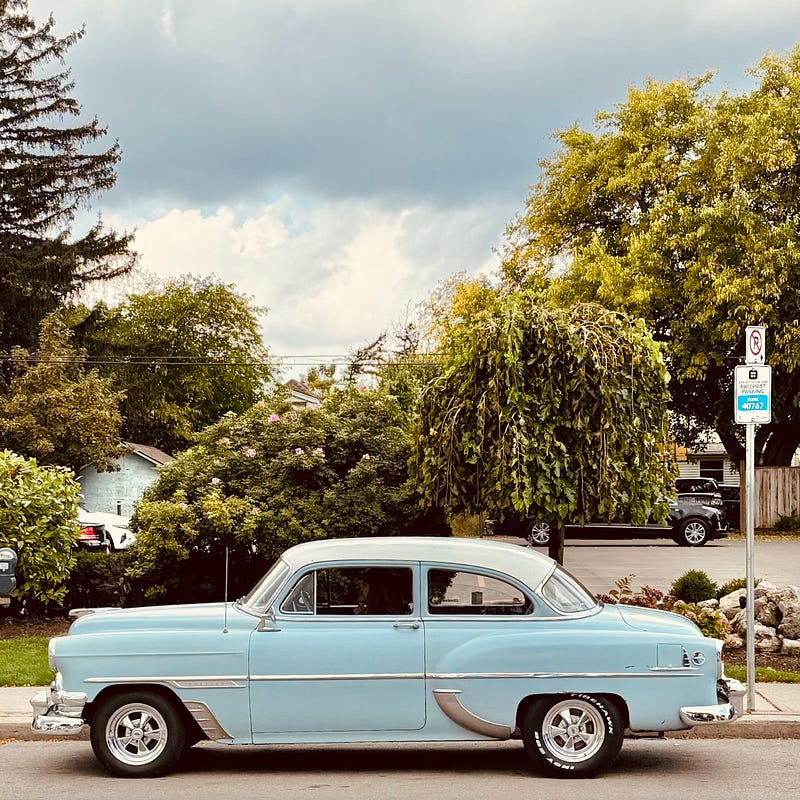
I love vintage automobiles, and this one was captured with iPhone 15 Pro using the zoom lens. There is a driver in the seat, but it’s hard to tell even after increasing shadow detail and overall exposure detail in editing. (Let me know in the comments what kind of car this is!)

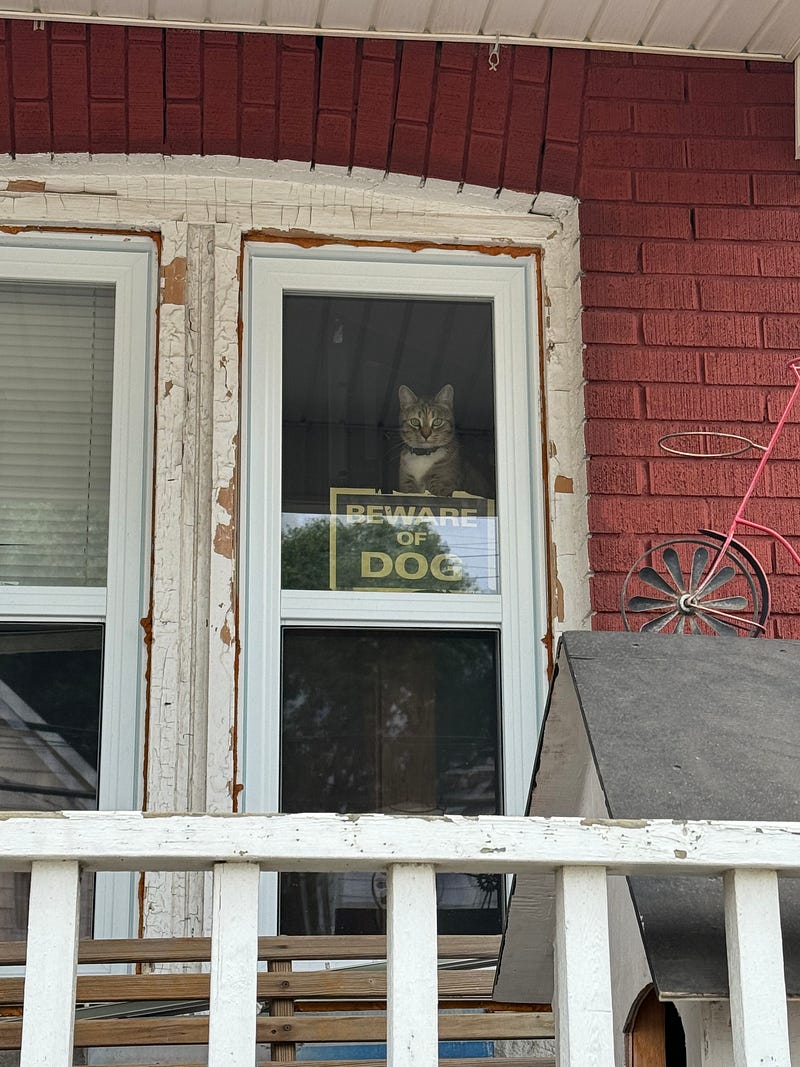
For this serendipitous shot, I used the full 3x optical zoom, and then cropped/edited the scene in-phone to bring more attention to the cat with the sign. On my phone, the cropped version above looks pretty sharp, however I can see I might’ve pushed it too far when I view it on my much larger iMac screen.
Here’s the original, unedited image for comparison:
This camera phone is no phoney
I know what you veteran photographers are thinking — groan. I’m not saying that iPhone 15 Pro will replace a high-end DSLRs for dynamic range or depth of field control. I would also much prefer a DSLR with a fast prime lens to shoot sports or nature. But the iPhone is getting pretty damn powerful.
You can even use iPhone 15 pro in Apple ProRAW mode, combining the conventional benefits of RAW format (such as greater editing flexibility) with iPhone processing. Keep in mind that these RAW snaps will take up more space in your phone’s memory.
Here’s a fall-ish photo from the Pro 15 (JPEG) and my Canon 6D (extracted from RAW) for comparison, in case you’re curious:
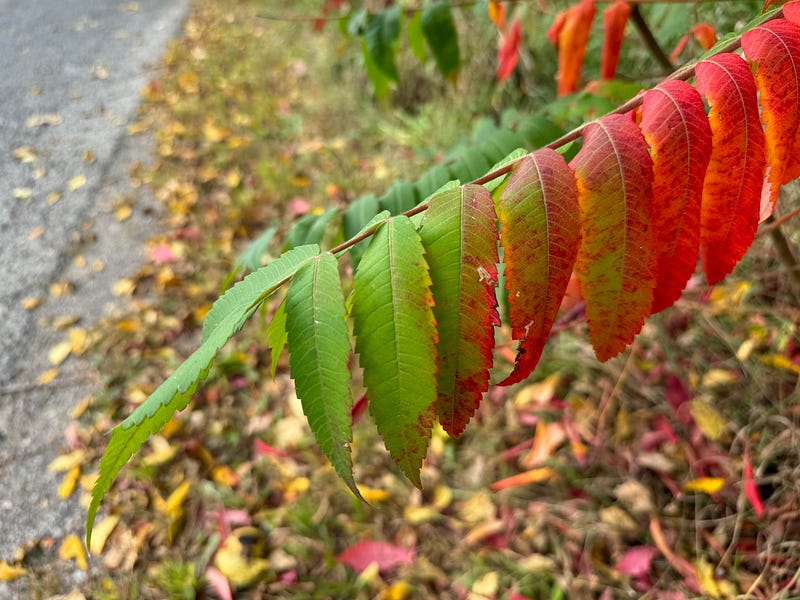
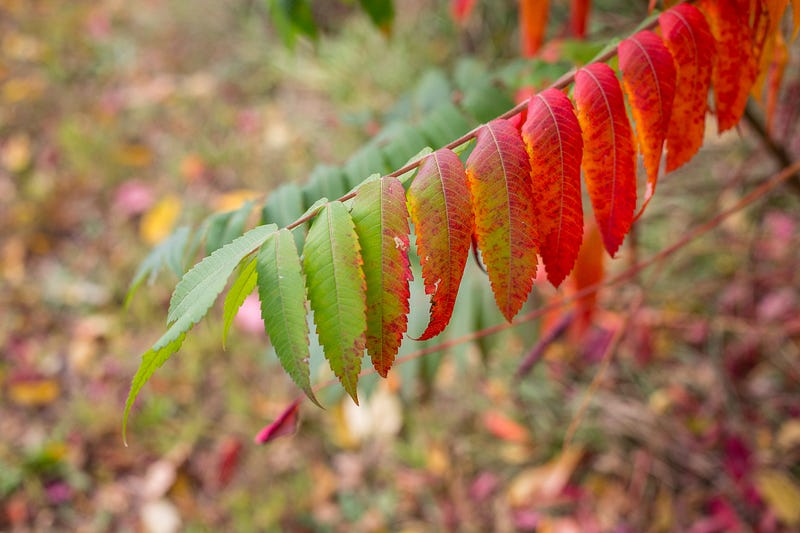
I like the more subtle way the Canon 6D captured the image, as well as adding some nicer bokeh to the background. The iPhone 15 did a good job blurring the background the help the leaves stand out, and the colour is strong. But I’m giving this round to the 6D.
Stay tuned for more iPhone 15 Pro samples!
On my walk to snap a few for this article, I brought along my Canon 6D with a 50mm lens. However, I didn’t take it out of the bag once. That doesn’t mean I’m done with my DSLR by any stretch — especially if I want to invest in lighting down the road.
I still see my DSLR as the wise master, capturing a wide range of moments faithfully. However, I’m not exaggerating when I say we’re not far from having the full power of the newest DSLRs in our pockets after playing with the iPhone 15 Pro. It’s like the young hotshot looking to take over top spot in the camera gear hierarchy — and the pros should take it seriously.


