
APPLE
More Uses For Apple's Freeform App
I’m surprised by how much I am using this
I wasn’t very excited by Apple’s new Freeform app at first. There are many similar apps (although mostly paid, not free as this is), and Freeform seemed to be lacking important features. Still, I did start using it as a more visual and customizable substitute for Bookmarks.
Collections
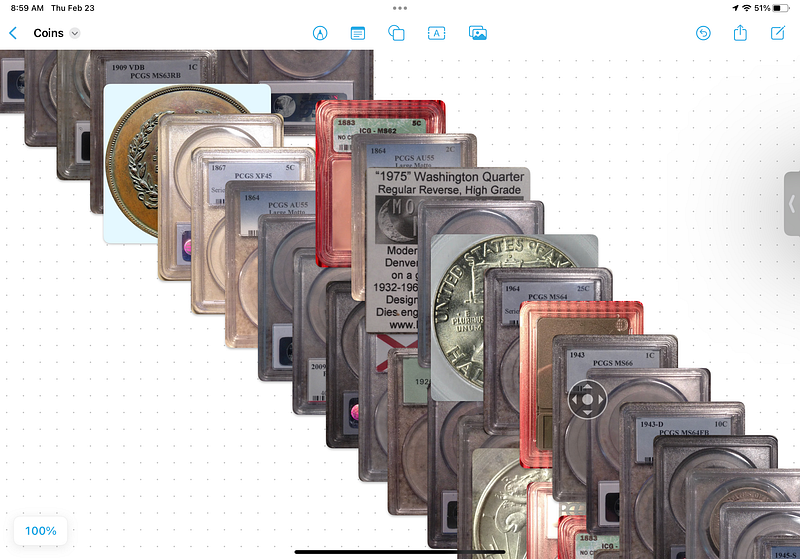
In the past few months, I’ve found more uses. One of the first was to organize the photos of my coin collection. The coins themselves are safely locked up in a bank vault, so photos are the only easy way to enjoy them, but I was not at all happy with how they looked in the Photos app. I could print them out and arrange them as I like, but that’s a fair amount of effort itself. I decided instead to bring them into Freeform.
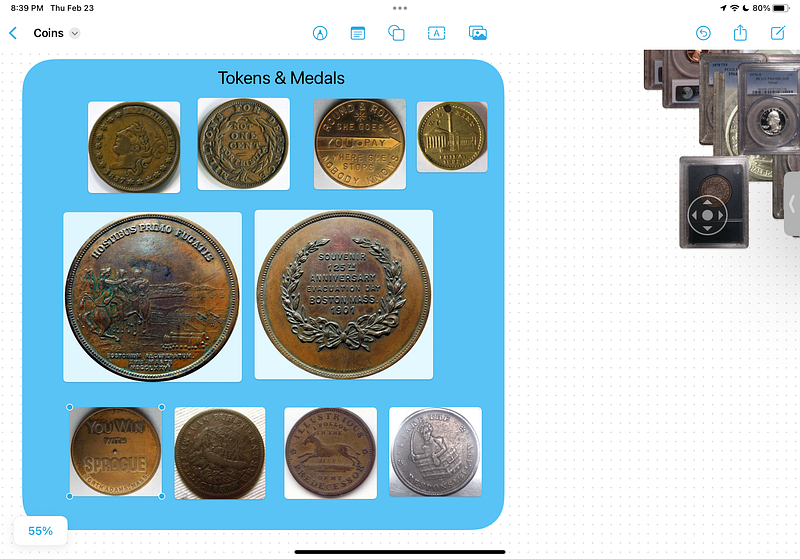
Just as I had already done with website links, I could drag the coin photos around, frame them in colored boxes, add explanatory text or links to webpages with more information. I have barely begun doing this; I imagine it will keep me busy for quite a few months.
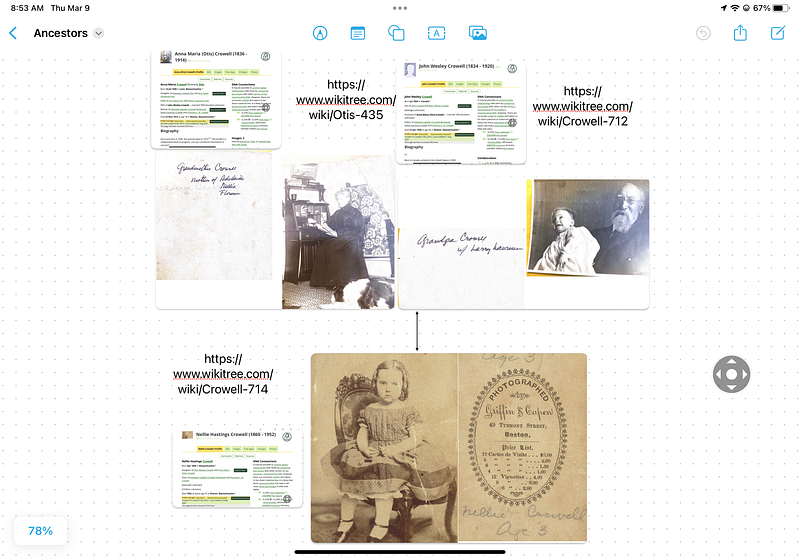
I also have an “Ancestors and Relatives” album that stretches back to the early days of photography. I want to make a genealogical arrangement of those photos in a Freeform board.
Spanish
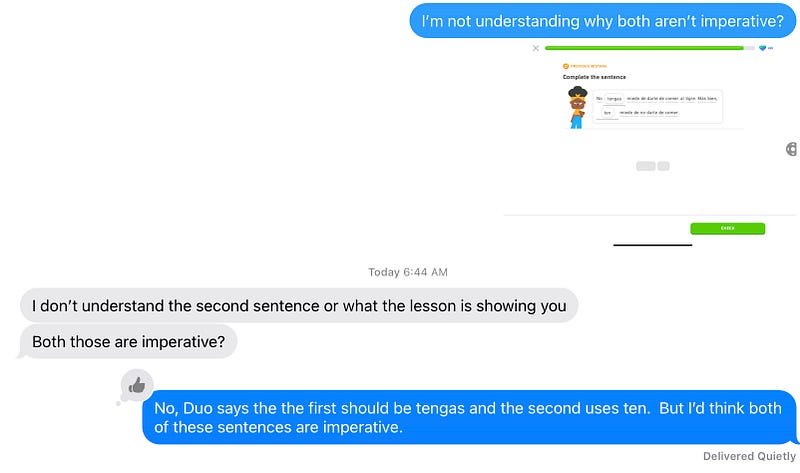
I have been using Duolingo for years now to study Spanish. Duolingo is a great tool, but sometimes the exercises puzzle me. I’m lucky to have a daughter who majored at college in Spanish, so I often get explanations from her. But sometimes I’m not ready for that because I haven’t really absorbed enough yet to fully understand what she has told me. Freeform has the answer: I can organize, annotate, and link out just as I do with my coins.
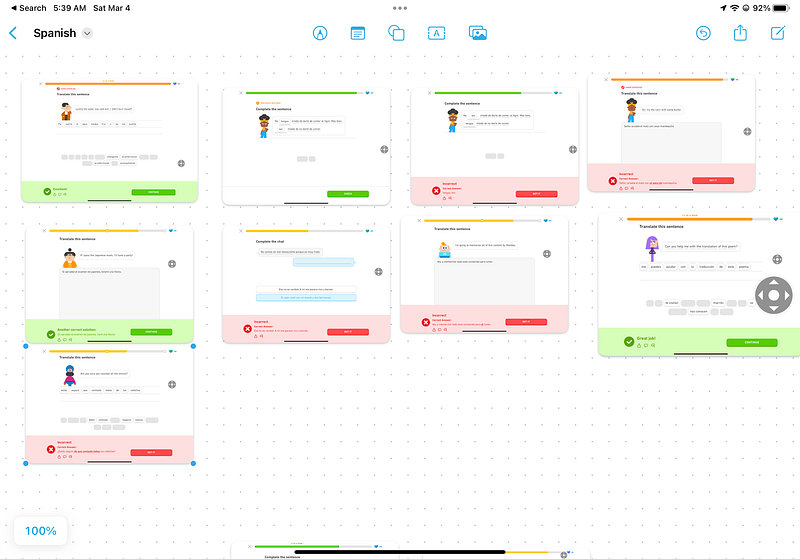
I just began this Spanish board a few days ago, so have not done much yet, but I am excited by the possibilities. I’ll go back through the Messages my daughter and I have exchanged to find those relating to Spanish and get them into the board. I’ll put like things together, add text boxes with my questions and her responses, and links to relevant articles and videos I find online. Sounds wonderful, and would be an aid to studying anything.
Documents and numbers
Account numbers, recovery keys, warranties, certain receipts. I keep many of these in Notes, but Freeform once again makes it easier to arrange things in ways that make sense to me. This doesn’t replace Notes, but it augments.
Books
A Freeform board is now where I keep the names of books I want to read. When I was working, I’d just buy these and use a corner of my desk to pile up what I hadn’t got to yet. As we have retired and downsized, I no longer have the space to store books or the money to buy them, so I use the local library. My Freeform board provides the organization, notes, and links to reviews.
My Writing
My drafts and completed posts are online, so that’s easy enough. Freeform again provides organization and annotation. It’s usually easier than googling or pawing through a long list of titles. I can also add interesting comments that readers have left. Again, I have barely begun this project but I can already see how much it will help me.
What else?
I don’t know. Hobbies, education, record keeping, planning, and what? Shared or private, it doesn’t matter. I could use this to lay out a book and rearrange chapters, draw lines to related chapters; arrange, annotate, link!
How about a visual inventory of your home for insurance claims? Arrange, annotate, link. Those are the magic words that indicate where Freeform could help.
Recipes? Of course.
Some of these boards will be temporary, some I will use every day, some will be mostly quiet vaults. Some static, some constantly changing. I guess I was very wrong about the value of Freeform.
One suggestion I have made to Apple is to include Freeform in the list of action items you can use from a photo, a web page, etc. For example, I may take a screenshot that I want to add to a board. Presently I need to copy that, then go to Freeform to paste it in. If I could select Freeform just as I can select Messages or Mail, that would be easier.
Update: Freeform is a share target in IOS 17 betas.


