
Midjourney V6 wild update — Zoom, Pan & Vary are here!
Our favorite features arrived in V6 — let’s test it!
Finally! As my cat woke me up today at 4.20 am, and I checked my X feed, I jumped out of bed! 😅
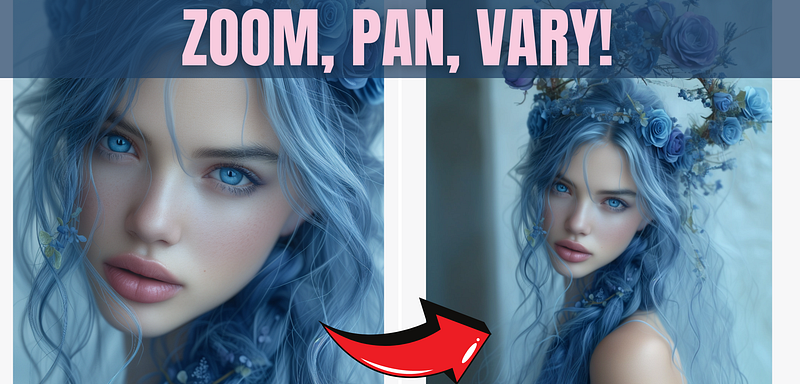
Midjourney announced big updates!
“hey @everyone, three new updates tonight! 1) V6 now supports Pan / Zoom / Vary (Region)
- These options appear under v6 bot upscales and on the alpha website (except vary region on web)
- Pan now acts more like zoom. It should be easier to use and give higher quality results
(with more coherence and less repetition of concepts)
- Pan now works with upscale/vary/remix but doesn’t infinitely increase resolution anymore.
2) alpha.midjourney.com (with image creation) is now available to 5000-club
- The 5000-club includes everyone who has made least 5000 images on Midjourney
- Check how many images you’ve made with /info
- You can access the site here: http://alpha.midjourney.com/
3) New /feedback function
- This lets you submit your top priorities for Midjourney to work on
- You can rate other people’s priorities too
- We use this data to make a single big list to help our engineers figure out what to focus on
- We’ll review the list publicly at next office-hours and show cool visualizations for it
- Please update your priorities any time we launch new features (like with the new vary region launch above)
Hope everyone enjoys the new features.” (Source: MJ’s Discord server)
A community for AI artists!
I will soon do more experiments with the new features and write about them! I share my experience and prompts with my community for AI artists, which is free to join until 01.02.24. After this, it will be a paid community!
So if you are an AI artist and would like to share your insights with us, now is a good time to join!
I’ve been waiting for this update for so long, let’s test it!
Midjourney V6 Zoom feature
You can zoom out on Discord or also on the Alpha website. I had early access to it because I already generated over 30K images so far.
Let’s test it first!
Prompt: beautiful woman with blue hair, live 3D blue roses tattoos — chaos 20 — ar 2:3 — stylize 700 — v 6
Initial image:
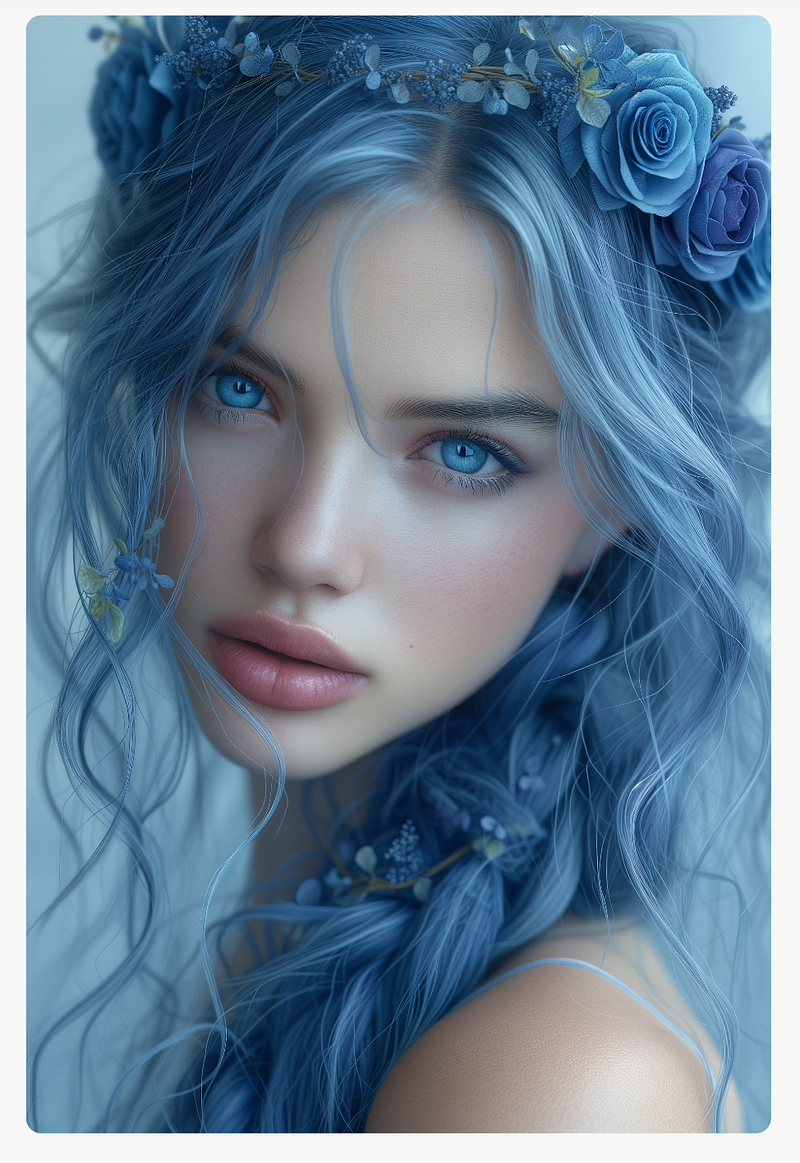
2x Zoom outs:
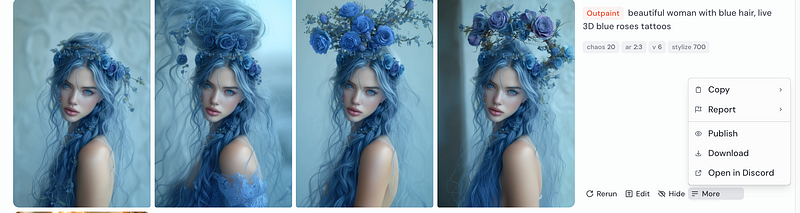
The last one is my favorite! What is yours?
It looks like on the website is no custom zoom, we can zoom out only with 1.5x and 2x.
1.5x Zoom outs:
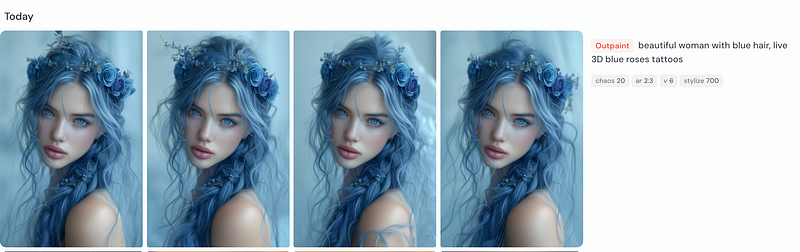
The images are very similar, but this depends probably on the initial image.
If you are interested in my strategies to build several income streams with the help of AI, please visit my website and sign up for my newsletter!
Let’s see how it looks on Discord!
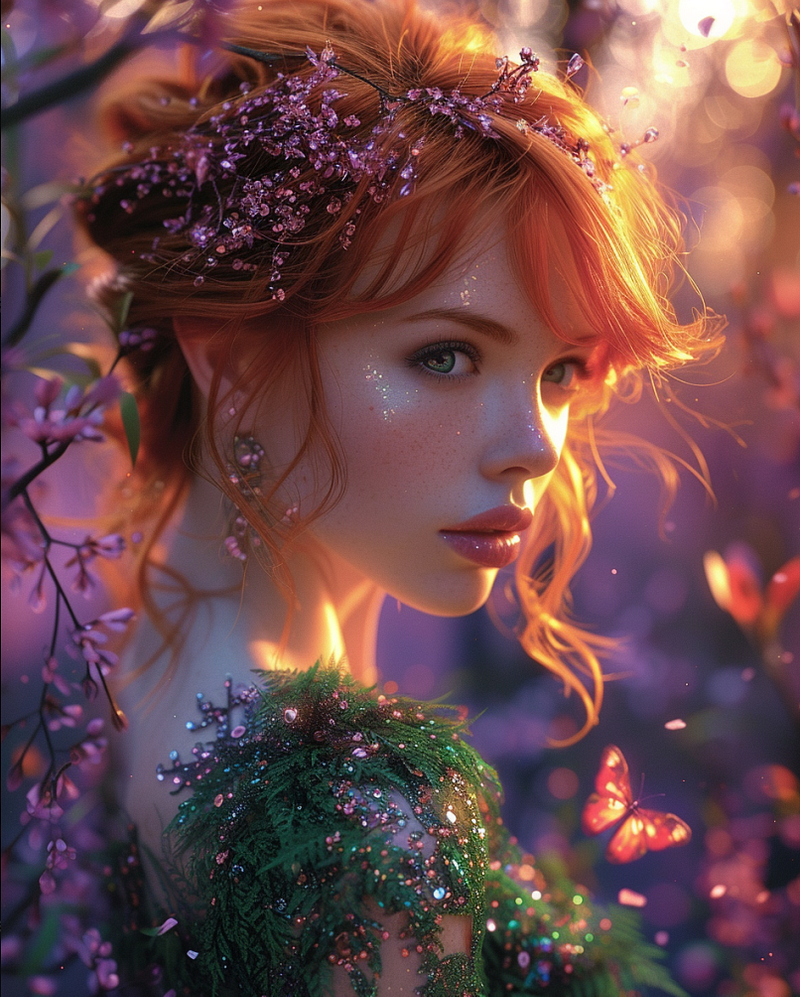
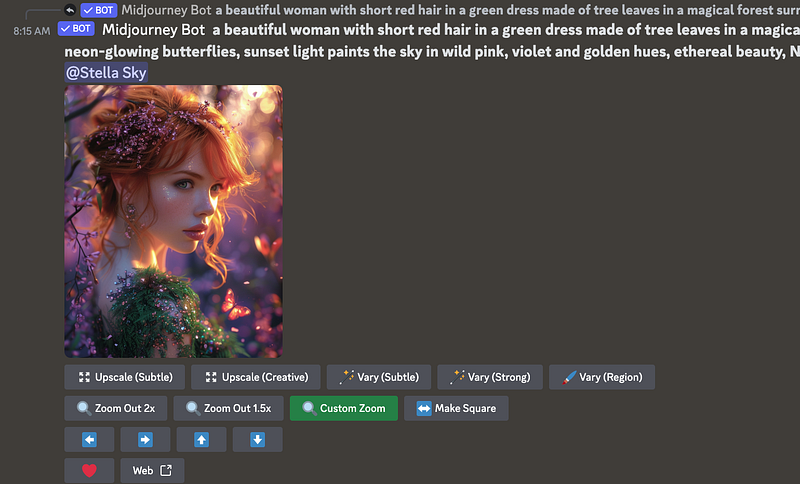
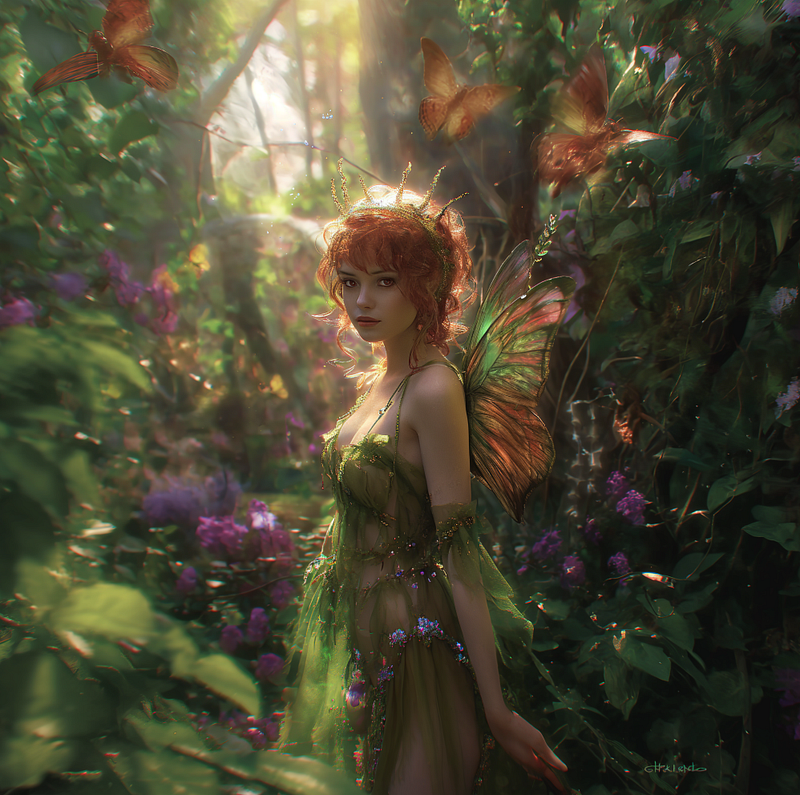
Prompt: a beautiful woman with short red hair in a green dress made of tree leaves in a magical forest surrounded by colorful fantasy plants and huge neon-glowing butterflies, sunset light paints the sky in wild pink, violet and golden hues, ethereal beauty, Nancy Noel, Luis Royo — ar 4:5 — s 500 — v 6.0
Initial image:
Custom Zoom on Discord
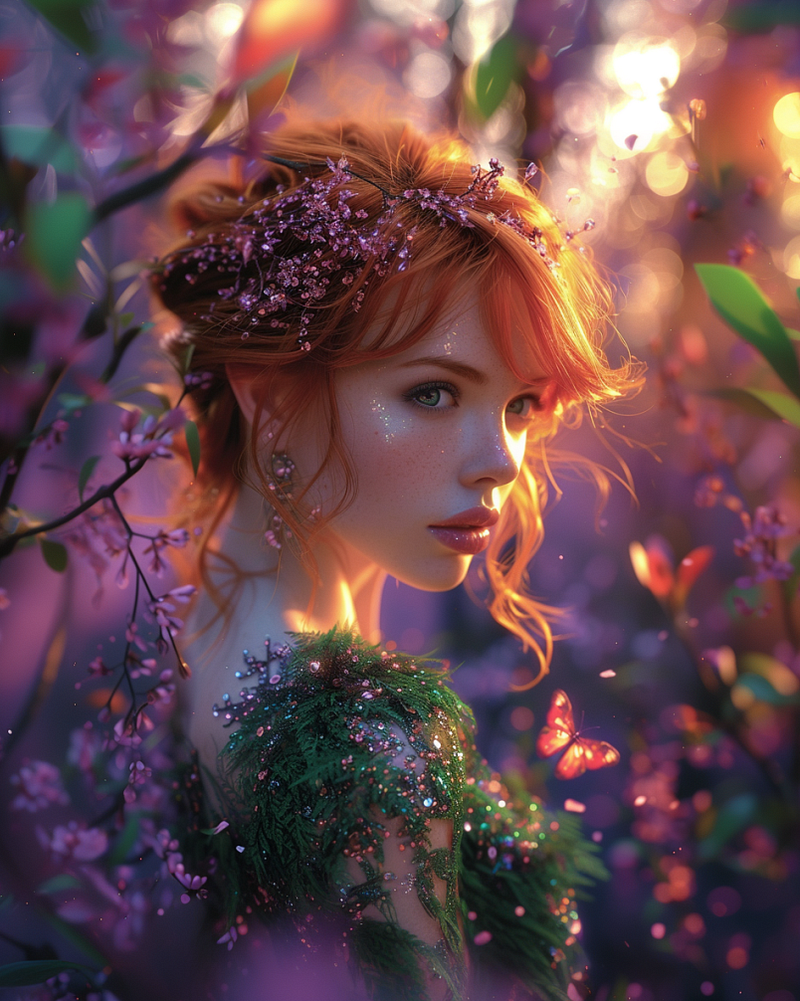
I zoomed out 1.3x, and this is the result:
After that, I zoomed out once again with Zoom 2x:
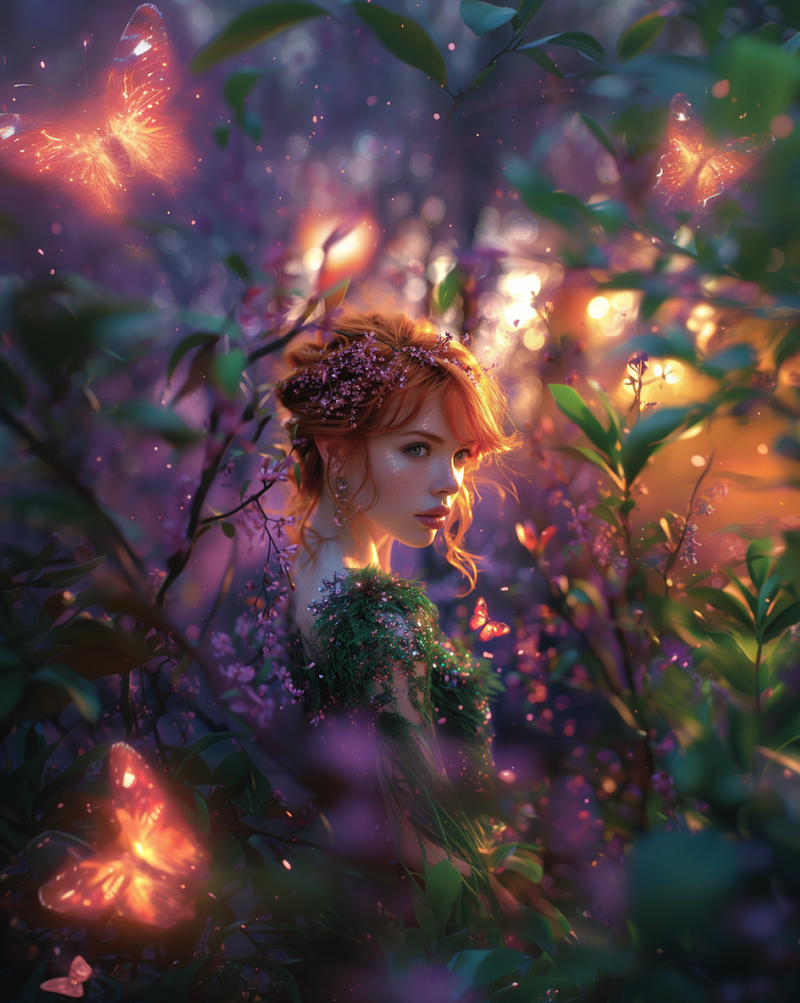
I love how this turned out! As if you would look at a beautiful fairy hidden like a treasure in a magical forest!
Another example from the same prompt with 2x Zoom out:
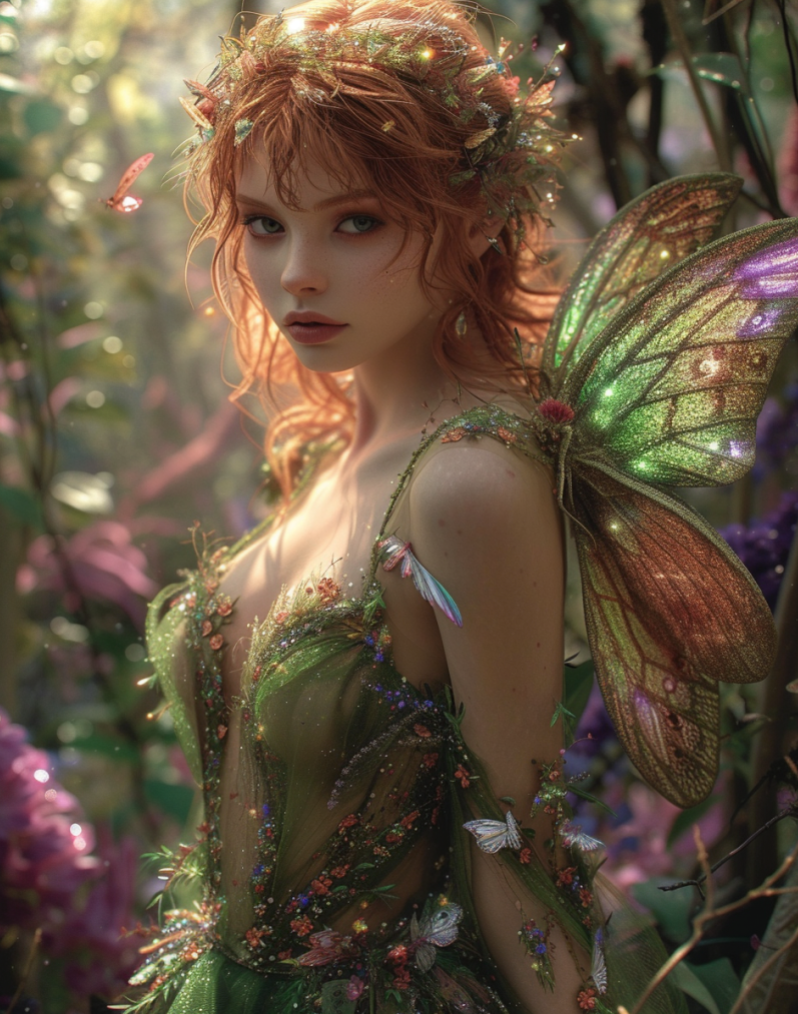
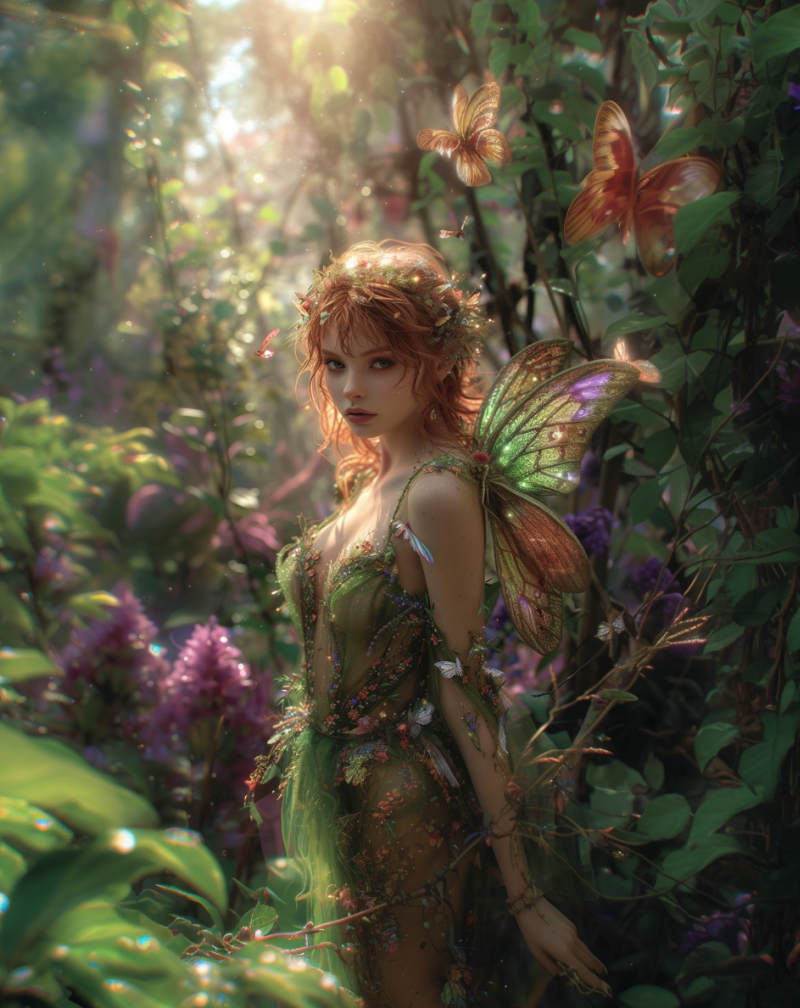
You can also use the feature “Make square” only on Discord:
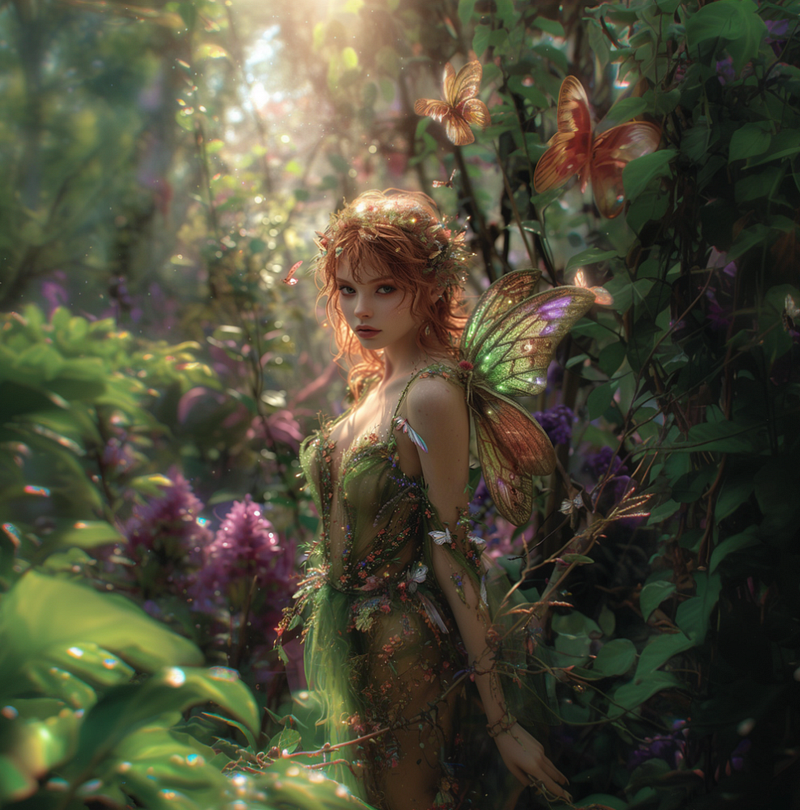
I compared Upscale(subtle) on the left and Upscale(creative) on the right.
I like the subtle upscale better this time; what do you think?
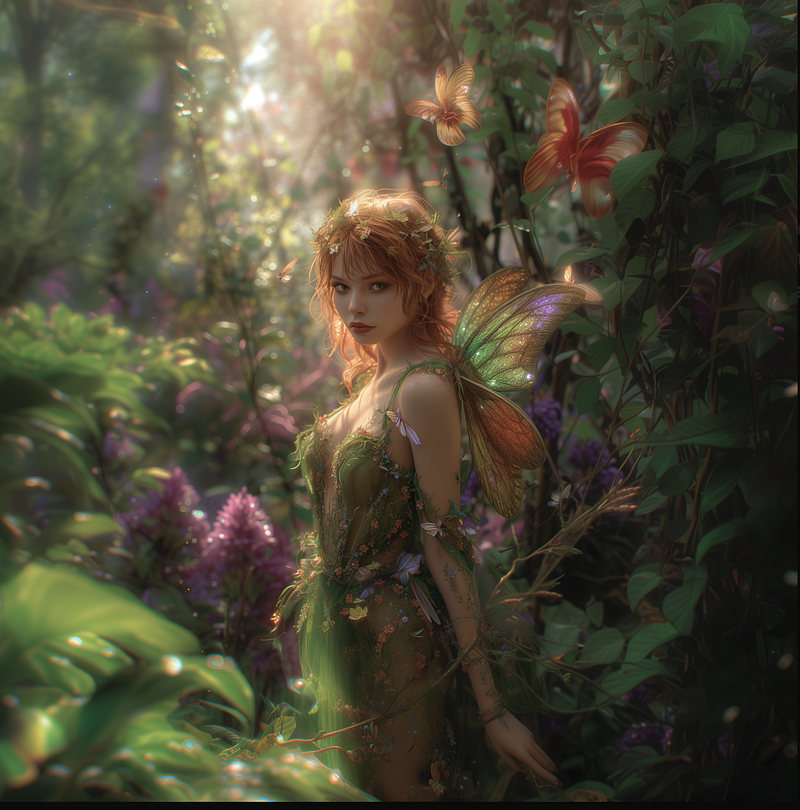
I will test other features soon and write about them in other stories before this one gets too long. I will link them here; expect them later today!
The pan feature:
If you enjoyed this story:
Clap 50 times and follow me
Subscribe to my Newsletter
Follow AI Art and Business publication
Much love,
Stella Sky


