
Midjourney V6 has another cool update!
A new way to create images with style!
I was creating new images and prompts for my free community “AI Business Mastermind” with Midjourney, as I noticed a new feature on https://alpha.midjourney.com/ website.
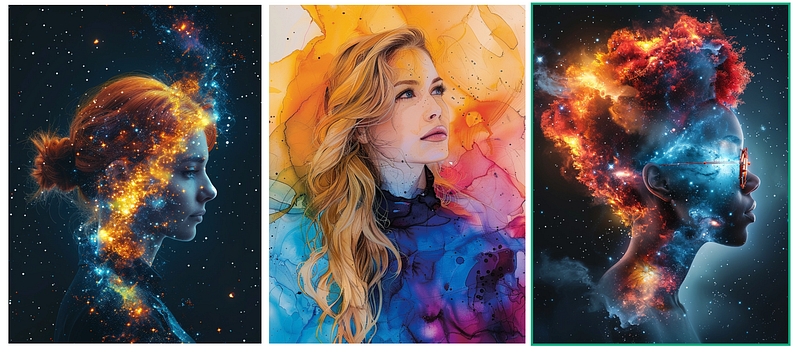
You can now use the “style” button to create new images with this style.
Let me show you an example. I had an idea of an abstract portrait with an alcohol ink technique. So I created the first backgrounds with this prompt:
alcohol ink background, dreamy pastel, light-apricot colors, mint colors, aquamarine — chaos 40 — ar 3:4 — stylize 700
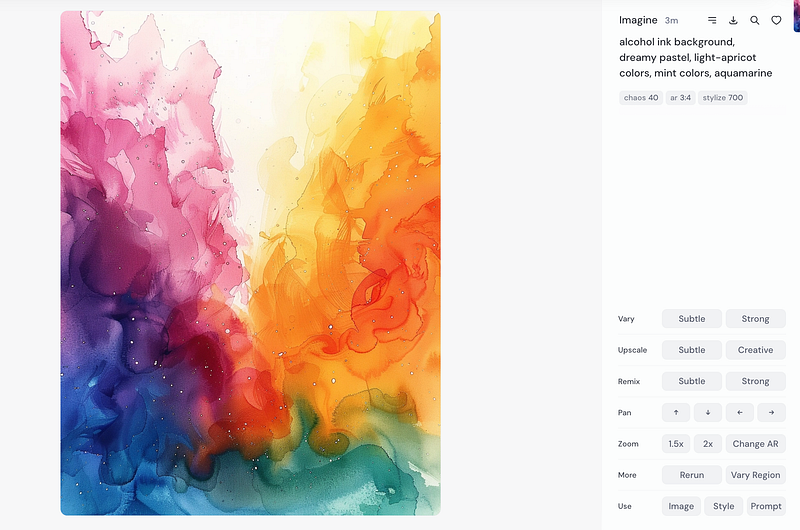
You can see now at the bottom a new button, “style.” Press it to create a new image with this style. A new /imagine command will come up. Enter your prompt. My prompt was:
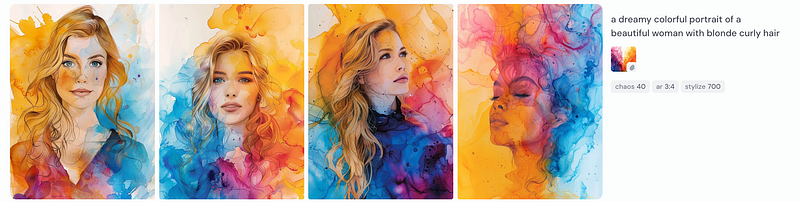
a dreamy colorful portrait of a beautiful woman with blonde curly hair — chaos 40 — ar 3:4 — sref https://cdn.midjourney.com/58f67a9c-6154-42c0-8ef0-8e87fbd25d81/0_1.png — stylize 700
These are the results:
Tired of being a starving AI artist? ‘AI Business Mastermind’ is your ticket out. Dive into my online course with 10 modules dedicated to turning AI into profit, and join a community that boosts your business skills. Grab this special rate and start thriving!
USE DISCOUNT CODE: AIMEDIUM40 to get 40% off!
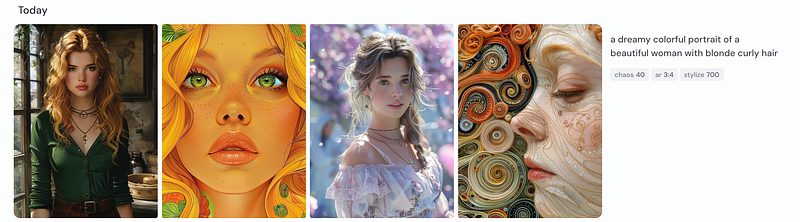
If I use the prompt without a style, I will get these results:
Love AI and want to make money with it but don’t know where to start? Start here, and download this FREE guide with 10 proven money-making ideas, which I use every day!
I also tried another possibility and added a screenshot of this image to the prompt with the + button:
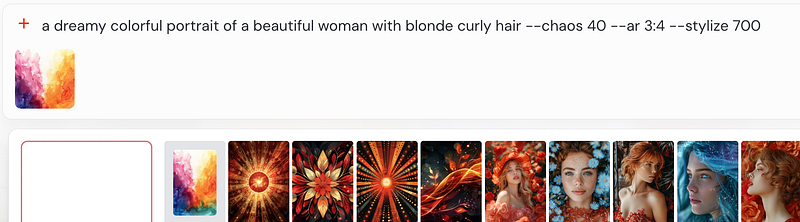
Here are the results of this variation:
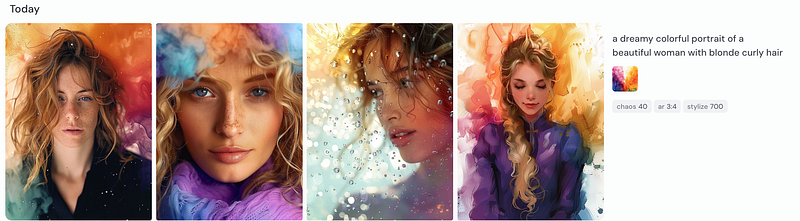
This is also interesting, but I wanted the results to be more like I got them with the style button. The styles were announced before, you can use them by adding -sref and the image URL. I wrote an article about it here:
You can customize it more that way, but if I am honest, that button is more practical and I will use it for sure more often, than the manual option.
Another example prompt for the style:
beautiful space nebula illustration, colorful and sparkling — chaos 40 — ar 3:4 — stylize 700
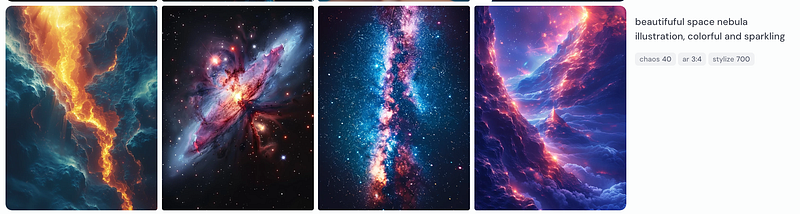
I chose this image as my style:
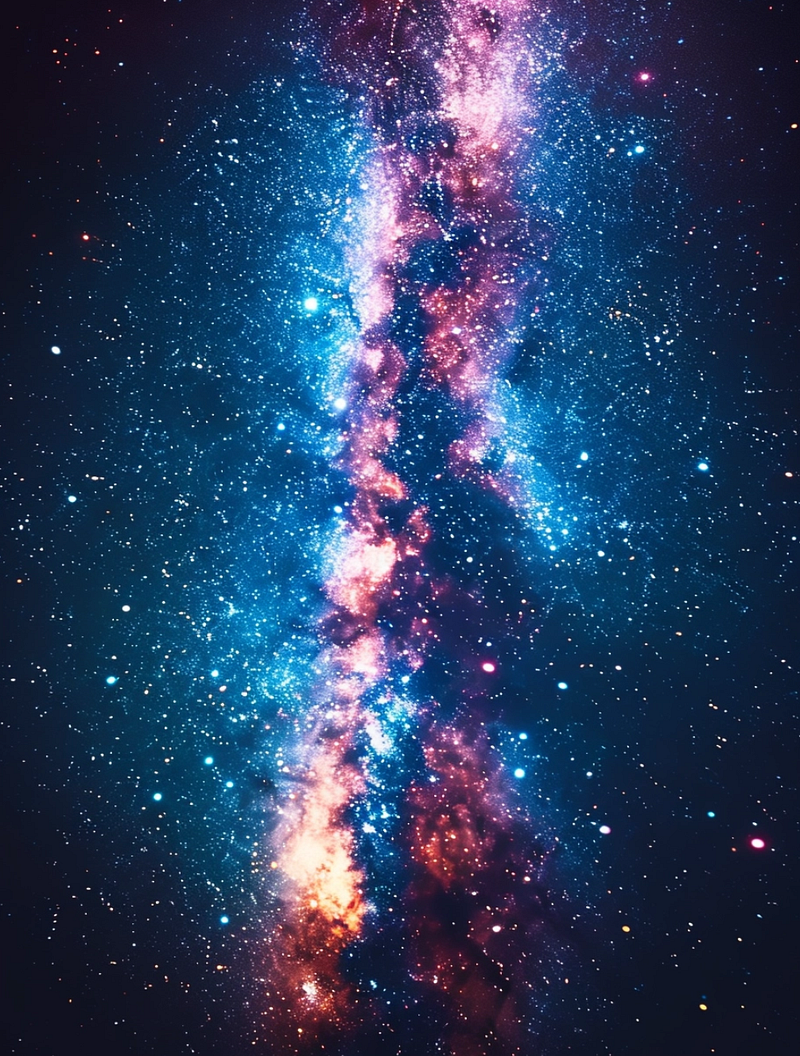
I made this prompt for this style to create new images for my second paid community on Skool, which is now the most lucrative business opportunity for online creators.
These are the results:
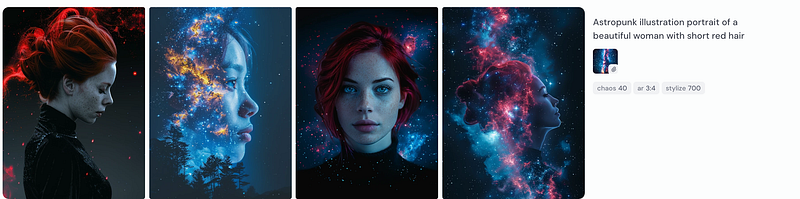
One more rerun:
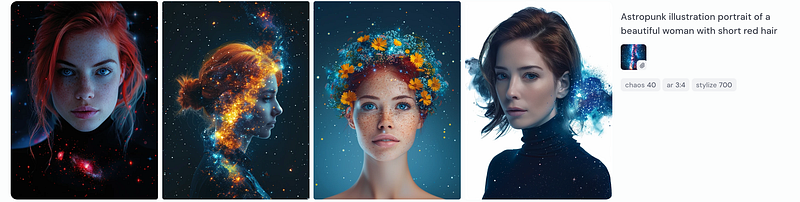
What do you think? Will you use this feature with the “style” button?
If you enjoyed this story:
Clap 50 times and follow me
Subscribe to my Newsletter
Follow AI Art and Business publication
Much love,
Stella Sky


