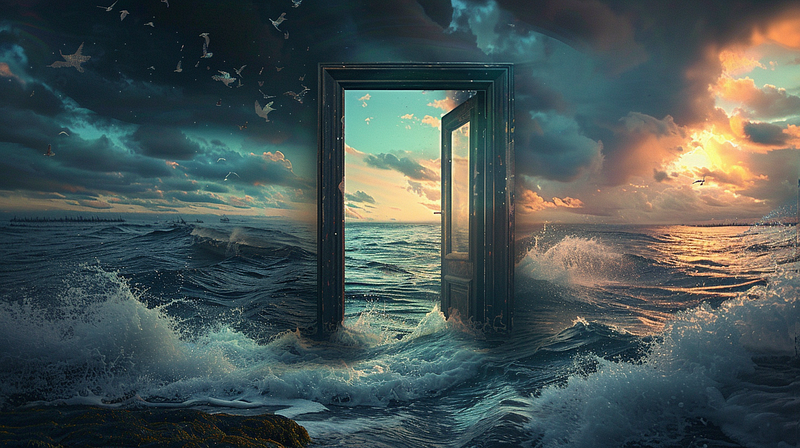
Midjourney Promptcraft — Temporal Fluctuations
Explore flux and change and take a deep dive into the creative process of Midjourney prompting.
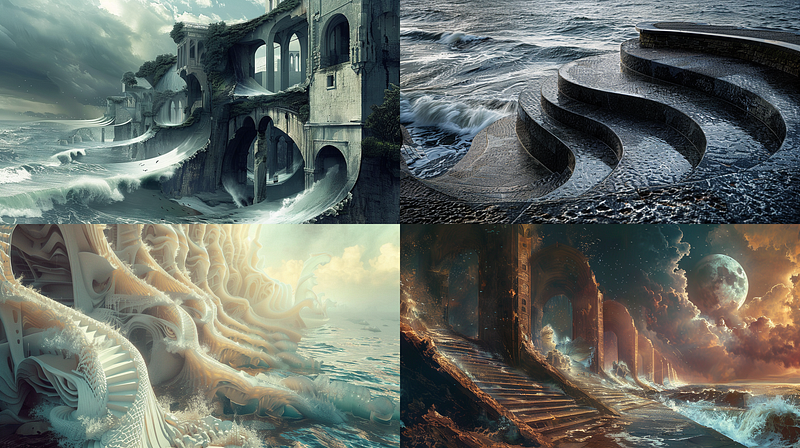
In the first half, we will explore the imagery, and in the second half, we will dive deeply into the creative process and find ways to vary our results in new and interesting ways. I am naturally attracted to styles like surrealism and abstraction with Midjourney because it does them so well. It is easier to overlook the odd things that AI tosses into images when they are already a bit out there. It makes it easier to simply appreciate the beauty.
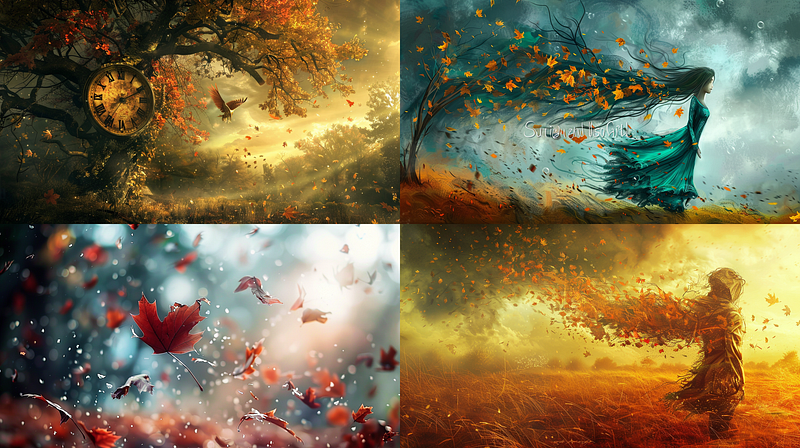
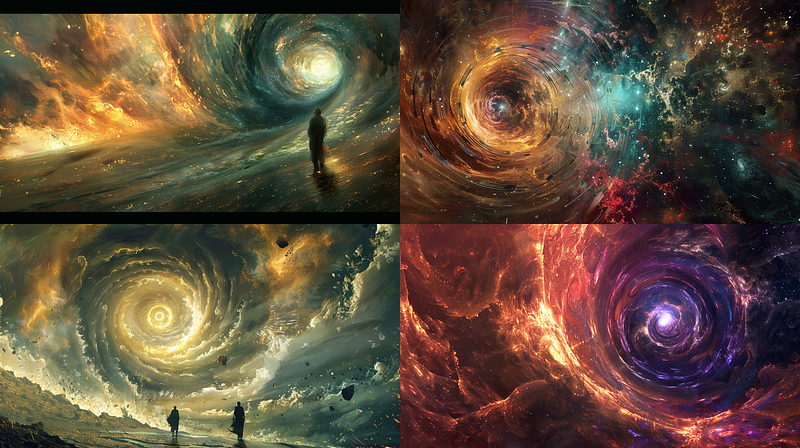
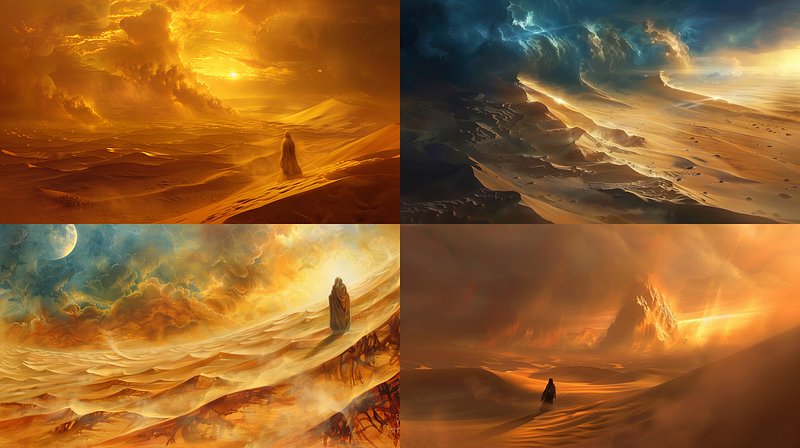
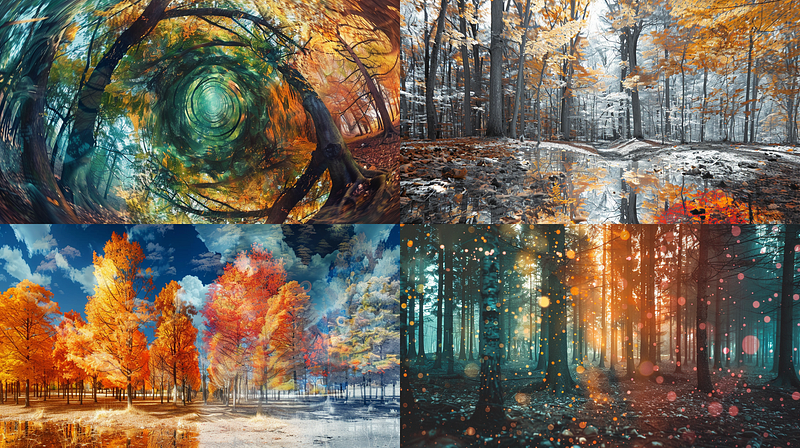
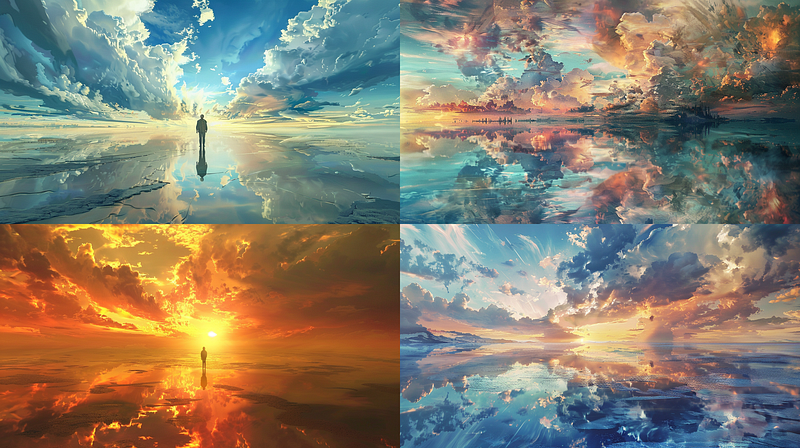
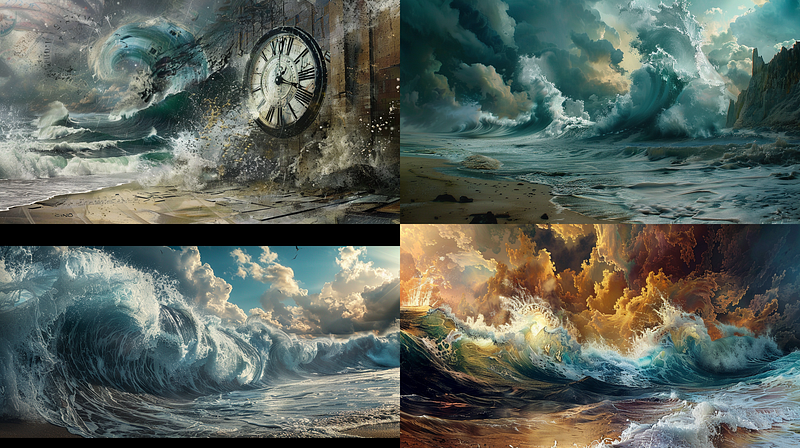
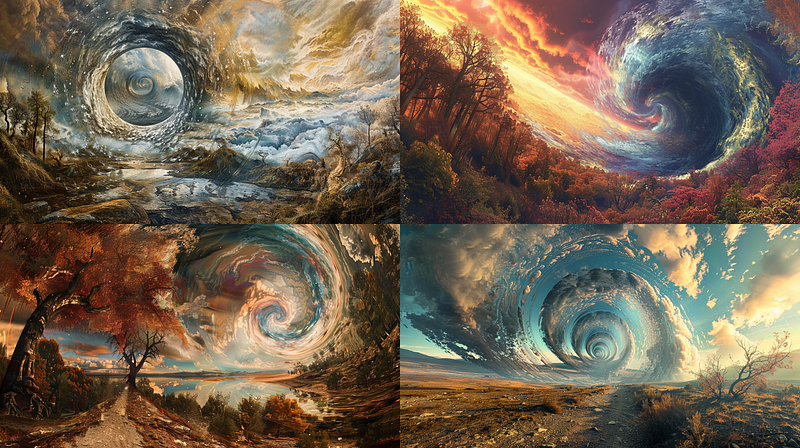
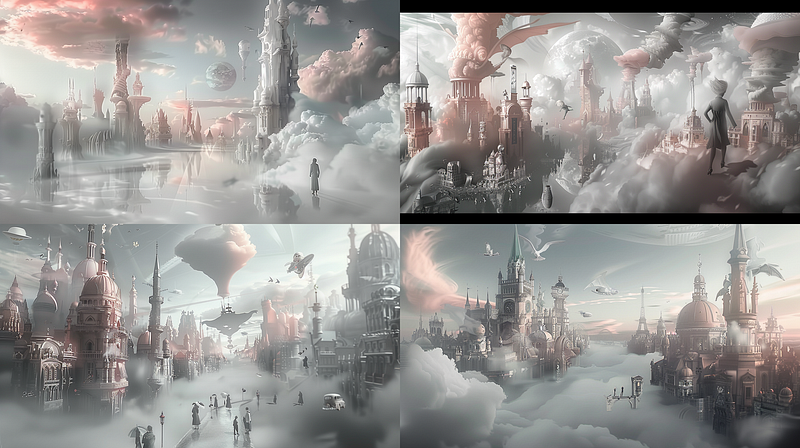
Diving into Temporal Fluctuations is like witnessing the dance of time itself, where every moment is fleeting and eternal. Imagine seeing the world in a state of constant flux: landscapes gently shaped by the slow caress of the elements, beauty flashing into existence only to vanish the next second. Here, the changing of seasons, the cycle of life and death, and the rhythms that pulse through nature invite us to reflect on the ephemeral yet enduring essence of existence.
This theme resonates because it connects with the core of our being, challenging us to embrace the passage of time with all its sorrows and joys. It’s an invitation to ponder the impermanent, to celebrate the present, and to recognize our part in the grand continuum of time. Temporal Fluctuations inspire a profound appreciation for the now, the beauty of change, and the legacy we leave behind, urging us to cherish each fleeting moment as a precious gift.
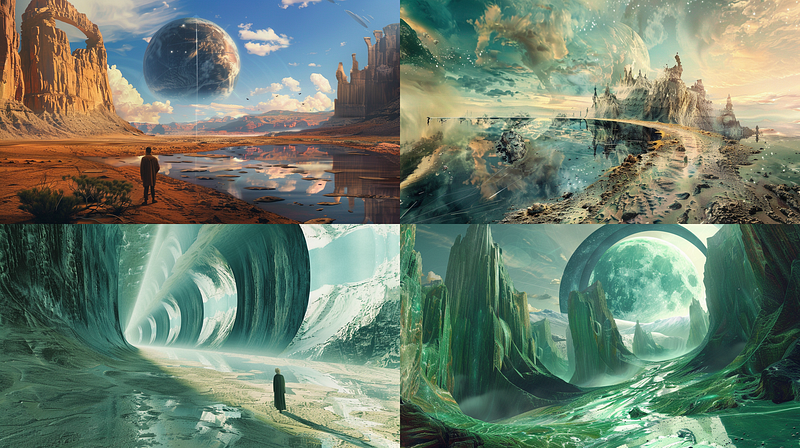
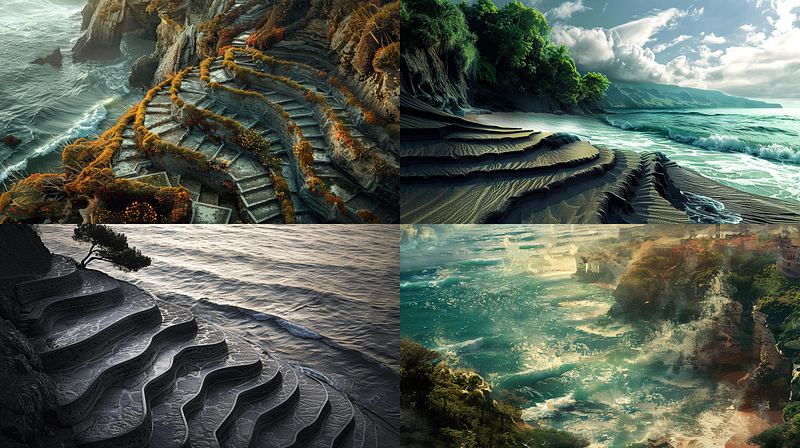
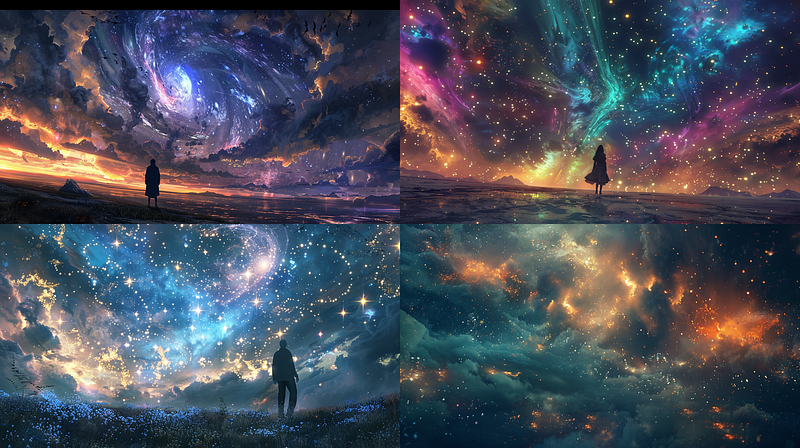
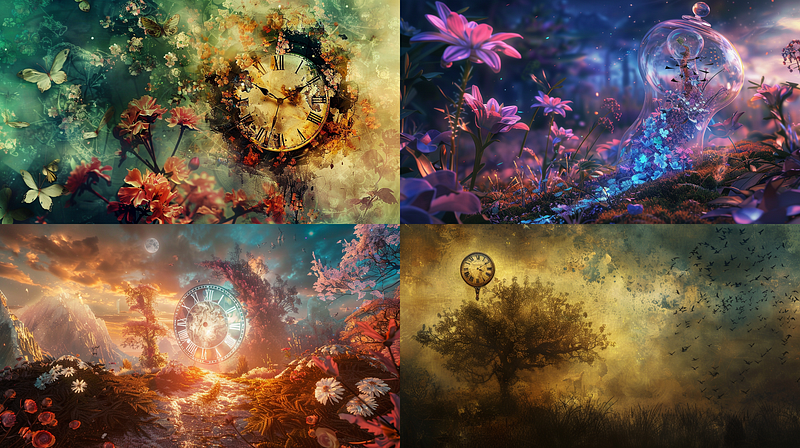
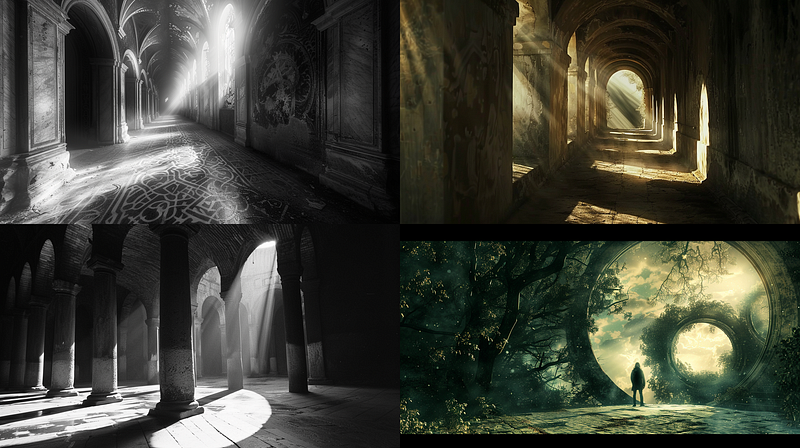
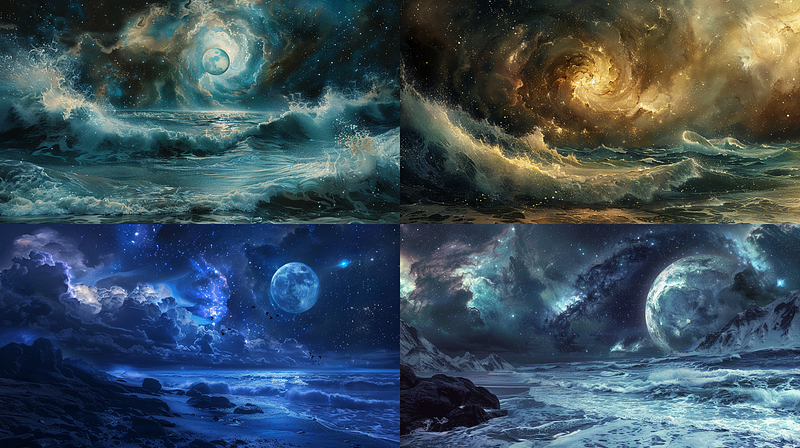
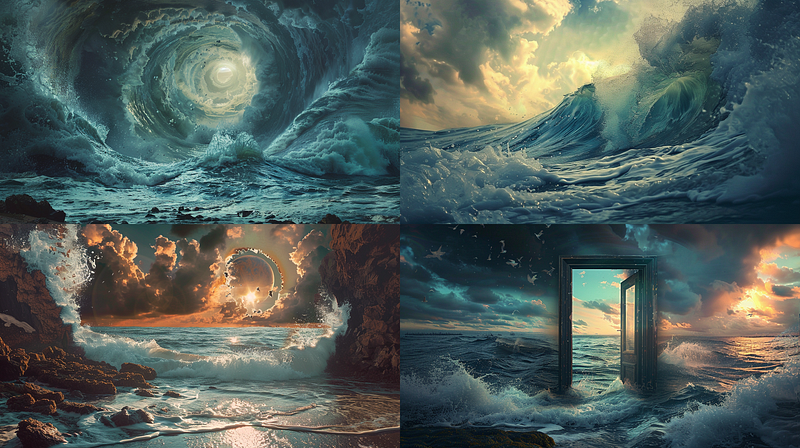
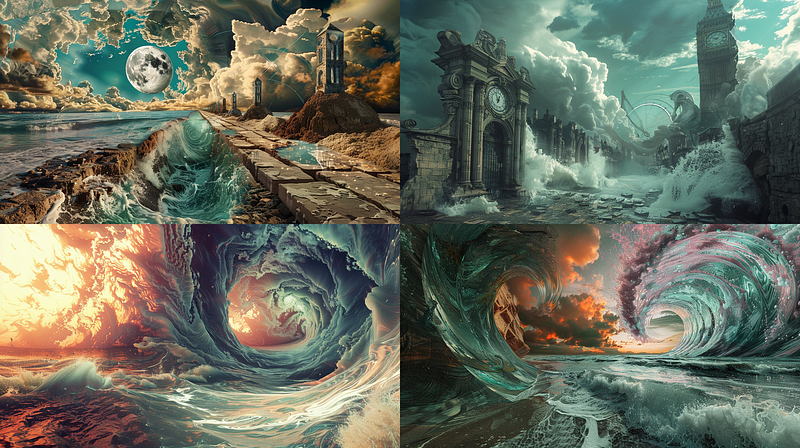
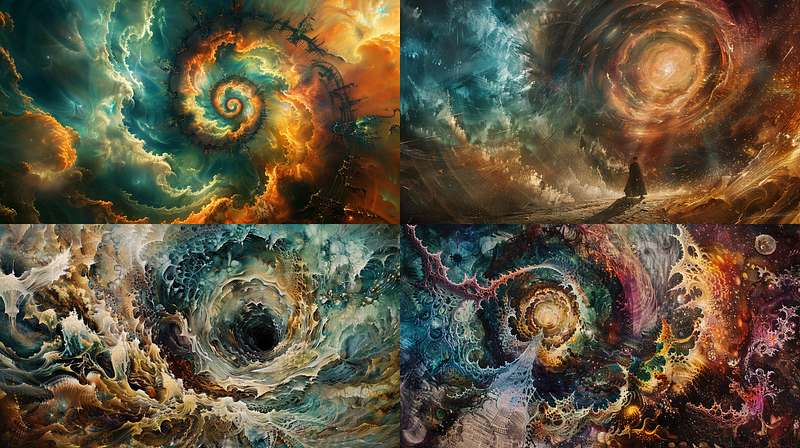
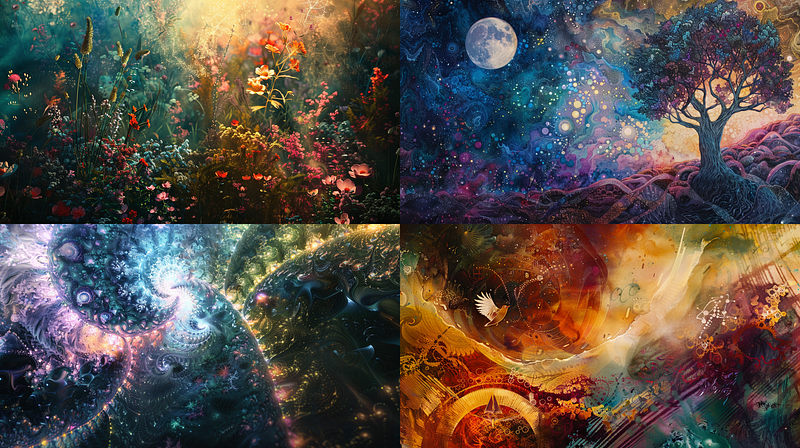
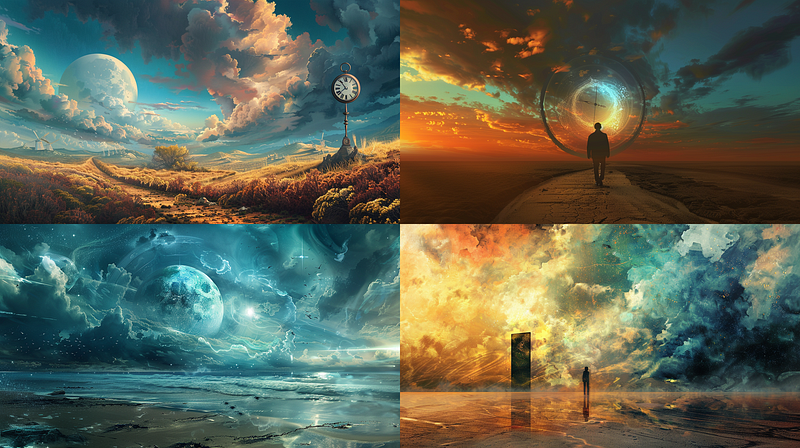
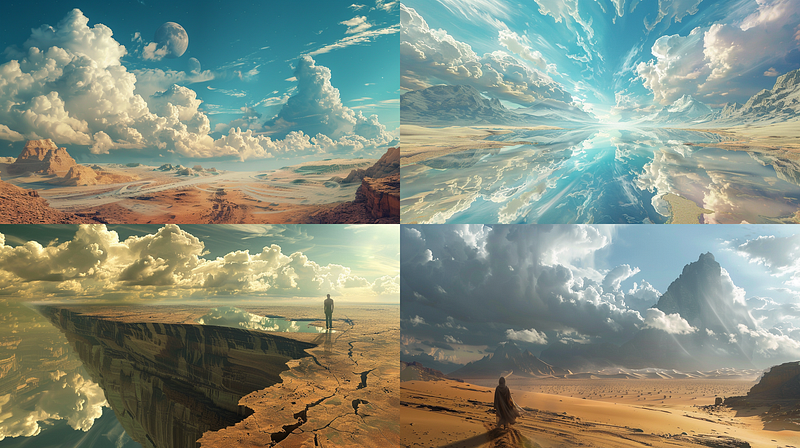
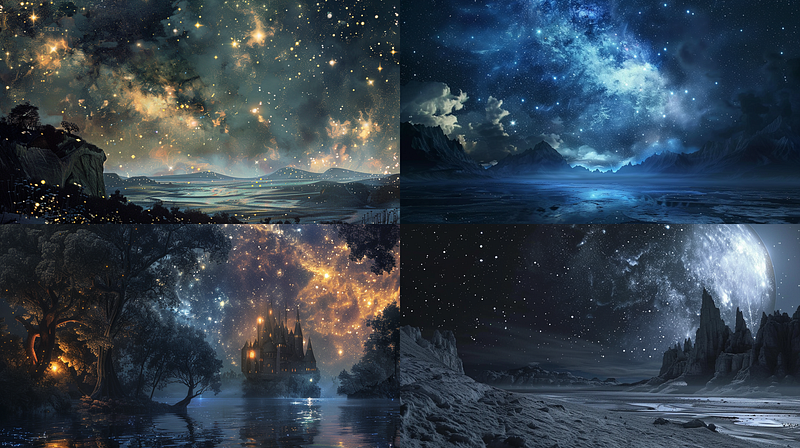
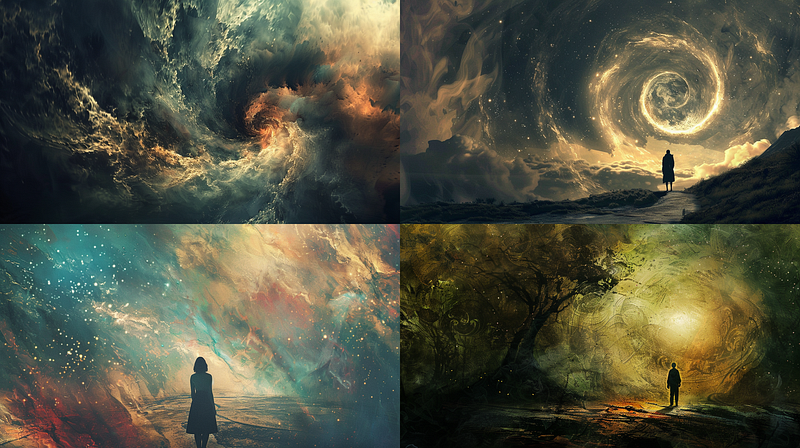
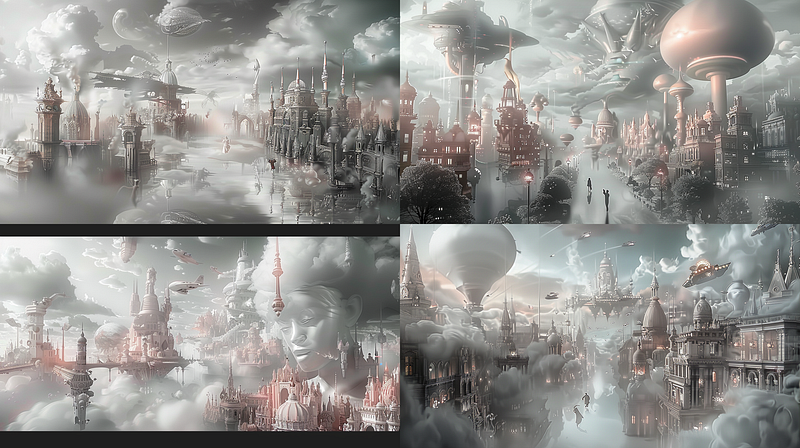
This last one was a broken permutation, where only the last part of a prompt was used due to a misplaced comma. I liked it as it was, though, so I tossed it in. You may have noticed that my prompts all have semicolons where normally you would find commas. This is because I run most of the prompts as permutations, and I found that a semicolon works as well as a comma and does not break my permutations.
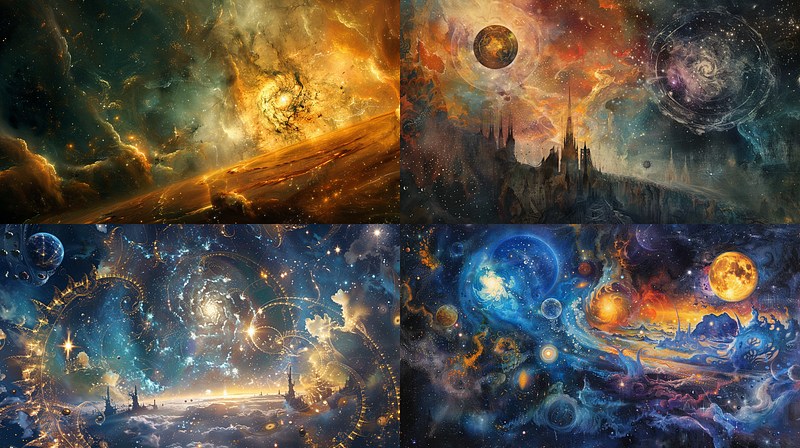
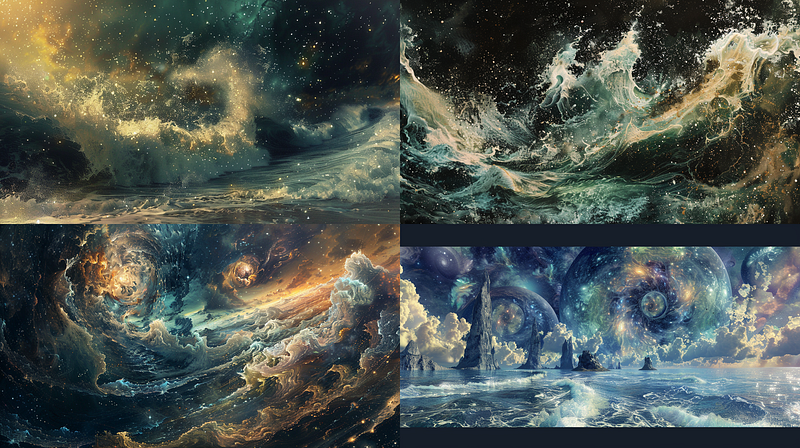
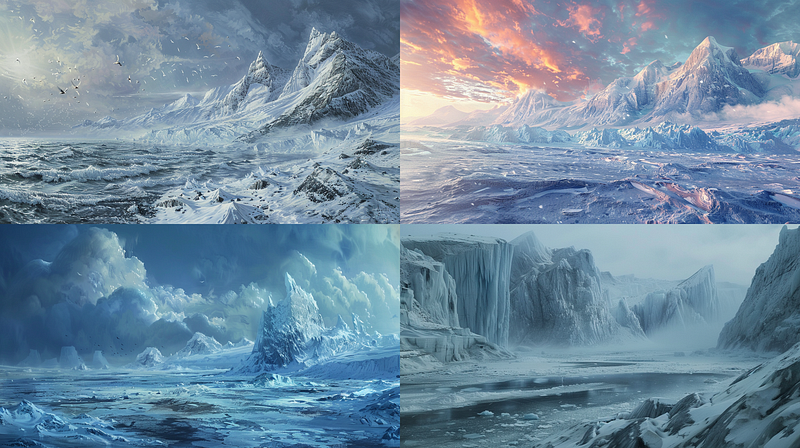
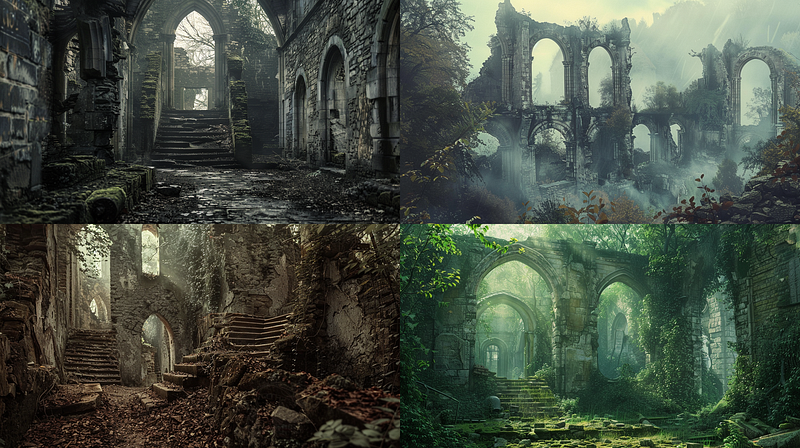
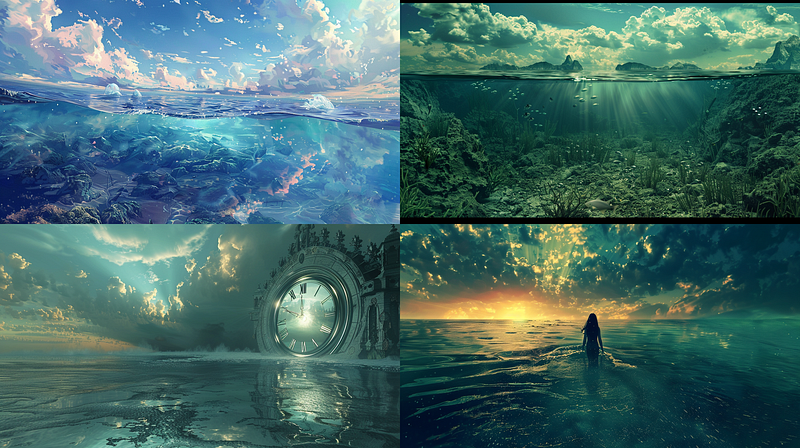
I noticed that Midjourney was adding black bands to my images for no apparent reason. If this happens on an image you want to use, the simple fix is to use the Vary(Region) button and the rectangular select tool to select the black part and a little bit into the image next to it to give it room to work and submit. It will produce a new quad for the image with four different infills for the offending area so you can choose what you like and move forward without the banding.
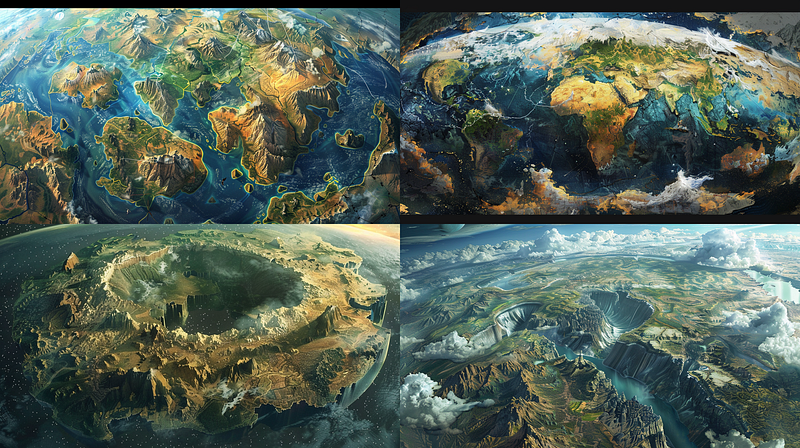
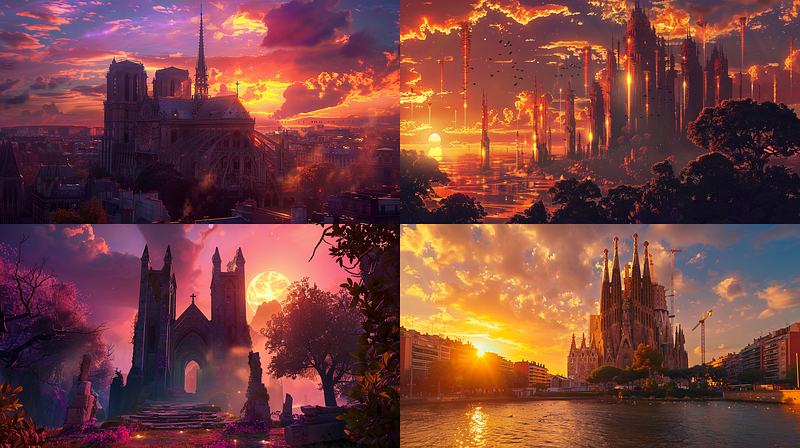
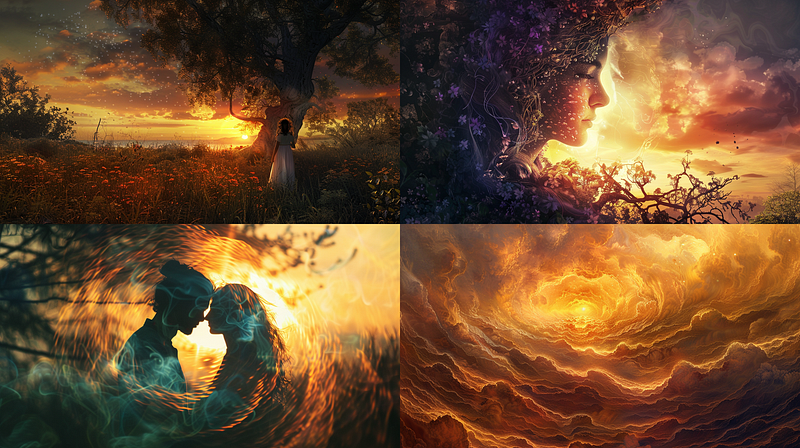
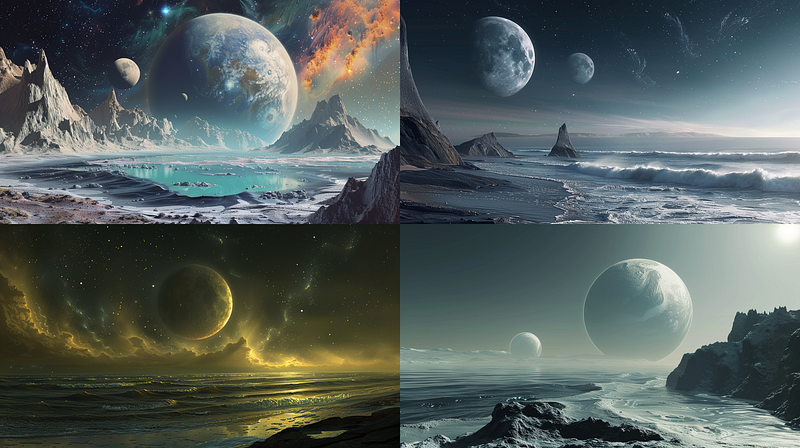
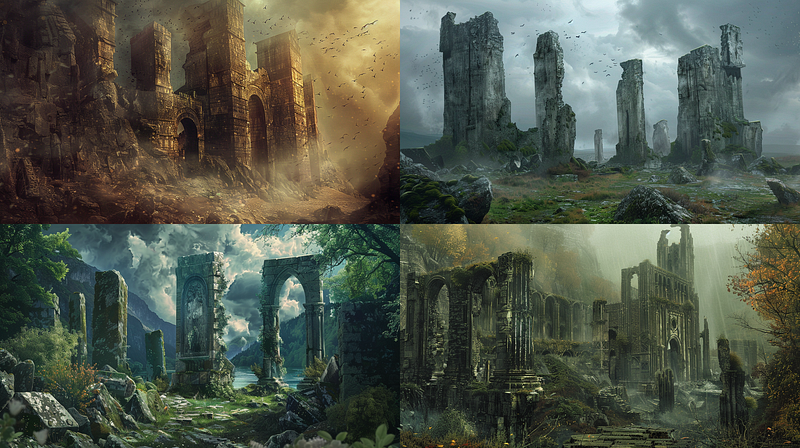
Creative Process — Do more with your creations!
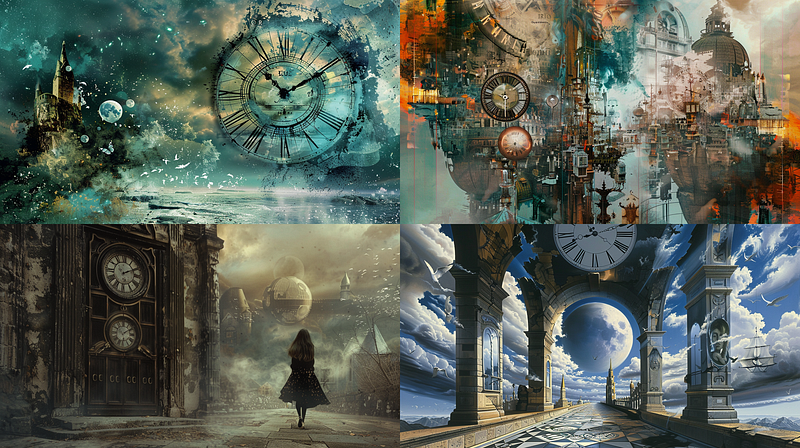
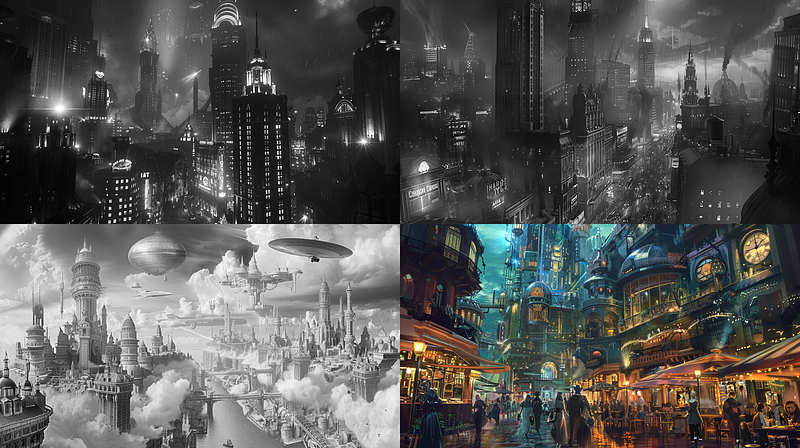
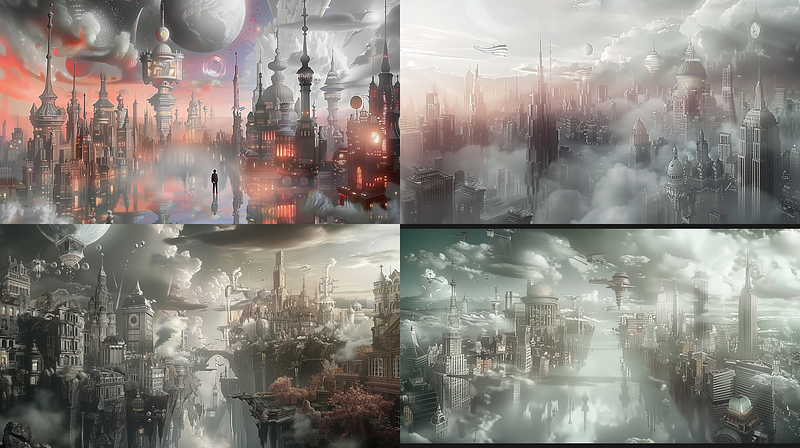
In the quad above the #3 image (bottom left) caught my eye, so I used a strong variation on it and arrived at the image below that I decided to work with.
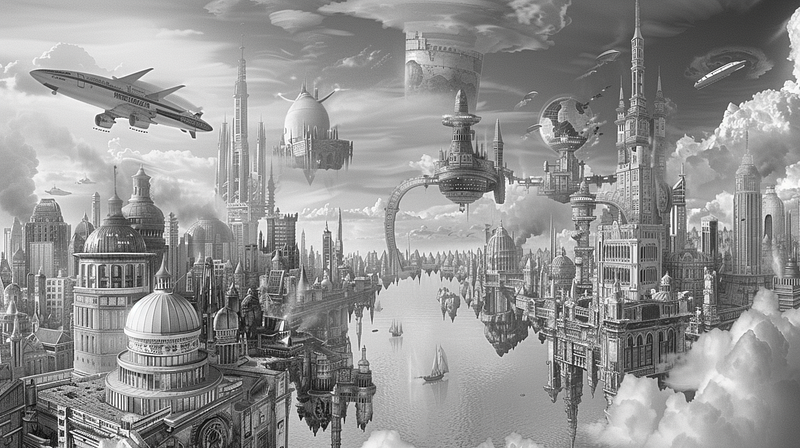
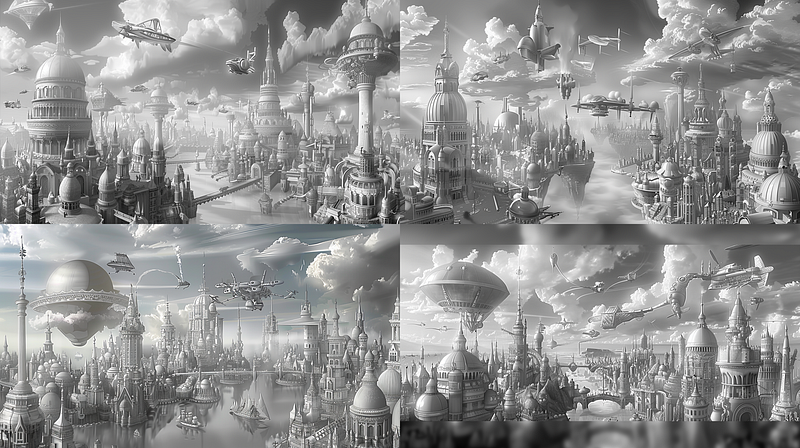
Below, I used the prompt above with that image as an image reference and ran it four times. Notice how color works its way back in. This is because the prompt does not mention black and white. So, colors worked their way back into the image, some more subtly than others.
https://cdn.midjourney.com/22d0f7e5-5c70-4de4-91c9-15e2988544ef/0_2.png A phantom metropolis that fades in and out of dimension; its citizens time travelers by nature --ar 16:9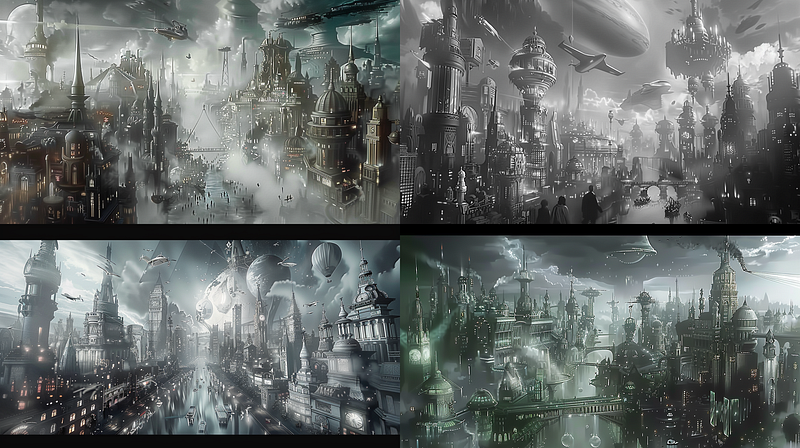
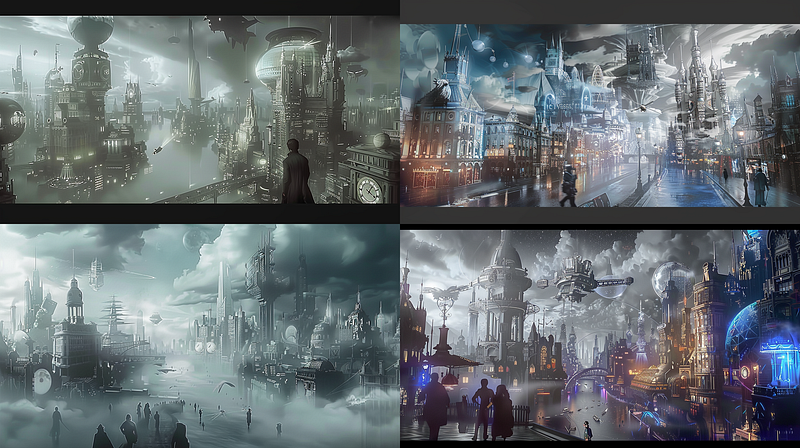
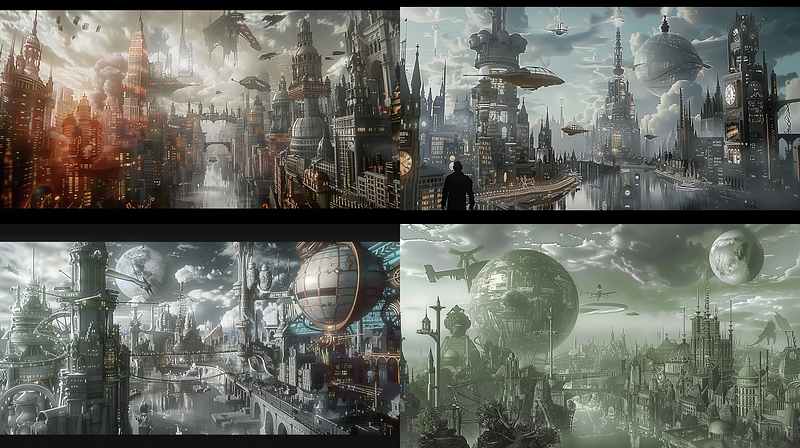
I could have added black-and-white to the prompt to help restrict the use of color. Another option is to use the initial image both as an image prompt and as a style reference image. I did that and ran it four times below.
https://cdn.midjourney.com/22d0f7e5-5c70-4de4-91c9-15e2988544ef/0_2.png A phantom metropolis that fades in and out of dimension; its citizens time travelers by nature --ar 16:9 --sref https://cdn.midjourney.com/22d0f7e5-5c70-4de4-91c9-15e2988544ef/0_2.png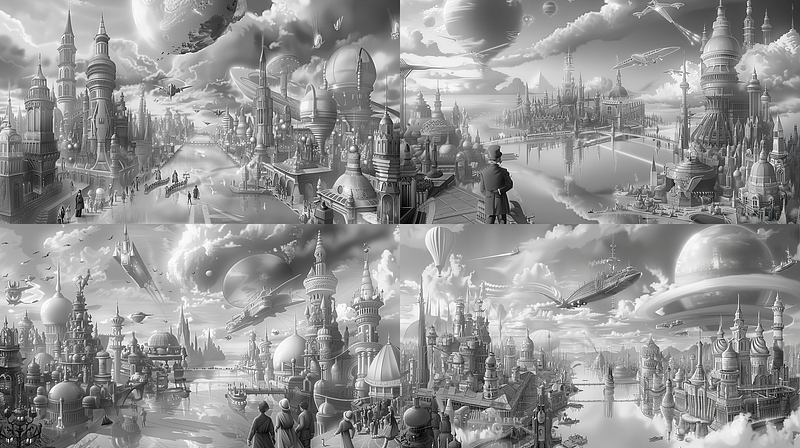
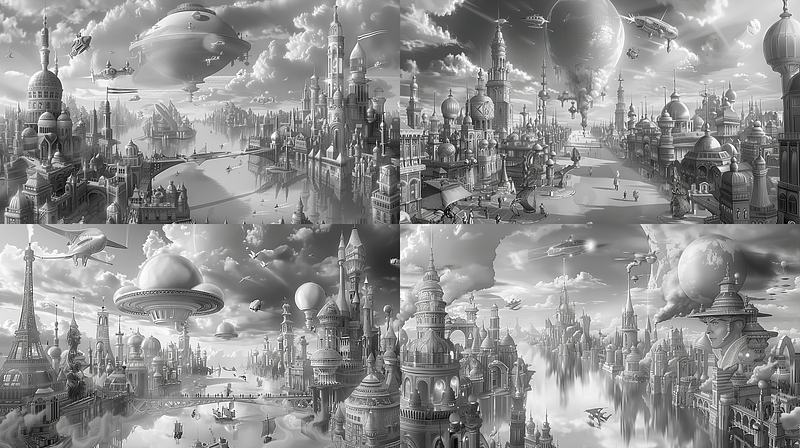
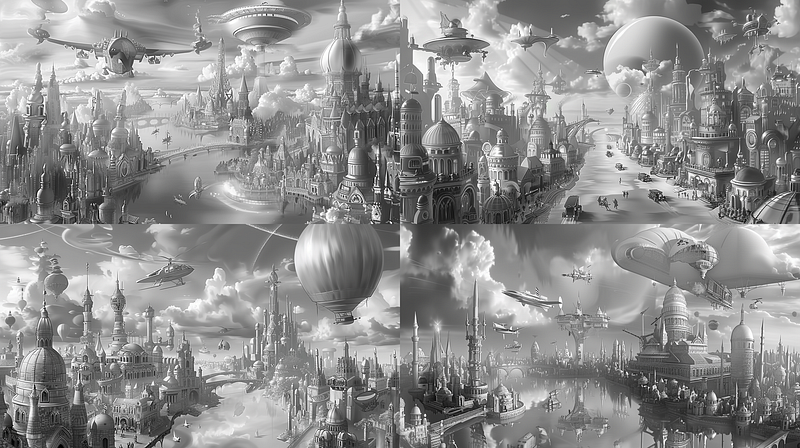
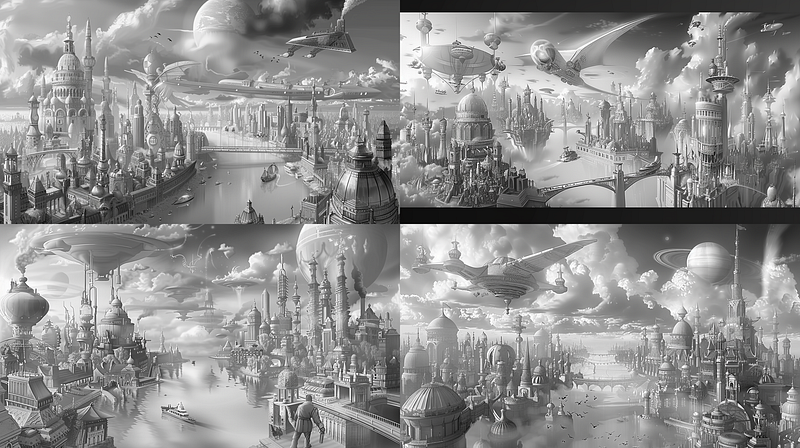
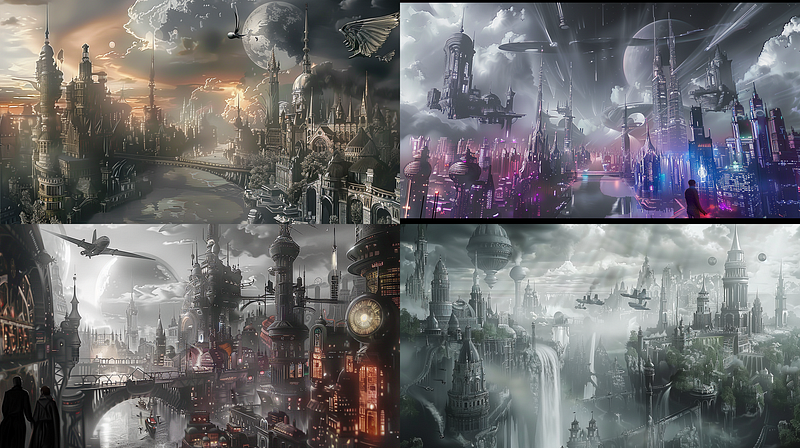
To illustrate how changing the prompt and adding colors works, I have run the images below with the addition of “The sky is an azure gradient with blazing white fluffy clouds. The buildings are an array of pastel grays. Brightly colored air vehicles dot the sky” in the prompt. The left image below uses the image prompt and style as above, and the right image uses only the prompt and image prompt without a style reference. Notice how the left one only gave me any color in #3; this is the power of the style reference. My color information in the prompt came through on the right, when prompted without the style reference.
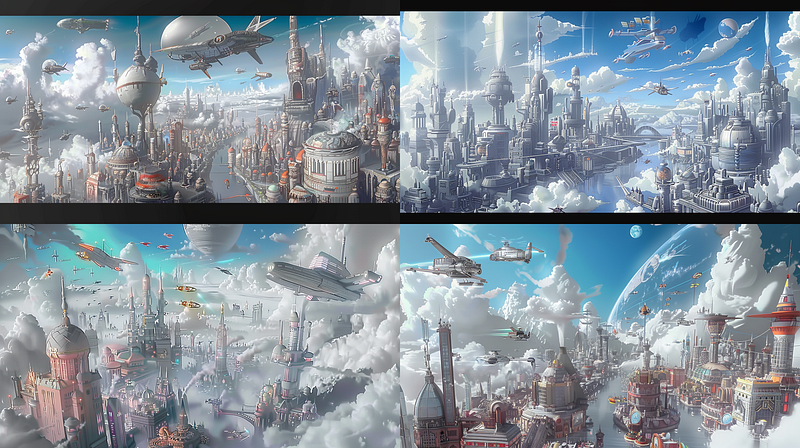
LEFT: https://cdn.midjourney.com/22d0f7e5-5c70-4de4-91c9-15e2988544ef/0_2.png A phantom metropolis that fades in and out of dimension; its citizens time travelers by nature. The sky is an azure gradient with blazing white fluffy clouds.  The buildings are an array of pastel grays. Brightly colored air vehicles dot the sky. --ar 16:9 --sref https://cdn.midjourney.com/22d0f7e5-5c70-4de4-91c9-15e2988544ef/0_2.png

RIGHT: https://cdn.midjourney.com/22d0f7e5-5c70-4de4-91c9-15e2988544ef/0_2.png A phantom metropolis that fades in and out of dimension; its citizens time travelers by nature. The sky is an azure gradient with blazing white fluffy clouds.  The buildings are an array of pastel grays. Brightly colored air vehicles dot the sky. --ar 16:9
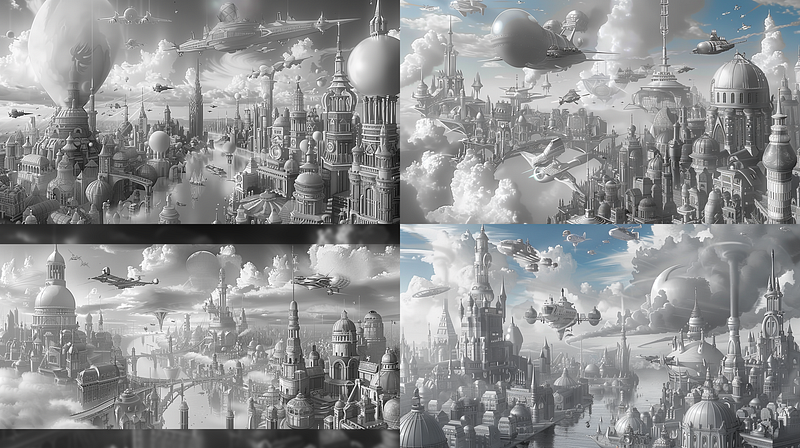
Style weight can be used to dial down the power of the style reference. Below, I ran the same prompt as above with the style reference and added a style weight from 75 to 10. Notice that at 75, the quad is still grayscale; at 50, we start to see blue, and at 10, the pastel grays come out in the image.
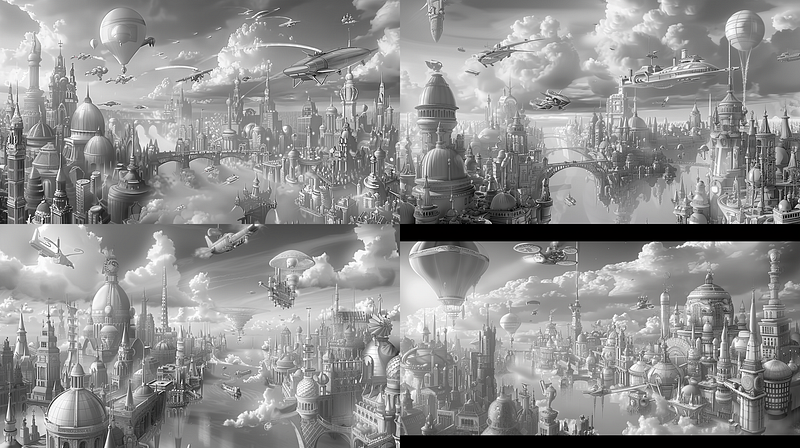
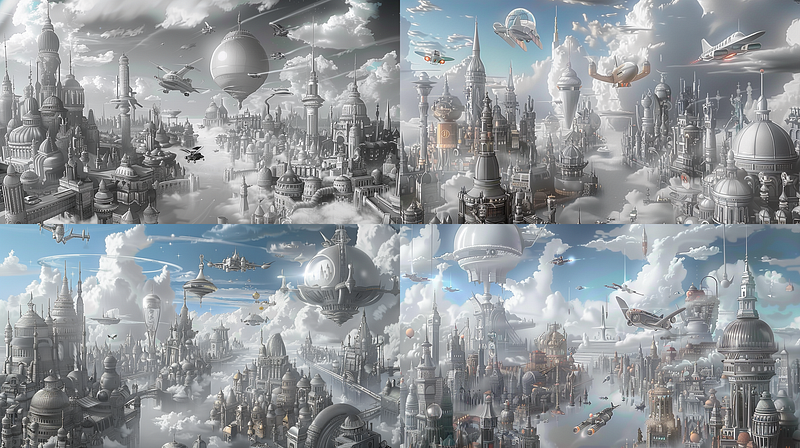
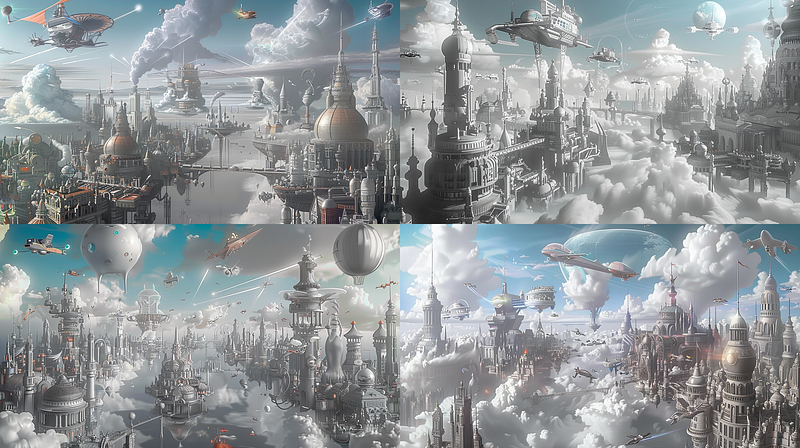
75:  https://cdn.midjourney.com/22d0f7e5-5c70-4de4-91c9-15e2988544ef/0_2.png A phantom metropolis that fades in and out of dimension; its citizens time travelers by nature. The sky is an azure gradient with blazing white fluffy clouds.  The buildings are an array of pastel grays. Brightly colored air vehicles dot the sky. --ar 16:9 --sref https://cdn.midjourney.com/22d0f7e5-5c70-4de4-91c9-15e2988544ef/0_2.png --sw 75

50: https://cdn.midjourney.com/22d0f7e5-5c70-4de4-91c9-15e2988544ef/0_2.png A phantom metropolis that fades in and out of dimension; its citizens time travelers by nature. The sky is an azure gradient with blazing white fluffy clouds.  The buildings are an array of pastel grays. Brightly colored air vehicles dot the sky. --ar 16:9 --sref https://cdn.midjourney.com/22d0f7e5-5c70-4de4-91c9-15e2988544ef/0_2.png --sw 50

25: https://cdn.midjourney.com/22d0f7e5-5c70-4de4-91c9-15e2988544ef/0_2.png A phantom metropolis that fades in and out of dimension; its citizens time travelers by nature. The sky is an azure gradient with blazing white fluffy clouds.  The buildings are an array of pastel grays. Brightly colored air vehicles dot the sky. --ar 16:9 --sref https://cdn.midjourney.com/22d0f7e5-5c70-4de4-91c9-15e2988544ef/0_2.png --sw 25

10: https://cdn.midjourney.com/22d0f7e5-5c70-4de4-91c9-15e2988544ef/0_2.png A phantom metropolis that fades in and out of dimension; its citizens time travelers by nature. The sky is an azure gradient with blazing white fluffy clouds.  The buildings are an array of pastel grays. Brightly colored air vehicles dot the sky. --ar 16:9 --sref https://cdn.midjourney.com/22d0f7e5-5c70-4de4-91c9-15e2988544ef/0_2.png --sw 10
More ways to add depth and color
With simple tweaks to your prompts, there are many fun ways to spice up images. Your image will change every time, so it is important not to get too attached to a particular image if you want to explore it. Perhaps one day, Midjourney will have a tool for “keeping this image composition exactly how it is and then adding….” but we aren’t there yet.
I explored these techniques in depth in this older article:
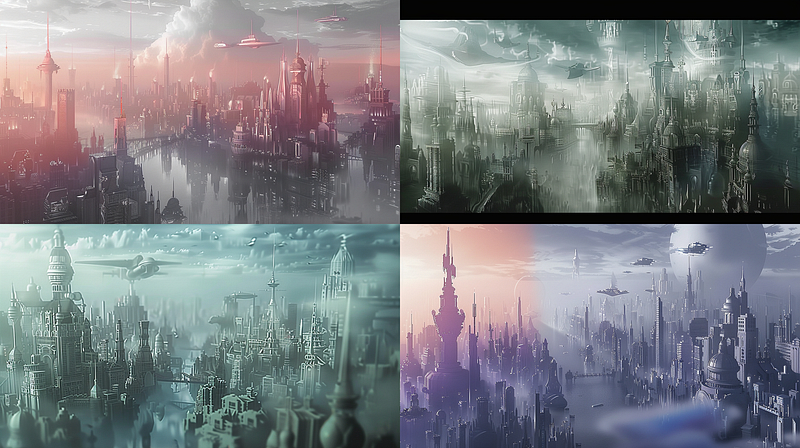
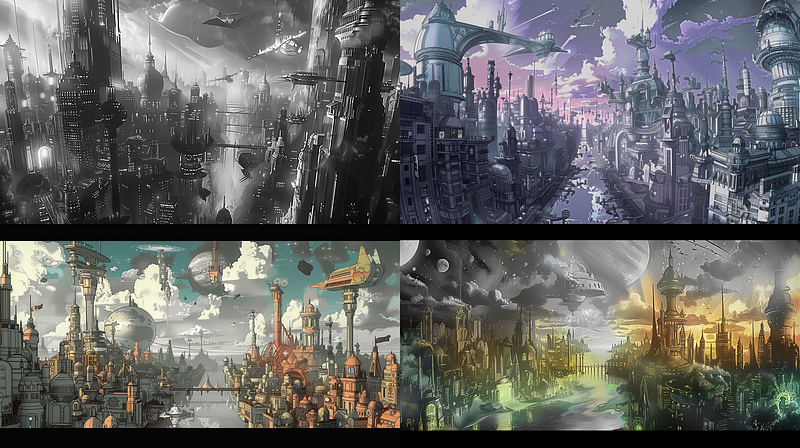
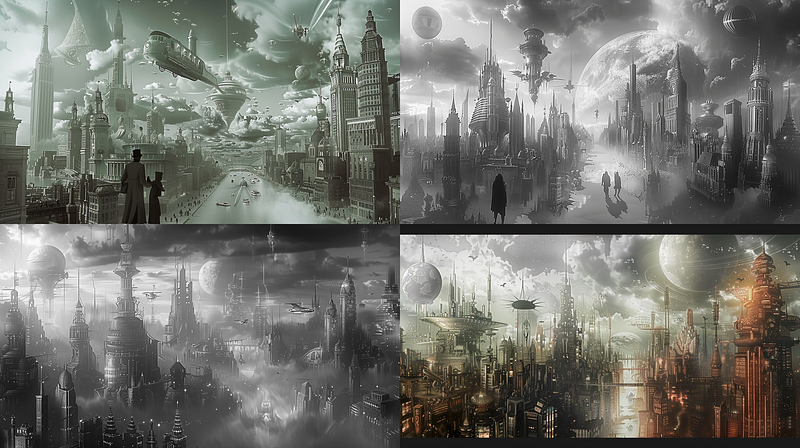
https://s.mj.run/lv812cTUTWU A phantom metropolis that fades in and out of dimension; its citizens time travelers by nature. Colored by a noticeable saturation gradient. --ar 16:9

https://s.mj.run/lv812cTUTWU A phantom metropolis that fades in and out of dimension; its citizens time travelers by nature. The foreground is rendered in sharp detail, and buildings in the background become progressively more blurred, creating a gradient of clarity. --ar 16:9

https://s.mj.run/lv812cTUTWU A phantom metropolis that fades in and out of dimension; its citizens time travelers by nature. Colored by atmospheric perspective. --ar 16:9

https://s.mj.run/lv812cTUTWU A phantom metropolis that fades in and out of dimension; its citizens time travelers by nature. in the style of sfumato --ar 16:9The Style Reference effect
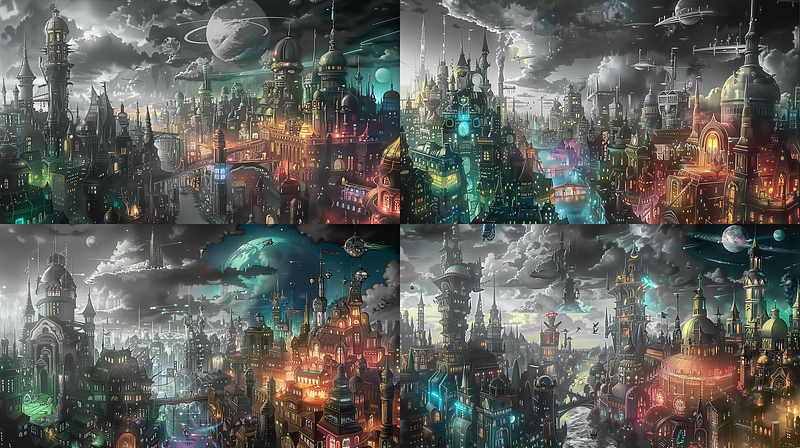
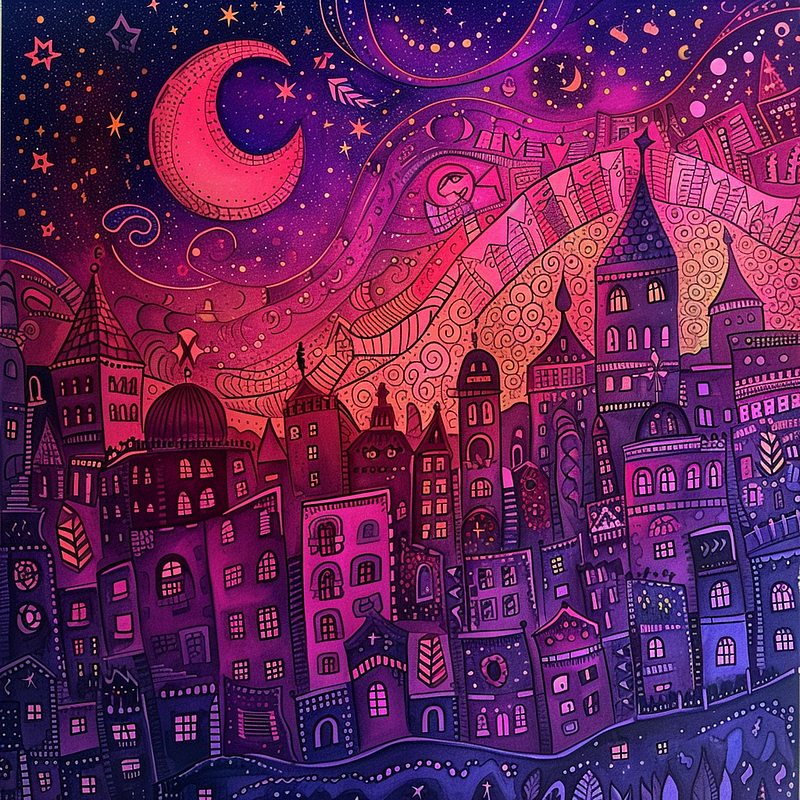
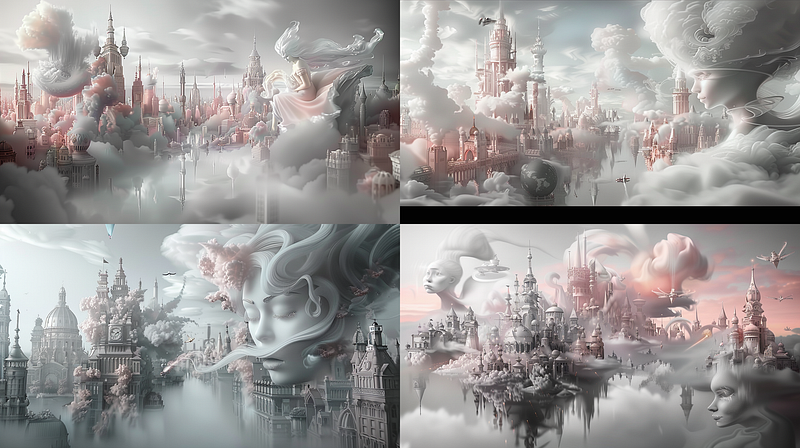
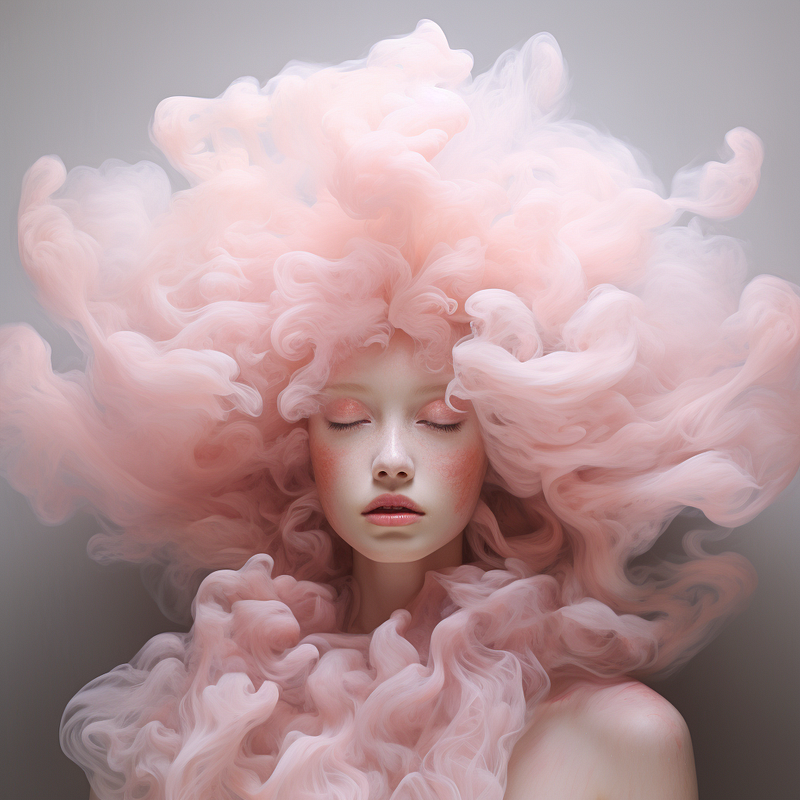
Style references can have a powerful effect if you are trying to pull an image toward a particular aesthetic. As we saw with the black-and-white image used as the style reference and image prompt, wild style references can have even crazier effects. They can, however, have undesirable effects compared to the prompt tweaks above. This would be the criteria for deciding which direction to explore. The images below left are generated using the reference images on the right with the default style weight of 100.
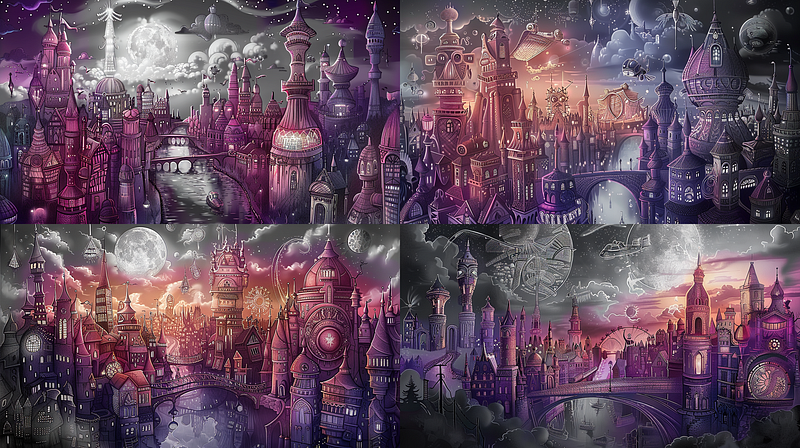
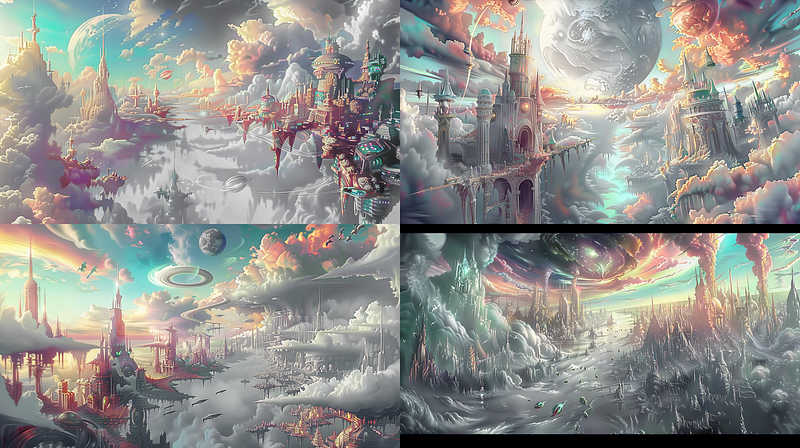
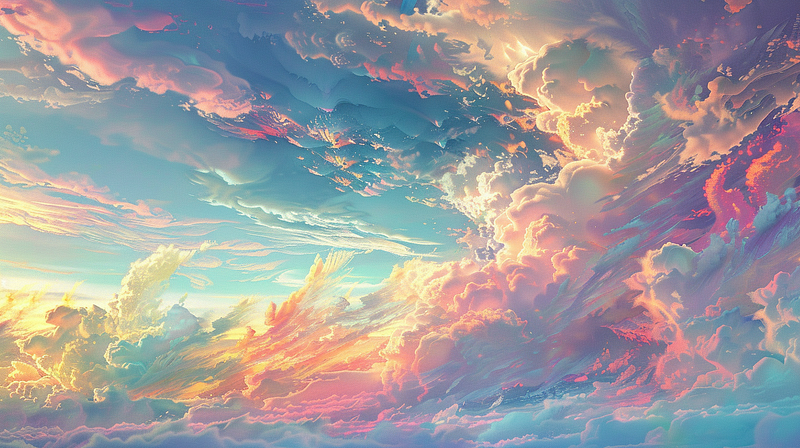
https://cdn.midjourney.com/22d0f7e5-5c70-4de4-91c9-15e2988544ef/0_2.png A phantom metropolis that fades in and out of dimension; its citizens time travelers by nature. --ar 16:9 --sref https://cdn.midjourney.com/46e17dcc-8212-4b2e-9cd3-f29482d1d886/0_2.png

https://cdn.midjourney.com/22d0f7e5-5c70-4de4-91c9-15e2988544ef/0_2.png A phantom metropolis that fades in and out of dimension; its citizens time travelers by nature. --ar 16:9 --sref https://cdn.midjourney.com/95649912-b41e-4856-b8d4-93e01532a3da/0_3.png

https://cdn.midjourney.com/22d0f7e5-5c70-4de4-91c9-15e2988544ef/0_2.png A phantom metropolis that fades in and out of dimension; its citizens time travelers by nature. --ar 16:9 --sref https://cdn.midjourney.com/02fc96a7-0396-4060-8075-5ad7de39b777/0_1.png
Notice how, with this last one, we get faces in the sky. Normally a style reference does not insert characters, I think the issue here is that the reference image almost looks like a face in a cloud and Midjourny takes extra liberties here. This effect can be minimized by bringing the style weight down. Below I have run the same prompt again with a weight of 50, 30, and 10.
In Conclusion
I hope you have enjoyed our journey through Temporal Fluctuations and the deep dive into the creative process for amping up your Midjourney images. If you have been entertained and inspired please leave lots of claps, you have up to 50 to give. You can also follow me so you get all my articles as I publish them. Your engagement means so much and helps motivate me to do these deep-dive articles. I also encourage you to leave me comments or questions or let me know if I have missed anything. See you next time!