
Medium Page Separator
How to insert the Medium page separator (the horizontal ellipsis)
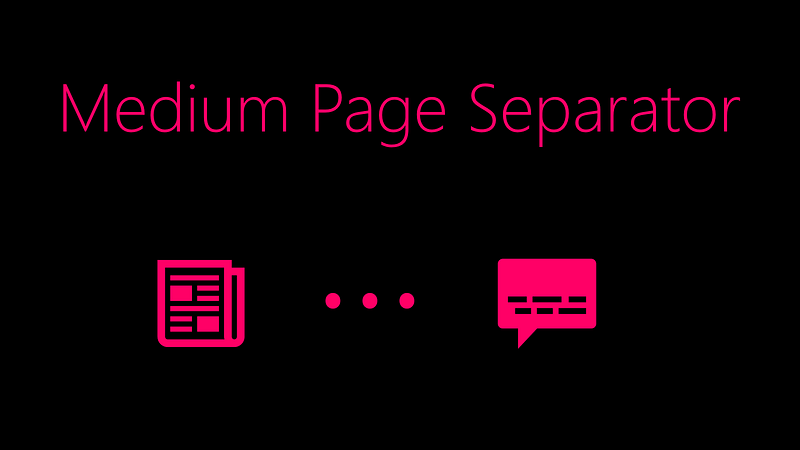
Although it is a relatively simple Medium function to implement, it can be confusing for new writers to find the page separator.
The page separator is the 3 dot icon (aka the mid-line horizontal ellipsis), as seen below:

The separator is used to partition your articles into different sections.
How to Create a Medium Separator
Step 1. Open a Medium article draft.
Step 2. Click the double hyphen icon from the Medium editor.
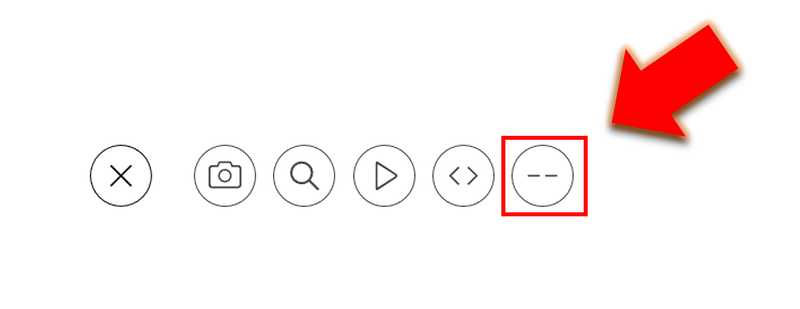
Medium will now insert a page separator. This is demonstrated below:

Notes About Medium Page Separator
- Page separators can be difficult to delete, and may require deleting surrounding elements such as images, if there are no extra line spaces.
- Page separators render well on mobile, so while it may be tempting to insert a similar image resembling the separator, consider using the actual separator.
- Page separators are a great way to increase the white-space in your articles, making them more readable.

Thanks for reading this article! Leave a comment below if you have any questions. Be sure to sign up for the Blogging Guide newsletter, to get the latest tips, tricks, and news about writing on Medium and to join our Facebook group, Medium Writing, to share your latest Medium posts and connect with other writers.
If you liked this article, here are some other articles you may enjoy:

Casey Botticello is a partner at Black Edge Consulting. Black Edge Consulting is a strategic communications firm, specializing in online reputation management, digital marketing, and crisis management. Prior to founding Black Edge Consulting, he worked for BGR Group, a bipartisan lobbying and strategic communications firm.
Casey is the founder of the Cryptocurrency Alliance, a Super PAC dedicated to cryptocurrency and blockchain advocacy. He is a graduate of The University of Pennsylvania, where he received his B.A. in Urban Studies.
You can connect with him on LinkedIn, Twitter, Facebook, or by visiting his website, Blogging Guide.


