
Medium Tools
Medium Article Title and Subtitle Capitalization Tool
A new tool from Blogging Guide to help writers format their titles and subtitles
I am always trying to figure out new ways to help bloggers. Since many of you write for Medium, I wanted to create a Capitalization Tool that would auto format your article’s title and subtitle (in the style preferred by Medium curators).
The tool is extremely simple to use.
Step 1. Enter your title or subtitle text.
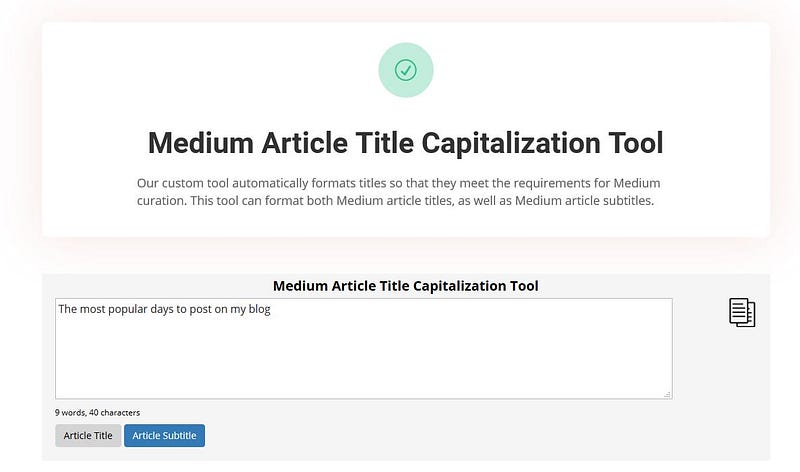
Step 2. Select either the “Article Title” button or the “Article Subtitle” button.

Step 3. Click the “copy icon” on the right of the toolbar to copy your formatted title.

Example:
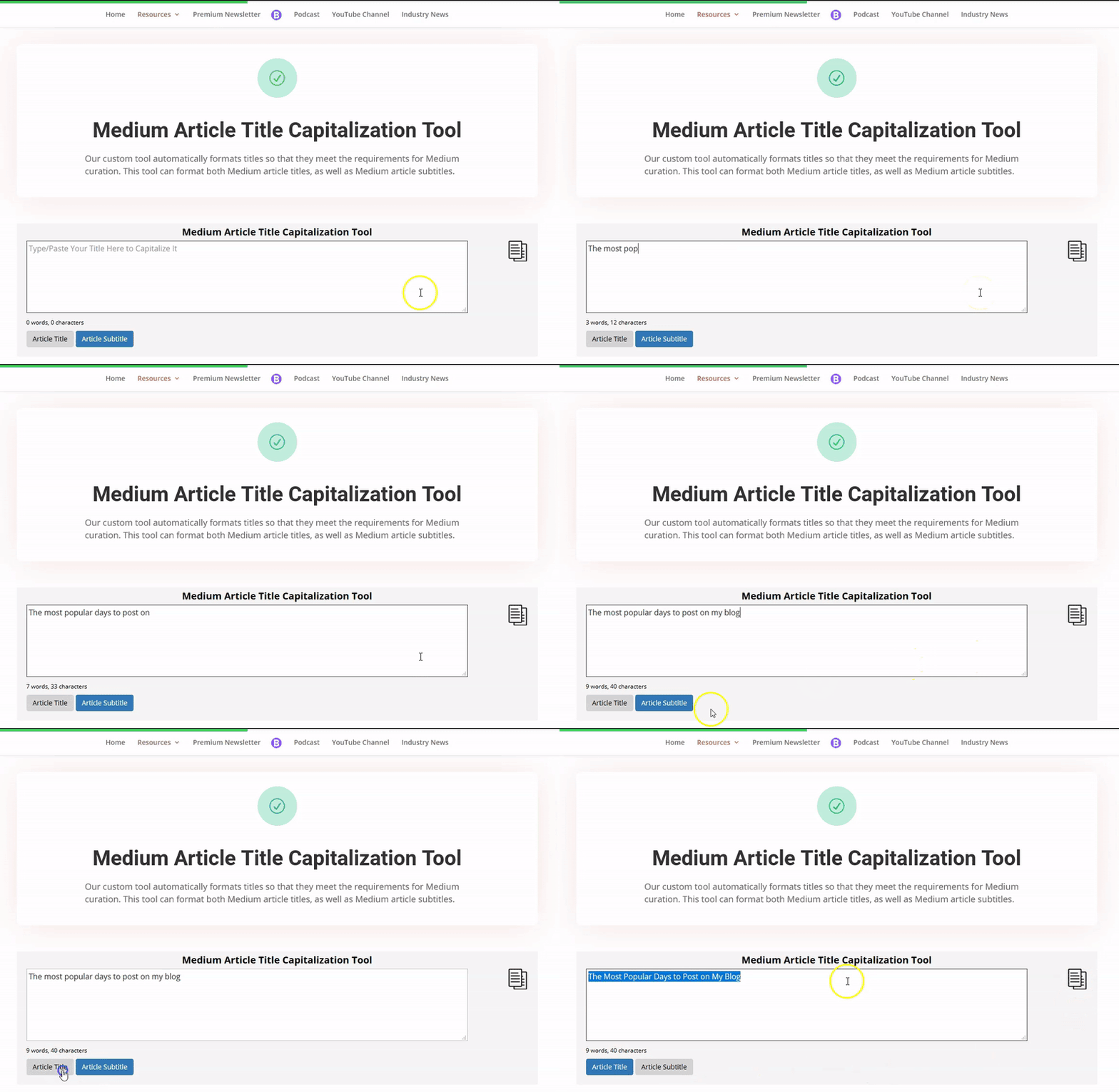
Your article title or subtitle will automatically be converted to either title case or sentence case. This is the preferred format for Medium article titles and will help you meet the curation guidelines.
To access the tool, click here.
Medium Article Capitalization Tool
*Be sure to bookmark this tool for quick reference!

Thanks for reading this article! Leave a comment below if you have any questions. Be sure to sign up for the Blogging Guide newsletter, to get the latest tips, tricks, and news about writing on Medium and to join our Facebook group, Medium Writing, to share your latest Medium posts and connect with other writers.
If you liked this article, here are some other articles you may enjoy:

Casey Botticello is a partner at Black Edge Consulting. Black Edge Consulting is a strategic communications firm, specializing in online reputation management, digital marketing, and crisis management. Prior to founding Black Edge Consulting, he worked for BGR Group, a bipartisan lobbying and strategic communications firm.
Casey is the founder of the Cryptocurrency Alliance, a Super PAC dedicated to cryptocurrency and blockchain advocacy. He is a graduate of The University of Pennsylvania, where he received his B.A. in Urban Studies.
You can connect with him on LinkedIn, Twitter, Facebook, or by visiting his website, Blogging Guide.


