
Mastering Midjourney V5: Cinematic Prompts, Shot Types , and Lenses
Exploring shot size and lenses within a cinematic prompt context
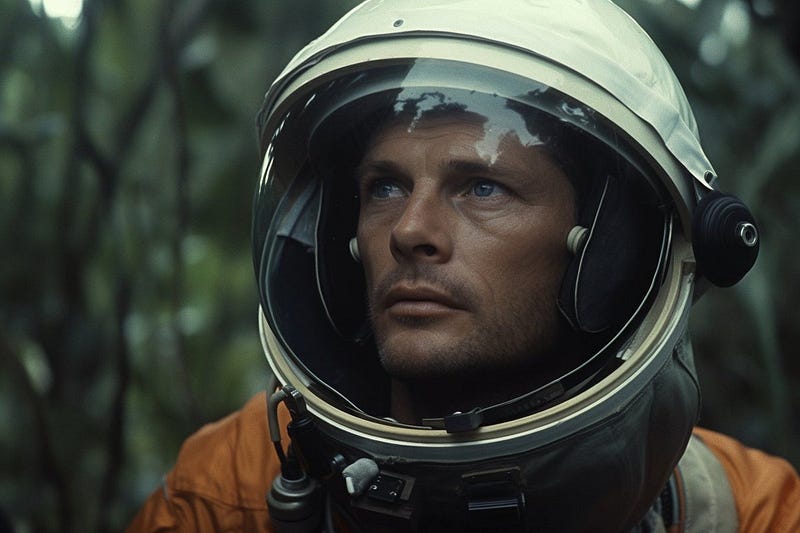
Midjourney does not reliably understand lenses. However, at least in a cinematic prompt context, you can use shot sizes to approximate the lens In this post, we’ll explore the extent to which this is possible, and learn how to optimize prompts along the way. Let’s dive in …
Lenses & Shot Sizes
Basically, you can choose between these lenses:
- Wide-angle lenses (10mm to 35mm)
- Standard lenses (35mm to 85mm)
- Telephoto lenses (85mm to 300mm)
They often correspond to these shots:
- Wide angle (wide-angle)
- Medium to medium close-up (standard)
- Close-up (tele)
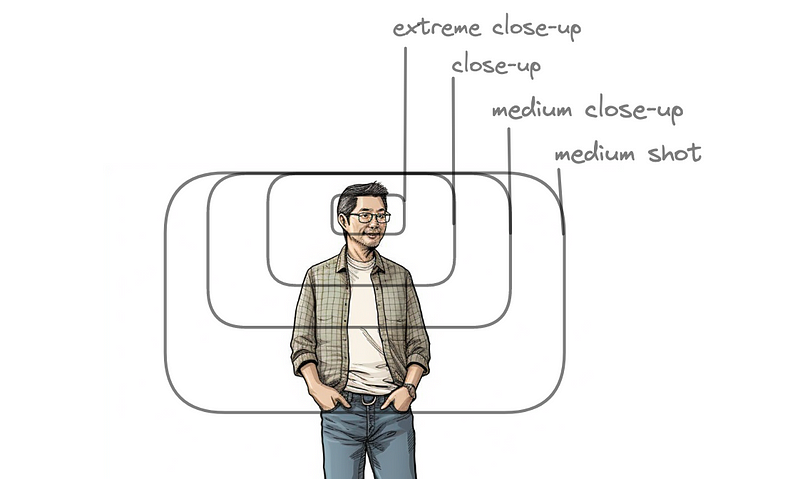
Close Up
film still, astronaut in the jungle, close up --ar 3:2 --seed 3000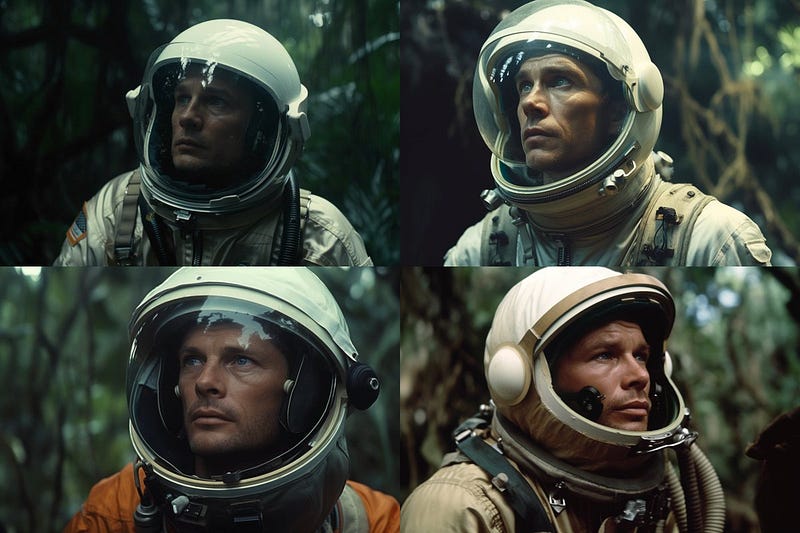
Prompting for “close-up” and getting medium close-ups …
We wanted tele, but are probably a bit off toward standard.
However, given the depth of field and compression, this seems closer to 80mm than 50mm. Fair enough.
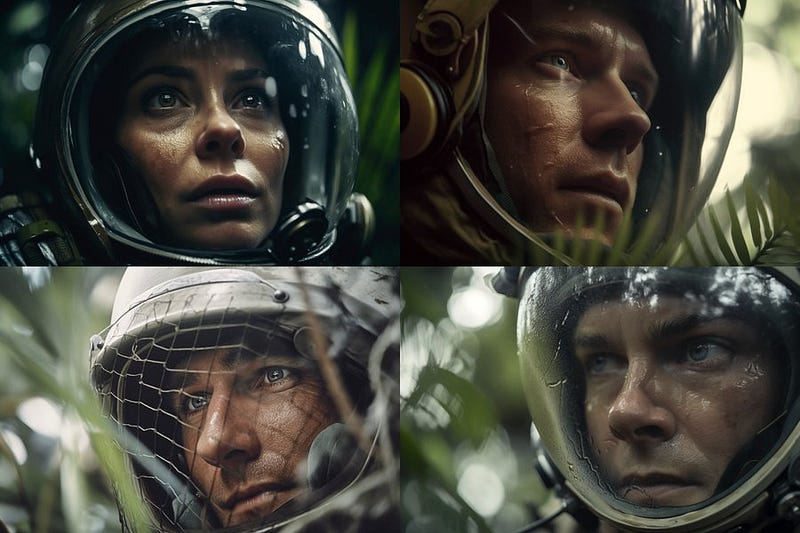
We just go one step further and ask for an “extreme close-up”, ending up with a close-up shot.
film still, astronaut in the jungle, extreme close up --ar 3:2 --seed 3000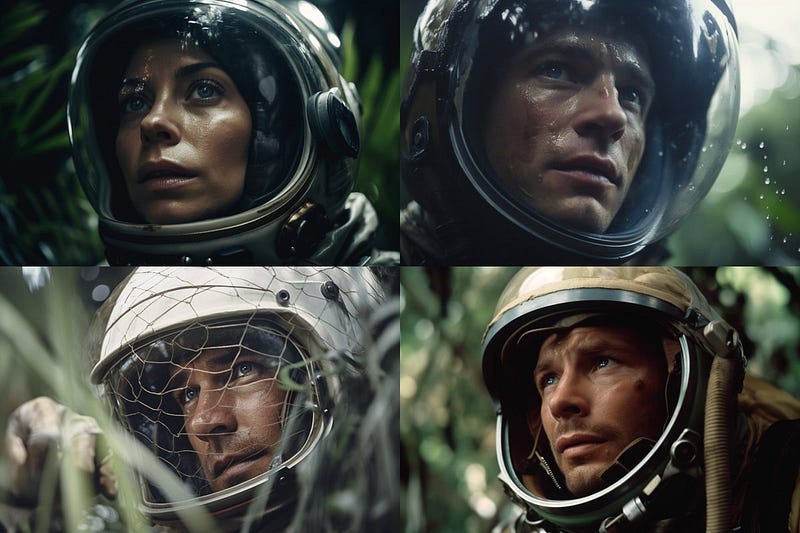
If we wanted to go even further, we could use different variants of repetition to get to actual extreme close-ups:
film still, astronaut in the jungle, extreme extreme close up,
extreme close up --ar 3:2 --seed 3000

or

film still, astronaut in the jungle, extreme close up,
extreme close up --ar 3:2 --seed 3000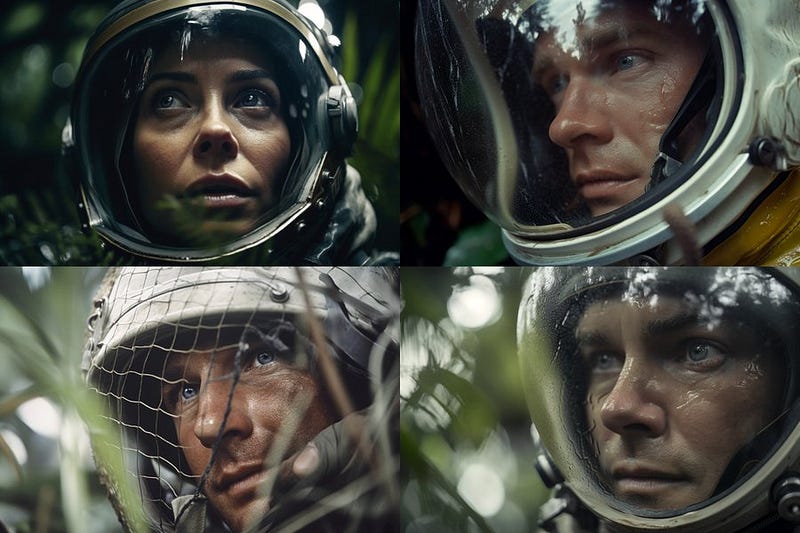
Medium Shot
film still, astronaut in the jungle, medium shot --ar 3:2 --seed 3000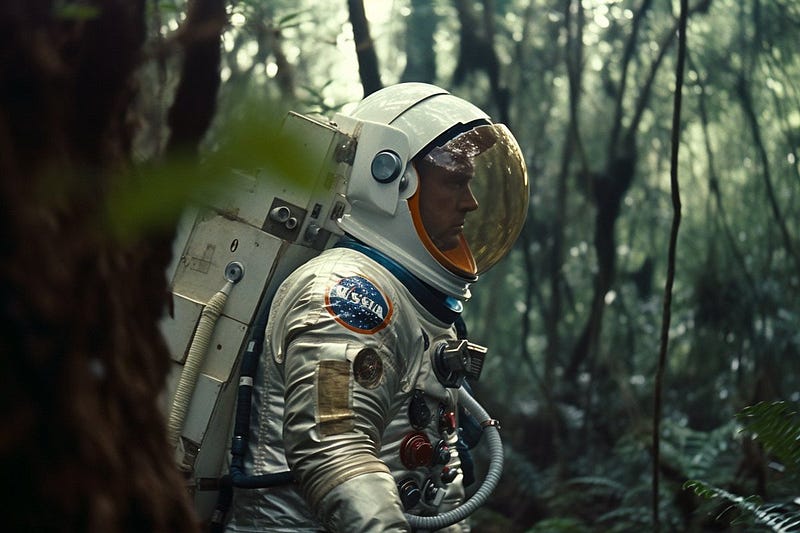
Medium shot, standard lens? I’d say right on target.
Wide angle
film still, astronaut in the jungle, plants and large trees in the background,
wide angle --ar 3:2 --seed 3000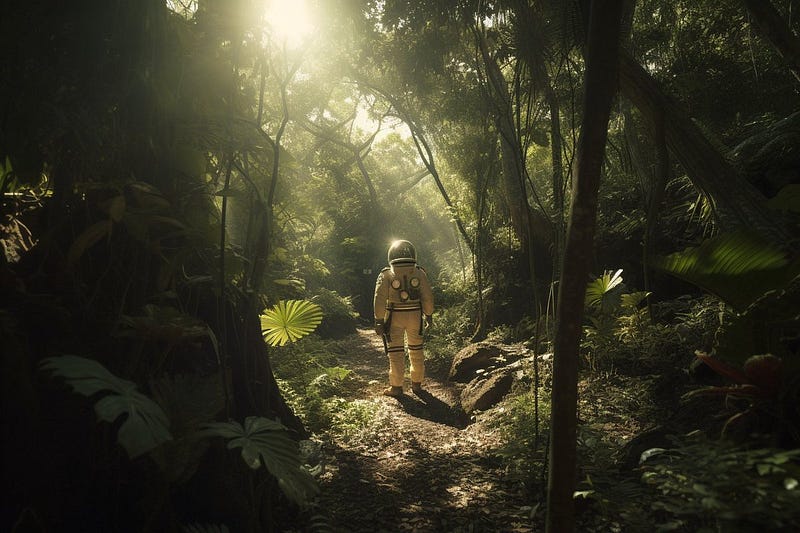
Again, a bit too narrow. Probably still in the standard lens range?
Enforcing with repetition and we get a more distorted wide-angle shot.
film still, astronaut in the jungle, plants and large trees in the background,
wide angle, wide angle, wide angle --ar 3:2 --seed 3000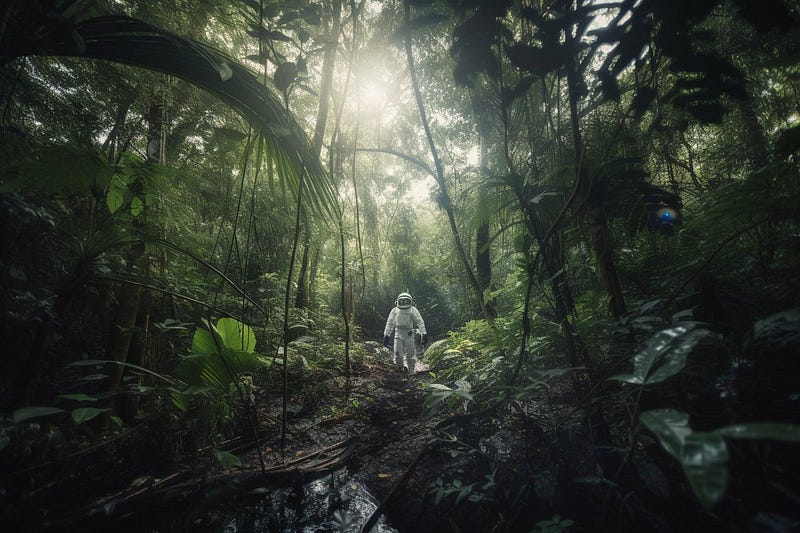
Applicability
It’s probably also possible to reproduce these effects in studio settings or other contexts with negative prompting and weights.
I will look into this and keep you posted.
Follow me here or on Twitter, if you don’t want to miss it.
For more shot sizes, camera types, prompting for props, and other cinematic prompt gimmicks, check my three-part tutorial on “Cinematography with Midjourney”:
🚨 For more information about AI & Creativity, follow me on Twitter or Medium (use my referral link to get full access to all my articles and those of thousands of other writers).
➡️ If you like my content, why not leave a “clap” at the end of this article, so more people can see it?


