
Guide To Midjourney Niji Cute Anime Art!
Adds a touch of fun, joy and kawaii to your images!
Welcome to the third week of the Niji Style Event! Followed by the launch of the Expressive Style, Niji Journey is bringing us a new “Cute Style” this week!
With the successful launch of the Midjourney Niji V5 Model, the team releases a new pleasing aesthetic every week for Niji 5 for 4 weeks as part of the launch event — Niji Style Event. And Cute Style has just rolled out!
If you are new to Midjourney, Niji Mode is an anime-specific model — it has a vast knowledge of anime, styles and aesthetics. It’s especially adept at creating dynamic and action-packed shots with an excellent focus on characters and composition.
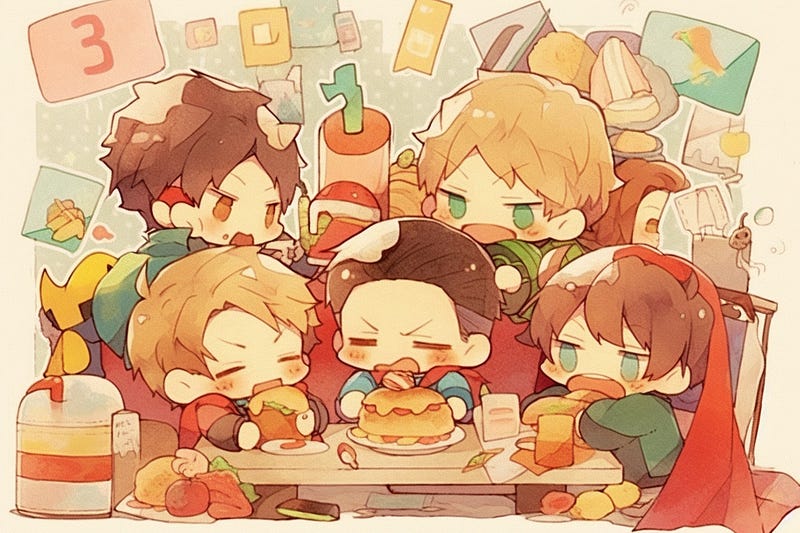
New Niji Style — Cute
According to Niji Journey, a new style will be available every week for Niji 5 in April as part of the Niji Style Launch Event!
This week, it’s the kawaii “Cute Style”! The inspiration for this new style came from the pleasant patterns and colorful designs on amusing stationary items and decorative graphic design.
It allows you to add a hint of whimsy and playfulness to your images. With this new style, you can easily create anime art that is surely to please!
Activating Cute Style
- To begin, enter “/settings” ( make sure to select the Niji settings )
- Choose “Niji version 5”
- Pick “Cute Style” from the list of choices.
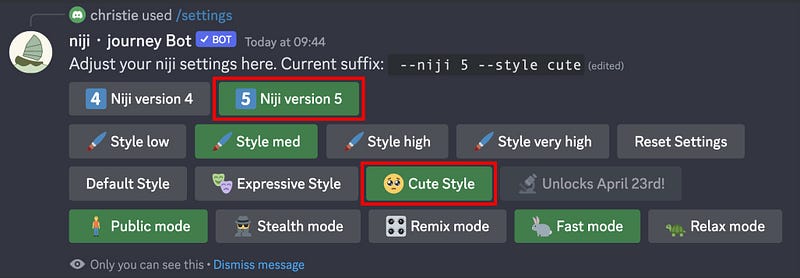
The “Cute” style is specified for the niji・journey bot.
To access Niji journey bot, you will need to join the Beta on Niji Journey. Everything functions in the same manner as in the Midjourney Discord.
You can also add Niji Journey Bot to your own server, check out the previous article of Expressive Style for detailed instruction in creating this seamless experience.
Pick one Ice Cream and enter this Adorable Anime World!
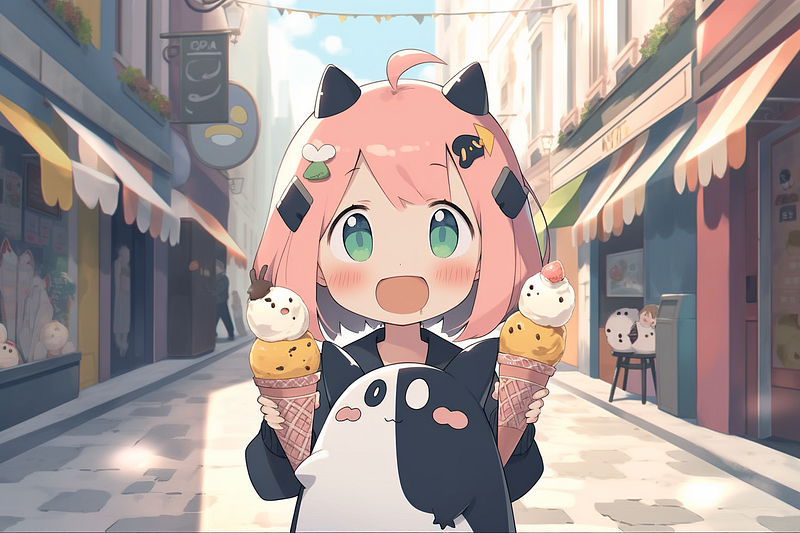
Features of Niji V5 — Cute Style:
For the Cute Mode, the team opted for a 2D graphical approach that focused heavily on decorative elements.
- Cute Eye style — Cute stands out with its super adorable and kawaii facial styling.
- Flat Shading — For this style, the impact of lighting on the composition was minimal. Cute has a soft, flat shading scheme.
- Negative Space — Cute art often utilizes large sections of negative space to draw attention to certain elements and give a composition more depth. This is one of the many features that sets it apart from other artistic styles..
- Strong Detailing — Cute style relies on intricate designs and graphics to create a powerful visual image.
Here are the technical highlights of what Niji 5 Cute Style has to offer.
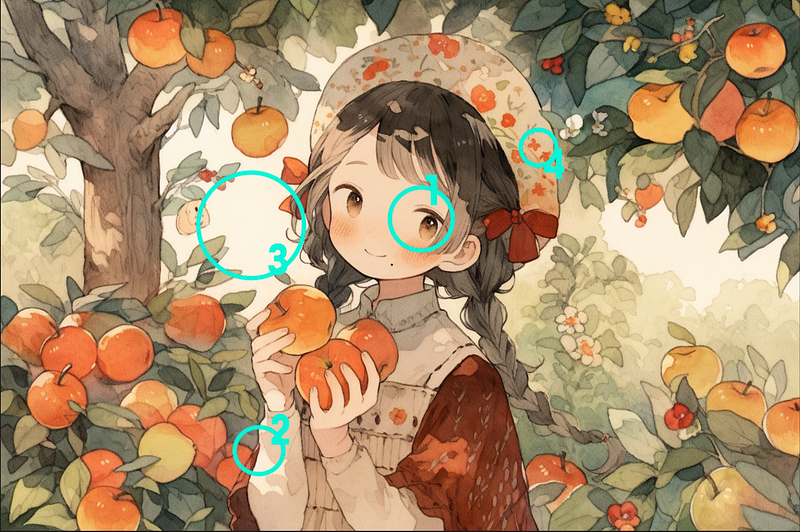
Images generated with Cute Style have a softer, more inviting effect on viewers. They draw the eyes in and offer them the chance to explore, leading to prolonged enjoyment of all the little details that make up a piece.
This encourages people to slowly explore and discover all of its gorgeous elements. Let’s look at some examples.
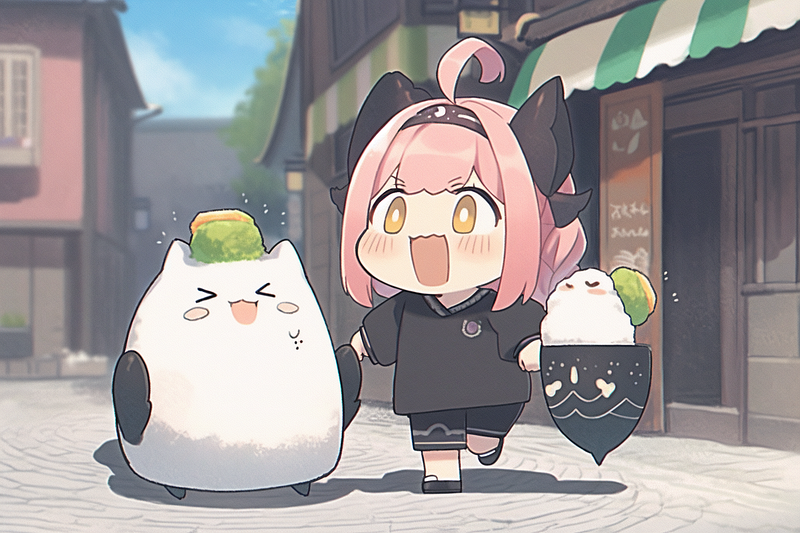
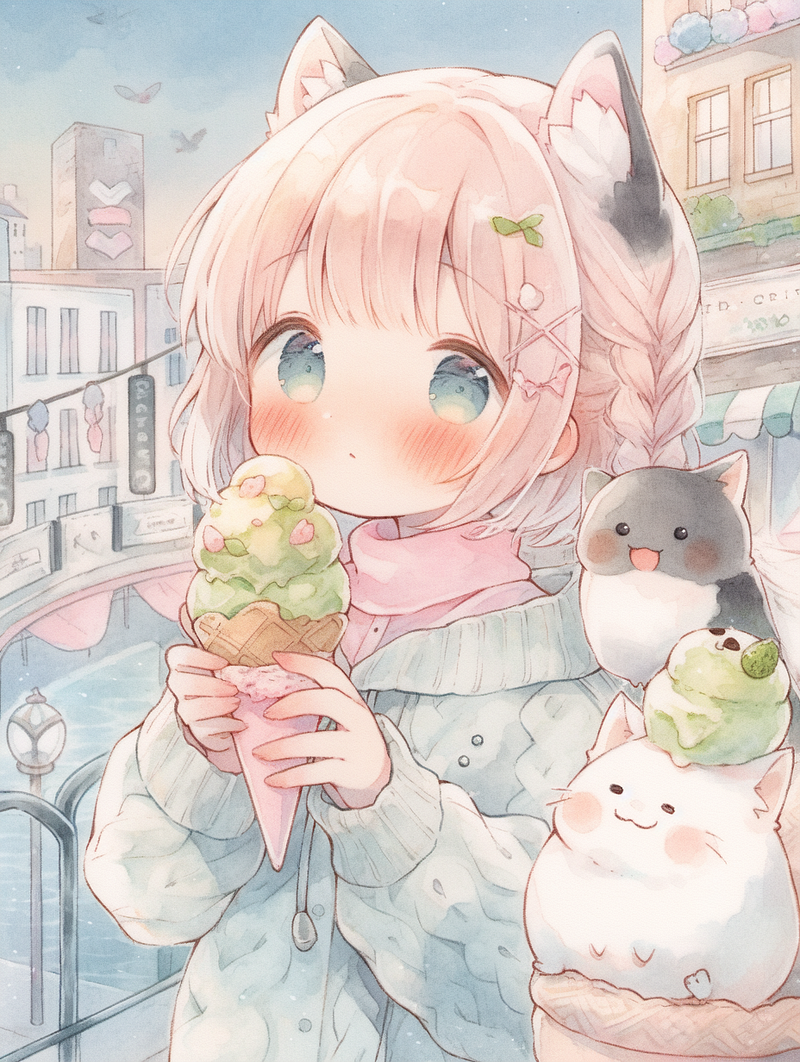
Prompt: a girl with pink hair with an ice cream and a cat beside her, in tokyo street — ar 3:2 — niji 5 — style cute
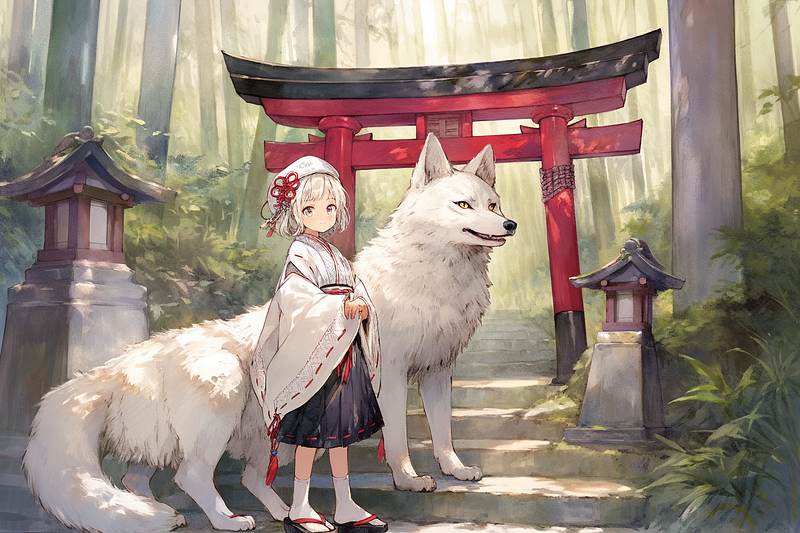
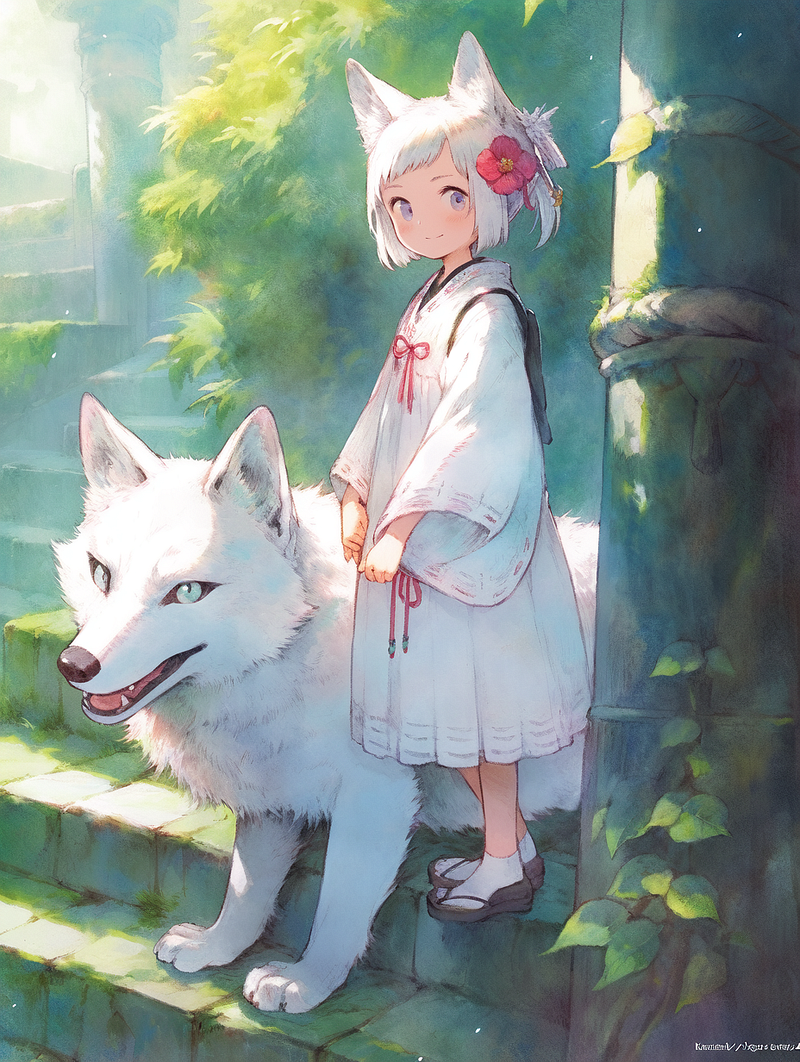
Prompt: A girl in traditional japanese clothing, with a white wolf beside her, standing in front of a torri shrine, artgerm, by Studio Ghibli — ar 3:2 — niji 5 — style cute
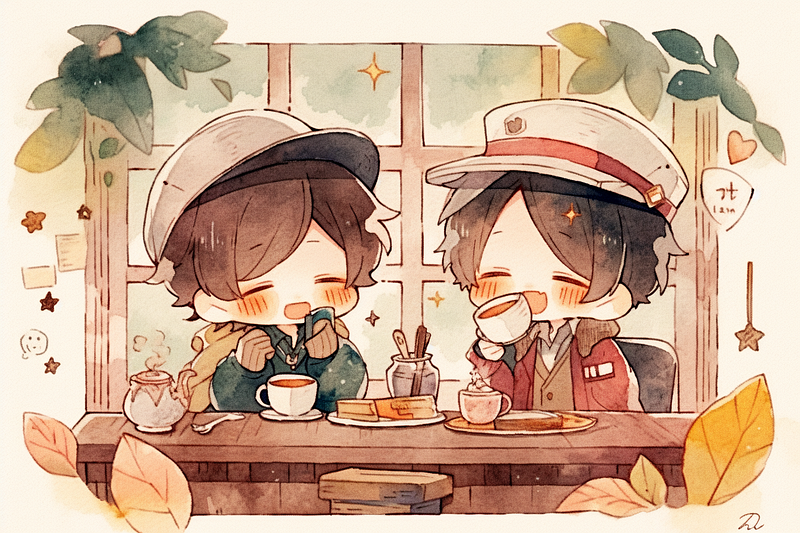
Prompt: Two cute boys having afternoon tea at a coffeeshop — ar 3:2 — niji 5 — style cute
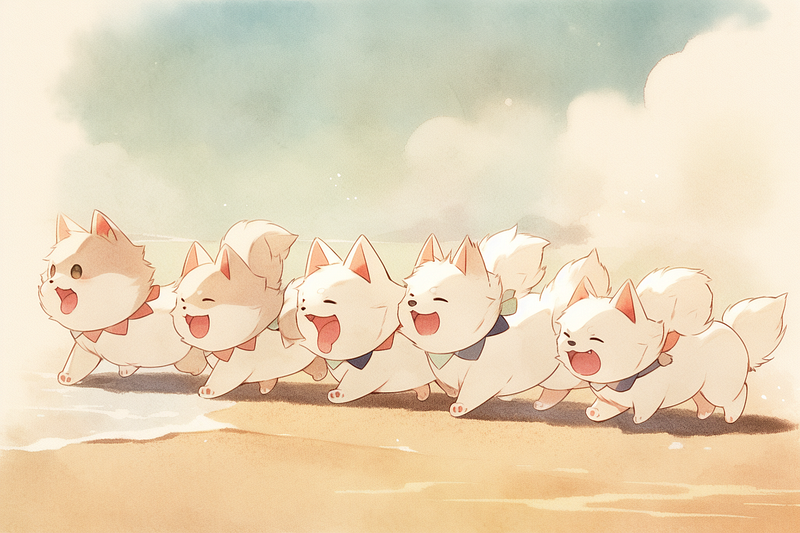
Prompt: A group of puppies running along the beach — ar 3:2 — niji 5 — style cute
A Touch of Fun, Joy and Endearing
With the niji V5 and Expressive mode, we can always generate images that come with a more cool and dramatic look.
But this time, the Cute Style took a different approach and attempted to create something that was truly fun and endearing.
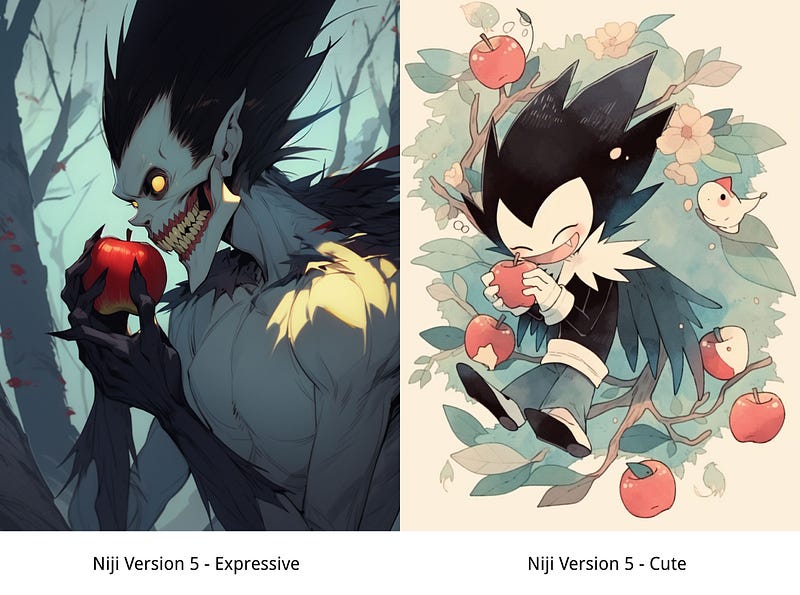
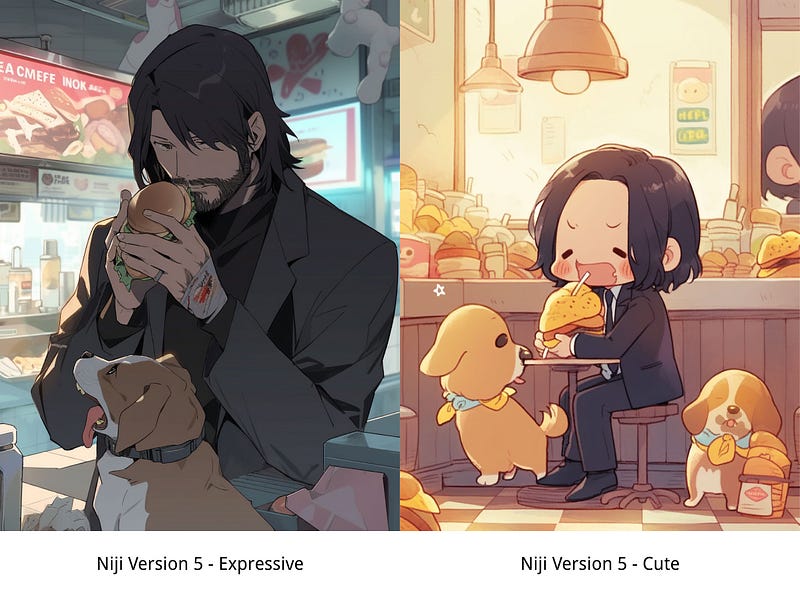
Let’s look at the difference between various styles.
Prompt: Ryuk from death note, biting an apple, in the woods — ar 2:3 — niji 5
Prompt: John Wick eating a hamburger in a convenient store, with a puppy beside him — ar 2:3 — niji 5
Prompt: Anime full body portrait of shojo anime kitsune girl — ar 2:3 — niji 5
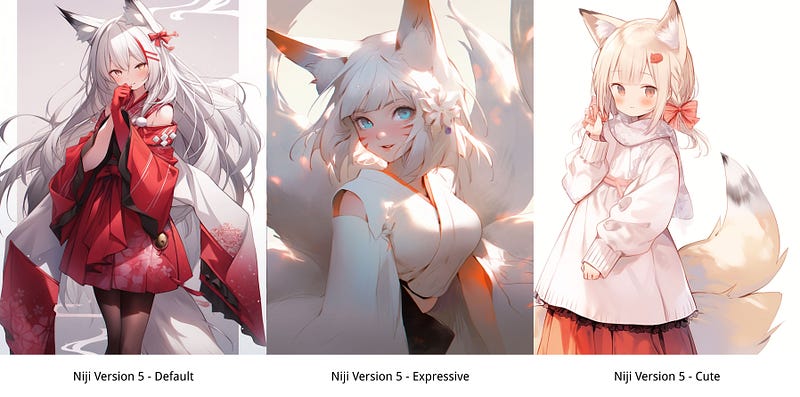
In contrast to the two previous styles, cute style offers a calming respite from our hectic lifestyles. These visuals encourage you to slow down and savor the moment, making them perfect for those wanting to find balance in their lives.
Winter Wonderland, a shojo anime kitsune girl near a large white dragon, in front of a ice castle — ar 3:2 — niji 5 — s 180 — style cute
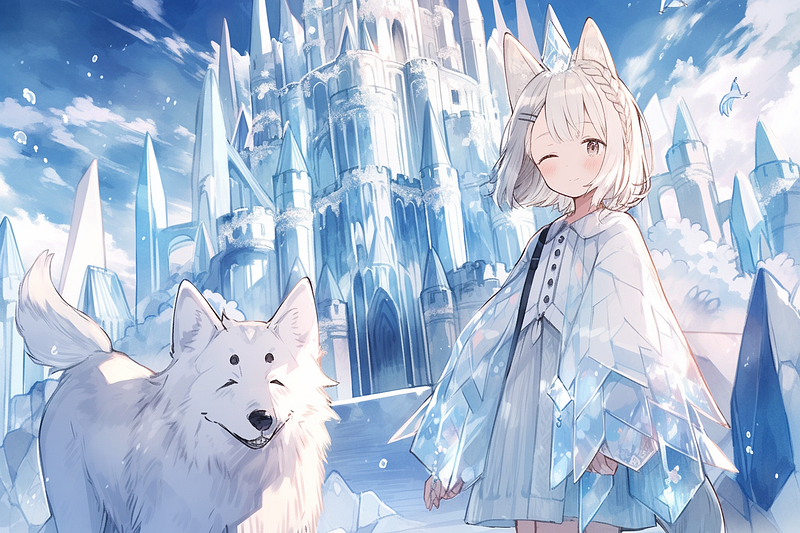
To advance your anime artwork, crafting captivating Midjourney prompts is essential. Don’t worry if you are new to this style, I have prepared a list of prompts for you:
Now, let’s talk about some more commands and settings that you can explore and play with.
Modifying the Impact of Aesthetics — Style
Just like Niji V5 and Expressive style, you can adjust the effects of style by adding the parameters “ — s” or simply tweaking the effects of the style in “/settings”.
Switch between low, medium, high, and very high stylization levels for convenience. Refer to Introducing Niji 5-Expressive Style for details on how to use the — s parameter!
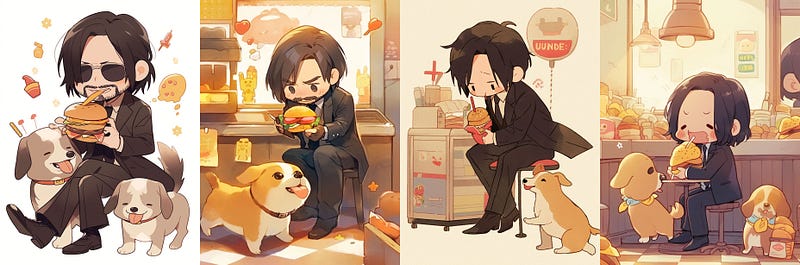
The set of images below demonstrates the effect of the style parameter on a sample prompt:
John Wick eating a hamburger in a convenient store, with a puppy beside him — ar 2:3 — niji 5 — style cute
Personal custom command
It can be a hassle having to keep changing the settings when you want to apply a certain style to just a few prompts.
To make it easier, there is a command that helps with this task —
/prefer option
With the /prefer option, you can set up parameters that you can add to the end of prompts quickly and easily, making your workflow much smoother and more efficient.
You can set the following command:
/prefer option set option: cu value: — style cute

By using this command, you can save time by creating abbreviations for any text that you type frequently in the prompt box.
— style cute will be reduced to — cu
Additionally, any other text can also be condensed into a more compact form! Refer to Midjourney How to : Produce Same Style Image with Just One Word, for more detailed instructions.
Final Thoughts
The Niji Journey’s new style of the week — cute — adds a touch of fun, joy and magic to your images. It can lighten the mood and create a unique atmosphere that will make them stand out from the crowd.
The Cute Style create a look that was as eye-catching as it was endearing! After all, it depends on the style that you are looking for. I hope you enjoy experimenting with the various styles!
The final style will be released next week! 📩 Subscribe and stay tuned for the updates!
Extra: Make Money with AI Anime Arts
With this new anime style, you can create artwork that is sure to sell! If you are looking for ways to generate passive income, Wirestock offers AI artists and visual creators a platform to exhibit, connect with potential buyers and monetize their creations within the digital domain.
They provide creators with a single gateway to the most extensive marketplaces online.
Here is a step-by-step guide to get you started!
Hi👋 I am Christie — a passionate designer and AI fanatic.😊
I hope you found value in this article on tapping into AI or unlimited creativity. If you’re craving more insider tips, prompts and tricks for tools like Midjourney, I’d love for you to join me on this journey.
🎨 Hit that “Follow” button to stay in the loop for more AI wisdom 💌 Stay tuned for future updates
Let’s explore the limitless possibilities of AI together. The future awaits. Let’s seize it! 🚀
More Money Making Ideas here
Affiliate Disclaimer:
Please note that the link to Wirestock is an affiliate link, and I will earn a commission if you subscribe through the link. Please let me know if you have any questions about anything listed above.


