
Kik Vs. Telegram: Undercover Lovers Messaging
If you’re gonna do it, do it smartly.

Starting off my secret life as a Cheating Wife, I had no idea how to communicate with these men. Most wanted to get off of the website messaging pretty quickly. Either due to cost or it was too slow.
There were options: email, texting, Messenger, other messaging apps. I was not OK with giving a random man my email address or phone number. Or Facebook link! The last thing I needed was them checking me out on Facebook. So what to use?
A few guys mentioned Kik and Telegram. I hadn’t heard of either before. At first, I used Kik. It didn’t take long before I left Kik. Now I only use Telegram.
Spoiler alert: This is not a how-to. Google and other search engines have a variety of how-to’s on these applications. Each application also has a FAQ or Frequently Asked Questions section if you are looking for instruction.
For the naysayers: Neither Kik nor Telegram is giving me money for this story. I’m not telling you to use these apps for cheating. They have a wide variety of uses outside of how I use them.
Kik: I used this for about two months.
What I liked about it:
- Easy to use! It’s similar to many other messaging apps, so finding and adding people is straightforward.
- The profile creation is easy. You can add a profile photo, a background photo, and an emoji to add to your profile.
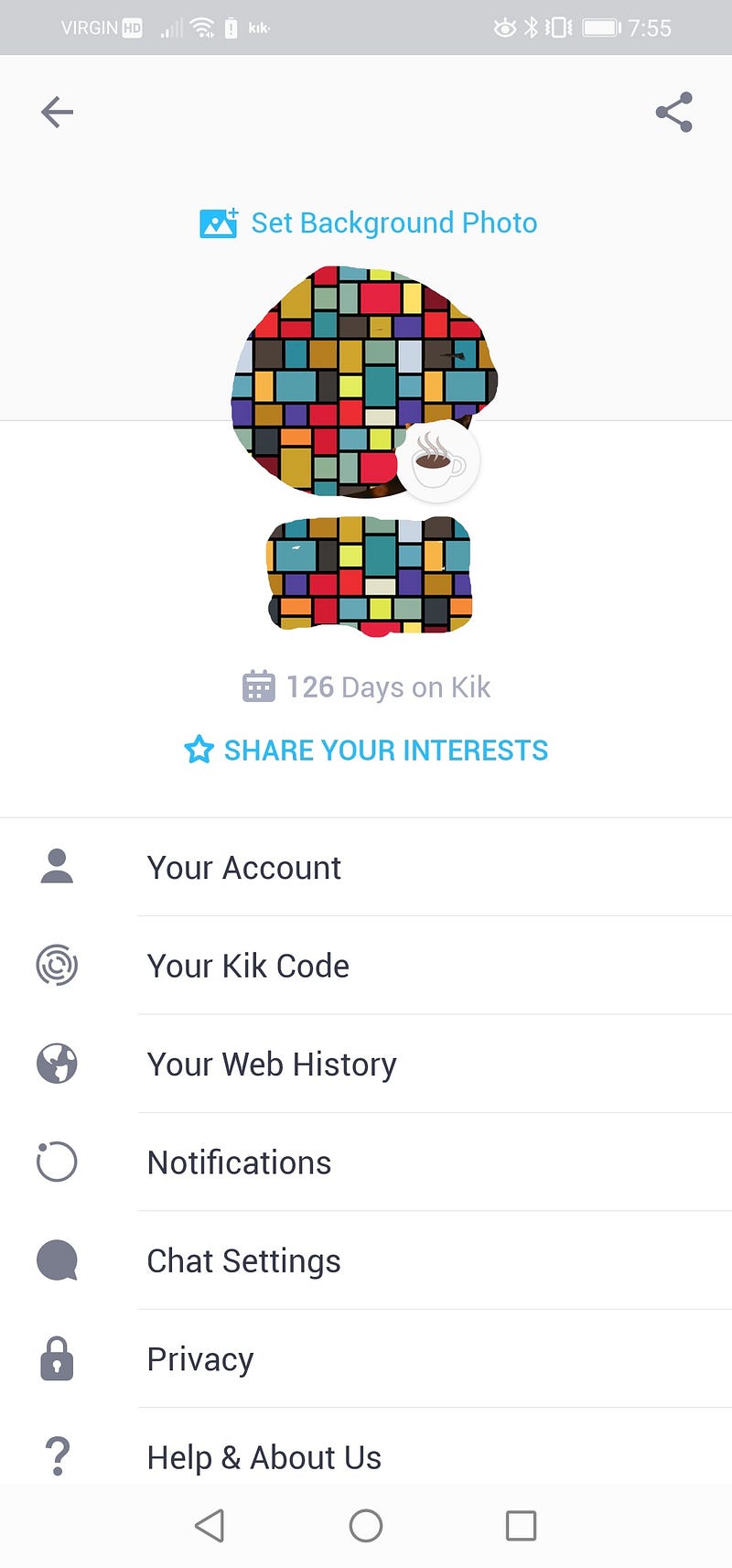
Once I created a profile, it was easy to add users and send messages. It’s like texting thru the messaging app that comes with your phone. You can add emojis, pictures, and videos. You can make video and phone calls thru the app.
What I didn’t like:
- Privacy. It doesn’t lock. If you want to hide a message or chat content, you can’t. Or if you can, I haven’t figured out that yet. You can do gentle or no notifications, but that applies to many apps, not just this one.
- Ads. More and more ads. It has member profiles on the top of your chats and ad banners on the bottom. It occasionally has a paid ad that you must let run before closing it.

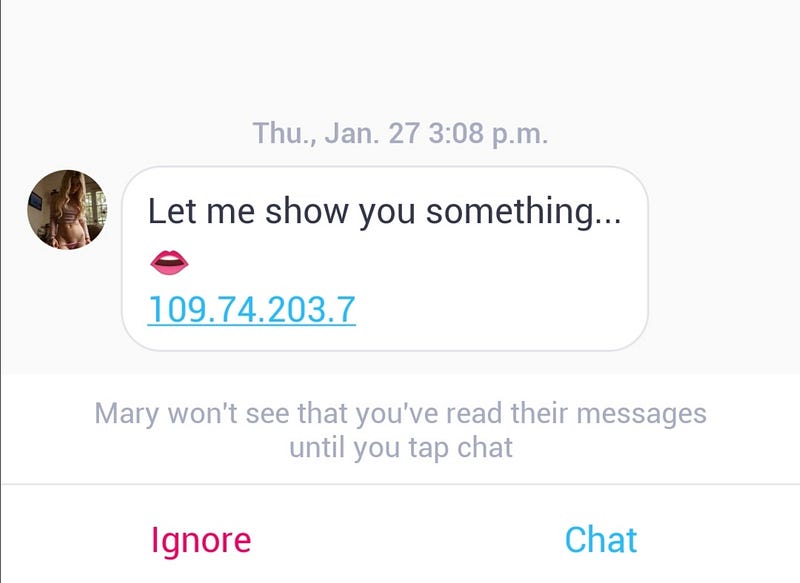
- Limits on videos. You can only go up to a minute on a video. You have to edit it down before sending it, if longer than that.
- Security: It does not have end-to-end encryption. It does have a limit on messaging, so you will only see up to 200 messages at one time. Anything older than that disappears and is lost forever.
Cool features:
- Dark Mode. I can make it look like all my other chats and applications, so it doesn’t appear different from any other apps I routinely use.
Telegram: I’ve been using Telegram for about four months now.
What I like about it:
- The app is bright and colorful. A profile is easy to create. You can add a bio.
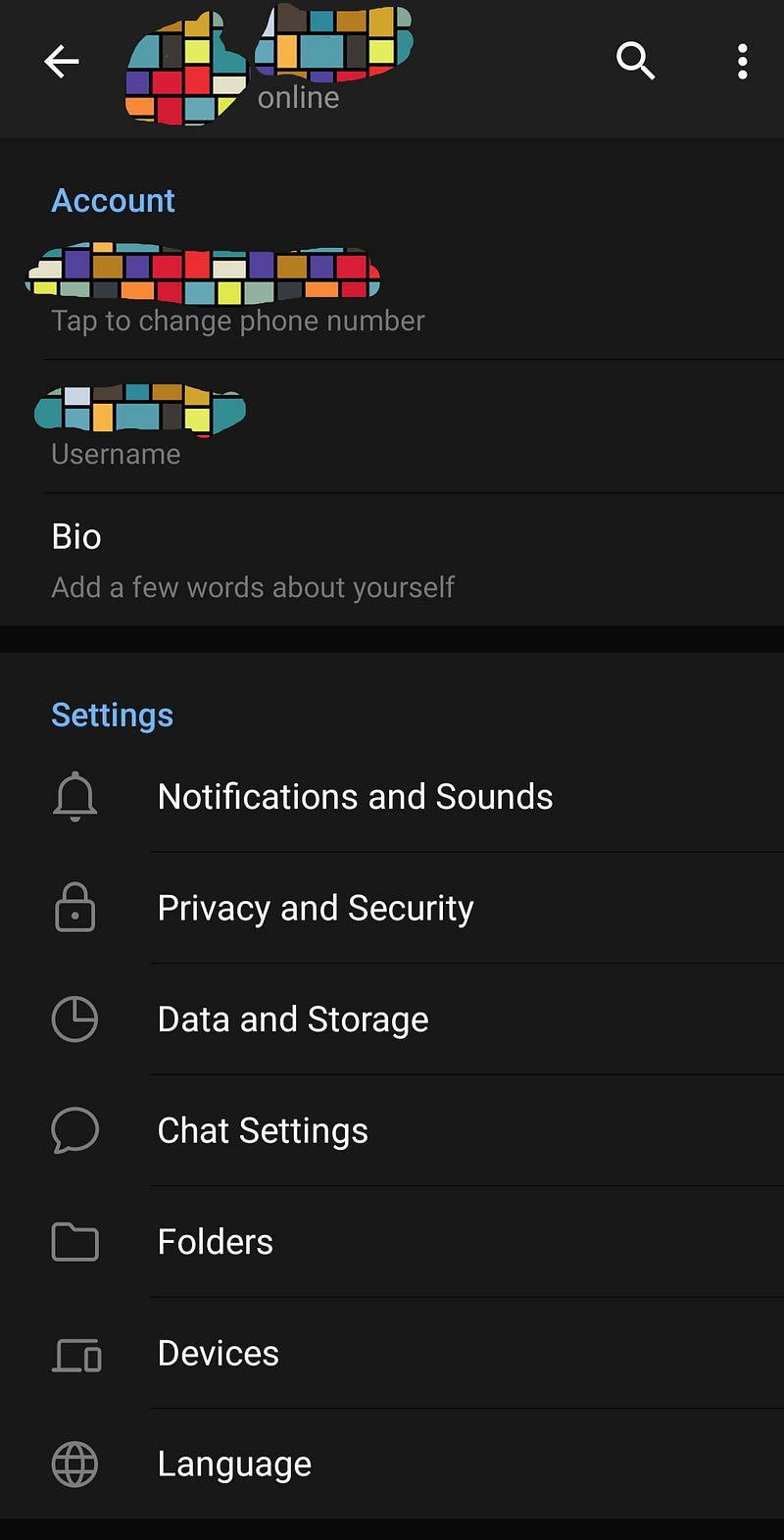
- Well-named menu items. Clear, so you know what they represent.
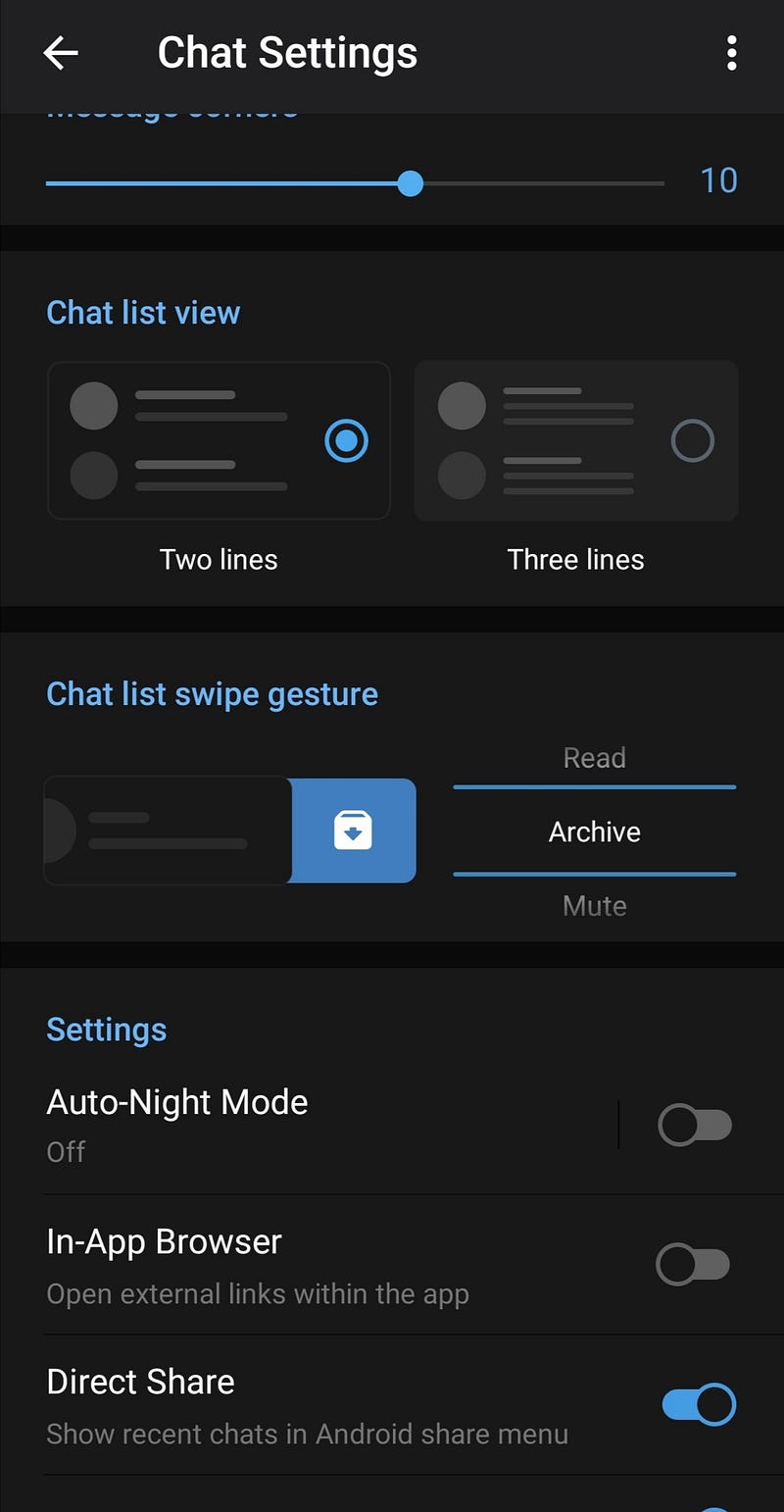
- Security. Locks with a passcode. Handy for anyone else who picks up your phone and you don’t have a front screen lock. You can let it lock when you click on the primary screen lock, and it can lock after a specific time, like a one-minute interval. NOTE: if it’s odd for you to have app locks, think about that before setting one up. Always stick to what you do in your everyday phone use. If it’s out of character, someone may notice.
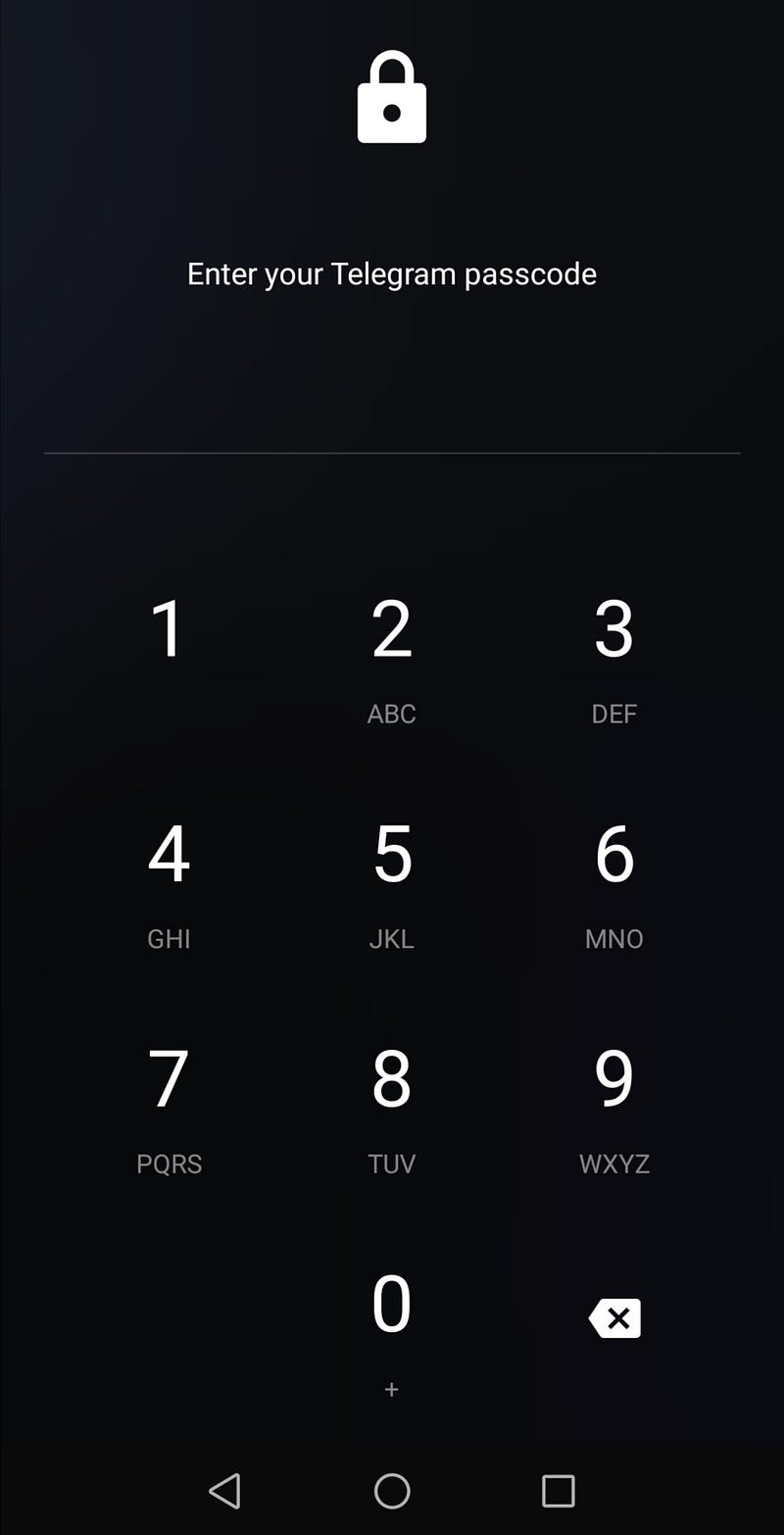
- It has end-to-end encryption and secret chat options. Extra layers of protection
- Emojis are fun. Pick your standard emoji and get a slew of other options and styles. These are usually animated.
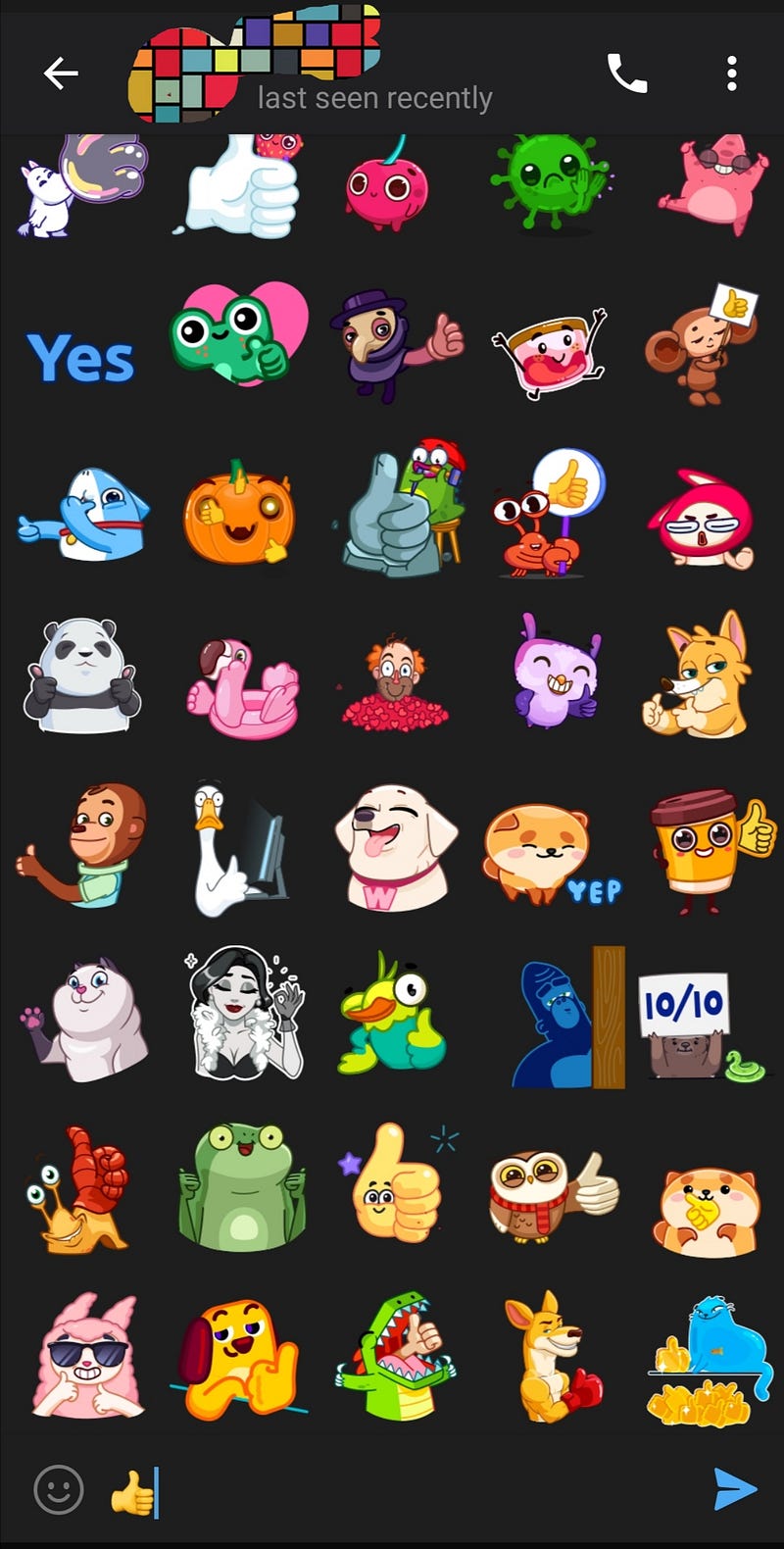
- Pictures and videos are easy to add. Videos can be a larger size or longer.
- You can record a voice message.
- The profile has an easy way to hide your private details, so it hides your phone number. You can change your name. Blankee McBlanker works!
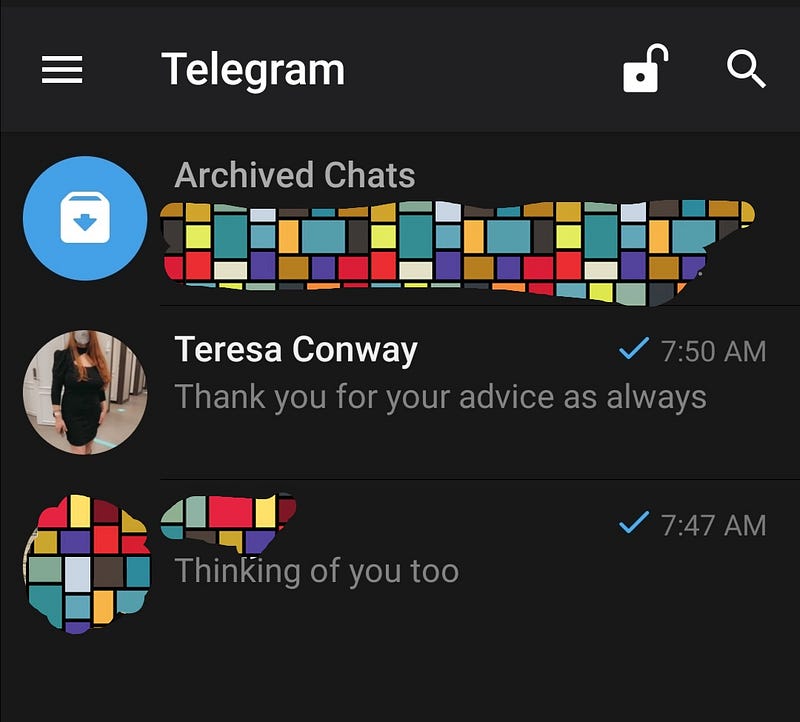
- Archive chats. You can select chats to archive them. Drag or push the top chat up or down to open or close the archive section. The archived chats will appear. Or vanish into thin air.
What I don’t like:
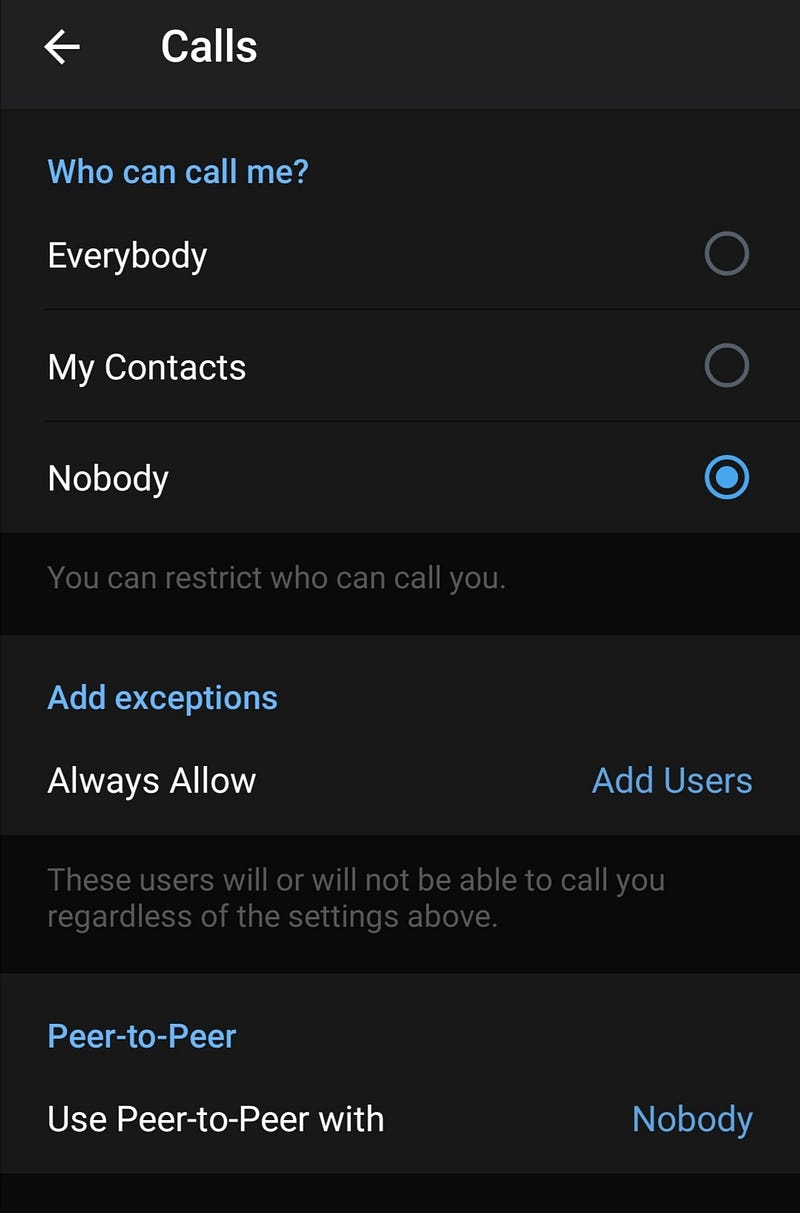
- Calling: The phone icon is too close to the drop-down menu in the top right corner. If you’re not careful, you will call your AP, and they might not be alone. Update: After digging around and testing with a friend, you can disable anyone calling you. So the phone icon remains, but the call will not connect or not ring. Both sides have to do this, or you could call accidentally.
What I don’t like about either app:
- Lost chats. When you log out of Kik, you lose all the chats. When you log out of Telegram, you lose just the secret chats.
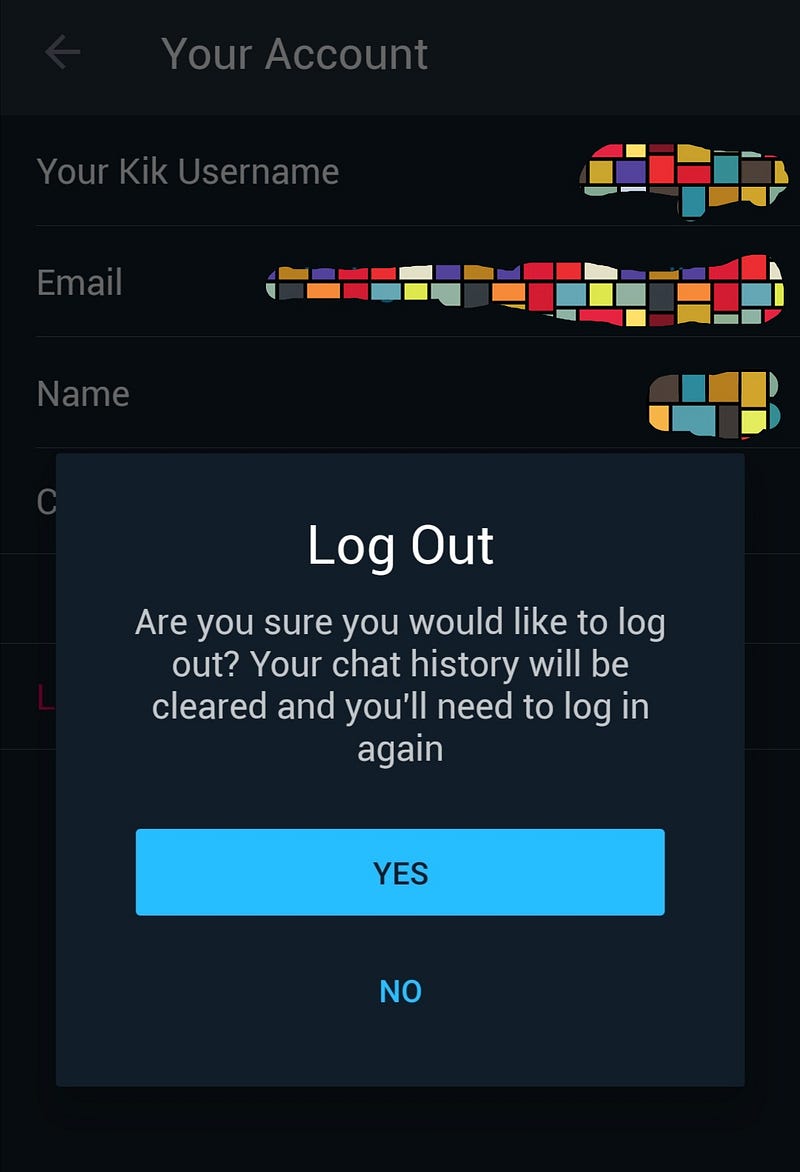
On the other side: Talking with my AP today, he gave me his thoughts on using both. He said that while you lose chats or conversations when you log out from both, it’s easier to log back into Kik. Telegram goes thru the whole login process each time and prompts you to enter all your details again, and if you’re not careful, import all your contacts from your phone into Telegram.
Kik doesn’t have as many hoops to jump when you log back in daily. He’s also not fond of the delivery with Telegram and says that sometimes it looks like it’s not been delivered. I don’t usually log out daily, but I see his point. If you log out or switch devices, you’ll have to do it every time.
Takeaway
Both apps have easy-to-use messaging benefits but don’t take chances if you don’t have to. Use something that works for you.
How did this start? Go back to the beginning.
When someone comes back into your life…