
Inpainting is Back in Midjourney V6 — and it’s Awesome!
First-day experiences with a much anticipated re-addition
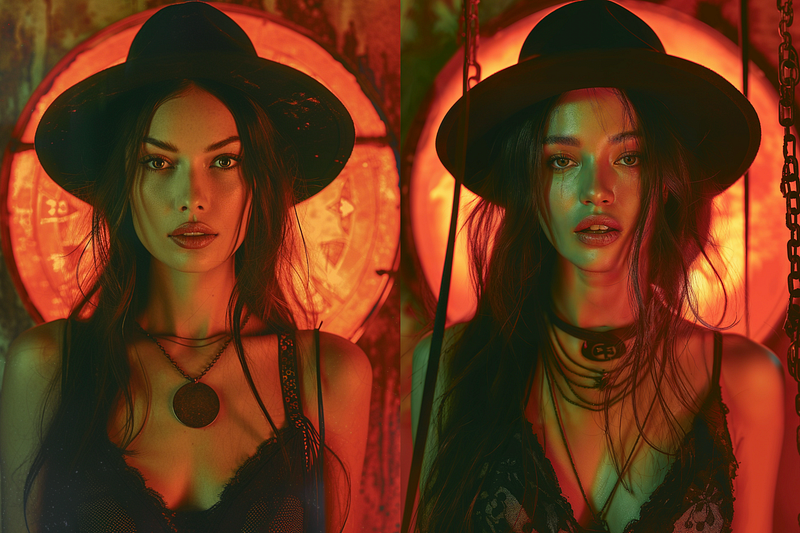
I’m not a patient person, at least when it comes to something I really want or need. And I needed Inpainting to come back to Midjourney’s Alpha V6. Inpainting can be summed up with three main features: PAN, ZOOM, and VARY (REGION).
If you’ve read any of my Midjourney articles, you’ll know that I have mastered, and taught you all to master, realism and life-likeness using VARY (REGION) strategies, especially in the faces. So when Midjourney’s first Alpha version of V6 stripped me of my tricks and tactics by releasing without inpainting features, I was more than bummed out.
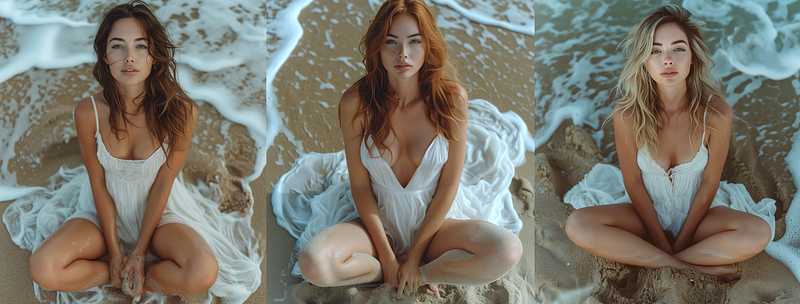
Now, the good thing about Midjourney V6 is that the realism from just original generations is amazing! And here are just a few V6 generations that came freshly minted without any inpainting treatment.
But I wanted more control, and for 2 months I didn’t have it. So when I discovered the relaunch of Inpainting in V6 through a great article by Christie C. I had to jump on IMMEDIATELY. Would the new version allow me to create EVEN MORE realism than the amazing v6 initial generations?
Oh, yes, it does!
This is a quick story, cause I want to keep playing, but here is a how to, of how I used VARY (REGION) and VARY SUBTLE to create something even more lifelike and dynamic than the images I created in v5.2.
This was a prompt from a client project last week.
Prompt: A beautiful socialite talks to two friends at an NYC cocktail party, smiling broadly, front view drone shot, use filter photography, cinematic lighting, orange neon glow::4 dramatic, photorealistic, full body from head to high heels, standing, hyperrealistic detail — s 500 — v 6.0
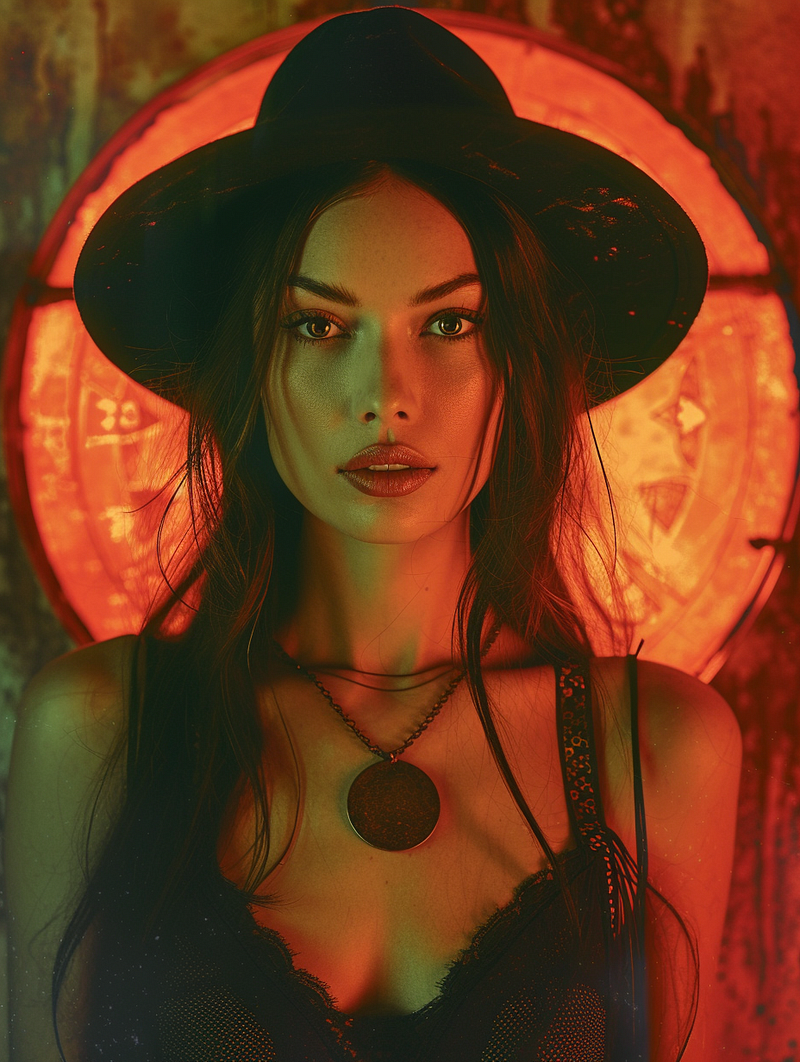
Now, as you can see, very little of what I asked for Midjourney to develop was actually produced, but the image was cool so it made into the client’s campaign anyway.
But now that Inpainting is back, I used my tips and tactics (read here) and retyped:
Prompt: “add more realism, lighting, and natural beauty to this exact face::6 A beautiful socialite talks to two friends at an NYC…”
and that produced this:
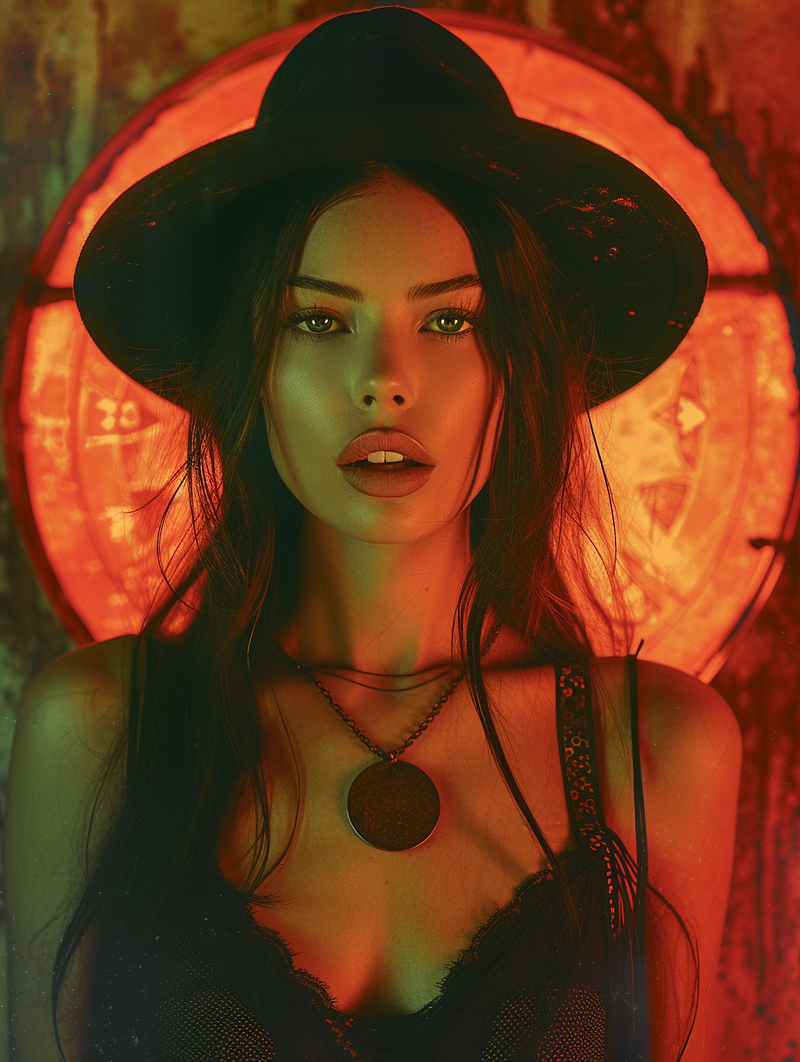
Well, the lips weren’t perfect, though the face was more natural. And so, I simply clicked VARY SUBTLE, and that produced this image!
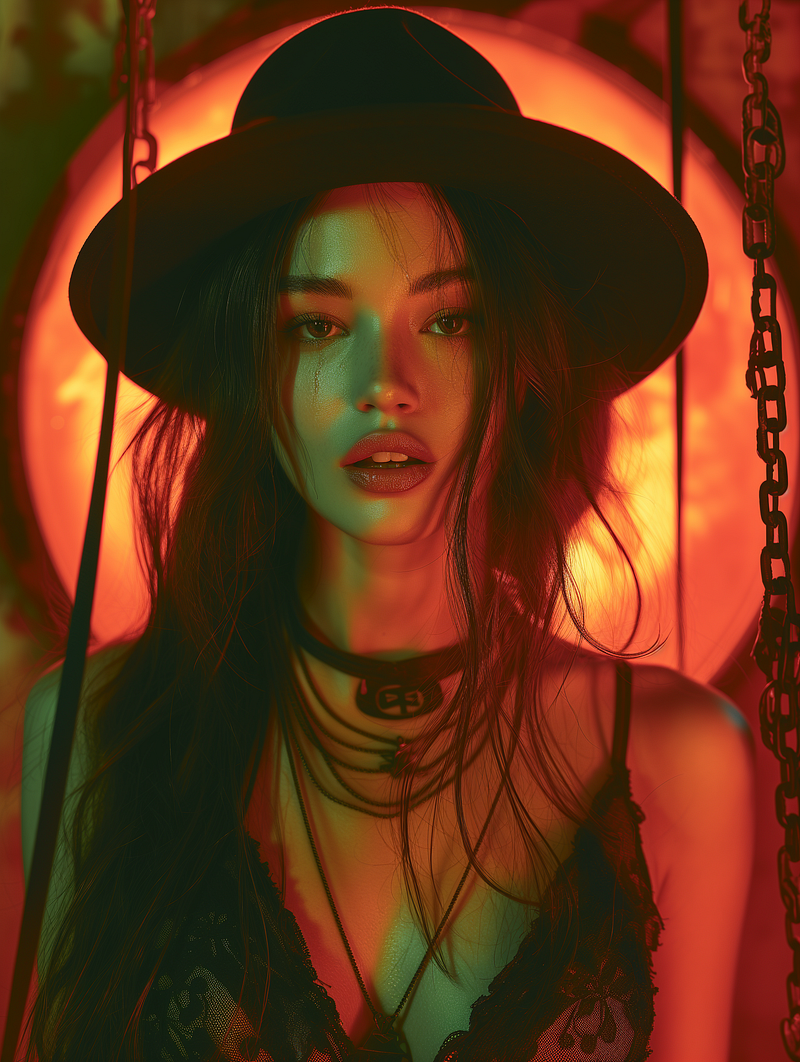
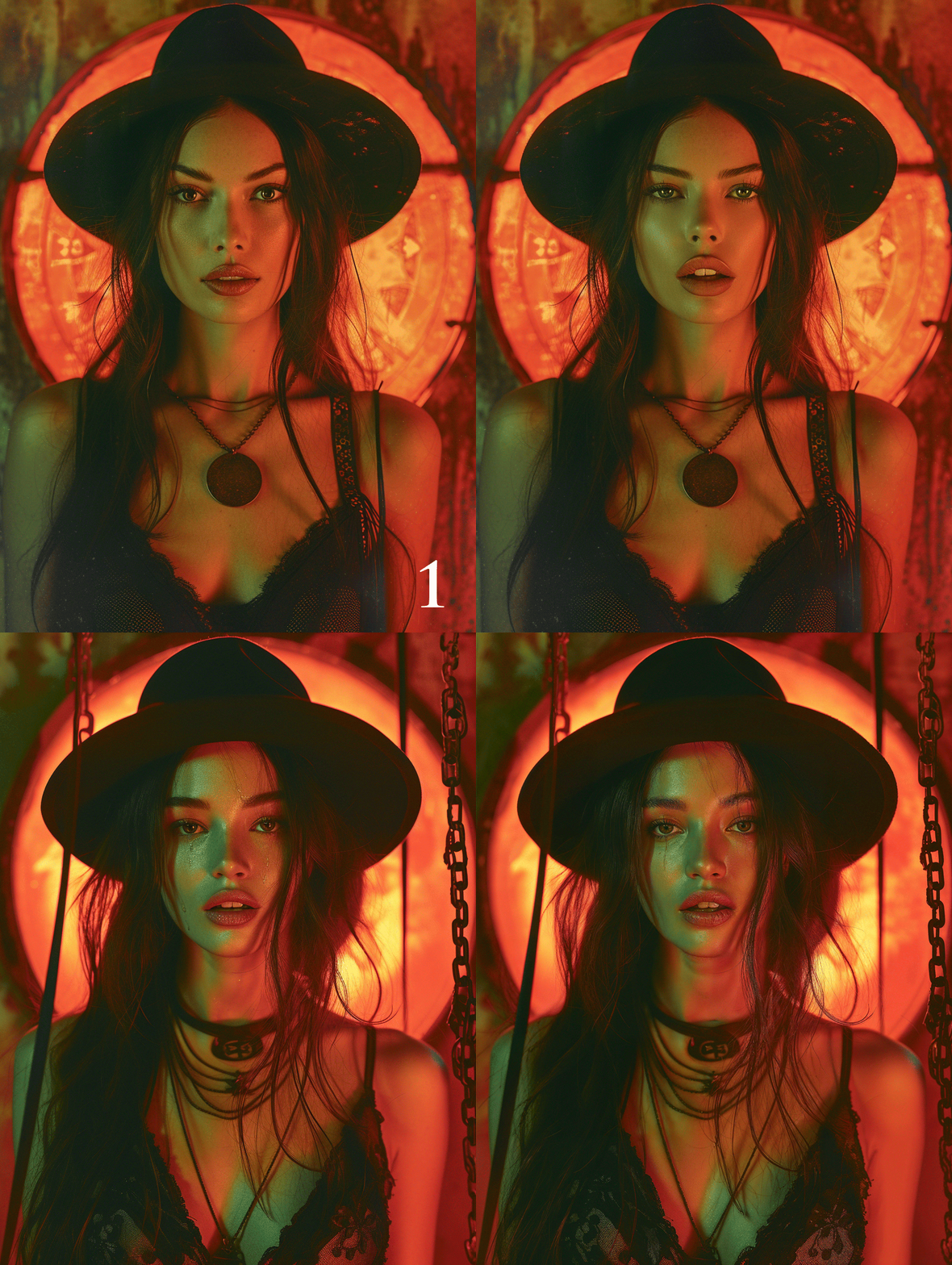
And with that I was done! More realism, much more detail in the face with the lighting and the even the tear drop! Bottom line, in four minutes I had what I wanted… once again.
You can see the difference in this animation below.
So now it’s time to go and play! Why write about it, when we can just have fun generating with these features once again, right?
Now, if you want to master Midjourney yourself, and learn these tricks and tips, I’ve taken my numerous articles and my thousands of hours of learning and compiled them into a 3 hour training course that you can purchase for 75% off right now! Click here for that link with coupon code.
Bottom line, let’s all get better together. Because with Midjourney v6 the possibilities are endless… again!