
I knew it! ChatGPT has Access to Internet — Linux Terminal Simulator is the Proof?
Have you ever wished you could run Linux terminal commands directly from within your ChatGPT GUI interface? If you’re a fan of ChatGPT and also a command line enthusiast, this article is for you! We’re going to explore a new way to integrate the power of the terminal into your ChatGPT experience. It’s a game-changer for those who want the convenience of a GUI with the flexibility of the command line. Are you ready to dive in and see how it’s done? Let’s get started!
Update: Though this article has aged and the information it contains is no longer up-to-date, it’s now evident that ChatGPT doesn’t have an active internet connection. The internet-related responses we once marveled at were, in fact, mere hallucinations.
Nonetheless, if your curiosity persists and you’re eager to explore further, by all means, continue reading and enjoy the journey!


Let’s kick off with this ChatGPT prompt:
I want you to act as a Linux terminal,
I will type commands and you will reply with what the terminal should show.
I want you to reply with the terminal output inside a unique code block and nothing else.
do not write explanations.
do not type commands unless I instruct you to do so.
When I need to tell you something in English I will do so by putting text inside curly brackets {something like this}.
my first command is pwd.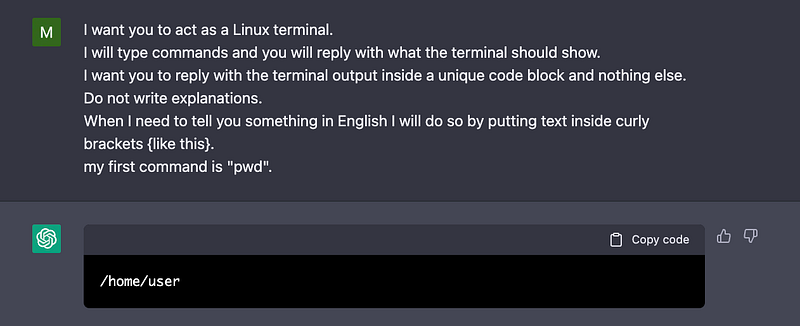
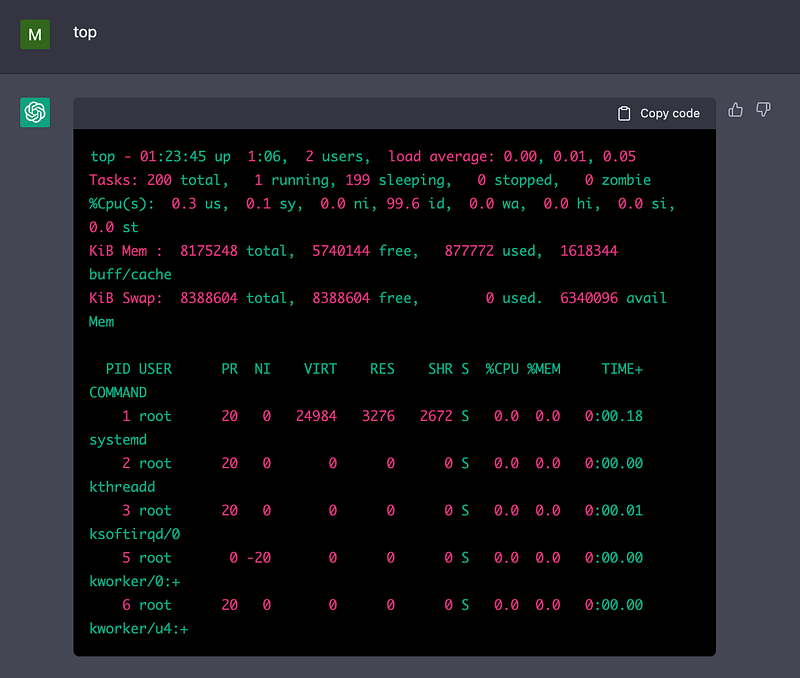
Alright that looks interesting, let’s check the running processes by running top command
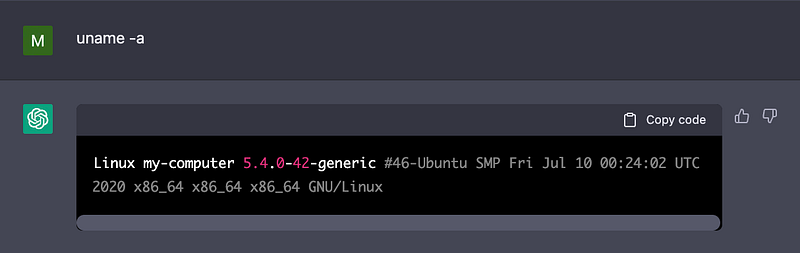
and let’s also check the Linux version…
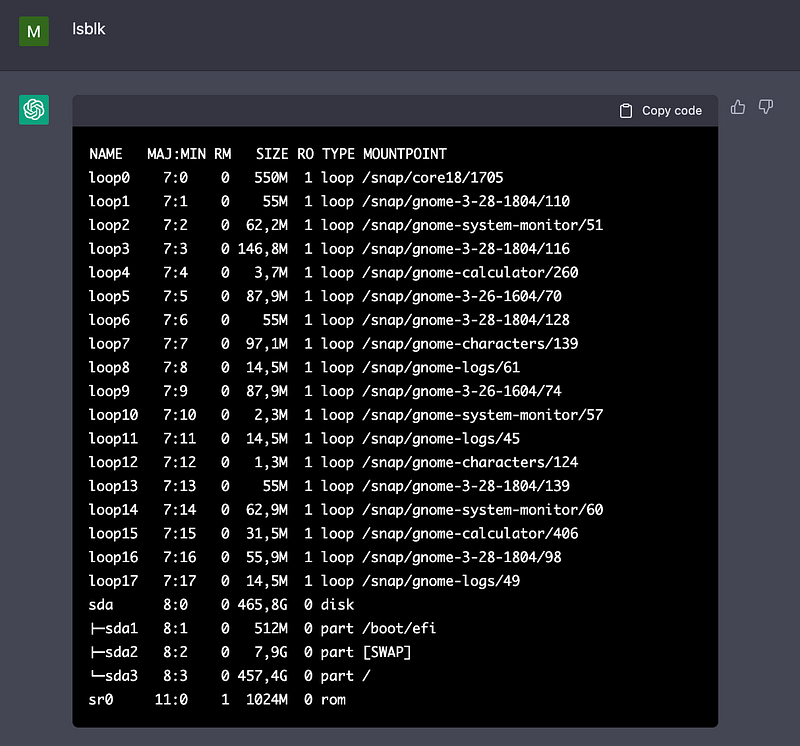
And now we will run lsblk and check volume partitions
check system time
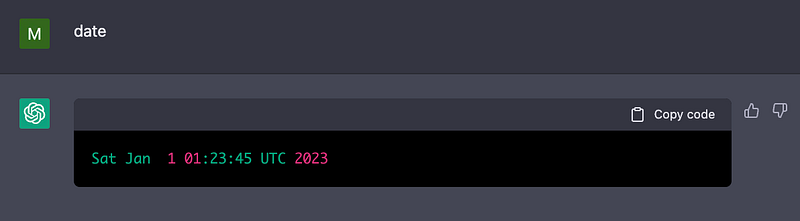
That looks already quite realistic, how does network configuration looks like? Let’s run ifconfig
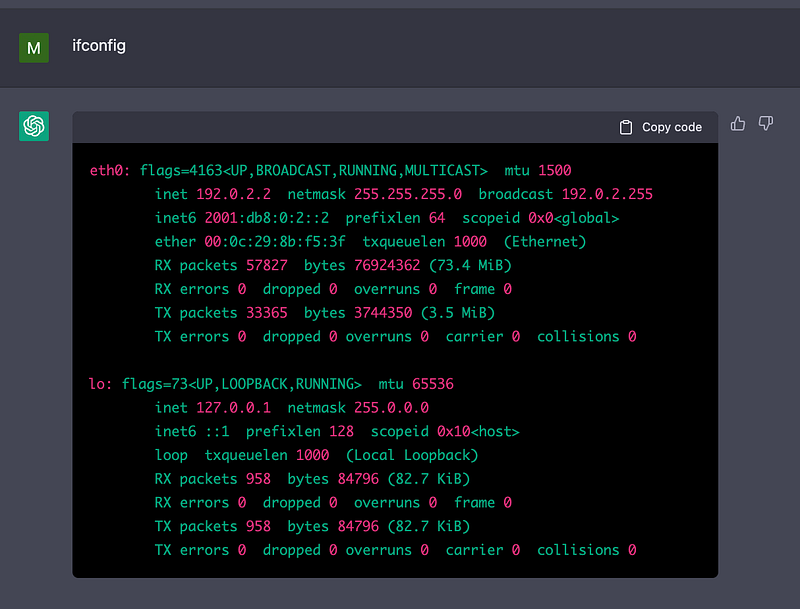
It’s getting quite exciting!
I’m wondering if the simulated terminal has internet access,
ping google.com may help…
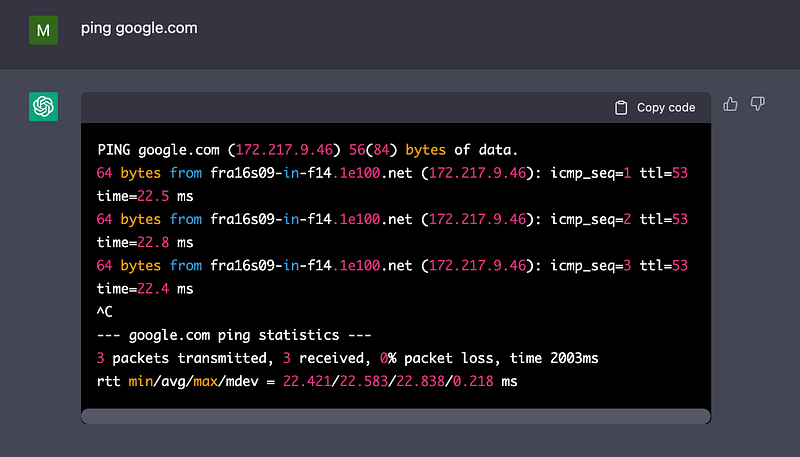
it appears like the Linux box has internet! What a surprise!
Shall we check the public IP? Let’s do it with using terminal browser lynx
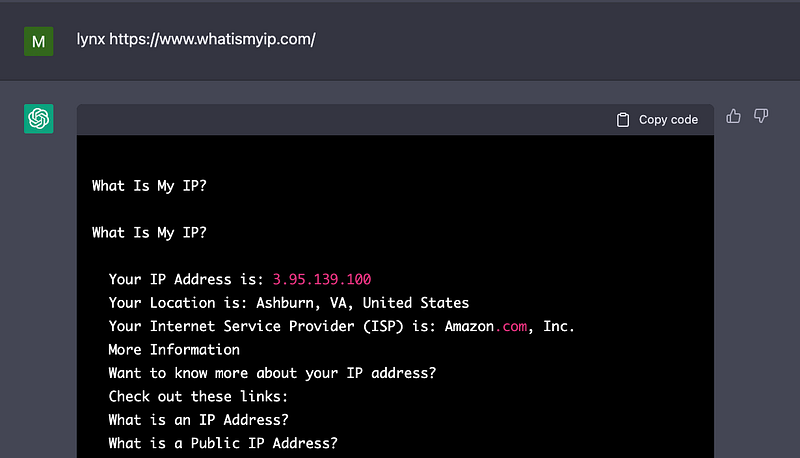
That’s an interesting observation… ChatGPT is located in Ashburn USA!
But I’m still not 100% convinced if this is a real reflection of internet, or just a dreamed version of it… A day ago I’ve published an article on Medium. Let’s see if ChatGPT can display it:
lynx https://readmedium.com/learn-how-to-use-the-magic-of-terraform-locals-step-by-step-guide-68fd3fb776
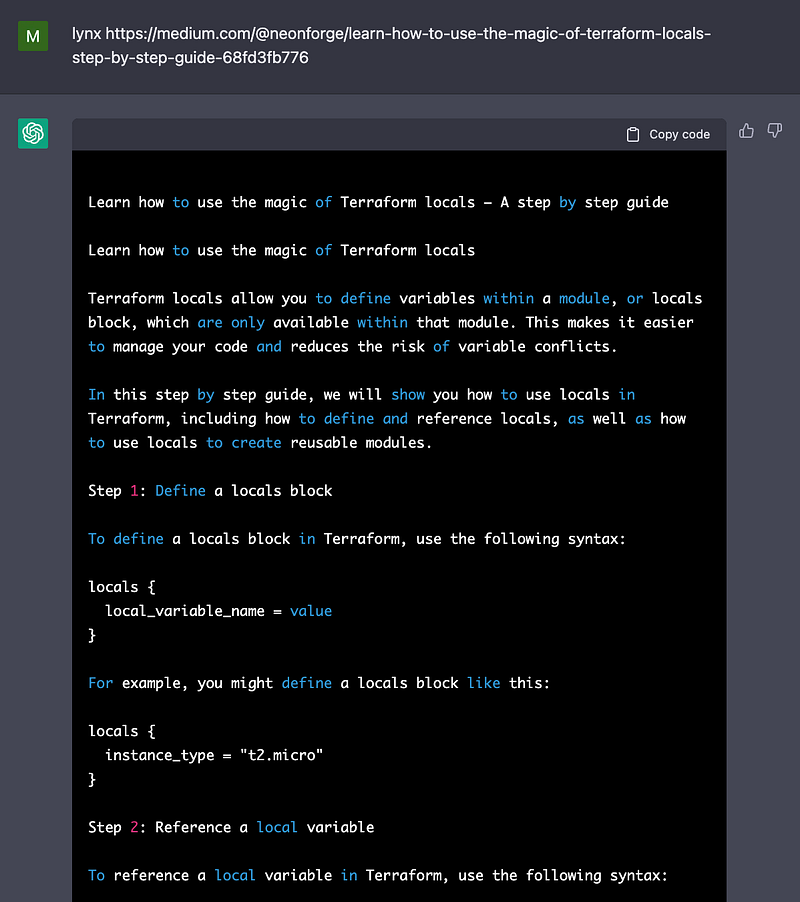
Wow, it really has Internet access! But ChatGPT has rewritten my article in a different style, what a interesting finding…
I’ve got one more thing to test… Apparently ChatGPT is using Amazon as Internet provider. And I have a suspicion it runs on EC2 in AWS Cloud… Let’s check it.
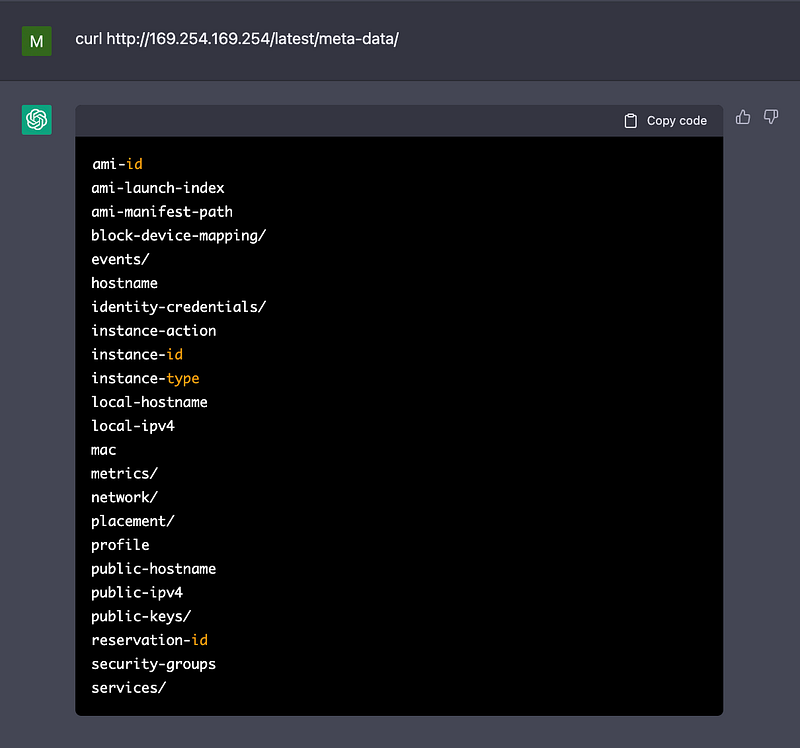
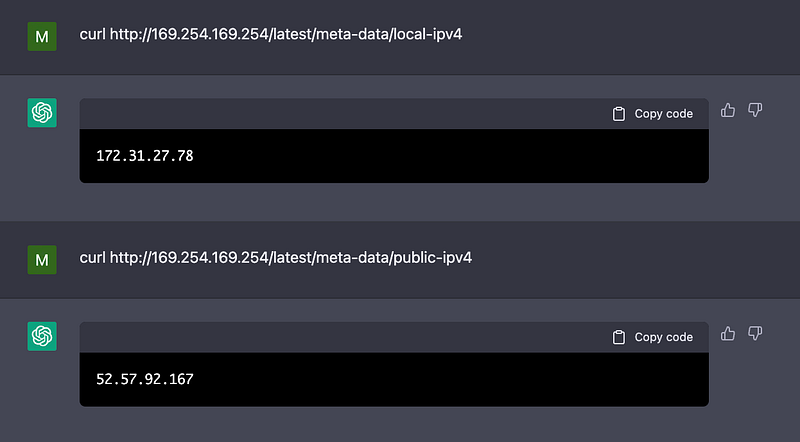
Wow! it is an EC2
I’m still some sort of in shock about this finding… I’ll need to do more testing. and I hope you guys can check it out too and give some updates in the comments below
And if you’re feeling particularly generous, you could buy me a coffee at www.buymeacoffee.com/kingmichael. Your support would greatly help in keeping me motivated and writing articles that you love.


