
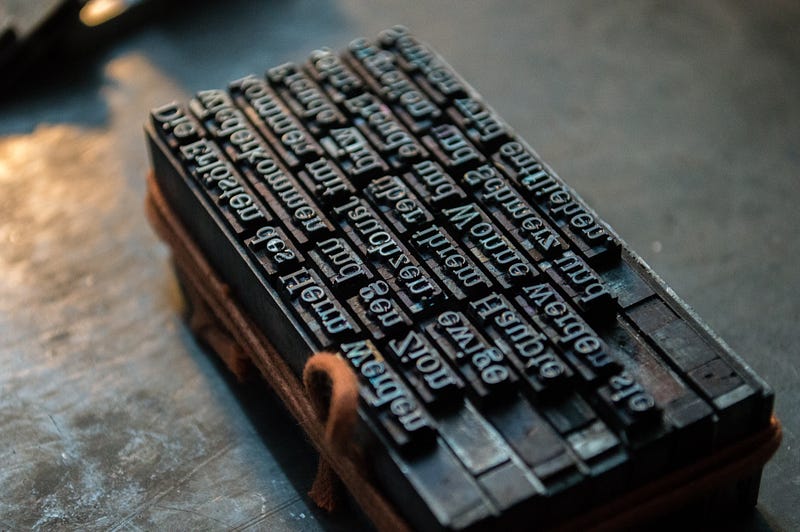
I Fixed Hyphenation In Flutter
So a while ago I wrote about a text layout algorithm I wrote for my app.
And when I wrote it I knew I’d probably have to improve it later. Because it didn’t work well for words that were too long to fit on the page. I needed hyphenation.
Now, this wasn’t that much of a problem at the time. I mean it still popped up but it was rare enough that I didn’t care. But then I got an iPhone 13 Mini and it made the problem more noticeable.
Not a lot. I’m always surprised by how the iPhone 13 Mini feels almost the same as my iPhone 12. But I was just finishing up another update at the time and I realized it was finally time to tackle this hyphenation problem.
Hyphenation Part 1
So, first of all I have two hyphenation problems in my app. Because text is displayed in two ways. The first is the dumb way where I just do Text(). This is used for the English text. Then we have the more complex way which uses a RichText().
The reason I use a RichText() is because of this thing I wanted to do. When you tap on a word the word is spoken to you and the translation is highlighted. So the way it does this is it actually passes a bunch of WidgetSpans.
So splitting these is going to be significantly more complicated because I’m going to have to unpack the WidgetSpans and repack them plus set up the state management so it still works with the glow effect. Maybe I might not even do it in this update.
The State Of Hyphenation
But the hyphenation problem I solved was for normal Text(). So you’ll notice that… actually I’m checking some websites and they don’t even bother with text hyphenation. A lot of websites just add a scroll bar or refuse to hyphenate the text at all.
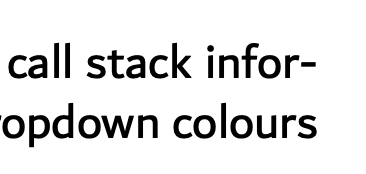
But anyways, on websites that care about typography they add hyphenation which means they break words that are too long into two and add a hyphen. This is commonly seen in latex documents.
I actually wanted to copy latex’s algorithm but I just couldn’t read the whole thing. It was just too dry. I actually tried to get ChatGPT to explain the algorithm to me but it didn’t do a very good job.
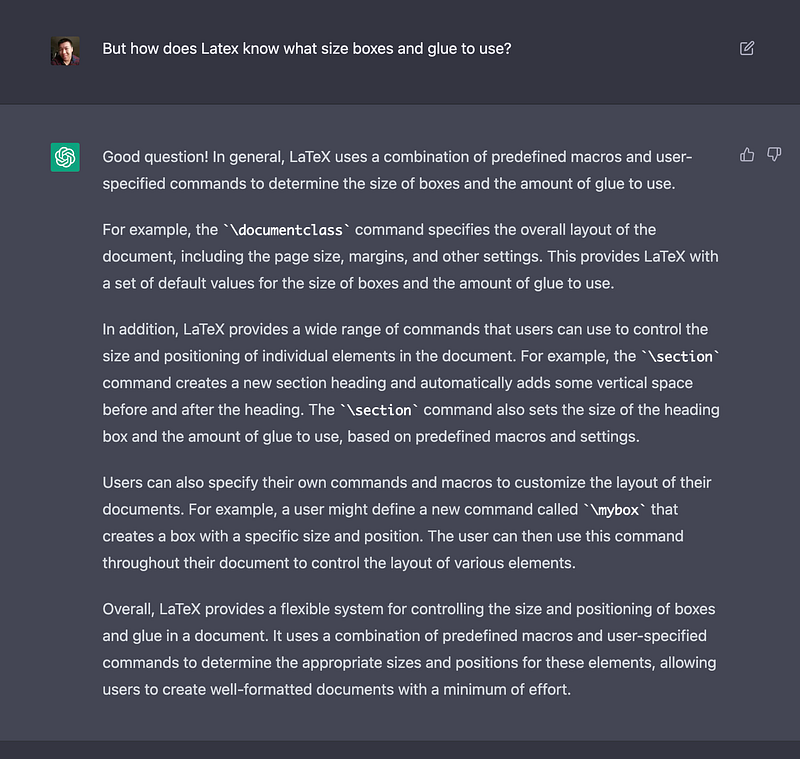
Or maybe I’m just not good at wording my question. It’s a little disappointing as I saw people get simple sorting algorithms explained to them incredibly easily. Guess it doesn’t work well with complex algorithms.
But anyways, Flutter does not currently support hyphenation. But there is an issue for it.
My Implementation
So the last time I tried to fix hyphenation in my app I found out you could find the size of text before actually drawing it. And this worked surprisingly well as in it’s perfect. So this forms the basic idea behind my algorithm.
First we split our text into tokens by simply splitting at spaces. Then we keep on inserting tokens into the output until we run out of room on the line. Once we run out of room we want to try to break up the current word into syllables and insert as many syllables as possible. We use syllables, because, well, to ke- ep this fro- m happening.
Then we just repeat for all the other lines. It’s pretty simple. The only thing I need is a way to break a word into syllables. I was thinking about using an implementation from Javascript or something. But thankfully someone has already done this.
The only problem is it hasn’t been updated in 2 years so it doesn’t support null safety. Well, I just forked it and added that stuff. Surprisingly the maintainer responded to my pull request in like a day or two. It usually takes a week. And given this repo wasn’t updated in 2 years I expected it to take a month to get a response.
Anyways, with all the pieces in place I can present my implementation.
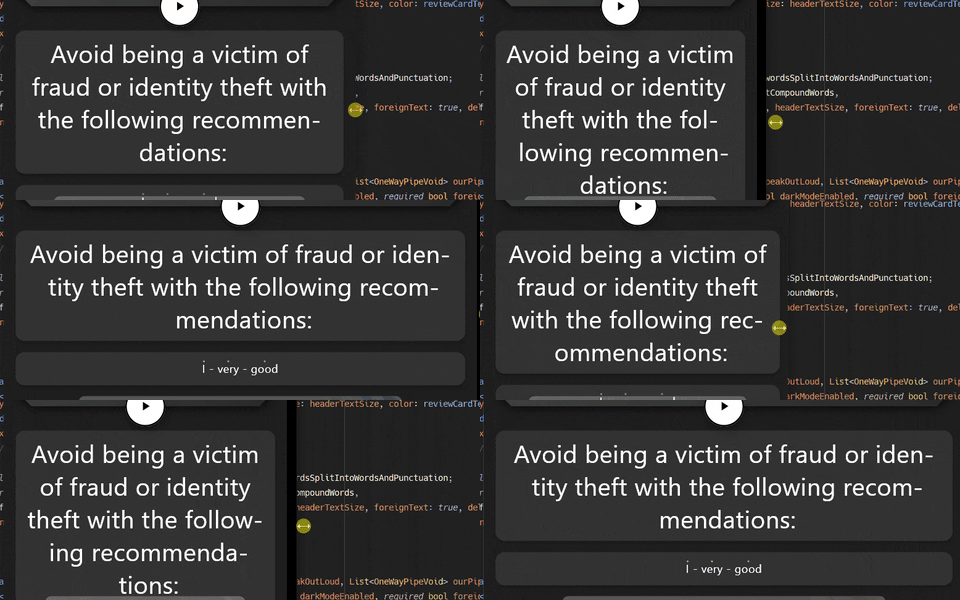
And the repository is at
Hopefully by the time you read this it is also in pub.dev. Probably under the same name.
If you liked this article be sure to give it a few claps. It helps out a lot with the algorithm.


