
How You Can Master AI Image Generation— Explained Using Cats
Midjourney Prompt-Crafting 101
Have you seen the Amazing AI art shared over the internet and don’t know how to achieve similar results yourself? You have come to the right place.
In this article, I will explain how you can turn your imagination into reality using Midjourney.AI. I will lay out the basic principles for prompt crafting, share some valuable resources and unveil some tips and tricks.
If you have never tried using Midjourney before, here’s an article that will get you started:
If you are looking to improve your prompting skills or just want to see a ton of images of cats in different styles, this article is for you!
Get ready to unleash your inner artist. And start your journey of becoming a master AI-whisperer.
Table of Contents
How to structure a prompt ∘ 1. Object ∘ 2. Choose a style ∘ 3. Aspect ratios ∘ 4. Lighting and Camera settings ∘ 5. Excluding stuff ∘ 6. Overall tips ∘ Resources
How to structure a prompt
There are no hard-set rules to prompt crafting. AI can handle some pretty abstract requests. But you are more likely to achieve the results you are looking for if you follow some kind of structure.
1. Object
Let’s start with something simple, like a cat!

By default you will get something like this:
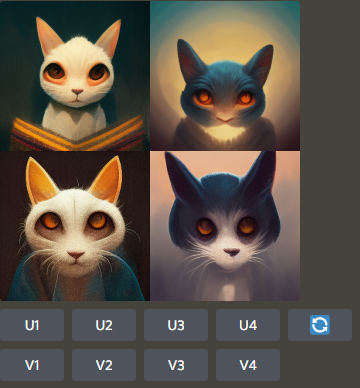
Now we can either upscale one of the images, create new variations based on one of the results, or re-roll results completely. I already explained how to do this in the introductory article.
To achieve different-looking cats, there are several routes you could go. To begin with, we will be looking at using different algorithms.
To access different algorithms, you can use the command /settings
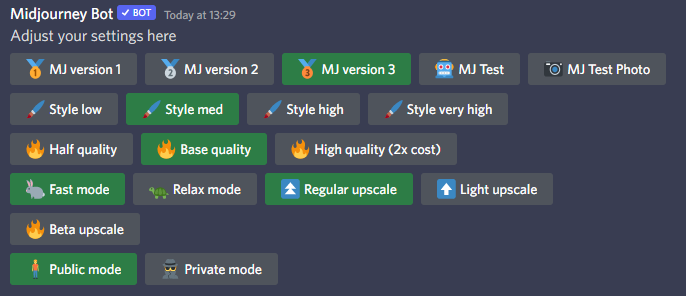
A menu like this will pop up. The first row is for specifying the algorithm.
Here are upscaled results for the basic prompt a cat using different algorithm versions:
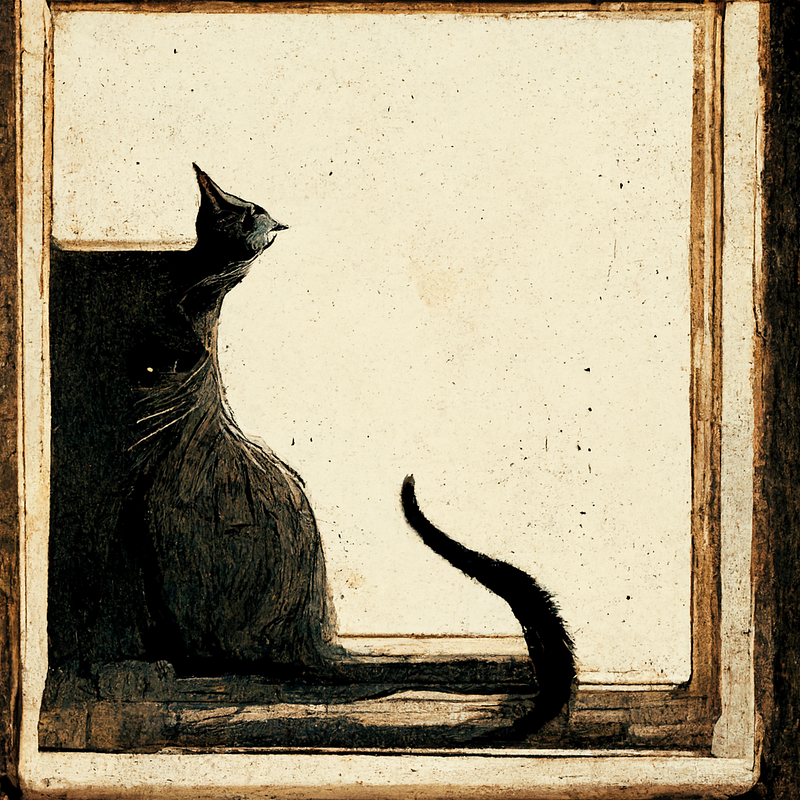
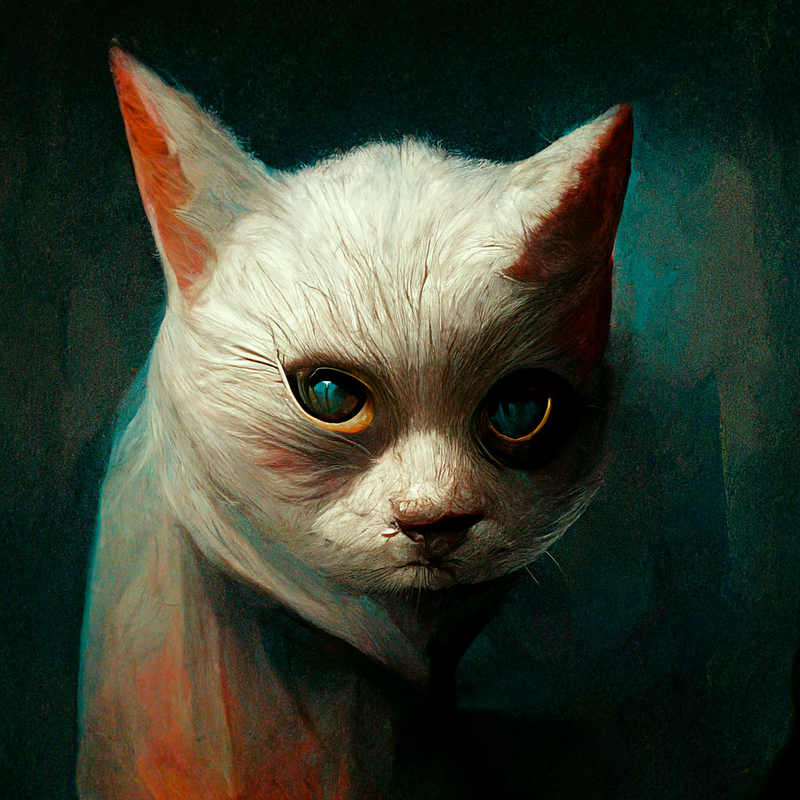
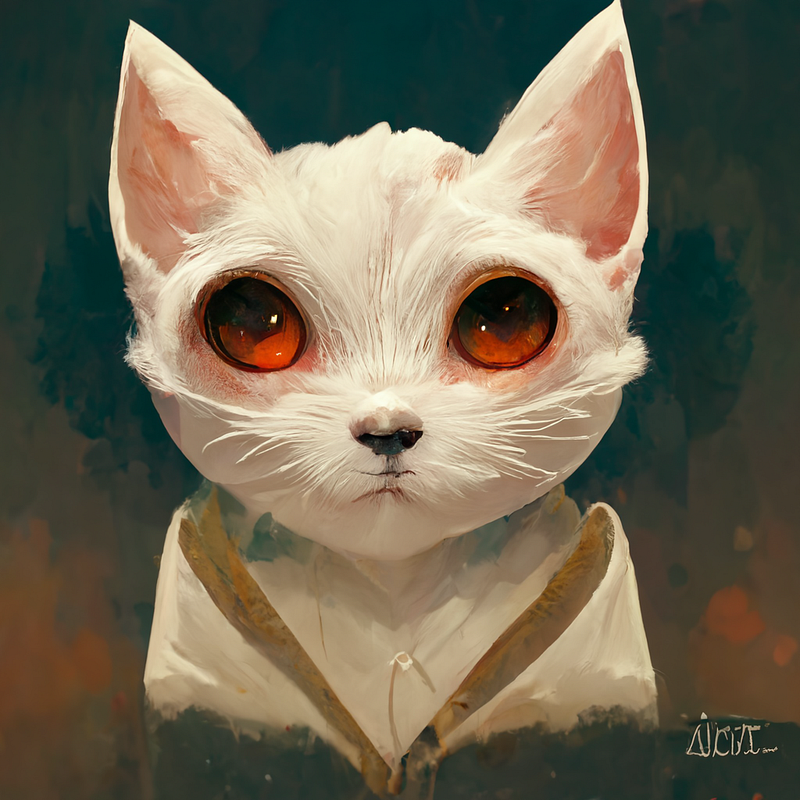
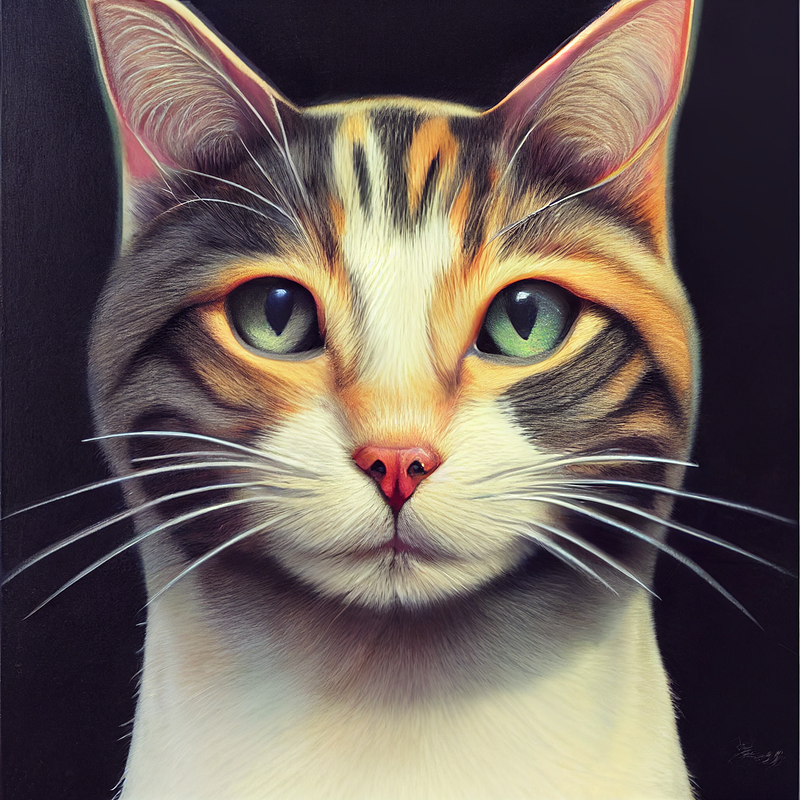
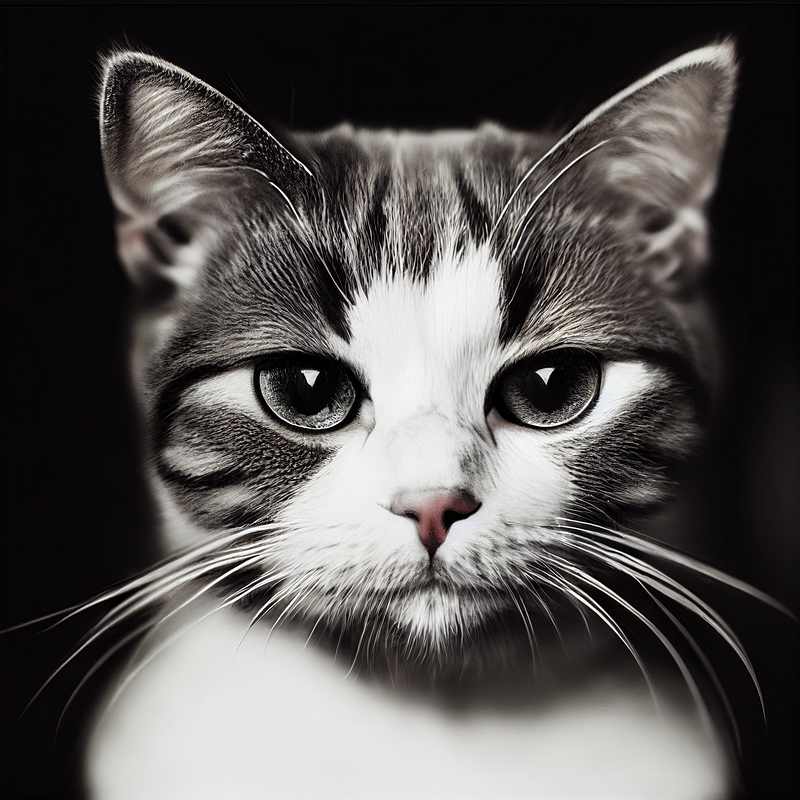
As you can see, there are quite drastic differences. The first two versions are a bit more abstract. V3 gives that distinct Midjourney look. Mjtest gives a great variety of results. Great for recreating different art styles. And Mjphoto is the best for achieving photorealistic results.
You can also access these different versions by adding a command to the end of your prompt.
— v1, — v2, — v3, — test, — testp
Here’s how a command to get a result created with the Mjtest algorithm would look like:

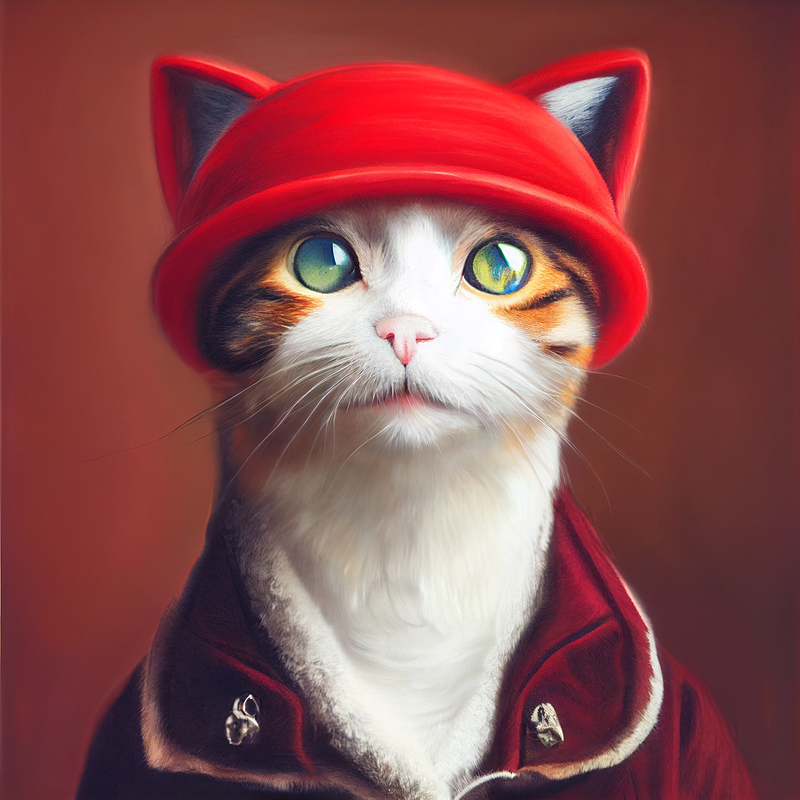
You could also make the object more specific. Let’s try generating a cat with a red hat.

Here is the result:
2. Choose a style
The possibilities here are pretty much endless. I will give you some examples, to get you started. And I will also provide some resources that are great for inspiration.
There are many ways you can choose to stylize your creations. You could go with a style of a certain artist:

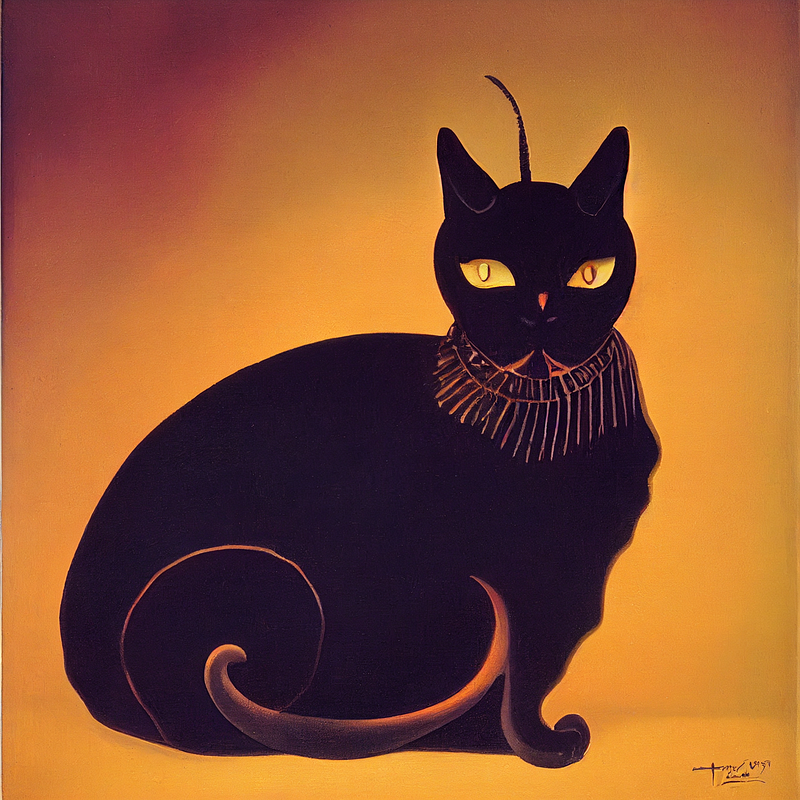
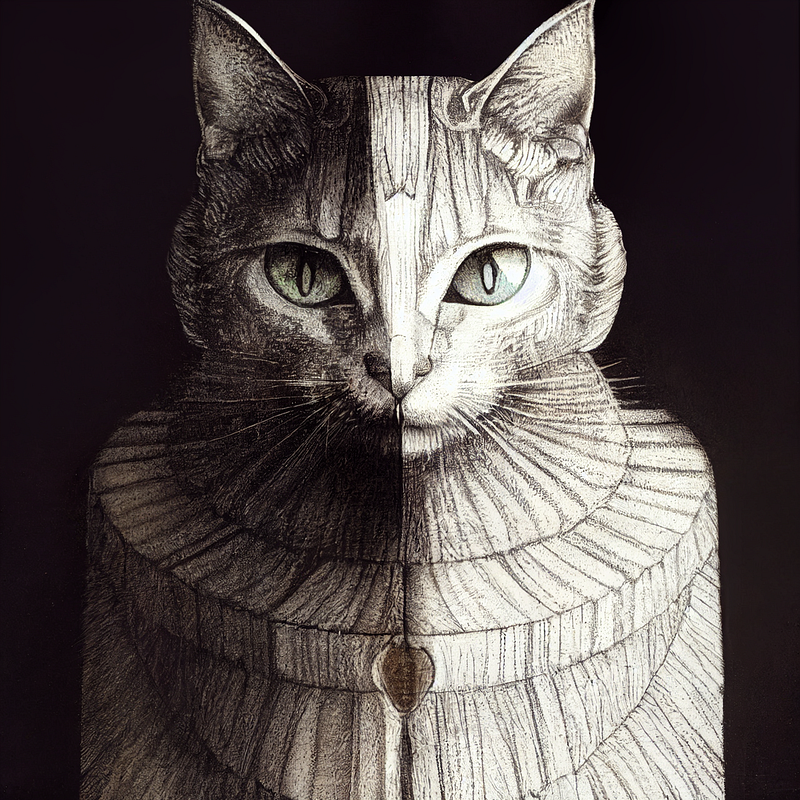
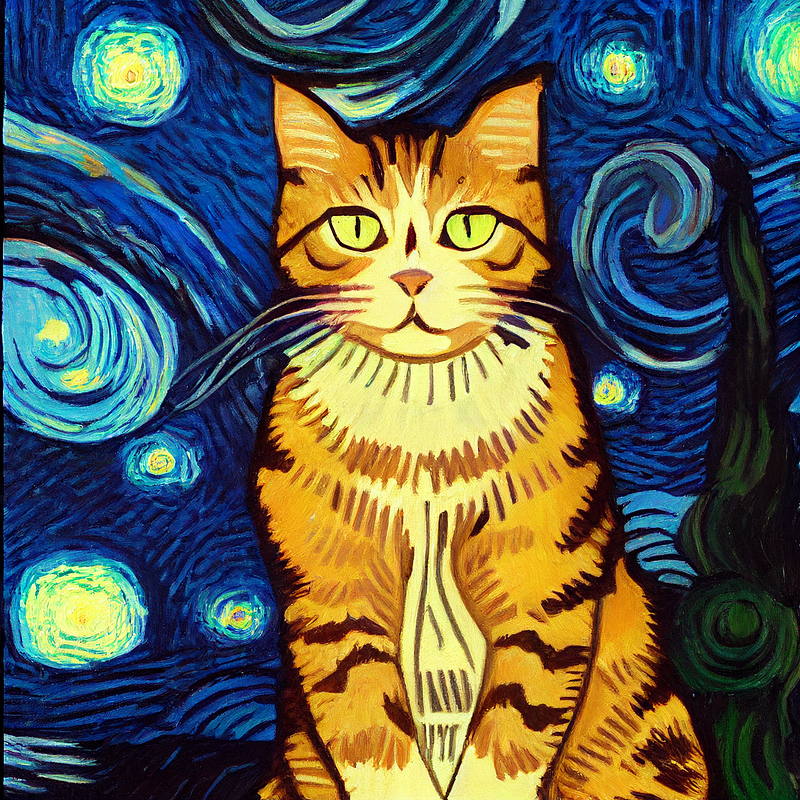
Here is a Google Sheets file with tons of artists you could use and reference images: Open Library of Artist Styles by MJ Community
Or you could just specify a style:

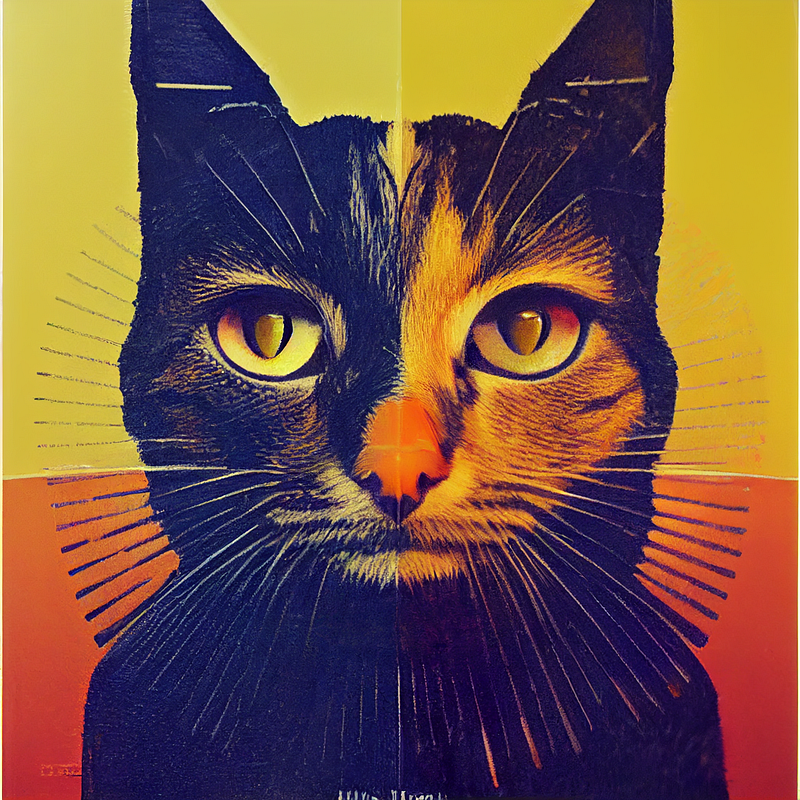
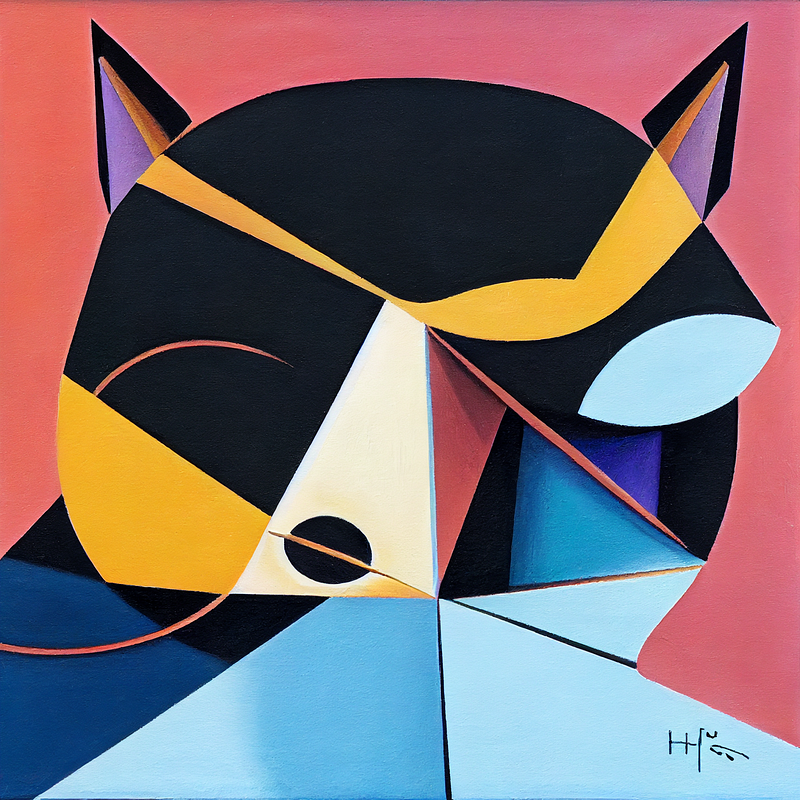
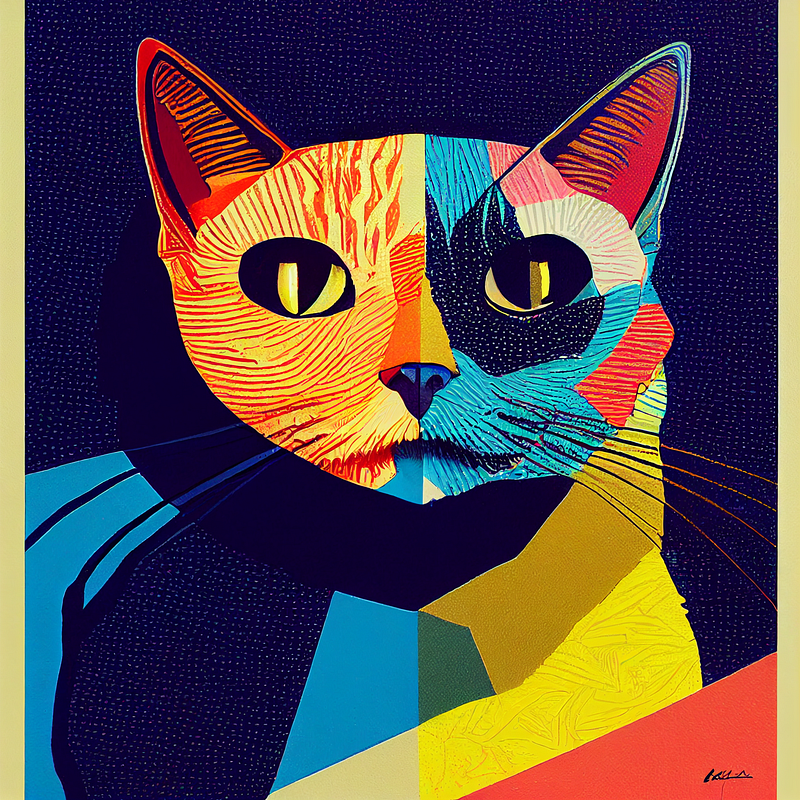
You could also go for something more modern like anime. As I said, your imagination is the limit:
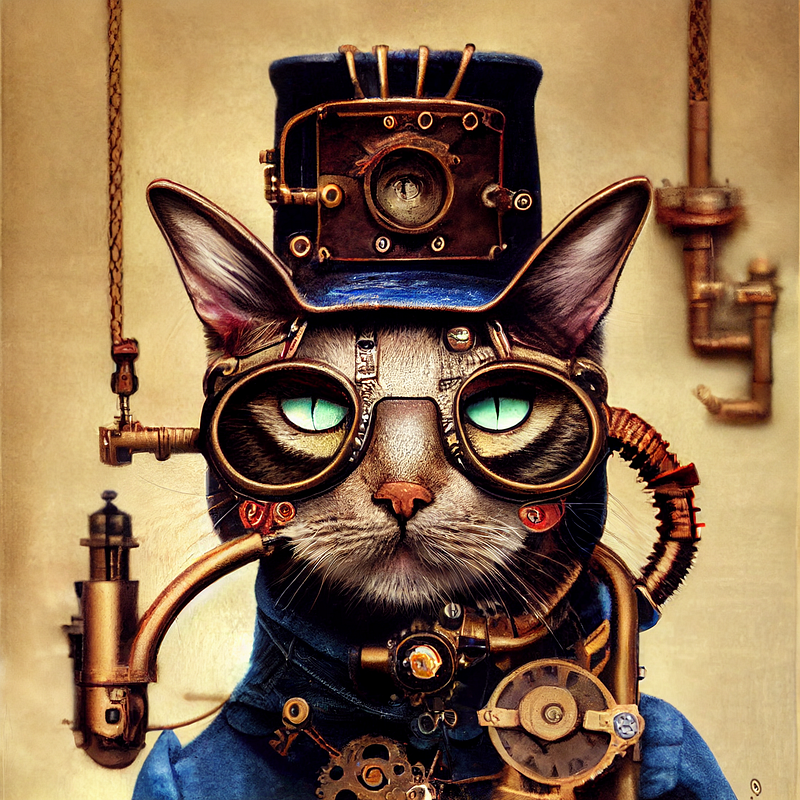
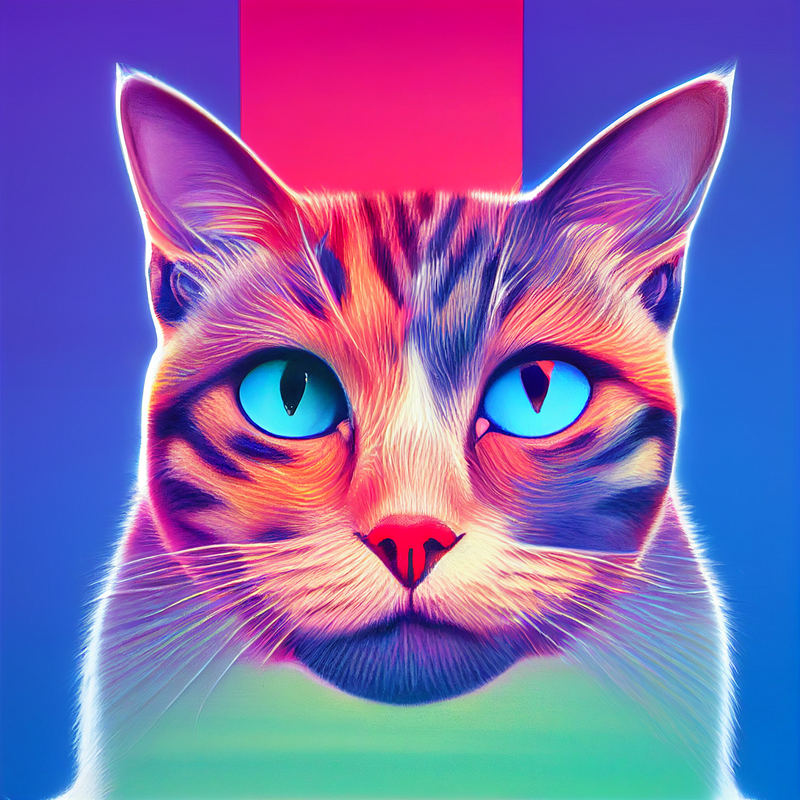
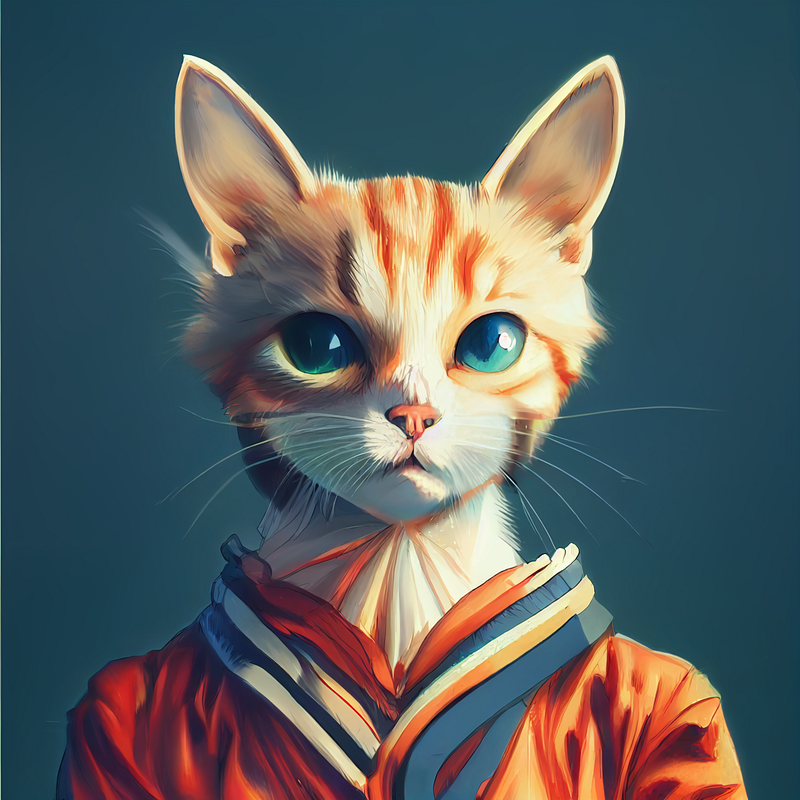
Here’s a great website to find the aesthetic you are looking for: Aesthetic wiki.
3. Aspect ratios
By default Midjourney outputs square images with an aspect ratio of 1:1. But you can easily change this by using a command. Simply add — ar x:x with your desired aspect ratio at the end of your prompt:

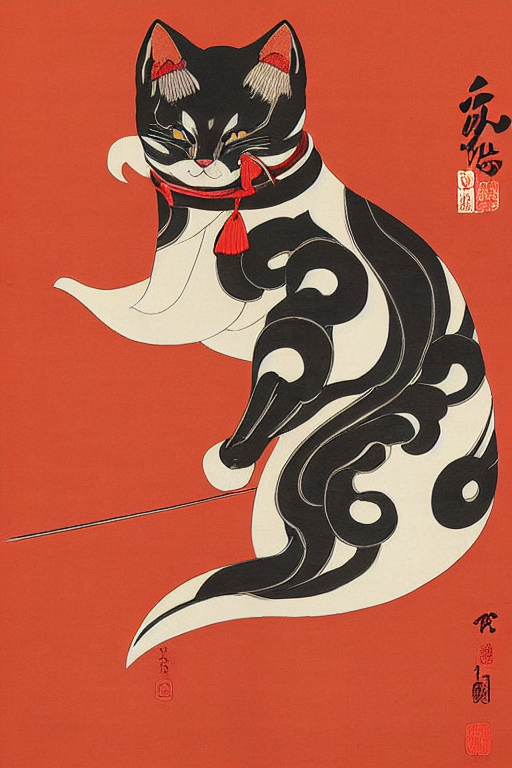
And here’s a horizontal one:

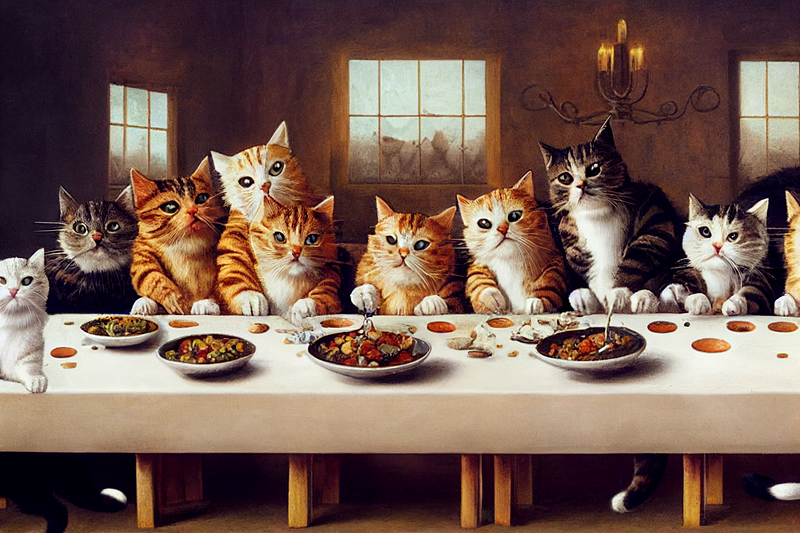
Here is a great reference sheet for different aspect ratios: Aspect ratios explained with Teapots.
4. Lighting and Camera settings
If you’re a photographer, this is how you can use your knowledge to make your generations excel. But even if you are not, you can learn from references online.
You can simply describe the lighting with adjectives like this:

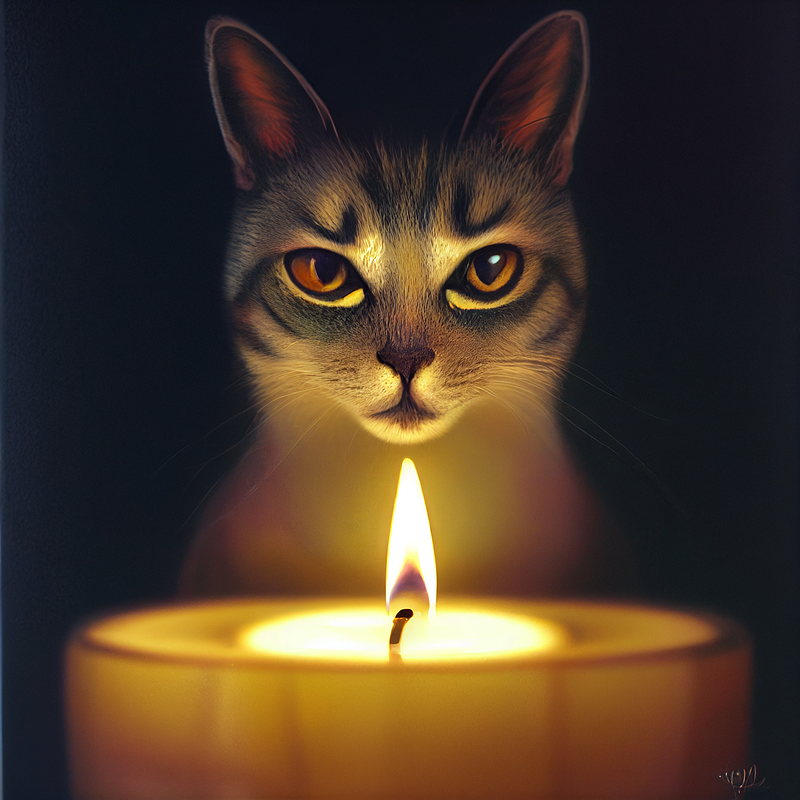
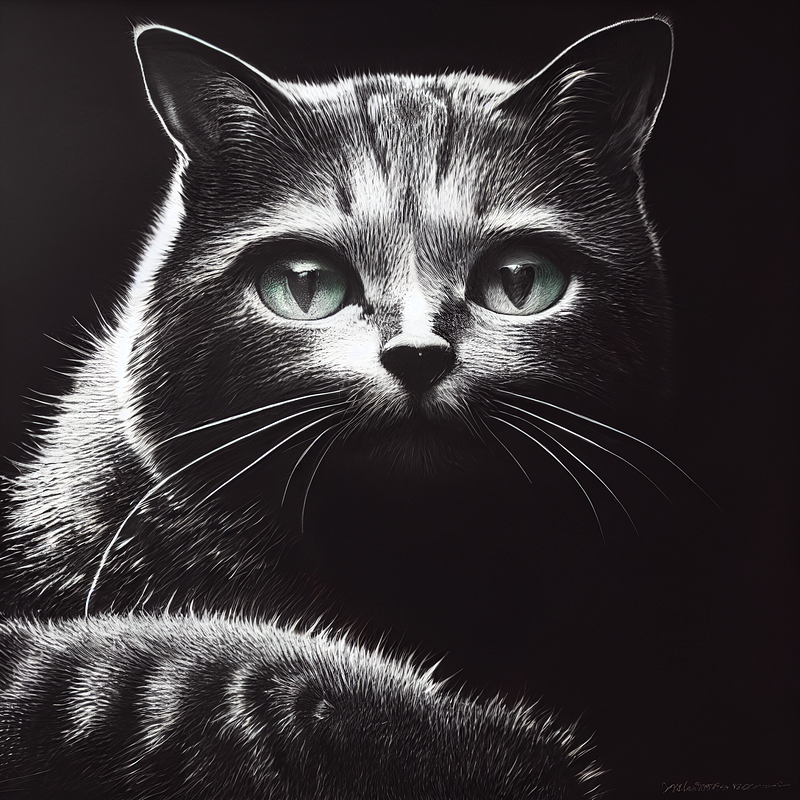
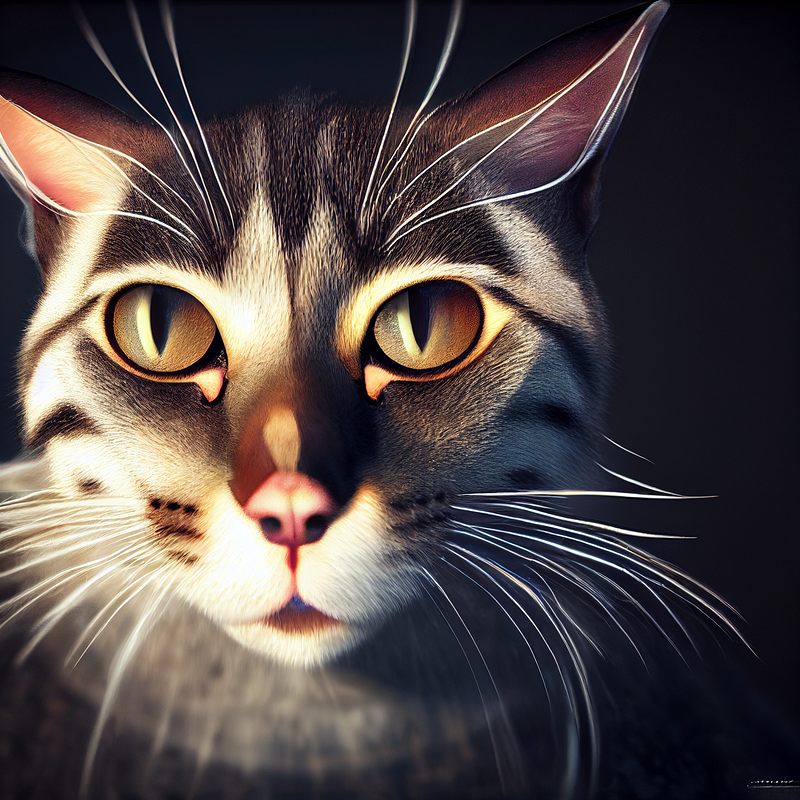
Or you could use more technical terms:

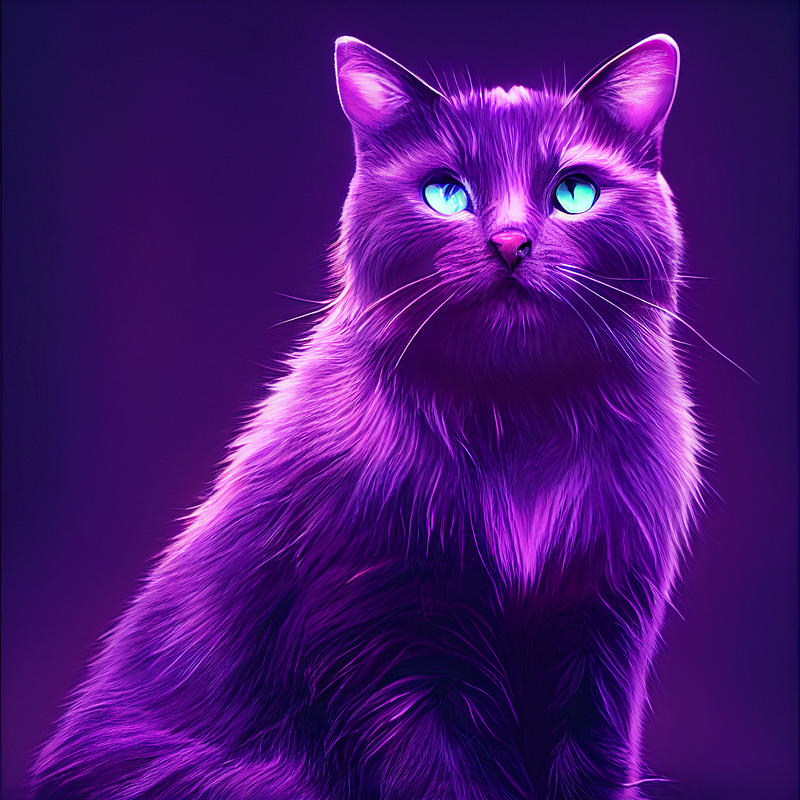
You can also use camera models, types of lenses, camera settings, or different mediums like film, digital photography, daguerreotype, etc.
You can find some reference material here: teapot examples
5. Excluding stuff
Sometimes you will get stuff you don’t want in your images. There is a command to solve this. Simply add — no to your prompts followed by what you don’t want to be included.
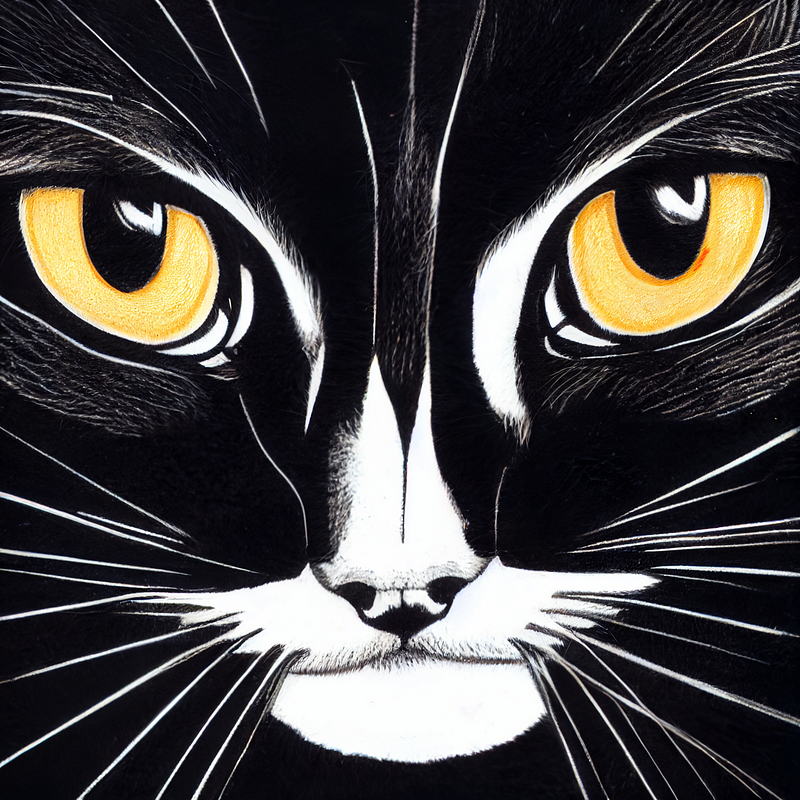
For example, we could try getting a close-up of a cat without ears in the image.

6. Overall tips
None of these commands are perfect, but they will guide you through the process. You probably won’t generate the perfect image on your first try, keep re-rolling and making variations. While also refining your prompt along the way.
You can combine all of the parameters I mentioned above and add some of your own, to create your own unique style of AI-generated art.
Start with the basics and build up from there, experiment. And learn from others. Here are some sites that you can use to find inspiration for your prompts:
Midjourney AI public gallery — You can access this if you have an active subscription for Midjourney AI. Here you can find images created by other users and you can also view and copy their prompts.
Promptmania — this is a tool that will simplify prompt creation for you. It provides a ready-to-go template with references that you can fill in. And it will create a prompt for you.
Openart — this is a free gallery, with thousands of images created with AI and prompts used to create them. It also has a pretty good search engine
Lexica — Another gallery with AI-generated images and their prompts. It is originally intended for Stable Diffusion. But you can still use it for inspiration.
Reddit — You should definitely check out Midjourney subreddit. Not only is it a great place to find inspiration, but you can also ask questions and connect with the community there.
Resources
- Open Library of Artist Styles by MJ Community
- Aesthetic wiki
- Aspect ratios explained with Teapots
- Midjourney AI public gallery
- Promptmania
- Openart
- Lexica
- Midjourney subreddit
That’s it for today! Feel free to ask questions, and get creative.
If you would like to learn more about Midjourney and how it can be used, check out the list below:
Thank You For Reading! :)
Stay curious and stay HungryMinded!
If you enjoyed reading my work Sign up Here to get all of my future posts directly to your inbox.
Join Medium for just $5 and read an unlimited amount of informative stories from me and thousands of other great writers. You can do that by clicking the link below.


