
How Writers Can Transform Their Words into Midjourney Masterpieces
Engineer prompts without being a prompt engineer
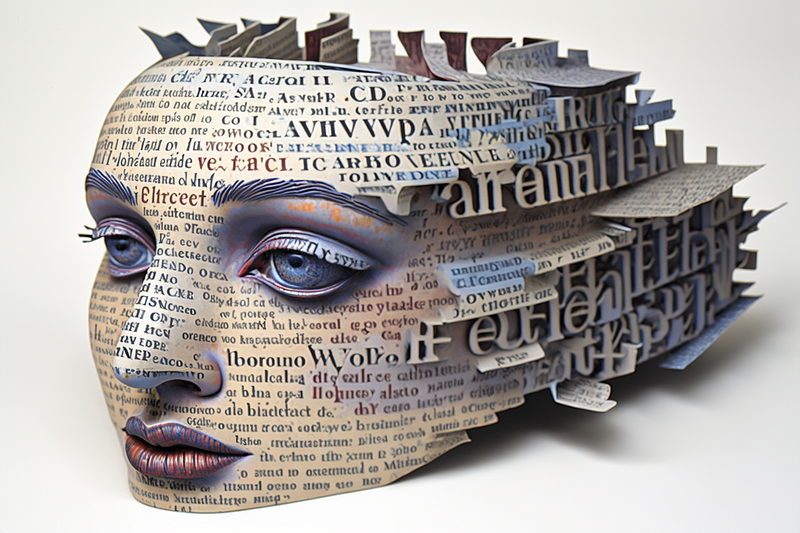
Picture this: you’re at your desk completing the draft of your latest post, creative juices flowing like a bubbling mountain spring. You know what they say — a picture’s worth a thousand words. So, naturally, you’re on the hunt for that perfect image to capture the essence of your story. But what if the standard stock images just don’t cut it?
Enter AI images, the revolutionary solution to your visual storytelling woes. With AI-generated visuals, you’re no longer limited to existing photographs or illustrations. Instead, you can create custom visuals tailored to your post with just a few clicks. Bingo! — huge amount of time saved, right?
Ah, but here’s the catch — the ever-looming spectre of prompt fatigue.
Much like how I’d invest hours typing keywords into a search bar, scouring a stock photo site for the picture-perfect image, I now often find myself knee-deep in AI prompt tweaking to conjure up a custom-made visual gem. The more I tweak and adjust those prompts, the further I drift from my initial vision. The prompts morph into convoluted, long-winded monsters, leaving me feeling lost and on the verge of throwing in the towel. And that, my friends, is the essence of prompt fatigue.
So, whether I was using stock images or AI images, the time-suck was strikingly similar. The quest for the perfect image demanded more than its fair share of my dedication and patience.
This inspired me to harness the wizardry of AI-generated images in a more collaborative and efficient way.
Use your words
I had a facepalm moment of epic proportions: I was going about this all wrong. I’d been racking my brain, trying to shove my mental picture of the perfect image into meaningful words to prompt the AI. But then, a stroke of genius: I’d already penned the meaningful words on the page. Why not let the AI interpret the picture through my own written masterpiece?
I ditched my old method of describing imaginary images in my head to the AI. Instead, I began using the words and phrases I’d already crafted in my article as prompts for the AI to work its magic. Game-changer! By trusting the AI to make visuals based on my writing, I discovered a treasure trove of delightful and unexpected results that brought my stories to life in a whole new way.
It’s less about controlling the AI and more about buddying up with it and going on a wild ride of collaborative imagination.
So here it is: My nifty little trick to snag stand-out images to compliment my tales of wit and wonder.
1. I kick things off by diving headfirst into my wordy treasure trove of a story, fishing out a phrase that’s got some serious visual oomph and wraps up a key point or the vibe of the piece in a neat little package. I mean, this is literally painting a picture with words! Let’s use this story as a working example. I like the phrase I use in the opening paragraph, “creative juices flowing like a bubbling mountain spring.” It’s visual and speaks to the crux of the article itself.
2. I grab my chosen phrase, word for word, and paste it into my trusty AI partner-in-crime, Midjourney. Sometimes, just like that, I’m blessed with a jaw-dropping result, and I can skip off into the sunset. Here’s what my AI colleague cooked up:
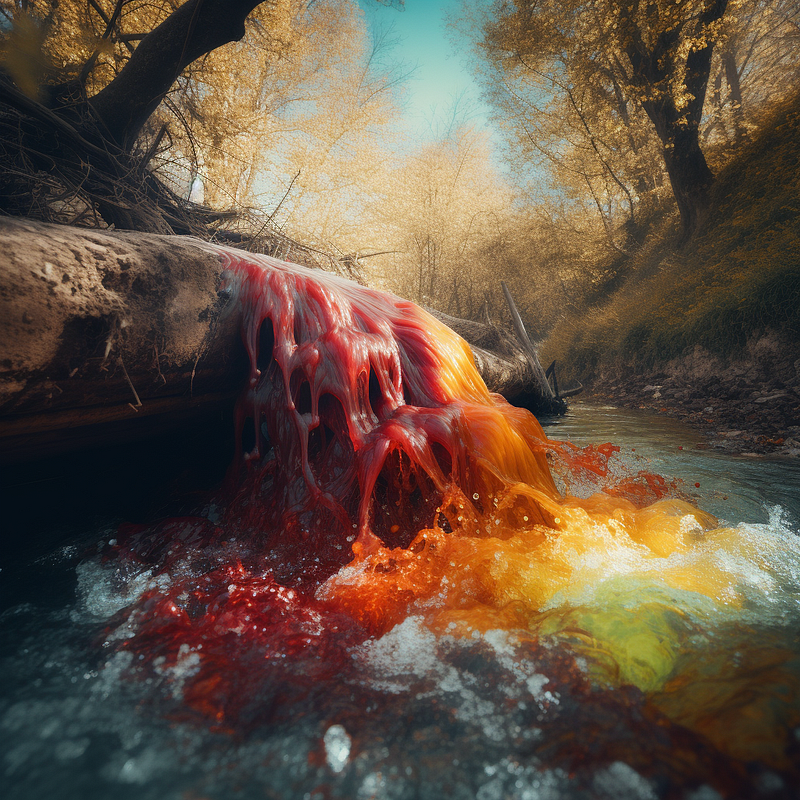
Not too shabby, huh? I mean, it could either be creative juices or… the aftermath of something murdered upstream. Yikes, let’s move swiftly along. Nothing to see here.
Next up, let’s see how a phrase I used earlier in this piece, “I now often find myself knee-deep in AI,” pans out:
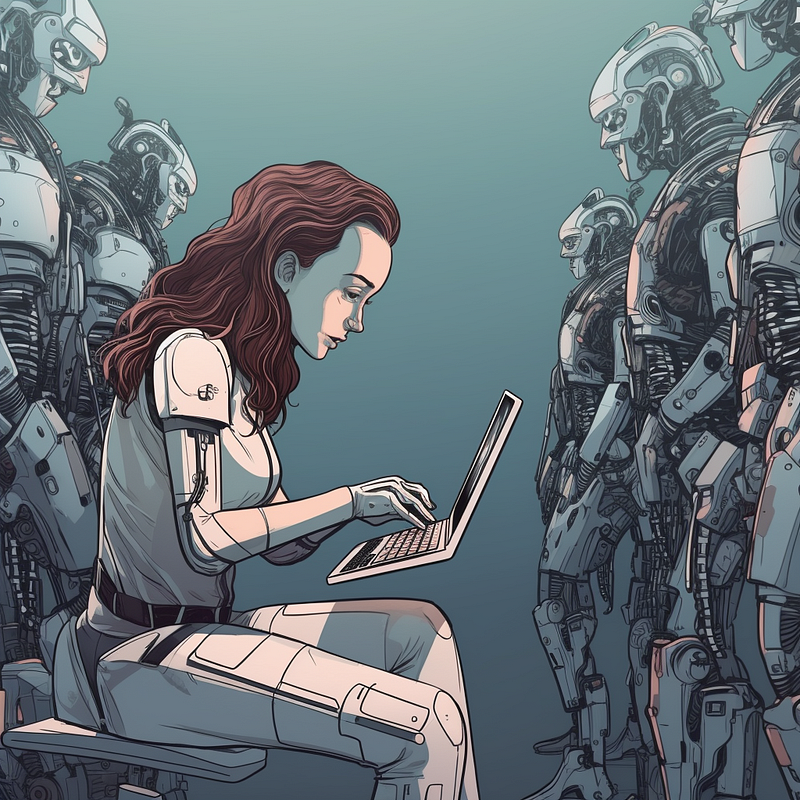
Pretty cool. It’s like a swarm of impatient AIs breathing down your neck, just itching for you to provide a solid prompt to work with!
Now, these gems are all well and good, but what if my artistic vision craves something a tad different? That’s when I dive into the next phase:
3. If your one-shot doesn’t work out, just give your AI buddy a smidge of creative guidance, much like you would with a real-life designer after their first concept draft. Let’s revisit our “I now often find myself knee-deep in AI” image. I’m feeling a different aspect ratio and a less cartoon and more modern, artsy vibe would better suit. Here’s how that panned out:
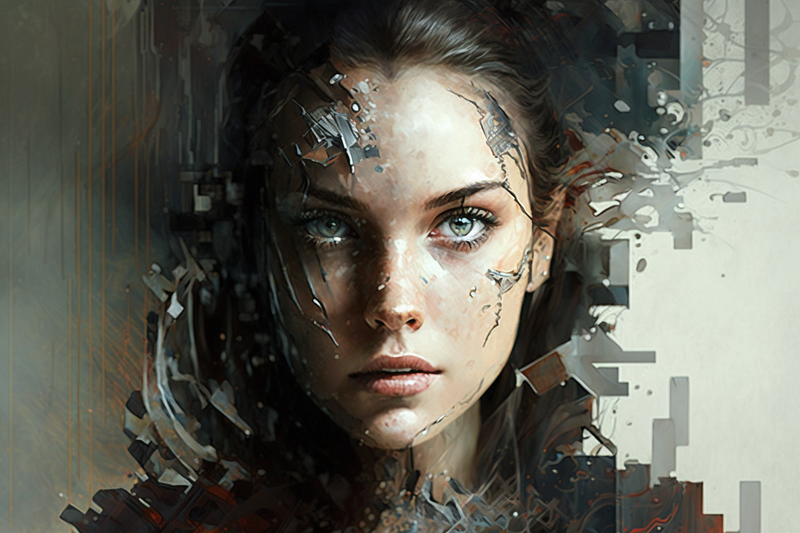
I’m totally loving the improved aspect ratio of this image, for starters. It’s a wicked visual, like “knee-deep” has been reimagined as AI gradually engulfs our hapless female hero.
Alright, let’s give it another whirl:
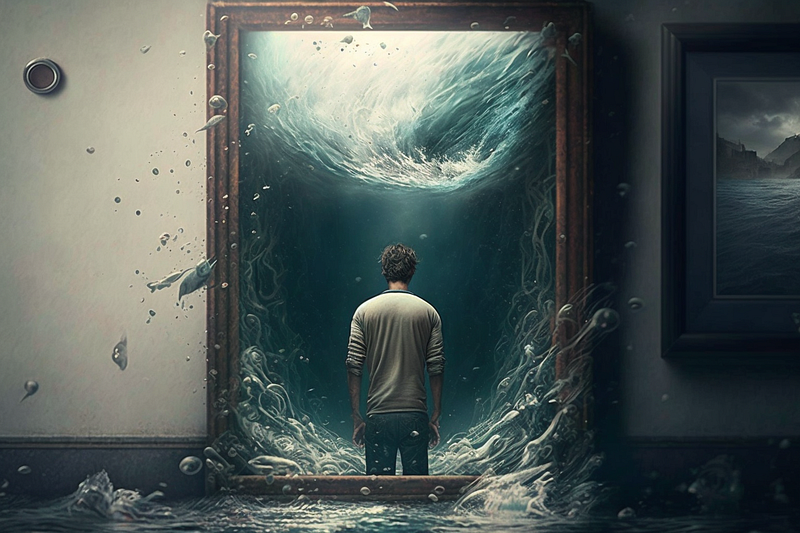
This image has got some serious vibes. It’s like our protagonist is knee-deep in a swirling vortex, teetering on the brink of being sucked into the great beyond — exactly how I feel after countless hours of wrestling with the perfect prompt! I’m a fan. And if you take a look at the prompt tweaks, you’ll see how I nudged the AI toward a fine-art photography style (plus a few other Midjourney-specific tricks.)
So I’ve been able to churn these out quickly without stressing over crafting a prompt from scratch. It’s (almost) pure magic: I simply let my own words do the talking, and watch as the AI conjures up its own interpretation. Being able to harness the power of AI in this way has effortlessly boosted my image-finding productivity. It’s a game-changer!
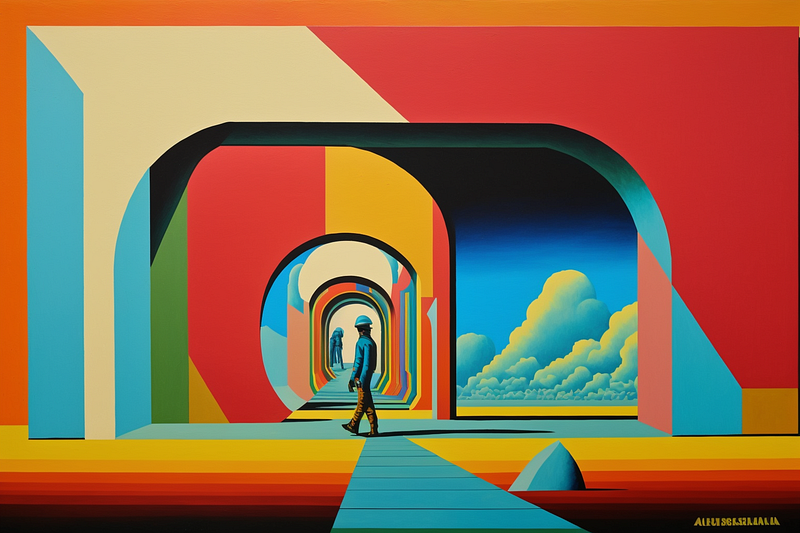
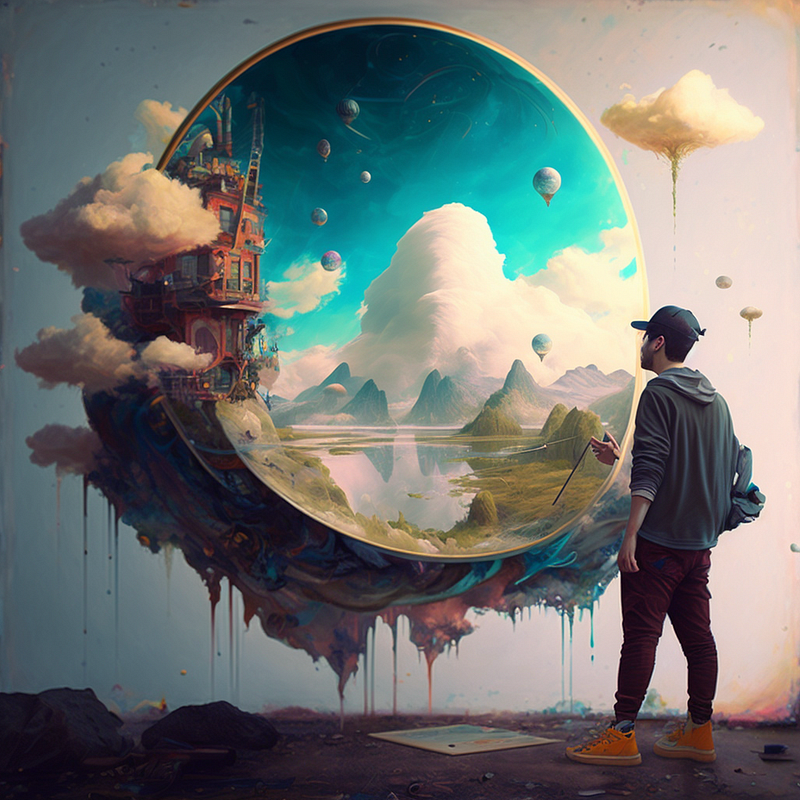
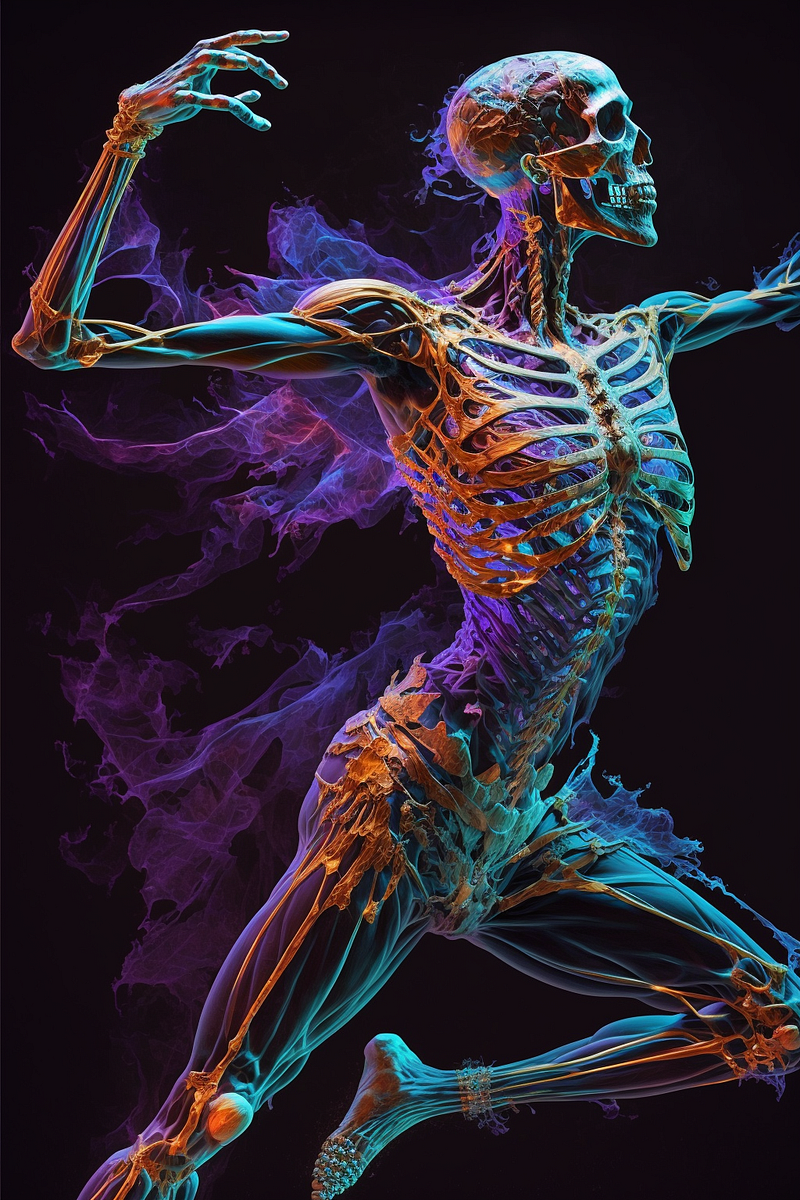
Feast your eyes on a few more gems from articles I’ve written in the past. I’ve plucked out some snazzy phrases to feed the AI that probably do a better job of capturing the story’s essence in an image than the stock photo I slapped on the header back then. Ah, hindsight’s a wonderful thing.
Build a creative styles library
After you’ve tangoed with this process a few times, you’ll start to get a feel for the “styles” that tickle your fancy. You’ll also notice which styles play nice with certain types of phrases, like the ones loaded with action and subject matter, those painting picturesque landscapes, or the ones oozing with conceptual goodness.
Soon enough, you’ll be building a library of these styles, ready for you to pluck out and toss into your prompts at a moment’s notice. You don’t need many — I routinely use the same six or seven styles. Talk about streamlining your creative genius!
Here are some of my favourites (as used in Midjourney):
- <your words or phrase> + technology, colorful, CGI, busy, — ar 3:2
- blend the following concepts: <your words or phrase,> psychedelia, vivid color scheme, surreal, expressive, acrylic palette knife, mixed media, intricate details — ar 3:2 — v 4
- <your words or phrase> + photorealistic, transcendent — ar 3:2 — q 2 — s 750 — v 5
- <your words or phrase> + 35mm photography — ar 3:2 — s 500
- <your words or phrase> + hyper realistic, photography, online, digital — ar 3:2
And there you have it, folks! By embracing the power of AI-generated visuals and using our own words as prompts, we’ve unlocked a treasure trove of captivating images to adorn our stories. It’s time to bid farewell to stock-photo scavenger hunts and AI prompt fatigue and say hello to a new era of visual storytelling. Partnering up with AI doesn’t just save us time and energy; it sparks a creative collaboration that elevates our work to new heights.
So, the next time you’re staring aimlessly into a search bar or AI input prompt, remember to look within your own writing for inspiration. Let your words guide the AI, and together you’ll make vibrant images that truly capture the essence of your stories.
☕️ Stop missing out…
…and get FULL access to Medium for just the cost of a coffee per week. Keep learning so much from many great writers and your subscription supports ME directly. It’s the best $50 a year I’ve been spending since 2018!


