
How to Get Google to Index Your Substack Automatically
How to add your Substack newsletter to Google Search Console

As a blog owner, you likely want to do everything you can to ensure your site is visible to as many people as possible. After all, the whole point of blogging is to share your thoughts and ideas with the world, so it only makes sense that you’d want as many people to see your blog as possible.
One of the best ways to ensure this is to submit it to Google Search Console.
What is Google Search Console?
Google Search Console is a free service that allows you to submit your website or blog to Google for indexing.
In other words, when you submit your site to Google Search Console, you’re telling Google you want your site to show up in search results. And since Google is the largest search engine in the world, this is a pretty big deal.
There’s a plethora of tools and statistics available once you’ve done this step, too. For Substack writers, the main benefits are:
- Showing you how much search traffic
- What pages are getting what traffic on each day
- What pages aren’t being indexed and why
This information can be incredibly valuable, as it can help you to identify and fix any issues that may be preventing your site from ranking as high as it could be.
If you’re not already using Google Search Console, I highly encourage you to sign up and start submitting your site today.
Now let’s go figure out how to do just that.
How to Check If Your Substack is Being Indexed at All
Head over to Google or get your cursor in the search bar at the top of an appropriate browser.
Then, simply type “site:thenameofyournewsletter.substack.com”
Here’s what mine looks like:

If any of the results show your newsletter, then congrats, you’re at least being partially indexed. You get one cookie as a reward.
Now let’s make sure your Substack is indexed better (thus giving you more potential traffic) by adding it into Google Search Console.
How to Add Your Substack Newsletter to Google Indexing
Step #1.
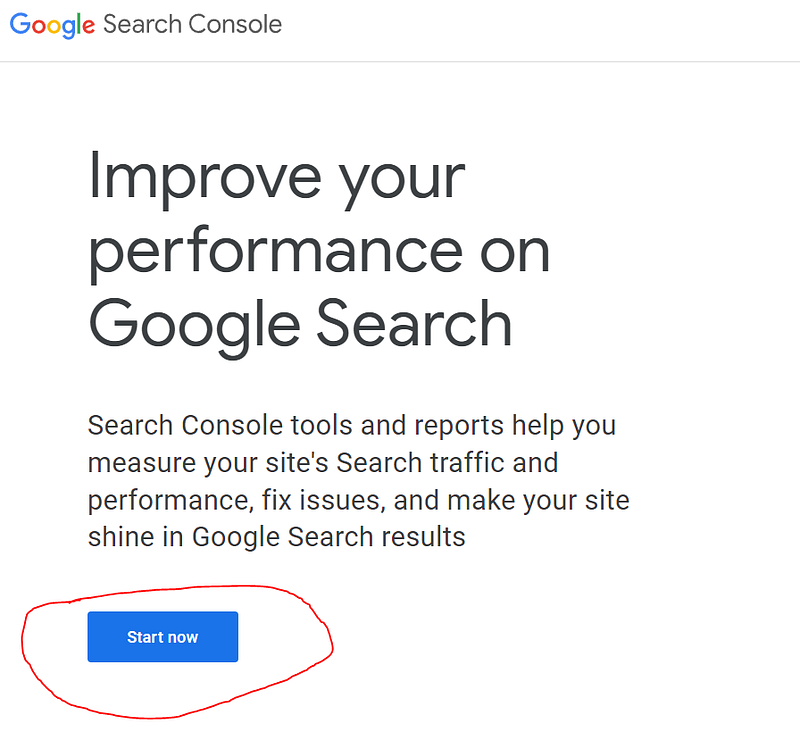
Navigate over to Google Search Console and click the
Step #2.
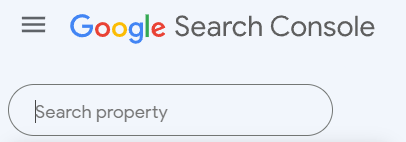
Now go up to the top left of the page, click in the
Step #3.
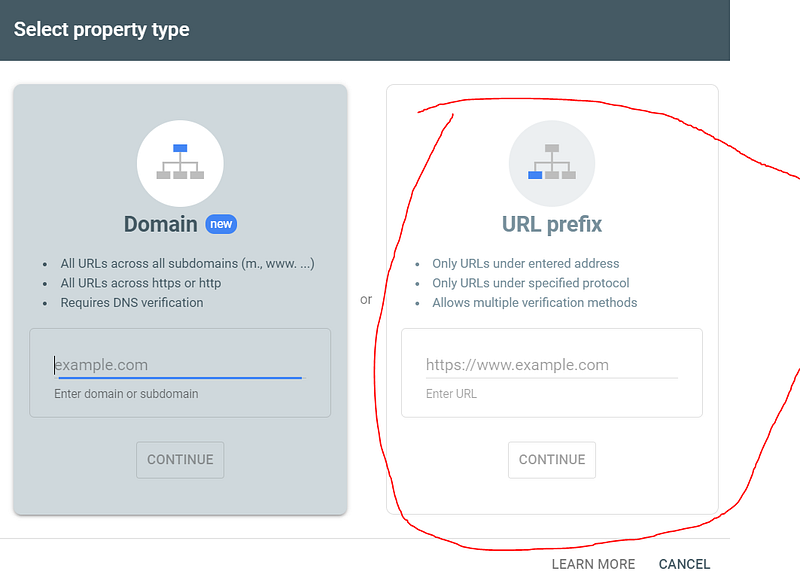
Now we’ll see a choice to select the property type.
For Substack, we gotta go with URL prefix on the right side, as we don’t own the actual website (at least until my plans for total world blogination come to pass):
Step #4.
Now throw in your substack URL, mine is https://jjpryor.substack.com for instance. Go ahead and take 2 minutes to sign up for my newsletter as well, because that’s just the polite thing to do.
Now hit continue on the URL prefix page as above.
Step #5.
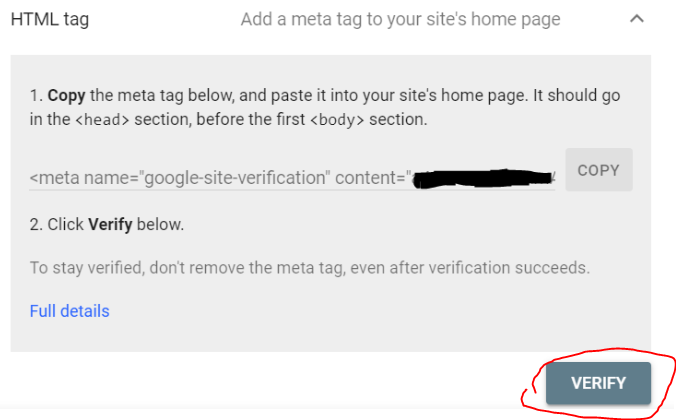
At this point, the below screen should popup:
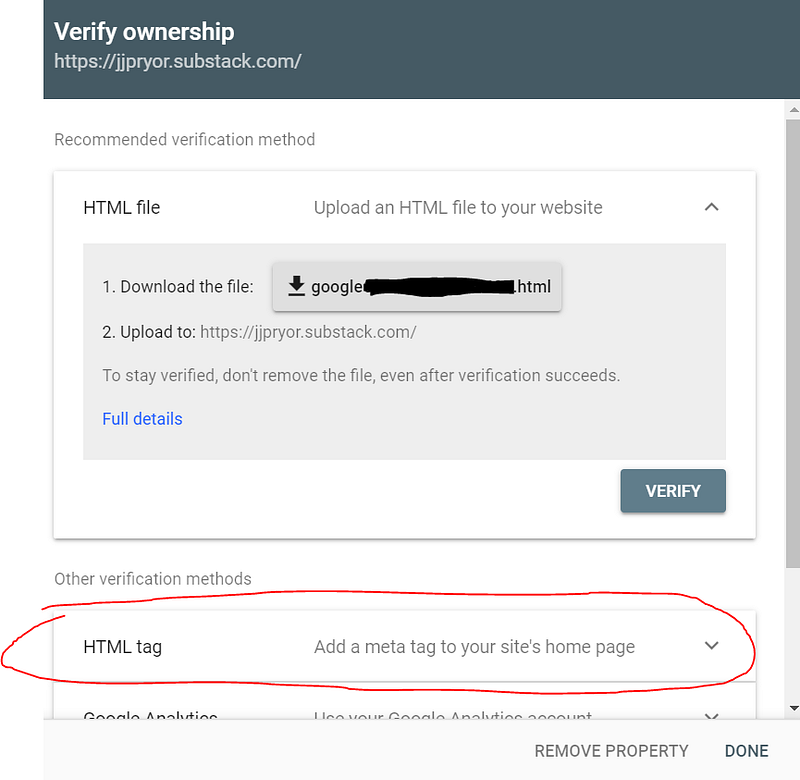
Ignore the first part and scroll down a bit. We’re gonna have to use the HTML tag this time with Substack as above.
Then click the down arrow on the right side and you’ll see this prompt:
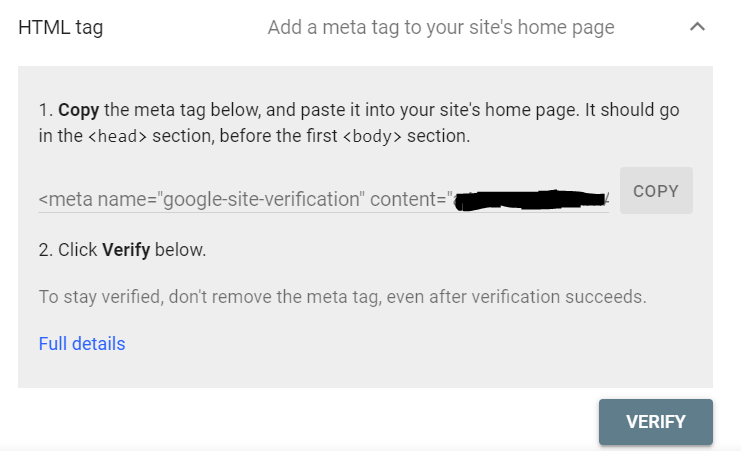
Then click the
“”
You only need the stuff after the equal sign, in between the quotes.
In this case, the “blablablaRaNdoMletters80008135” that I made up.
Step #6.
Now head over to your Substack newsletter’s settings page. (Open an extra tab.)
Then scroll way down, or use the CTRL + F find function and search for “Google Anal”:
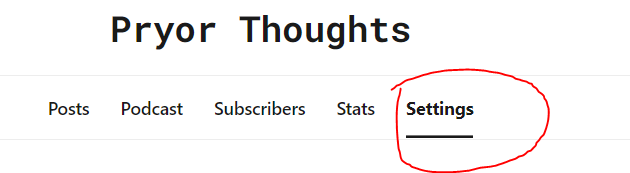
This brings you to the super long settings page on your Substack, you’ll wanna scroll wayyyyy down or hit CTRL + F and search for “Google Anal”
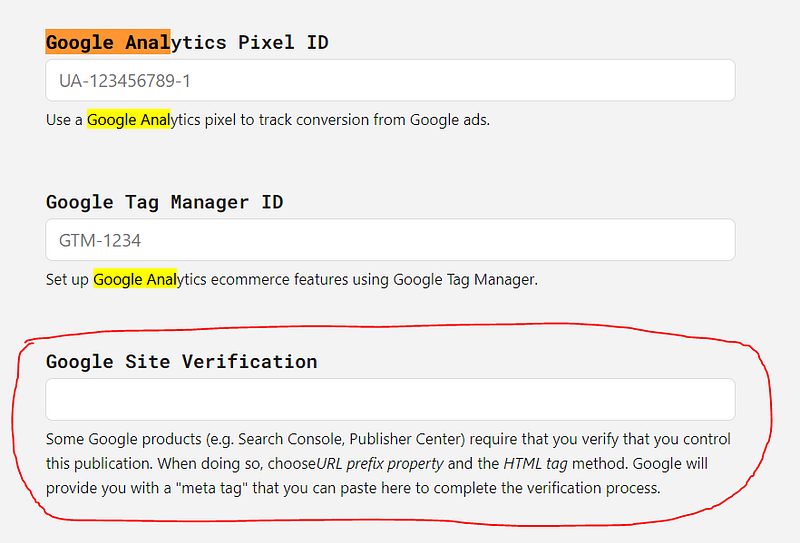
Now go to the
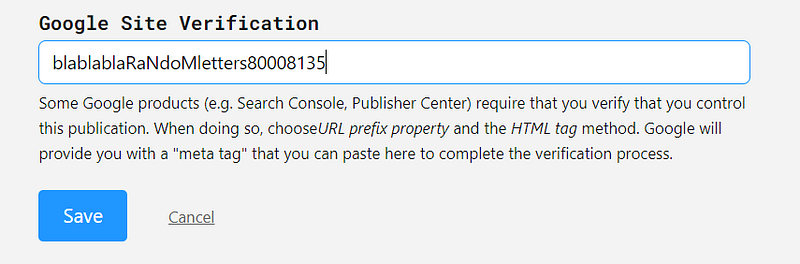
Then hit the
Step #7.
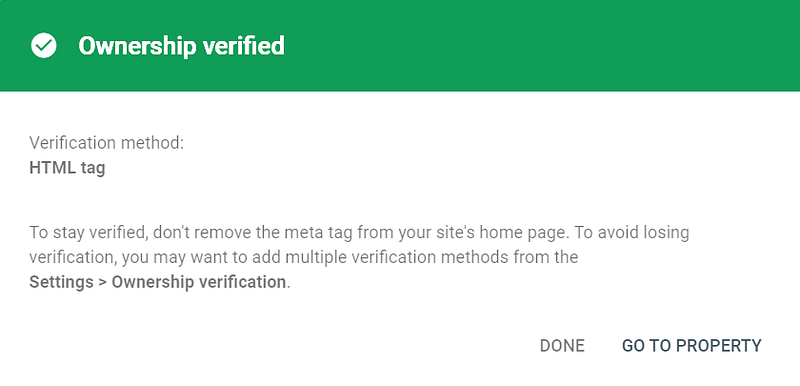
Head back to the Google Search Console tab, which hopefully you still have open because you like to read instructions and you’re a good student, then hit the
If it worked, this little box should show up:
BUT WAIT, THERE’S MORE!
Step #8.
Go to the new substack property inside Google Search Console (on the upper left corner) and click the
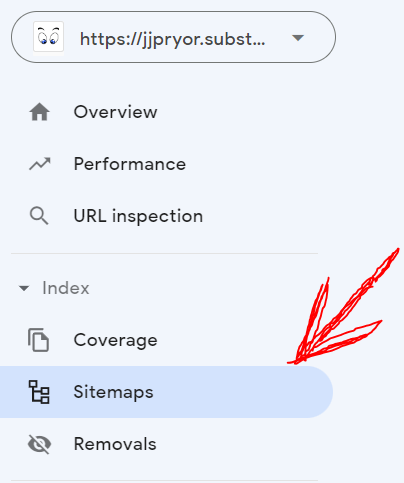
It should bring you to a screen that shows this:

Now, you just have to type in “sitemap.xml” and hit the Submit button.\

And now hopefully, hopefully you’ll see this:
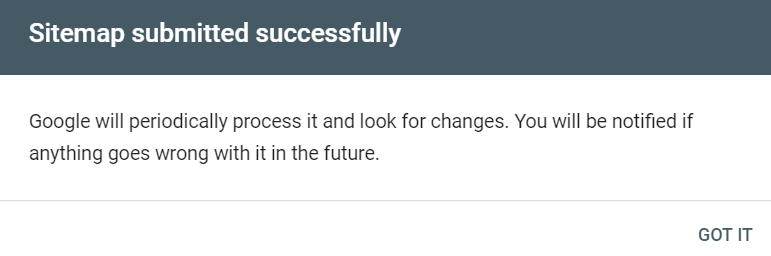
And you’re done!
If that isn’t successful, which I’ve been told happens more regularly now, the only way to rectify it is to reach out to Substack support.
Luckily, as far as company support goes, they’ve been absolutely amazingly responsive to any queries I’ve had with them in the past.
All done, baby.
Going forward, your Substack newsletters should show up more regularly on Google search, if not faster too. You can also see your site’s stats on this page after enough time passes. And, if you use that handy little

whenever you publish a new newsletter, you can come over here and plop it in there for faster (potentially) Google indexing.
I wouldn’t bother really, unless you have a super important epic newsletter you want to get out to the masses straight away.
Lastly,
In case my images look amateurish, that’s because, I assure you, I am, in fact, an amateur.
👇Click the clap thingy? The algorithm loves it. I love it more.👇
(Or sign up to Feedium or Pryor Thoughts for more fun stuff)


