
Image Creation, Image Creation Techniques, Canva, Medium Blog
How to Design Beautiful Blog Images
In this article, you will learn tips and tricks on how to design beautiful blog images.
Blogs are becoming more fun, creative and visual in comparison to the past. They are mainly used to tell stories, explain stuff, and build a presence on the web.
So the images that appear on a blog need to be appealing. Writing is one thing, but we learn more easily if we can see what the writer is trying to teach.
You need graphics and photos that draw people towards the blog and help them to read the information they may find in the blog.
Without beautiful images, the blog is incomplete. And that is the reason why there is so much demand for sites like Canva!
Micah Rivers has asked me to write a tutorial with tips for Canva, so here we go:
What Is Canva, and How Is It Helpful?
Canva offers an extensive range of designs and graphics, allowing us to create high-quality images and graphics, such as social media images, infographics, brochures and more to use in blog posts and websites.
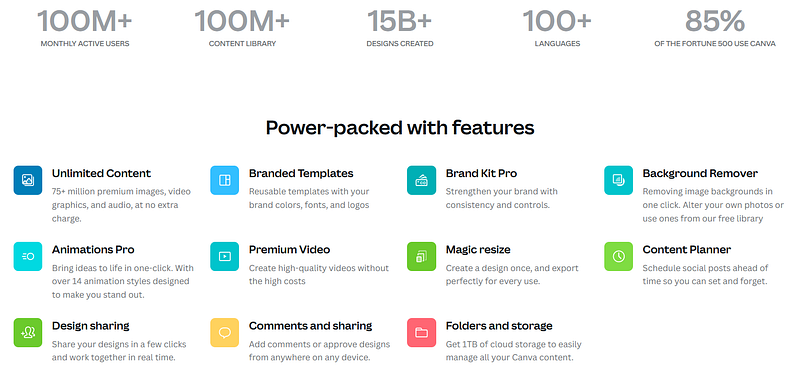
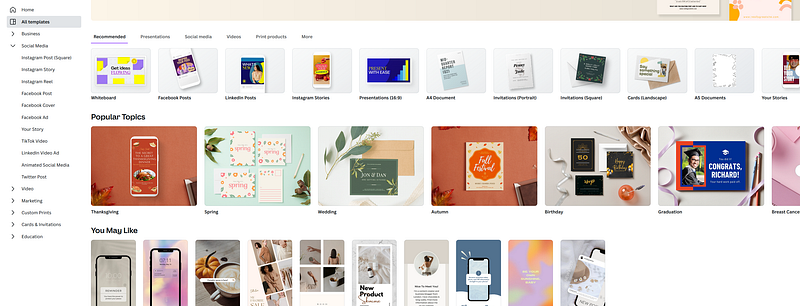
Canva is indeed a useful tool. It offers many templates. These templates are updated often and are very helpful as a guide for a blogger for most blogs.
If you create articles, I highly recommend subscribing to Canva premium. I would be honored if you would use my affiliate link, so you support me without any extra cost (and you get a free trial).
Just click THIS LINK and start with your FREE 30-day trial!

How Do I Use Canva?
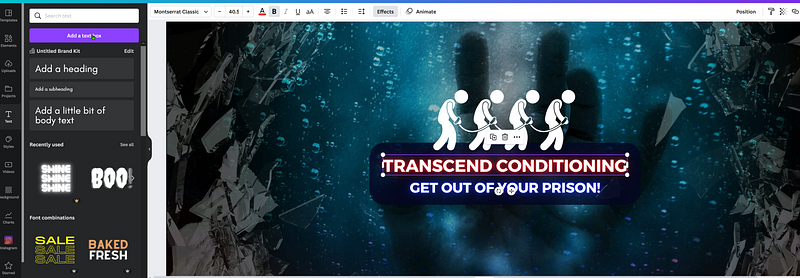
I use Canva mainly for my cover and blog images. As you might have already noticed in my articles, i use similar fonts and elements for the cover and my images.
Example:
For example, for the Covers, I use the “Montserrat Classic” font and add a few elements to my image, so the viewer will spot it immediately and recognize my blog.
I recommend you to start with the templates at Canva when you are inexperienced. It is important to have a clear vision of what your blog needs. You need to see what fits best for your niche.
If you need help with the templates or creating your own design, write it down in the comments and ill make a tutorial for you😁.
Using Canva on Your Phone:
One of the best powers of Canva is your ease of use on your mobile phone. Unlike other photo editing software, that use a desktop version to provide a customized experience to users, Canva is also available on a mobile app.
That means that even if you are away from your desk, you can still be productive!
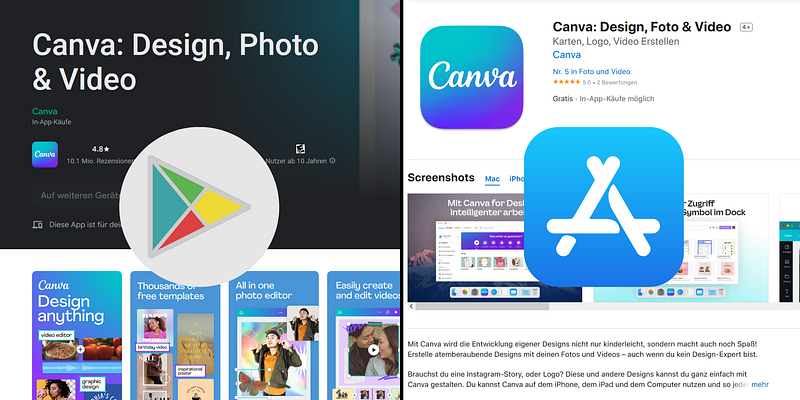
One of the benefits of using a mobile app is that you can use the app and edit pictures on the go. You have almost the same features that you would enjoy from your desktop on the go, and can also easily download the images.
My Tips for Your Canva Usage:
One tip is to be minimalistic when it comes to your image. Canva has a lot of elements and you can add most of that elements in your picture.
Canva has A LOT of different graphics, elements and features to get the best result.
Still, remember that it is all about the content. Remember what your blog is about, what your message is and get the best for the message. Everything else is just the decoration and a good image will only have a few nice decorations.
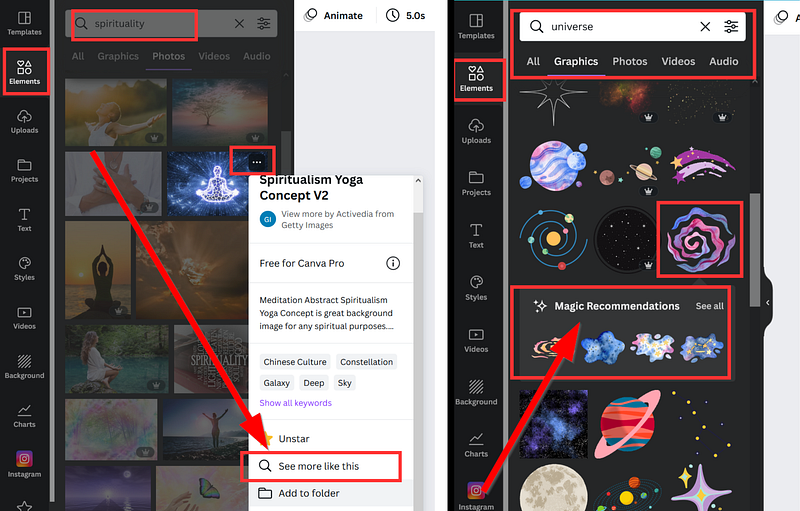
Another tip is to use the algorithmic reccomendations. “Canva” learns what elements and images you like and will recommend you similar ones. This saves you a lot of time to choose your own images.
My last and most important one is to Experiment and try different things. Be curious, take random decisions and see what works out best for you. Don’t limit yourself to just a couple of colors and a few templates, add some extra colors and elements to get a different result.
Creativity takes time!

At the beginning, you may be overwhelmed by the amount of options. Hopefully, this short guide inspired you to try Canva. I think Canva is easy to use and the UI is understandable even for beginners!
If you need help, I am here, just ask in the comments! I work in IT👨💻, so writing tutorials for you is something I like and in my nature😉
Please Support Me So I Have More Capacity to Write For You!📚
For only 5$ a month, you get a wealth of knowledge with a medium membership!📚 Join (or resubscribe after cancelling your current subscription) by clicking on THIS AFFILIATE LINK (Which only works in a browser)! You can even earn money by writing on your own.💸
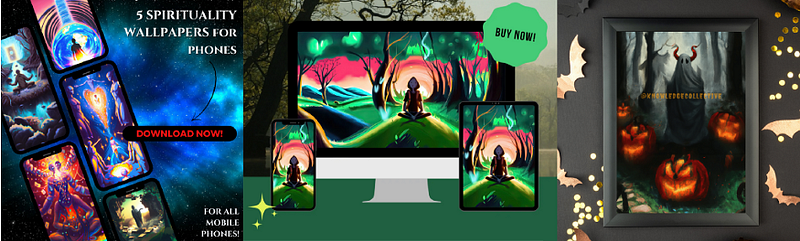
-> Or Support Me Through Art by Buying on My Etsy Shop! <-
Other pages: Website, YouTube, Instagram, Etsy, Patreon, Tiktok, Twitter
Click here to get a Mail whenever I publish a new Story! 📩


