
How to Create Stunning Characters with Midjourney Prompt Builder
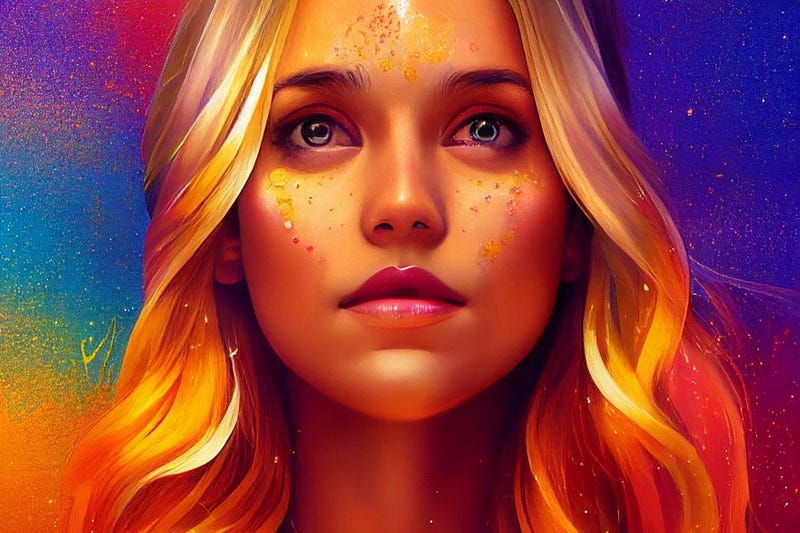
Want to create unique portraits of fantasy characters, but don’t know, how to write a good text prompt? Keep reading, and I will show you my secret weapon, which helps me to design AI art that sells!
in Midjourney / photo-realistic portraits / Remaster / Midjourney Prompt Builder Posted on
03/09/2022 11:33
Midjourney prompt builder is an online tool that allows you to create long, detailed text prompts. It is hosted on the promptomania website and also offers prompt generation for DreamStudio, Stable Diffusion, and generic (other AI image generators like Dall-e 2). I am not an affiliate of this site; I just love to use it!
We will use the Midjourney option because I use only Midjourney, even though I tried all the other AI generators. MJ is still the best choice for my clients and me. It allows me to create fantastic illustrations that sell.
Midjourney Prompt Builder tutorial
1. Step — Write your text prompt
Let’s get started with our text prompt creation!
You can also add an image to the prompt, which would serve as an inspiration, but this time, we will use only text.
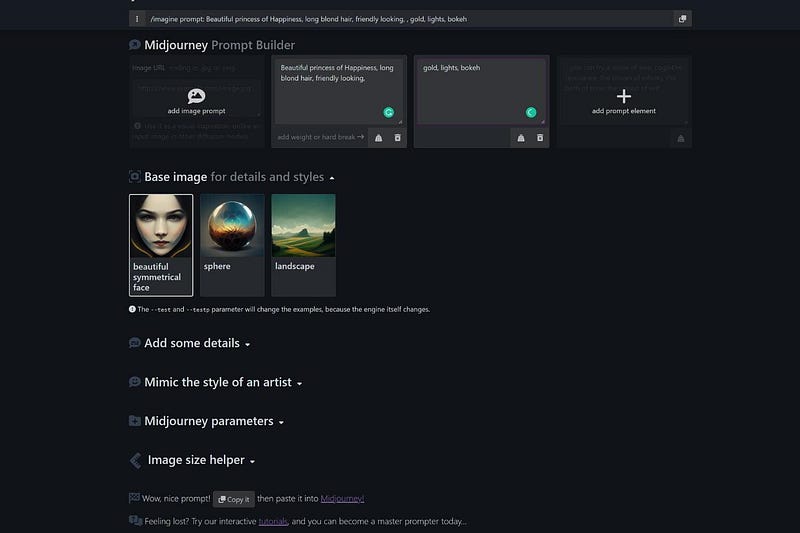
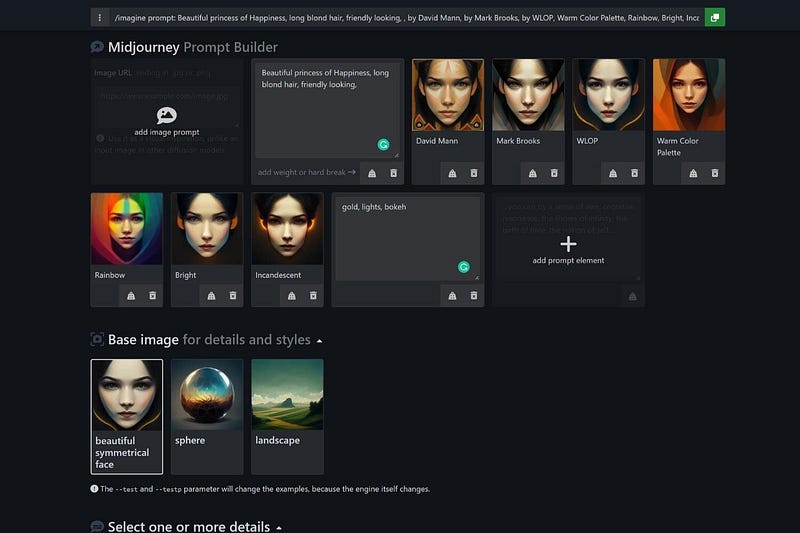
I wrote in the first field: “Beautiful princess of Happiness, long blond hair, friendly looking”
“Friendly looking” will result in a gentle smile, otherwise “smile” is often too much “strange teeth” in the picture, and that is not always pretty. If you write nothing, your character will look serious.
In the second field, I wrote: “gold, lights, bokeh”. I want to look this image magical and shiny, and also avoid empty spaces around the character.
You can choose a different Base image for details and styles. I leave it at “beautiful symmetrical face”.
2. Step — select details
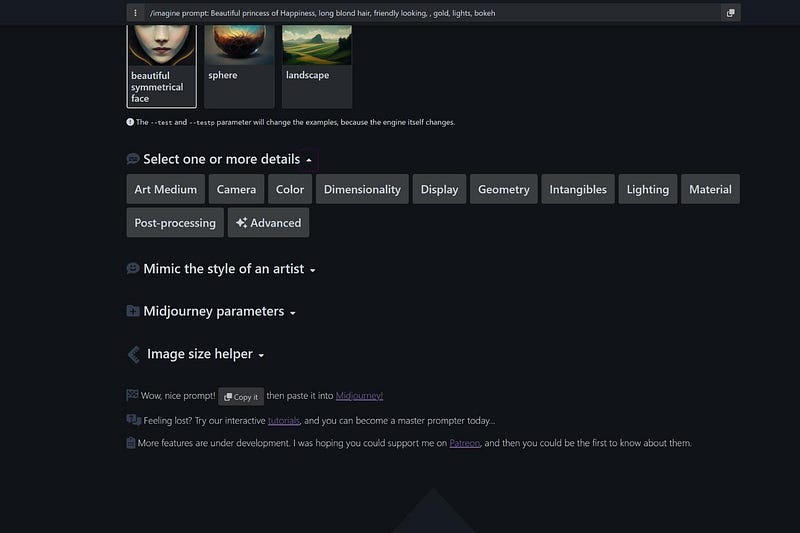
In the next step, you will be able to choose various parameters, which can dramatically change the end result. However, it is difficult to predict the outcome, so you have to test different possibilities and find your favorites.
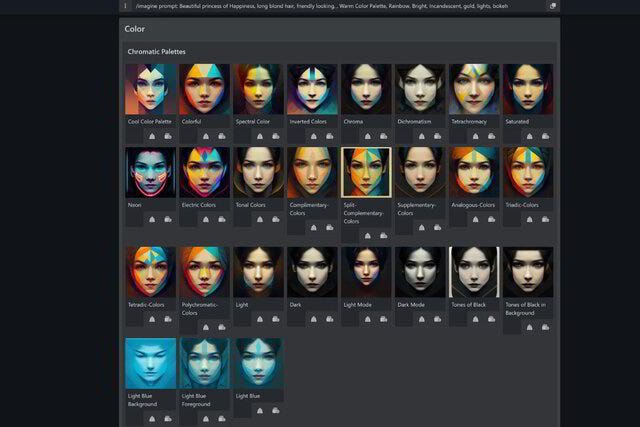
I choose “Lighting” — “bright” + “Incandescent” and “Color” — “Chromatic palettes” — “Rainbow” + “Warm color palettes”.
Since we create a “Princess of Happiness”, the picture should be warm and colorful; that’s what makes me happy! Let me know in the comments what you would choose to create a “happy mood”!
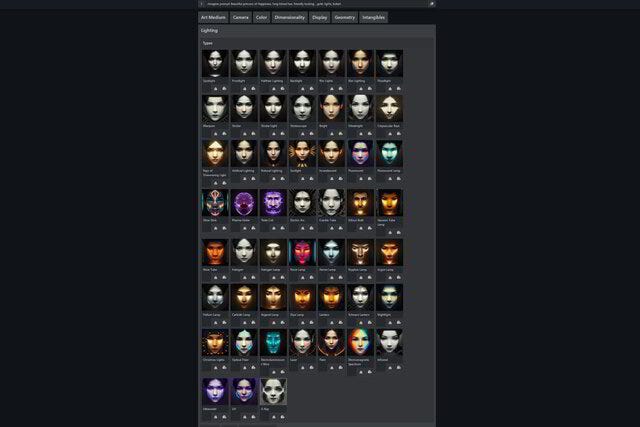
3. Step — choose Midjourney parameters
In this step, you can choose the version “test” or “photo-realism”. If you don’t choose them, it will stay at the default M3 version. I will leave it at M3 and choose “quality 5”
I want to generate first a few variations with the standard M3 version and “remaster” them later. If you want to learn more about the “remaster feature”, please read this blog post.
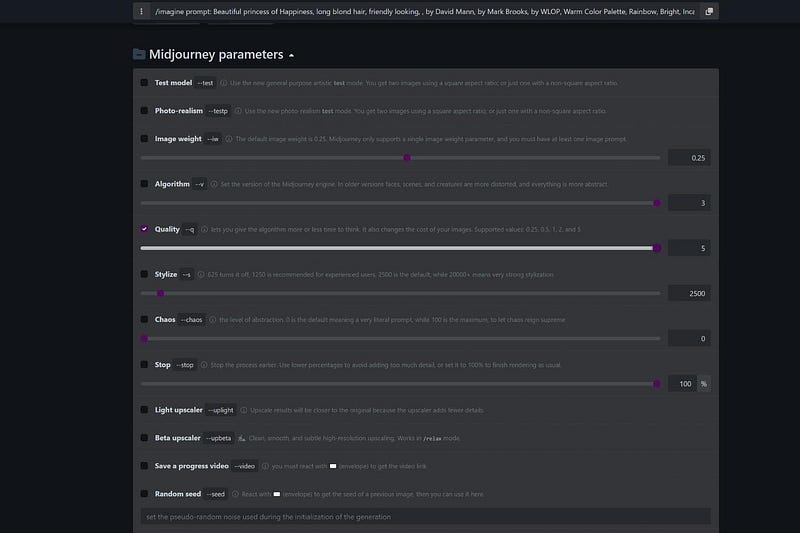
4. Step — choose your artists
Now you can choose a style of an artist or even make a combination of different artists as I do in this example. For this project, I chose: “by David Mann, by Mark Brooks, by WLOP”
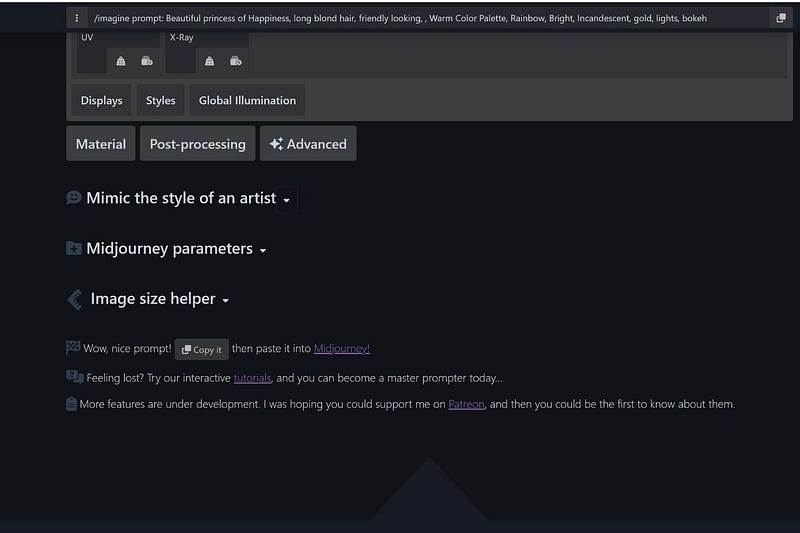
4. Step — copy the prompt and paste it.
Our text prompt is ready now. Click on the green button in the upper right corner to copy it. Then, go to the Midjourney Discord server and paste the prompt into the /imagine command. Ensure the settings are set to “MJ version 3 + style med”.
After this first prompt, I make a second one, which is the same, but I will add “chaos 20” at the end. For the 3. prompt, I will add “chaos 50”, and for the 4. text prompt “chaos 100”.
The more chaos, the more surprises; we will see what Midjourney will create for us this time. I guess it will not be so perfect with faces; that’s why I will remaster the images later.
Keep reading to see the final results!
If you like my content and want to learn more about AI art and how to make money with it, consider joining Medium as a member through my link. You will be able to read every story on Medium. Thank you so much!
Here are the examples and text prompts:
Midjourney Version 3
“prompt + q 5”
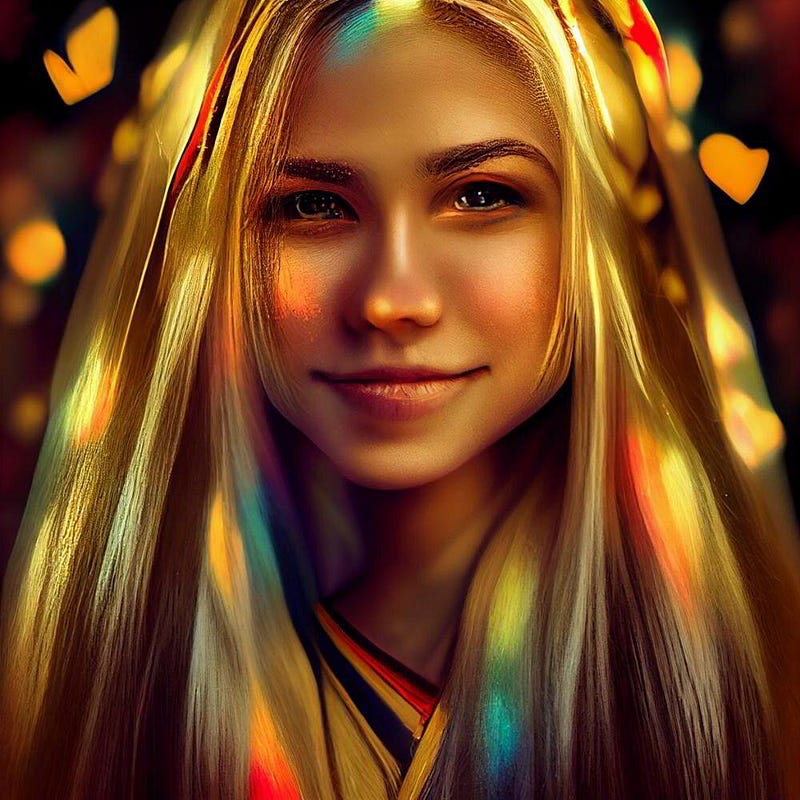
Beautiful princess of Happiness, long blond hair, friendly looking, by David Mann, by Mark Brooks, by WLOP, Warm Color Palette, Rainbow, Bright, Incandescent, gold, lights, bokeh
— q 5 — upbeta — v 3
“prompt + q 5 + chaos 20”
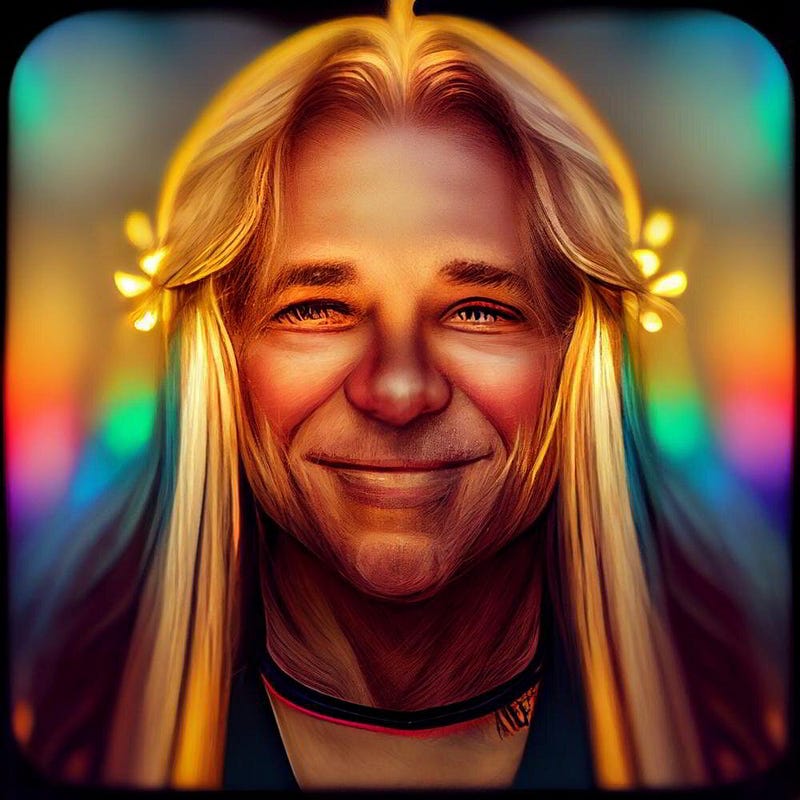
Beautiful princess of Happiness, long blond hair, friendly looking, by David Mann, by Mark Brooks, by WLOP, Warm Color Palette, Rainbow, Bright, Incandescent, gold, lights, bokeh
— q 5 — chaos 20 — upbeta — v 3
Yes, this was a surprise :) I named him “Joy, the brother of the Princess of Happiness”. That was the “chaos” feature at work.
“prompt + q 5 + chaos 50”
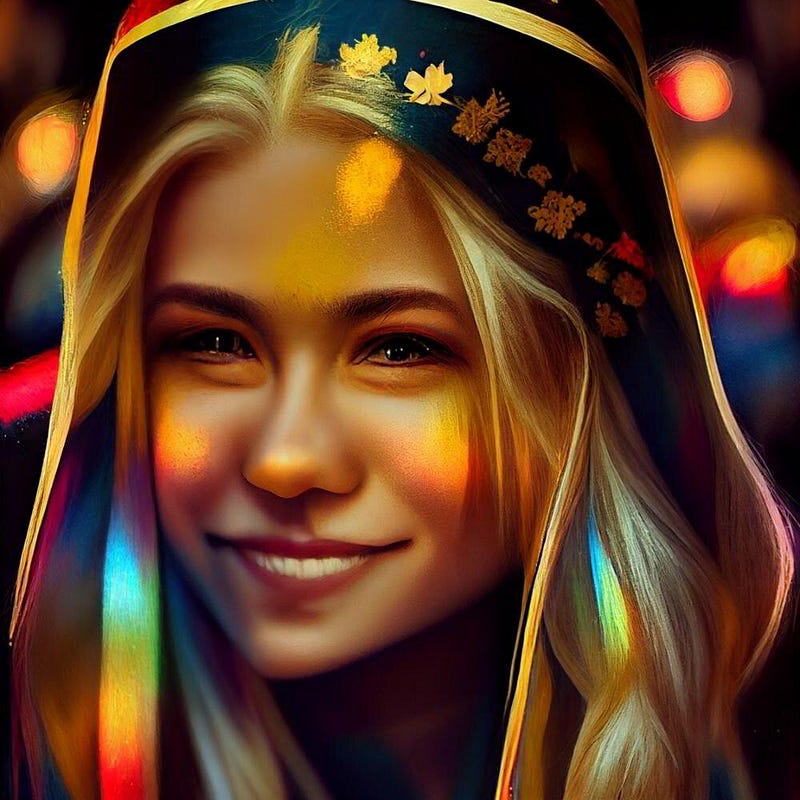
Beautiful princess of Happiness, long blond hair, friendly looking, by David Mann, by Mark Brooks, by WLOP, Warm Color Palette, Rainbow, Bright, Incandescent, gold, lights, bokeh
— q 5 — chaos 50 — upbeta — v 3
“prompt + q 5 + chaos 100”
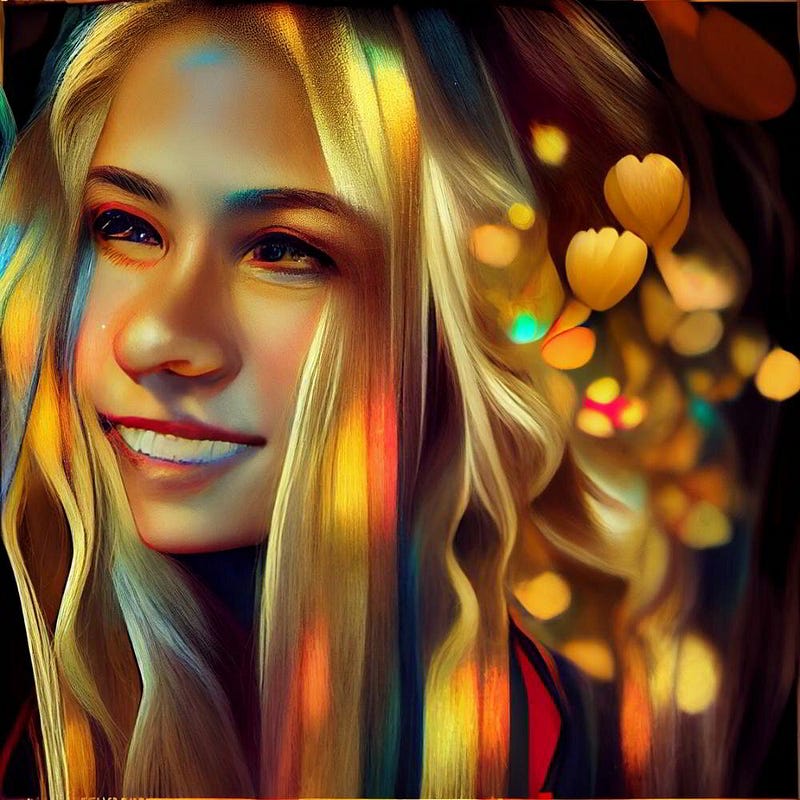
Beautiful princess of Happiness, long blond hair, friendly looking, by David Mann, by Mark Brooks, by WLOP, Warm Color Palette, Rainbow, Bright, Incandescent, gold, lights, bokeh
— q 5 — chaos 100 — upbeta — v 3
Remastered examples
Remastered “prompt + q 5”
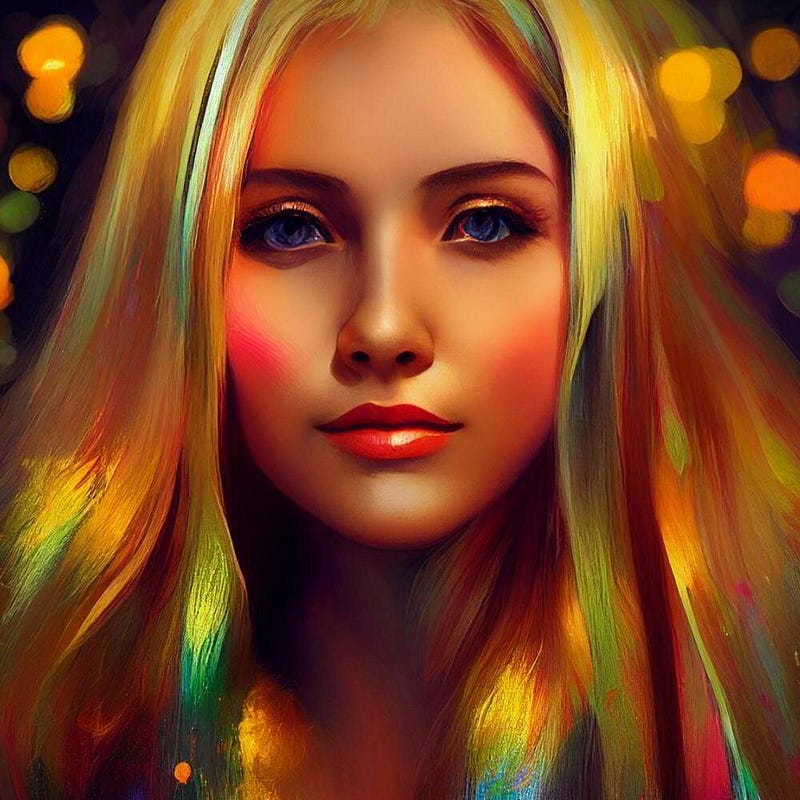
https://s.mj.run/-nNOW8nnBuI Beautiful princess of Happiness, long blond hair, friendly looking, by David Mann, by Mark Brooks, by WLOP, Warm Color Palette, Rainbow, Bright, Incandescent, gold, lights, bokeh — upbeta — test — creative — upbeta
Do you like my AI images? You can see more of themon my website and even use them commercially if you get a yearly membership!
Remastered “prompt + q 5 + chaos 20”
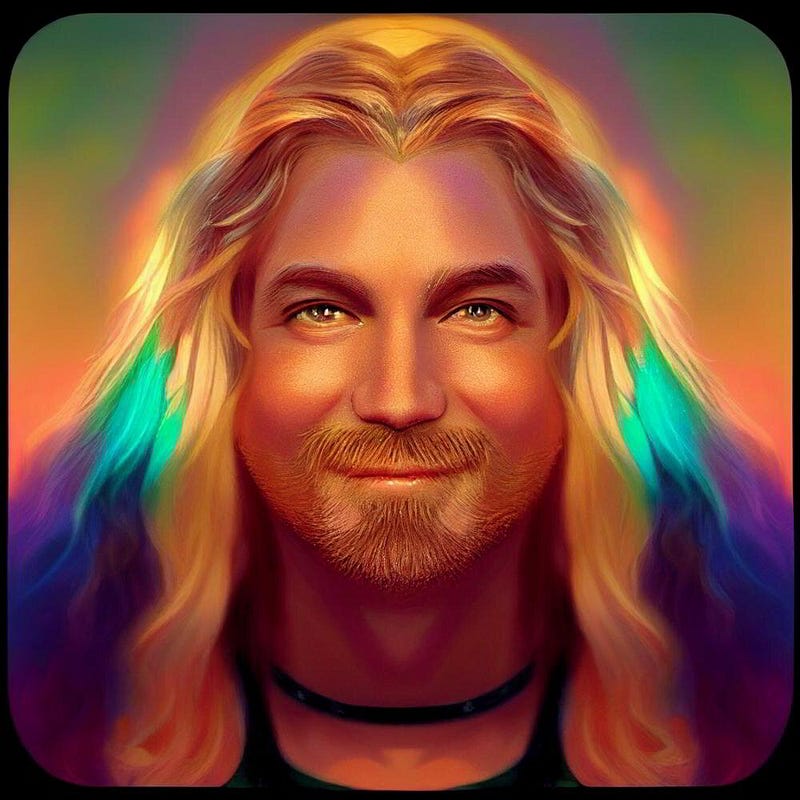
https://s.mj.run/hwAzySY4f9I Beautiful princess of Happiness, long blond hair, friendly looking, by David Mann, by Mark Brooks, by WLOP, Warm Color Palette, Rainbow, Bright, Incandescent, gold, lights, bokeh — chaos 20 — upbeta — test — creative — upbeta
Remastered “prompt + q 5 + chaos 50”
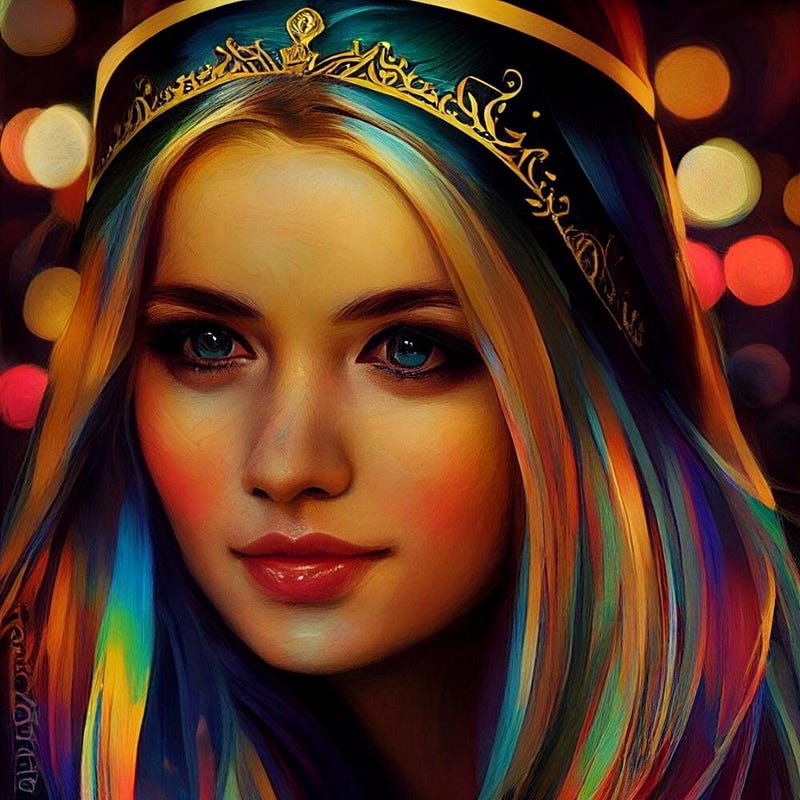
https://s.mj.run/rFC1C_bNQ_8 Beautiful princess of Happiness, long blond hair, friendly looking, by David Mann, by Mark Brooks, by WLOP, Warm Color Palette, Rainbow, Bright, Incandescent, gold, lights, bokeh — chaos 50 — upbeta — test — creative — upbeta
Remastered “prompt + q 5 + chaos 100”
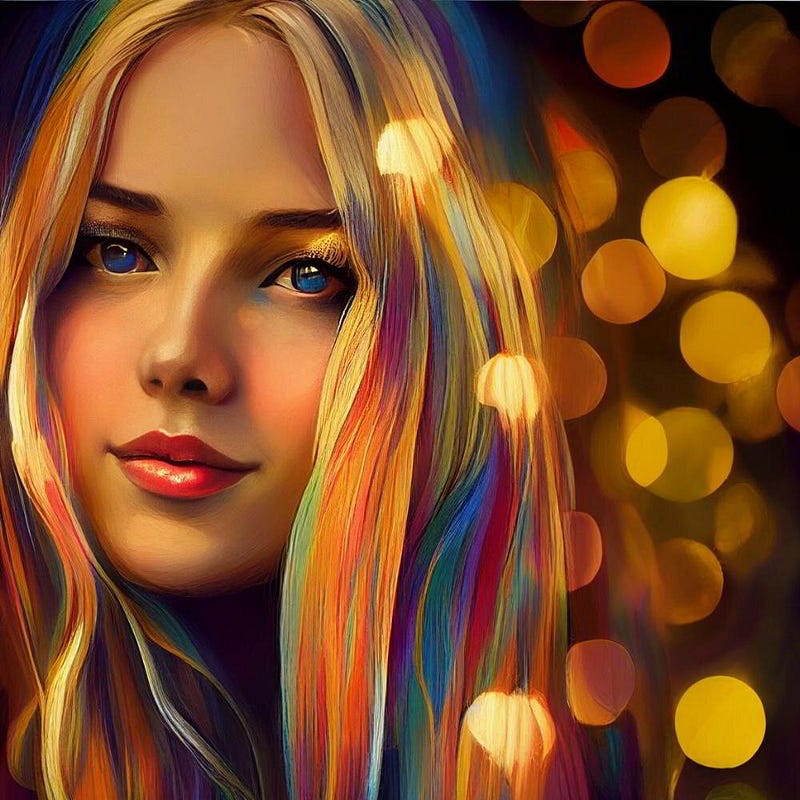
https://s.mj.run/tTTeZ1lLOac Beautiful princess of Happiness, long blond hair, friendly looking, by David Mann, by Mark Brooks, by WLOP, Warm Color Palette, Rainbow, Bright, Incandescent, gold, lights, bokeh — chaos 100 — upbeta — test — creative — upbeta
test and testp examples
I also created some images without remastering in the new “test” and “testp” versions. The results were also fantastic, but different. Please read this blog post to learn more about the new photo-realistic versions of Midjourney. Let’s look at how the latest versions imagine a princess of Happiness.
“prompt + test”
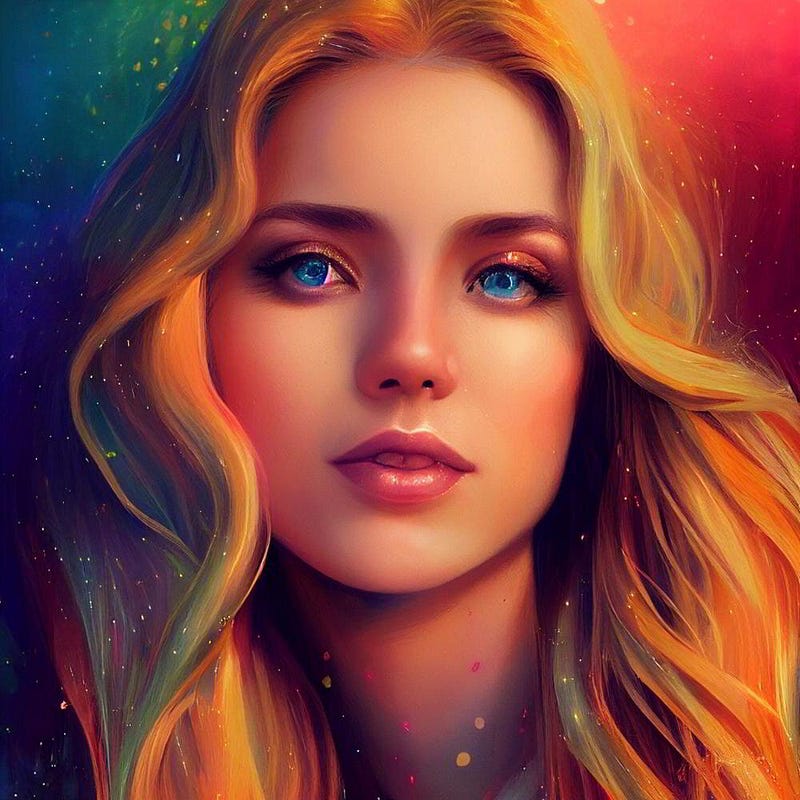
Beautiful princess of Happiness, long blond hair, friendly looking, by David Mann, by Mark Brooks, by WLOP, Warm Color Palette, Rainbow, Bright, Incandescent, gold, lights, bokeh
— upbeta — test — upbeta
“prompt + test + creative”
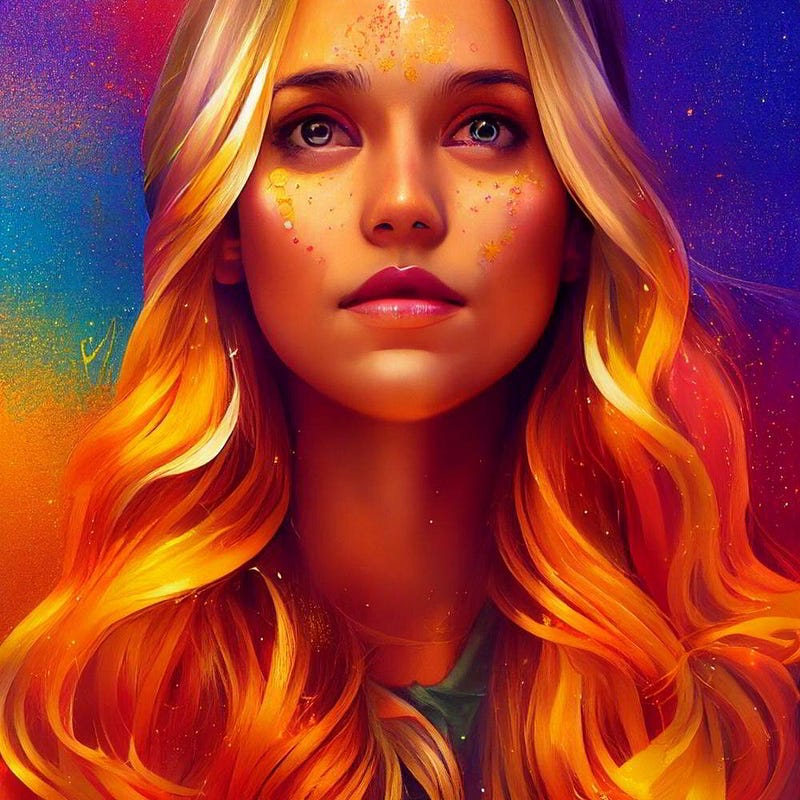
Beautiful princess of Happiness, long blond hair, friendly looking, by David Mann, by Mark Brooks, by WLOP, Warm Color Palette, Rainbow, Bright, Incandescent, gold, lights, bokeh — creative — upbeta — test — upbeta
“prompt + testp”
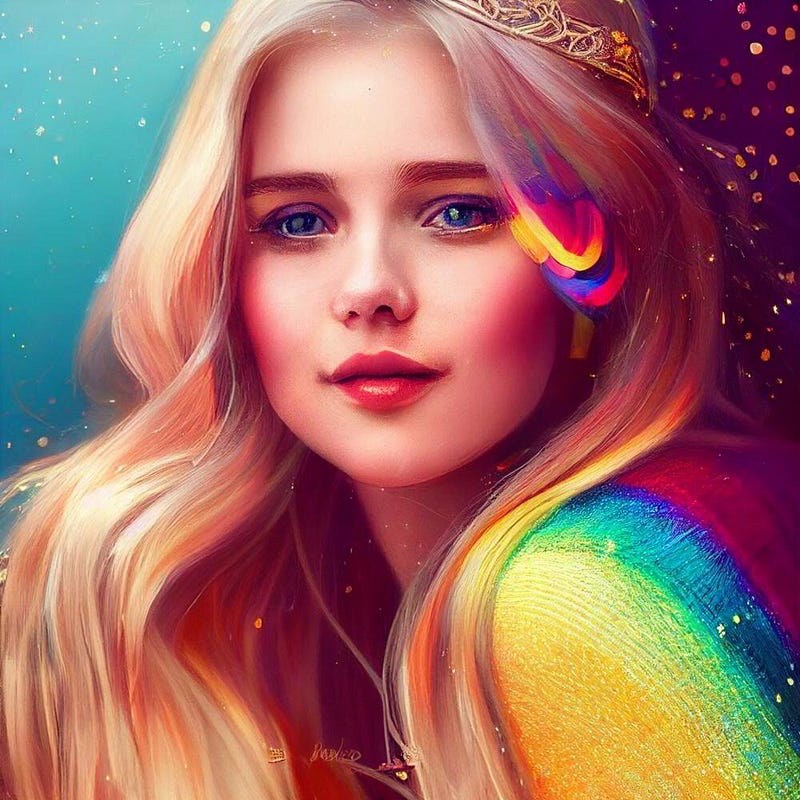
Beautiful princess of Happiness, long blond hair, friendly looking, by David Mann, by Mark Brooks, by WLOP, Warm Color Palette, Rainbow, Bright, Incandescent, gold, lights, bokeh — upbeta — testp — upbeta
“prompt + testp + creative”
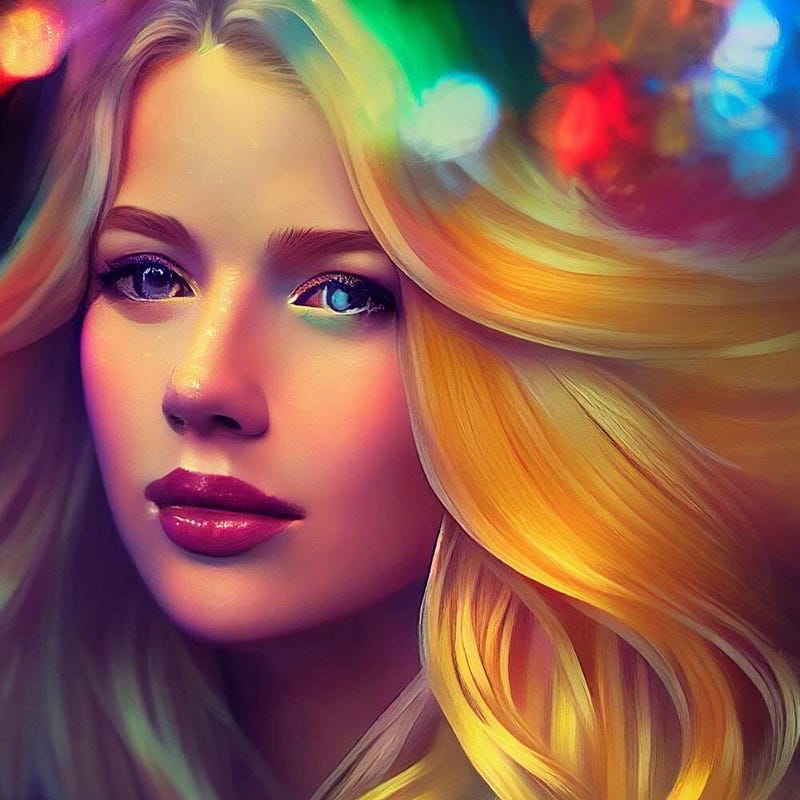
Beautiful princess of Happiness, long blond hair, friendly looking, by David Mann, by Mark Brooks, by WLOP, Warm Color Palette, Rainbow, Bright, Incandescent, gold, lights, bokeh — creative — upbeta — testp — upbeta
Conclusion
Midjourney Prompt Builder can help you to create even more complex, and exciting text prompts. Combined with the new remaster feature and the new “test” and testp” versions, it works magic. In this test, the remastered AI images are my favorite, but the new test versions also did a great job.
Much love,
Stella Sky