
How To Create Coloring Pages With Dall-E 3 & ChatGPT For Amazon KDP
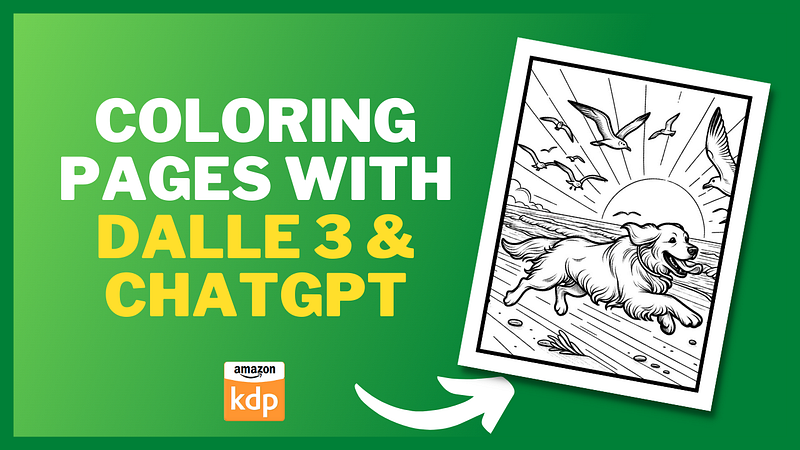
I have recently got access to Dall E 3 inside ChatGPT and I’ve been blown away by it’s capabilities.
In this article, I’ll guide you step by step on how to harness this tool effectively.
Getting Started with DALL·E 3 and ChatGPT:
- Subscription Details: To access DALL·E 3 and ChatGPT, you need to be a ChatGPT+ user. This subscription is priced at $20 a month and has many benefits. You gain access to DALL·E 3 and the superior GPT-4 and other features such as faster response times, browsing plugins, and advanced data analysis.
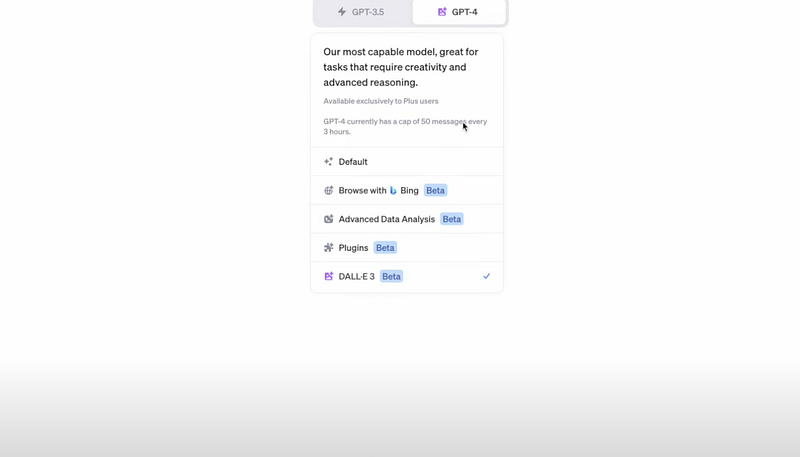
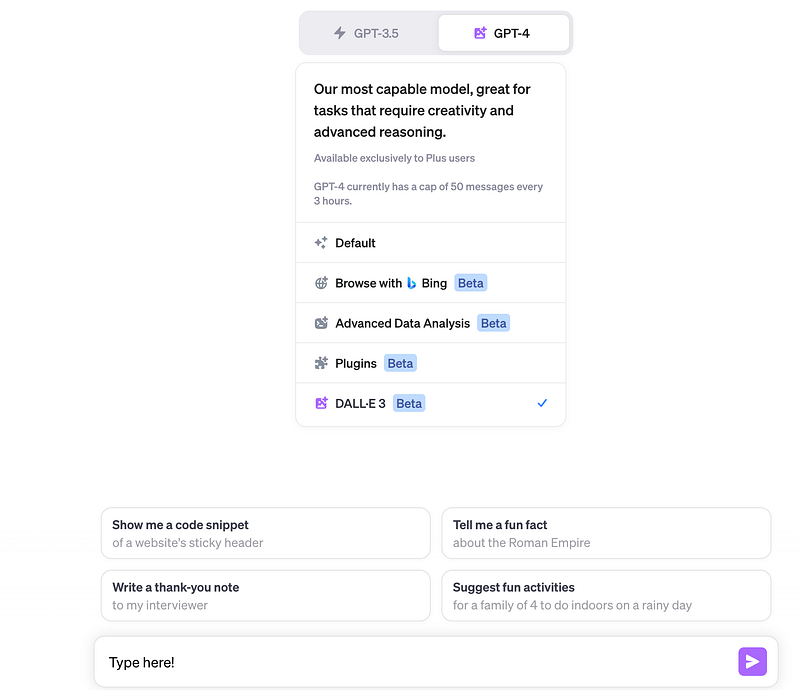
- Activation: Once subscribed, hover over the “gp4” option to activate DALL·E 3.
3. Crafting Your Prompt: Begin by writing your prompt in the provided box. For those new to this, a prompt is essentially an instruction or request for the type of image you want to generate.
Key Features:
- Image Dimensions: DALL·E 3 allows customization in terms of image dimensions. Whether you want a square, wide, or tall image, you can specify your preferences by putting the word square, wide or tall before your prompt eg ‘tall coloring page of a cat’ or let the tool choose the best size based on your description.
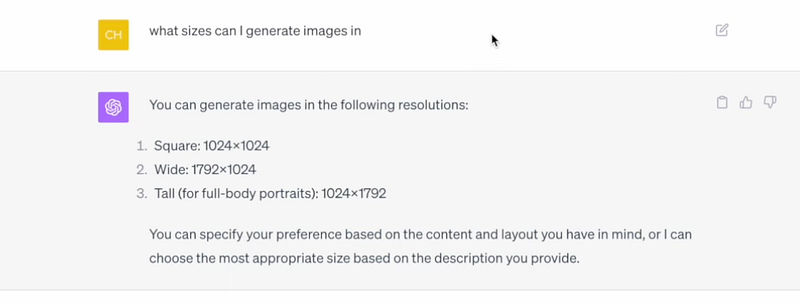
- Question-Answer Capability: A significant benefit of integrating DALL·E 3 with ChatGPT is the ability to ask questions. This is particularly useful for clarifications on image dimensions and other queries.
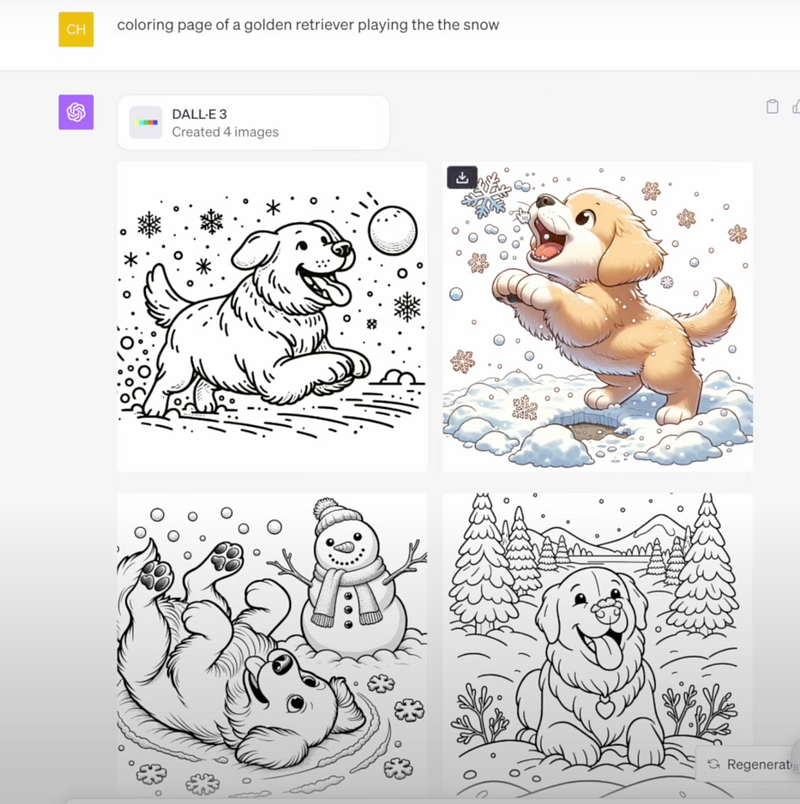
- Sample Outputs: For an idea, typing “coloring page of a golden retriever playing in the snow” produced diverse image outputs. Users can select from the generated images, which typically come in sets of four.
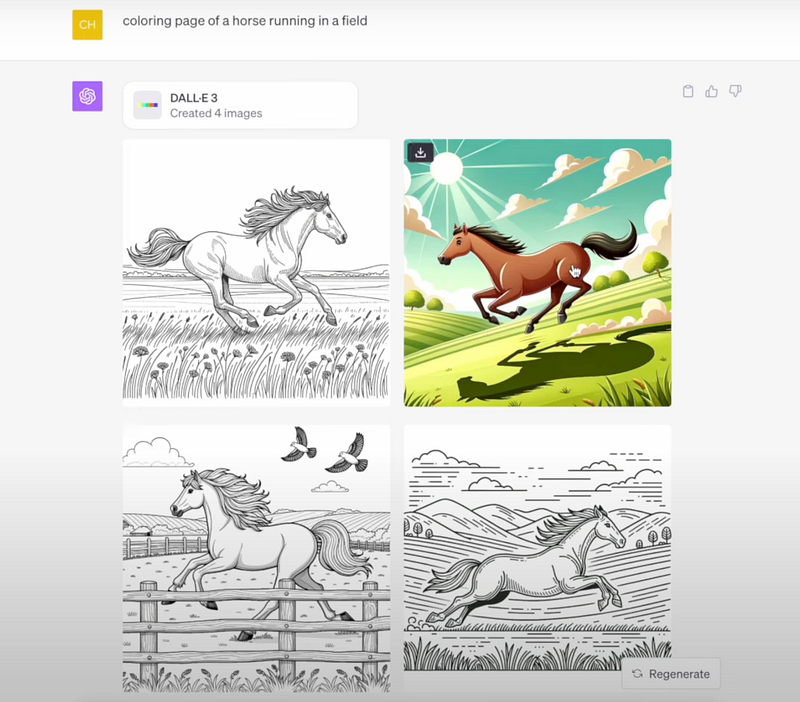
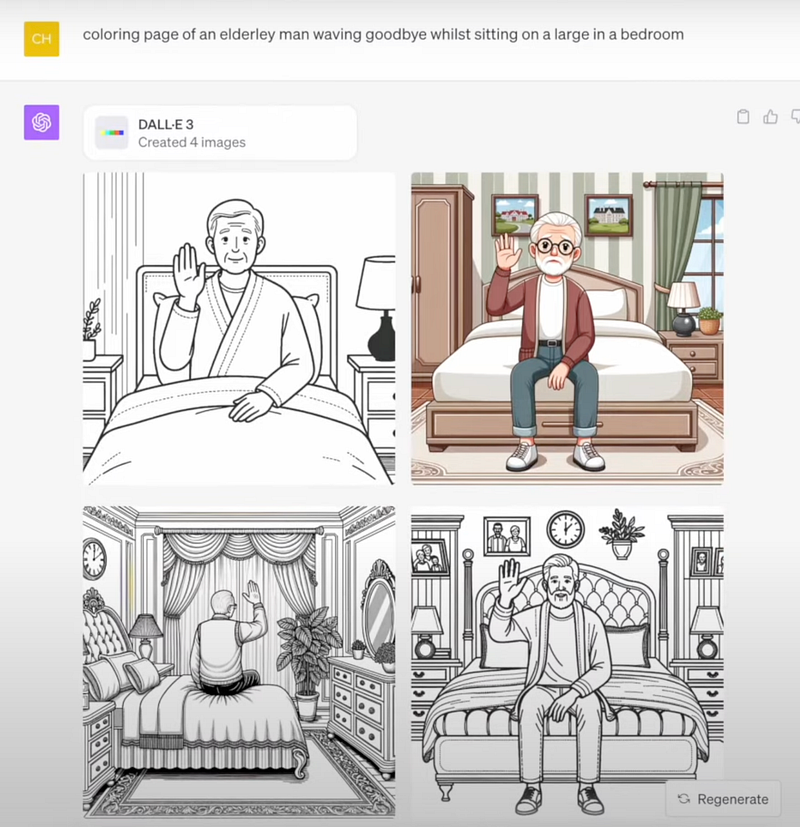
- Prompt Suggestions: For those struggling with formulating prompts, DALL·E 3 even offers suggestions. Just click on the image generated and it provides you with a prompt for that exact image that you can copy.
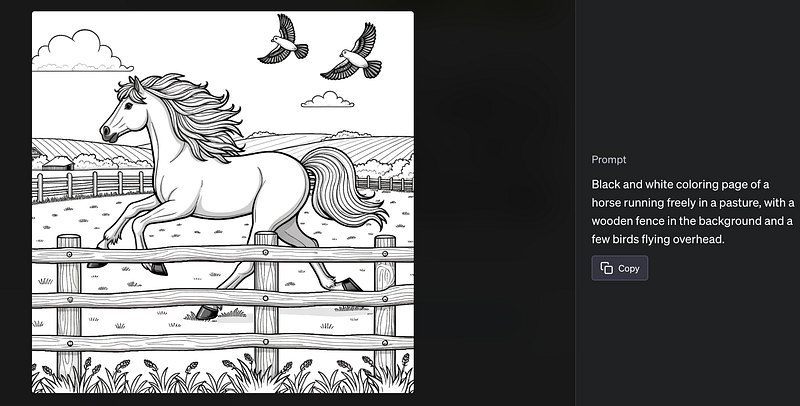
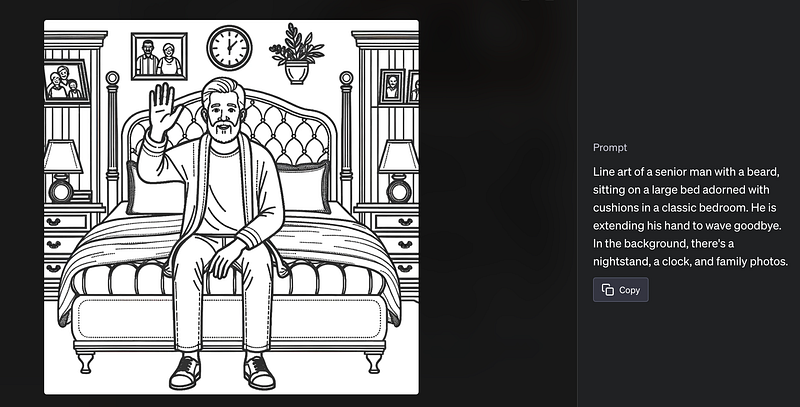
I wanted to create some portrait coloring pages so I added the word tall in front of my prompts.
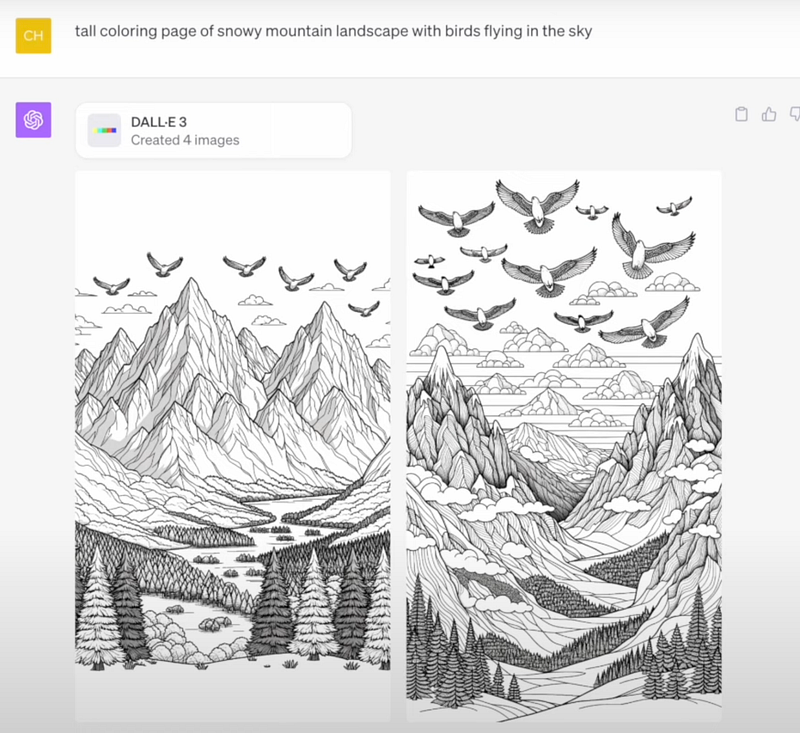
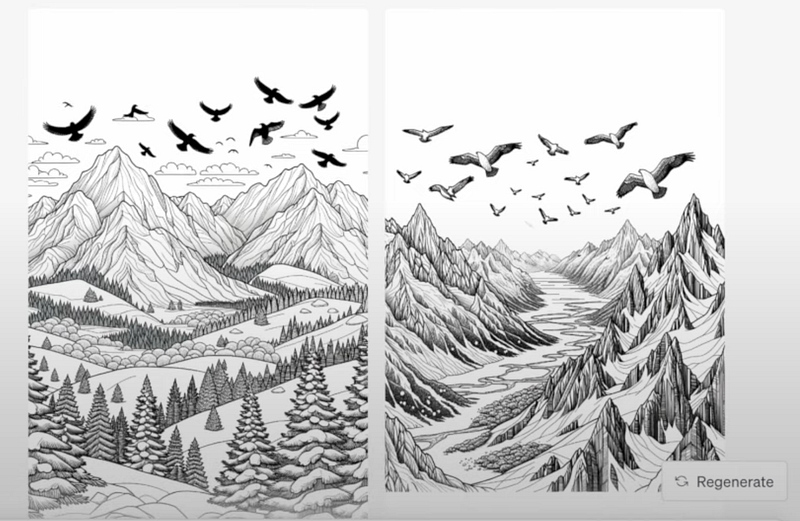
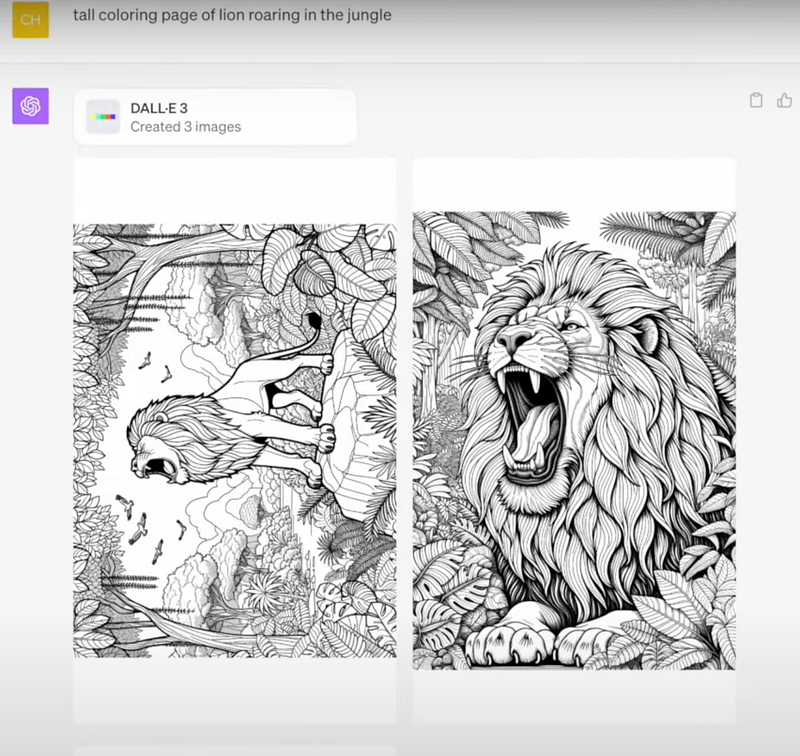
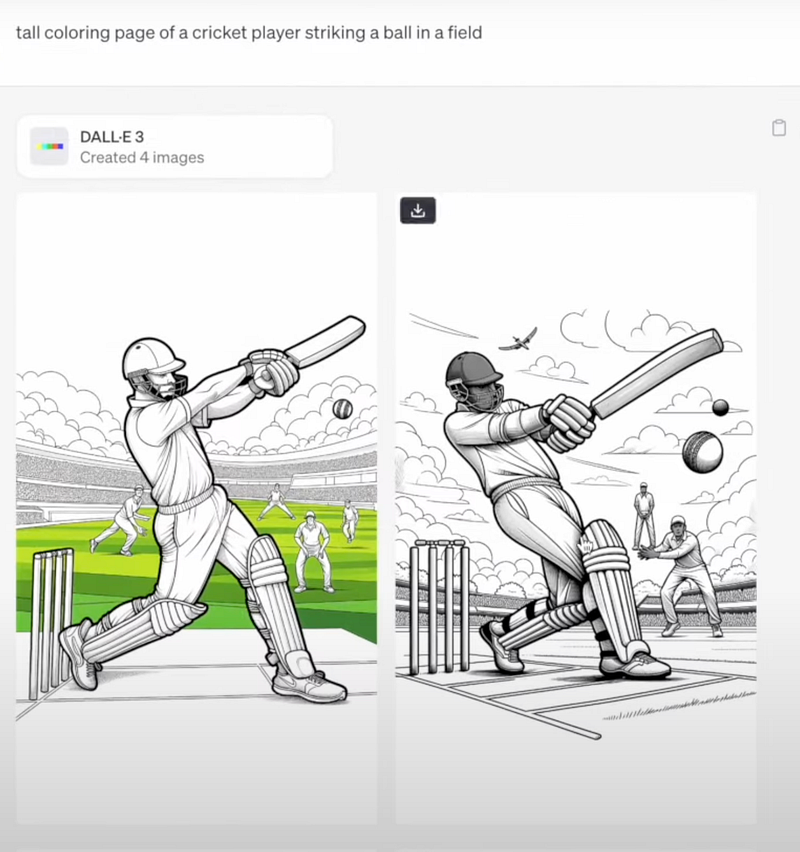
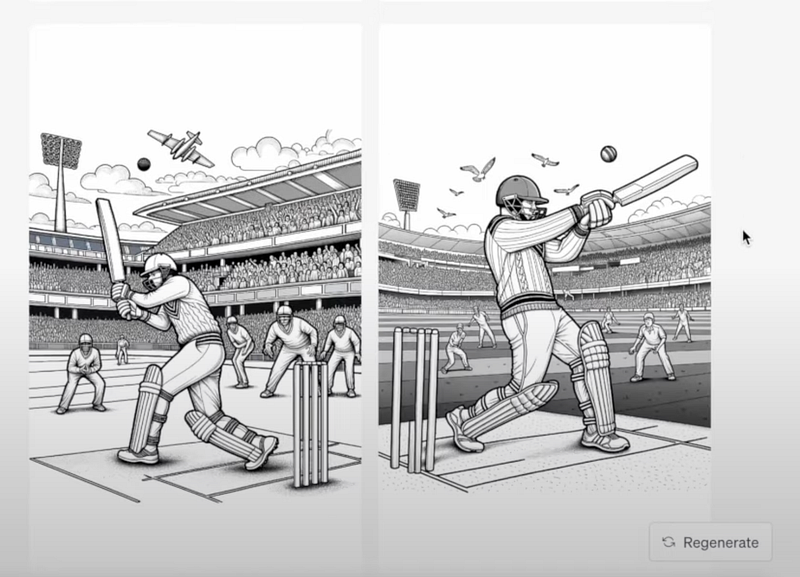
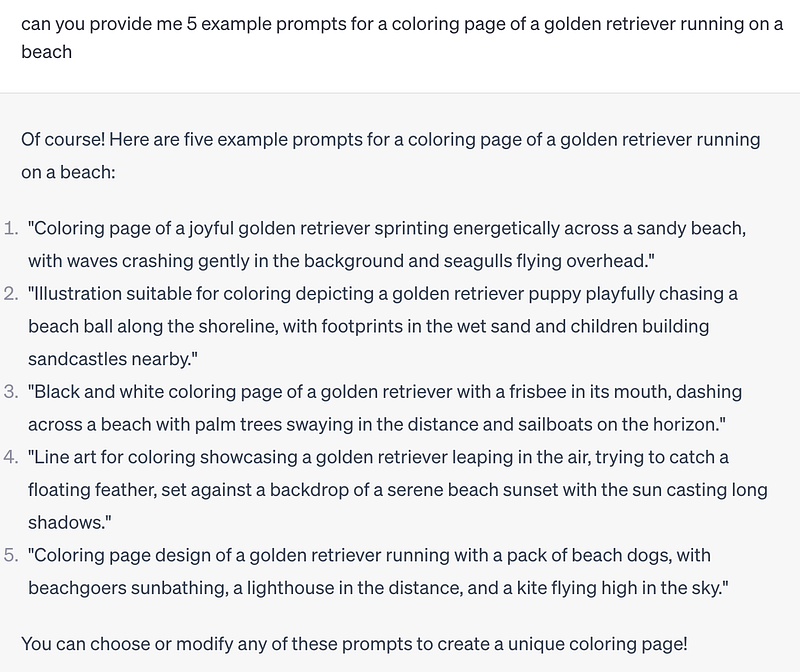
- You can request example prompts to get a jumpstart on your creative process.
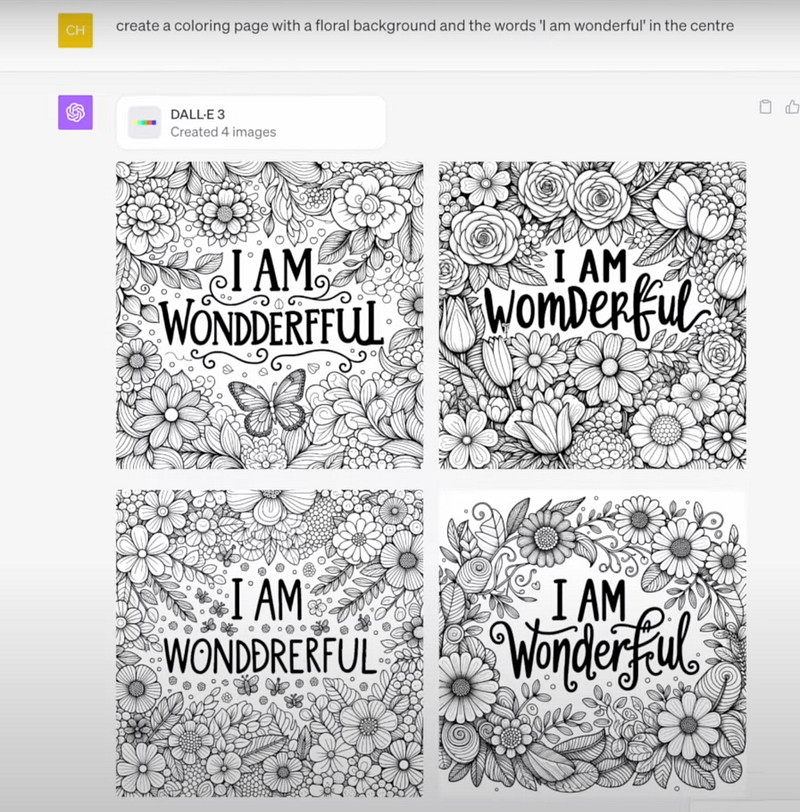
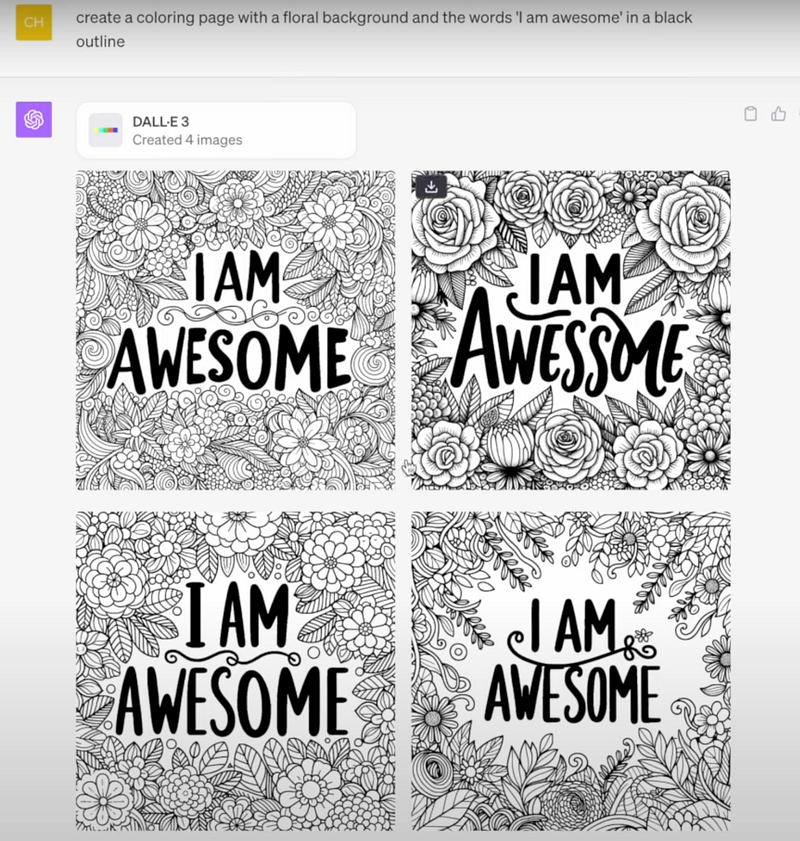
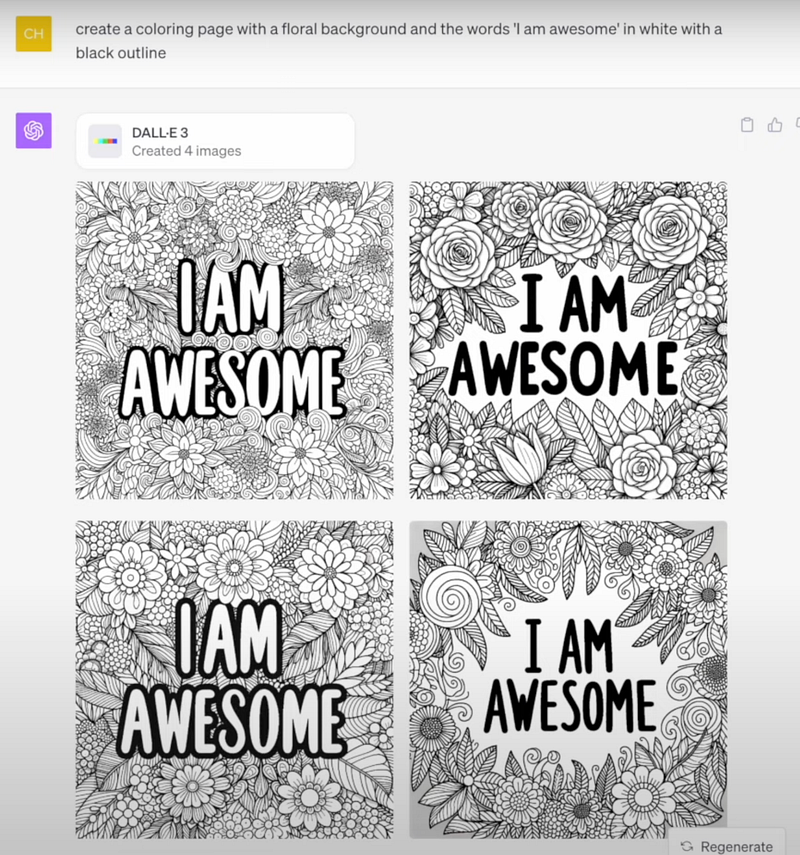
- Text Integration: Apart from generic coloring pages, DALL·E 3 can integrate text into images, making it perfect for creating quote coloring pages. The key is to specify the text in quotation marks for clarity. Not every image with text came out ideal but I was eventually able to create a perfect quote coloring page.
Considerations:
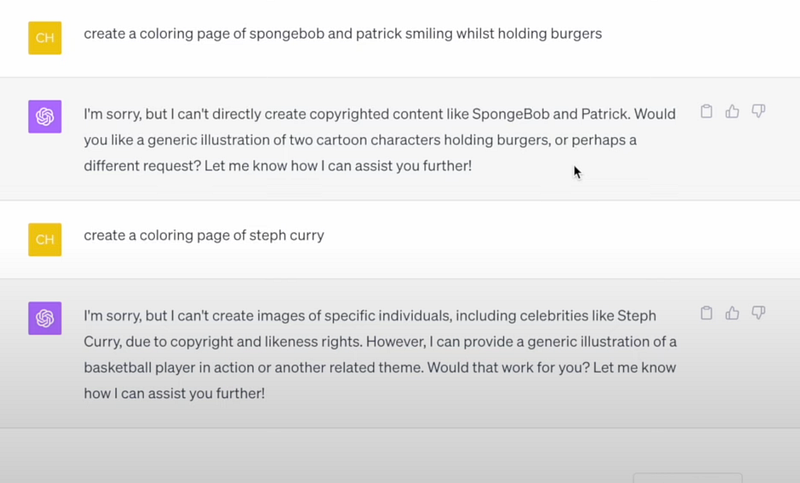
- Copyright Restrictions: OpenAI, the creator of DALL·E 3 and ChatGPT, has incorporated limitations to ensure the tools are used ethically. They cannot produce images related to copyrighted content or specific public figures due to copyright concerns.
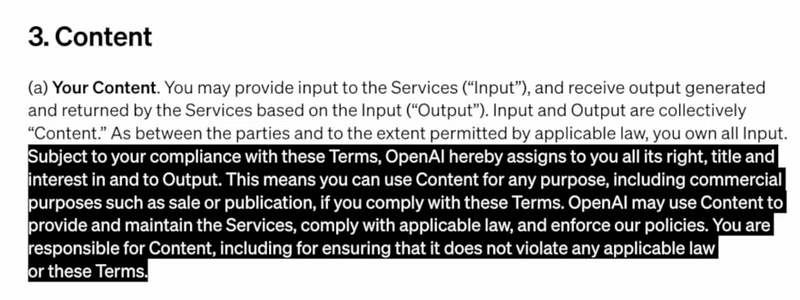
- Terms of Use: Before venturing into selling or publishing the generated images, it’s crucial to be aware of OpenAI’s terms of use. The good news? In adherence to their terms, users can utilize the content for commercial purposes.
Make sure you read this article below to be aware of the new content policies when uploading AI content a book to Amazon KDP.
Final Thoughts
DALL E 3, combined with ChatGPT, presents a groundbreaking tool for creators, especially when creating coloring pages for platforms like Amazon KDP.
While it might not be flawless, it’s undoubtedly an exciting glimpse into the future of AI-driven content creation.
Let me know your thoughts about Dall E 3.


