
How To Become a Victim of Cybercrime
It’s easier than you think.

There’s… there’s a lot of cybercrime happening out there. I read somewhere that a cyberattack attempt is made once every 39 seconds.
If true, that’s probably a naive, idealistic number. Given how cybercriminals use bots for automated attacks and don’t even have to be present to commit crimes, I imagine the actual number of cyberattacks occurring is much higher.
Understanding this, it’s also crucial to realize that pretty much anyone, anywhere, is at risk of cyberattack.
The good news is that you don’t have to be a victim. You can take simple steps to keep your data, network, computer, or mobile device safe.
But, hey. I’m not the boss of you.
If you want to be a victim of a cyberattack, here are five ways to make that happen.
Password shmassword
Remembering passwords is a pain in the ass, especially when you either need to remember multiple passwords or stick to specific password requirements such as upper and lowercase letters, numbers, and special characters.
Even typing in easy passwords can be annoying. Life is short, right? Entering passwords takes time, and it seems unnecessary for devices you use regularly. And if passwords are so important, why is it so easy to set up a smartphone, tablet, or laptop to turn on without a password?
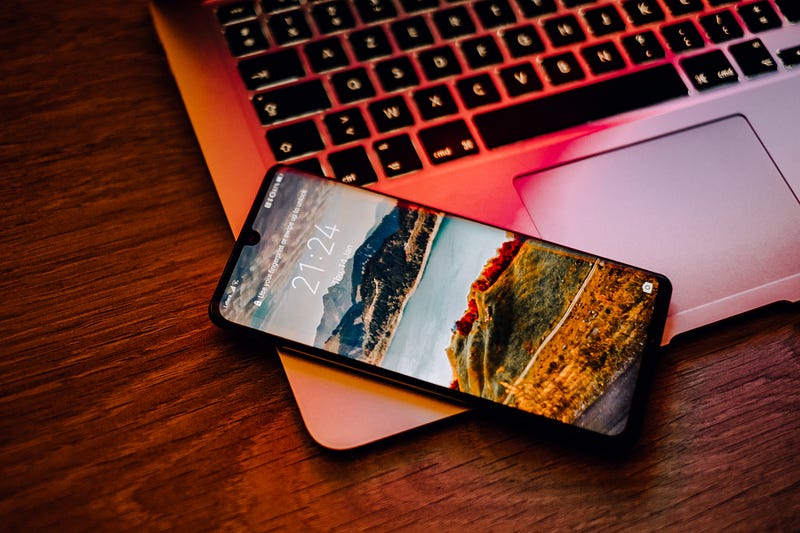
But how certain are you that the device will never be lost, stolen, or used by an unauthorized person? It’s the 21st century. Criminals are less interested in your wallet than they are all those juicy account numbers on your network devices.
Compared to the havoc a bad actor could wreak, a password isn’t such an inconvenience.
Speaking of passwords…
Get this…
A while back, I visited a guy I knew who works as a network troubleshooter for a major communications company.
While there, I needed to do some work on the cloud and asked to use his WiFi.
His password? His wife’s name.
At least he had the grace to look embarrassed.
If I was the sort of person to log into a system without permission (I’m not), I would have had a fair chance of guessing that password. The only thing that would have kept me from trying it out was assuming a big shot at a communications company wouldn’t have such a poor password pick.
With some basic tools, many simple passwords can be brute-forced guessed. Even without software, it’s plausible to believe that someone who knows even a little about your personal life could make some reasonable attempts.
Even words you might not think are connected with you but listed in a dictionary can put your accounts at risk.
Don’t change your default passwords
Many devices come with default passwords, and few think of changing these.
When you set up a new device, check for instructions on setting a new password. Default device passwords are a common item on sale on the Dark Web, so there’s a fair chance it will be something a potential intruder will try.
And by devices, I mean all new devices. Many smart home products such as refrigerators and thermostats are connected to your WiFi. They can often provide a backdoor into your network for hackers with the right skills.
Keep reusing your passwords
And don’t change your passwords… ever.
Many companies force you to change your password regularly, but not all companies are so thoughtful. It’s only a matter of time before someone breaks in using data they have on you or an old default password that never got changed.
Or are you the sort who uses the same password for all their accounts, including utilities, banking, and gaming?

It’s not uncommon, and cybercriminals know this.
The best way to protect yourself is using different passwords for different accounts and changing them every six months at a minimum. You can set a calendar notification on your phone to remind you.
It takes some additional effort on your part. Still, it’s much easier to sensibly manage your passwords than to deal with ransomware or identity theft.
Don’t bother with adequately configuring your devices
Do you have two-step authorization set up on your device? Do you have any password protection enabled?
If you want your devices to be vulnerable to intrusion, skipping these protections is a great way to accomplish this.
There are other options available to strengthen your security deeper in your device and network setup. Check your router’s encryption level and ensure you’re running the most recent version available.
While you’re at it, see what file-sharing permissions are in place on your computer or similar connected devices? Do you limit sharing to specific users or peripherals? Are there any password requirements?
While having passwords and permissions in place can sometimes slow you down, every little bit helps protect your system from outsiders.
It can and probably will happen to you, so be prepared
Cybercrime is a constant, unfortunately. As attacks get more sophisticated and hackers use more automation, the odds are exceedingly high that you will be the victim of an attempted intrusion. Eventually, one of those attacks will be successful.

Keep this list someplace visible as a reminder of the best steps you can take to protect yourself from getting hacked.
- Use smart password creation
- Change passwords often
- Vary your password use among devices and online accounts
- Don’t share passwords or leave them out in the open
- Update your virus and malware protection software whenever new updates become available
- Check your device settings for any security holes
- Stay current on the latest news regarding cybercrime trends
There are few guarantees in life, but taking these precautions puts you in a stronger defensive position to avoid losing data, time, money, or sleep due to a cyberattack.
Becoming a victim of cybercrime is not all it’s all cracked up to be.
About John Teehan
John lives in Rhode Island with his wife, son, and dog. He specializes in tech, health, business, parenting, pop culture, and gaming. Visit wordsbyjohn.net for more info and rates. Twitter: @WordsByJohn2.
Do you like poetry, short fiction, and general oddities? Check out my new book, Life Among Psychopaths: an unexpected potpourri, now available on Amazon.


