
🪂· Fuel Token (Fuel+Fuelet Wallet) Next Big Airdrop Step-by-Step Guide
The world’s fastest modular execution layer. Fuel Network is the ultimate way to execute your blockchain ideas with unrivaled security and flexible throughput.
Fuel Network has secured $80 million in funding from major investors including Blockchain Capital and Stratos Technologies. Fuel Network could be the next big airdrop. It could easily match Arbitrum’s airdrop.
Now, let’s dive into Fuel Netwok.
Tasks 1> Test on Fuel Wallet 2> Test on Fuelet Wallet
1️⃣ Fuel Wallet
Step 1: Get your Fuel Wallet:
1> Download the wallet
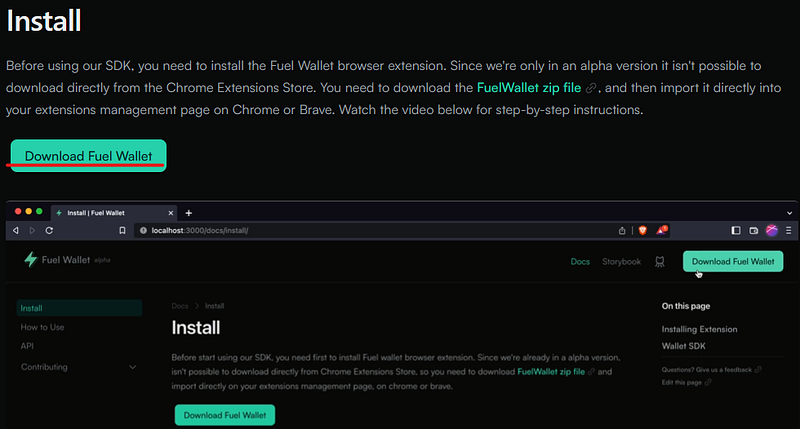
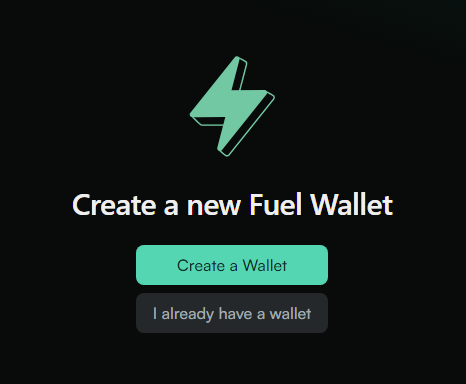
2> Turn on Developer Mode in Chrome Extensions 3> Install by dragging the ZIP file into Chrome, click on “Create a Wallet”, keep your seed phrase and password safe!
Step 2: Get testnet tokens
1> go to Fuel Faucet
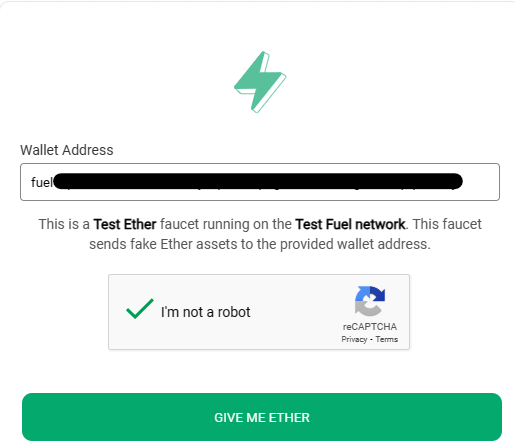
You should receive your Testnet ETH quickly.
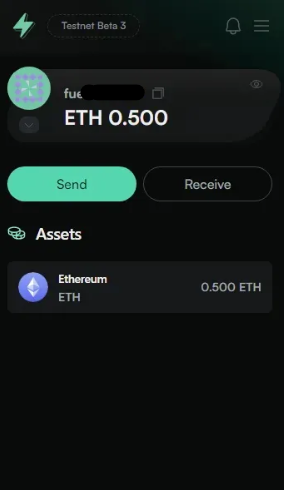
Step 3: Test the Fuel network
1> go to Connecting | Fuel Wallet 2>Hit “Connect”, then flex those ‘green buttons’
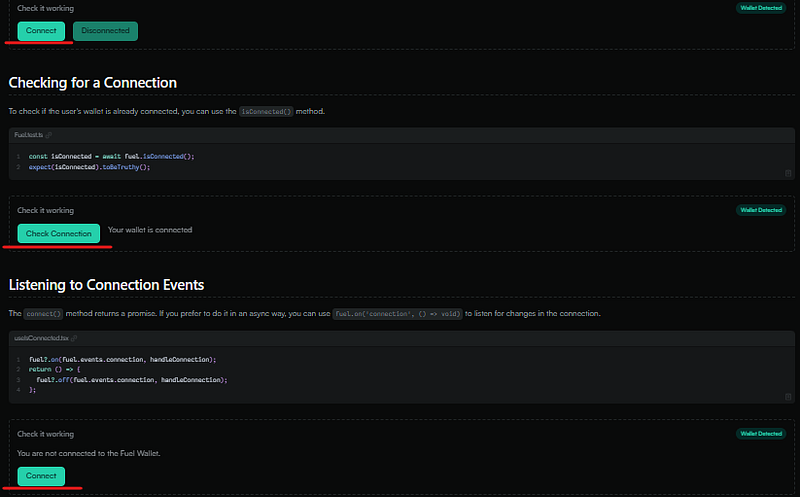
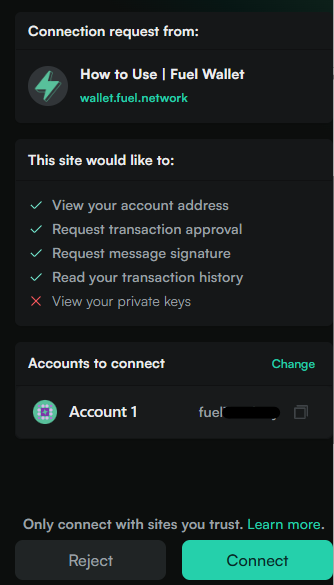
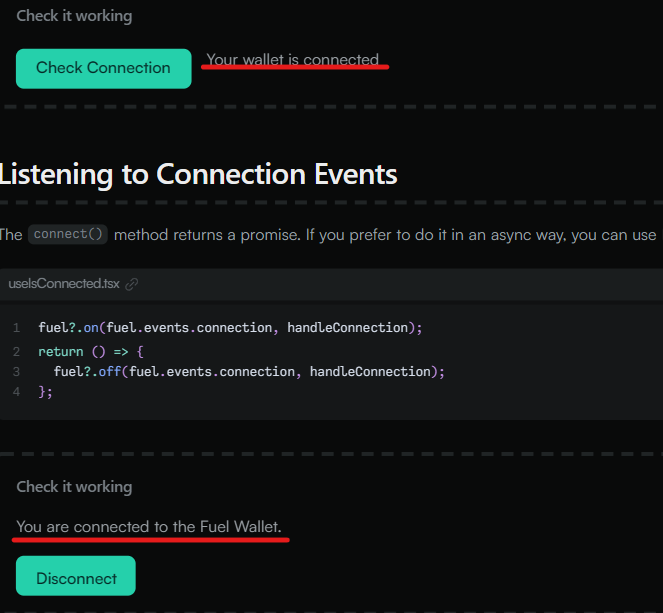
Step 4: Swap your funds
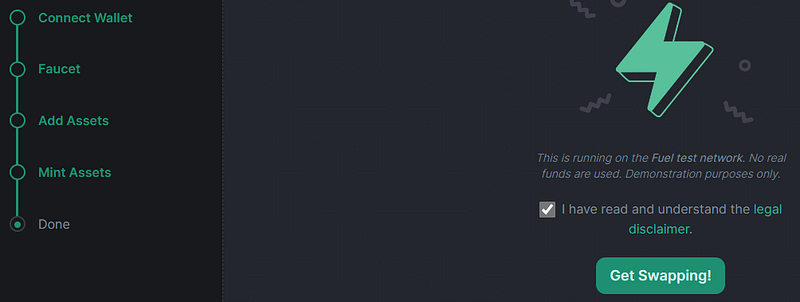
1> go to SwaySwap 2> launch the app
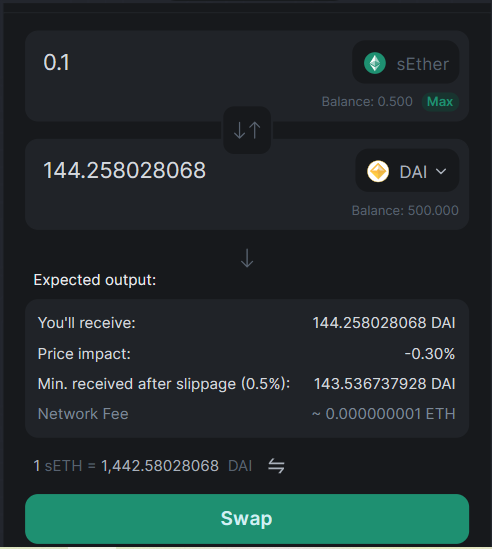
3> swap sEther to Dai and swap back
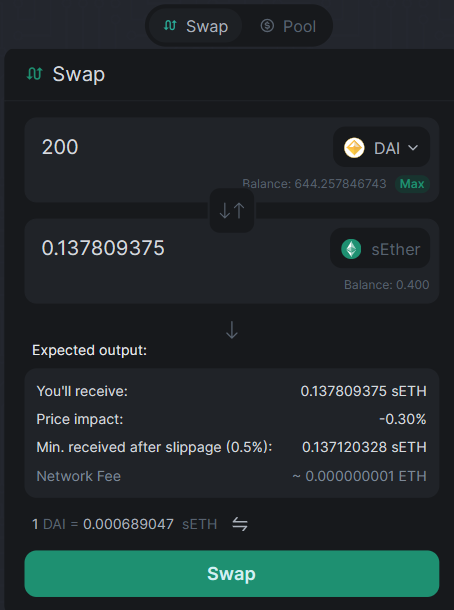
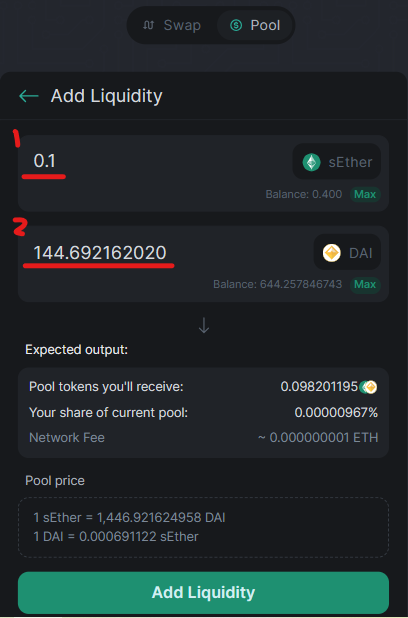
4> Provide Liquidity
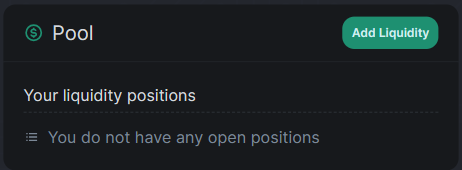
1> click on add Liquidity 2> enter amount, then hit add Liquidity
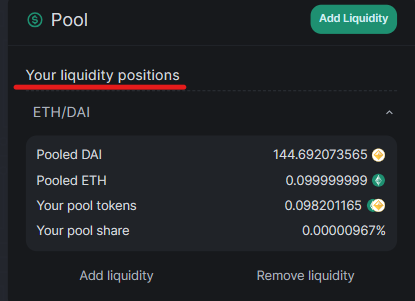
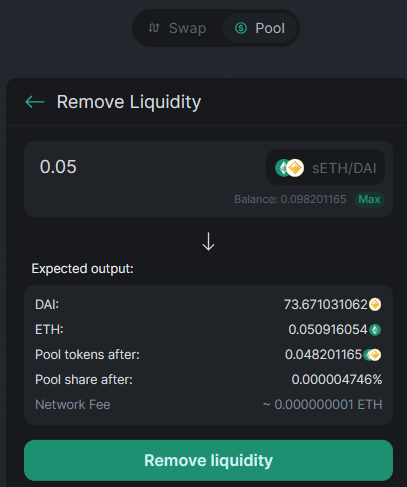
3> remove LP
Step 5: Lend your funds
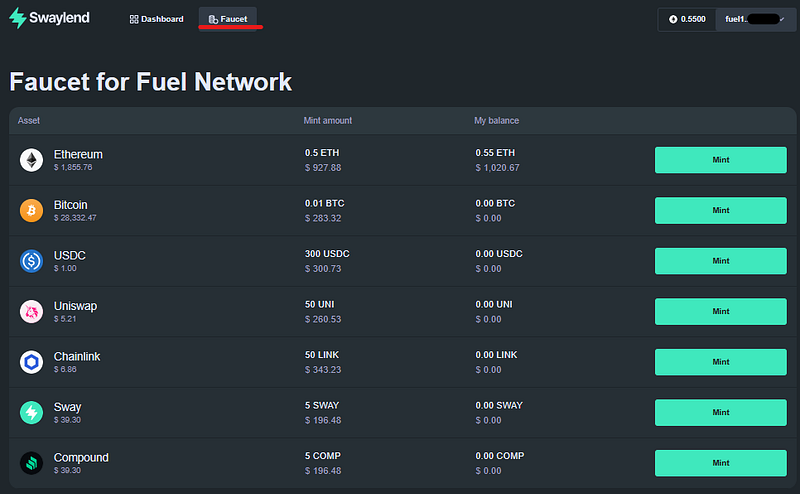
1> go to Sway Lend and connect your Fuel wallet 2> access the faucet section and mint all the available tokens
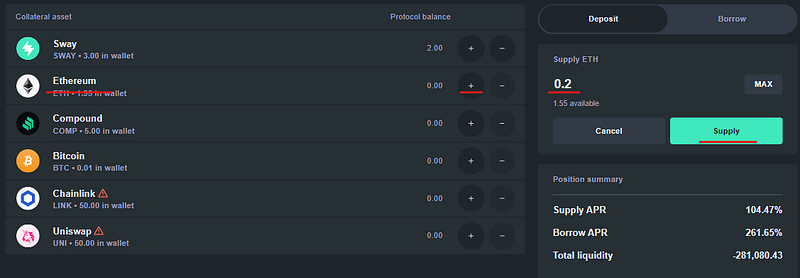
3> go back to the dashboard and Supply USDC and other Tokens
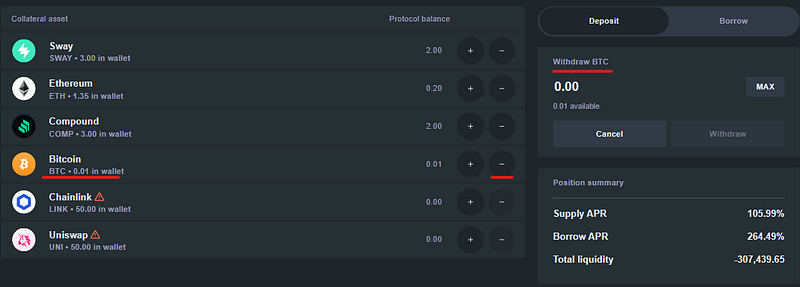
4> Withdraw USDC and other TokensUSDC and other Tokens
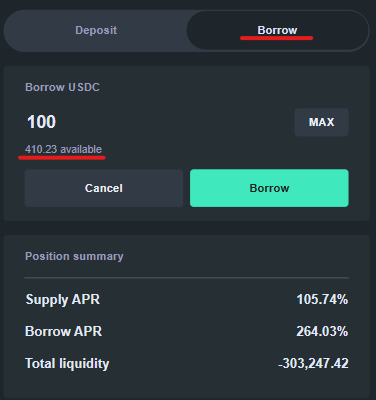
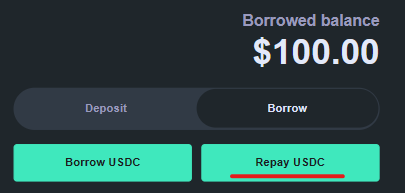
5> go to Borrow and Repay USDC
Step 6: Trade Your Funds
go to Spark (allspark.gg) and make a few trades on the platform
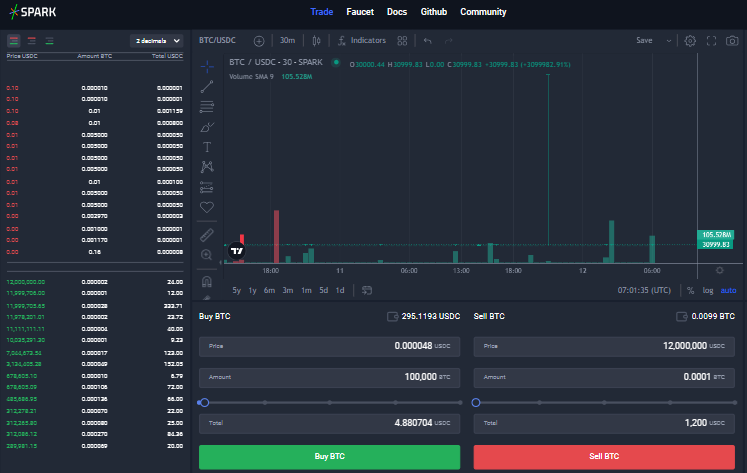
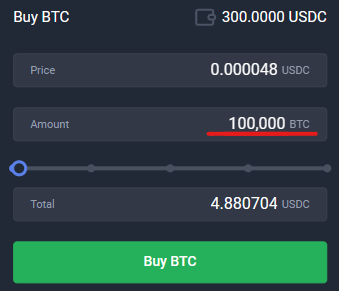
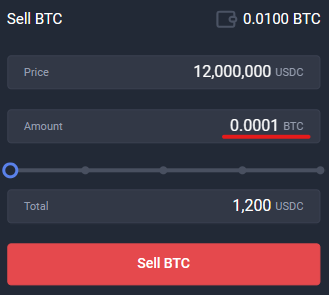
Step 7: Mint NFT
1> go to Fuelart and connect your Fuel wallet.
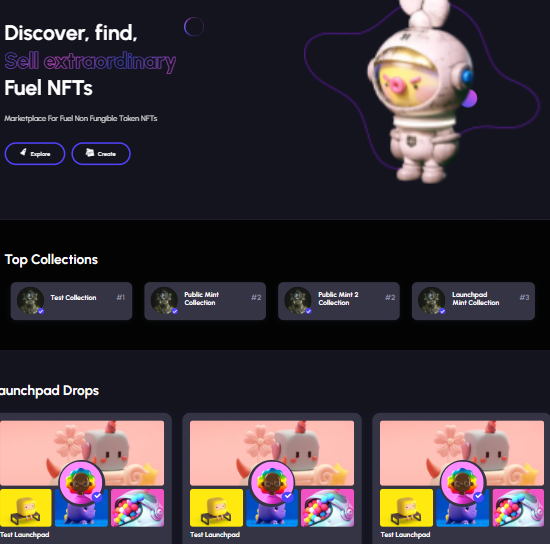
2> click on “Create” to generate an NFT if available 3> explore the launchpad and mint an NFT if available. 3> browse the marketplace and buy an NFT.

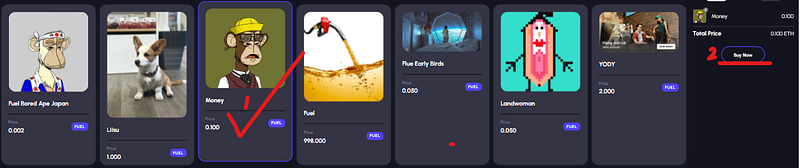
Step 8: Deploy a smart contract
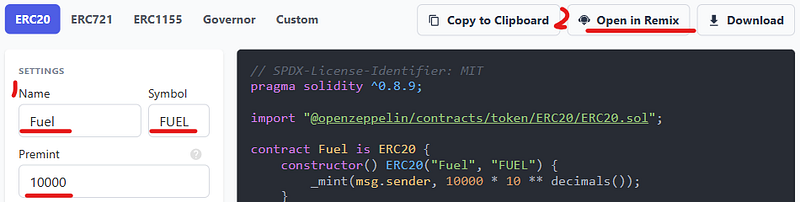
1> change your network to Taiko and 2> go to OpenZeppelin 3> write a Name, Symbol, Premint (amount) and click Open in Remix.
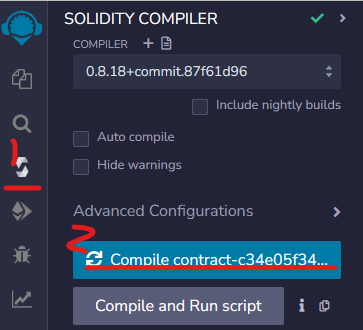
4> Make sure you are on Solidity compiler (third icon on the left) and click Compile contract.
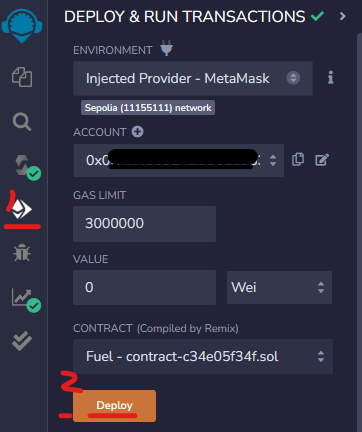
5> Click Deploy & run transactions (fourth Icon on the left).
— Choose Injected Provider (on environment) and click Deploy. — Approve the transaction.
Step 9: Feedback
Join Fuel Discord, go to the wallet-feedback channel and share your experience.
2️⃣Fuelet Wallet
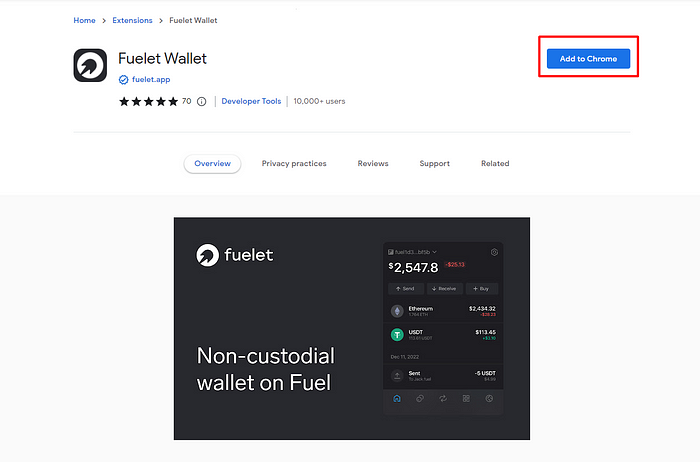
Step 1 : Go to Fuelet Chrome extension for this Testnet.
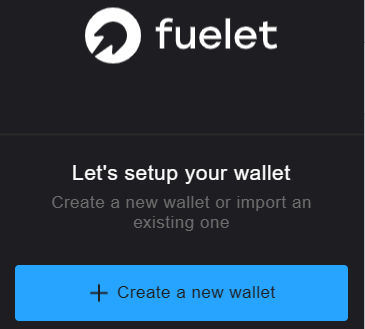
Step 2: Create a new wallet
Step 3: Get testnet tokens
1> go to Fuel Faucet
You should receive your Testnet ETH quickly.
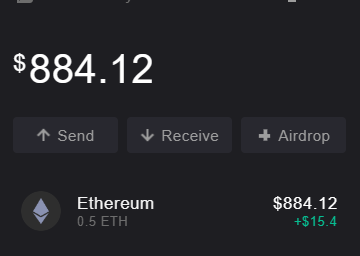
2> use your second wallet to get 0.5 ETH testnet tokens
Step 4: Transfer your funds 1> sent 0.1 ETH from Fuelet to your Fuel Wallet
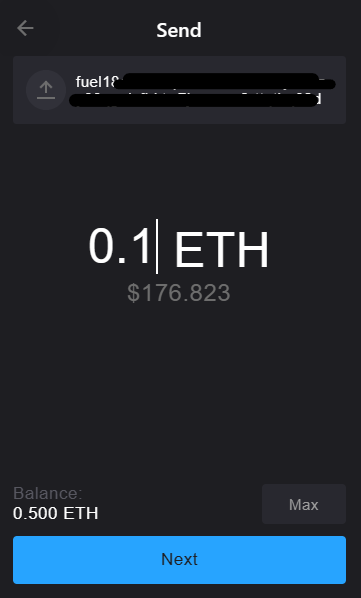
2> receive 0.1 ETH from your Fuel Wallet (ie: send 0.1 ETH from Fuel wallet to Fuelet Wallet)
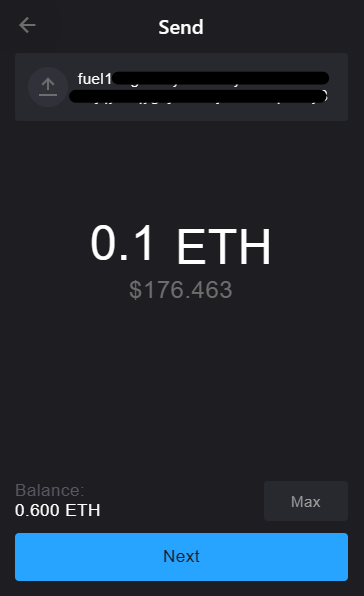
You can increase your activity on the Fuel Network and the Fuelet Wallet. Make sure you do it at least twice a week for your both wallet.
Step 4: Feedback
Join Fuelet Wallet Zealy, complete Tasks, you will earn the ‘Active Public Beta Tester’ role. Join Discord as well.
That’s it. You’re done!
⚠️We have no partnership with any projects. Informational purposes only, NFA, DYOR. If you enjoyed this tutorial , please give claps for support !😄
📌Related Articles:
👉 Strategize for Big Profit : Unlock 100x Airdrop Projects for You 🔥 👉 Claim Free Tabi NFT for Confirmed Airdrop Guide — Missed Blur($1,250)? Don’t Miss This 👉 Daily Airdrop Hunt to Do List ✅ 👉 Polygon zkEVM the Next Big Airdrop Step-by-Step Guide 👉 How to Obtain 10 Goerli ETH Step-by-Step Guide 👉 MetaCoin 200 Million MTC Airdrop Rewards Guide 👉 Get Your Free Web3 Email +Rewards Step-by-Step Guide 👉 My $45 SUI Investment turned to $2000
Please follow me on ☂️Twitter and 📚Medium, turn on 🔔 as well, you will be the first to know about my shares and updates.


