

Flutter — WidgetBook Mono-Repo with Packages
I have started to look at building more widgets for animation, a new category of widgets, and this has led to a small architectural change to the DigestableLego project.
Instead of creating a new project with a new widget book for the animation widgets I’ve restructured the existing project to have a single WidgetBook (Mono -Repo) and support a number of packages, 1 for each category of widgets.
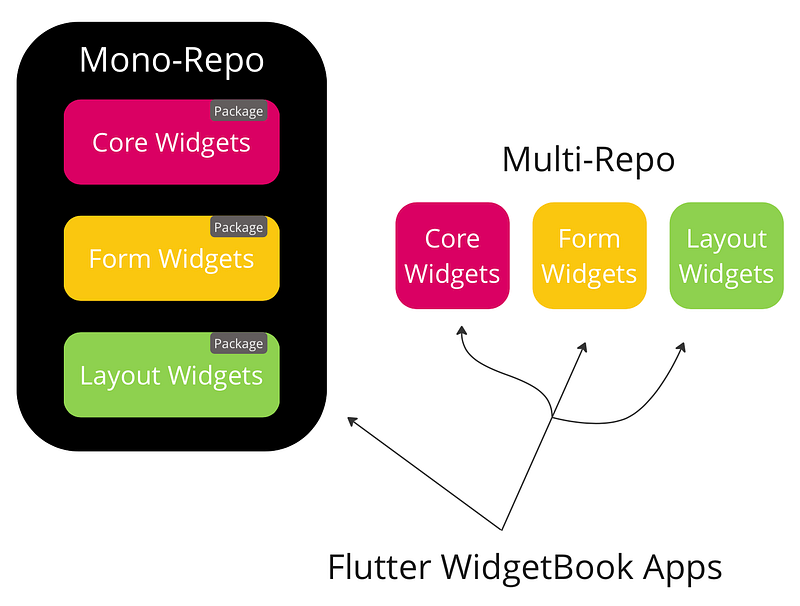
This makes it easy to develop, test and review widgets in a single project and include any of the packages in applications that need them.
The project has the following directory structure:
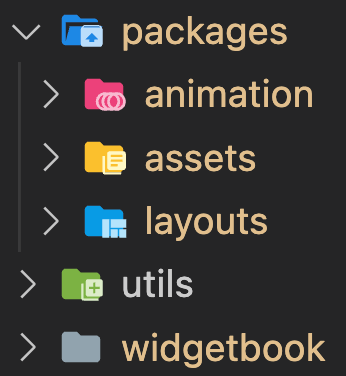
Where:
- Packages — A single package for each category of widgets
- Utils — a package with supporting functions used to create widgets and run tests.
- Widgetbook — The application used to display the widgets.
I have added three categories of widgets (packages) with the likely addition of others soon:
- Accessibility — Make the app accessible.
- Assets — Manage assets, display images, and show icons.
- Forms — Form widgets used to capture user input.
- Layouts — Screen layouts.
- Motion — Scrolling (Parallax) and effects.
- Painting — These widgets apply visual effects to the children without changing their layout, size, or position.
- Stylin — Branding and appearance, typography, logo’s etc…
I create three files for each new widget, the widget, the widget test and the use case:
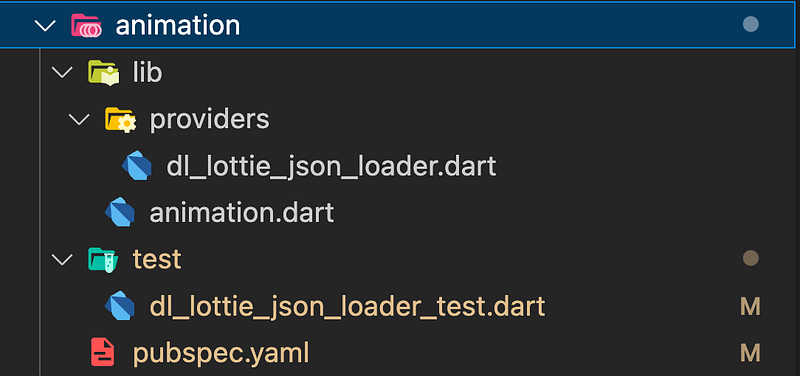
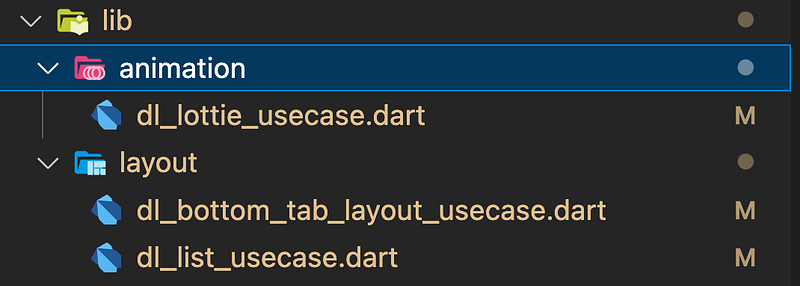
Once created I wire them up manually in the app.widgetbook.dart file:
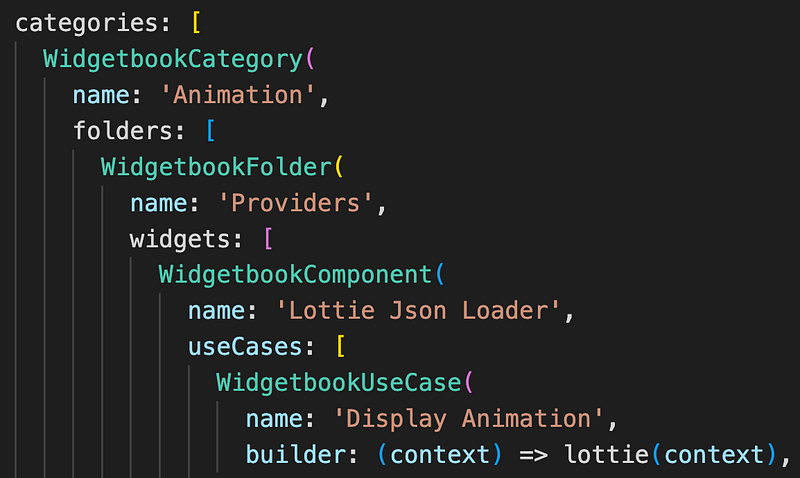
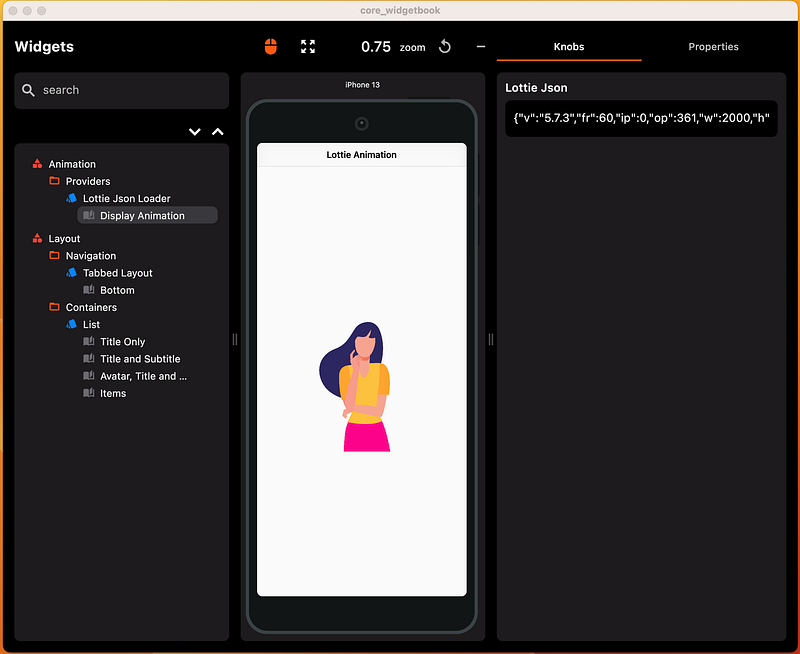
Which creates the structure for the WidgetBook when the application is run:
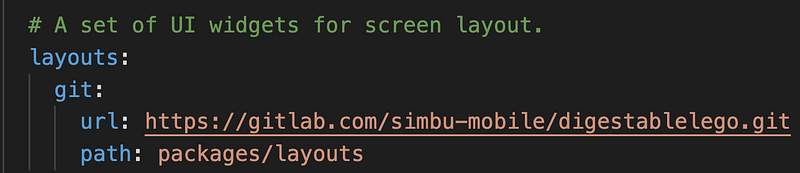
Applications can then include the any or all of the packages by adding dependencies in their pubspec.yaml file:
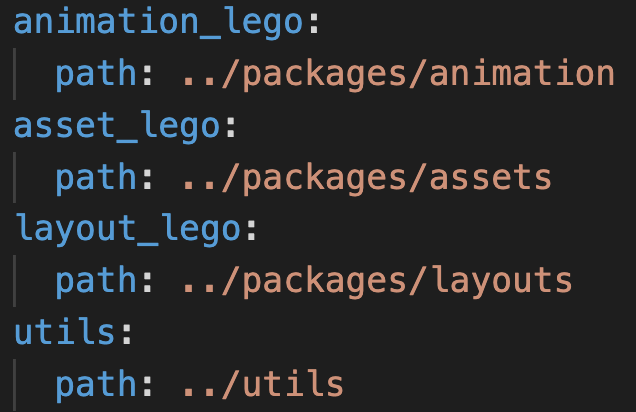
To create a new package for a new category of widgets run this command in the packages/ directory:
flutter create --template=package formsThen include it in the widgetbook pubspec.yaml file:
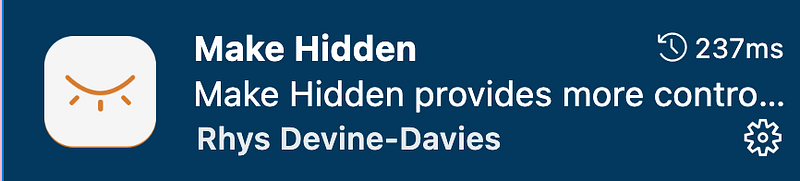
To help reduce the file clutter in the mono-repo I made use of a package to hide files and directories that are not added to:
That’s it for now, once I’ve created more widgets I aim to add some scaffolding to speed up widget and package creation.
(NB. This is one of several articles on building a component library, or if you want to start from scratch, just follow along with Widgetbook example to build it with mason, then update the packages.)


