
Elementor AI Review: How To Make Money With This Tool
How I Use the Power of Elementor AI to Earn Money with Affiliate Marketing & Print on Demand
In case you’ve never heard about Elementor, check out this article:
What is Elementor AI?
Elementor AI can be used to highlight any text on your website and adjust it as desired, or generate and edit images as you want.
- You can generate, edit, enhance… text
- You can generate, edit enhance… images
For example, you can simplify the writing style, or make it more professional based on your website’s audience.
You can compare it to both Midjourney and ChatGPT in one tool.
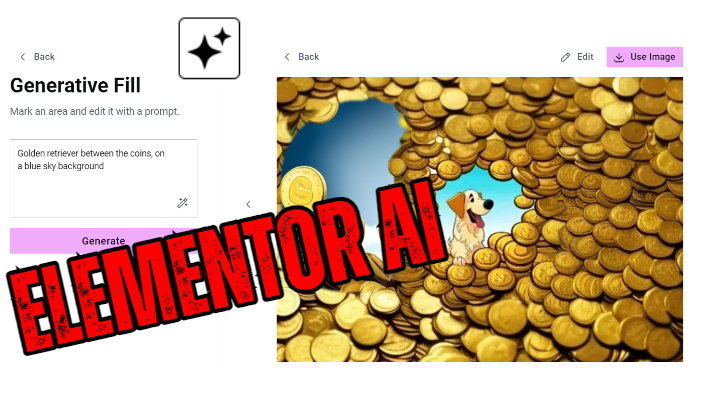
AI Generated Images
With Elementor AI, you can:
- generate images
- expand images
- use generative fill
- resize images
- change images

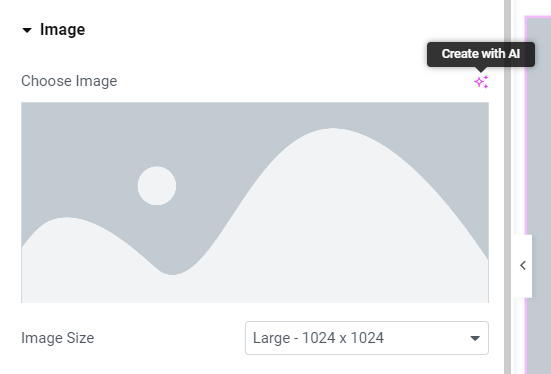
It’s as easy as adding an image to a page in Elementor and clicking on “Create with AI”:
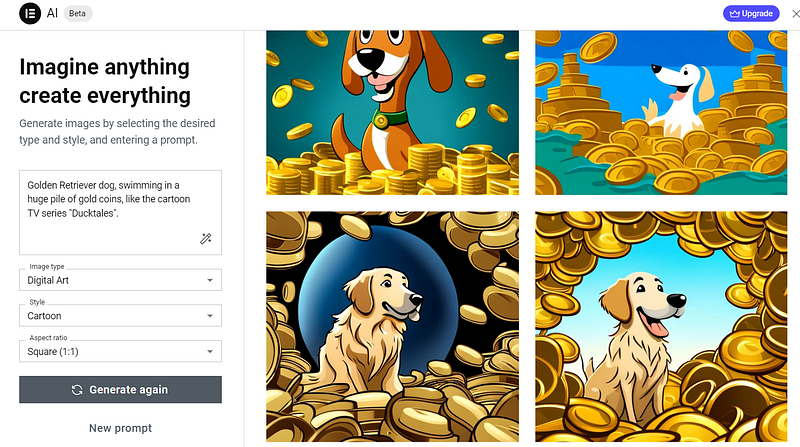
The following pop-up appears, where you can edit a text and select some properties:
I’ve prompted for a Golden Retriever, swimming in gold coins :)
They have a YouTube video where they explain all the capabilities:
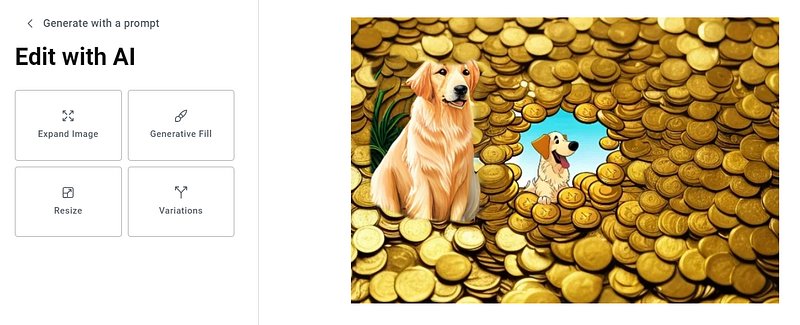
Next, I can choose the options I mentioned above:
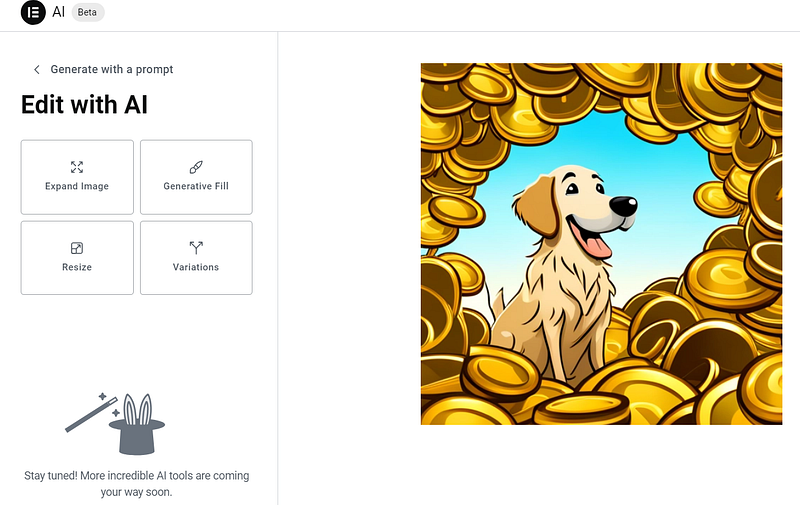
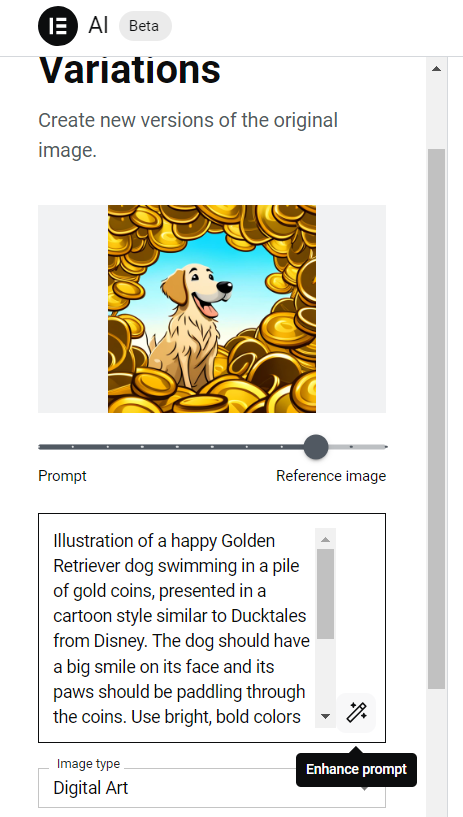
If I click on “Variations”, I get the option to use my current image as “input”, but make adjustments via a new prompt.
Elementor AI can even help with creating a prompt, by clicking on “Enhance prompt”.
Let’s see what it generates:
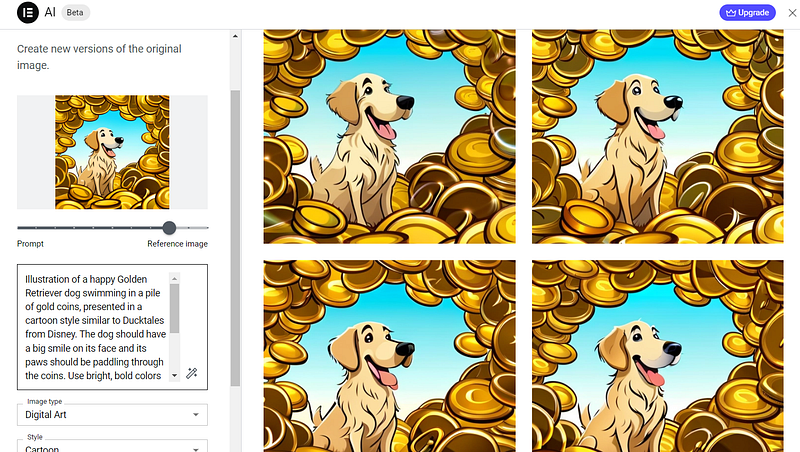
That’s not much difference from my source image. Let’s put the slider more to the left, so it will focus more on my prompt:
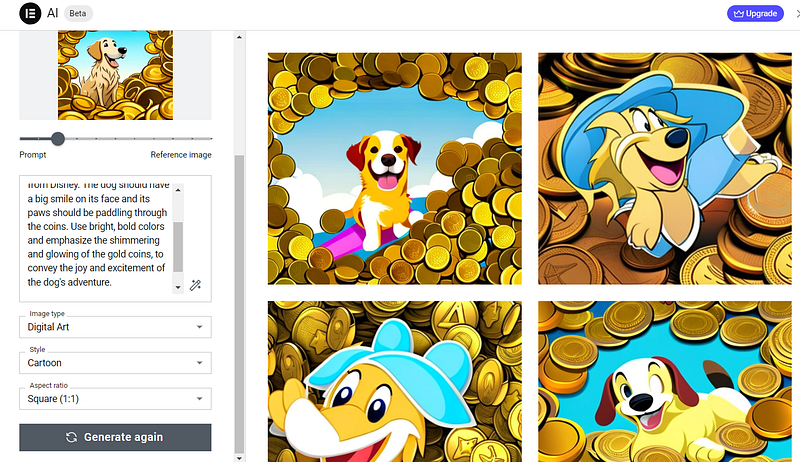
Okay this looks better :)
Anyway, you get the point! Very nice, very powerful tool!
Based on this image, you can now “expand” the image.
Basically what it will do, is place more gold coins around the dog and perhaps even a vault or so… or so I hope.
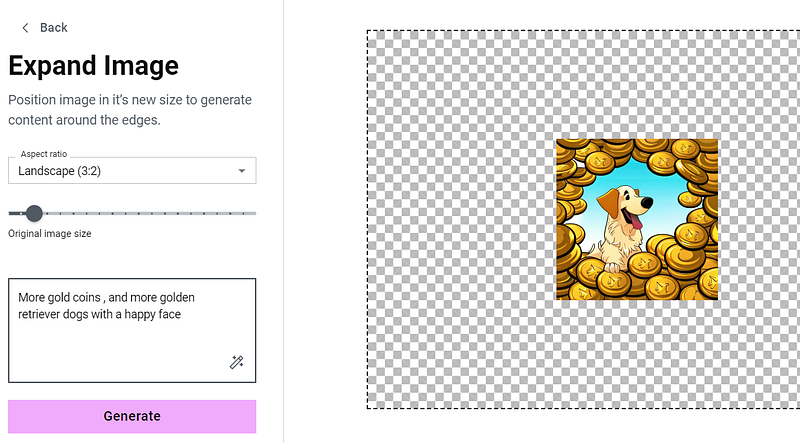
The result.. not really what I expected but let’s go with this for the sakes of this demo:

Let’s test “Generative Fill”. Maybe with this functionality we can add another Golden Retriever.
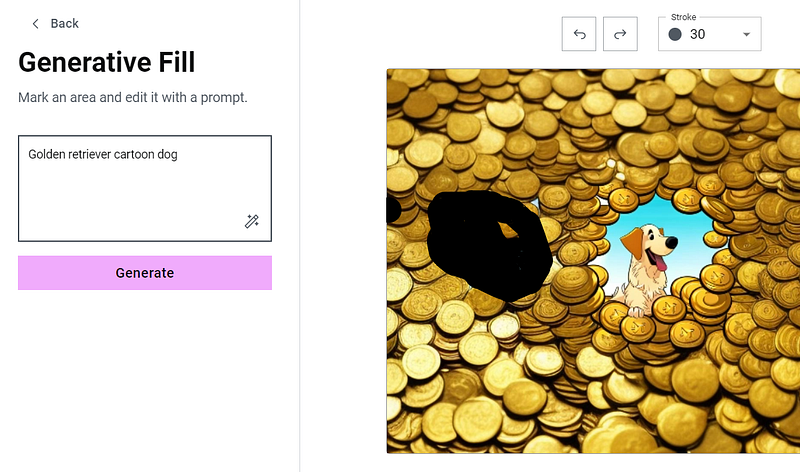
Well.. it DID add a Golden Retriever… Either way, it requires a bit of practice.
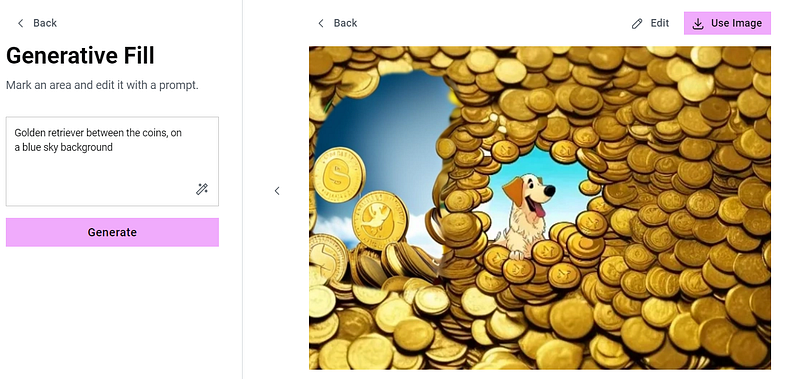
Another example… this one didn’t work either:
Okay, let’s talk about TEXT AI a little bit.
Elementor Text AI
Get started by adding a text box.
Next, use the same option: “Write with AI”:
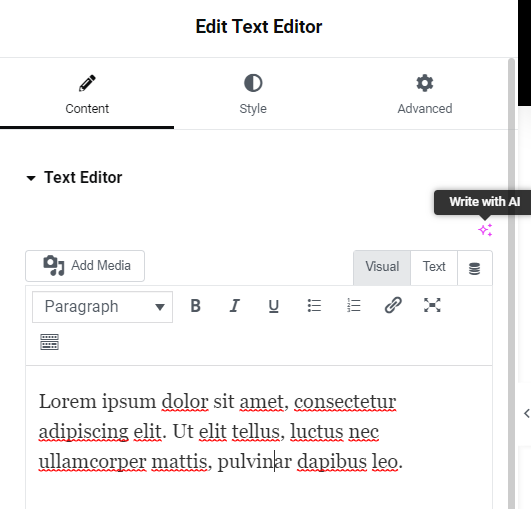
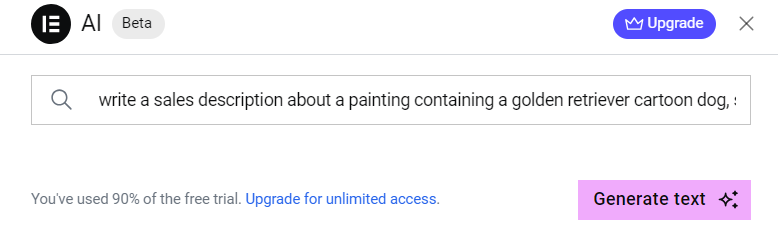
Notice the text at the bottom. You need to upgrade for unlimited access, but you can already get started for free, just like I’m doing right now.
The result:
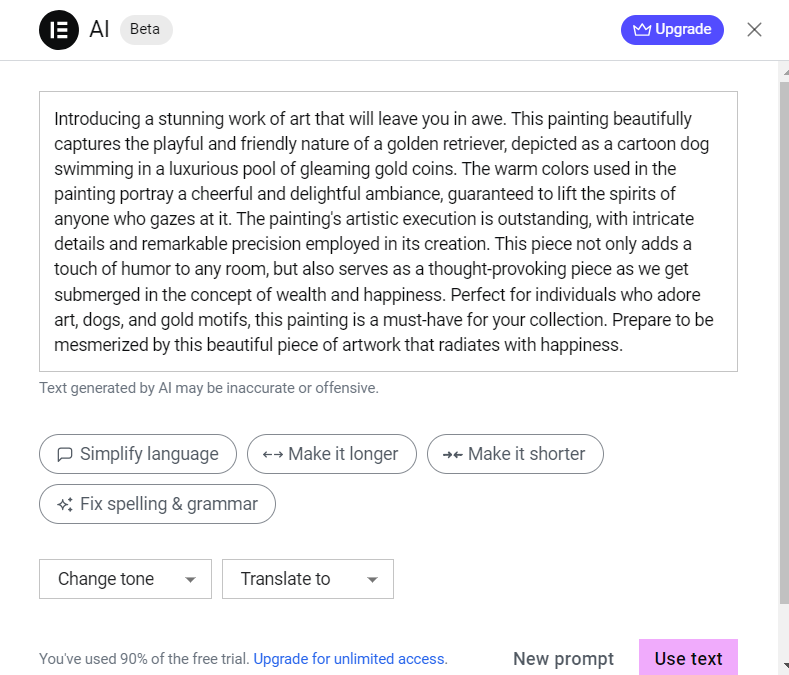
Great, let’s quickly discuss Elementor AI pricing:
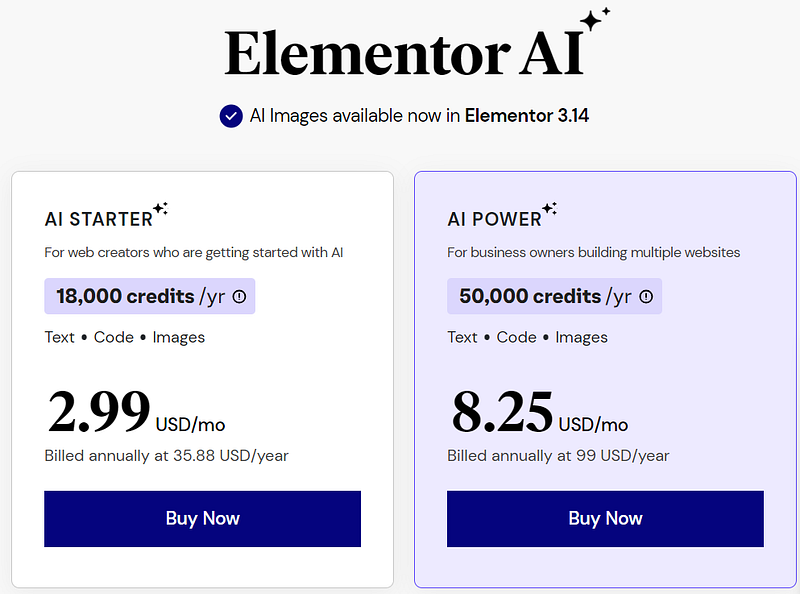
Elementor AI pricing
I think this is quite alright and affordable for eveything you get.
Let’s say you want to build a blog website with Elementor, just like me — this is simply perfect.
I can generate images, I can ask AI to help me write some text when I’m stuck… and all for just $35.88 per year?
Elementor AI’s Example Prompts
On Elementor’s website, you can find a bunch of example AI prompts:
Write a product description for porcelain mugs, pay close attention to the unique details of its handles [or any other product]
-
Write a short step-by-step guide about how to make coffee like a professional barista
-
Write a blog post about [topic]
-
Pool surrounded by orange wall with a wide rectangle window looking out into the sea. Two palm tree on each side. Golden hour with a pink hue. West Anderson style
-
Write a 4–8 word heading about [topic]
Other things you can use it for:
- Write unique textual content for your website, or enhance existing content to create professional copy, fast.
- Translate your website’s content into any language to engage with a larger audience.
- Create unique Images or modify them by describing any image you want to create in plain text, and let Elementor AI do its magic.
- Apply Custom CSS to any Elementor element, to elevate your website’s design (available with Elementor Pro).
- Add HTML anywhere on your website to embed snippet resources, such as adding a Slider or a Spotify playlist to your website.
- Generate Custom Code snippets such as Google Analytics code or Facebook Pixel code to measure the impact of your website’s pages (available with Elementor Pro only).
Conclusion
Awesome options, powerful functionalities… I’ll definitely be using this in the future for my affiliate marketing website!
And you know what else? I can even use these images I generated and sell them via my Print on Demand (POD) businesses.
More info about POD and how to make money with Print on Demand you can find here:
Hope this was useful, make sure to follow or subscribing for more content like this!
Note: This article contains some affiliate links. This means that if you click on the link and make a purchase, I may receive a commission (but for you it’s free of course) — look at it as way to support my writing & all the countless hours I put into these articles :)
You might notice that not all links are affiliate links; This is because I only promote products and services that I believe in and that I think will be of value to you. Please do your own research before making any purchase decisions.


