
How to Make Money in 2024 With Print On Demand
How to Create Print on Demand Designs (that Sell)
As you might know, I’ve been in the POD scene for quite a few years now. I’ve made more than $30k by selling my designs over the past few years.
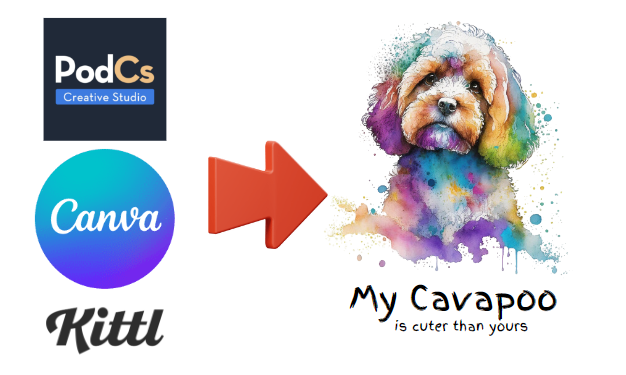
In this article, I’m sharing some simple design creation processes that I use to create awesome designs.
I’ll keep it very, very simple.
1. The first step
The first step I take, is do a little bit of research to:
- Get inspiration
- Find stuff that works / sells
For this, I mostly use PodCS.com.
Here, you can use the “Seller Trends” to find “best selling products”:
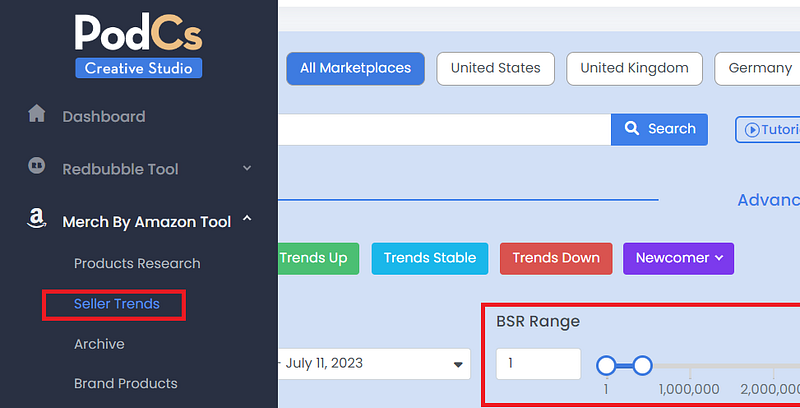
So in the screenshot above, I selected a pretty low BSR (Best Seller Rank). The lower (closer to 1), the better those products are selling.
Here you can read more about the Amazon BSR: What is Amazon BSR and how does it work?
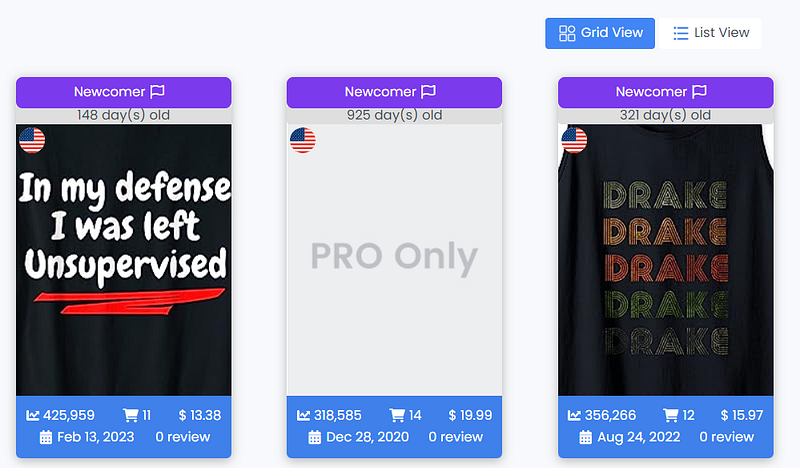
The results:
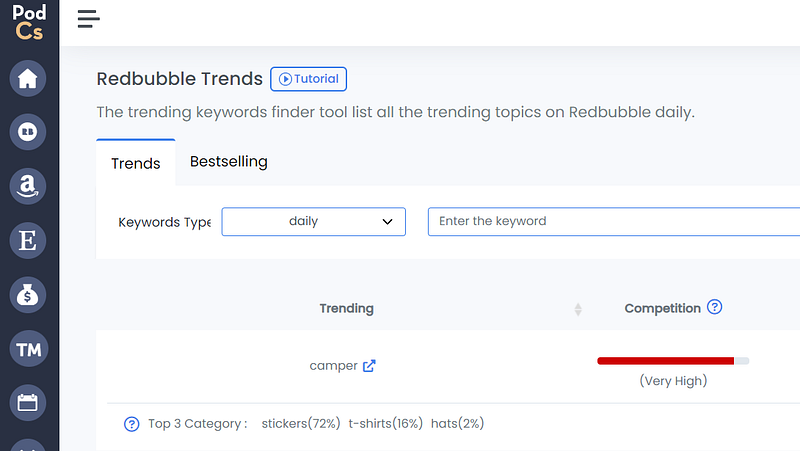
You can also use the Redbubble Trends to gather info:
OR the Bestselling tab:
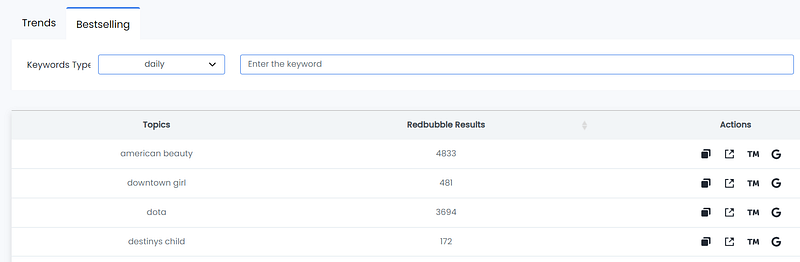
As you can see, there are various tools available to gather some inspiration.
Here’s some info about a Facebook ad:
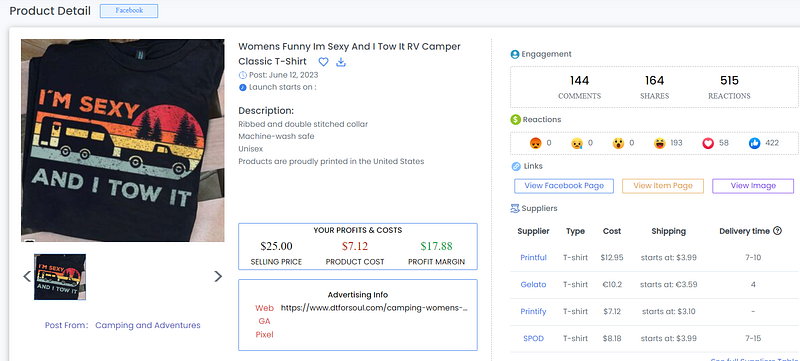
As you can see, you can litereally see almost everything!
With this tool, you can do research on all the various market places. Use it to your advantage.
2. Design creation
Once you have some ideas about what to create — for example, during my research above I read the word “cavoodle”.
Upon googling, I discovered it’s some sort of dog.. never heard of it :)
Great, let’s use my favourite design tools to create some designs.
1. By using Kittl.com
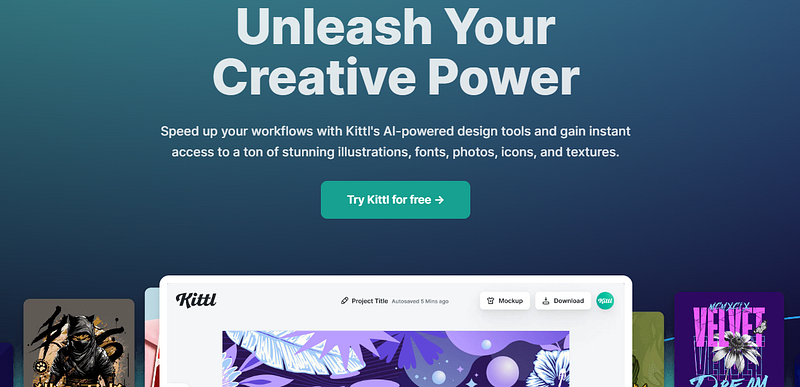
I went to Kittl’s AI image generator, chose “color splatter”, entered the word “Cavapoo” and clicked on “Generate”.
Note: you can try Kittl for free and get 15 AI image generation credits:
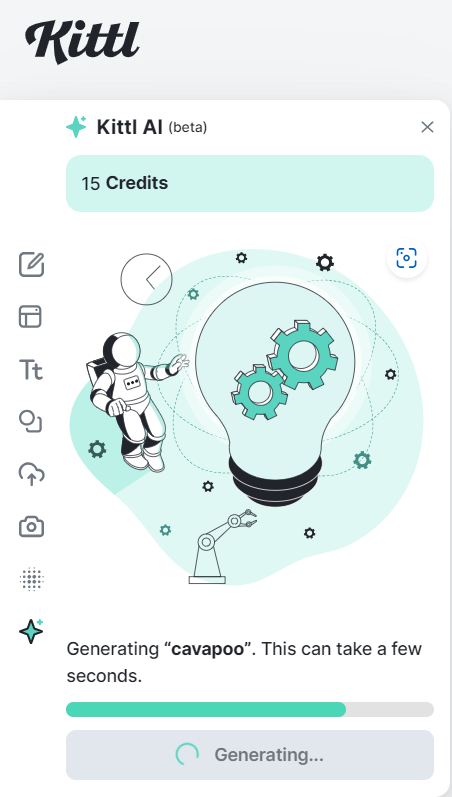
The result:
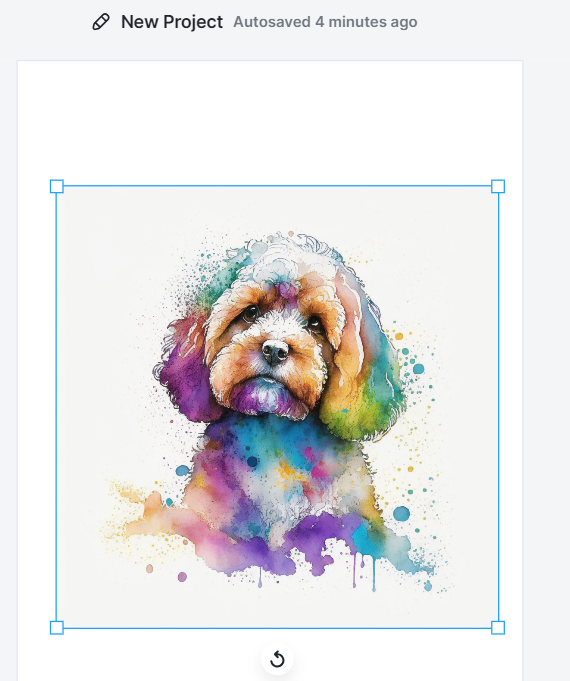
Looks pretty nice, no?
Now we can make some edits like removing the background, add some text etc…
Note that for the background removal, you need kittl pro (which you can get starting from $10 per month).
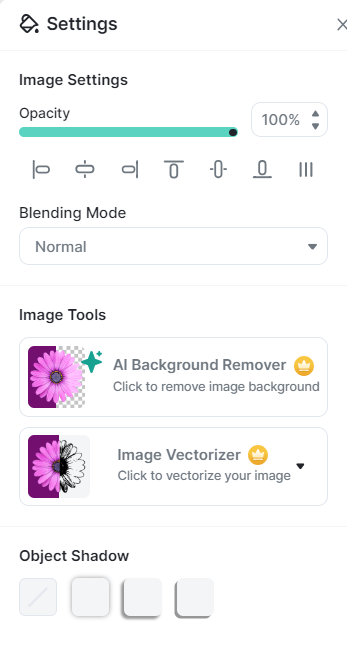
You get the point, by now the rest is peanuts. You can add some nice cute text like “I love my cavapoo” for example.
Let’s continue by using my preferred (POD) design tool:
2. Canva.com
While Kittl is great for Print on Demand, Canva is simply great for everything.
I use it for EVERYTHING related to design:
- Creating e-books
- Creating thumbnails
- Creating POD designs
- Creating mock-ups
- Creating ads, marketing images
- ….
Recently, they even introduced an AI image generator as well. Let’s give it a try:
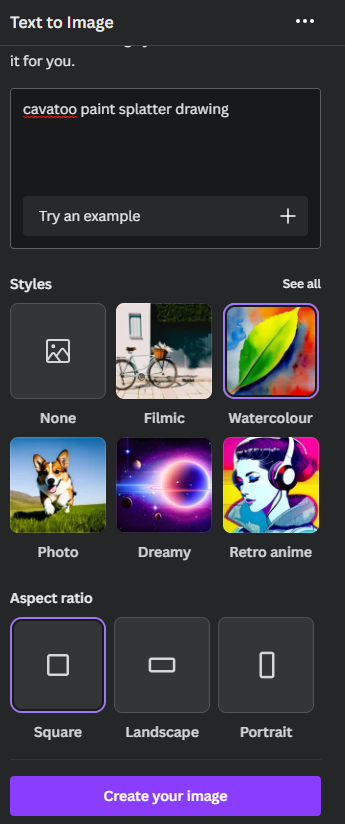
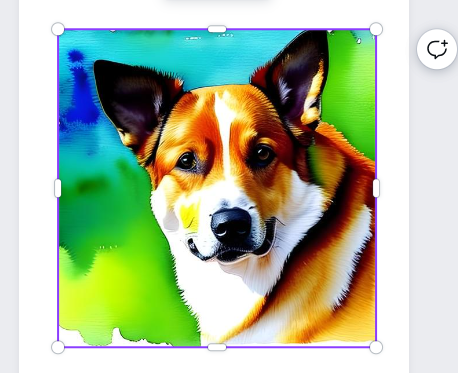
The result isn’t as good as the one from Kittl, but still not bad:
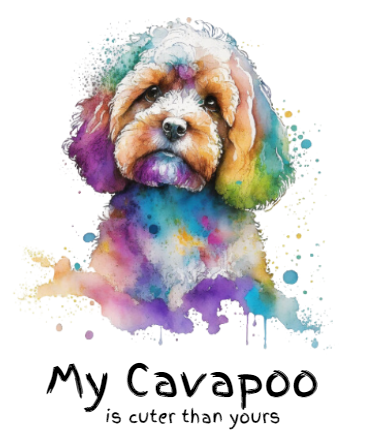
Anyway, let’s just use the design that I generated with Kittl, remove the background and add some text:
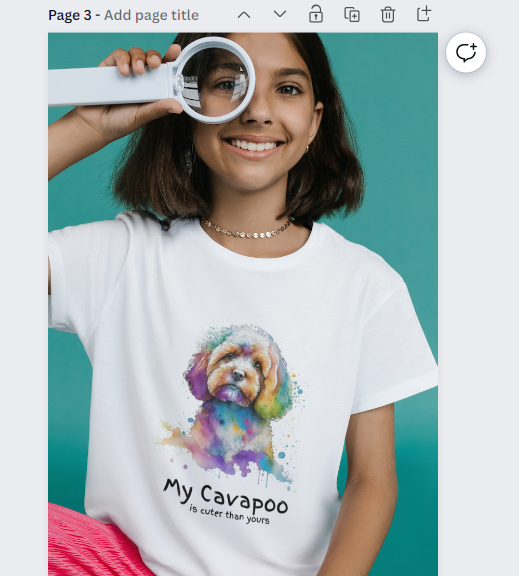
Next, I can even create a mock-up with Canva’s mockup generator:
That’s it!
Now you can upload your design(s) to your preferred platforms!
One last tip
You can create multiple variations of the same design.
- change the text
- change the font
- change the colors (black / white)
- generate new AI images
- ….
The possibilities are endless!
Hope this was useful — follow me for more POD tutorials!
Did you know? I also write about different passive income streams like Print on Demand, YouTube Automation, investing tips, healthy habits and just keeping yourself motivated to keep going every day!
If you’d like to support me as a writer, consider signing up to become a Medium member. It’s just $5 a month and you get unlimited access to all my articles on Medium — as well as all the articles of the other amazing writers on this platform! me for more POD tutorials!
Want to learn more?
Did you know? I also write about different passive income streams like Print on Demand, YouTube Automation, investing tips, healthy habits and just keeping yourself motivated to keep going every day!
Note: This article contains some affiliate links. This means that if you click on the link and make a purchase, I may receive a commission (but for you it’s free of course) — look at it as way to support my writing & all the countless hours I put into these articles :)
You might notice that not all links are affiliate links; This is because I only promote products and services that I believe in and that I think will be of value to you. Please do your own research before making any purchase decisions.


