
REMOTE WORKING
How Can You Make A Distraction-Free Space At Home?
Understandably it can be tough to strike a balance between productivity and the comforts of our own home.
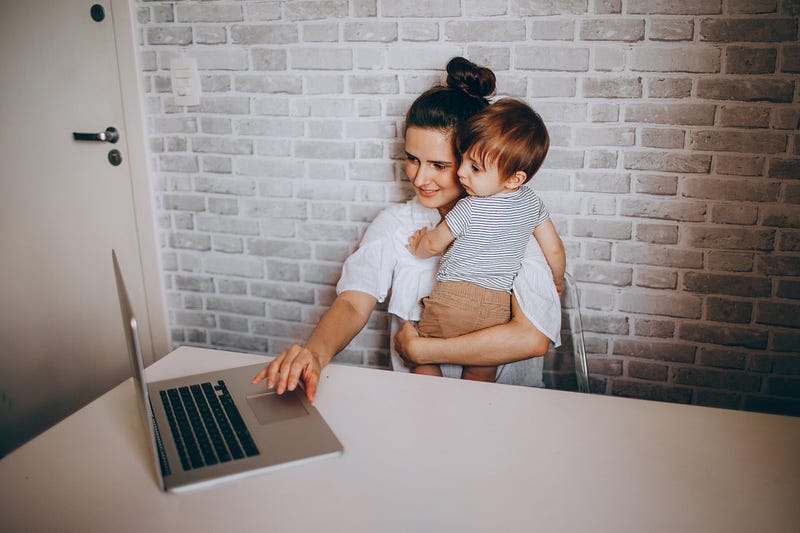
These days, many people have had the opportunity to work from home and although it’s comfortable and convenient — plus the commute is outstanding, remote working comes with its own list of challenges that we’re now all facing. Struggling to deal with the distractions at home? Understandably it can be tough to strike a balance between productivity and the comforts of our own home.
Here are a few tips to help you be distraction-free whilst working from home:
- Set a Schedule
Working from home means you never really leave the office behind and if you don’t set a schedule then it’s easy for the lines to blur between work time and your time — carving out a schedule and sticking to it is super important if you want to maximise your productivity and stay distraction-free. Doesn’t matter if you’re a morning person or a night-owl, just making sure you have that quiet and focused time with yourself, can be the difference between a productive day and a day that’s less so.
2. Have a dedicated workspace
Always try to find space in your house that is separate from the people around you. The quieter the better. This will give you more time to focus. Being “distraction-free” works both ways so if you live with people, let them know you’re working. Be open with them, communicate your working hours so they know when to avoid distracting you. For me, I usually check in with my partner in the morning, to understand when throughout the day he has calls so I can also avoid distracting him too. If you have a noisy house and a day full of calls, try using a service like krisp.ai — it’ll block out your background noise. When not on a call, I like to use noise-cancelling headphones and listen to ‘music for concentration’ — this really helps me get into my focus zone.

3. Stay focused & off Email:
We’ve all been there — 10 minutes into your workday and you see an email come through, you read it, maybe answer it but get distracted with another task and then more minutes have passed and that’s it — you’re distracted. It’s really not a way to be productive and stay on task — switch off all your notifications. Set times where you check your email, just 2–3 times a day and certainly don’t start your day by checking them. It takes longer than you think to refocus after you’ve been distracted by something else.
4. This brings me to the final tip, Notifications off:
If like me, your phone is your biggest distraction then set it to DND (do not disturb) all day! Set it to silent or even more impactful, put it away in a drawer or another room. Like your emails, set a time when you’ll check this through the day but only when you’re taking a break from larger projects.
Out of sight, out of mind — it’s easier to forget about it when you can’t see it.
Working from home sure has its benefits but you have to make sure that you’re set up for success — otherwise, it’s very easy to get distracted. Use these tips to drive your productivity from your home office.
If you enjoy reading stories like this and you want to support me, why not consider signing up for a Medium membership? It will only cost you $5 a month — and you’ll get access to all stories on Medium!
If you use this link, I will earn a small part of that, otherwise, if you want to stay updated when I share a new story, you can signup here, for my free newsletter!
If you liked this article, here are some other articles you may enjoy.


