
Create a Winning Profile Video for YouTube
Great ideas for creating great videos
Many of us use social media to drive people towards our Medium stories or profile. We post the link to our most recent story, share, and then wait for the clicks to come through. We all know sharing a link with an associated image is more likely to be clicked on, but have you considered also sharing video? Some writers on Medium are creating videos to enhance sharing their profiles. This evergreen content can be added and pinned in their social media accounts including Twitter, Facebook and Pinterest.
A video profile tells an audience about your contributions to Medium, such as the topics you write on and your most successful stories. You can also highlight your accomplishments such as top writer status or the number of stories you have had created. This video can be uploaded to YouTube and shared to allow easy sharing. The publication Illumination now has a growing channel dedicated to featuring the videos of writers in their community you may also contribute too.
Where do I start?
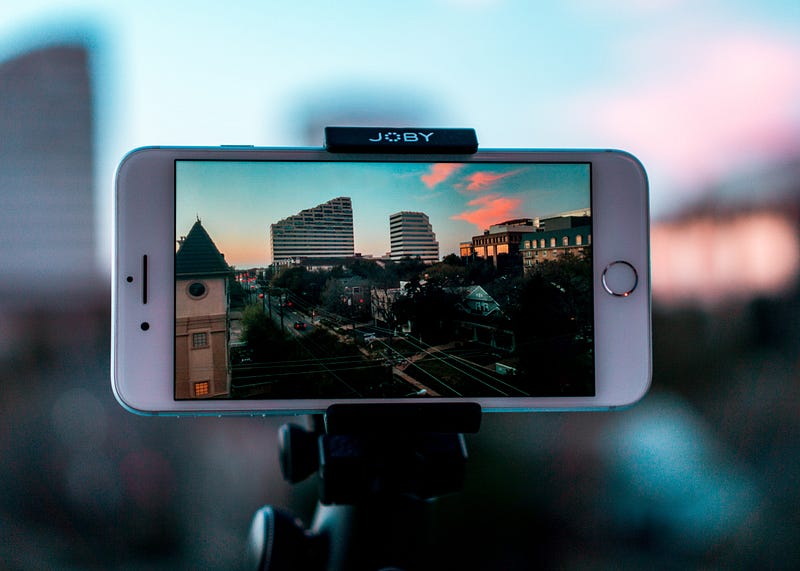
You are probably already prepared as most smartphones can take videos and photos of sufficient quality to create a video for sharing. A small tripod, sufficient to position your phone ready for recording, can be purchased for only a few dollars. Do not forget to turn your phone sideways before you record — you need your video to be in a landscape format.
Vary the shot
You don’t need to just sit in front of the lens and talk for the length of the video — and you shouldn’t. Take a variety of shots and static images that can be shown with a voiceover. These can be edited together using easy to use software such as Apple imovie. There are many tutorials on how to use this software or similar on YouTube or you can sign up to a course on Skillshare.
Include yourself
Again your video does not need to be a piece to camera. You may feel more comfortable in a dialogue or you can record a voiceover to other images of yourself. These could include footage of yourself at the computer writing or a photo of your hands on the keyboard. Adding a Ken Burns effect to still photos in editing software can be used to add motion to your photos and give the appearance of a camera panning or zooming in.

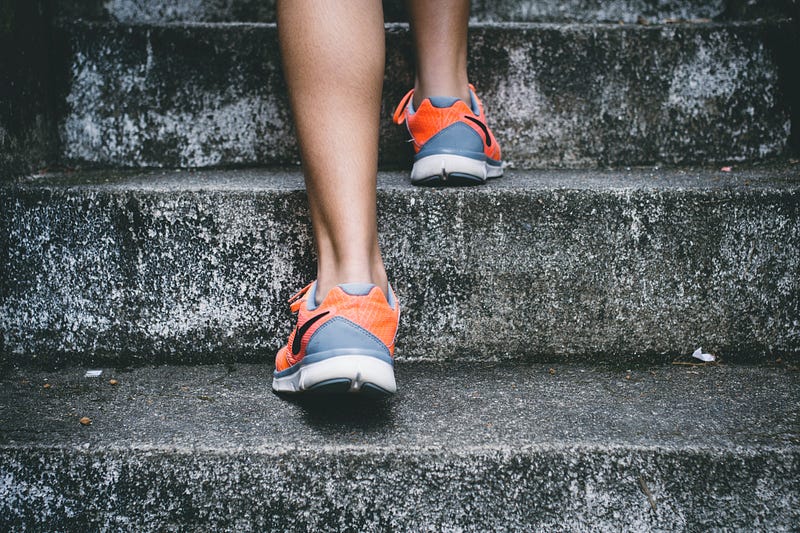
Consider the types of articles and whether you can take photos or videos of you doing the types of things you write about. I have published some articles curated in fitness and lifestyle. When planning an author profile video I listed some ideas for footage and static photos to capture for when I talk about this writing. These include myself running or a close up of my feet in running shoes on the ground.
Do you write about something you create — like painting? Consider filming a timelapse of yourself at work and add some background music and text about yourself.
Style
I have mentioned collecting photos and video footage to edit. But, what if you aren’t familiar with using imovie or similar? There are many tools for creating animations online, such as Powtoon, that make it easy. Or you can film it as an interview.
Now what?
Check your equipment, choose your style, make a list of any static images or footage you need to capture and get started. And once you have uploaded your video, please let me know which of these tips you used and add the link to your video as a response — I would love to check it out and will share mine too.
Other stories by the author: