
Busy Bee
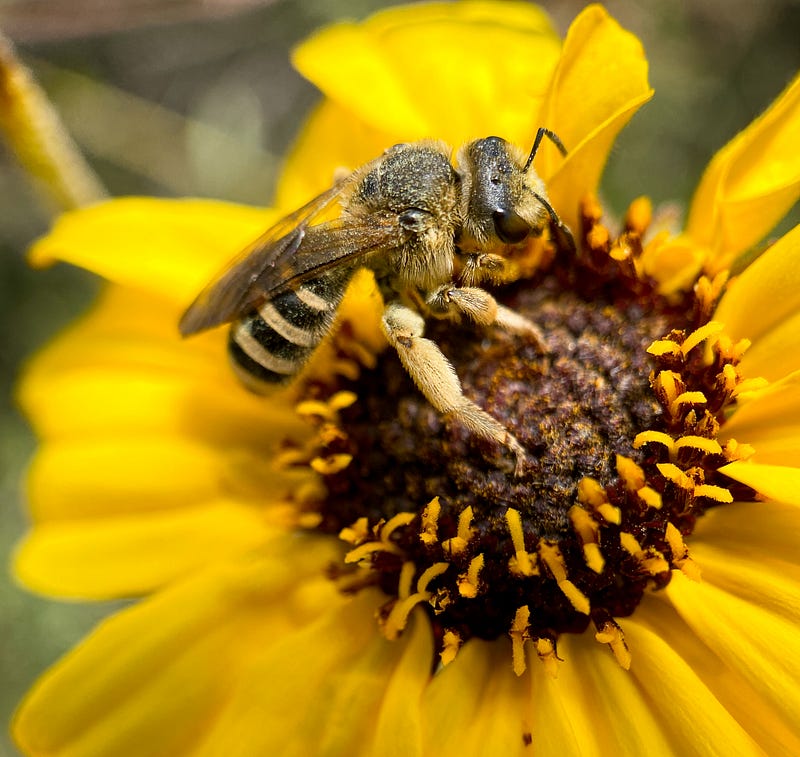
Using a macro lens and the “live” feature on the iPhone can produce stunningly detailed photos.
I recently purchased a Sandmarc macro lens for my iPhone 11 Pro Max. It’s a tiny lens which screws into a special iPhone case. Despite its diminutive size, I have been amazed at the detail I’ve been able to capture in everything from bees to flowers to tiny dewdrops.
While out hiking yesterday through Peter’s Canyon, a regional park in Southern California, I played around a bit with the combination of using the macro lens and iPhone’s “live” feature.
The macro lens is a “fixed” lens, meaning that only one plane will be in focus. If your subject is not exactly in that plane, the photos will be blurry. But in the bright sunlight, when you can’t see the screen of the phone very well, you often have to take a guess as to whether the photo is in focus. I can’t tell you how many times I’ve been trying to capture an image of a bug or caterpillar and instead of the desired subject being in focus, the leaf in the background is perfectly clear instead.
The beauty of the “live” feature is that the iPhone, through some magical ability, actually snaps several photos before and after the instant you press the shutter button. So, if your subject, like the bee in the above photo, is moving or is on a flower blowing in the wind, you can go to the “edit” mode and see if anything is in better focus than the picture which was snapped in the instant you pressed the button.

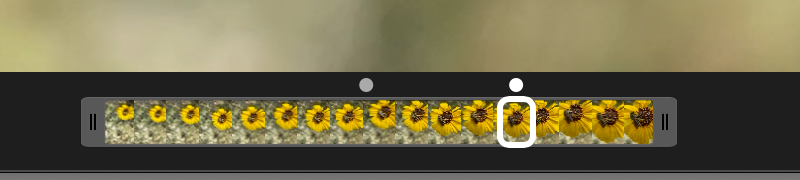
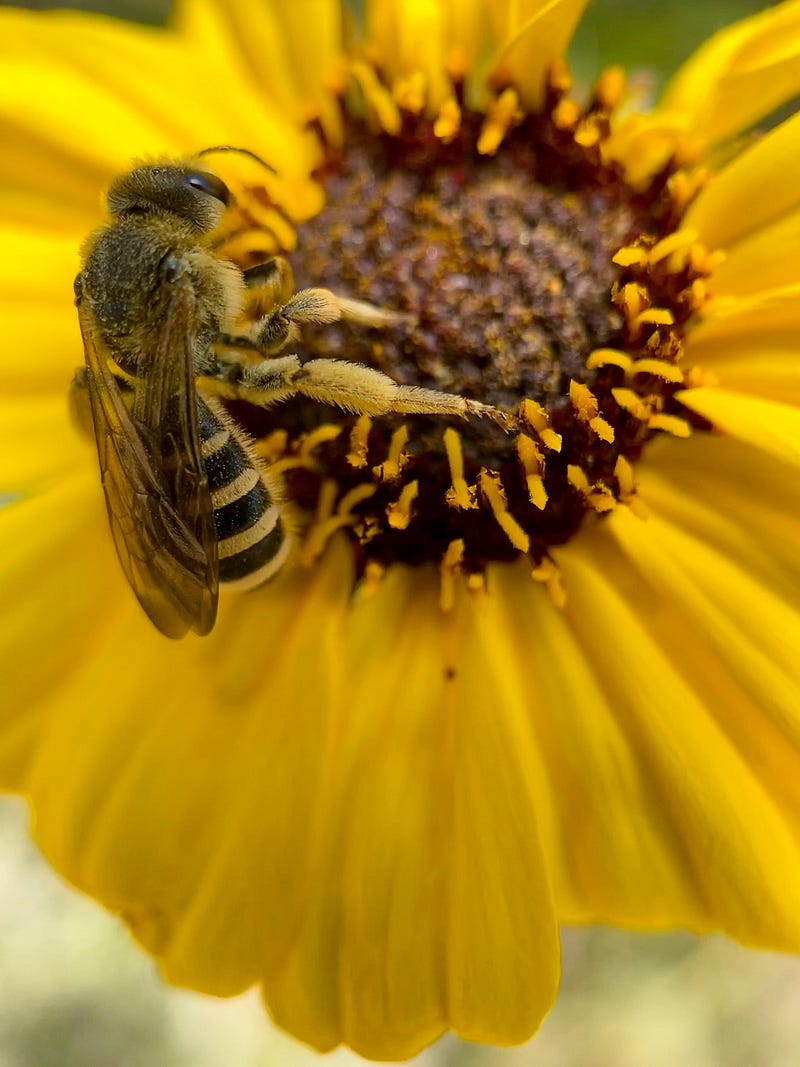
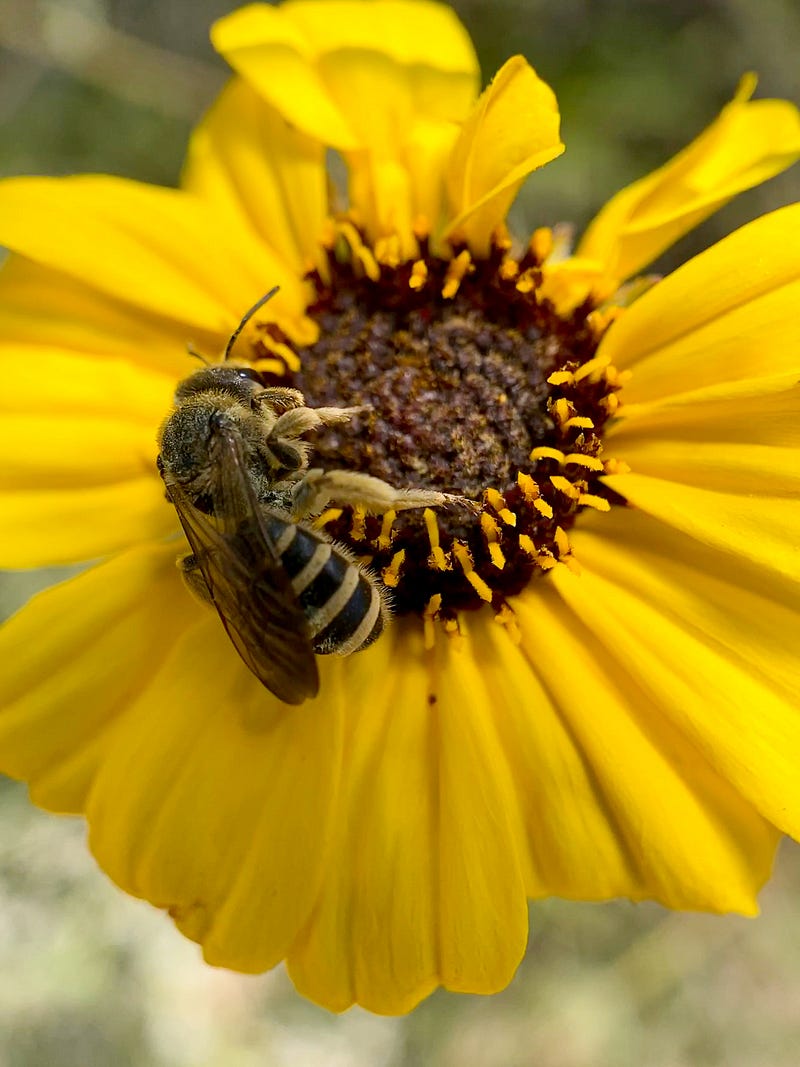
Oftentimes, I will find several distinctly different images that I like out of a single “live” shot.
For example, these two photos are from the same “live” image. You can see that the bee is in a slightly different position in each photo. I think I like the first image better, but it is nice to be able to compare and choose. You can also see that the bee is more in the “fixed plane” of focus in the second photo than in the first. Although the overall focus of the second image is better, I liked how the bee’s extended leg in the first image is so clear. You can see every little hair (which is where the pollen is collected).
I recently did a “bee photo shoot” with a completely different technique, using a long telephoto lens (Nikkor 70–200mm 1:2:8). I was quite happy with the detail in those photos, and I like the background blur that you get with the long lens, but I have to say that the detail in the simple iPhone photos is probably at least as good, if not better.
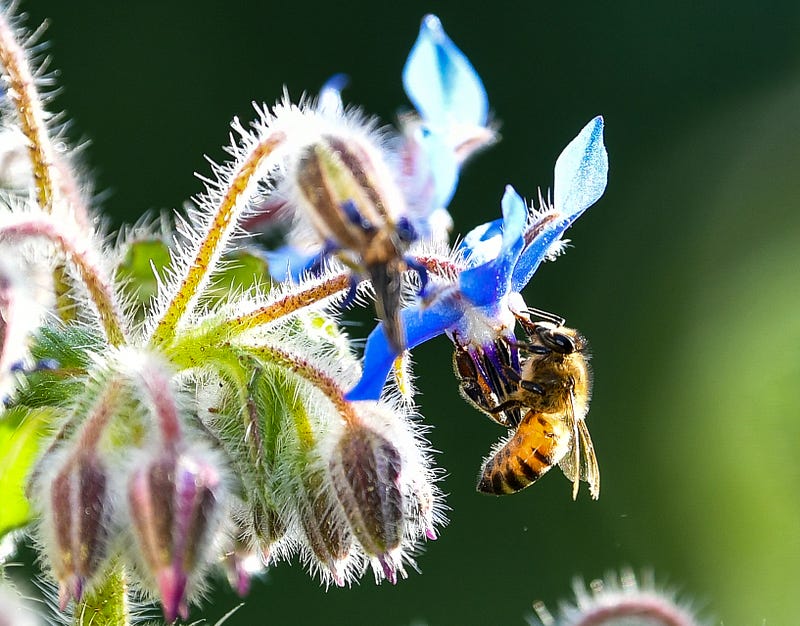
I hope you enjoyed the photos. I have to say that I was somewhat surprised that the bee cooperated with me so well, as I had to get pretty darned close to it. But, I think the images turned out nicely and that they give us a little better glimpse into the tiny world of bees.
I’d love to see some of your photos, if you decide to play around with the “live” feature and/or a macro lens. You are welcome to post them in the comments.
You might also enjoy:
Erika Burkhalter is a yogi, neurophilosopher, cat-mom, photographer, and lover of travel and nature, spreading her love and amazement for Mother Earth’s glories, one photo, poem or story at a time. (MS Neuropsychology, MA Yoga Studies). Erika is also an editor for Dharma Talk.
Photos and story ©Erika Burkhalter. All rights reserved.


