
Building an Email List for Your Business or Blog in 2023
All your basic questions answered about email lists and email marketing platforms in 2023!

Perhaps you’ve been reading about how to monetize your blog more effectively. One of the most recommended pieces of advice is to build an email list ASAP.
There’s a reason this is said so often — it works.
This article is meant to describe, in simple terms, everything you need to know about building email lists for blogs in 2020. It also attempts to explain each of the components, gives examples, and discusses several email marketing platforms you can use in your own blog.
Table of contents
- Blog building and email lists
- Why should you build an email list?
- Build it right
- What is the basic structure of building an email list?
- What is a ‘Call to Action’?
- What is a landing page?
- What is a lead magnet?
- What is an opt-in form?
- What is an email marketing platform?
- Most popular email list platforms
- Laws & Regulations
Blog building and email lists
Most pro-bloggers recommend starting your email list collection right away-even before becoming a skilled writer or blogger!
I chose to go the opposite route.
I spent the past year learning how to write better and all of the ins and outs of blogging. I don’t fully regret that decision to wait, but it has limited my revenue opportunities.
And I definitely would’ve started building the email list much earlier in hindsight.
Why should you build an email list?
Money, that’s why!
Of the many ways to monetize all of your hard work and effort making your blog, email lists are proving to be one of the most effective (and cheapest) options.
When I first heard that emails are one of the major forms of generating revenue from blogging, I was pretty skeptical.
- I thought these were relics of the past.
- Something that would end up in a spam folder never to be glanced at.
- Or worse — giving me a negative perception of the brand that is blasting me.
What took me a while to realize was that I was almost right — blasting spam to (purchased) email lists with company promotions IS a relic of the past.
And it sure isn’t effective nor does it have a great ROI.
Build it right
When was the last time you got an unsolicited email that you opened up and viewed with credibility? Probably a decade or more, right?
And that’s where the difference lies.
For bloggers, we should only be asking people that have read and enjoyed our work if they want to sign up.
That’s the great trade-off of email list building.
We aren’t building a list that will be 500,000 emails overnight. You could do that by obtaining a list from dubious sources. That would be useless and probably expensive.
What we’re after is building a list of highly receptive and appreciative people who have volunteered their email addresses.
I would take 1,000 of these emails versus 100,000 random ones any day.
Why aim for smaller?
Because of the likelihood to purchase and share the work.
The snowball effect.
This list you are about to start building will consist of true fans of your work.
Kevin Kelly first talked about this subject over a decade ago. He came up with the term ‘ true fans ‘. And more importantly — you should aim to get 1,000 of them to make $100 k per year.
The idea is that if a reader of yours is really a huge (true) fan, they’d love to buy and share your work.
He proposed that each of these fans would be willing to pay up to $100 a year.
1,000 x $100 = $100,000 salary per year.
Another reason? A crazy high ROI-which is increasing yearly. According to the Data & Marketing Association, businesses in the UK are receiving over £42 for every £1 spent in 2019.
That’s huge!
So, let’s try to understand how to build and run an email list for a blog in 2020.
What is the basic structure of building an email list?
Here is the usual basic flow that you’ll see:
- Call to action — “Please come check out my other articles here!”
- Landing page — A page showcases what you do and what you can offer for readers
- Lead magnet — A reason for them to give their email address, often a giveaway
- Opt-in form — An applet or platform tool that lets a user enter their email address
- Email marketing platform — This tool will let you set up welcome emails, automation, etc
What is a ‘Call to Action’?
The call to action (CTA) is a section on your blog, social media, or other pages that asks a reader to subscribe to your email list. There are many different methods for doing this, but it requires a bit of copywriting and creativity on your part.
Bloggers often position these at the bottom of their post, at the very least.
There are several different strategies for optimizing conversions, but I’ll save that for another article.
If you’re curious, these other sites have some great advice on the subject:
- https://neilpatel.com/blog/high-converting-cta/
- https://www.wordstream.com/blog/ws/2015/02/20/call-to-action-buttons
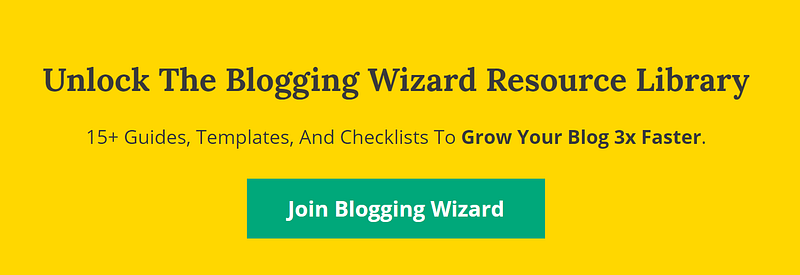
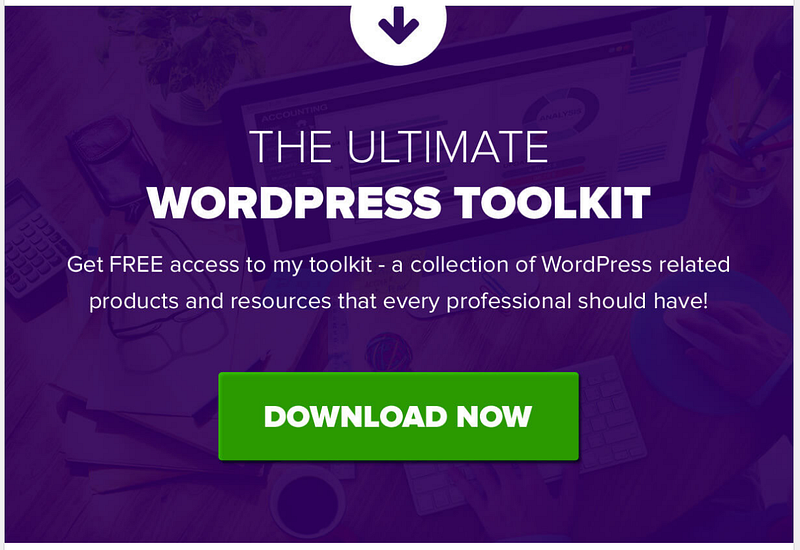
Here are a few examples of call to actions from different blogs and platforms:
1. CTA offering several resources for your email:
2. Example of text CTA on Medium.com blogging platform
3. CTA offering discounts for signing up:
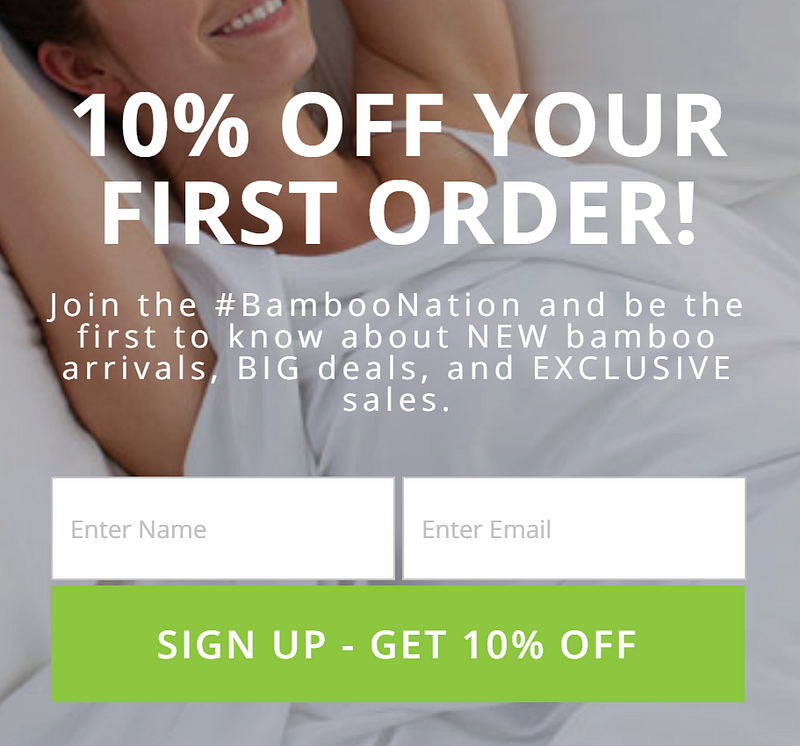
As you can see, the format of the CTA can vary widely. Sometimes you’ll see them just as a basic text link. Other people will insert fillable forms on a blog page itself.
Further to that, people will play with pop-ups, clickable images, and exit-triggered events.
For the super-advanced user, they’ll often get into having unique CTA’s for each type of article.
Call to actions can appear anywhere and everywhere you own web properties.
Like your social media profile bylines, for example. Platforms like Facebook allow you to have large custom images on your page as well as links and sign up buttons.
If it’s your own website, you can put them wherever you wish.
Of course, text and display ads are a great way to get more leads as well, if you’re going down that route.
Some people will even make their default email bylines a call to action!
For now, just simply starting with a convincing text at the bottom of your blog posts is a great place to start!
What is a landing page?

Think of a landing page as your website’s welcome doormat. Some people make it their main page whereas others will have it as a separate standalone page.
Either way, landing pages are supposed to serve a single purpose — to get users to sign up to your email list.
As such, the usual elements of a landing page you’ll see are:
- Simplicity
- Only 1 call to action (CTA)
- Contrasting colors that make the sign-up button pop-out
- A clear and concise vision of what your email list does
- A beautifully scripted lead magnet showing what you’ll offer for the email
Landing pages are a critical step in your email building funnel, and will likely require a lot of tinkering over time.
If you have proper website metrics setup, you’ll be able to see where people are clicking, what percentage are leaving vs signing up, and other useful insights.
Use these over time to optimize the signup rate and get more emails!
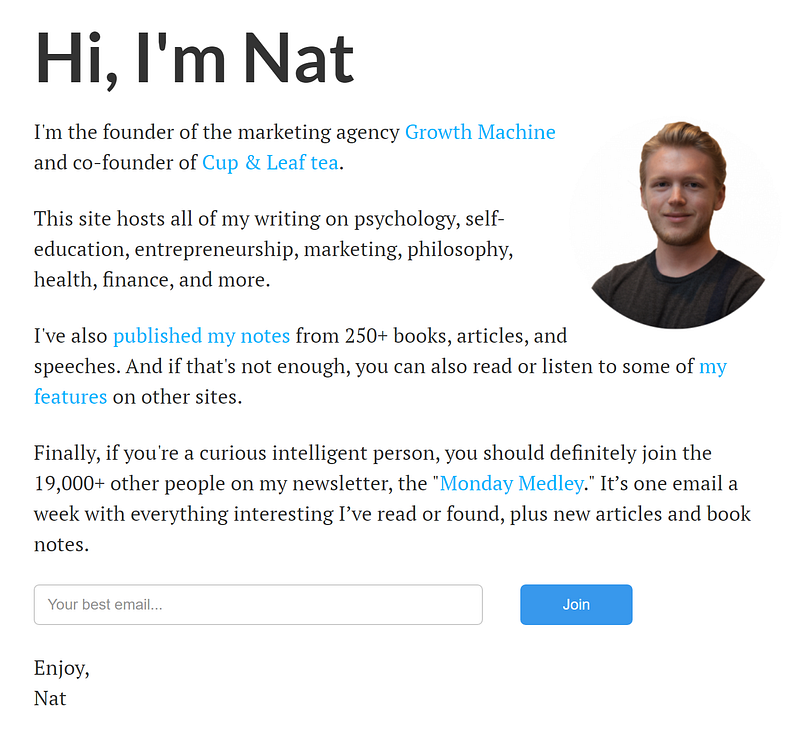
Here are some examples of landing pages for blogs:
1.An example of a homepage landing page from Nate Eliason:
2. An exchange offer from https://backlinko.com/
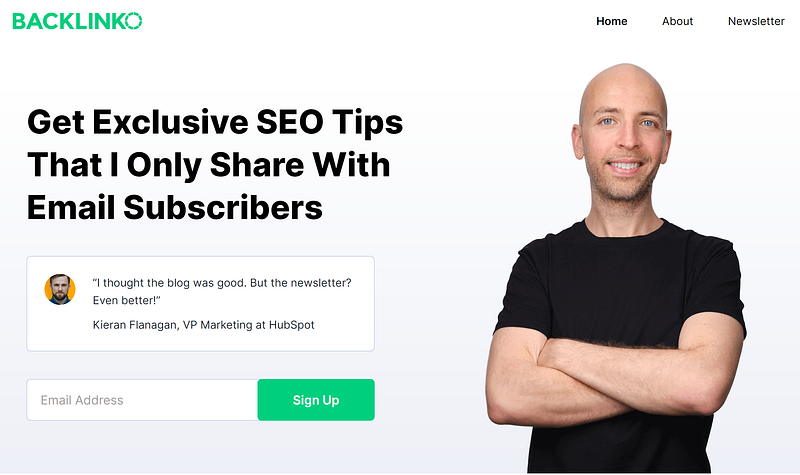
There are a few easy ways to make a good landing page as a first-timer:
- Include a high-quality, related background image
- High contrasting colors that bring attention to the key information and signup button
- Your company logo/brand
- ‘Less is more’ is key
- A clear and concise sign-up message
- A customer testimonial or claim to authority (Join 10,000 other people!)
There are tonnes of advice out there on how to create a high-performing landing page.
Here are a few of the better ones I’ve seen:
- https://neilpatel.com/blog/c-o-n-v-e-r-t-s/
- https://www.crazyegg.com/blog/landing-page-essentials/
- https://blog.prototypr.io/top-8-tips-for-designing-an-effective-landing-page-de1ba444f37a
One important part about landing pages and emails is whether you will do a one or two-step verification. In fact, some regions of the world actually require you to only do a two-step (or more) verification.
Here’s Backlinko’s 2nd landing page you arrive at after entering your email:
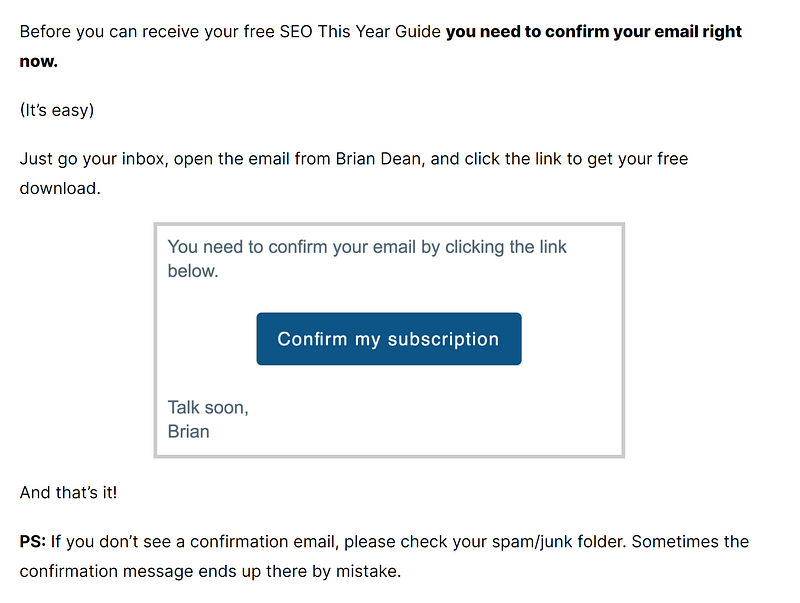
You can see that it’s not ideal as a flow-through for users, nor for the webmaster. But parts of the world like-the EU-require that extra verification step to avoid spam and entering in false emails.
There are pros and cons to which version you choose — just like with everything in life!
What is a lead magnet?
Lead magnets are the juicy offer you give to your potential email list subscribers in exchange for their email.
We don’t like handing our emails out willy-nilly right?
If I’m going to give up a personal address I want something highly valuable in return. I also won’t give it to a website that doesn’t seem untrustworthy.
I’m also unlikely to give up my precious if I don’t get rewarded with something right away.
- Valuable — Offer a product that your blog’s specific readers would want (don’t offer hair-care products on a blog about woodworking)
- Concise — Make sure the messaging is succinct and to the point (don’t bore me with 20 paragraphs, I have the attention span of a goldfish)
- Instantly useful — The magnet should be a product that can be emailed right away, or at least ordered soon after signing up
- Authoritative — Make sure the product looks professional and trustworthy. Some people use reviews as well to amplify this point.
That something is usually an answer to a question I have. And remember, in this day and age of blogging, most successful writing answering questions-in both valuable and easy-to-consume ways.
Here are a few examples of lead magnets to give you a better idea:
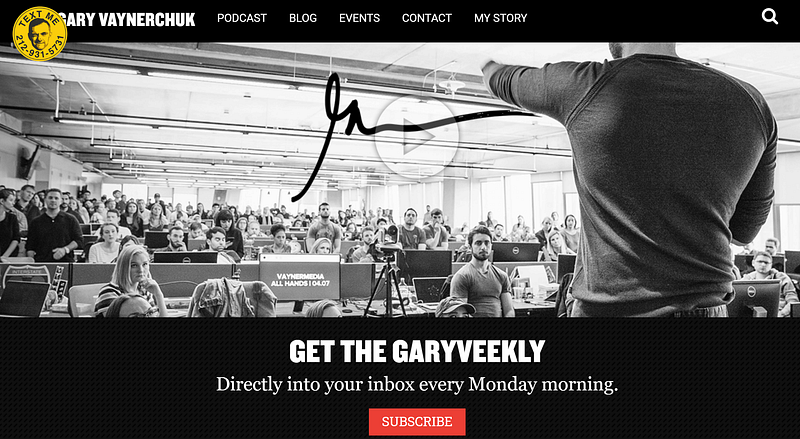
1.Gary V’s landing page. This is only offering a daily newsfeed as the lead magnet. I don’t really feel the oomph of that offer, though.
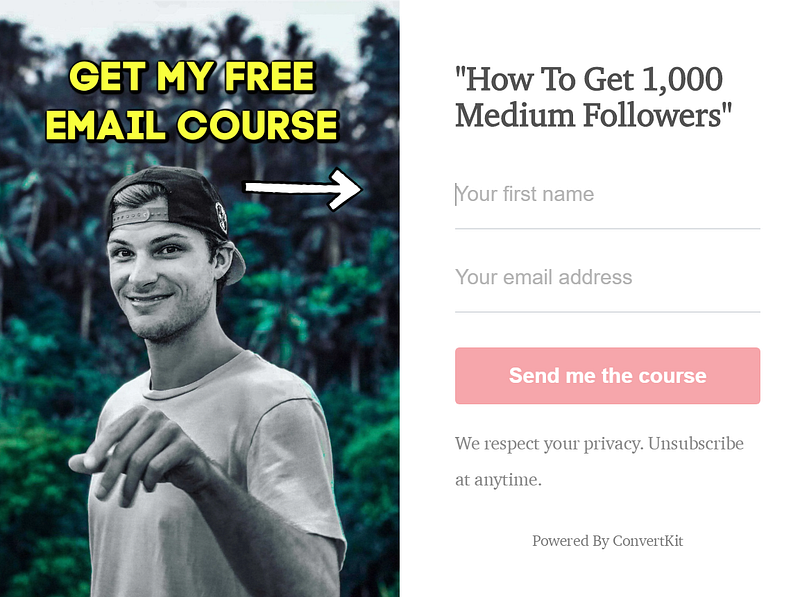
2. Here’s one by Tom Kuegler. His lead magnet is a free email course. Pretty decently attractive if I’m interested in that subject.
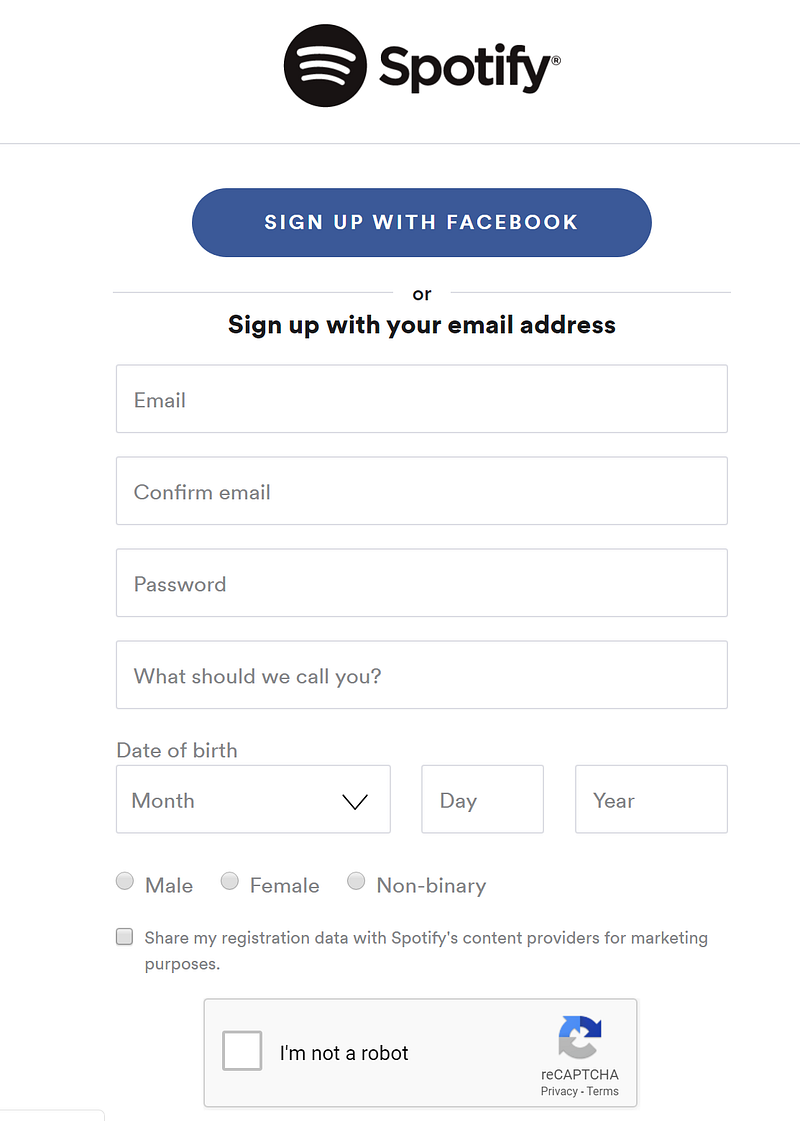
3. Spotify’s lead magnet is a 2 stepper. You’re prompted by the juicy FREE button. It then takes you to a page to enter your email or Facebook details.

As you can see, there are lots of different leads to magnetize people’s attention. If it’s relevant to your blog, then go for it!
Free subscriptions, e-courses, e-books, exclusive content, VIP passes, newsletter access — the sky’s the limit for what you can offer as a magnet.
Be creative!
Here are some useful articles on the subject for you to check out:
- https://www.searchenginejournal.com/lead-magnet-examples/265245/#close
- https://blog.hubspot.com/marketing/creating-lead-generation-offers-from-blogs
- https://www.marketingbyminal.com/what-is-a-lead-magnet/
What is an opt-in form?
Opt-in forms are where the user enters their email address and gives consent for your blog or business to use it.
It’s also what can help legally protect you from being called a spammer and getting in potential trouble down the road.
There are many different ways to show your opt-in form, from pop-ups, landing pages, to built-in applets and widgets on your blog.

Nowadays with all the different varieties of social media, it’s also expanded what you can opt-in with.
Email, Facebook, Twitter, Gmail, or even custom website accounts — these are all options for identifying (and marketing to) a potential reader.
This article is just focusing on email lists as it’s one of the main resources for blogging.
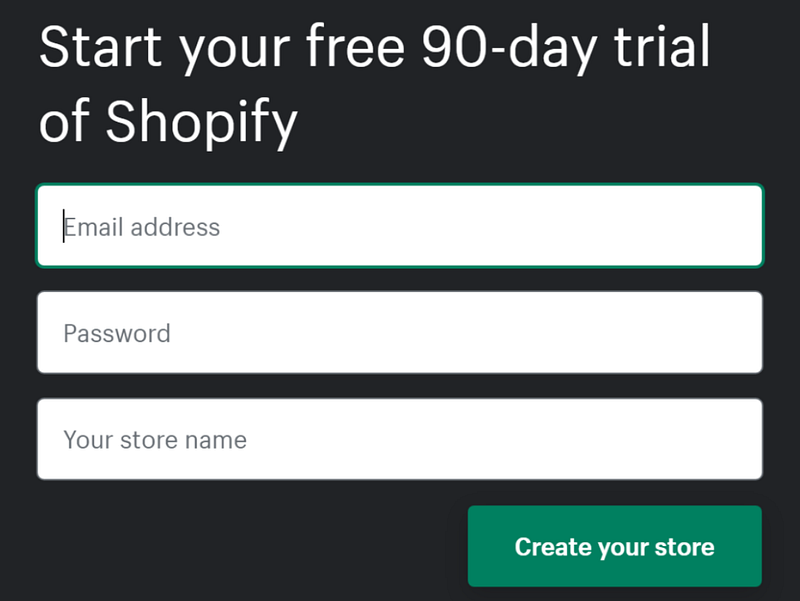
What do opt-in forms look like? Pretty similar to some of the previous examples, actually. That’s because most of these pieces to the puzzle are all combined in one.
The difference you’ll notice is where and how these opt-ins appear.
Some services (like Upscribe) let you embed an opt-in right in your blog or even on Medium.com.
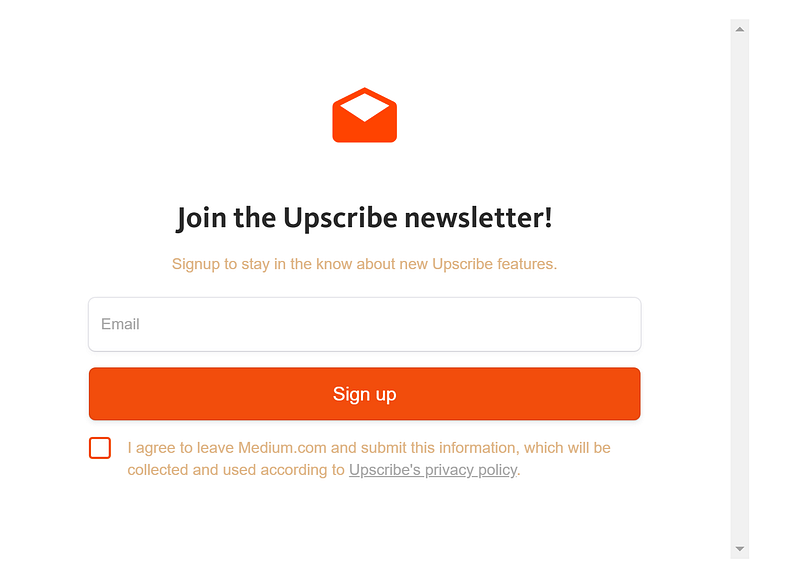
Other options include having the opt-in form on the landing page — as we’ve seen above in the article.
Sometimes it’s a semi-transparent pop-up:
Or you have the indirect version, like Spotify, where the opt-in/sign up is on a second page and looks bland but professional.
For some other information on opt-in forms, check out these links:
- https://coschedule.com/blog/how-to-create-opt-in-forms/
- https://sendpulse.com/support/glossary/opt-in
- https://en.wikipedia.org/wiki/Opt-in_email
There are several options for how to include the opt-in form. But the most important part of this usually depends on what email marketing platform you are using.
What is an email marketing platform?
An email marketing platform is a software or service that helps you manage your email lists from A to Z. There are tonnes of these services out there, but fortunately, some have carved good niches for themselves based on consistent quality.
The better versions of these services should be:
- Cheap, free, or have a great ROI
- Be easy to use and understand
- Help prevent your emails from ending up in spam folders
- Easily create beautiful emails for marketing and communicating
- Efficiently manage bulk lists and subsets of user lists
- Perform automated responses (ex. after a user signs up)
- Be great at tracking performance and open rates of emails
- Provide vertically integrated options like opt-in forms and legal disclaimers
Here are a few useful articles talking about email marketing platforms:
- http://www.annexcore.com/blog/what-is-mailchimp-why-do-you-need-it/
- https://writingcooperative.com/mailchimp-and-upscribe-integration-how-to-create-and-use-the-best-subscription-forms-a42b1c78d744
- https://impossiblehq.com/convertkit-review/
Most popular email list platforms
As mentioned before, there are many of these services in existence. I’ll try to list direct links to some of the more popular ones. After that are a few review sites where you can use their work to decide for yourself.
Here are some review sites that discuss these platforms in more detail. Have a look through before making the important choice of which email list manager to use!
Here are some review sites that discuss these platforms in more detail. Have a look through before making the important choice of which email list manager to use!
- https://hostingfacts.com/best-email-marketing-services/
- https://financesonline.com/email-marketing-software-analysis-features-benefits-pricing-types/
- https://www.wpbeginner.com/showcase/best-email-marketing-services/
- https://moosend.com/blog/mailchimp-alternatives/
Many of these have free options and trials.
Some, like Mailchimp, allow you to use most of the software until you have a certain number of email subscribers.
Note, they don’t all offer the same services either.
Read the reviews and find what suits your blog the best!
Laws & Regulations
I am nowhere close to being a lawyer (I prefer telling the truth too much I suppose 😉), so I won’t give any legal advice in this section.
You should just be aware that most countries have laws regarding email lists and opt-in forms, and do your best to follow them.
Here are a few websites to find more information on the legalities of email list building, but please do your own research on this area in particular!
- https://www.termsfeed.com/blog/legal-requirements-email-marketing/
- https://thelawtog.com/email-opt-laws-newsletters-legal-requirements-risks/
- https://www.kentico.com/blog/6-things-you-need-to-know-about-anti-spam-law-and-opt-ins
Wrap up
Thanks for reading about email marketing platforms! I hope this article has been useful.
I’m always open to constructive criticism, so if you have spotted any mistakes or broken links please comment below!
Thanks and happy blogging!
Get more of my deep dives and interesting articles for free with my bi-weekly newsletter, thanks!


