
Best Text Prompt Art Styles for Midjourney AI Image Generator
Are you tired of using the same old styles for your AI image generation? Do you want to give your Midjourney AI image a fresh and unique look? Look no further! In this article, we will explore some of the best prompt art styles that you can use to give your AI image generator a new lease on life. From classic to avant-garde, we’ve got you covered. So let’s dive in and discover the endless creative possibilities for your AI image generation.
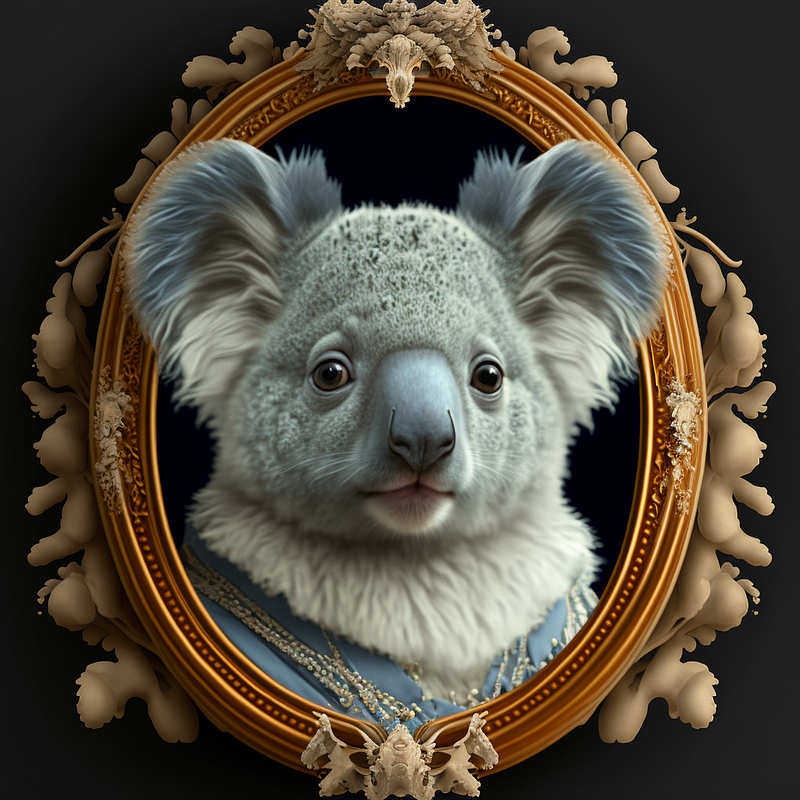
As AI enthusiasts, we know that the right art style can make all the difference in the output of our image generation models. In this experiment, we will use the same text prompt — koala — and see how different art styles can alter the final result. Our goal is to create a symmetric image of a koala using various art styles to showcase the versatility of our AI image generator.
Using the “classic” art style, our AI model might produce a realistic, detailed depiction of a koala, complete with fur texture and lifelike features. On the other hand, if we switch to the “avant-garde” style, the resulting image could be a more abstract, stylized version of a koala, with exaggerated shapes and bold color choices.
The possibilities are endless, and it will be interesting to see how the output differs with each art style. By the end of this experiment, we will have a better understanding of how the art style prompts can affect the final result of our AI image generation. So let’s get started and see what kind of koalas our AI model can come up with!
Art Nouveau
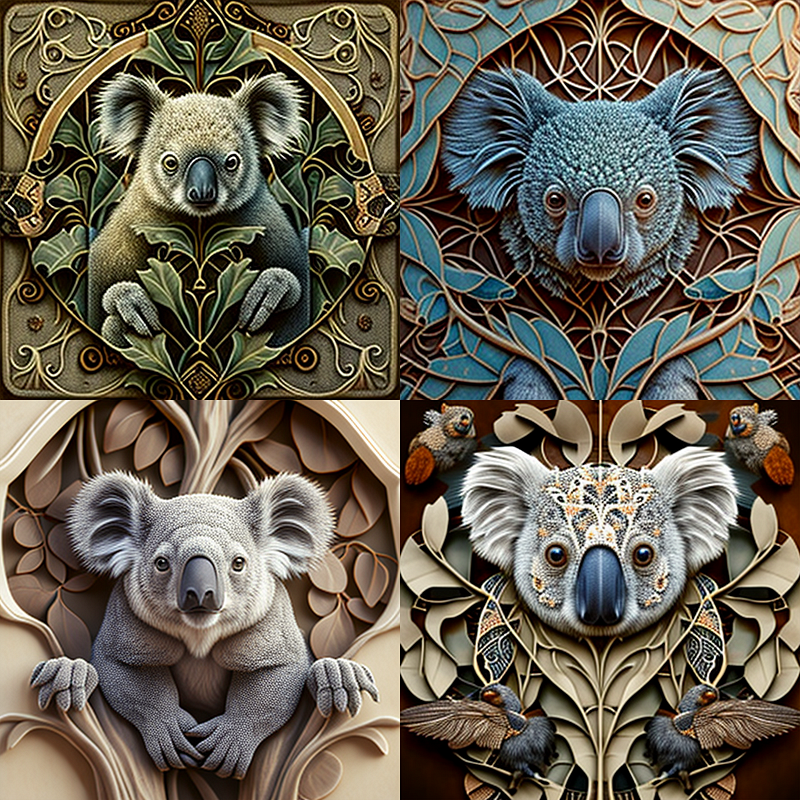
Prompt: koala, very detailed, Art Nouveau, symmetric, --q 0.5 --v 4
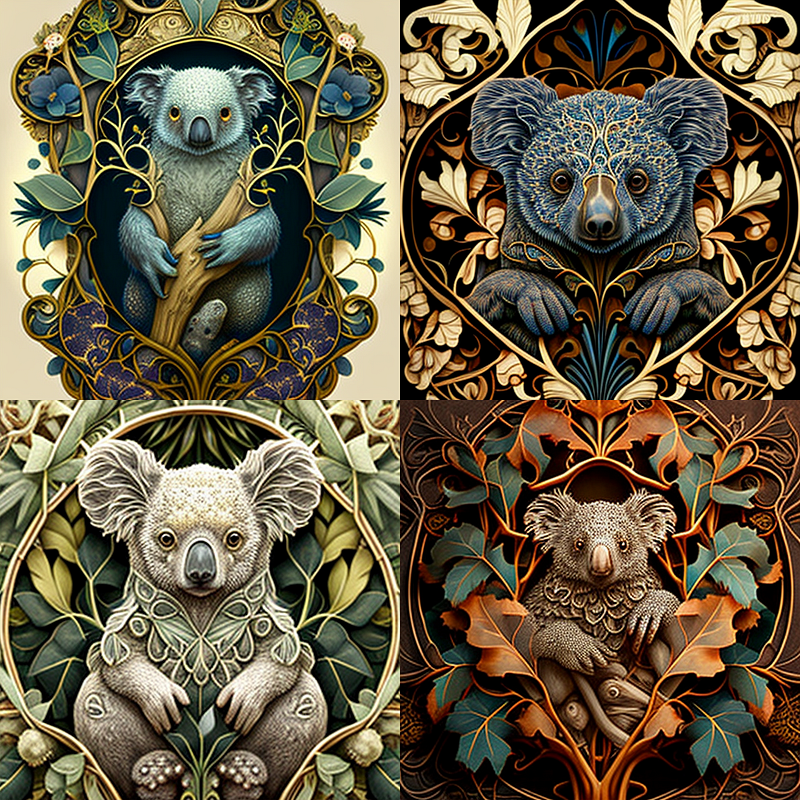
Assemblage
Prompt: koala, very detailed, Assemblage, symmetric, --q 0.5 --v 4
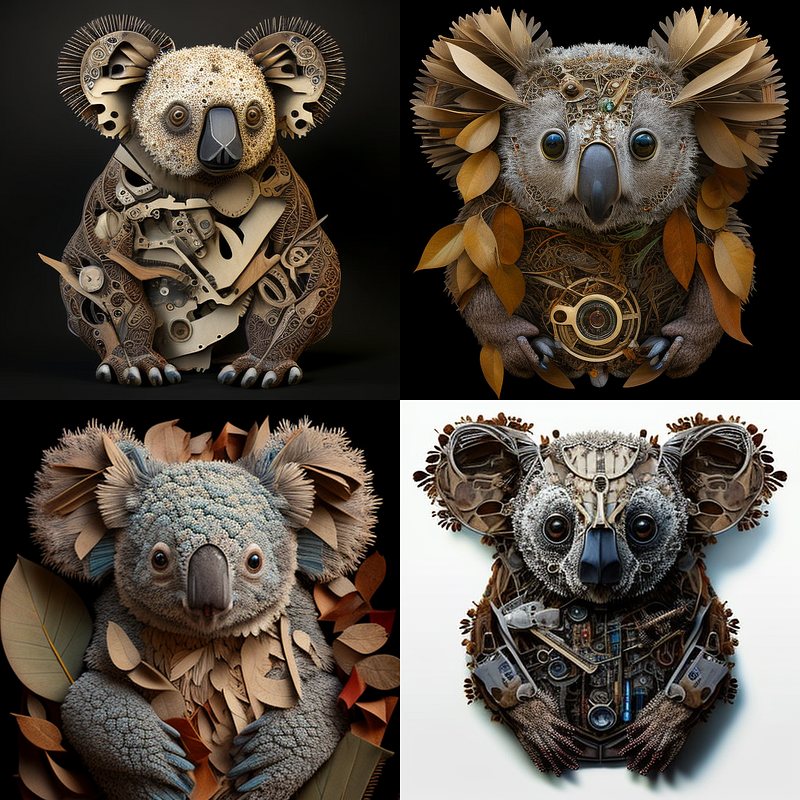
Avant-Garde
Prompt: koala, very detailed, Avant-Garde, symmetric,--q 0.5 --v 4
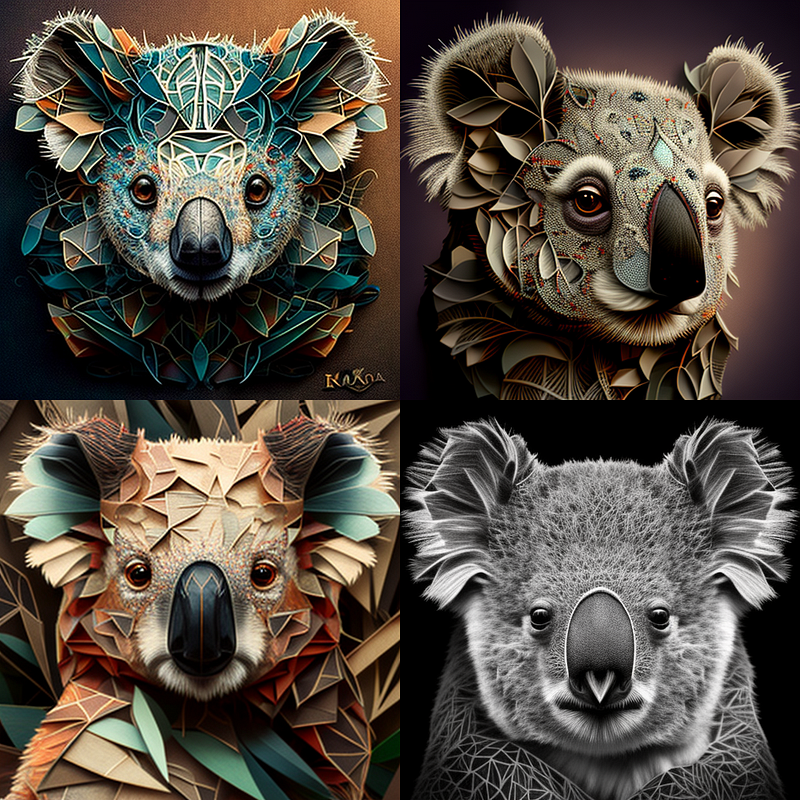
Baroque
Prompt: koala, very detailed, Baroque, symmetric, --q 0.5 --v 4
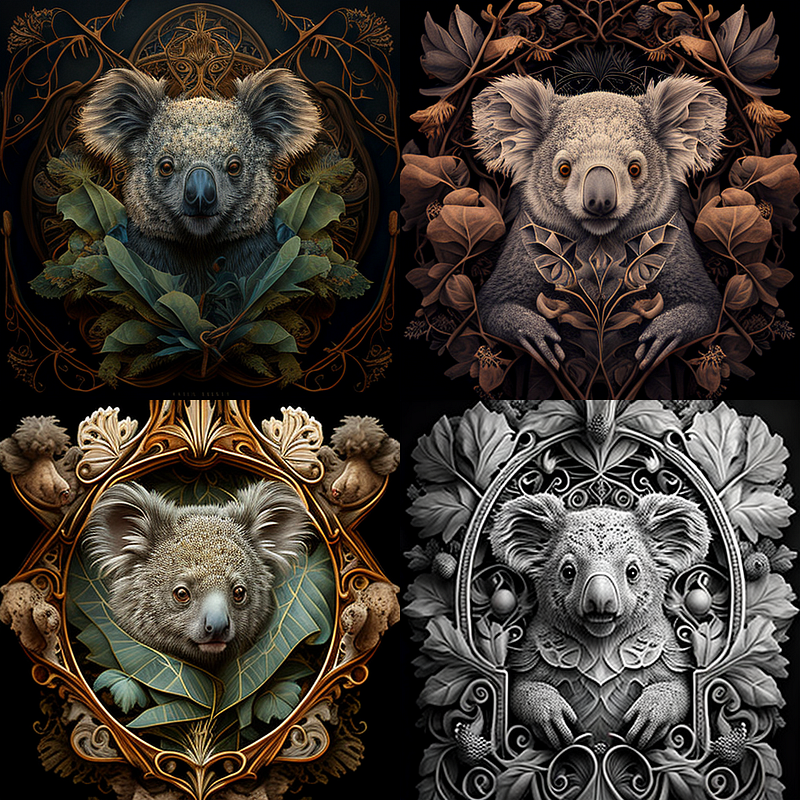
Brocade
Prompt: koala, very detailed, Brocade, symmetric, --q 0.5 --v 4
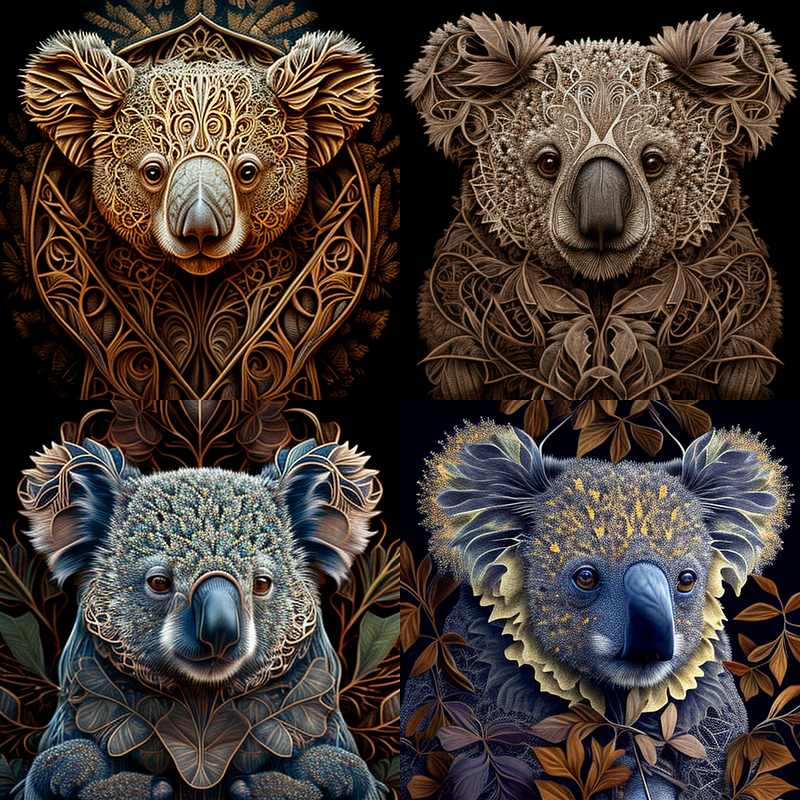
Cyberpunk
Prompt: koala, very detailed, Cyberpunk, symmetric,--q 0.5 --v 4
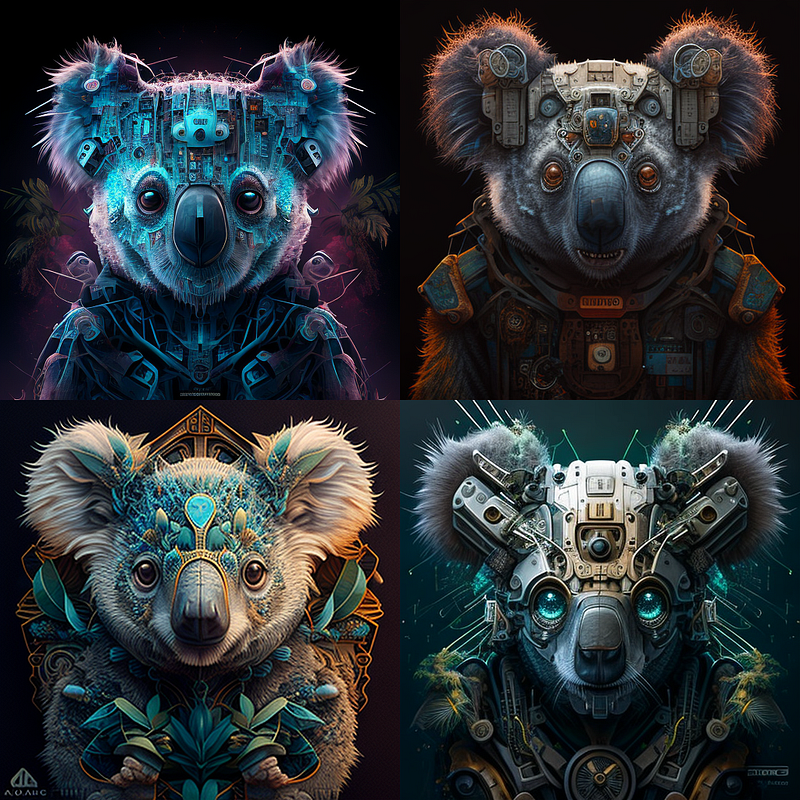
Doodle Art
Prompt: koala, very detailed, Doodle art, symmetric, --q 0.5 --v 4
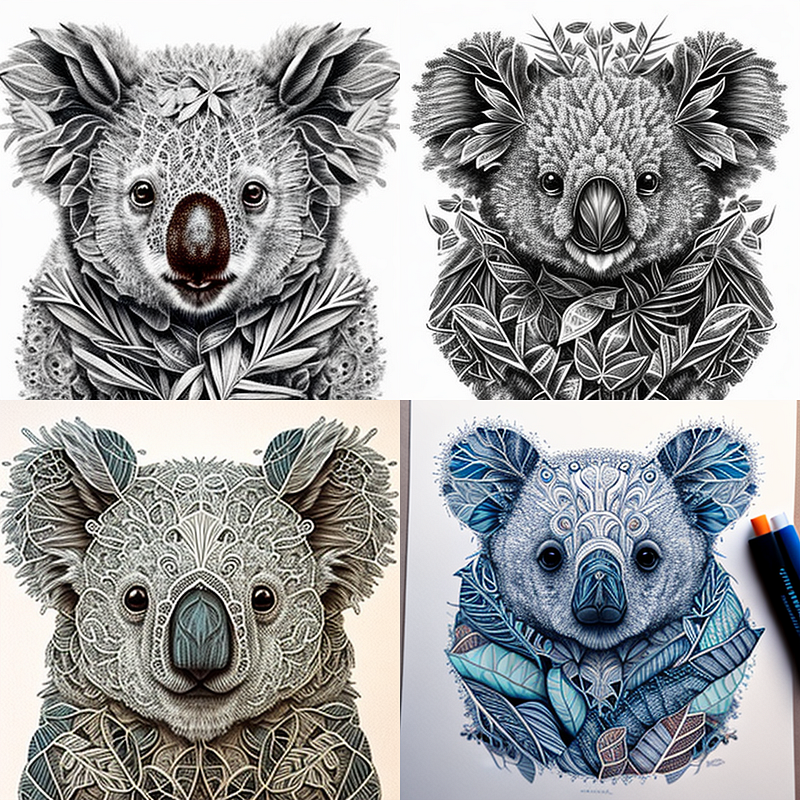
Double Exposure
Prompt: koala, very detailed, Double Exposure, symmetric, --q 0.5 --v 4
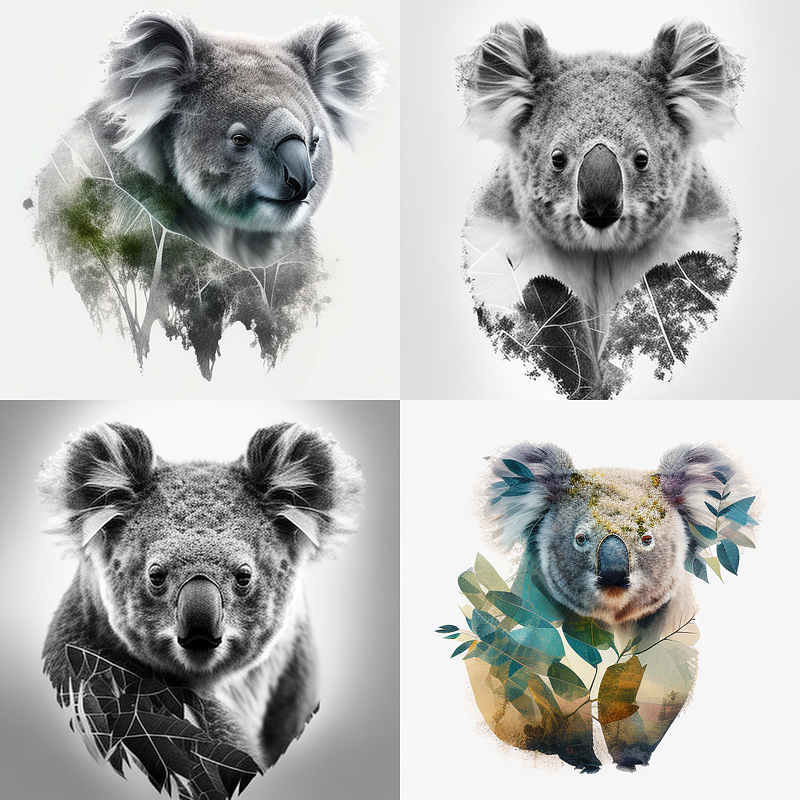
Fresco
Prompt: koala, very detailed, Fresco, symmetric, --q 0.5 --v 4
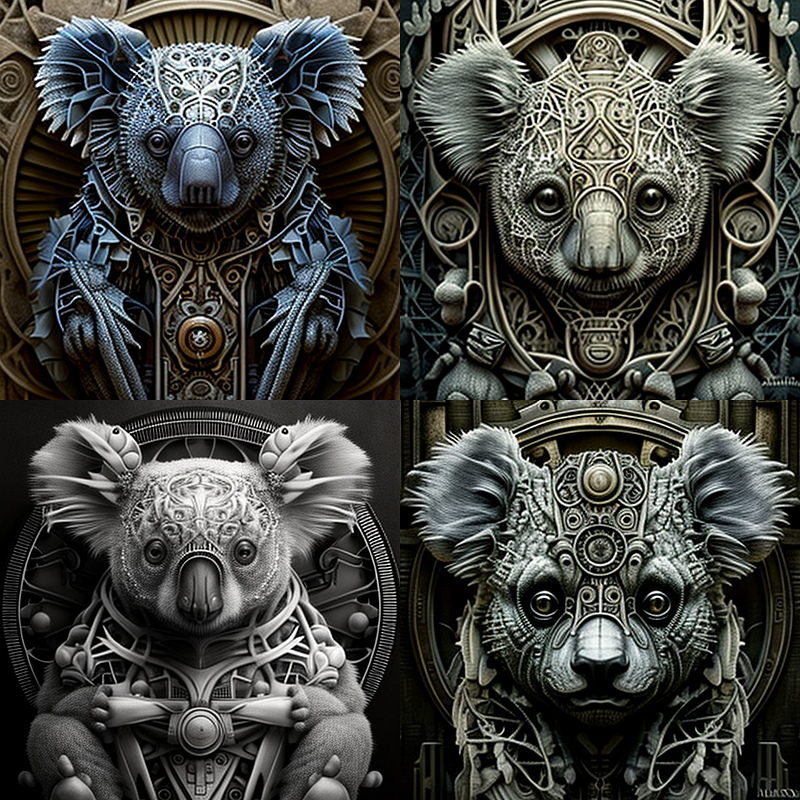
Giger
Prompt: koala, very detailed, Giger art, symmetric, --q 0.5 --v 4
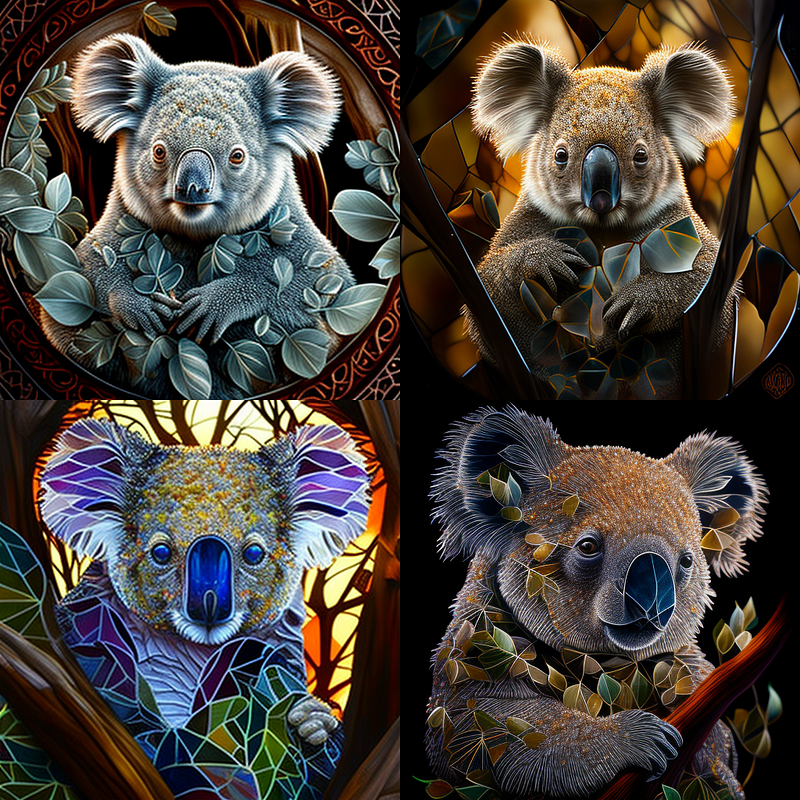
Glass Painting art
Prompt: koala, very detailed, Glass Painting art, symmetric, --q 0.5 --v 4
Grotesque
Prompt: koala, very detailed, Grotesque, symmetric, --q 0.5 --v 4
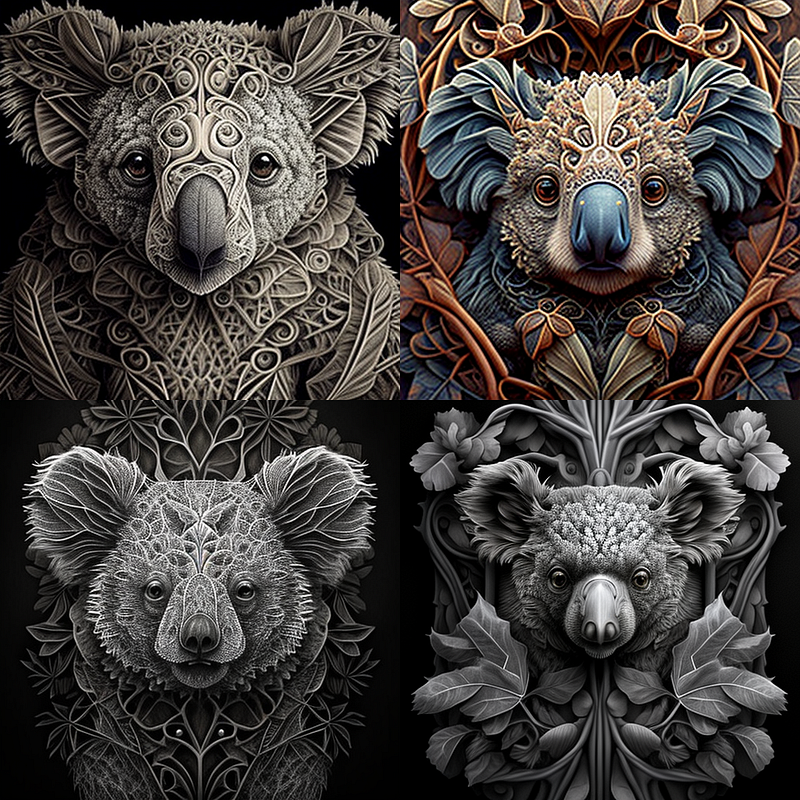
Kalamkari Painting
Prompt: koala, very detailed, Kalamkari Painting, symmetric, --q 0.5 --v 4
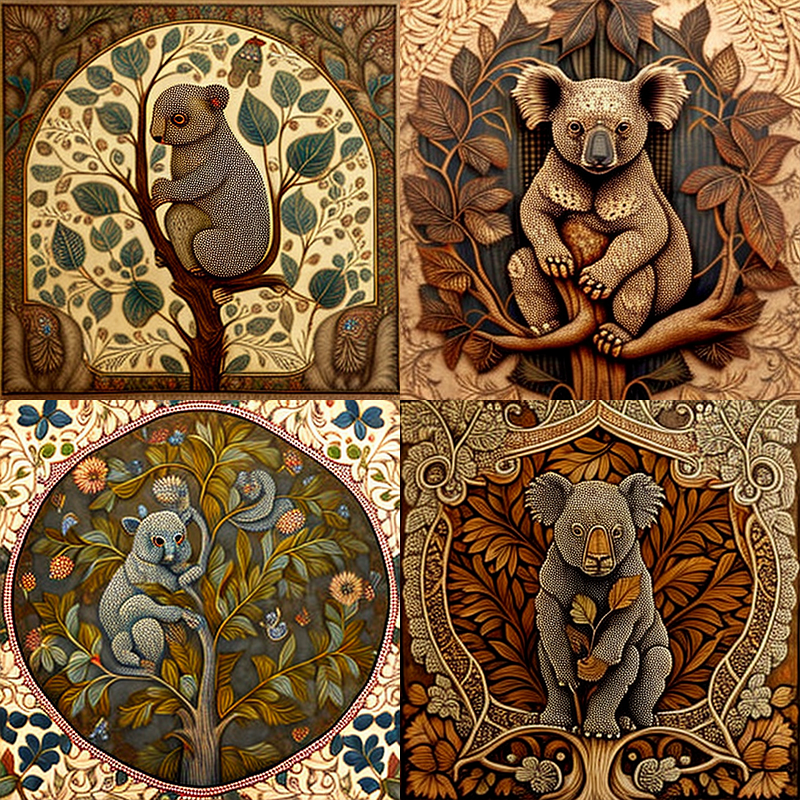
Pixar art
Prompt: koala, very detailed, Pixar art, symmetric, --q 0.5 --v 4
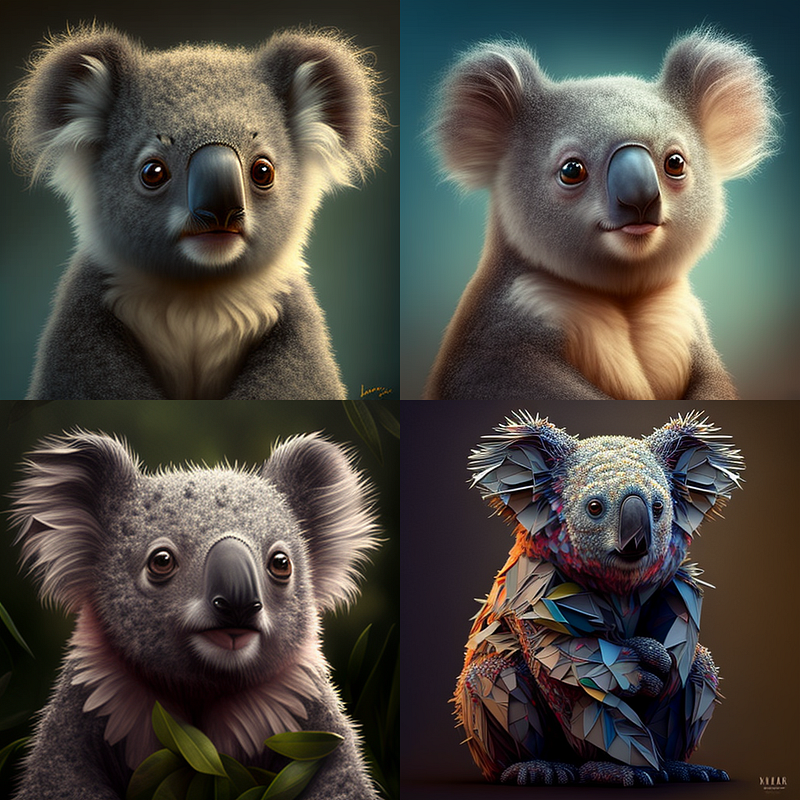
Pixel art
Prompt: koala, very detailed, Pixel art, symmetric, --q 0.5 --v 4
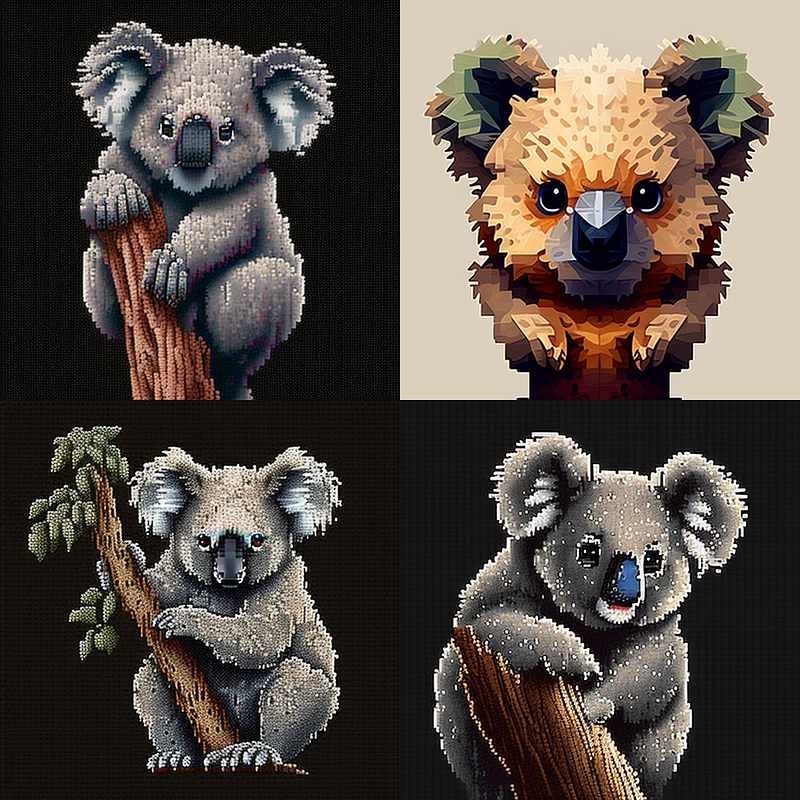
Pop art
Prompt: koala, very detailed, Pop art, symmetric, --q 0.5 --v 4
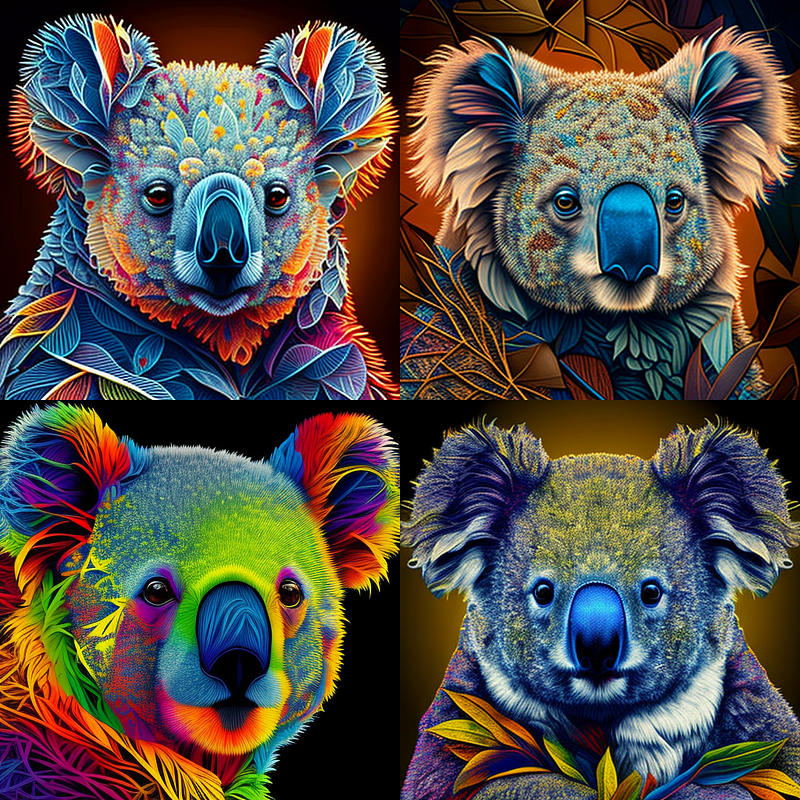
Rococo
Prompt: koala, very detailed, Rococo, symmetric, --q 0.5 --v 4
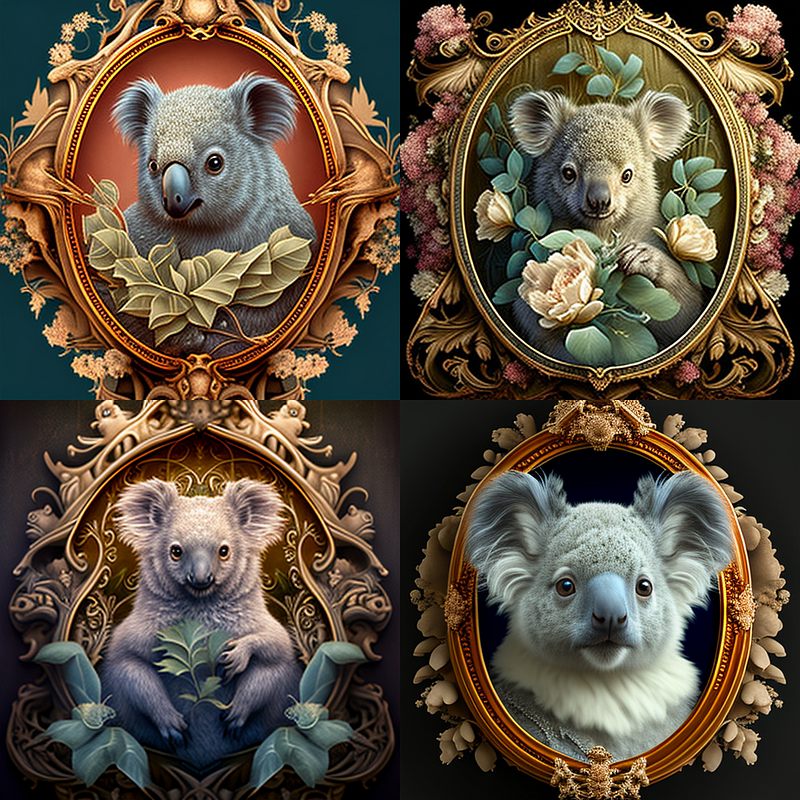
Steampunk
Prompt: koala, very detailed, Steampunk, symmetric, --q 0.5 --v 4
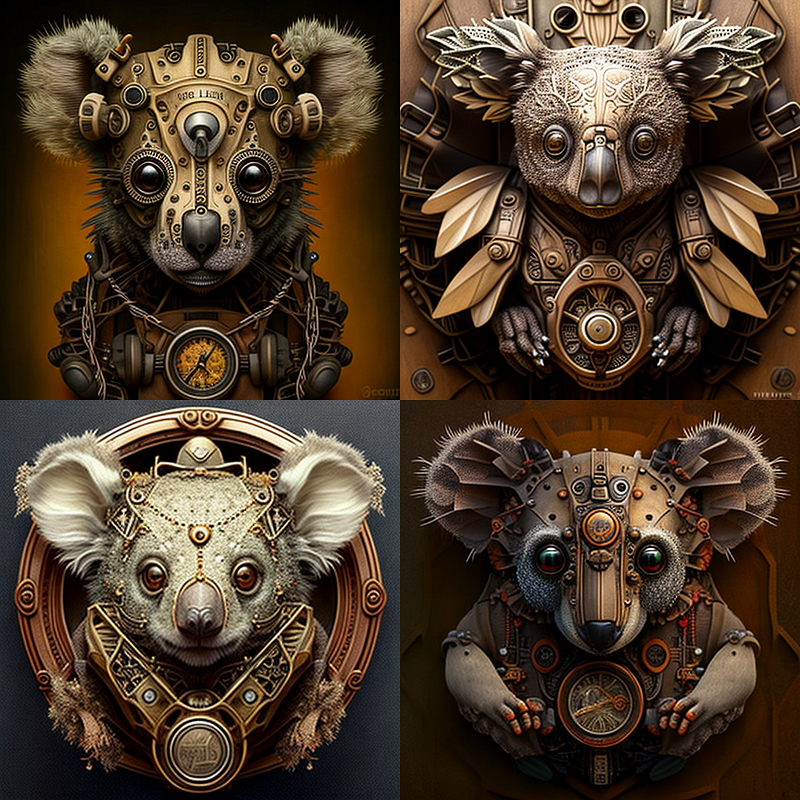
Trompe L’oeil art
Prompt: koala, very detailed, Trompe L’oeil art, symmetric, --q 0.5 --v 4
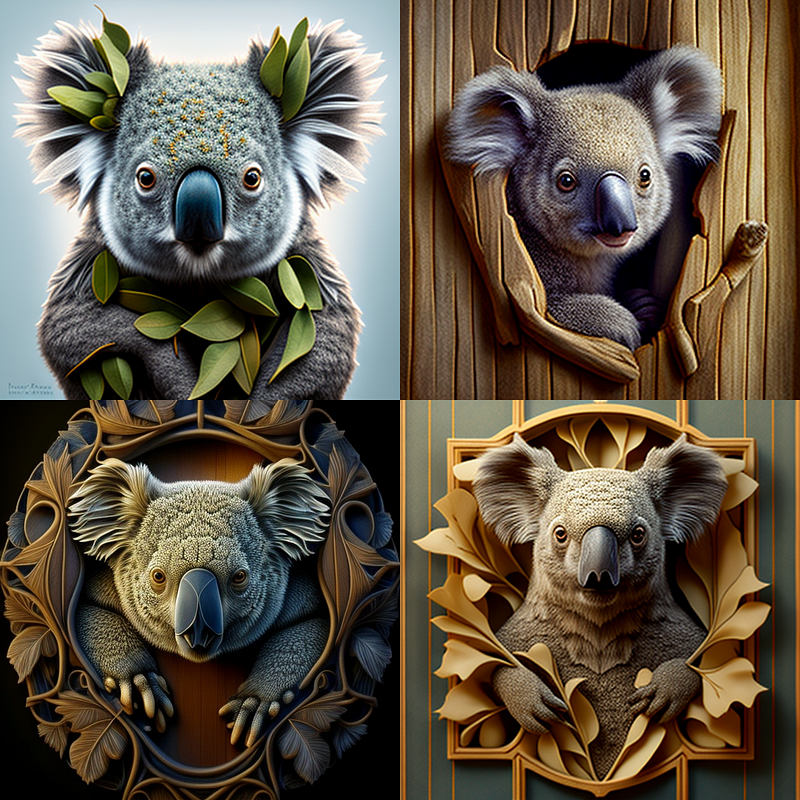
Water colour painting
Prompt: koala, very detailed, Water colour painting, symmetric, --q 0.5 --v 4
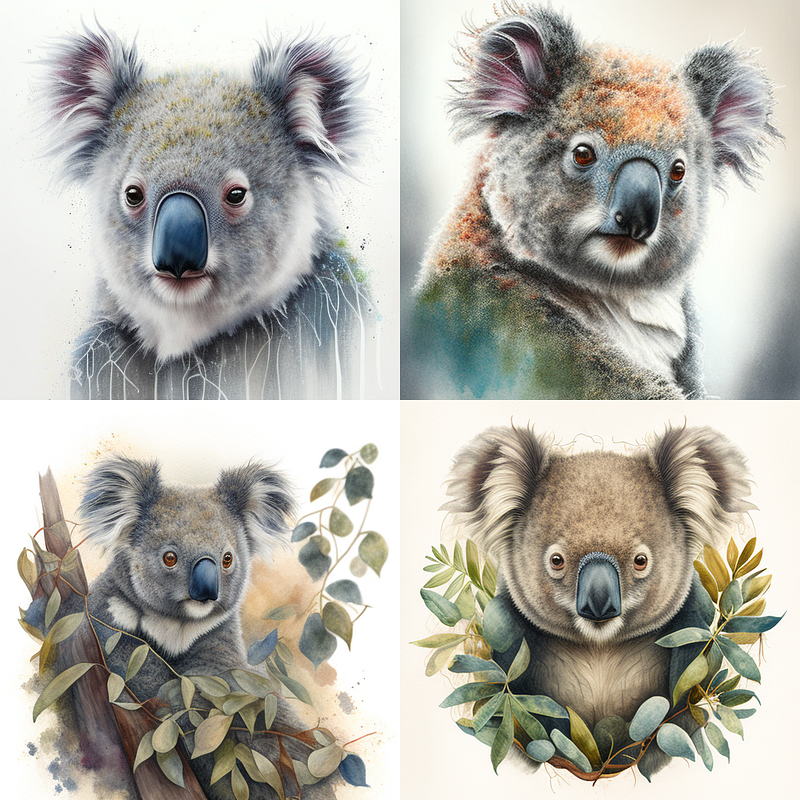
And there you have it! By using different art styles as prompts for Midjourney AI image generator, you can drastically alter the final output and create a wide range of unique and visually striking images. I hope this experiment has inspired you to think about the creative potential of your own AI projects, and I can’t wait to see what kind of amazing artwork you come up with.
If you enjoyed this article and want to stay up to date with the latest and greatest in AI news and projects, be sure to follow my channel and subscribe to my newsletter. We promise to keep you informed and entertained with all things AI-related.
Thanks for reading, and happy creating!
And if you’re feeling particularly generous, you could buy me a coffee at www.buymeacoffee.com/kingmichael. Your support would greatly help in keeping me motivated and writing articles that you love.


