
All About Tags
I’m Giving You All My Tag Research For Free (3 Months of Work!)
Here’s how to use my Medium Tag Database.
Non-members can read for free here.
Since my tag posts have been so helpful, I have decided to publish all of my tag research.
A few days ago, Jim Laing commented on my competition research article:
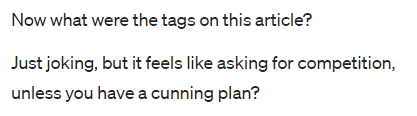
“It feels like asking for competition.” Yes, that is exactly what I’m doing.
This account is a game to me. If you can add some extra difficulty, bring it on.
I want you to compete with me. I want you to learn from me. I want to make you a better writer. If that means creating more competition then I’ll do everything I can to make you better than me.
If I make you a better writer, I can’t lose.
So, I am sharing hours and hours of research for free. Before I share the link, let’s go over how to use this database.
The Medium Tag Database is organized in two sections. One is bucket views, and the other is value views.
The bucket view section looks like this:
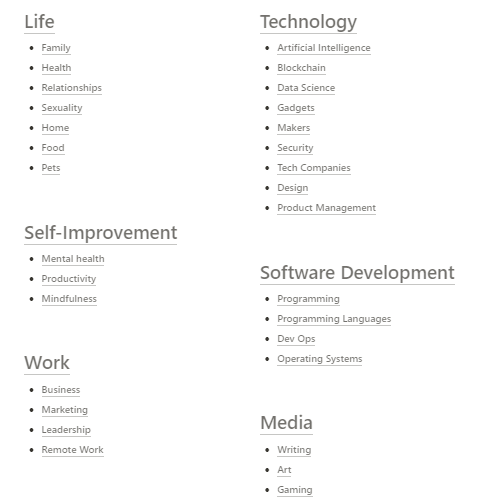
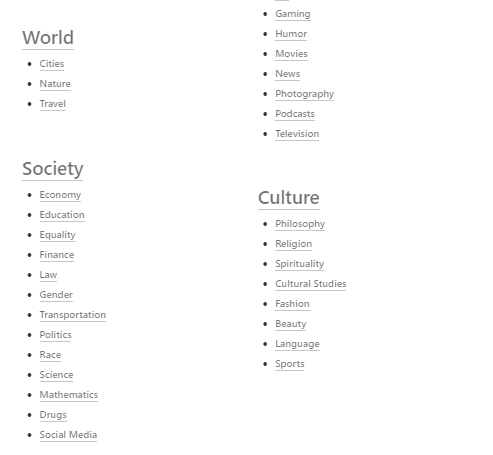
There are nine main buckets and about 50 sub-buckets. Each of these views is a niche. Sub-bucket views are organized like this:
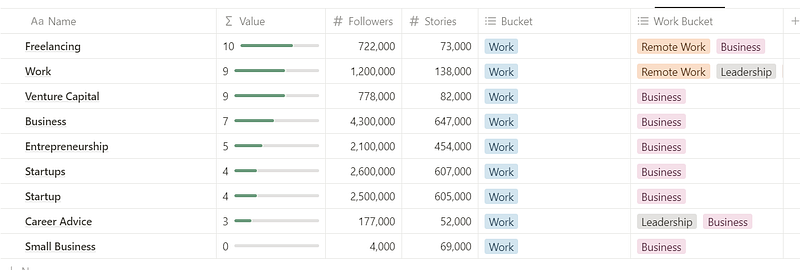
They are sorted, so the most valuable comes first. Even in the sub-bucket view, you can see the main bucket ranked (in this case, Work). I included the bucket and sub-bucket categories because sometimes tags exist in several. For example, freelancing is both business and remote work.
You can also see the follower and story counts (accurate as of Dec 2023 — Feb 2024).
“Value” is a metric of competition. I calculate this by dividing follower counts by story counts. Essentially, it is saying there are x stories per reader, or x times more readers than stories.
In the case of Freelancing, we have a value of 10. This means there are 10 readers per story, or 10x more readers than stories.
The higher the value, the less competition there is.
Next, we have the value views. They are organized like this:
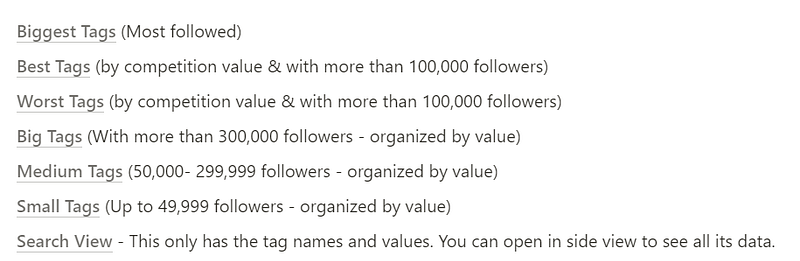
I explain which filters and sorts each view has, and I think it’s pretty self-explanatory. Take a look at Small Tags:
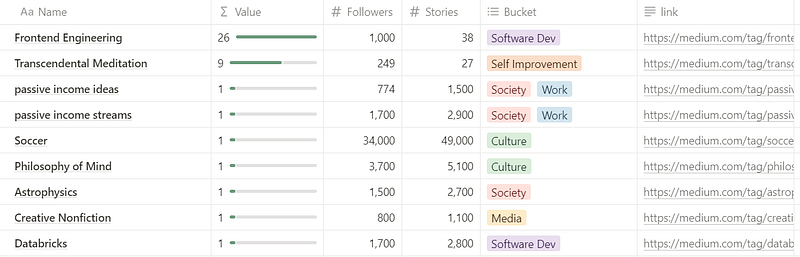
In this view, tags are organized by value. You can see their follower and story counts, as well as their main bucket. In the last column, there is a link to the topic page — this is meant to help you get ideas on what does well in that tag.
I did not include the sub-bucket category because it gets messy. There’s not just one sub-bucket property… there’s 9.
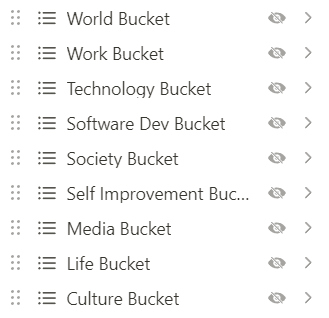
Including the sub-buckets would’ve made the view very unpleasant to read. If you want to find what sub-bucket a tag exists in, you can use the Search view, or go to its main bucket view.
In the search view, if you hover your mouse over the tag name, you get this option:
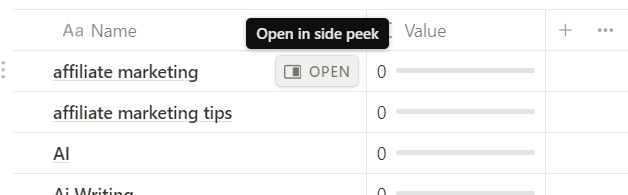
Click on it, and you’ll see all the data for the tag. Like this:
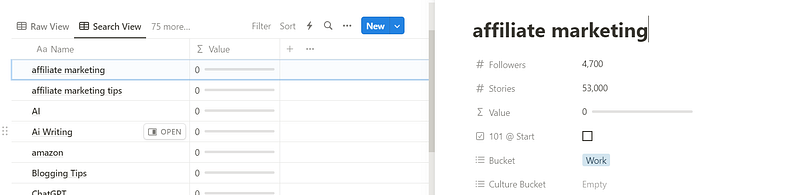
So, in total, this database has 584 tags and 77 unique views. It’s a looooot of data.
This is my first time publishing a Notion database, so please excuse any hiccups. If you have suggestions on how to improve this, please email me at [email protected], and if you want to say thanks, you can buy me a coffee!
Without further ado, the link!
Thanks for reading! There are 3 ways I can help you become a better writer:
- Subscribe to my email notifications to read my articles as soon as they’re published.
- Download my free Medium Tag Database.
- Leave a comment below with any question you have about Medium, and I’ll answer it ASAP!


