
How AS-One Reduces the Development 🕛 of Computer Vision Projects 🤔
The computer vision field rapidly evolves in multiple businesses by providing ease, optimization, cost reduction, and good analytics. But, the development of computer vision products is very challenging, in terms of achieving good results, performance, and of course selection of the right technique.
The most useful and popular technique of computer vision is considered object detection. The main reason behind this include, its usage in many market applications including people detection, fall detection, and vehicle counting, which can help clients to analyze their product’s importance, sales, etc.
For every use-case, the developer needed to think about the workflow and techniques that it can use to achieve clients’ required goals. Once the roadmap will develop, then the developer starts the development of the product, which can include object tracking and object detection modules. But the development can take two or more months with proper development and testing.
Now, If you are a developer and want to deliver the product in 2–3 weeks, so what you will do?
Definitely, you will need to take a look at already implemented open-source code or some third-party library, which will help you to achieve your required goals.
Here AS-One library comes to mind,
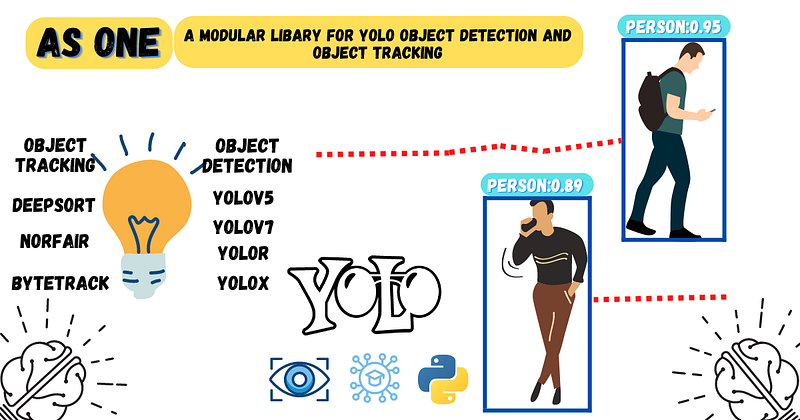
AS-One is a free open-source library for YOLO object detection and object tracking from Augmented Startups, that will reduce the development time of computer vision projects with its different integrated features.
In this article, you will learn how to use different features of the AS-One library, The major modules, which I will cover in this article are mentioned below.
- AS-One Library default Object Detector and Tracker
- Usage of YOLOv5 with DeepSort in AS-One library
- Usage of YOLOv7 with ByteTrack in As-One library
- Usage of YOLOR with NorFair in AS-One library
Let start, First, you will need to clone the GitHub code of the library and install it, you can follow the AS-One readme to install AS-One easily on your Windows / Linux machine.
AS-One Library default Object Detector and Tracker
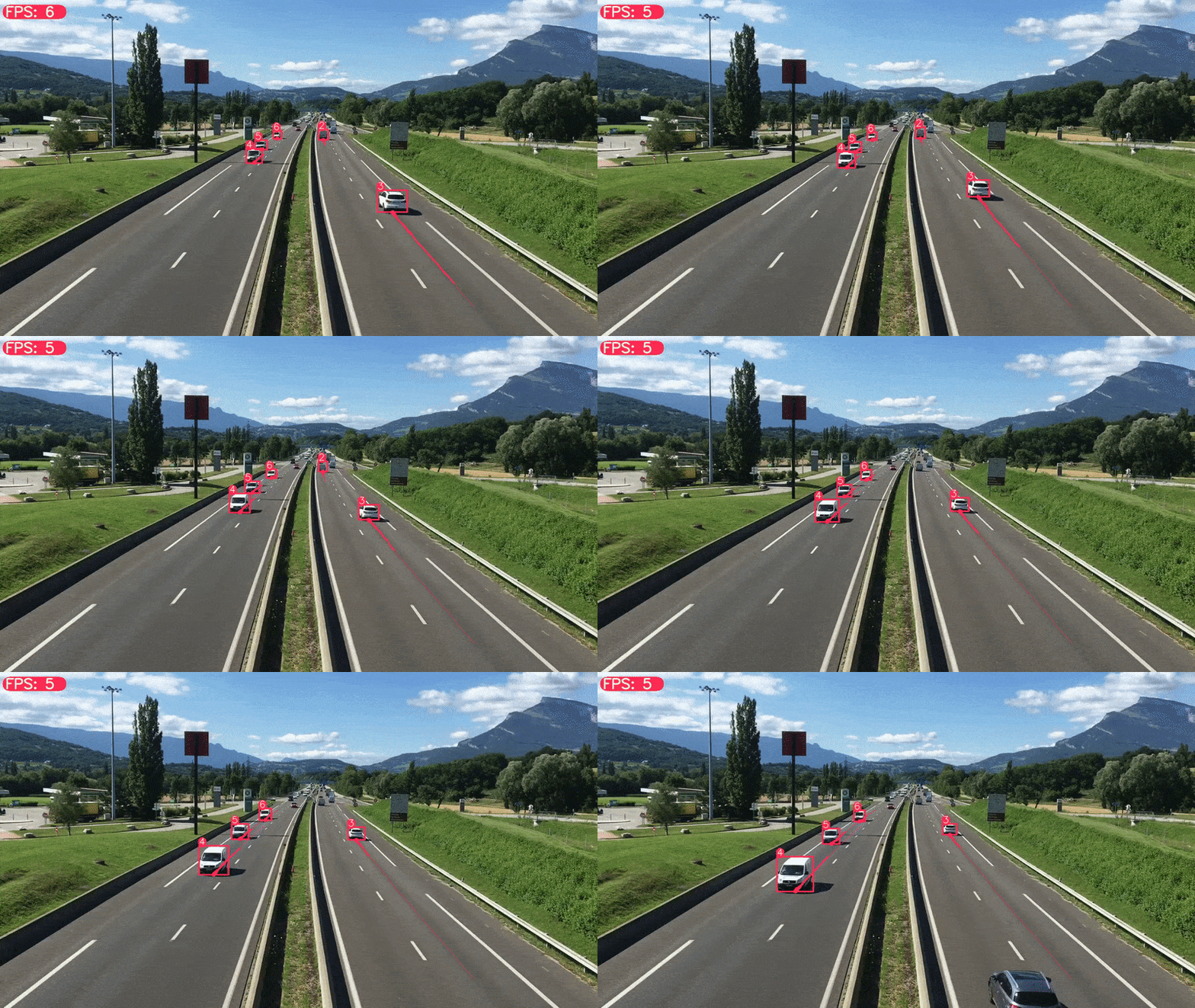
Once, you have installed the AS-One library, go to the AS-One folder and run the mentioned command below to do object detection with YOLOX and object tracking with ByteTrack.
python main.py data/sample_videos/test.mp4
The output will store in the “AS-One/data/results” folder. The output results will look as shown below.
Usage of YOLOv5 with DeepSort in AS-One library
Well! If you want to use YOLOv5 as an object detector and DeepSORT as an object tracker. What changes will be required?
You will just need to change a few arguments in the AS-One/main.py file. Follow the steps below to replace the YOLOX YOLOv5 and ByteTrack object tracker with DeepSort. Open the file AS-One/main.py in the editor (Notepad++, Sublime text, etc), you will see the mentioned code below that is calling the constructor of AS-One class.

Replace, the above-shown code lines with mentioned code lines below.
dt_obj = ASOne(
        tracker=asone.DEEPSORT,           #deepsort object tracker
        detector=asone.YOLOV5M_PYTORCH,   #yolov5m object detector
        use_cuda=args.use_cuda
        )
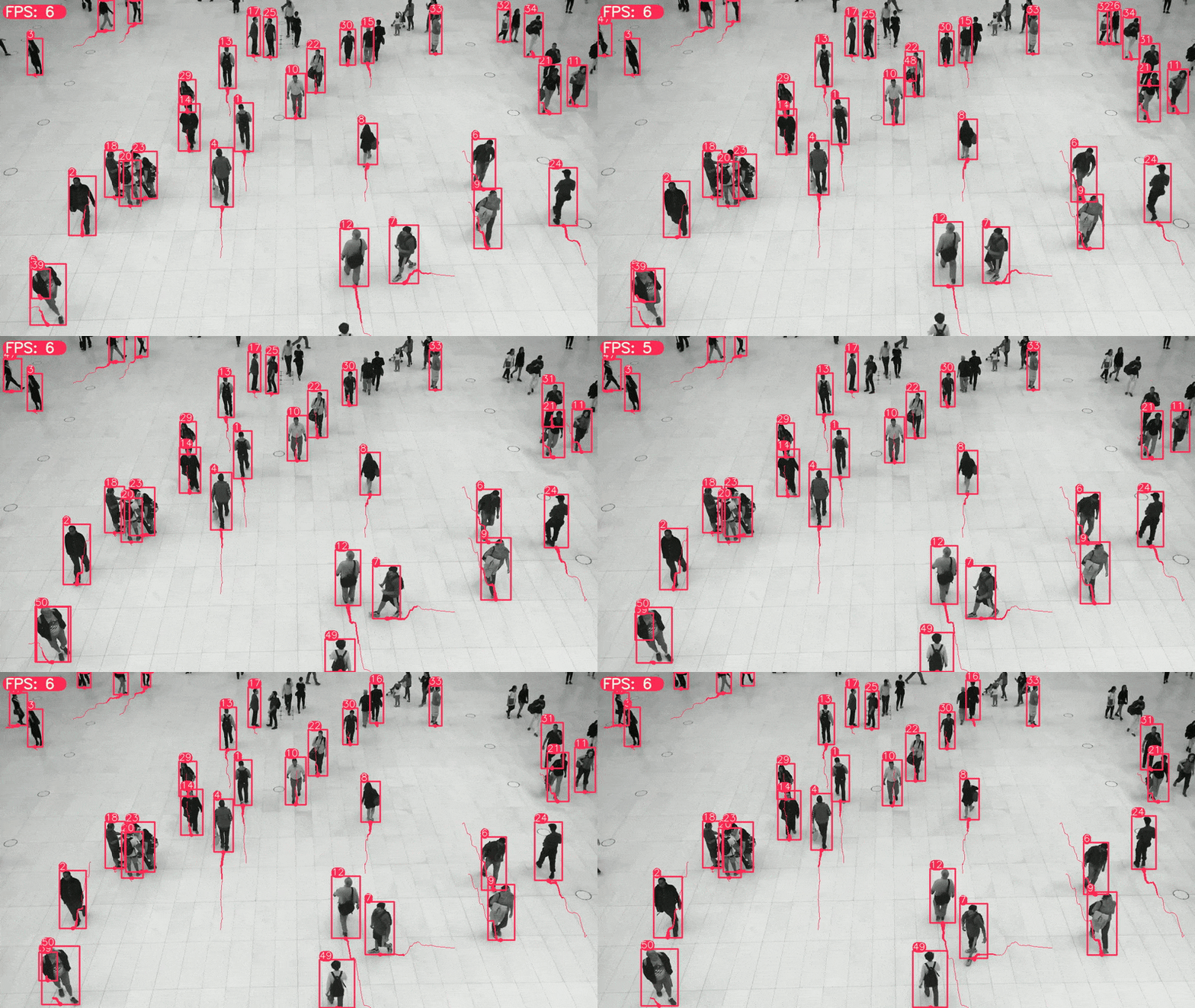
Save the file, and run the mentioned command below to do object detection with YOLOv5 and object tracking with DeepSORT.
python main.py data/sample_videos/test.mp4
The output will store in the “AS-One/data/results” folder. The output results will look as shown below.
Usage of YOLOv7 with ByteTrack in AS-One library
The AS-One library has also provided support for the latest object detection algorithm YOLOv7, which many companies are interested in. Maybe you, too will be thinking to use it?
Here again, you will only need to change a single argument in the AS-One/main.py file. Replace the code lines shown above in Fig 1.4 with mentioned code lines below.
dt_obj = ASOne(
        tracker=asone.BYTETRACK,           #bytetrack object tracker
        detector=asone.YOLOV7_PYTORCH,   #yolov7 object detector
        use_cuda=args.use_cuda
        )
Save the file, and run the mentioned command below to do object detection with YOLOv7 and object tracking with ByteTrack.
python main.py data/sample_videos/video2.mp4
The output will store in the “AS-One/data/results” folder. The output results will look as shown below.
Usage of YOLOR with NorFair in AS-One library
YOLOR is a good object detector in terms of accuracy, but its speed is a bit slow compared to YOLOv5. If your project requirements have the usage of YOLOR as an object detector then, how can you use YOLOR with the AS-One library?
You will only need to change a few arguments in the AS-One/main.py file. Replace the code lines shown above in Fig 1.4 with mentioned code lines below.
dt_obj = ASOne(
        tracker=asone.NORFAIR,           #norfair object tracker
        detector=asone.YOLOR_P6_PYTORCH,   #yolor object detector
        use_cuda=args.use_cuda
        )
Save the file, and run the mentioned command below to do object detection with YOLOR and object tracking with NorFair.
python main.py data/sample_videos/video2.mp4
The output will store in the “AS-One/data/results” folder. The output results will look as shown below.
If you want to see the complete demo for all available detectors and trackers, you can see the video shown below from the Vision Future youtube channel.
That is all regarding “How AS-One reduced the Development 🕛 of Computer Vision Projects”
Trending Articles
- Train YOLOv7 on Custom Data
- Speed Up Data Labeling Process
- Roadmap for a Computer Vision Engineer
- Train YOLO-R on Custom Data
- Setup Transfer Learning Toolkit with Docker on Ubuntu 18.04
- Image Classification using Transfer Learning with PyTorch
About Author
- Muhammad Rizwan Munawar is a highly experienced professional with more than three years of work experience in Computer Vision and Software Development. He is working as a Computer Vision Engineer in Teknoir, he has knowledge and expertise in different computer vision techniques including Object Detection, Object Tracking, Pose Estimation, Object Segmentation, Segment Anything, Python, and Sofware Development, Embedded Systems, Nvidia Embedded Devices. In his free time, he likes to play online games and enjoys his time sharing knowledge with the community through writing articles on Medium.
- LinkedIn Profile
Please feel free to comment below if you have any questions


