
Addendum to How to Make a Paperback book
Critique of First Story
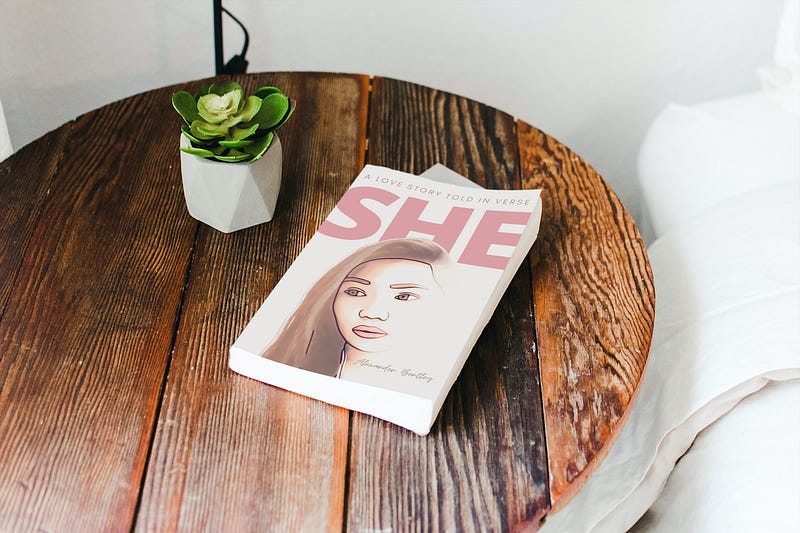
Since I published my first story “How to make a paperback”, I have got Amazon to fully accept my first paperback.
There are a few things extra, I did before KDP published my paperback.
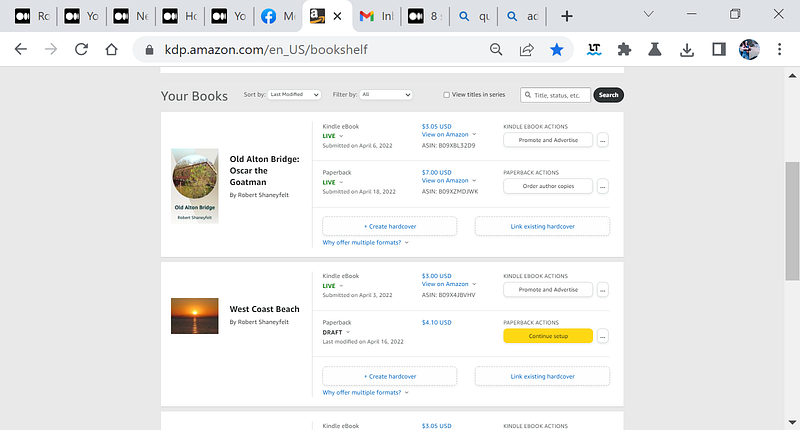
I ended up creating a new book cover with their tool as opposed to trying to use the gimp open-source graphical manipulation tool to format my book cover.
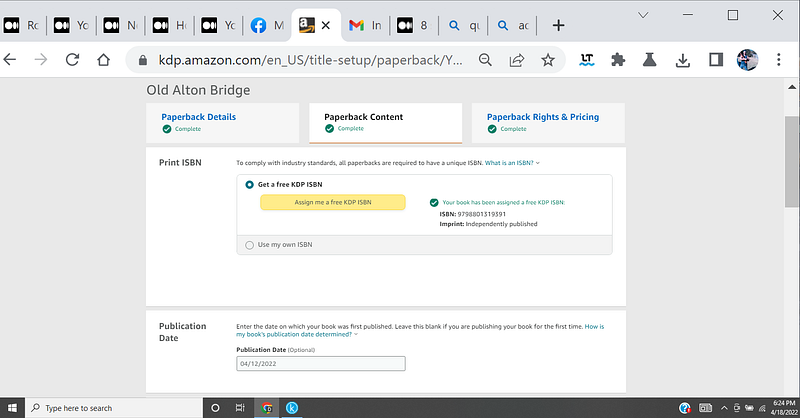
During the process of submitting your book to be published by Amazon, you decide on an ISBN or International Standard Book Number.
You must update your copyright page in your book's manuscript with this number. Update your book's manuscript using kindle create, refer to the first story.
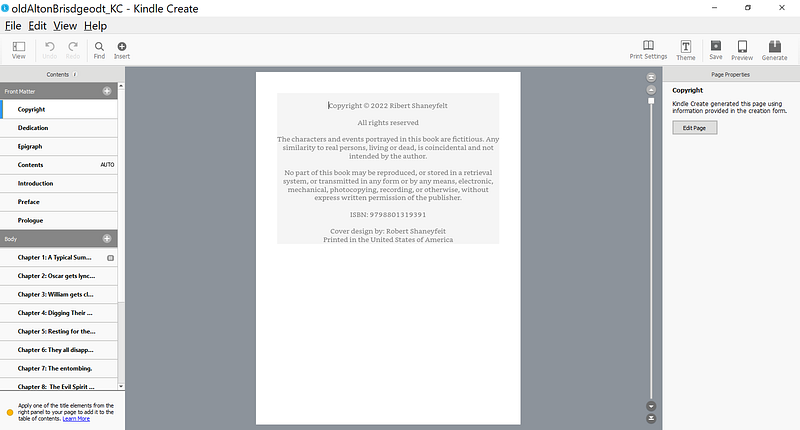
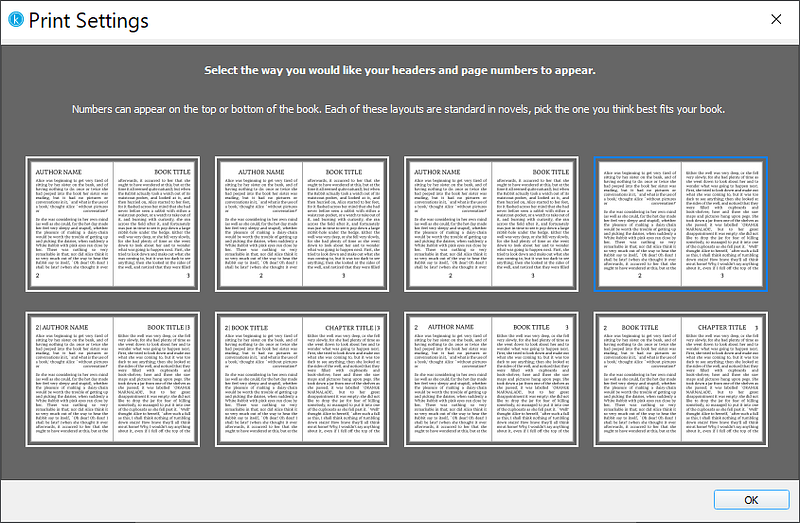
KDP prefers that your manuscript contains page numbers. Do this by selecting the “print settings” button near the upper right of the Kindle create display. Then select a way you want your headers and page numbers to appear.
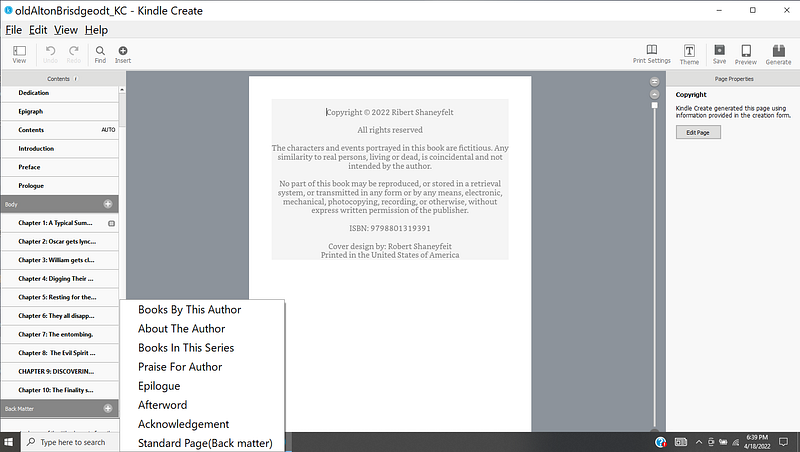
Near the bottom left panel, click on the plus sign to see a list of back matter pages that you can add.
The front matter pages default with words in Latin as filler. KDP prefers that you delete this filler and add your own words.


