
A Free AI Tool to Outpaint Your Midjourney Images
A Free Alternative of Photoshop Generative Fill Outpainting to Expand Your Image
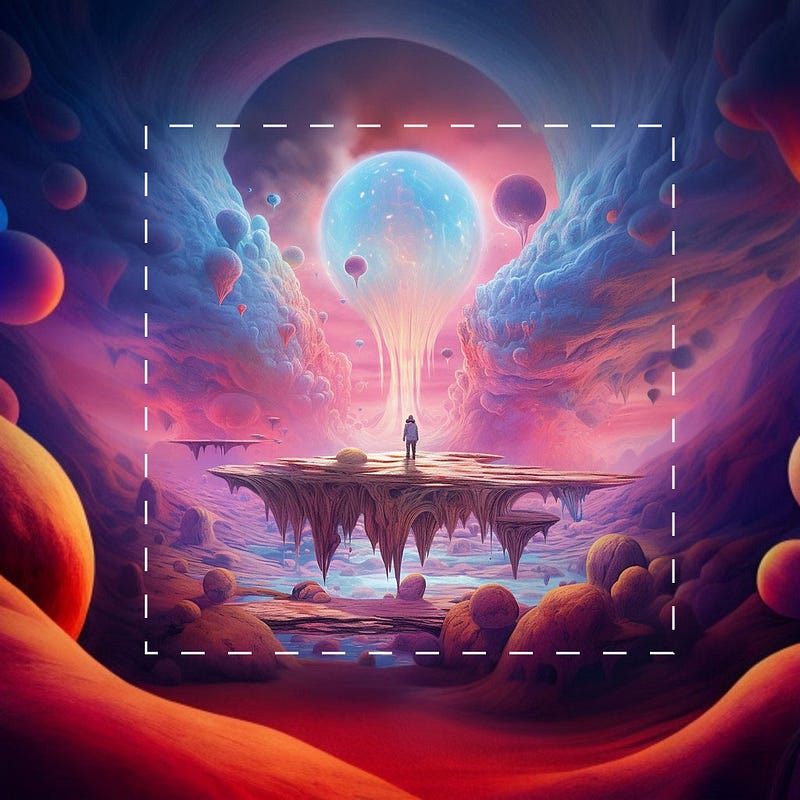
Outpainting involves continuing an image beyond its original borders — incorporating additional visual elements in a consistent style or exploring new narrative paths.
ClipDrop by Stability.AI has just unveiled a new feature recently called uncrop that is similar to the outpainting feature of Photoshop Generative Fill.
Today, let’s look at how we can use this tool to outpaint our AI images.
Uncrop of ClipDrop
Uncrop is an AI-powered ‘outpainting’ tool that enables altering the aspect ratio of any image by generating an expanded background to enhance existing photos or images.
It uses the advanced algorithms of Stability AI’s Stable Diffusion XL model to reconstruct and expand images to adjust dimensions.
How To Use Uncrop
Uncrop lets users expand image dimensions, enhance the visual composition and generate visually plausible representations of missing content in uploaded images with just a few simple steps.
1) Import Your Images
Upload your image to start
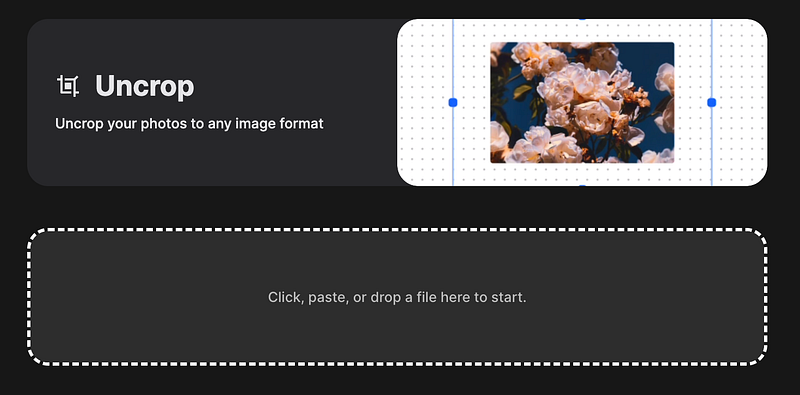
2) Choose the Desired Aspect Ratio
Drag the buttons around the image to adjust the desired aspect ratio. Alternatively, you can select “Landscape/Portrait/Square” directly.
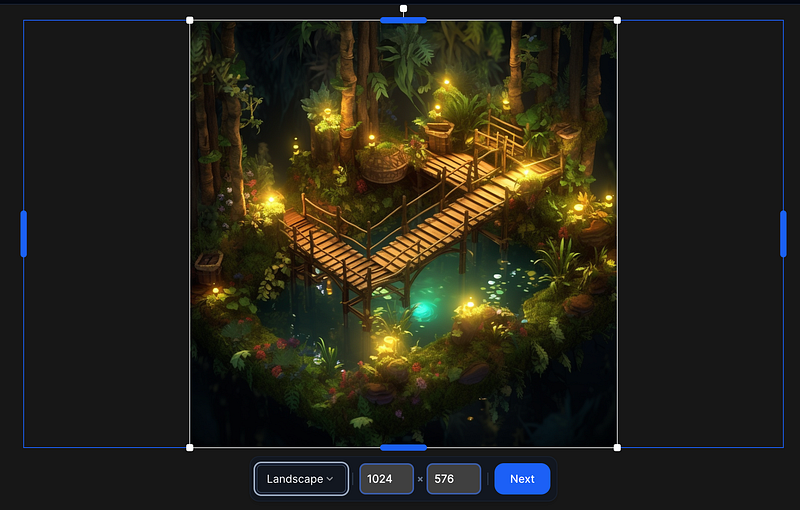
3) Different Image Options
Select “Next” and the uncropped process will produce a number of images corresponding to the new aspect ratio.
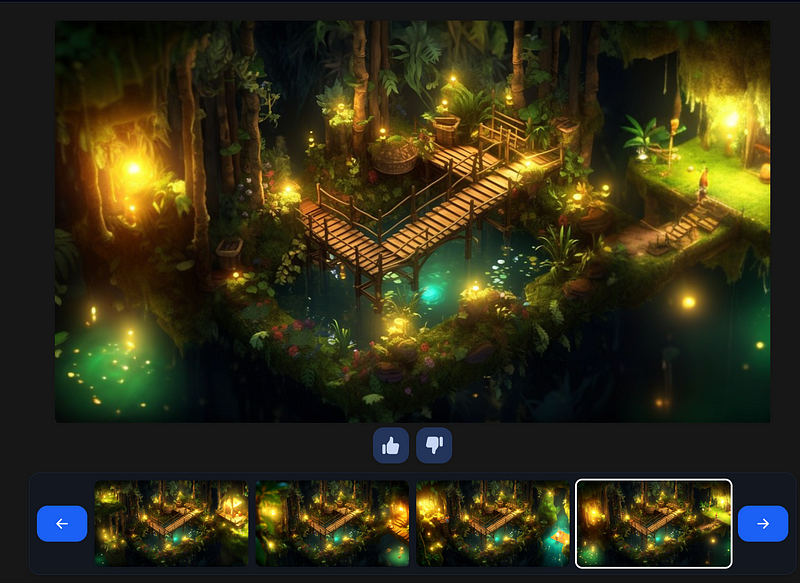
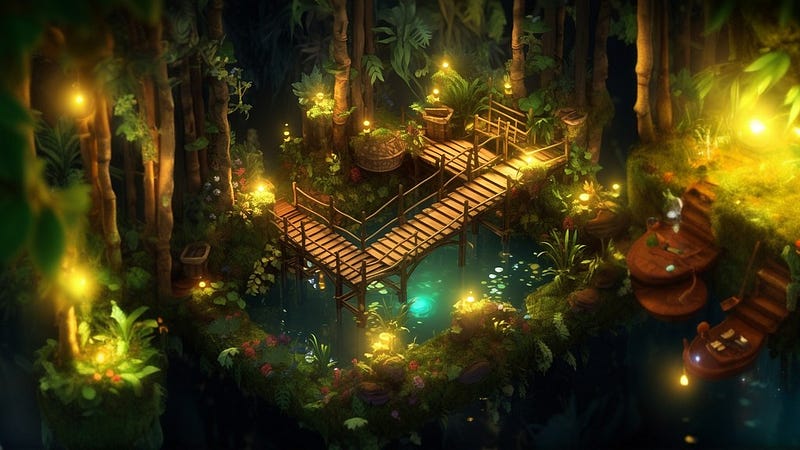
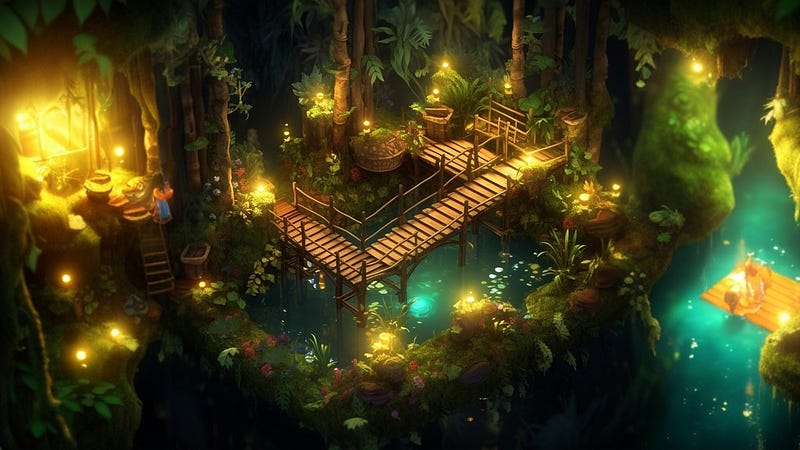
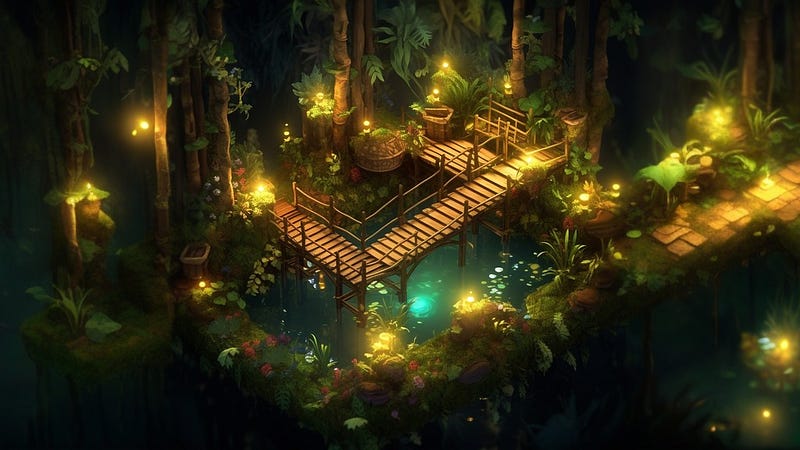
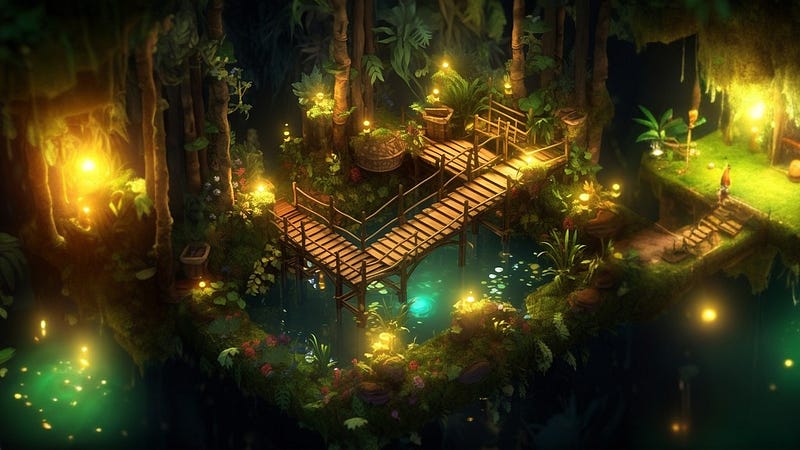
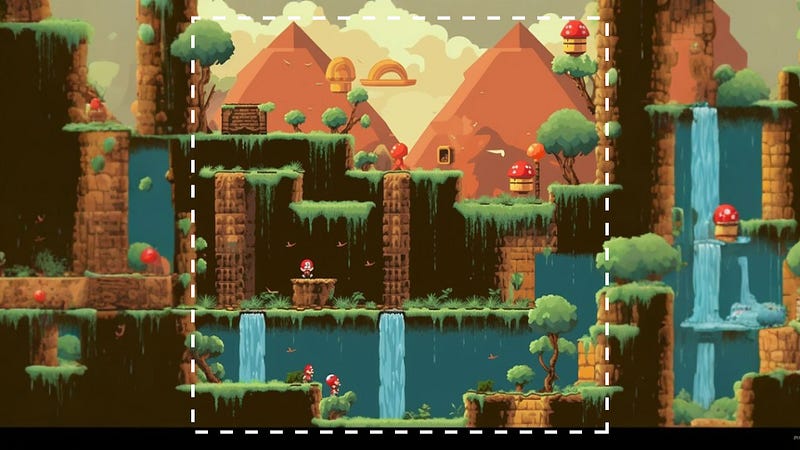
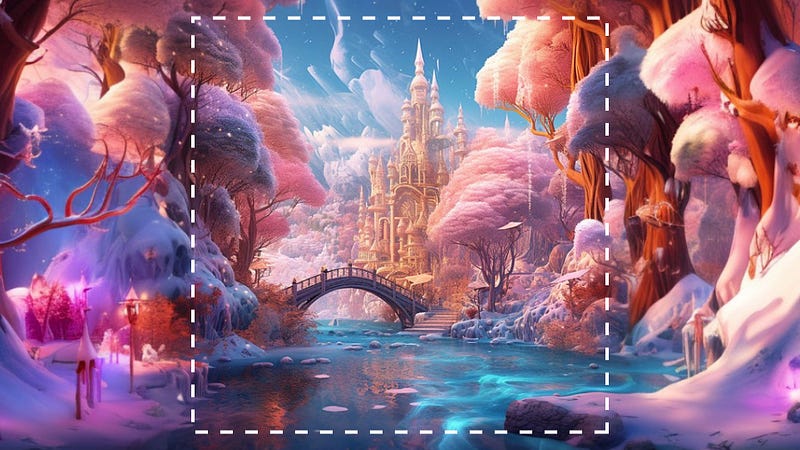
It only takes a few steps, and you can witness the magic of outpainting technology. This is especially great for outpainting images created by Midjourney like book covers and game scenes.
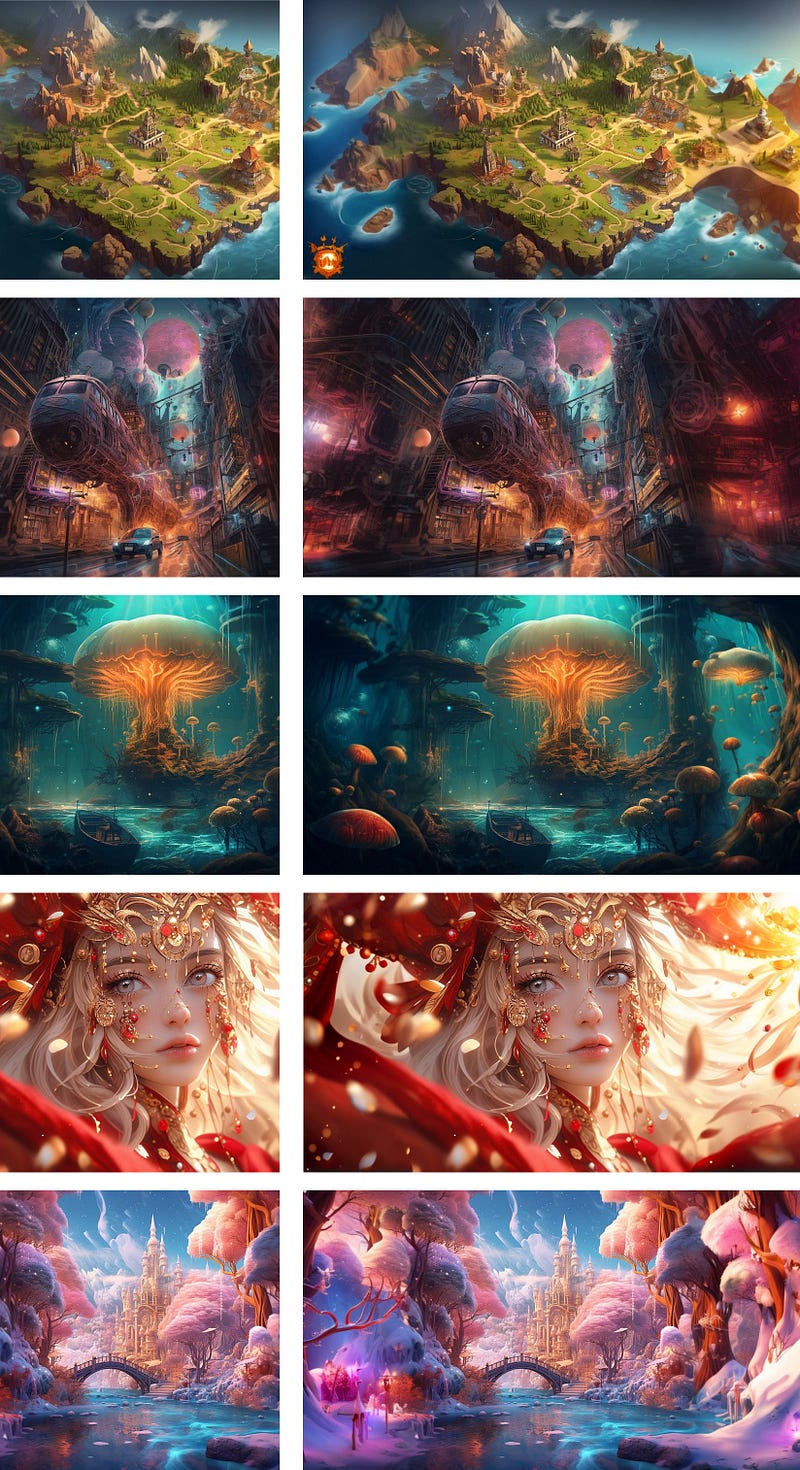
Here are more examples:
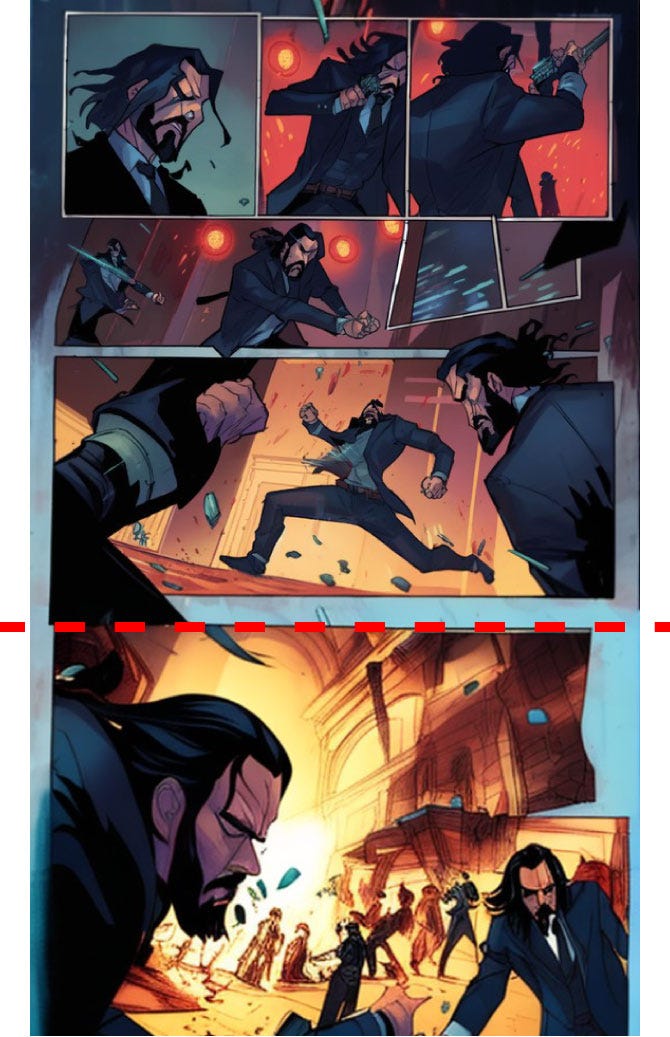
It can even continue my anime manga.
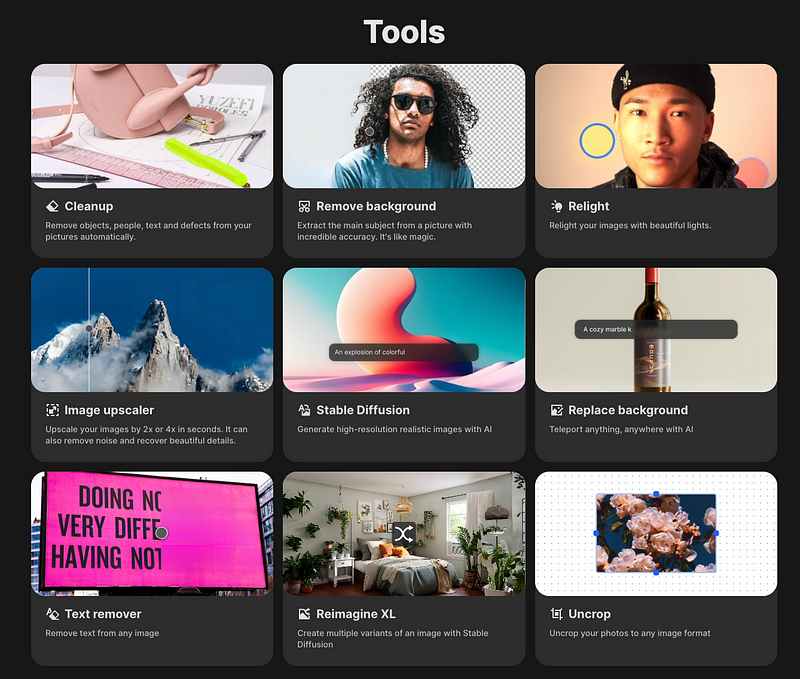
Other Useful Tools of ClipDrop
In addition to the uncrop functionality, ClipDrop also offers a range of other features.
- Cleanup — remove unwanted objects
- Remove Background — extract the main subject from an image
- Relight — tune the image with beautiful light
- Image Upscaler — upscale your image by 2x or 4x
- Stable Diffusion - generate AI images
- Reimagine XL — create multiple variants
- Replace Background
- Text remover
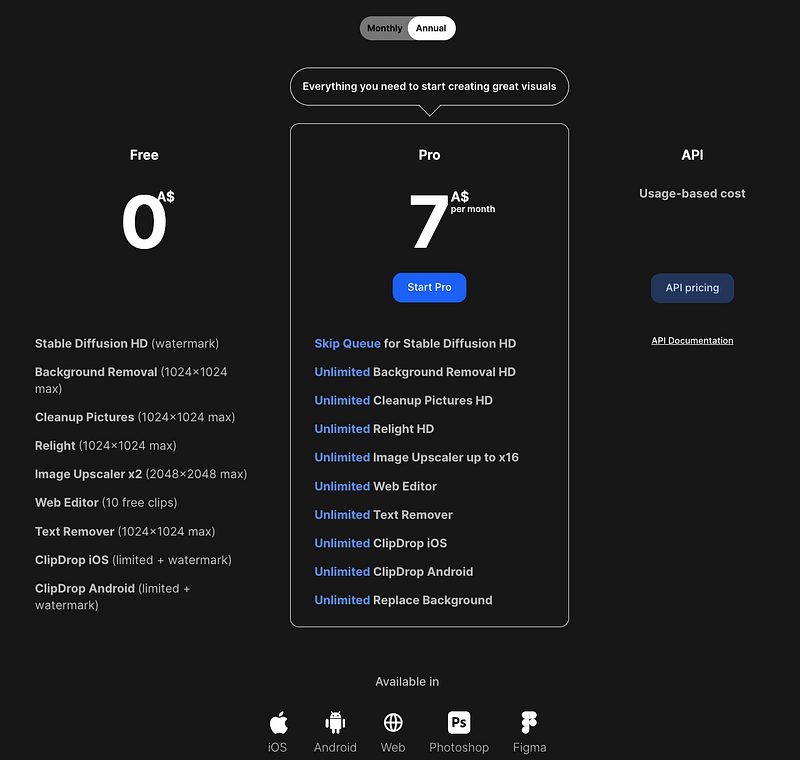
Pricing Plan
ClipDrop comes with a free plan and you can upgrade anytime according to your need. Give it a try on their web app without requiring any login!
Final Thoughts
Uncrop has impressive capabilities, but extreme uncropping or images with missing content may lead to less accuracy.
It’s worth mentioning that Uncrop uses algorithms to analyze pixels and fill gaps for aesthetic and coherent results. Accuracy varies with scene complexity. Nevertheless, if you’re seeking to explore fundamental functionalities or are a beginner in photo editing, ClipDrop is pretty good and it’s free!
Recently, Midjourney has just unveiled a new version 5.2 with Zoom Out and Panning features that allow you to expand your images.
Discover more stories and get unlimited access to all articles on Medium with this link! 💫
I write about tips, tricks and tools of AI tools especially Midjourney that will elevate your work! If you find this article helpful and would like to support me, make sure to:
- 👏🏻 Clap for the story to help this article be featured
- ✨ Follow me and learn more about AI and Midjourney🎨


