
Midjourney V5.2 is Incredible! Everything You Need To Know!
New “Zoom Out” & “Shorten” Features with Enhanced Aesthetics!
Exciting Update! MidJourney’s highly anticipated V5.2 has arrived! Get ready to be amazed once again!
Midjourney V5.2 introduces an upgraded aesthetic system, offering improved aesthetics, coherence, and increased diversity. Additionally, exciting new features and commands are being introduced to enhance and elevate your creative journey.
Prepare yourself for an incredible experience!

New Aesthetic System
- Enhanced aesthetics
- Improved coherence and text comprehension
- Expanded variety
- Styize: The
--stylizecommand has been updated to provide a more pronounced stylization effect. The range now spans from--stylize 0to--stylize 1000 - Stylize is now much stronger now. Consider reducing it by as much as 5x. For instance, a
--stylize 1000prompt in V5/V5.1 should be a--stylize 200prompt in V5.2.
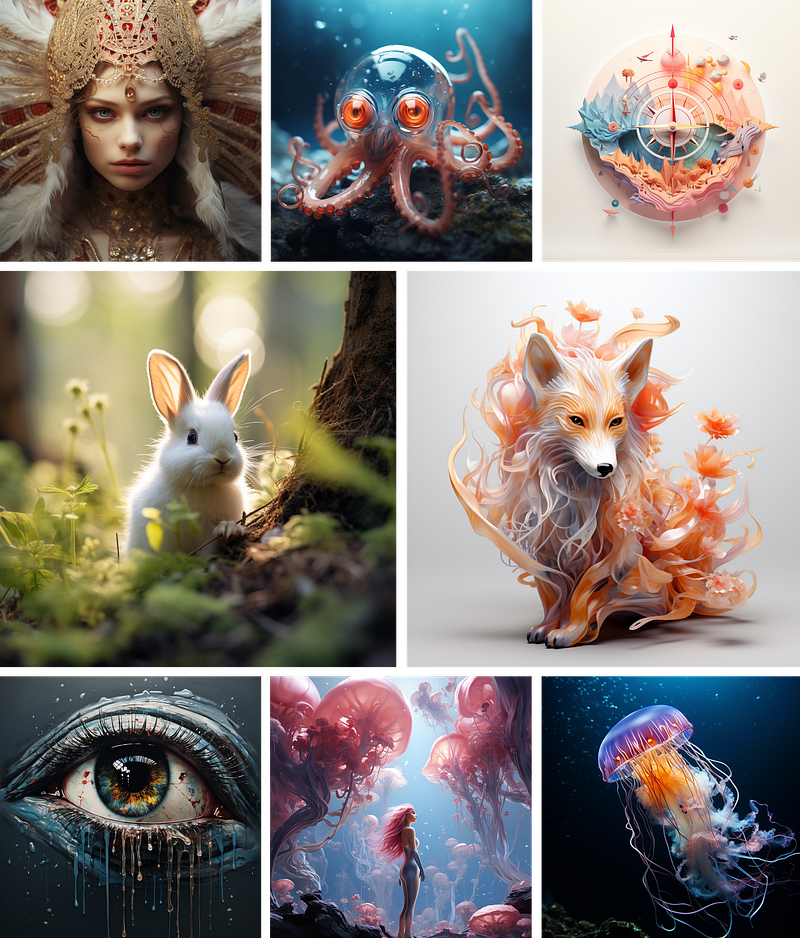
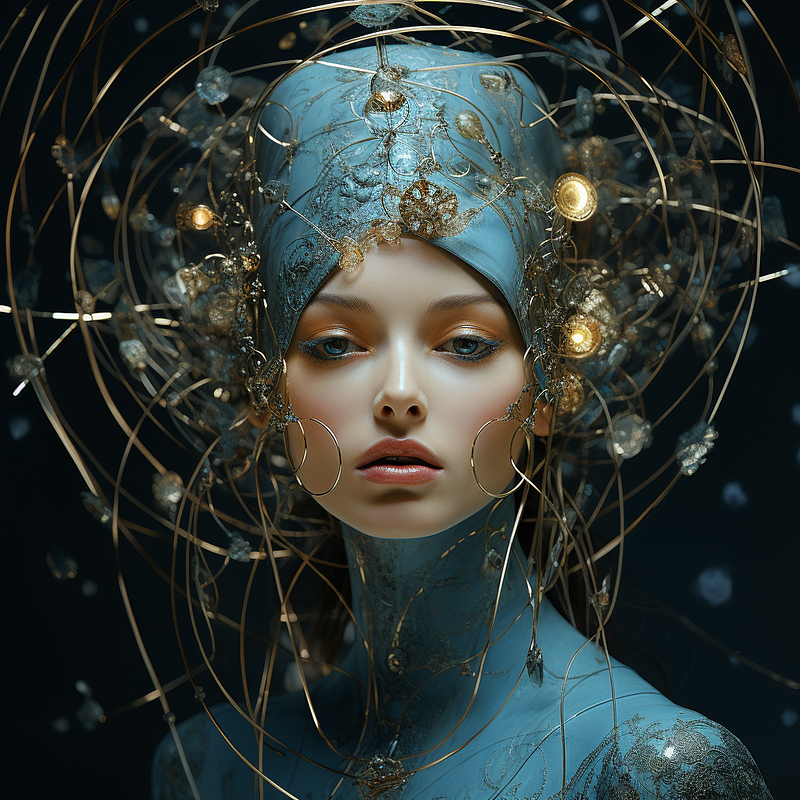
Here are some images generated with Midjourney v5.2. We are definitely seeing images with enhanced aesthetics with higher accuracy and details.
Let’s see what are the new feature and commands!
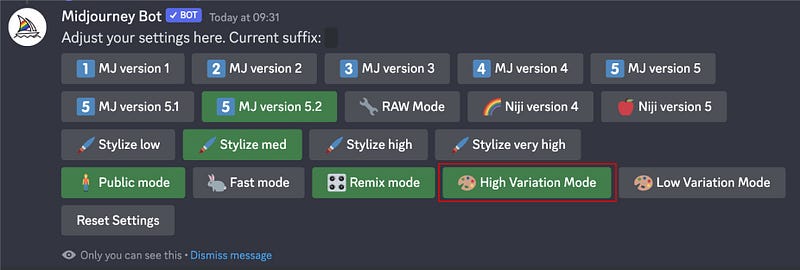
1. High Variation Mode
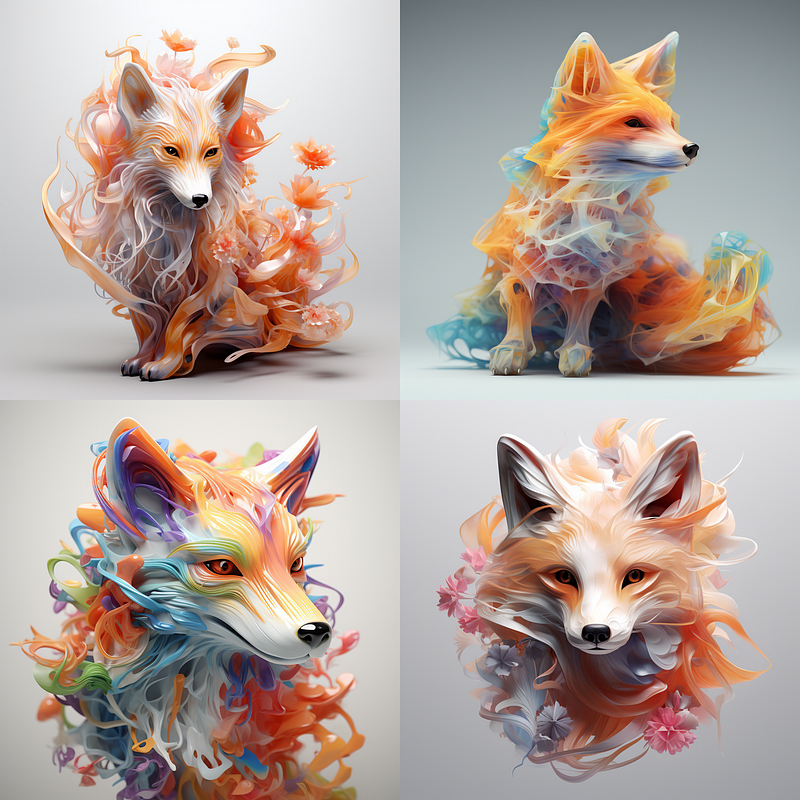
This is enabled by default, it amplifies the diversity of all variation tasks significantly.
To switch, type /settings and select an alternative variation mode. Additionally, you can choose the desired intensity of variation for all enhancements.
📌 Note: High variation mode is limited to V5.2
2. New /shorten command
This allows you to “analyze” a prompt and receive suggestions regarding which words may be redundant and which ones may be crucial.

It will cancel out unnecessary keywords for you and return you with different shortened prompts. You can also click details to view the weight of each word.
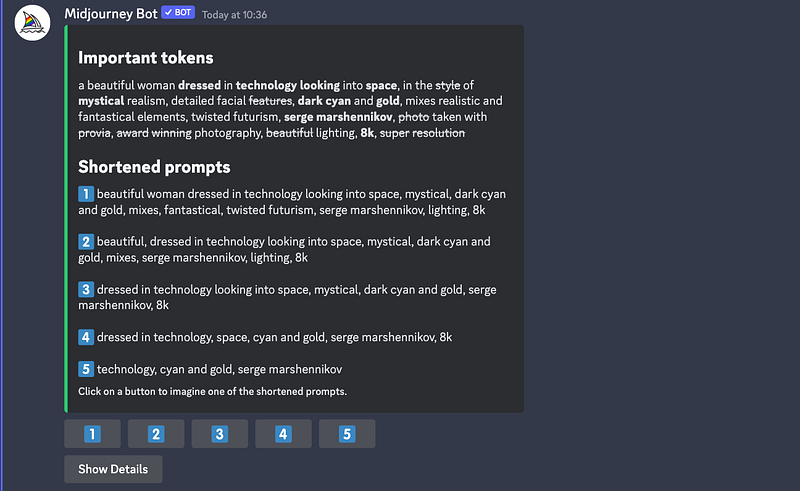
This is incredibly helpful, particularly for individuals like me, who tend to include unnecessary and ineffective words when uncertain about which keywords to utilize.
It greatly aids in the process of experimentation and saves a significant amount of time!
3. New “Zoom Out” Feature
This is my favorite feature of Midjourney V5.2!
Each upscale option now includes buttons for “zooming out” underneath you can use to reframe the image
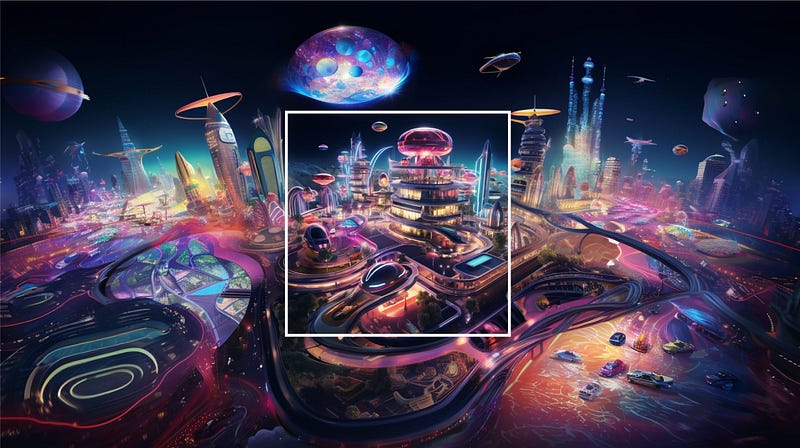
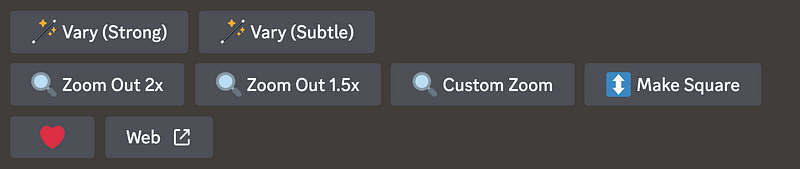
- [Zoom Out 1.5x] [Zoom Out 2x] shifts the camera perspective and enhances details on all sides.
- [Make Square] adds details on two sides to transform a non-square image into a square one.
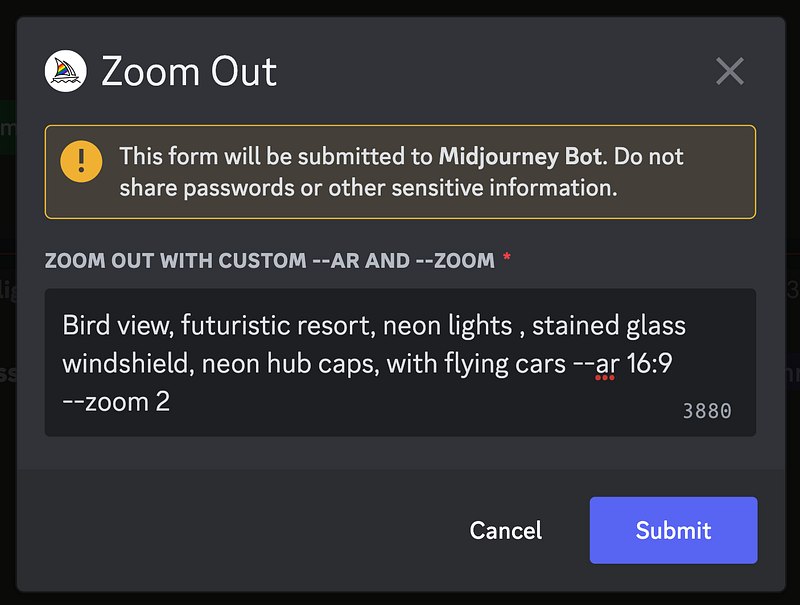
- [Custom Zoom] presents a text box like this one below where you can modify the prompt while zooming out, as well as adjust the aspect ratio
--arand precise zoom--zoom.
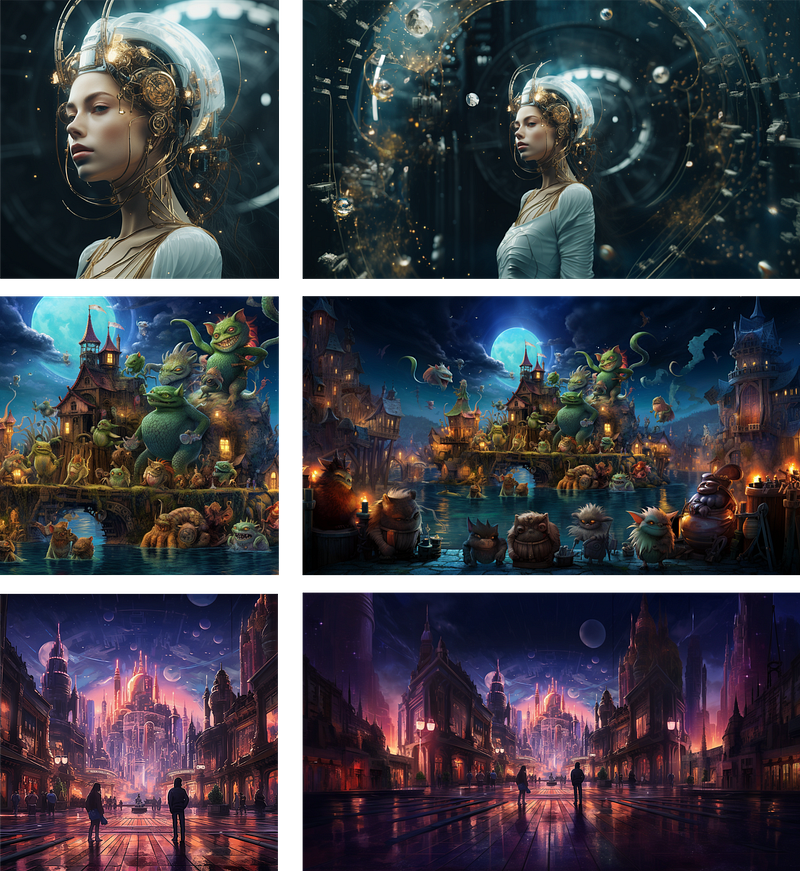
This feature is set to revolutionize animation and video production! It’s absolutely astonishing and remarkably potent!
Learn more hidden tricks of the zoom-out feature here.
If you wish to expand upon your existing image, you can utilize this free AI tool and directly extend it within Discord using Tracjourney. You can even transform your Midjourney images into vectors!
What’s Next?
Based on the recent office hours, Version 6 is currently in development but has been temporarily paused due to data set changes.
The upcoming system will differ significantly from the existing versions, providing more diversity and adopting a distinct aesthetic approach. It will also come with advanced capability in handling complex concepts.
There is a possibility of a trial period with V5.3 to introduce this system before its official launch, which is anticipated to occur around July with the release of V6.
More Possible Updates
- Standalone Mobile and Website
- Inpainting
- A New Remix Mode
- Turbo Mode: Around 2–3 times as faster with a higher price tier
Wishing you a fantastic weekend filled with enjoyment and exploration of Midjourney v5.2.
🔖 Midjourney Updates
I release articles whenever updates are available. Keep this list handy to receive notifications about new versions of Midjourney.
I share tips, tricks and insights on AI tools for the design and creativity industries, focusing particularly on Midjourney. If you found this article valuable, make sure to:
🎨 Follow me and learn more about AI and Midjourney 💌 Stay tuned for more updates!


