8 Mind-Blowingly Useful Websites You Probably Didn’t Know Existed
If you’re trying to run a business or do creative projects on a low budget, it’s good to know what free tools there are. Here we have an online whiteboard, an illustrations creator, a website maker, free stock videos, a chart and graph maker, a video creator, and more.
1. Witeboard

Witeboard — spelt without the H — is a free online whiteboard tool. Straight away, you can write or draw on the screen in several different colours. It’s ideal if you want to quickly visually explain something during a video call or while recording a YouTube video.
Tools you can choose from (with keyboard shortcuts) are:
- Pencil (P)
- Straight line (L)
- Text (T)
- Eraser (E)
- Undo (Ctrl + Z)
- Colour selection — choose from eight different colours
It also has a handy little feature where if you draw a circle freehand, it then corrects it into a perfect circle. This could be useful if you want to create Venn diagrams.
Give it a try at https://witeboard.com/
2. Blush

Blush allows you to create colourful illustrations for use in any project. Select a category, choose an illustration, and customise it. You can change the characters and objects within the scene. Then download it as an image file for use in any project.
There is a free version for basic use and a Pro version for $12 per month with extra features.
Give it a try at https://blush.design/
3. Carrd
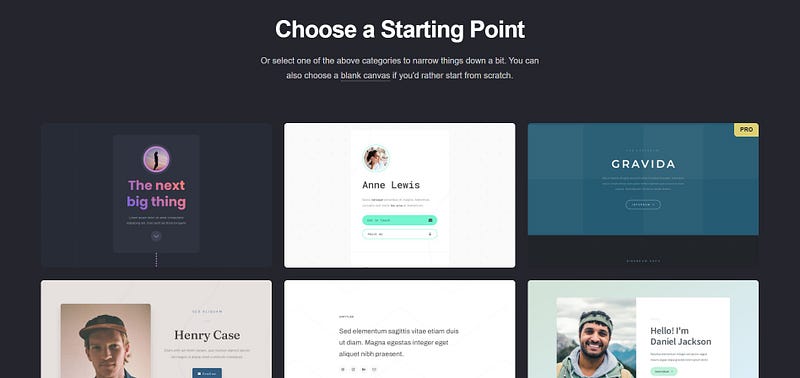
If you want to quickly and easily create a single-page website, you might want to try this. It could be ideal for making a landing page to promote a product or mailing list, for example.
Just select a starting point (a template) and then customise it. An easy-to-use menu lets you add images, text, videos, links and other content. Then you can publish it for free on their .carrd.co domain or pay to link it to a custom domain.
Give it a try at https://carrd.co/
4. What runs
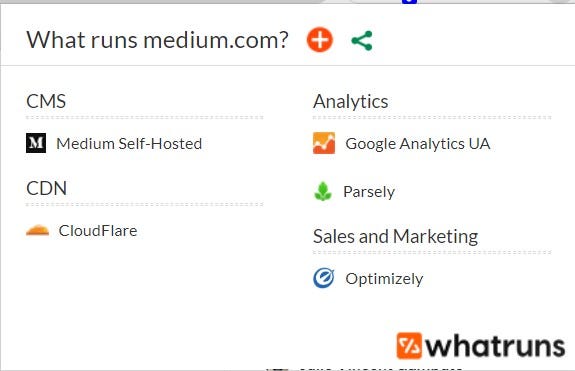
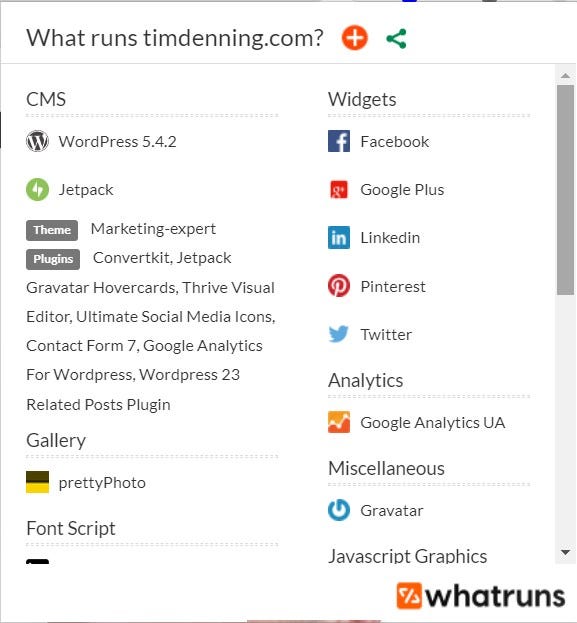
This browser extension enables you to see behind the scenes for any website. For example, you can find out what website platform it runs on, plugins it uses, fonts, etc.
This is what it shows for medium.com:
And this is what it shows for timdenning.com:
Give it a try at https://www.whatruns.com/
5. Coverr
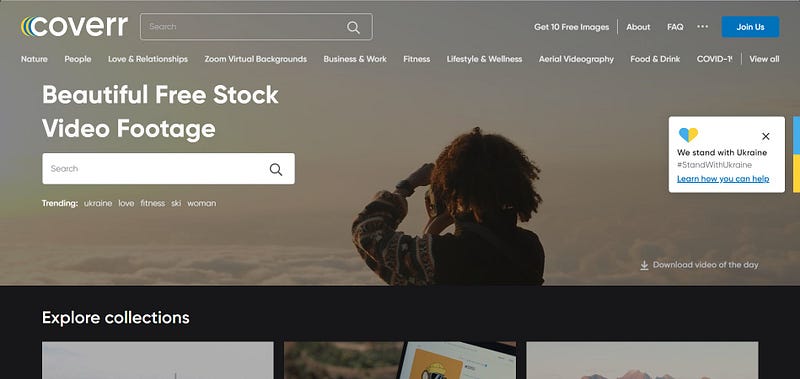
Coverr contains free stock video footage that you can download and use almost however you want. You can even use it in commercial projects. You’re just not allowed to use the video in any way that would compete with Coverr as a business. As they explain in their FAQ section:
“Coverr videos can’t be resold or offered as part of services to which providing videos can help. This applies to stock video sites, website builders, themes providers, mobile apps builders and video editing services.”
Give it a try at https://coverr.co/
6. Flourish
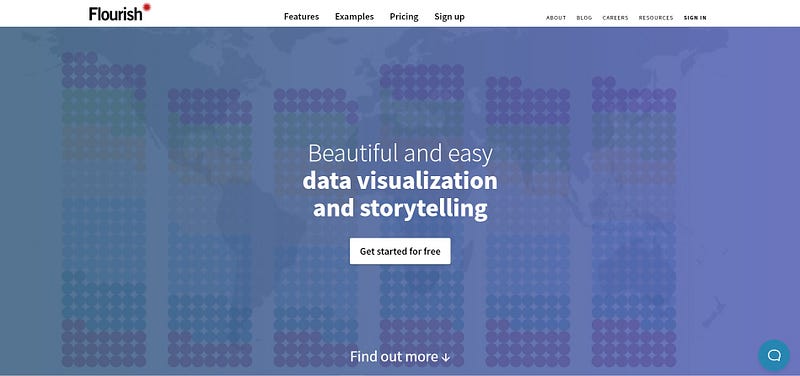
Turn your data into beautiful charts and graphs. You can even create nifty animated bar charts like this:
Flourish has Business and Enterprise plans, but there is also a free version which allows you to:
- Create privately
- Publish or embed with attribution
- Create visualisations and stories
- Mobile and tablet friendly
Give it a try at https://flourish.studio/
7. Untools
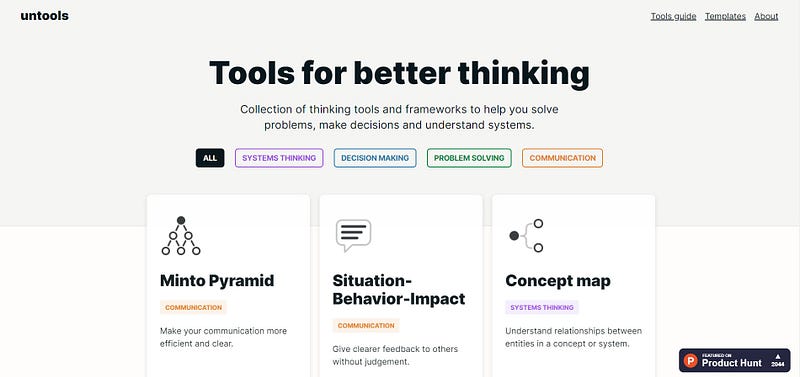
Speaking of charts and graphs, you might want to check out Untools. It contains a “collection of thinking tools and frameworks to help you solve problems, make decisions and understand systems.”
The frameworks are:
- Inversion: Approach a problem from a different point of view.
- Issue trees: Structure and solve problems in a systematic way.
- First principles: Break down complex problems into basic elements and create innovative solutions from there.
- Abstraction laddering: Frame your problem better with different levels of abstraction.
- Productive Thinking model: Solve problems creatively and efficiently.
- Hard choice model: Figure out what kind of a decision you’re making.
- Decision matrix: Choose the best option by considering multiple factors.
- Second-order thinking: Consider the long-term consequences of your decisions.
- Ladder of inference: Avoid jumping to conclusions. Make decisions based on reality.
- Cynefin framework: Make sense of different situations to choose an appropriate response.
- Eisenhower matrix: Prioritize your actions and tasks by importance and urgency.
- Connection circles: Understand relationships and identify feedback loops within systems.
- Iceberg model: Uncover root causes of events by looking at hidden levels of abstractions.
For free, you can view these frameworks along with full explanations of how to use them. But if you want to download them as templates in PDF or Notion format, that costs $18.
Give it a try at https://untools.co/
8. Lumen5

If you want to quickly and easily create videos, you might want to give Lumen5 a try. Powered by AI, all you need to do is enter your text and let the AI do the rest. Here is one I quickly made:
There are paid options, but you can use it for free. The main limitations are that it has a Lumen5 watermark and the video resolution is 720p.
Give it a try at https://lumen5.com/
I based this article on the following video: