
6 Tools Under £15 I’ve Used To Build A Successful Online Business
The “Right tool” Isn’t Always The Cheapest

· 1. Intuit Mailchimp
· 2. Medium
· 3. OneUpApp
· 4. NordVPN
· 5. UKPostBox
· 6. Grammarly
· Final words
Two ingredients are required to increase your odds of building a successful business:
- Productivity
- Efficiency
These are what make daily growth and improvement a possibility.
With better products and services come happy customers, and happy customers are usually returning customers.
Tools play a major role in helping you achieve both ingredients. You can work more efficiently and do the job better with the right ones.
But the “right tool” isn’t always the cheapest.
Sometimes, it makes sense to fork out the investment required to boost efficiency and productivity.
There are six instances where I do this in my online business.
They may not all bring in income directly, but they certainly help me get a lot more done.
Here they are…
1. Intuit Mailchimp
Description: Marketing automation platform and email marketing service Price: £13.15 per month
If there’s anything I’ve learned about content creation is this — people consume content differently.
Even though my Medium blog contains the majority of my long-form content, some people would much prefer to get my thoughts directly to their inbox — others prefer tweets and LinkedIn posts.
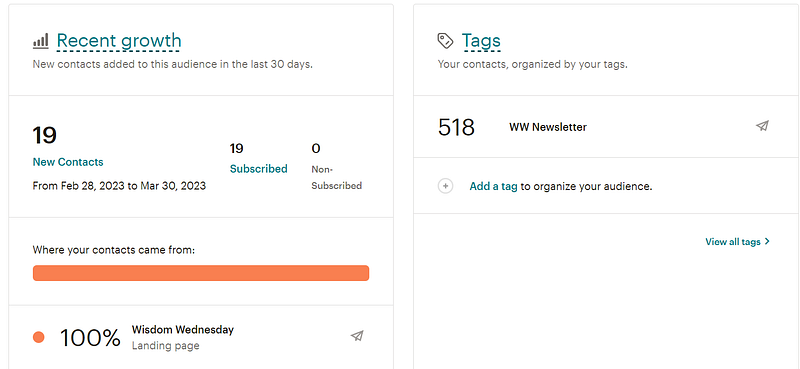
My newsletter, Wisdom Wednesday, is hosted on Inutit Mailchimp, and it's how I communicate directly with my audience in a personalized way.
I initially chose Mailchimp for two simple reasons:
- I wanted something to start with quickly — it’s pretty easy to get the gist of how to use Mailchimp features.
- I knew someone who worked there.
I’ve now passed the limits on the free tier account.
This means I’m now assessing my options for email marketing services.
2. Medium
Description: Online publishing platform Price: £4.04 per month Referral link: https://kurtispykes.medium.com/membership
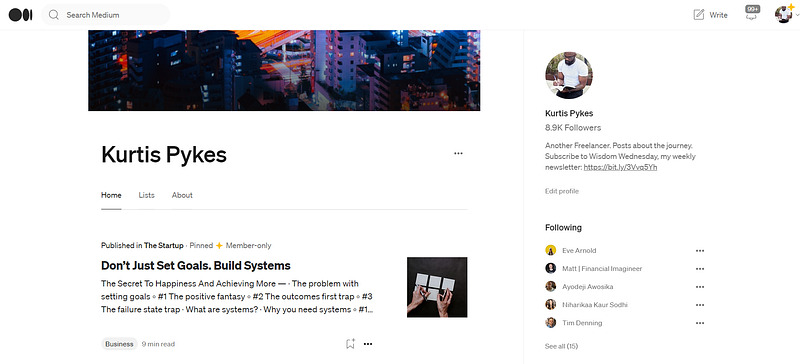
Medium is where I create long-form content.
It started as a place for me to create content on things I was learning about machine learning and data science.
I could have started my own WordPress blog, but I didn’t think it was necessary for me to set it up and generate my traffic for myself.
Medium did much of this heavy lifting on my behalf, and I could earn start earning immediately [at the time] through the Medium partner program — see how I used it to earn $500 in 7 days.
These factors made sense for me to hop on board.
Let me make this disclaimer…
You don’t have to be a paying Medium member to join the partner program.
But the way I see it —
If you’re earning from paying members who subscribe to the platform — this is how people earn from the medium partner program — you should also pay to give back to other writers who provide so much value with the content they create.
3. OneUpApp
Description: Social media scheduling tool Price: £4.85 per month (billed £52.16 annually) Referral link: https://www.oneupapp.io/?via=kurtis
I’m not a social media guy at all!
But I know its power in boosting one's personal brand — that’s the only reason I do it.
Social media scheduling tools take a lot of brain strain away.
It forms the basis of my social media system, which saves me from aimlessly scrolling and checking social media all day.
The way it works is as follows:
- I create long-form content
- Cut the long-form content into a more concise form for my newsletter.
- Cut the newsletter into short-form content — Twitter and Linkedin.
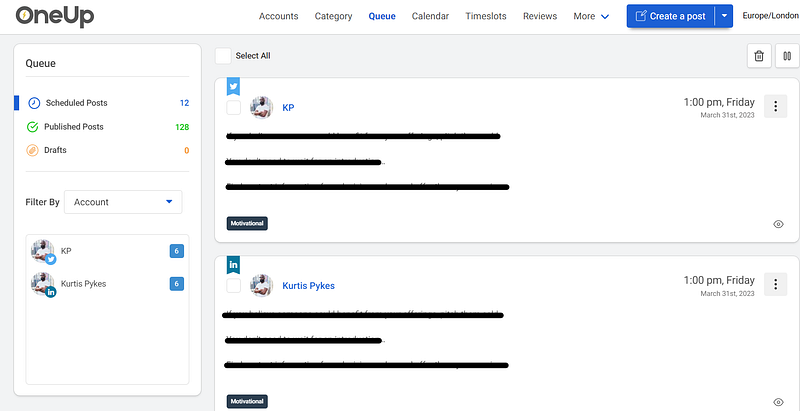
- Batch schedule for each individual post on OneUpApp — I typically batch around 15 — 30 posts every weekend; this is around two weeks' worth of content.
- Log into social media to engage with other creators at publishing time — the max time I spend doing this is around 15 minutes.
This system saves me from the need to generate content ideas every day and the need to log in to social media all the time to see what’s going on — something I find awfully difficult anyways.
4. NordVPN
Description: VPN service Price: £13.09 per month
What’s the point of having all this freedom if I don’t exploit it?
Any opportunity I get to go to another country, I take it — see what I learned from my trip to Bucharest, Romania.
I also work from public workspaces sometimes — though it’s rare since I’ve become accustomed to having multiple screens.
Whenever I’m using public or shared Wi-Fi, I like to be sure my identity is protected and my data is kept private from people on the internet.
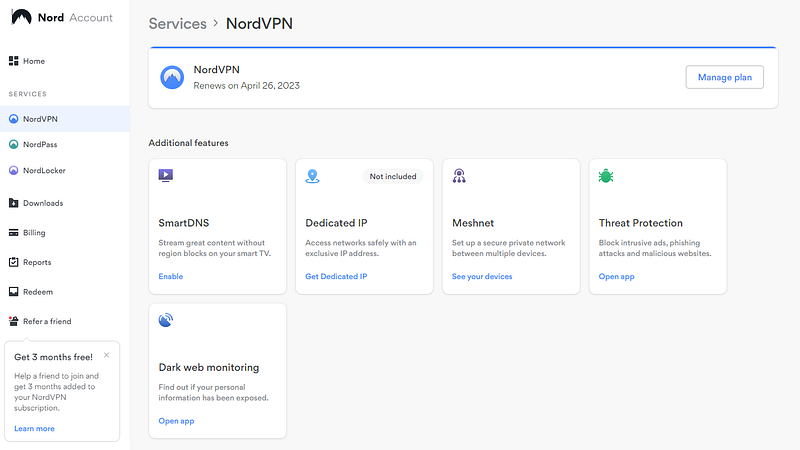
A VPN helps by providing an encrypted server and hiding my IP address from anyone I don’t want to know where I am.
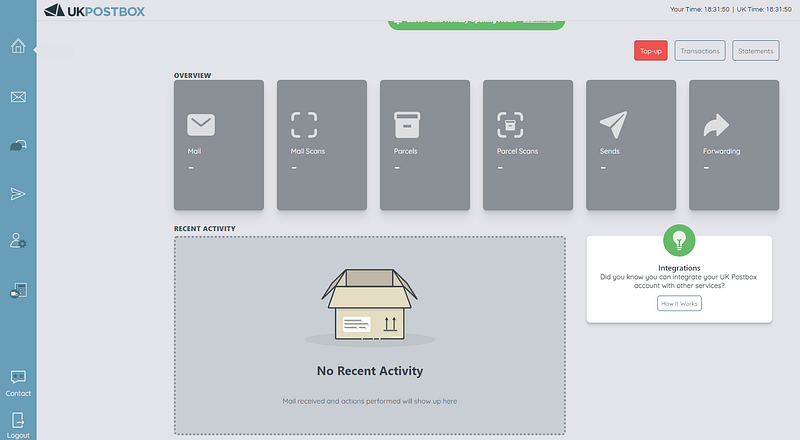
5. UKPostBox
Description: UK Virtual Addresses & Online Mail Management Price: £12 per month [FREE]
Let me be honest…
This could have been tool #8 in Free Tools I’ve Used To Build A Successful Online Business.
I just forgot to add it.
I currently don’t pay for it, but I have plans to in the future — virtual businessman and all *wink wink*.
The reason I use this service is simple —
I want to keep my personal address off the public record, but I still want to provide customers with an address to contact me by mail.
6. Grammarly
Description: Cloud-based typing assistant Price: £9.69 per month (billed £116.31 annually)
If you’ve ever read any of my work and thought, “wow, this guy can write,” you now know how it’s possible.
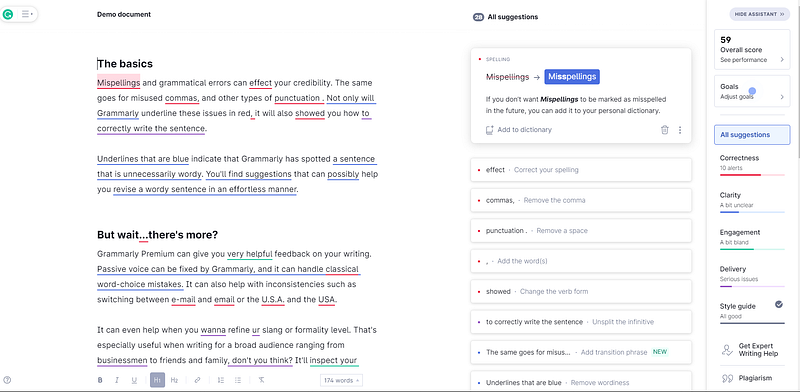
Grammarly flags all potential issues in my writing and makes context-specific suggestions to help with grammar, spelling, and usage among other things.
It especially helps me when I’m writing for clients.
Most are either in the USA or conform to American English standards, which are subtly different from the English I learned growing up in the UK.
I wouldn’t have known this if it weren’t for Grammarly — and a few mistakes I’ve made, but that’s for another day.
I recommend everyone at least use the free version of Grammarly, even if the only writing you do is for emails.
If you do a lot more writing, then I suggest you invest in a premium subscription.
Final words
Tools will make you much more efficient and productive if you select the right one.
The right tool isn’t always the one that’s the cheapest.
You must assess your needs to get a better idea of if a tool is ideal for you.
If you do find one, but it costs to use, see it as an investment with the potential to help you hit your business goals quicker.
Also, try not to become too attached to a tool; If there’s a better way, change.
If you outgrow a tool, as I have for the free plan on Mailchimp, it’s okay to assess other options and switch if it’s in your best interest.
Don’t let familiarity hold you back.
Thanks for reading!
Join 500+ digital freelancers for a weekly dose of wisdom on a Wednesday.
Connect with me:
If you enjoy reading stories like this and wish to support my writing, consider becoming a Medium member. With a $5 a month commitment, you unlock unlimited access to stories on Medium. If you use my sign-up link, I’ll receive a small commission.
Already a member? Subscribe to be notified when I publish.