
COMMUNICATION
5 Ideas to Help You Deliver Better Presentations
#3 Let your audience participate

Almost half a billion people use PowerPoint to create more than 30 million presentations a day. Yet, most of these presentations are forgotten within minutes. Listeners remember only 50% of the content after 10-minutes and just 10% after a week.
A presentation is an opportunity to transfer an idea from your mind to the minds of your audience and change the world, just a tiny bit for the better.
“… if you believe that the idea has the potential to brighten up someone else’s day or change someone else’s perspective for the better or inspire someone to do something differently, then you have the core ingredient to a truly great talk, one that can be a gift to them and to all of us“
— Chris Andrerson
There are millions of articles on designing better PowerPoint slides, but we need to understand that the idea we want to share is the real presentation and the slides are simply our visual aid.
We need to take our audience on a journey with us, directing their attention with our slides and bringing them along for a ride by getting them to participate. We don’t need to show Dilbert cartoons, nor tell funny jokes. Our passion for our message should shine through our words and visuals.
Here are 5 simple ideas which have worked for me for both live and virtual presentations:
1. Use Text Animation
We have been told animations are distracting, and transitions are even worse. It is a good suggestion for kids going overboard with chequerboards and spinners but used correctly, animations create engagement by chunking information and guiding the viewers' attention.
It is hard for people to read from the screen and listen to you simultaneously. As humans, our visual cortex is dominant, and the reading grabs our attention, diminishing our auditory capacity.
To navigate around this problem, you need to display text in chunks and synchronize with your speaking. Every new chunk should take only a fraction of a second to read, so people can quickly drive their attention back to your voice. Also, dimming the existing bullets as you present the next one help direct focus.
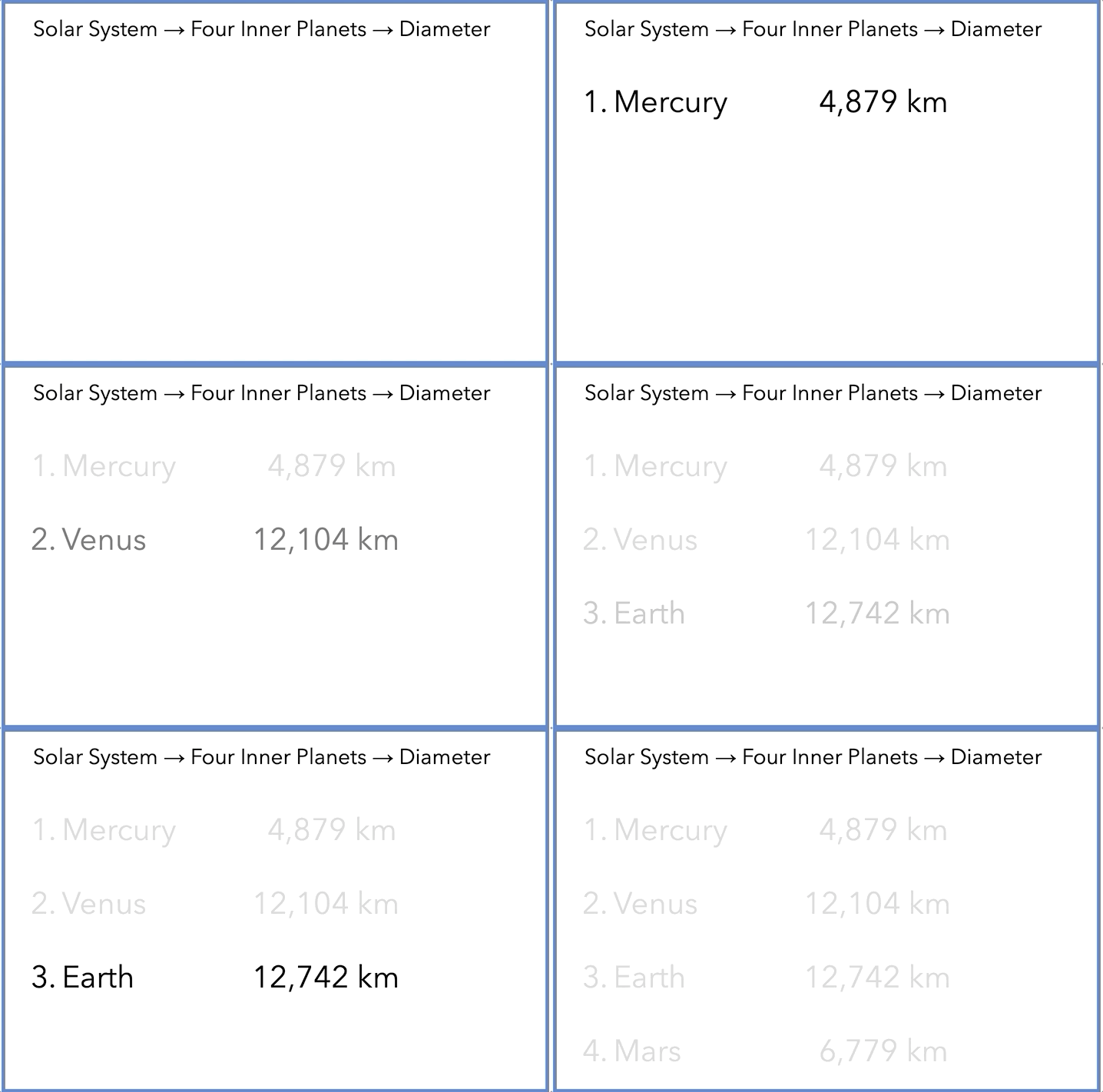
Here are the steps to achieve the effect:
2. Highlight Important Data
We often substantiate our explanation with data, but a chart on the screen takes time to comprehend. As your audience struggles to decipher the information and make sense of it, they stop paying attention to you. Also, the cognitive overload reduces engagement and people go off to day-dream-land.
Highlighting the data points necessary for your argument reduces cognitive load. You can change the colours of the bars you want to point out or extend a pie slice to emphasise your point.
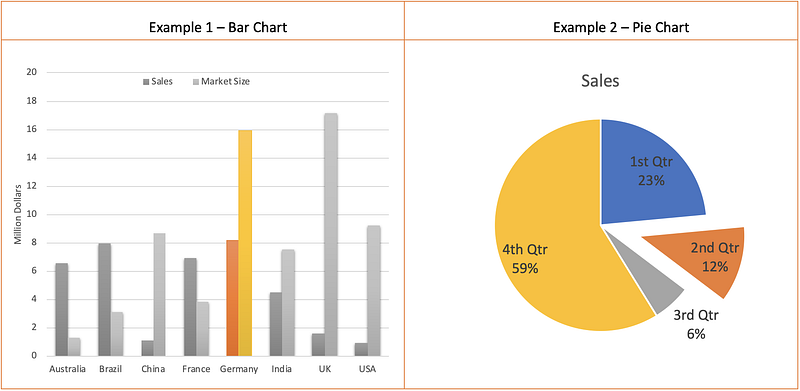
Here are steps to highlight columns in a graph:
For pie charts, you can pull out a slice using the following steps:
3. Let the Audience Draw the Conclusions
A presentation is a change agent. You are either changing the knowledge level of the audience or changing their beliefs or turning around their thoughts.
The best presentation is one which takes people on a journey where people are looking forward to the destination.
Instead of acting like a ringmaster directing the audience, you can gently guide them to come along with you. As you present your information, pause before you spell out the moral of the story and let your audience make a guess. The information you present should make the conclusion obvious.
Here is a slide questioning the habitability of Venus by comparing it with Earth:
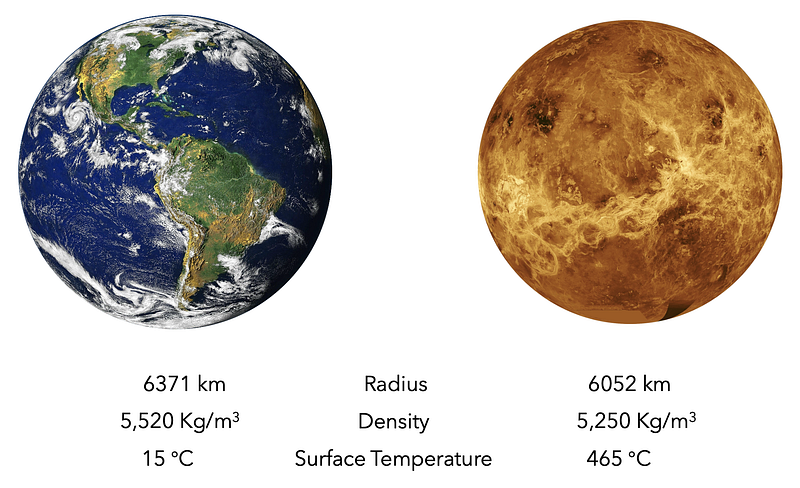
You can spell out that the surface temperature of Venus is too high for life to survive, or you can pause and let the audience conclude the same. You can even ask someone from the audience to answer.
We are primed to feel good when we get an answer right. We walk away with a warm and fuzzy feeling which triggers us to admire the presenter and remember the conclusion.
4. Let Your Audience Participate
Asking questions is a simple way to garner audience participation, but you will quickly realize that only a handful of people who will engage with you.
School has made us all uncomfortable in raising our hands unless we are 120% sure of our answer. Asking questions isn’t important; answering to the teacher’s correctly, is survival.
We need a better way to engage our audience to play with us. Thankfully, there are some simple tools to do just that.
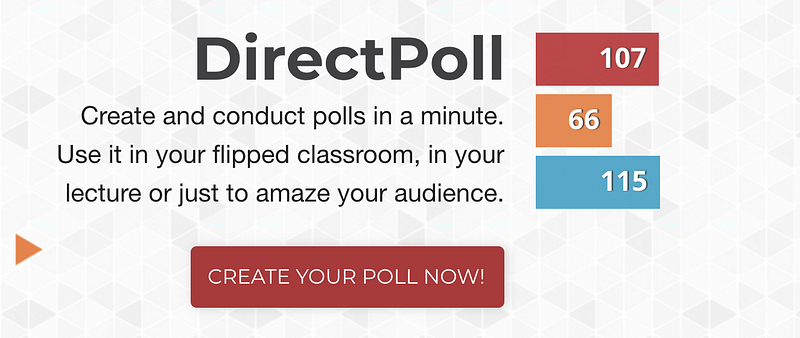
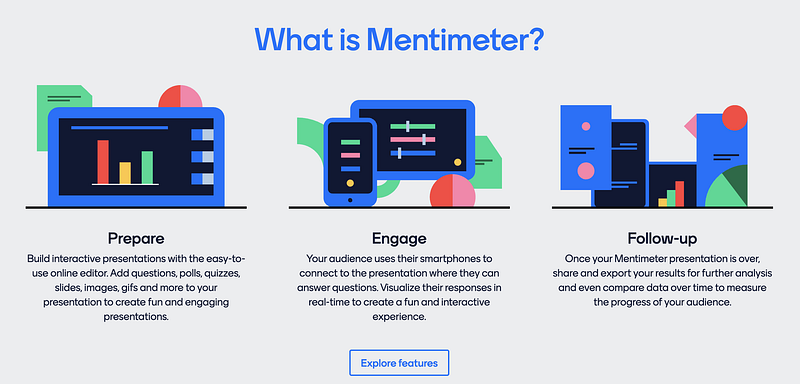
You can try voting tools such as Mentimeter or Directpoll. Creating a poll takes just a few minutes. During the presentation, your audience can use their smartphones or laptops to vote. You can show cool graphs on the screen and continue with your presentation with amped-up audience attention.
5. Finish With a Call to Action
The purpose of a presentation is to bring about change. Even if the presentation is for knowledge sharing, you have left the audience with more information in their mind than they came in with.
Your Powerpoint is not a presentation of data. It is a story, a story designed to change minds. If I can’t figure out what your point is, you’ve merely given me data. Send that in a memo instead, please.
— Seth Godin
Spend the last few minutes summarising your story and presenting a call to action. You could ask people to make a decision, accept your proposal, buy your product, understand the plight of the needy, support your cause or any of the numerous changes you are passionately presenting today.
Final Thoughts
A presentation is an opportunity to bring your audience into your world and help them see the world through your eyes. Let your passion be contagious and infect everyone who joins you virtually or in person.