
4 Cool Tricks For Medium ‘Newbies’
Impressive Magic To Make Your Articles Stand Out
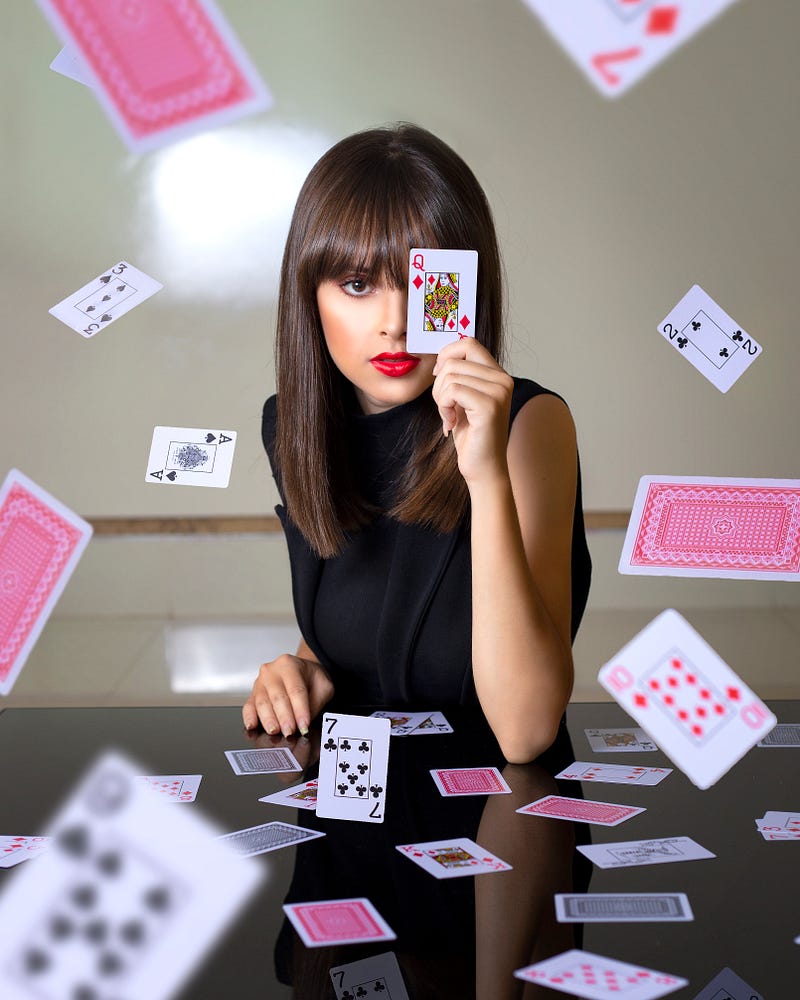
Abra Cadabra!
New writers quickly learn that it’s not enough to have magical writing. You have to throw in some visual ‘hocus pocus’, if you want to keep your reader’s attention.
Here are a few cool tricks that you only learn after you’ve been writing on Medium for awhile:
1. Bibbidi-Bobbidi-Boo! -Awesome Photo Collages
If you’ve posted an article on Medium, you probably already know how to upload a picture.
But do you know how to post multiple photos at once?
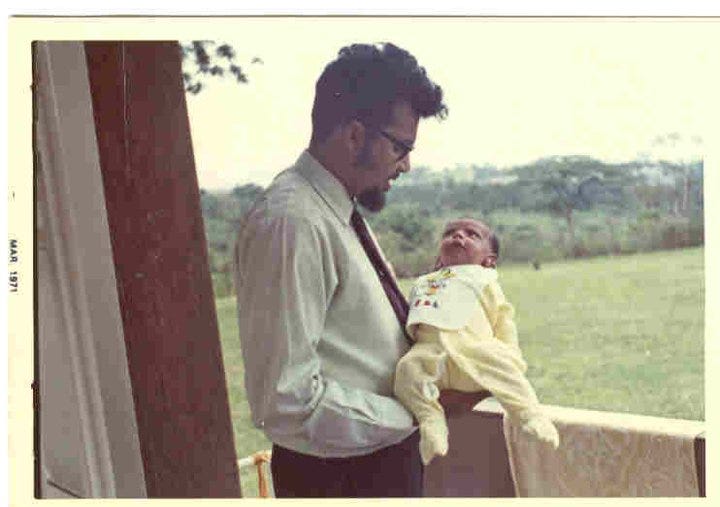
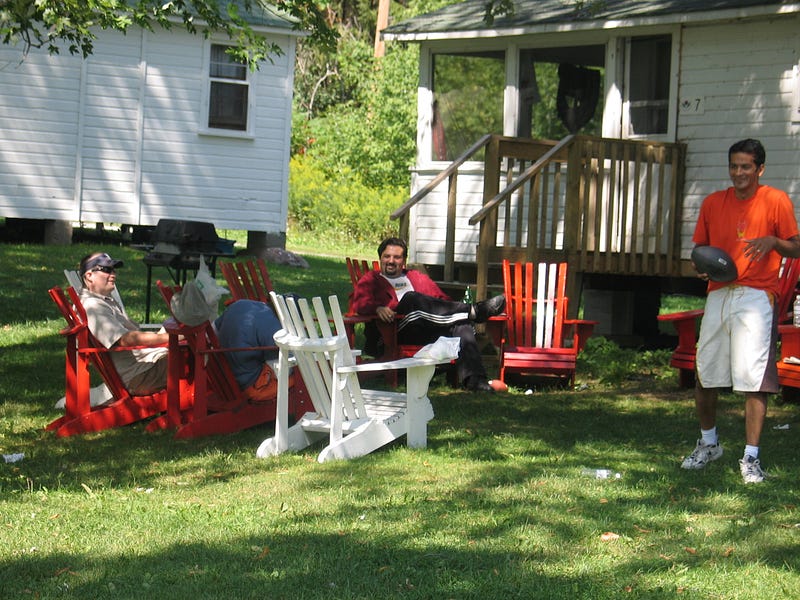
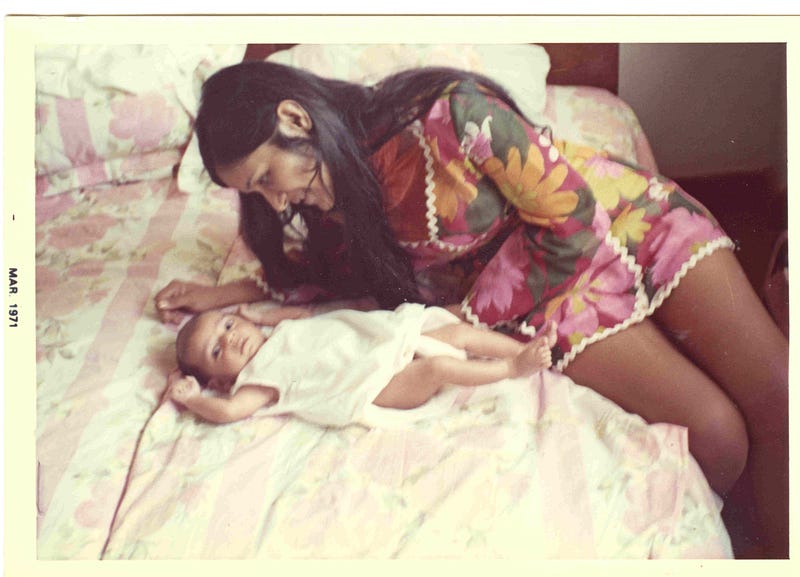
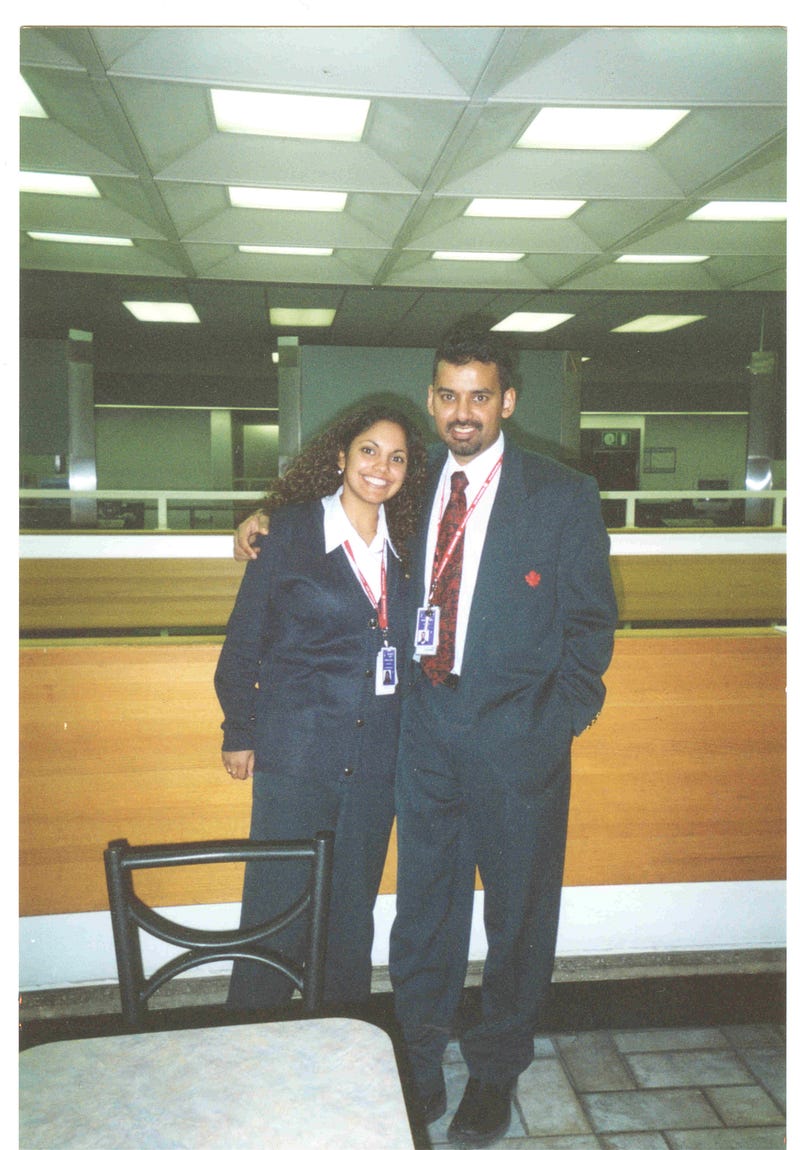
Rather than just posting one photo at a time, Medium allows you to post multiple photos in one shot. It will even auto arrange them for you to create an eye-catching collage. Below are a few photos from other articles I’ve written, all uploaded to Medium in one go. To do this, simply hold down the CTRL button on your keyboard when you are uploading your photos, and you will be able to select more than one picture to upload.
2. Sim-Sala Bim !— Super Professional Paragraph Openings
Simple but effective, a stylized letter at the opening of your paragraphs can give your article a more journalistic feel when used appropriately.
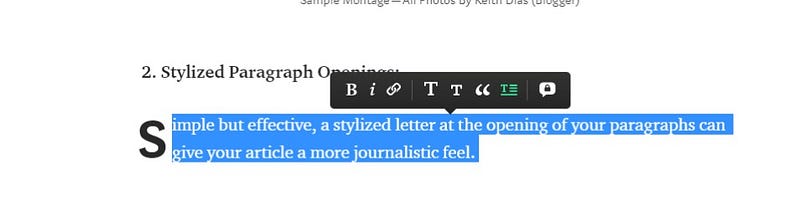
To do this, like in the screenshot here, you simply highlight your entire paragraph, and select the paragraph icon.
3. Presto Change-O!- Individual Photo Layout Quick Change
You can enlarge your photo, center it, or move it to the side of your text by simply clicking on it once, and following the prompt in the pop-up box.
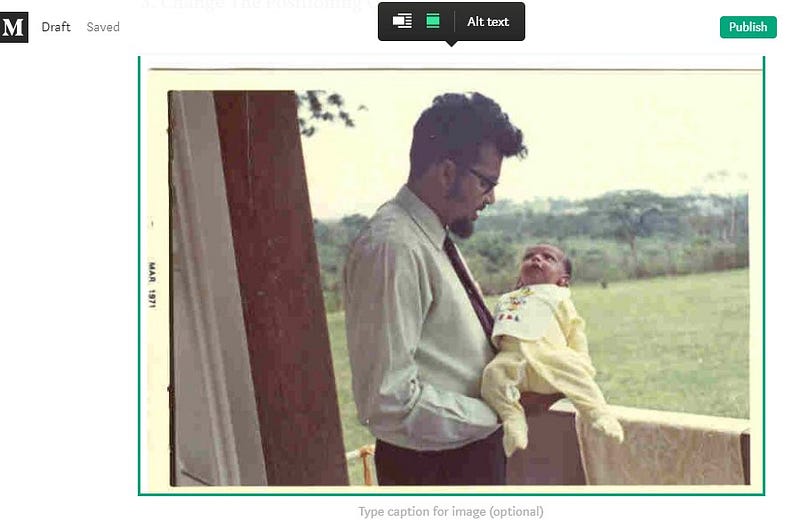
When you see the pop-up, like displayed in this screenshot, all you do is click on the type of photo layout you want, and the effect is automatic. For higher definition photos, you will get up to 4 photo layout choices.
4. AlaKazam! — Add Some Nifty Emoji’s
🚗 🏠 🐧 🍑 Do you want to add a colorful characters to your sentence? It’s so simple. All you have to do is type the colon symbol and then experiment with the letters of the alphabet to pick an appropriate emoji.
For example, “:thumbsup” would equal 👍 OR “:lips” would equal 👄 OR : “tired_face” would equal 😫
There are TONS more of these emoji’s. Try them out. They’re pretty nifty.
Open Sesame!
I didn’t know about these tricks when I first started on Medium, and after some investigation and experimentation, I have been using them in my writing:
- Collages
- Opening Paragraph Letter Enlargements
- Picture Layout Changes
- Emojis
Hopefully, if you’re a newbie to this platform, I’ve saved you a little bit of research and development time, and have opened up some of the secret Medium doors to help you create some visual magic in your articles!
More from this author:


