
10 Different Ways To Find the Perfect Image for Your Story
Hint: You need to look beyond Unsplash
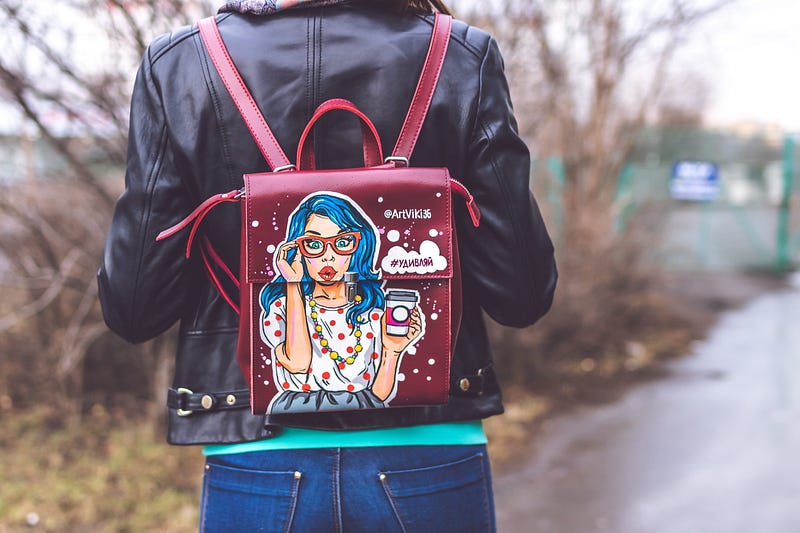
Unsplash is a fantastic website for finding gorgeous photos. Medium even has a built-in tool for adding them to your article. It’s convenient, it adds the captions automatically, perhaps, most importantly, when you use Unsplash images, you know you aren’t breaking any copyright laws.
But, there is a downside. The ease with which we can use Unsplash images in our articles makes them immensely popular on this platform.
Your story is unique and special. But nobody will know this if they don’t click on it because they are tired of seeing your overused image.
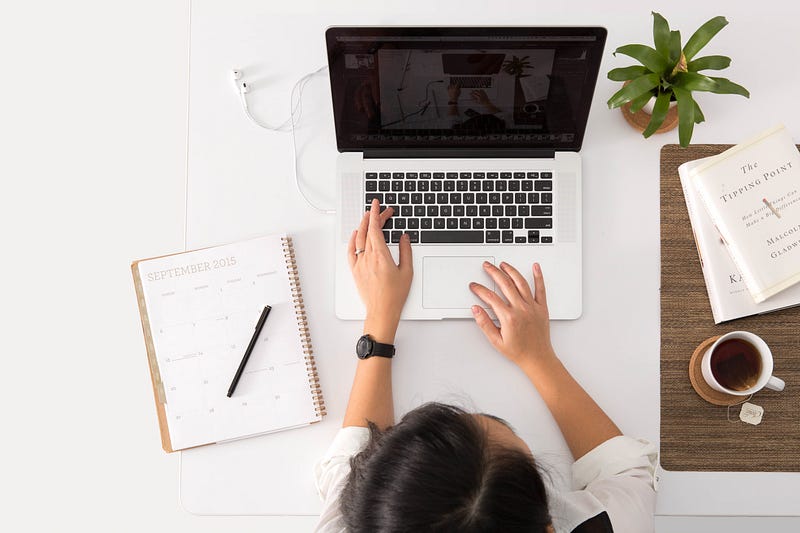
Like this one below, we’ve seen this one a lot on Medium.
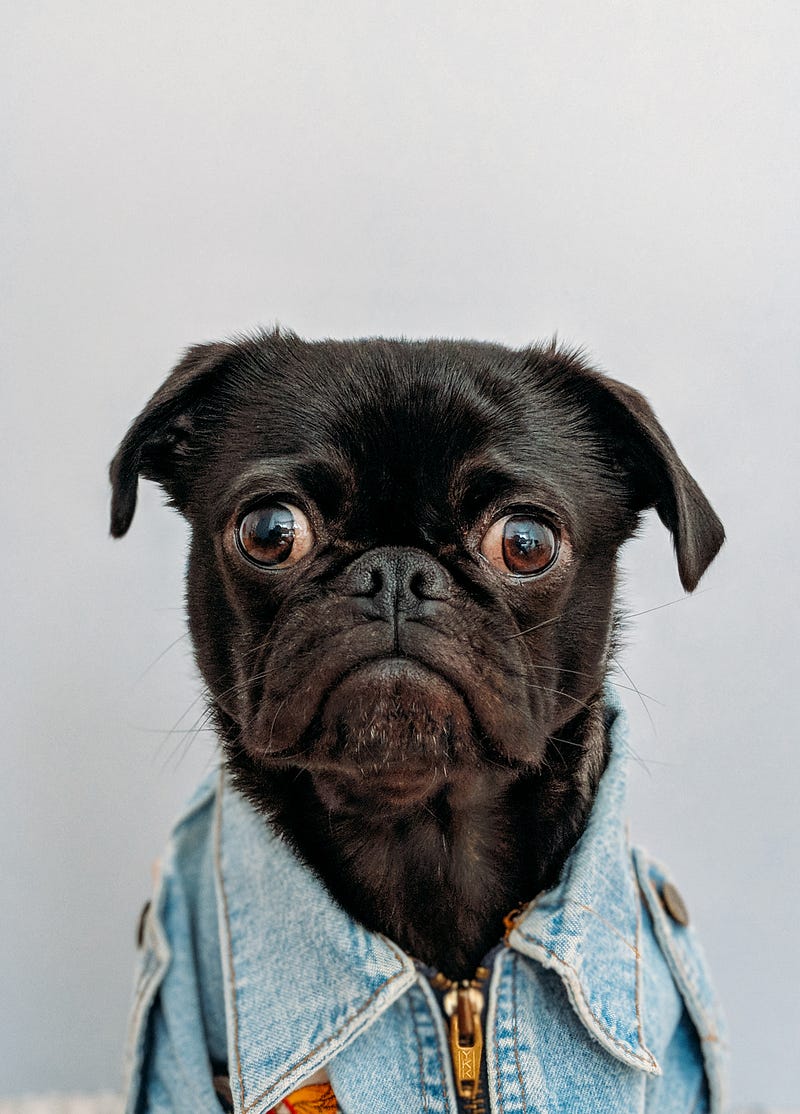
Or this pug. How many times have you seen this pug? Don’t get me wrong. I love this pug. I have nothing against pugs. I have two of them snoring loudly at my feet as I write this. But this image has been used so much, it’s time we retire it.
New writers are the biggest culprits. I know because I was one of them. When I first started writing here, it was all new to me. I used plenty of pics you see splashed all over Medium without thinking twice.
Since my early days, I’ve realized the image is every bit as important in getting someone to click on your story as your headline and subtitle.
Here are some of the ways I look for awesome photos that are copyright-free.
1. Other stock photo sites
Unsplash is not the only free stock photo site. Pisquels and Pxfuel are two that, although they have stock photos, you will have a better chance of finding images that aren’t currently showing up on thousands of Medium articles.
These sites are a little different than Unsplash as they don’t require attribution or even give you the information to attribute it to anyone.
2. Make your own images
You can use Canva to edit royalty-free images and turn them into something unique. Try adding text or making a collage. I don’t do this often because designing is not my strong point. I tend to spend way too much time on something that turns out fairly mediocre.
But if you have a talent for designing images, give it a try. Canva has a free option if you don’t want to pay for their Pro version.
3. Use your own photos
Just as I’m not a designer, I’m not a photographer either. But occasionally, I do get a good shot from my iPhone. You can always use your own images on your articles. Just be sure to attribute them with something like “image by author” so that Medium knows you have the copyrights to your picture.
4. Wikimedia Commons
Wikimedia Commons is a treasure trove of wonderful photos in the public domain. Some of them are also terrible. You may have to do some digging to find a good one. But it has a wide variety.
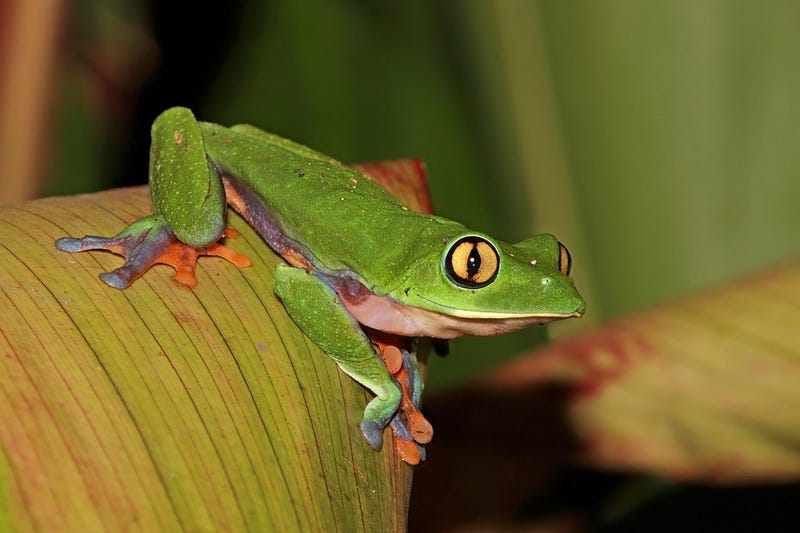
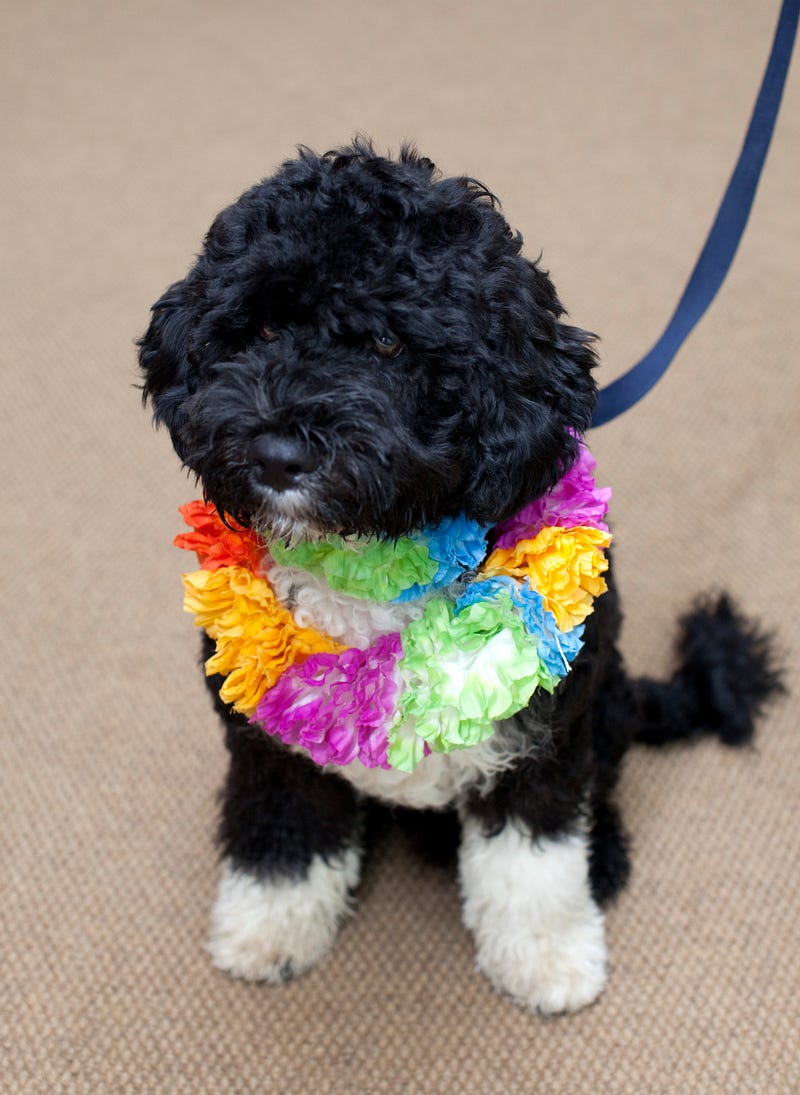
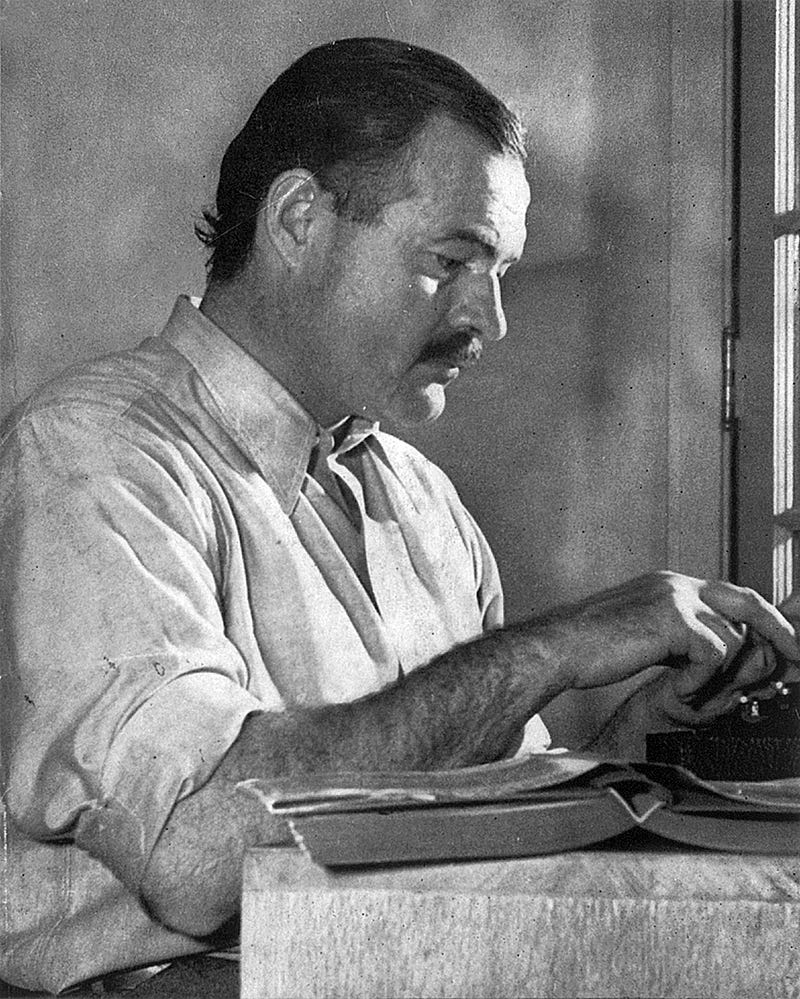
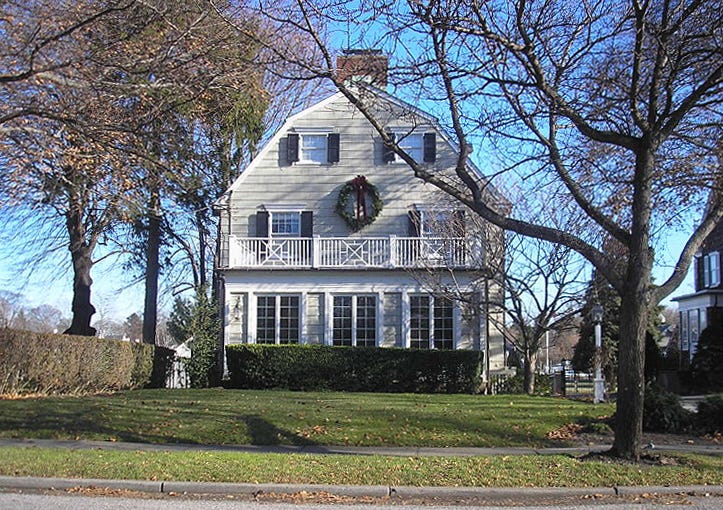
Do you need a pic of a golden-eyed tree frog? Here you go. How about a famous haunted house? Check. Or Hemingway? Of course. How about the former first dog, Bo Obama wearing a colorful lei? You’re in luck. Wikimedia has it.
Be sure to check the requirements for attribution for your photo and add the necessary citations when you post.
5. Unsplash
I know I told you to avoid Unsplash. But it’s a great site and can be used if you do it wisely. Don’t pick the first image that you see. Or the first dozen. Keep scrolling and when you find something you like, click on it and look at how many downloads it already has. It will show you this in the bottom left corner. If it has tens of thousands of downloads, you have found a well-used image.
Another way to test how many Medium articles include the image is to right-click on any image. Choose “search Google for image.” This will bring up articles where the image is featured.
6. Pixabay
Proceed with caution on Pixabay. It is similar to Unsplash and is used often by Medium writers. But you can follow the right-click trick above for finding unique photos here.
7. A Google search
Go to Google. Search for your image, such as “woman drinking coffee.” Go to the “images” category. Click “tools.” Choose “usage rights” and select “Creative Commons licenses.” You will find images from the usual stock photo sites, but they won’t be the first ones everyone sees when they search that site.
8. Flickr
Flickr is another site to check out. Not every image on Flickr is copyright-free, so be sure to check the photo license and make the proper attributions. You can search photos by license type to make it easier.
9. U.S. Library of Congress
The Library of Congress has a collection of images that are in the public domain. The website states, “This page features items from the Library’s digital collections that are free to use and reuse. The Library believes that this content is either in the public domain, has no known copyright, or has been cleared by the copyright owner for public use.”
The categories of collections include diverse topics like families, lighthouses, ice cream, and horses.
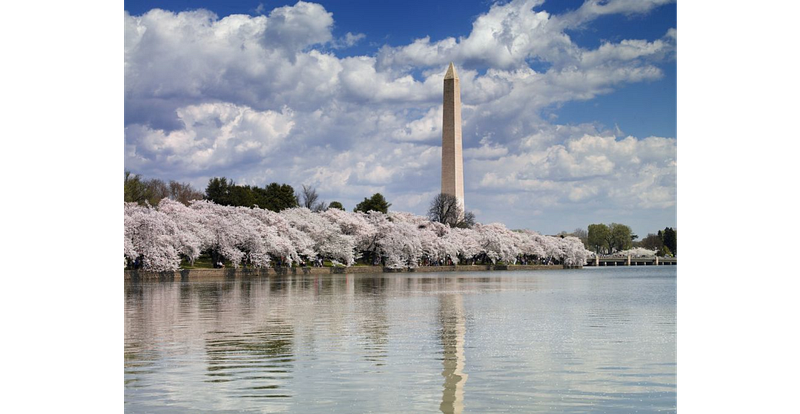
For example, here is a stunning photo of the National Monument during cherry blossom season.
10. Pay for images
Another option is to pay for stock photos. Sites like Deposit Photos, Shutterstock, and Getty often have monthly pricing options where you get a discount for buying in bulk.
Ever since Unsplash was acquired by Getty Images, the first few rows of images they offer when you search are for sale by Getty’s iStock. A quick check showed me that ten images from iStock’s “essential” collection would cost $40.
So before you slap that Unsplash image of a pug wearing a denim vest on your article, do a little research and find an image off the beaten path.


.jpg)


