
EVERYTHING YOU NEED TO KNOW ABOUT PROGRAMMING FOR APPLE’S NEW VISION OS
Your Guide to Apple’s Vision OS: A New Frontier in Spatial Computing
Unveiling the Infinite Potential of Apple’s New Vision OS
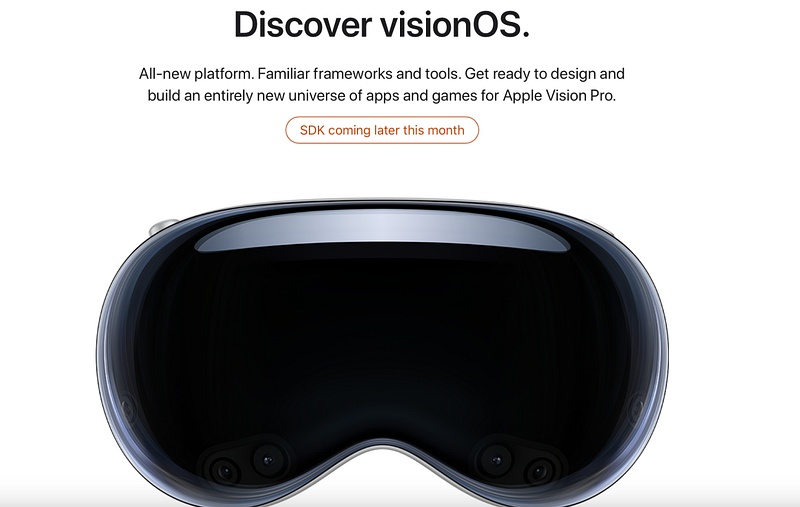
Recently, Apple took to its developer page and put up detailed learning content and videos for MR device developers with an SDK that will be in place this month: Apple Vision Pro provides an infinite 3D space for a new interactive and immersive experience. You can build multiple windows, add 3D content, or transform into a fully immersive scene. Your app can be displayed side-by-side in a shared space or exclusively in a separate full space. Vision Pro uses frameworks such as SwiftUI, RealityKit and ARKit to extend spatial computing and help developers create deep, engaging apps. It also has a particular focus on accessibility design, making it comfortable for all users to interact with. You can develop Vision Pro apps using tools such as Xcode, Reality Composer Pro and Unity. Apple will soon release the VisionOS SDK and associated tools and documentation to provide developers with comprehensive technical support.
Specifically, Apple has opened up a large number of well-produced videos, such as this:
The course covers all aspects of MR development, including Understanding Spatial Computing. Explore the basic elements that make up spatial computing — windows, volumes and spaces — and learn how you can use these elements to build engaging and immersive experiences. We’ll introduce you to the frameworks used to create visionOS apps and show you how to design for depth, scale and immersion. Discover how to use Apple tools such as Xcode and the new Reality Composer Pro, and how to make spatial computing apps that are friendly to everyone.
Unleashing Spatial Computing
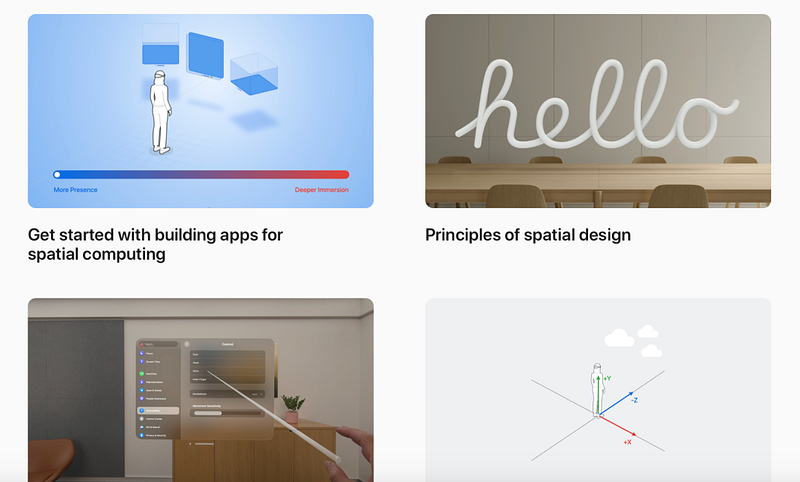
Vision OS provides an infinite 3D space for creating new interactive and immersive experiences. Developers can build multiple windows, add 3D content, or transform into a fully immersive scene. The platform uses SwiftUI, RealityKit, and ARKit to extend spatial computing, helping developers create deep, engaging apps. Vision OS also emphasizes accessibility design, ensuring comfort and ease of interaction for all users.
Diving into SwiftUI and RealityKit
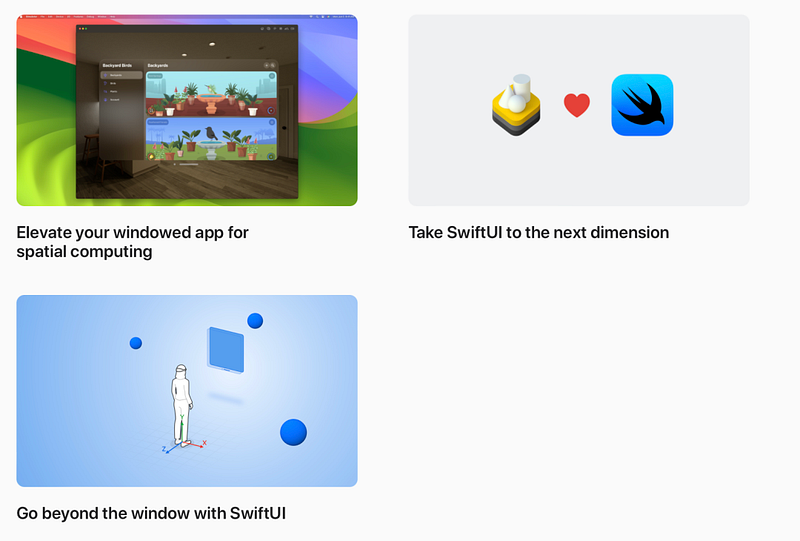
To get the most out of Vision OS, developers will need to dive into SwiftUI and RealityKit. These tools allow developers to build great experiences within the spatial computing elements of Vision OS: windows, volumes, and spaces. From understanding the Model 3D API to rendering 3D content using RealityView, these in-depth courses will prepare developers to create immersive experiences.
Rediscovering ARKit in VisionOS
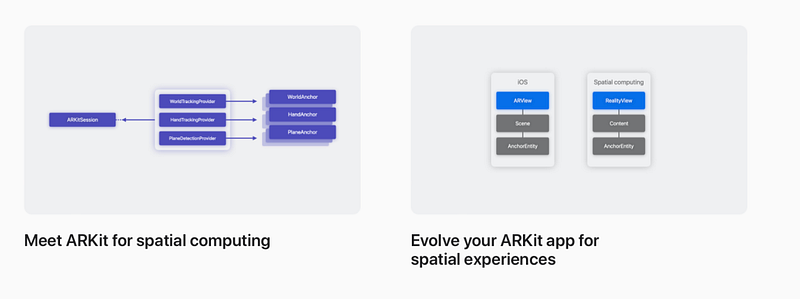
ARKit, Apple’s augmented reality platform, has been redesigned for Vision OS. ARKit now handles persistence, world mapping, segmentation, keying, and ambient lighting, among other features. The platform allows apps and games to automatically benefit from ARKit in a shared space, blending virtual content with the real world while maintaining user privacy.
Designing for VisionOS
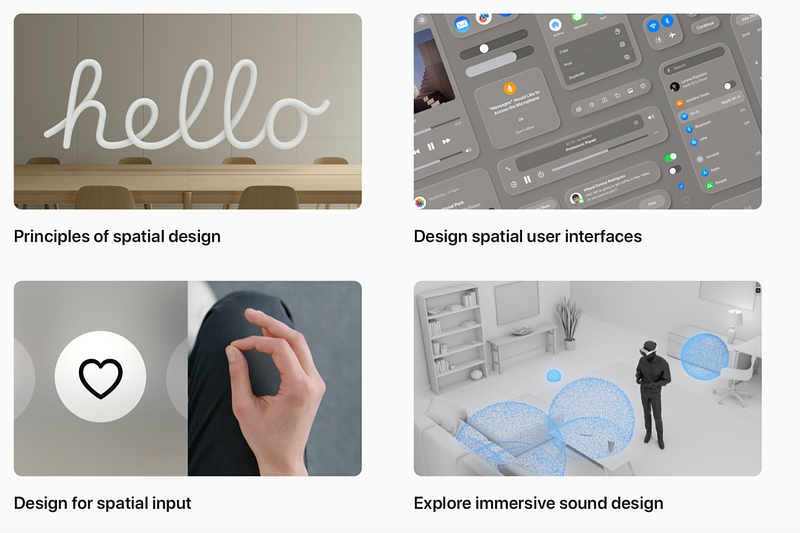
Designing apps, games, and experiences for spatial computing in Vision OS requires understanding new inputs and components. Developers will learn to create spatial audio landscapes, design human-centered UI, and find opportunities for collaboration and connection. The goal is to help users stay aware of their surroundings while exploring entirely new worlds.
Meet Reality Composer Pro
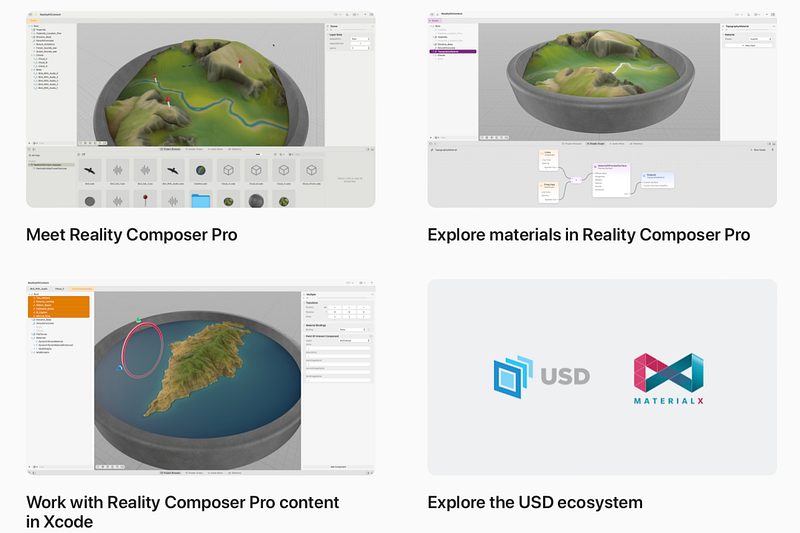
Reality Composer Pro is a new tool for previewing and preparing 3D content for Vision OS apps. Available later this month, Reality Composer Pro leverages the power of USD to combine, edit, and preview 3D assets. Developers will learn how to use this tool to create immersive content, add materials to objects, and activate Reality Composer Pro content in Xcode.
Getting Started with Unity
VisionOS experiences can be built directly in Unity. Unity developers can use their existing 3D scenes and assets to build apps or games for Vision OS, thanks to the deep integration between Unity and Apple frameworks. Unity offers all the benefits of building for the Apple platform, including access to native input and passthrough.
Building Gaming and Media Experiences
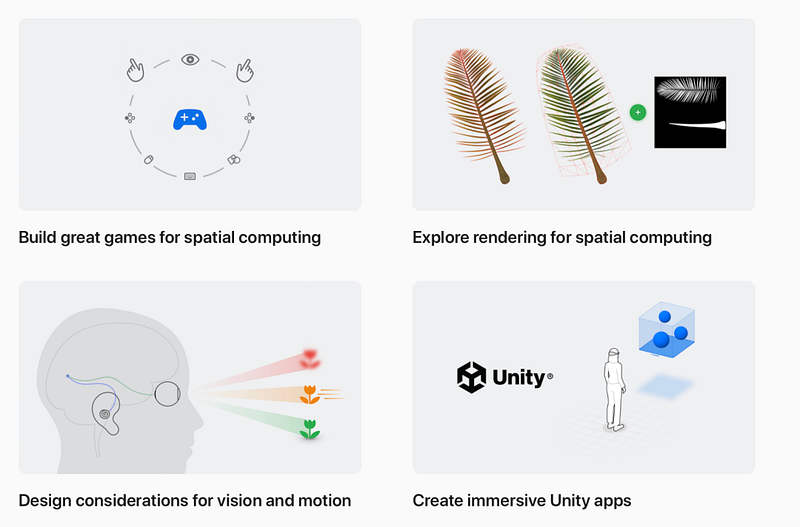
VisionOS provides a platform for creating immersive moments in games and media experiences. Developers will learn how to use RealityKit to render 3D content, explore design considerations for visuals and motion, and how to use Metal or Unity to create fully immersive experiences.
Building Collaborative, Sharing, and Productivity Applications
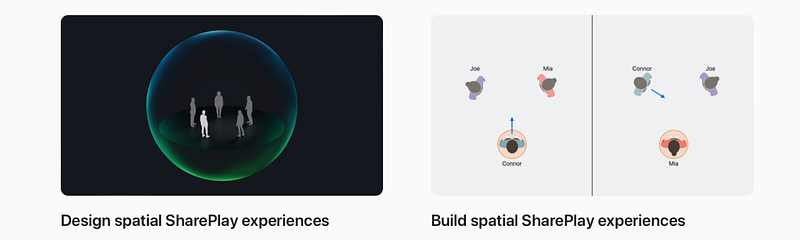
Sharing and collaboration are integral to Vision OS, making users feel as if they are in the same space. Developers will learn how to design and build for SharePlay on Apple Vision Pro, creating the next generation of collaborative experiences.
Building Web Experiences
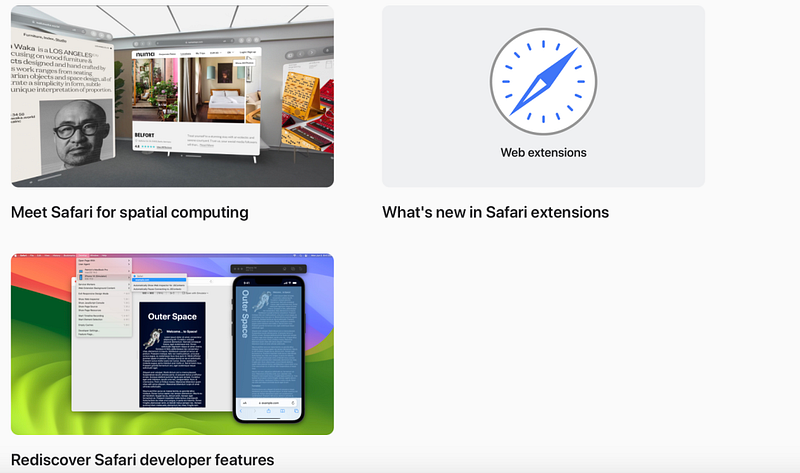
Web content can be experienced in a whole new way with Vision OS. Developers will learn how to optimise their site for spatial computing, understand the input model for this platform, and use Safari’s developer features to prototype and test their experiences.
Running iPad and iPhone Apps in Vision OS
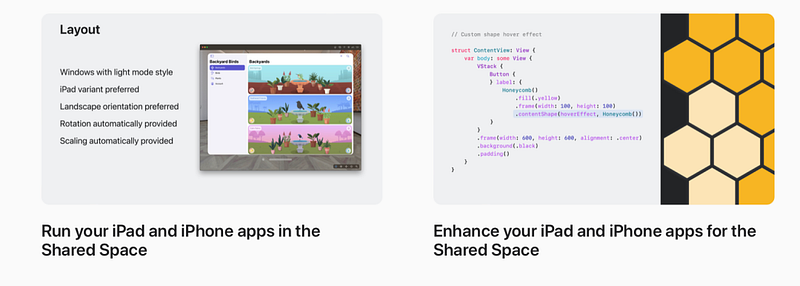
Existing iPadOS and iOS apps can be run in Vision OS. Developers will learn about framework dependencies and the interaction of Designed for iPad apps. They will also learn how to optimise the shared space experience for iPad and iPhone apps and improve visual processing.
Conclusion: Embracing the Future with Vision OS
Vision OS represents a significant leap in the realm of MR device development, redefining the boundaries of spatial computing. With its focus on immersive experiences, enhanced collaboration, and accessibility, Apple’s new platform promises to revolutionize the way we interact with the digital world. As developers, it’s time to delve into this exciting new frontier, harness the power of Vision OS, and create apps that are not only engaging but also truly transformative. So let’s gear up, explore the vast resources Apple has to offer, and start building the future of mixed reality today.


