
You Faithfully Write Every Day, But Do You Do Backups?
The worst thing in the world is to lose all your work on the computer
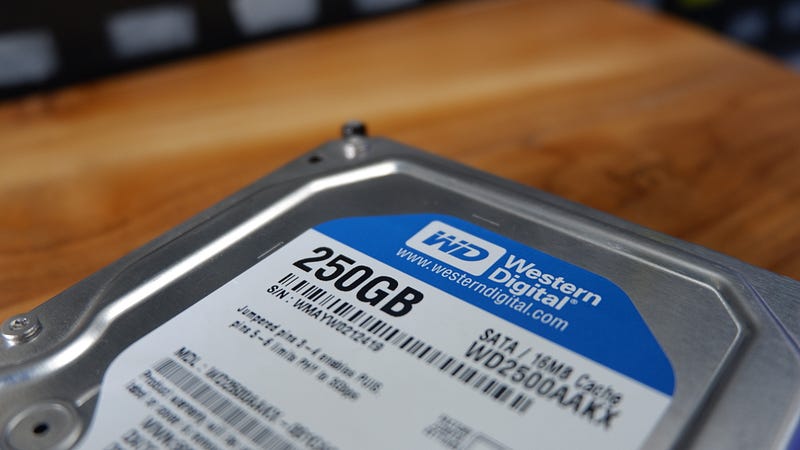
You probably use your computer each day to write your stories and articles for different platforms and purposes. After a while, you have or will have quite a portfolio of documents. Then one day your computer won’t start or the hard disk reports errors.
You just lost all the hard work you put in over time. You may think that you were only going to use the stories once and that was it. But in today’s world, the name of the game is repurposing or republishing.
Medium’s Editor
I have read Medium stories and have seen on YouTube that writers love to just use the Medium Editor when they write. That is fine, but that just puts the words on one platform. There is no backup for all your words of wisdom.
If anything, when you use the Editor and are finished with your story, use the keys CTL-A to highlight the entire story and then use CTL-C to copy the selection. Have an MS Word document or a Google docs page open and paste it into the document using CRTL-V. Save the document and you have a simple backup for Medium articles.
Better yet, first write in Google Docs or MS Word and paste the words into the Medium Editor. Now you already have a backup on your hard drive.
Using hardware
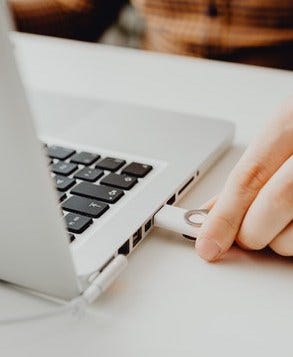
Most of us know about flash drives or thumb drives as they are also called. This is a quick way to back up the files of your computer documents. Set up directories to hold your files on the hard drive.
Start a directory named “Medium Documents” and then create sub-directories by year so you can easily find writings by year. If using Windows Explorer search, start on the main directory (Medium Documents), type in your search criteria and it will look through all the subdirectories.
Plug in the flash drive into a USB port. Right-click the main directory of Medium Documents and choose copy. Click on the flash drive and move to the directory of the same name and do CTL-V or right-click and choose paste.
Cloud Storage
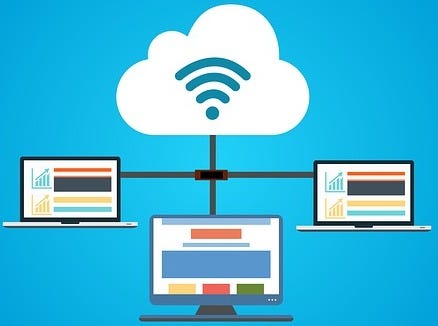
If you are using Google Docs you are working online and the documents are saved in the “cloud.” This is okay as the files are not on your computer. But what if Google suspends your account or you lose your login some way?
You would use the same logic I outlined in the previous section. Have your documents in a Medium Documents directory on Google Drive and copy this directory. But instead of using the USB flash drive, create a directory on your computer’s hard drive and paste it there.
As a double safety, copy these files to a USB flash drive.
Never a bad thing to do
As I mentioned before, you may think an old article will never be used again so you are not doing backups. I think that’s a mistake as you can reuse the documents on other platforms.
The most common reason for not backing up documents (or other files on your computer) is that you just don’t think about it. You really should make an effort to do the backups. You won’t regret it.
Click the link below if you would like to join Medium as a member for just $5 a month. I receive a small portion that does not affect the fee to you.


