
Write and Blog Like a Nerd With These Terminal Apps
Building a distraction-free writing workflow
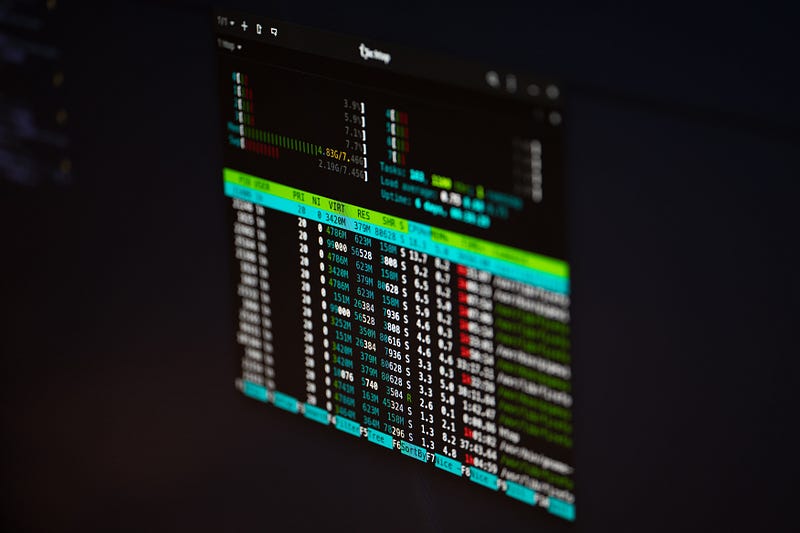
For the last several months, I’ve found myself writing almost exclusively in my laptop’s terminal environment. And to be honest, I now can’t imagine myself ever working any other way. It’s not that I have some aversion to GUIs, but more often than not, I find terminal apps more intuitive and to my liking.
For starters, I think there’s something to be said for the simplicity that terminal applications offer. Not only are they the epitome of the distraction-free experience but they are also incredibly lightweight, meaning they can run on practically anything (and run fast).
But while terminal apps like Vim or Pandoc may seem incredibly basic, they can prove incredibly powerful once you learn how to configure and use them.
With that in mind, here are some of the terminal applications I use as part of my daily writing workflow that I recommend anyone try out themselves.
Vim
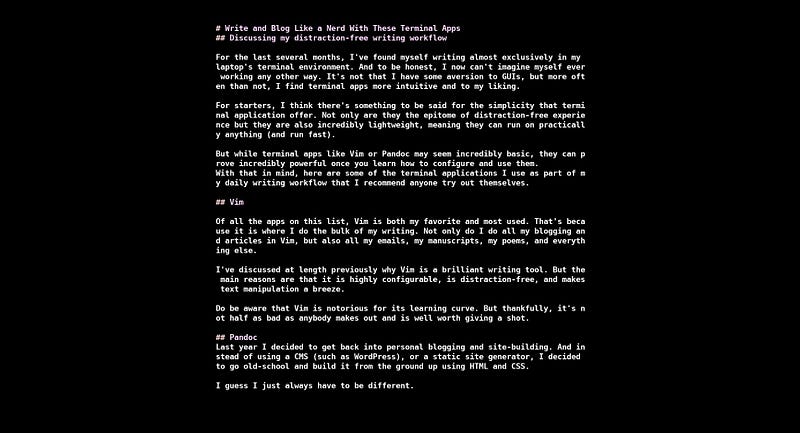
Of all the apps on this list, Vim is both my favorite and most used. That’s because it is where I do the bulk of my writing. Not only do I do all my blogging and articles in Vim, but also all my emails, my manuscripts, my poems, and everything else.
I’ve discussed at length previously why Vim is a brilliant writing tool. But the main reasons are that it is highly configurable, is distraction-free, and makes text manipulation a breeze.
Do be aware that Vim is notorious for its learning curve. But thankfully, it’s not half as bad as anybody makes out and is well worth giving a shot.
Pandoc
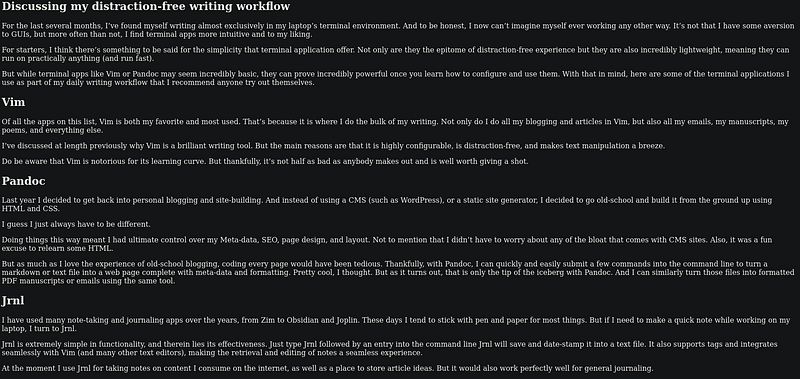
Last year I decided to get back into personal blogging and site-building. And instead of using a CMS (such as WordPress), or a static site generator, I decided to go old-school and build it from the ground up using HTML and CSS.
I guess I just always have to be different.
Doing things this way meant I had ultimate control over my Meta-data, SEO, page design, and layout. Not to mention that I didn’t have to worry about any of the bloat that comes with CMS sites. Also, it was a fun excuse to relearn some HTML.
But as much as I love the experience of old-school blogging, coding every page would have been tedious. Thankfully, with Pandoc, I can quickly and easily submit a few commands into the command line to turn a markdown or text file into a web page complete with meta-data and formatting.
Pretty cool, I thought. But as it turns out, that is only the tip of the iceberg with Pandoc. And I can similarly turn those files into formatted PDF manuscripts or emails using the same tool.
Jrnl
I have used many note-taking and journaling apps over the years, from Zim to Obsidian and Joplin. These days I tend to stick with pen and paper for most things. But if I need to make a quick note while working on my laptop, I turn to Jrnl.
Jrnl is extremely simple in functionality, and therein lies its effectiveness. Just type Jrnl followed by an entry into the command line Jrnl will save and date-stamp it into a text file. It also supports tags and integrates seamlessly with Vim (and many other text editors), making the retrieval and editing of notes a seamless experience.
At the moment I use Jrnl for taking notes on content I consume on the internet, as well as a place to store article ideas. But it would also work perfectly well for general journaling.
Neocities CLI
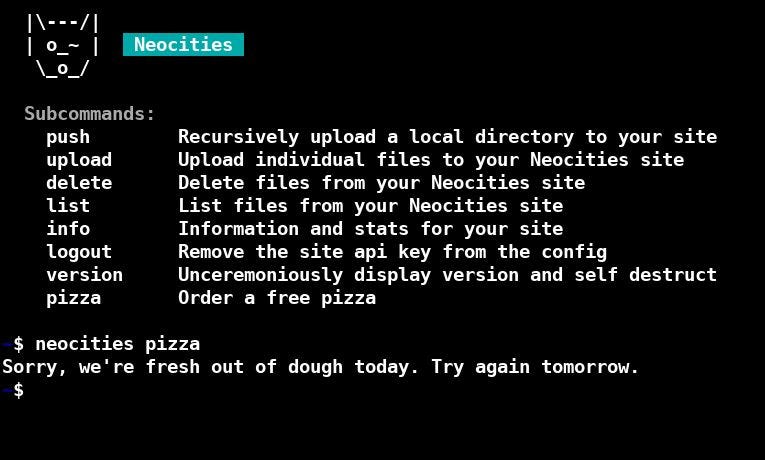
Neocities is a static web hosting service that could be considered a spiritual successor to Geocities. And like Geocities, it hosts some truly weird and wonderful web pages.
It is also home to a fantastic and thriving community, which is one of the main reasons why I decided to host my site there too.
Another thing I like about Neocities is that it offers its own command-line interface. So, instead of having to log on and copy articles to the Neocities editor, I can upload, delete and change pages with ease from the terminal.
Also, it comes with an option to order pizza… But weirdly, I haven’t had much luck with that yet.
(psst, rather blog via a CMS? Wordpress have a CLI too)
Midnight Commander
So I’ve talked about how I write, edit, upload, and interact with files through the terminal. But what about organizing them? Sure, you can do as much via basic terminal commands, but sometimes you need a good file explorer.
I’ll level with you — I do often like a good GUI for this purpose, with PCManFM being my go-to file explorer. But I have been playing around with some Terminal file explorers recently too, which aim to offer the best of both worlds.
Again, I’m fairly new to these, but, so far, Midnight Commander is my pick for the best terminal explorer, as it’s easy to use, lightweight, stable, and does the job without issue. Just remember to use -b when opening it though, otherwise, you’ll end up looking at the app’s blindingly ugly default color scheme.
Final Thoughts
For me personally, writing in the terminal is short only of switching to a typewriter for the back-to-basics workflow I enjoy. But I understand that it’s not to everyone’s tastes. Nonetheless, I hope this post has given you some insights into different ways of working and writing with computers.
Thanks for reading
If you’d to support my writing you can do so by connecting with me here on Medium or reaching out through my website.


