Wireless Hacking Computers With Flipper Zero.
Using a Wireless bad USB to hack a Windows machine.
In this article, we will wirelessly hack a Windows PC by using the Flipper zeros bad USB command. You do not have to connect physically to any device just choose your target and Voila you're in the target system.

Do You know We can Hack Traffic Signals By Using Flipper Zero
So, to send bad USB commands wirelessly the first thing you need is to have a flipper zero.
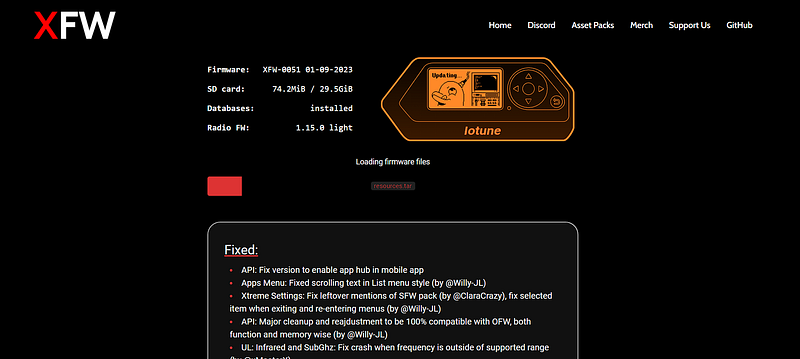
After that, you need to install the Xtreme Custom Firmware onto your Flipper Zero, as it contains the entire setup of using the bad USB wirelessly. You can download the custom firmware from below.
After installing the custom firmware, Head over to Bad KB.
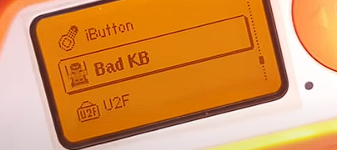
Then navigate to Windows.
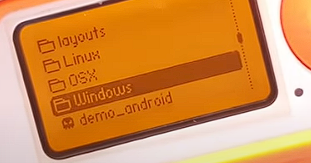
After that, move to the Pranks section.
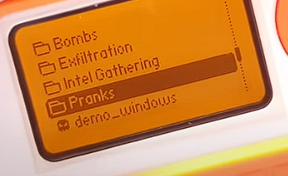
Now select any prank you to execute wirelessly on your PC or victim's PC.
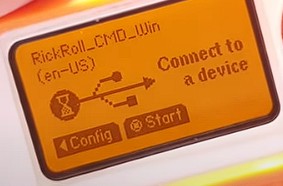
Now select the configuration and choose the connection to be BT(Bluetooth).
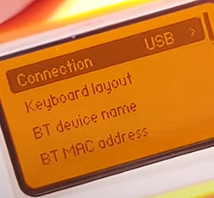
After selecting BT, run the command.
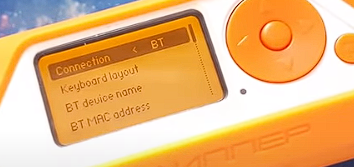
Now comes the tricky part, after turning the BT on, you will navigate to the Bluetooth connections in Windows. After that search for the Bluetooth connection being set by Flipper Zero, the fun part about this is you can name it whatever you like, and can also manipulate the MAC address of any device. Let's say I have named my Bluetooth connection as JBL_8569.
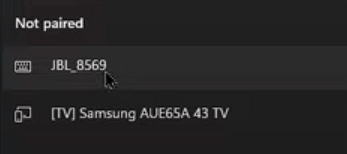
Now connect to this and then Run the script in Flipper zero.
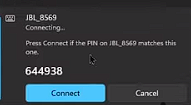
After that run the script.
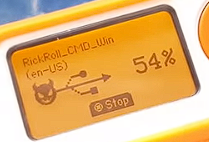
You will now see that automatically, the PC will start playing RICKROLL.
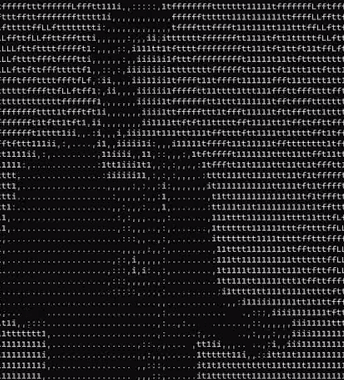
So, this is how you typically run a script wirelessly on your PC or your victim's PC.
The drawbacks are you need to social engineer your way in, to convince the victim to connect via Bluetooth, or you do it physically. But it's easy to convince a person as you just need to see what Bluetooth device the person has to pair every time with his PC, like a keyboard or Speakers.
Thanks for Reading.